2013 FORD FOCUS ELECTRIC warning
[x] Cancel search: warningPage 142 of 386
AUXILIARY POWER POINTS
WARNING:Do not plug optional electrical accessories into the
cigarette lighter socket (if equipped). Improper use of the lighter
can cause damage not covered by your warranty, and can result in fire
or serious injury.
Note:If used when the engine is not running, the battery will discharge.
There may be insufficient power to restart your engine.
Note:Do not insert objects other than an accessory plug into the power
point. This will damage the outlet and blow the fuse.
Note:Do not hang any type of accessory or accessory bracket from the
plug.
Note:Do not use the power point over the vehicle capacity of 12 volts
DC 180 watts or a fuse may blow.
Note:Do not use the power point for operating a cigarette lighter
element.
Note:Improper use of the power point can cause damage not covered
by your warranty.
Note:Always keep the power point caps closed when not in use.
Run the engine for full capacity use of the power point. To prevent the
battery from being discharged:
•Do not use the power point longer than necessary when the engine is
not running.
•Do not leave devices plugged in overnight or when the vehicle is
parked for extended periods.
Locations
Power points may be found:
•on the center console
•on the rear of the center console.
POWER WINDOWS
WARNING:Do not leave children unattended in the vehicle and
do not let children play with the power windows. They may
seriously injure themselves.
142Driver Controls
2013 Focus Electric Vehicle(fob)
Owners Guide gf, 1st Printing
USA(fus)
Page 143 of 386
WARNING:When closing the power windows, you should verify
they are free of obstructions and ensure that children and/or pets
are not in the proximity of the window openings.
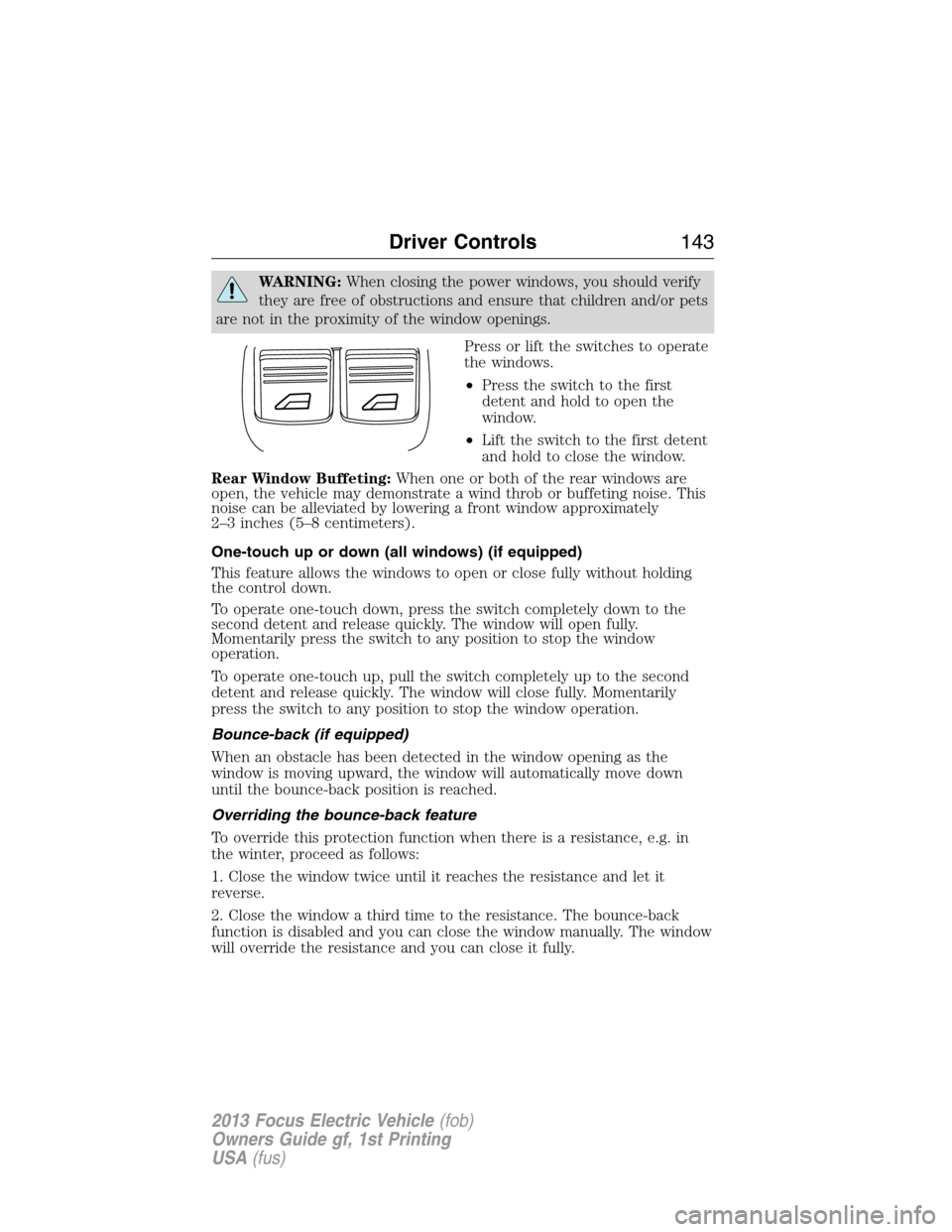
Press or lift the switches to operate
the windows.
•Press the switch to the first
detent and hold to open the
window.
•Lift the switch to the first detent
and hold to close the window.
Rear Window Buffeting:When one or both of the rear windows are
open, the vehicle may demonstrate a wind throb or buffeting noise. This
noise can be alleviated by lowering a front window approximately
2–3 inches (5–8 centimeters).
One-touch up or down (all windows) (if equipped)
This feature allows the windows to open or close fully without holding
the control down.
To operate one-touch down, press the switch completely down to the
second detent and release quickly. The window will open fully.
Momentarily press the switch to any position to stop the window
operation.
To operate one-touch up, pull the switch completely up to the second
detent and release quickly. The window will close fully. Momentarily
press the switch to any position to stop the window operation.
Bounce-back (if equipped)
When an obstacle has been detected in the window opening as the
window is moving upward, the window will automatically move down
until the bounce-back position is reached.
Overriding the bounce-back feature
To override this protection function when there is a resistance, e.g. in
the winter, proceed as follows:
1. Close the window twice until it reaches the resistance and let it
reverse.
2. Close the window a third time to the resistance. The bounce-back
function is disabled and you can close the window manually. The window
will override the resistance and you can close it fully.
Driver Controls143
2013 Focus Electric Vehicle(fob)
Owners Guide gf, 1st Printing
USA(fus)
Page 144 of 386
3. If the window does not close after the third attempt, contact your
authorized dealer as soon as possible.
Resetting the bounce-back feature
WARNING:The bounce-back function is deactivated until you
have reset the memory.
After the battery has been disconnected from the vehicle you must reset
the bounce-back memory separately for each window:
1. Lift and hold the switch until the window is fully closed, then release
the switch.
2. Lift the switch again for one more second.
3. Press and hold the switch until the window is fully open, then release
the switch.
4. Lift and hold the switch until the window is fully closed.
5. Open the window and try to close it automatically.
6. Reset and repeat procedure if the window does not close
automatically.
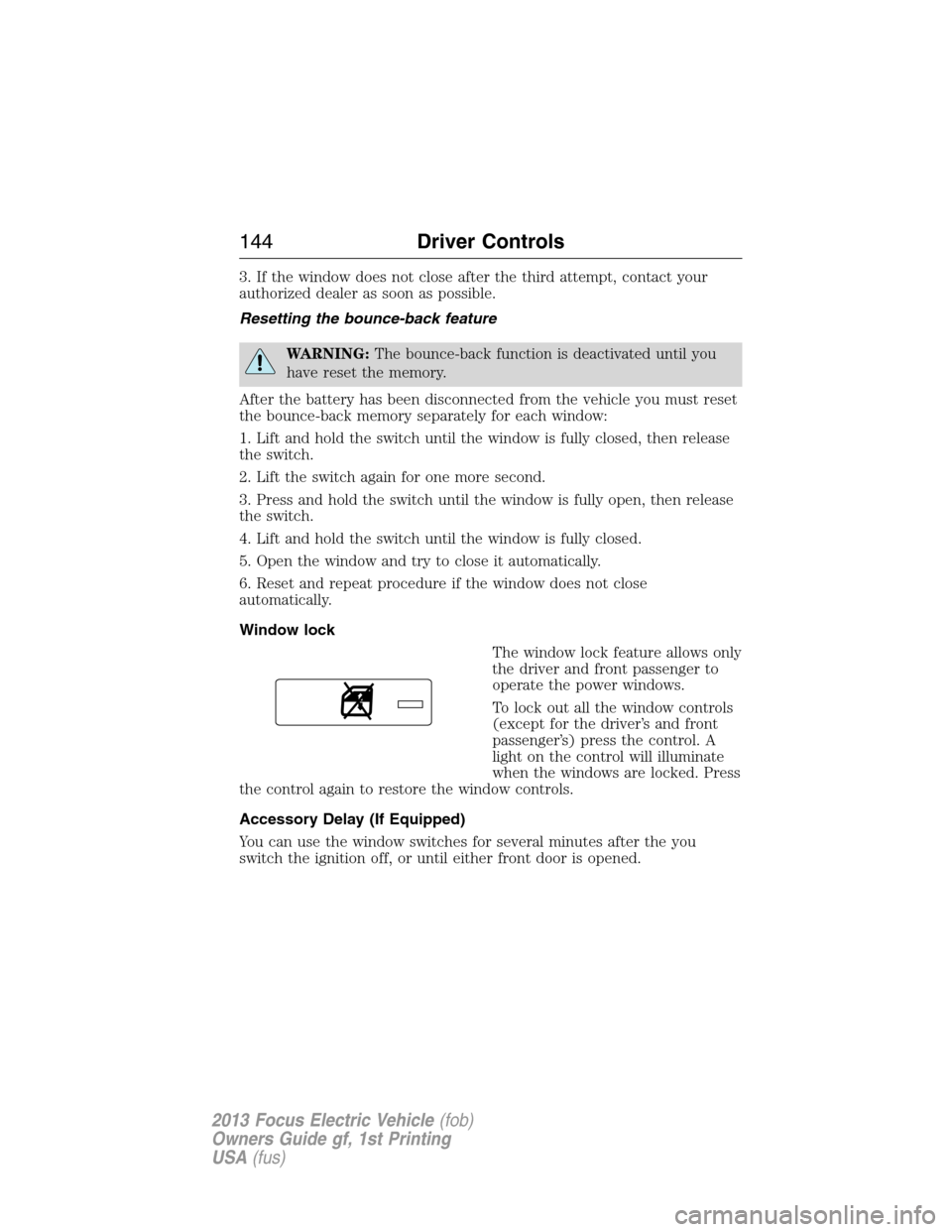
Window lock
The window lock feature allows only
the driver and front passenger to
operate the power windows.
To lock out all the window controls
(except for the driver’s and front
passenger’s) press the control. A
light on the control will illuminate
when the windows are locked. Press
the control again to restore the window controls.
Accessory Delay (If Equipped)
You can use the window switches for several minutes after the you
switch the ignition off, or until either front door is opened.
144Driver Controls
2013 Focus Electric Vehicle(fob)
Owners Guide gf, 1st Printing
USA(fus)
Page 145 of 386
INTERIOR MIRROR
WARNING:Do not adjust the mirror when your vehicle is
moving.
Note:Do not clean the housing or glass of any mirror with harsh
abrasives, fuel or other petroleum or ammonia based cleaning products.
You can adjust the interior mirror to your preference. Some mirrors also
have a second pivot point. This lets you move the mirror head up or
down and from side to side.
Pull the tab below the mirror toward you to reduce glare at night.
Auto-Dimming Mirror (If Equipped)
Note:Do not block the sensors on the front and back of the mirror.
Mirror performance may be affected. A rear center passenger or raised
rear center head restraint may also block light from reaching the sensor.
The mirror will dim automatically to reduce glare when bright lights are
detected from behind your vehicle. It will automatically return to normal
reflection when you select reverse gear to make sure you have a clear
view when backing up.
EXTERIOR MIRRORS
Power side view mirrors
WARNING:Do not adjust the mirror while the vehicle is in
motion.
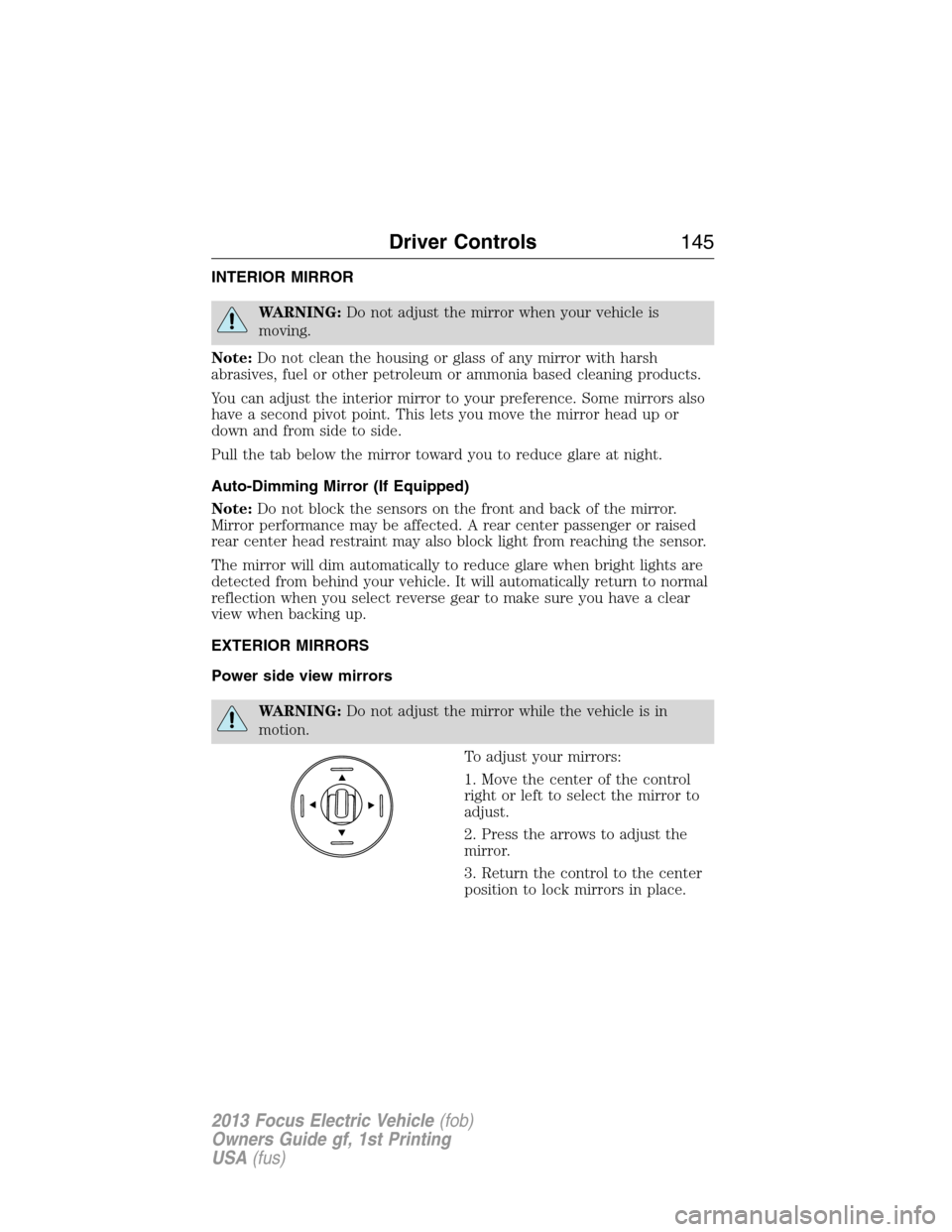
To adjust your mirrors:
1. Move the center of the control
right or left to select the mirror to
adjust.
2. Press the arrows to adjust the
mirror.
3. Return the control to the center
position to lock mirrors in place.
Driver Controls145
2013 Focus Electric Vehicle(fob)
Owners Guide gf, 1st Printing
USA(fus)
Page 146 of 386
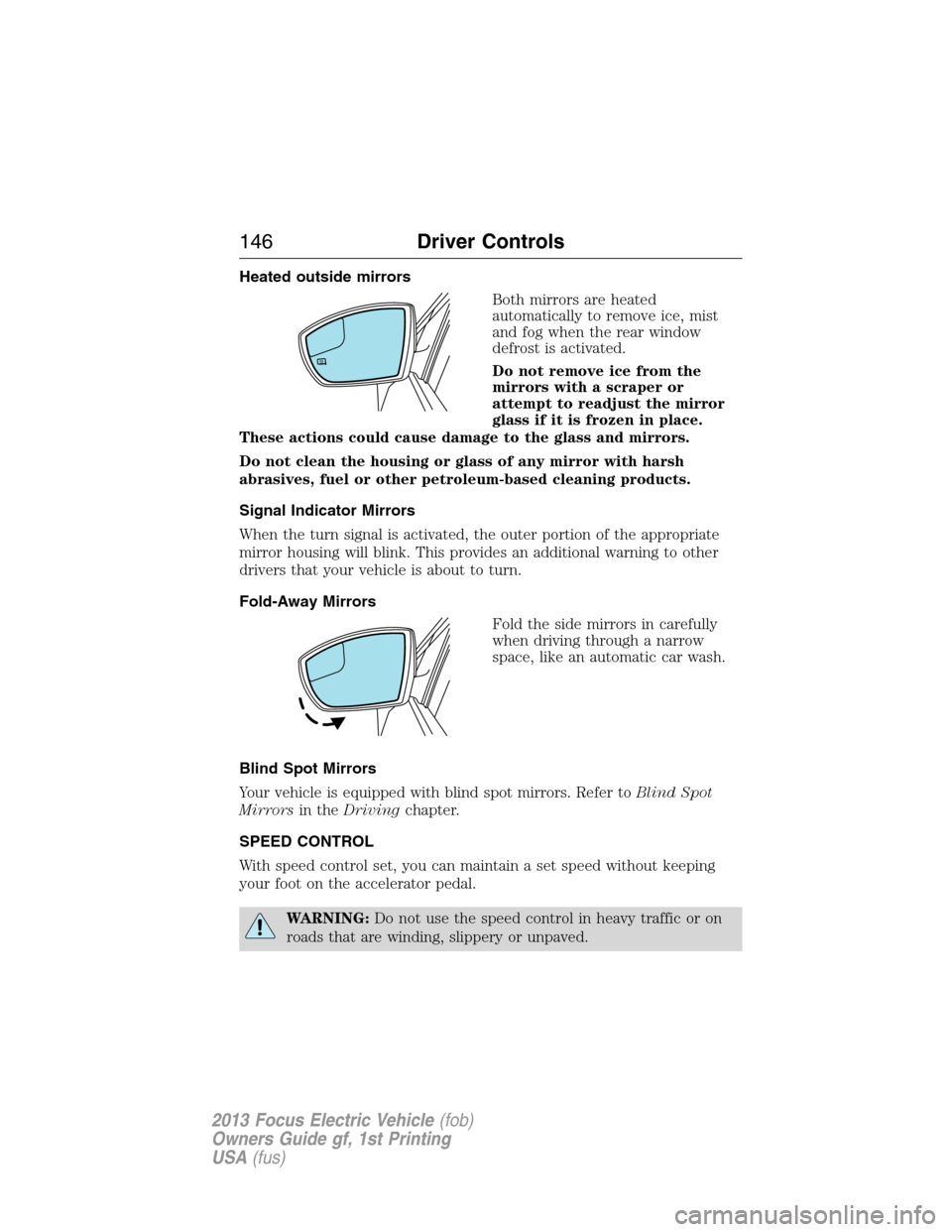
Heated outside mirrors
Both mirrors are heated
automatically to remove ice, mist
and fog when the rear window
defrost is activated.
Do not remove ice from the
mirrors with a scraper or
attempt to readjust the mirror
glass if it is frozen in place.
These actions could cause damage to the glass and mirrors.
Do not clean the housing or glass of any mirror with harsh
abrasives, fuel or other petroleum-based cleaning products.
Signal Indicator Mirrors
When the turn signal is activated, the outer portion of the appropriate
mirror housing will blink. This provides an additional warning to other
drivers that your vehicle is about to turn.
Fold-Away Mirrors
Fold the side mirrors in carefully
when driving through a narrow
space, like an automatic car wash.
Blind Spot Mirrors
Your vehicle is equipped with blind spot mirrors. Refer toBlind Spot
Mirrorsin theDrivingchapter.
SPEED CONTROL
With speed control set, you can maintain a set speed without keeping
your foot on the accelerator pedal.
WARNING:Do not use the speed control in heavy traffic or on
roads that are winding, slippery or unpaved.
146Driver Controls
2013 Focus Electric Vehicle(fob)
Owners Guide gf, 1st Printing
USA(fus)
Page 150 of 386
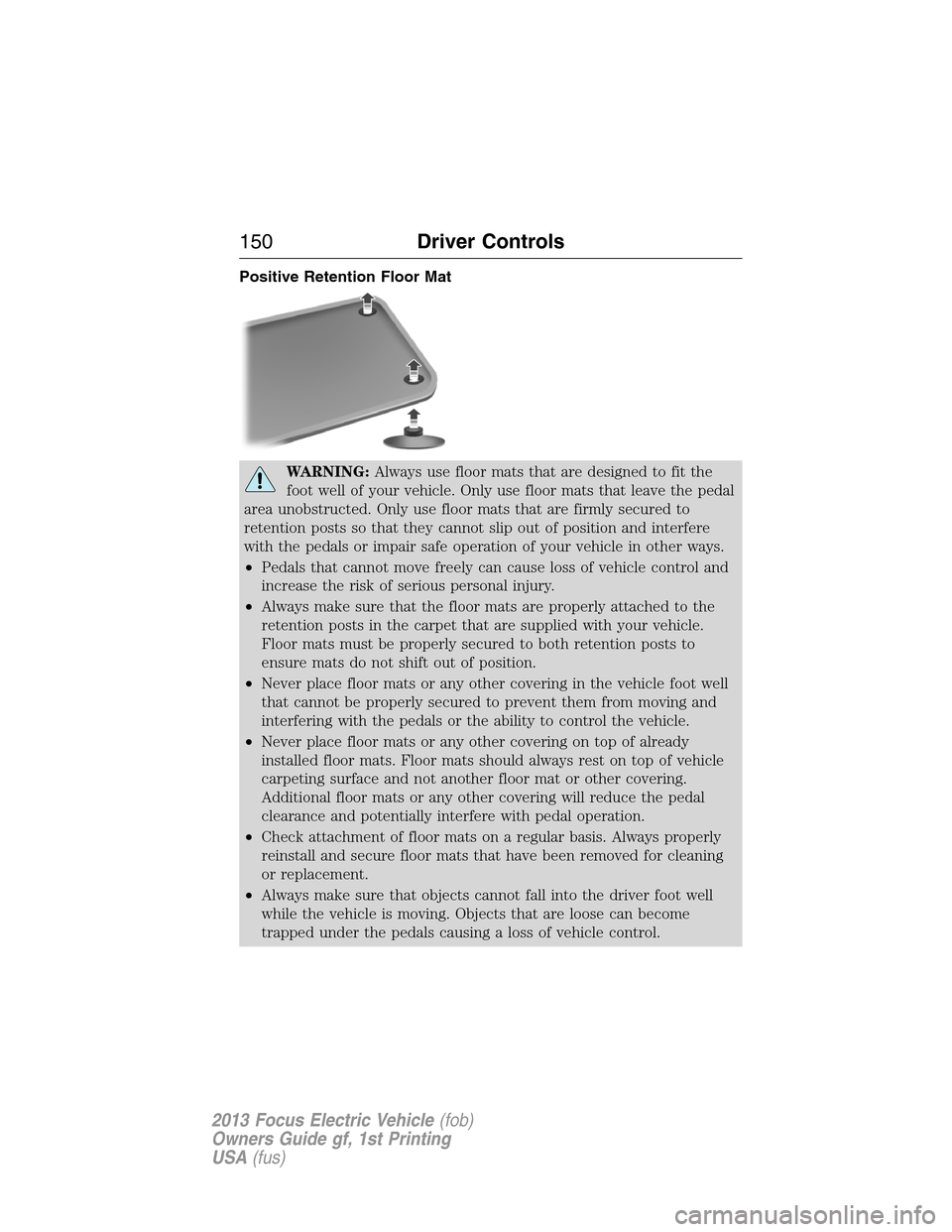
Positive Retention Floor Mat
WARNING:Always use floor mats that are designed to fit the
foot well of your vehicle. Only use floor mats that leave the pedal
area unobstructed. Only use floor mats that are firmly secured to
retention posts so that they cannot slip out of position and interfere
with the pedals or impair safe operation of your vehicle in other ways.
•Pedals that cannot move freely can cause loss of vehicle control and
increase the risk of serious personal injury.
•Always make sure that the floor mats are properly attached to the
retention posts in the carpet that are supplied with your vehicle.
Floor mats must be properly secured to both retention posts to
ensure mats do not shift out of position.
•Never place floor mats or any other covering in the vehicle foot well
that cannot be properly secured to prevent them from moving and
interfering with the pedals or the ability to control the vehicle.
•Never place floor mats or any other covering on top of already
installed floor mats. Floor mats should always rest on top of vehicle
carpeting surface and not another floor mat or other covering.
Additional floor mats or any other covering will reduce the pedal
clearance and potentially interfere with pedal operation.
•Check attachment of floor mats on a regular basis. Always properly
reinstall and secure floor mats that have been removed for cleaning
or replacement.
•Always make sure that objects cannot fall into the driver foot well
while the vehicle is moving. Objects that are loose can become
trapped under the pedals causing a loss of vehicle control.
150Driver Controls
2013 Focus Electric Vehicle(fob)
Owners Guide gf, 1st Printing
USA(fus)
Page 151 of 386
WARNING(Continued)
•Failure to properly follow floor mat installation or attachment
instructions can potentially cause interference with pedal operation
causing loss of control of vehicle.
•To install floor mats, position the floor mat so that the eyelet is over
the retention post and press down to lock in.
•To remove the floor mat, reverse the installation procedure.
TRUNK RELEASE
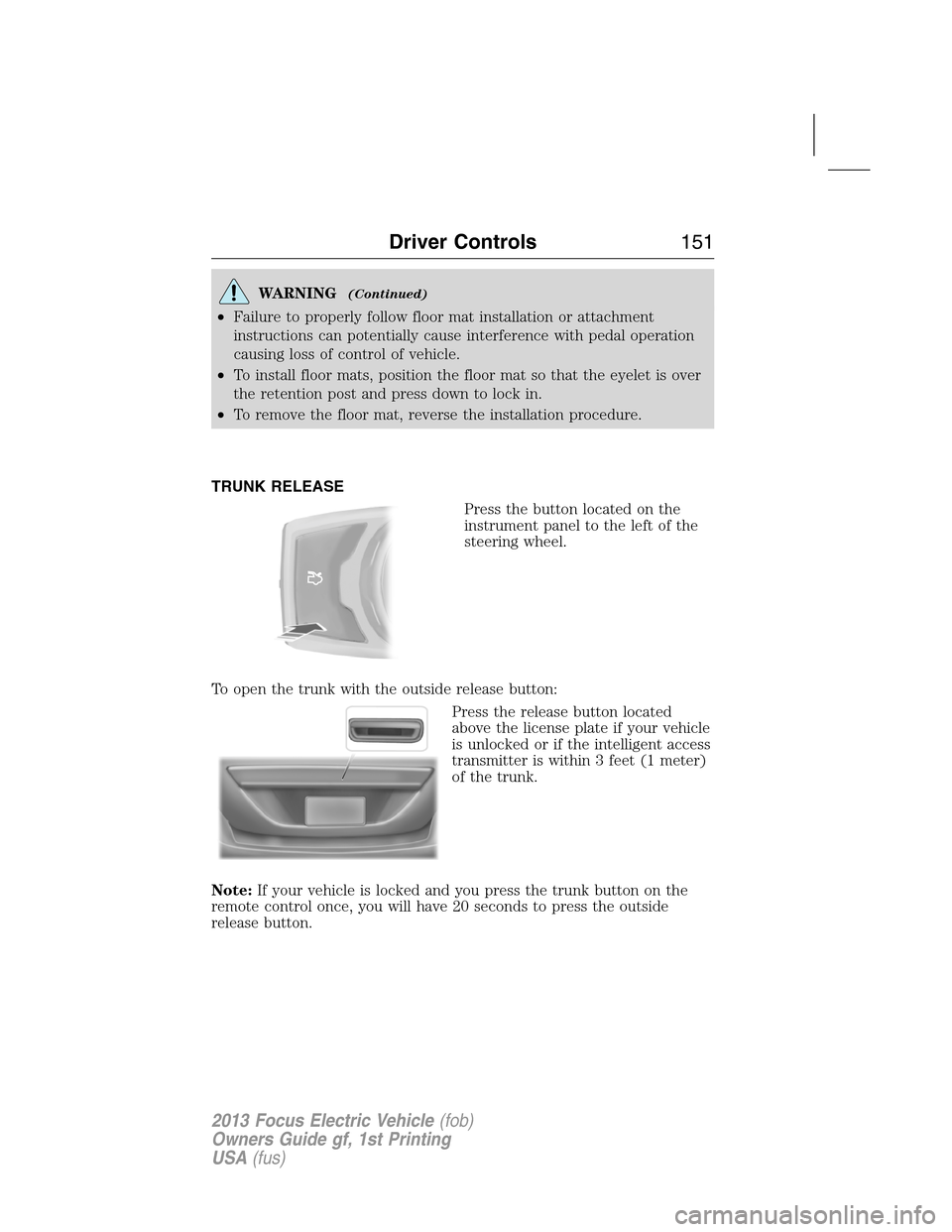
Press the button located on the
instrument panel to the left of the
steering wheel.
To open the trunk with the outside release button:
Press the release button located
above the license plate if your vehicle
is unlocked or if the intelligent access
transmitter is within 3 feet (1 meter)
of the trunk.
Note:If your vehicle is locked and you press the trunk button on the
remote control once, you will have 20 seconds to press the outside
release button.
Driver Controls151
2013 Focus Electric Vehicle(fob)
Owners Guide gf, 1st Printing
USA(fus)
Page 154 of 386
Once a key has been programmed you can access the following
information using the information display control:
•How many admin keys and MyKeys are programmed to the vehicle.
•The total distance the vehicle has been driven with a MyKey.
For vehicles equipped with Intelligent Access Key (push button start),
when both a MyKey and an Admin Intelligent Access key (fob) are
present, the admin fob will be recognized by the vehicle to start the
vehicle.
Standard Settings
These settings cannot be changed.
•Belt-Minder. This cannot be disabled and the five–minute timer does
not expire. The audio system is muted when MyKey Belt-Minder is
activated.
•Early distance to stop. Warnings are displayed in the information
display control followed by an audible tone at 15 miles to stop.
•Driver assist features, if equipped on your vehicle, are forced on:
Parking aid, blind spot information system (BLIS) with cross traffic
alert and the collision warning system.
Optional Settings
These settings can be configured right after a MyKey is first created or
changed afterword with an admin key.
•Vehicle speed limit of 80 mph (130 km/h). Visual warnings are
displayed followed by an audible tone when vehicle speed has
reached 80 mph (130 km/h).
•Vehicle speed warning of 45, 55 or 65 mph (75, 90, or 105 km/h).
Visual warnings are displayed followed by an audible tone when the
preselected vehicle speed is exceeded.
•Audio system maximum volume of 45%. A message in the audio
system is displayed when attempting to exceed the limited volume.
•AdvanceTrac. The system cannot be turned off when Always-on has
been set.
Creating a MyKey
Use the information display control to create a MyKey
1. Hold the key next to the symbol on the right side of the steering
column (or next to the back-up location on the right side of the
steering column) refer toKeyless startingin theDrivingchapter for
backup slot location.
2. Turn the ignition on.
154Locks and Security
2013 Focus Electric Vehicle(fob)
Owners Guide gf, 1st Printing
USA(fus)