Page 415 of 558

When you select: You can:
Text Message1Enables you to send, download and delete
text messages.
Phone Settings
1Allows you to view your phone’s status, set
ring tones, select your message notification,
change phone book entries and automatically
download your cellular phone among other
features.
SYNC Services
3Access the SYNC services portal where you
can request various types of information,
traffic reports and directions.
911 Assist
4Place an emergency call to a 911 operator for
you after an accident (if the feature is used
properly).
Vehicle Health
Report
3Create and receive a diagnostic report card on
your vehicle.
Mobile Apps
3Interact with SYNC�-capable mobile
applications on your smartphone.
System SettingsAccess Bluetooth Devices menu listings (add,
connect, set as primary, on/off, delete) as well
as Advanced menu listings (prompts,
languages, defaults, master reset, install
application and system information).
Exit Phone MenuExit the phone menu by pressing OK.
1This is a phone-dependent feature2This is a speed-dependent and phone-dependent feature3If equipped, U.S. only4If equipped, U.S. and Canada only
Text Messaging
Note:This is a phone-dependent feature.
SYNC allows you to receive, send, download and delete text messages.
The system can also read incoming text messages to you so that you do
not have to take your eyes off the road.
SYNC�415
2013 Flex(471)
Owners Guide gf, 1st Printing
USA(fus)
Page 416 of 558

Receiving a Text Message
Note:This is a phone-dependent feature. Your phone must support
downloading text messages using Bluetooth to receive incoming text
messages.
Note:Forwarding a text message is a speed-dependent feature and can
only be done when the vehicle is traveling at 3 mph (5 km/h) or less.
Note:Only one recipient is allowed per text message.
When a new message arrives, an audible tone sounds and the display
indicates you have a new message. You have these options:
1. Press the voice button, wait for the prompt and say “Read Message”
to have SYNC read the message to you.
2. Press OK to receive and open the text message or do nothing and the
message goes into your text message inbox. Press OK again and
SYNC reads your message aloud as you are not able to view the
message. You can then also choose whether you’d like to reply or
forward the message.
3. Press OK and scroll to choose between:
•Reply to Text Message: Press OK to access and then scroll through the
list of pre-defined messages to send.
•Forward Text Message: Press OK to forward the message to anyone in
your Phonebook or Call History. You can also choose Enter Number.
Sending, Downloading and Deleting Your Text Messages
Text messaging is a phone-dependent feature. If your phone is
compatible, SYNC allows you to receive, send, download and delete text
messages.
1. Press the phone button.
2. Scroll until Text Message appears and press OK.
3. Scroll to select from the following options:
Send Text Message?enables you to send a new text message based on
a pre-defined set of 15 messages.
1. Press OK to select. If the system detects your phone does not
support this feature, “Unsupported” appears in the display and SYNC
returns to the main menu.
2. Scroll to cycle through the following options:
416SYNC�
2013 Flex(471)
Owners Guide gf, 1st Printing
USA(fus)
Page 417 of 558

Pre-defined text message options
Be there in 10 minutes
Be there in 20 minutes
Call me
Call you later
Can’t talk right now
Can’t wait to see you
I love you
I need more directions
I’m stuck in traffic
No
Thanks
Too funny
Where R you?
Why?
Ye s
9. Press OK when the desired selection is in the display. The system now
needs to know who to send the message to.
10. Scroll to cycle through Phonebook or Call History entries. You can
also select Enter Number to audibly enter a desired number.
11.
Press OK to enter the desired menu and scroll to select the specific
contact.
12. Press OK when the contact appears and press OK again to confirm
when the system asks if you would like to send the message. Each text
message is sent with the following signature: “This message was sent
from my ”.
Download Unread Msgsallows you to download your unread messages
(only) to SYNC. To download the messages, press OK to select. The
display indicates your messages are being downloaded. When complete,
SYNC takes you to your inbox.
Delete All Messages?allows you to delete current text messages from
SYNC (not your phone). To delete the messages, press OK to select. The
display indicates when all your text messages have been deleted and
SYNC returns you to the text message menu.
Note:SYNC does not automatically download all of your unread text
messages at every ignition cycle (as it does with call history and
phonebook if automatic download is set to on).
SYNC�417
2013 Flex(471)
Owners Guide gf, 1st Printing
USA(fus)
Page 418 of 558
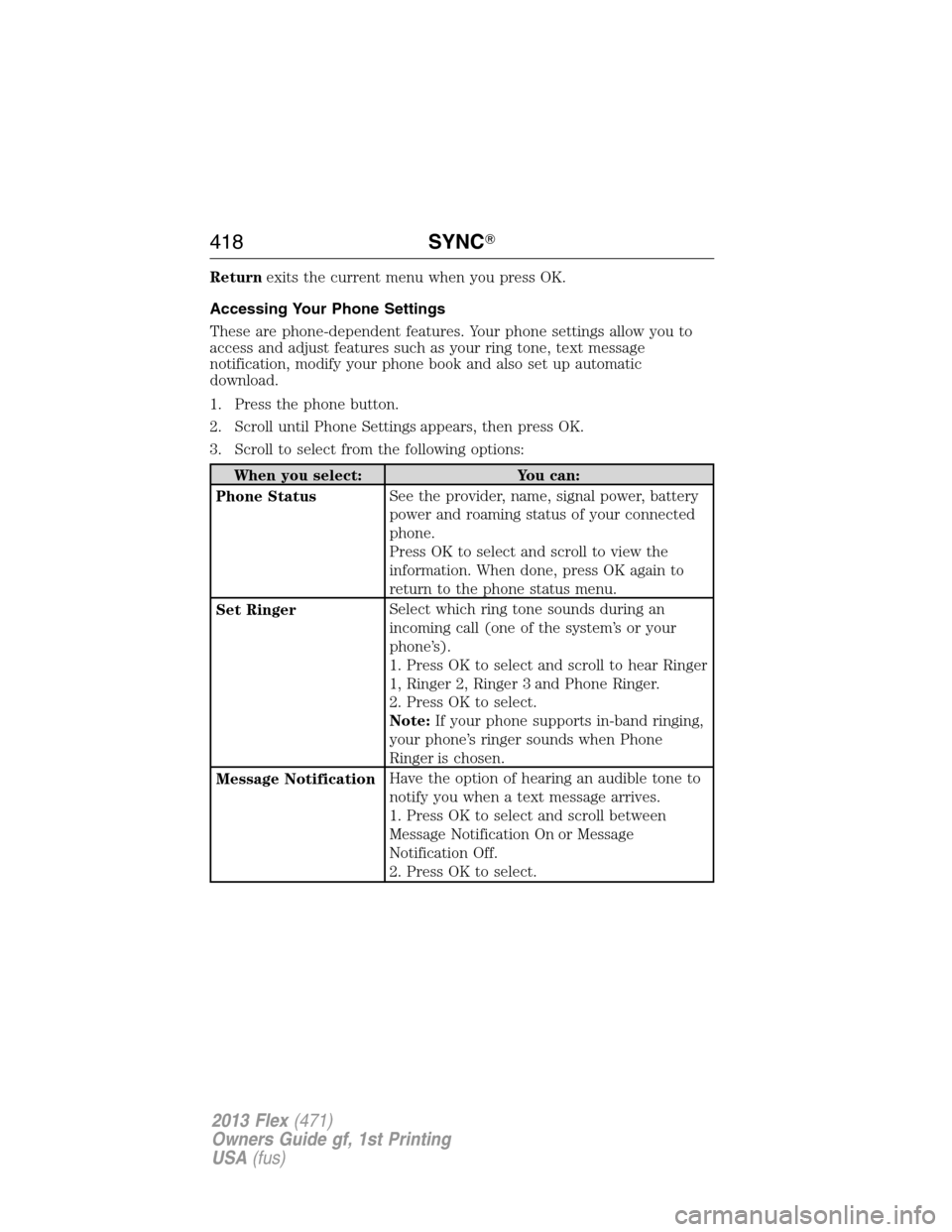
Returnexits the current menu when you press OK.
Accessing Your Phone Settings
These are phone-dependent features. Your phone settings allow you to
access and adjust features such as your ring tone, text message
notification, modify your phone book and also set up automatic
download.
1. Press the phone button.
2. Scroll until Phone Settings appears, then press OK.
3. Scroll to select from the following options:
When you select: You can:
Phone StatusSee the provider, name, signal power, battery
power and roaming status of your connected
phone.
Press OK to select and scroll to view the
information. When done, press OK again to
return to the phone status menu.
Set RingerSelect which ring tone sounds during an
incoming call (one of the system’s or your
phone’s).
1. Press OK to select and scroll to hear Ringer
1, Ringer 2, Ringer 3 and Phone Ringer.
2. Press OK to select.
Note:If your phone supports in-band ringing,
your phone’s ringer sounds when Phone
Ringer is chosen.
Message NotificationHave the option of hearing an audible tone to
notify you when a text message arrives.
1. Press OK to select and scroll between
Message Notification On or Message
Notification Off.
2. Press OK to select.
418SYNC�
2013 Flex(471)
Owners Guide gf, 1st Printing
USA(fus)
Page 419 of 558
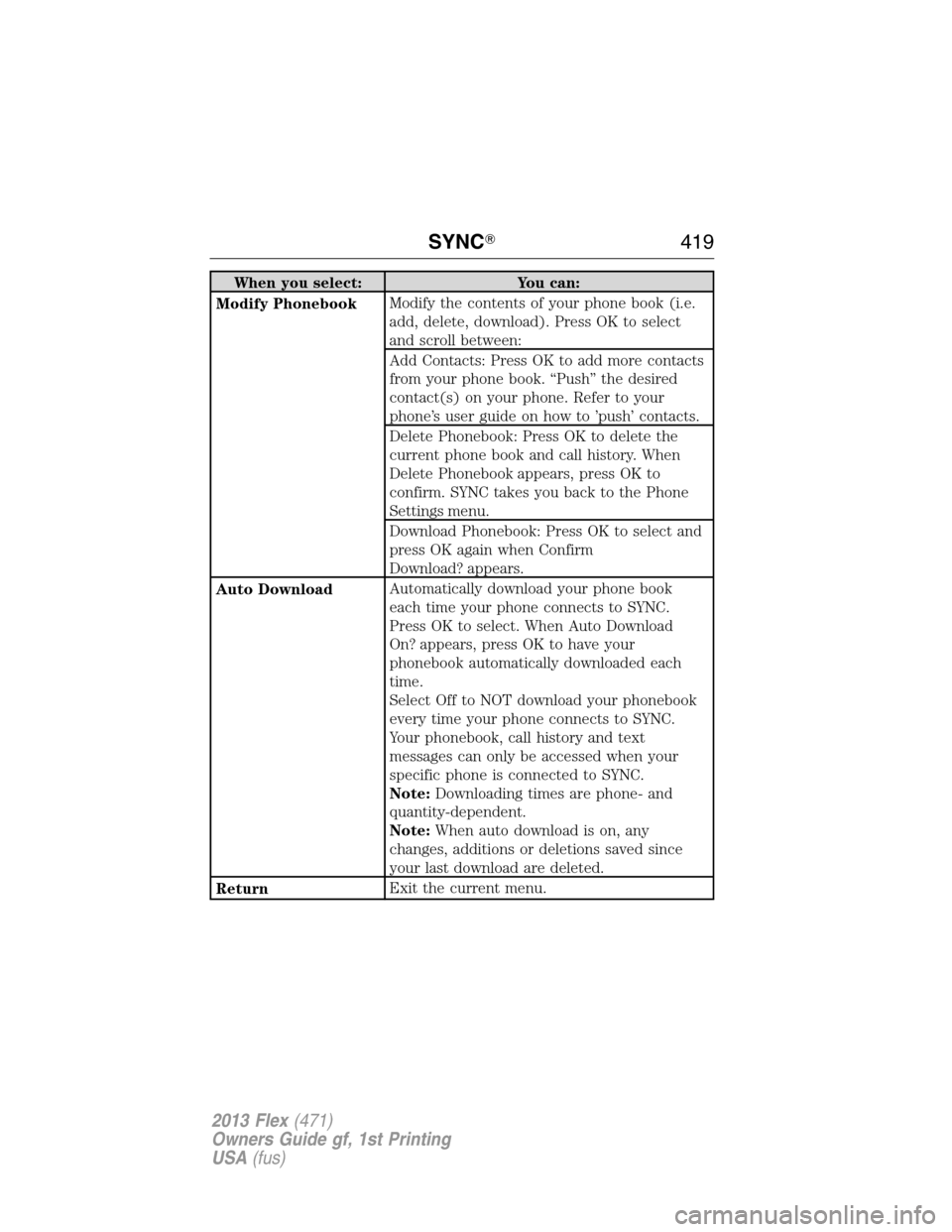
When you select: You can:
Modify PhonebookModify the contents of your phone book (i.e.
add, delete, download). Press OK to select
and scroll between:
Add Contacts: Press OK to add more contacts
from your phone book. “Push” the desired
contact(s) on your phone. Refer to your
phone’s user guide on how to ’push’ contacts.
Delete Phonebook: Press OK to delete the
current phone book and call history. When
Delete Phonebook appears, press OK to
confirm. SYNC takes you back to the Phone
Settings menu.
Download Phonebook: Press OK to select and
press OK again when Confirm
Download? appears.
Auto DownloadAutomatically download your phone book
each time your phone connects to SYNC.
Press OK to select. When Auto Download
On? appears, press OK to have your
phonebook automatically downloaded each
time.
Select Off to NOT download your phonebook
every time your phone connects to SYNC.
Your phonebook, call history and text
messages can only be accessed when your
specific phone is connected to SYNC.
Note:Downloading times are phone- and
quantity-dependent.
Note:When auto download is on, any
changes, additions or deletions saved since
your last download are deleted.
ReturnExit the current menu.
SYNC�419
2013 Flex(471)
Owners Guide gf, 1st Printing
USA(fus)
Page 420 of 558
System Settings
System Settings provide access to your Bluetooth Devices and
Advanced menu features. Use the arrow buttons to scroll through the
menu options.
The Bluetooth Devices menu allows you to add, connect, delete and set a
phone as “primary” as well as turn your Bluetooth feature on and off.
The Advanced menu allows you to access and set prompts, languages,
defaults, perform a master reset, install an application and view system
information.
Bluetooth Devices Menu Options
This menu allows you to add, connect, delete, set a phone as primary,
and turn Bluetooth on or off.
1. Press the phone button to enter the Phone Menu.
2. Scroll until System Settings appears and press OK.
3. Scroll until Bluetooth Devices appears and select OK.
4. Scroll to select from the following options:
420SYNC�
2013 Flex(471)
Owners Guide gf, 1st Printing
USA(fus)
Page 421 of 558

If you select: You can:
Add Bluetooth
Device
1Pair additional phones to the system.
1. Press OK to select, then again when Find
SYNC appears in the display.
2. Follow the directions in your phone’s user
guide to put your phone into discovery mode. A
six-digit PIN appears in the display.
3. When prompted on your phone’s display, enter
the six-digit PIN provided by SYNC.
4. When Set As Primary Phone? appears, press
OK. Scroll to toggle between Yes and No, then
press OK.
5. Depending on the functionality of your phone,
you may be asked additional questions (i.e. if you
would like to download your phonebook). Scroll
and use OK to select your responses.
Connect Bluetooth
DeviceConnect a previously paired Bluetooth-enabled
phone.
1. Press OK to select and view a list of
previously paired phones.
2. Scroll until the desired device is chosen,
then press OK to connect the phone.
Note:Only one device can be connected at a
time. When another phone is connected, the
previous one is disconnected.
Set As Primary
Phone?
Set a previously paired phone as your primary
phone.
Press OK to select and scroll to select the
desired phone. Press OK to confirm
Note:SYNC attempts to connect with the
primary phone at every ignition cycle. When a
phone is selected as primary, it appears first in
the list and is marked with an *.
SYNC�421
2013 Flex(471)
Owners Guide gf, 1st Printing
USA(fus)
Page 422 of 558

If you select: You can:
Set Bluetooth
On/Off
Turn the Bluetooth feature on and off.
Press OK and scroll to toggle between On and
Off. When the desired selection is chosen, press
OK.
Note:Turning Bluetooth off disconnects all
Bluetooth devices and deactivates all Bluetooth
features.
Delete DeviceDelete a paired phone.
Press OK and scroll to select the device. Press
OK to confirm.
Delete All Devices
Delete all previously paired phones (and all
information originally saved with those phones).
Press OK to select.
ReturnExit the current menu.1This is a speed-dependent feature.
Advanced Menu Options
This menu allows you to access settings such as prompts, languages,
defaults, perform a master reset, install an application and view system
information.
1. Press the phone button to enter the Phone Menu.
2. Scroll until System Settings appears and press OK.
3. Scroll until Advanced appears and select OK.
4. Scroll to select from the following options:
422SYNC�
2013 Flex(471)
Owners Guide gf, 1st Printing
USA(fus)
