Page 230 of 699
To Cancel
The system will disable ACC without erasing the
memory if:
•You softly tap the brake pedal.
• You depress the brake pedal.
• You press the CANCEL switch.
• The speed of the vehicle goes below 15 mph
(25 km/h).
• An Anti-Lock Brake System (ABS) event occurs.
• A Trailer Sway Control (TSC) event occurs.
• The transmission is shifted into NEUTRAL.
• The Electronic Stability Control/Traction Control Sys-
tem (ESC/TCS) activates. NOTE:
If ACC is resumed or set with the ESC/TCS off,
ESC will automatically be re-engaged.
Adaptive Cruise Control Cancelled
228 UNDERSTANDING THE FEATURES OF YOUR VEHICLE
Page 239 of 699

•Installing a snow plow, front-end protector, an after-
market grille or modifying the grille is not recom-
mended. Doing so may block the sensor and inhibit
ACC operation.
ACC Unavailable Warning
If the system turns off, and the EVIC displays “ACC/
FCW Unavailable, Vehicle System Error”, there may be a
temporary malfunction that limits ACC functionality.
Although the vehicle is still drivable under normal
conditions, ACC will be temporarily unavailable. If this
occurs, try activating ACC again later, following a key
cycle. If the problem persists, see your authorized dealer.
Service ACC Warning
If the system turns off, and the EVIC displays “ACC/
FCW Unavailable Service Radar Sensor”, it indicates
there is an internal system fault. Although the vehicle is
still drivable under normal conditions, have the system
checked by an authorized dealer.
Precautions While Driving With ACC
In certain driving situations, ACC may have detection
issues. In these cases, ACC may brake late or unexpect-
edly. The driver needs to stay alert and may need to
intervene.
3
UNDERSTANDING THE FEATURES OF YOUR VEHICLE 237
Page 263 of 699
To turn the lights off, press the switch a second time. The
lights also turn on when a door is opened. The lights will
also turn on when the UNLOCK button on the RKE is
pressed.
Courtesy Lights
The courtesy lights can be turned on by pressing the top
corner of the lens. To turn the lights off, press the lens a
second time.
Front Map/Reading Lights
Courtesy Lights
3
UNDERSTANDING THE FEATURES OF YOUR VEHICLE 261
Page 271 of 699

If you unplugged the garage door opener/device for
programming, plug it back in at this time.
Reprogramming A Single HomeLink�Button
To reprogram a channel that has been previously trained,
follow these steps:
1. Cycle the ignition to the ON/RUN position.
2. Press and hold the desired HomeLink� button until
the indicator light begins to flash after 20 seconds. Do
not release the button.
3. Without releasing the button proceed with
“Canadian/Gate Operator Programming” Step 2 and
follow all remaining steps.
Using HomeLink�
To operate, press and release the programmed
HomeLink� button. Activation will now occur for the
trained device (i.e., garage door opener, gate operator,
security system, entry door lock, home/office lighting,
etc.,). The handheld transmitter of the device may also be
used at any time.
Security
It is advised to erase all channels before you sell or turn
in your vehicle.
To do this, press and hold the two outside buttons for 20
seconds until the red indicator flashes. Note that all
channels will be erased. Individual channels cannot be
erased.
The HomeLink� Universal Transceiver is disabled when
the Vehicle Security Alarm is active.
3
UNDERSTANDING THE FEATURES OF YOUR VEHICLE 269
Page 276 of 699

Wind Buffeting
Wind buffeting can be described as the perception of
pressure on the ears or a helicopter-type sound in the
ears. Your vehicle may exhibit wind buffeting with the
windows down, or the sunroof (if equipped) in certain
open or partially open positions. This is a normal occur-
rence and can be minimized. If the buffeting occurs with
the rear windows open, open the front and rear windows
together to minimize the buffeting. If the buffeting occurs
with the sunroof open, adjust the sunroof opening to
minimize the buffeting or open any window.
Sunroof Maintenance
Use only a non-abrasive cleaner and a soft cloth to clean
the glass panel.
Ignition OFF Operation
For Vehicles Not Equipped With The Electronic Vehicle
Information Center (EVIC)
The power sunroof switch will remain active for 45
seconds after the ignition switch is turned to the LOCK
position. Opening either front door will cancel this
feature.
For Vehicles Equipped With The EVIC
The power sunroof switch will remain active for up to
approximately ten minutes after the ignition switch is
turned to the LOCK position. Opening either front door
will cancel this feature.
Sunroof Fully Closed
Press the switch forward and release to ensure that the
sunroof is fully closed.
274 UNDERSTANDING THE FEATURES OF YOUR VEHICLE
Page 309 of 699
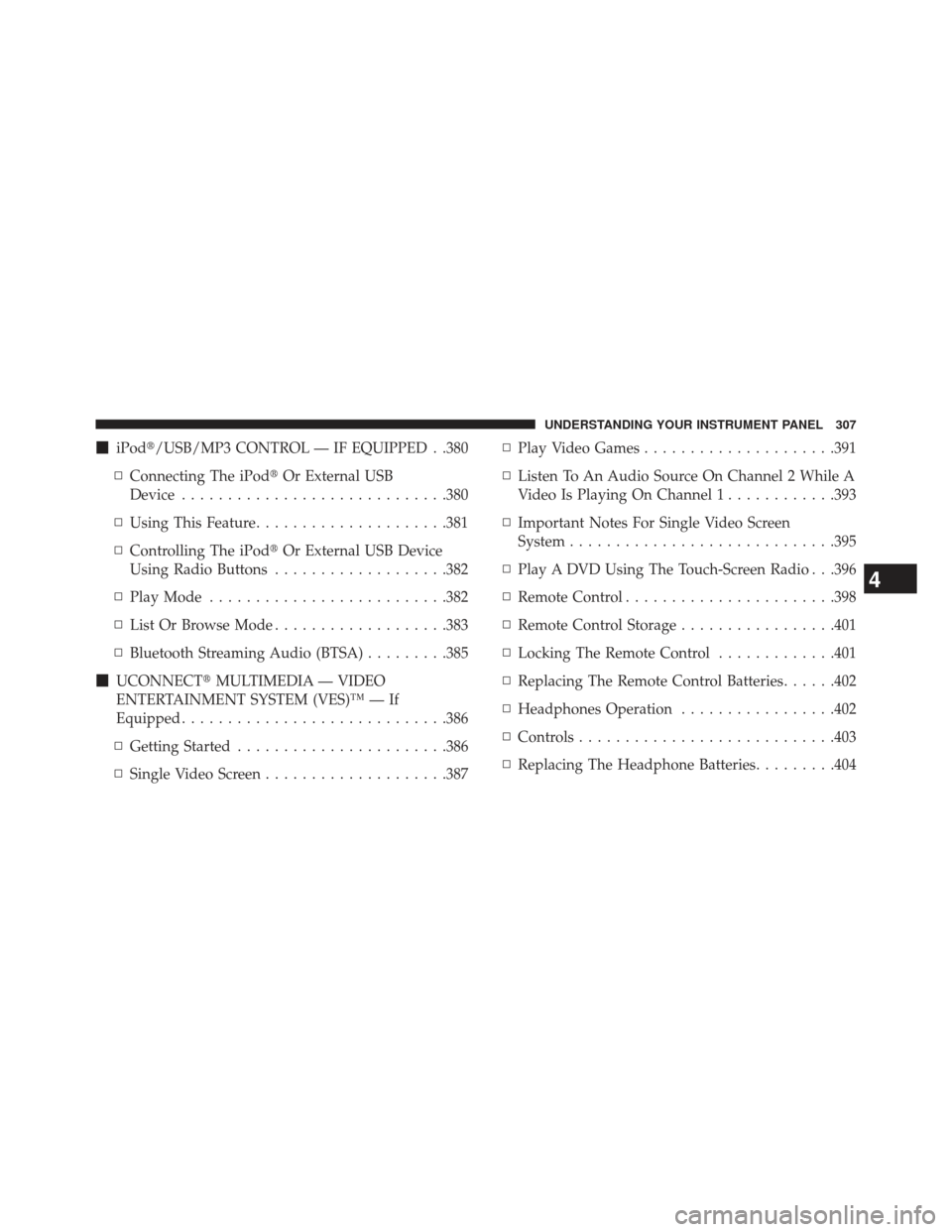
�iPod�/USB/MP3 CONTROL — IF EQUIPPED . .380
▫ Connecting The iPod� Or External USB
Device ............................ .380
▫ Using This Feature .....................381
▫ Controlling The iPod� Or External USB Device
Using Radio Buttons ...................382
▫ Play Mode ......................... .382
▫ List Or Browse Mode ...................383
▫ Bluetooth Streaming Audio (BTSA) .........385
� UCONNECT� MULTIMEDIA — VIDEO
ENTERTAINMENT SYSTEM (VES)™ — If
Equipped ............................ .386
▫ Getting Started ...................... .386
▫ Single Video Screen ....................387 ▫
Play Video Games .....................391
▫ Listen To An Audio Source On Channel 2 While A
Video Is Playing On Channel 1 ............393
▫ Important Notes For Single Video Screen
System ............................ .395
▫ Play A DVD Using The Touch-Screen Radio . . .396
▫ Remote Control ...................... .398
▫ Remote Control Storage .................401
▫ Locking The Remote Control .............401
▫ Replacing The Remote Control Batteries ......402
▫ Headphones Operation .................402
▫ Controls ........................... .403
▫ Replacing The Headphone Batteries .........404
4
UNDERSTANDING YOUR INSTRUMENT PANEL 307
Page 316 of 699

system. If this light remains on after several ignition
cycles, and the vehicle has been driven several miles
(kilometers) at speeds greater than 30 mph (48 km/h), see
your authorized dealer as soon as possible to have the
problem diagnosed and corrected.
NOTE:
The “ESC Off Indicator Light” and the “ESC Activation/
Malfunction Indicator Light” come on momentarily each
time the ignition switch is turned to ON/RUN.
Each time the ignition is turned to ON/RUN, the ESC
system will be ON, even if it was turned off previously.
The ESC system will make buzzing or clicking sounds
when it is active. This is normal; the sounds will stop
when ESC becomes inactive following the maneuver that
caused the ESC activation.5. Electronic Stability Control (ESC) OFF Indicator
Light — If Equipped
This light indicates the Electronic Stability Con-
trol (ESC) is off.
6. Anti-Lock Brake (ABS) Light This light monitors the Anti-Lock Brake System
(ABS). The light will turn on when the ignition
switch is turned to the ON/RUN position and
may stay on for as long as four seconds.
If the ABS light remains on or turns on while driving, it
indicates that the Anti-Lock portion of the brake system
is not functioning and that service is required. However,
the conventional brake system will continue to operate
normally if the BRAKE warning light is not on.
If the ABS light is on, the brake system should be serviced
as soon as possible to restore the benefits of Anti-Lock
314 UNDERSTANDING YOUR INSTRUMENT PANEL
Page 318 of 699

been driven. If your odometer needs to be repaired or
serviced, the repair technician should leave the odometer
reading the same as it was before the repair or service. If
s/he cannot do so, then the odometer must be set at zero,
and a sticker must be placed in the door jamb stating
what the mileage was before the repair or service. It is a
good idea for you to make a record of the odometer
reading before the repair/service, so that you can be sure
that it is properly reset, or that the door jamb sticker is
accurate if the odometer must be reset at zero.
When the appropriate conditions exist, this display shows
the Electronic Vehicle Information Center (EVIC) mes-
sages. Refer to “Electronic Vehicle Information Center”.
13. Electronic Vehicle Information Center (EVIC) White
Telltale Area
This area will display the EVIC reconfigurable white
telltales. For further information, refer to “Electronic
vehicle Information Center (EVIC)”.14. 4 LOW — If Equipped
This light alerts the driver that the vehicle is in
the four-wheel drive LOW mode. The front and
rear driveshafts are mechanically locked to-
gether forcing the front and rear wheels to
rotate at the same speed. Low range provides a greater
gear reduction ratio to provide increased torque at the
wheels.
For further information on four-wheel drive operation
and proper use, refer to “Four-Wheel Drive Operation —
If Equipped” in “Starting And Operating”.
15. Hill Descent Indicator — If Equipped
The symbol illuminates (is armed) when the
4WD Lock switch is activated and the trans-
mission range indicator is in LOW or REVERSE
position (Off-Road Mode).
316 UNDERSTANDING YOUR INSTRUMENT PANEL

