2013 DODGE CHARGER warning lights
[x] Cancel search: warning lightsPage 32 of 631

To Exit Remote Start Mode And Drive The Vehicle
Before the end of 15 minute cycle, press and release the
UNLOCK button on the RKE transmitter to unlock the
doors and disarm the Vehicle Security Alarm (if equipped).
Then, prior to the end of the 15 minute cycle, press and
release the START/STOP button.
NOTE:The message “Push Start Button” will display in
the EVIC until you push the START button.
Cancel Remote Start
Remote Starting will also cancel if any of the following
occur:
• The engine stalls or engine speed exceeds 2500 rpm
• Any engine warning lights come on •
Low Fuel Light turns on
• The hood is opened
• The hazard switch is pressed
• The shift lever is moved out of PARK
• The brake pedal is pressed
DOOR LOCKS
Manual Door Locks
To lock each door, push the door lock knob on each door
trim panel downward. To unlock the front doors, pull the
inside door handle to the first detent. To unlock the rear
doors, pull the door lock knob on the door trim panel
upward.
30 THINGS TO KNOW BEFORE STARTING YOUR VEHICLE
Page 65 of 631

WARNING!
•No objects should be placed over or near the air bag
on the instrument panel, because any such objects
could cause harm if the vehicle is in a collision
severe enough to cause the air bag to inflate.
• Do not put anything on or around the air bag
covers or attempt to open them manually. You may
damage the air bags and you could be injured
because the air bags may no longer be functional.
The protective covers for the air bag cushions are
designed to open only when the air bags are
inflating.
• Do not drill, cut or tamper with the knee bolster in
any way.
•
Do not mount any accessories to the knee bolster
such as alarm lights, stereos, citizen band radios, etc.
Supplemental Seat-Mounted Side Air Bags (SAB)
Supplemental Seat-Mounted Side Air Bags (SAB) may
provide enhanced protection to help protect an occupant
during a side impact. The SAB is marked with an air bag
label sewn into the outboard side of the front seats.
Supplemental Seat-Mounted Side Air Bag Label
2
THINGS TO KNOW BEFORE STARTING YOUR VEHICLE 63
Page 234 of 631
WARNING!
Sudden loss of visibility through the windshield
could lead to a collision. You might not see other
vehicles or other obstacles. To avoid sudden icing of
the windshield during freezing weather, warm the
windshield with the defroster before and during
windshield washer use.
Mist Feature
Rotate the end of the lever downward to the Mist position
to activate a single wipe cycle to clear off road mist or spray
from a passing vehicle. The wipers will continue to operate
until you release the multifunction lever.
NOTE:The mist feature does not activate the washer
pump; therefore, no washer fluid will be sprayed on the
windshield. The wash function must be used in order to
spray the windshield with washer fluid.
Headlights On With Wipers (Available with
Automatic Headlights Only)
When this feature is active, the headlights will turn on
approximately 10 seconds after the wipers are turned on
if the headlight switch is placed in the AUTO position. In
addition, the headlights will turn off when the wipers are
turned off if they were turned on by this feature.
NOTE: The Headlights On with Wipers feature can be
turned on or off using the Uconnect® System, refer to
“Uconnect® Settings” in “Understanding Your Instru-
ment Panel” for further information.
Rain Sensing Wipers — If Equipped
This feature senses moisture on the windshield and
automatically activates the wipers for the driver. The
feature is especially useful for road splash or overspray
from the windshield washers of the vehicle ahead. Rotate
the end of the multifunction lever to one of four settings
to activate this feature.
232 UNDERSTANDING THE FEATURES OF YOUR VEHICLE
Page 258 of 631
If there is no vehicle ahead, the vehicle will maintain the
set speed. If a slower moving vehicle is detected in the
same lane, the EVIC displays the “Sensed Vehicle Indi-
cator” icon, and the system adjusts vehicle speed auto-
matically to maintain the distance setting, regardless of
the set speed.
The vehicle will then maintain the set distance until:
•The vehicle ahead accelerates to a speed above the set
speed.
• The vehicle ahead moves out of your lane or view of
the sensor.
• The vehicle ahead slows to a speed below 15 mph
(24 km/h) and the system automatically disengages
itself. •
The distance setting is changed.
• The system disengages. (Refer to the information on
ACC Activation).
The maximum braking applied by ACC is limited; how-
ever, the driver can always apply the brakes manually, if
necessary.
NOTE: The brake lights will illuminate whenever the
ACC system applies the brakes.
A Proximity Warning will alert the driver if ACC predicts
that its maximum braking level is not sufficient to
maintain the set distance. If this occurs, a visual alert
“BRAKE” will flash in the EVIC and a chime will sound
while ACC continues to apply its maximum braking
capacity. When this occurs, you should immediately
apply the brakes as needed to maintain a safe distance
from the vehicle ahead.
256 UNDERSTANDING THE FEATURES OF YOUR VEHICLE
Page 503 of 631
•Trailer brakes are recommended for trailers over
1,000 lbs (454 kg) and required for trailers in excess of
2,000 lbs (907 kg).
CAUTION!
If the trailer weighs more than 1,000 lbs (454 kg)
loaded, it should have its own brakes and they
should be of adequate capacity. Failure to do this
could lead to accelerated brake lining wear, higher
brake pedal effort, and longer stopping distances.
WARNING!
•Do not connect trailer brakes to your vehicle’s hy-
draulic brake lines. It can overload your brake sys-
tem and cause it to fail. You might not have brakes
when you need them and could have a collision.
(Continued)
WARNING! (Continued)
•Towing any trailer will increase your stopping
distance. When towing you should allow for addi-
tional space between your vehicle and the vehicle
in front of you. Failure to do so could result in a
collision.
Towing Requirements – Trailer Lights And Wiring
Whenever you pull a trailer, regardless of the trailer size,
stoplights and turn signals on the trailer are required for
motoring safety.
The Trailer Tow Package may include a four- and seven-
pin wiring harness. Use a factory approved trailer har-
ness and connector.
NOTE: Do not cut or splice wiring into the vehicles
wiring harness.5
STARTING AND OPERATING 501
Page 570 of 631
WARNING!
Do not use volatile solvents for cleaning purposes.
Many are potentially flammable, and if used in
closed areas they may cause respiratory harm.
Cleaning Headlights
Your vehicle is equipped with plastic headlights and fog
lights (if equipped) that are lighter and less susceptible to
stone breakage than glass headlights.
Plastic is not as scratch resistant as glass and therefore
different lens cleaning procedures must be followed.
To minimize the possibility of scratching the lenses and
reducing light output, avoid wiping with a dry cloth. To
remove road dirt, wash with a mild soap solution fol-
lowed by rinsing.Do not use abrasive cleaning components, solvents, steel
wool or other aggressive material to clean the lenses.
Glass Surfaces
All glass surfaces should be cleaned on a regular basis
with MOPAR® Glass Cleaner, or any commercial
household-type glass cleaner. Never use an abrasive type
cleaner. Use caution when cleaning the inside rear win-
dow equipped with electric defrosters or the right rear
quarter window equipped with the radio antenna. Do
not use scrapers or other sharp instrument that may
scratch the elements.
When cleaning the rear view mirror, spray cleaner on the
towel or rag that you are using. Do not spray cleaner
directly on the mirror.
568 MAINTAINING YOUR VEHICLE
Page 584 of 631

WARNING!
A transient high voltage occurs at the bulb sockets of
HID headlamps when the headlight switch is turned
ON. It may cause serious electrical shock or electro-
cution if not serviced properly. See your authorized
dealer for service.
NOTE: On vehicles equipped with HID headlamps,
when the headlamps are turned on, there is a blue hue to
the lights. This diminishes and becomes more white after
approximately 10 seconds, as the system charges.
Backup Lamps
1. Open trunk.
2. Remove fastener from cover. 3. Remove cover.
4. Twist the bulb one quarter turn to remove.
5. Reinstall new bulb.
6. Install cover and fastener.
582 MAINTAINING YOUR VEHICLE
Page 611 of 631
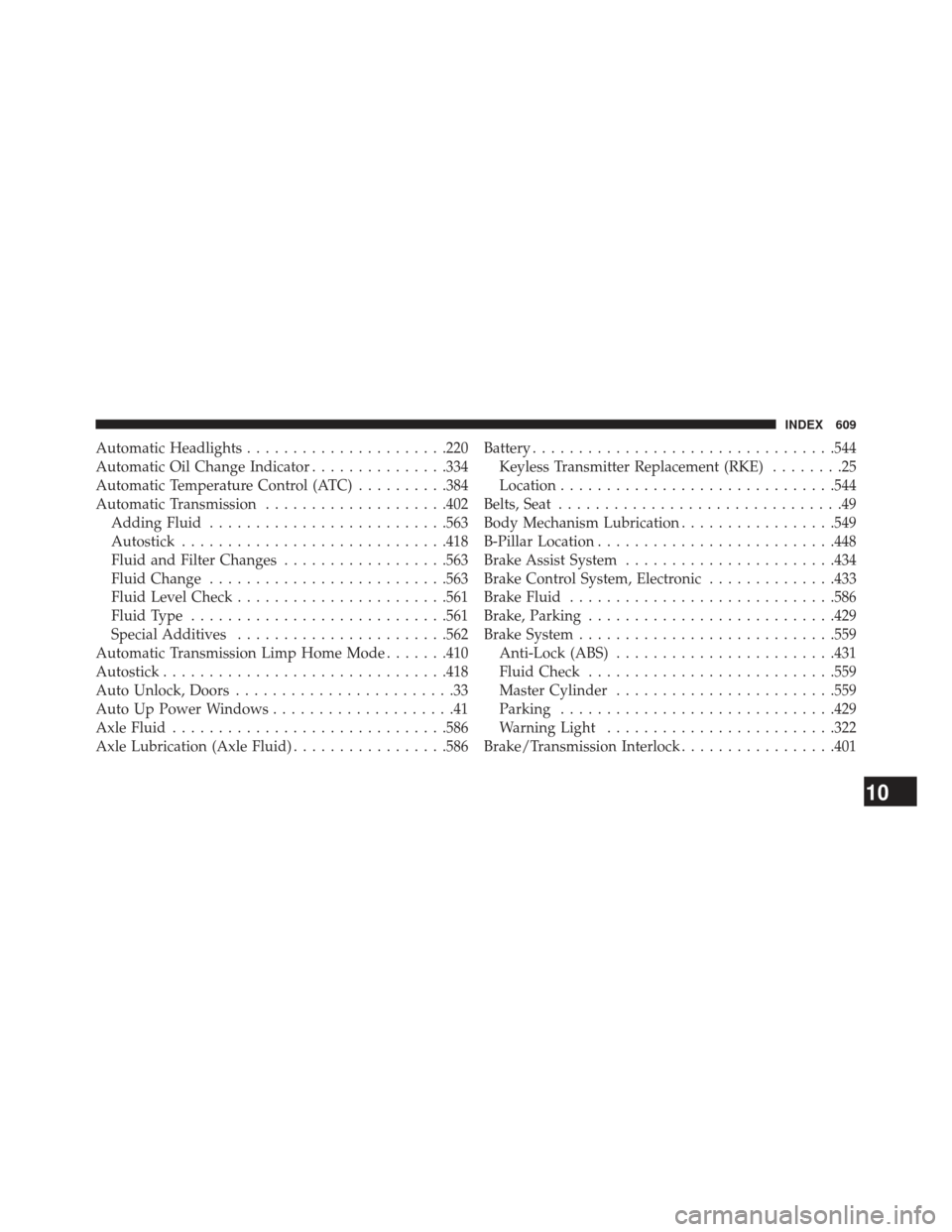
Automatic Headlights..................... .220
Automatic Oil Change Indicator ...............334
Automatic Temperature Control (ATC) ..........384
Automatic Transmission ....................402
Adding Fluid ......................... .563
Autostick ............................ .418
Fluid and Filter Changes ..................563
Fluid Change ......................... .563
Fluid Level Check ...................... .561
Fluid Type ........................... .561
Special Additives ...................... .562
Automatic Transmission Limp Home Mode .......410
Autostick .............................. .418
Auto Unlock, Doors ........................33
Auto Up Power Windows ....................41
Axle Fluid ............................. .586
Axle Lubrication (Axle Fluid) .................586Battery
................................ .544
Keyless Transmitter Replacement (RKE) ........25
Location ............................. .544
Belts, Seat ...............................49
Body Mechanism Lubrication .................549
B-Pillar Location ......................... .448
Brake Assist System ...................... .434
Brake Control System, Electronic ..............433
Brake Fluid ............................ .586
Brake, Parking .......................... .429
Brake System ........................... .559
Anti-Lock (ABS) ....................... .431
Fluid Check .......................... .559
Master Cylinder ....................... .559
Parking ............................. .429
Warning Light ........................ .322
Brake/Transmission Interlock .................401
10
INDEX 609