Page 239 of 631
NOTE:The engine must be running for the heated
steering wheel to operate.
Controls Soft-KeyHeated Steering Wheel Soft-Key
3
UNDERSTANDING THE FEATURES OF YOUR VEHICLE 237
Page 240 of 631
Vehicles Equipped With Remote Start
On models that are equipped with remote start, the heated
steering wheel can be programmed to come on during a
remote start. Refer to “Remote Starting System — If
Equipped” in “Things To Know Before Starting Your
Vehicle” for further information.
WARNING!
•Persons who are unable to feel pain to the skin
because of advanced age, chronic illness, diabetes,
spinal cord injury, medication, alcohol use, exhaus-
tion, or other physical conditions must exercise
care when using the steering wheel heater. It may
cause burns even at low temperatures, especially if
used for long periods.
(Continued)
WARNING! (Continued)
•Do not place anything on the steering wheel that
insulates against heat, such as a blanket or steering
wheel covers of any type and material. This may
cause the steering wheel heater to overheat.
ADJUSTABLE PEDALS — IF EQUIPPED
The adjustable pedals system is designed to allow a
greater range of driver comfort for steering wheel tilt and
seat position. This feature allows the brake, accelerator,
and clutch pedals (if equipped) to move toward or away
from the driver to provide improved position with the
steering wheel.
The switch is located on the front side of the driver’s seat
cushion side shield.
238 UNDERSTANDING THE FEATURES OF YOUR VEHICLE
Page 242 of 631

NOTE:For vehicles equipped with Driver Memory Seat,
you can use your Remote Keyless Entry (RKE) transmit-
ter or the memory switch on the driver ’s door trim panel
to return the adjustable pedals to pre-programmed posi-
tions. Refer to “Driver Memory Seat” in “Understanding
The Features Of Your Vehicle” for further information.
CAUTION!
Do not place any article under the adjustable pedals
or impede its ability to move as it may cause damage
to the pedal controls. Pedal travel may become lim-
ited if movement is stopped by an obstruction in the
adjustable pedal’s path.
WARNING!
Do not adjust the pedals while the vehicle is moving.
You could lose control and have an accident. Always
adjust the pedals while the vehicle is parked.
ELECTRONIC SPEED CONTROL — IF EQUIPPED
When engaged, the Electronic Speed Control takes over
accelerator operations at speeds greater than 25 mph
(40 km/h).
The Electronic Speed Control buttons are located on the
right side of the steering wheel.
240 UNDERSTANDING THE FEATURES OF YOUR VEHICLE
Page 244 of 631
WARNING!
Leaving the Electronic Speed Control system on
when not in use is dangerous. You could accidentally
set the system or cause it to go faster than you want.
You could lose control and have an accident. Always
leave the system OFF when you are not using it.
To Set A Desired Speed
Turn the Electronic Speed Control ON. When the vehicle
has reached the desired speed, press the SET (-) button
and release. Release the accelerator and the vehicle will
operate at the selected speed.NOTE:
•
The vehicle should be traveling at a steady speed and
on level ground before pressing the SET button.
• The Electronic Speed Control may not engage if a
different size tire is installed on one wheel, such as the
compact spare tire (if equipped).
To Deactivate
A soft tap on the brake pedal, pushing the CANCEL
button, or normal brake pressure while slowing the
vehicle will deactivate Electronic Speed Control without
erasing the set speed memory. Pressing the ON/OFF
button or turning the ignition switch OFF erases the set
speed memory.
242 UNDERSTANDING THE FEATURES OF YOUR VEHICLE
Page 248 of 631
WARNING!
You should switch off the ACC system:
•When driving in fog, heavy rain, heavy snow, sleet,
heavy traffic, and complex driving situations
(e.g., in highway construction zones).
• When entering a turn lane or highway off ramp;
when driving on roads that are winding, icy, snow-
covered, slippery, or have steep uphill or downhill
slopes.
• When towing a trailer up or down steep slopes.
• When circumstances do not allow safe driving at a
constant speed.
Failure to follow these warnings can result in a
collision and death or serious personal injury. The Cruise Control system has two control modes:
•
Adaptive Cruise Control mode for maintaining an
appropriate distance between vehicles.
• Normal (fixed speed) cruise control mode is for cruis-
ing at a constant preset speed. For additional informa-
tion, refer to “Normal (Fixed Speed) Cruise Control
Mode” in this section.
NOTE: The system will not react to preceding vehicles.
Always be aware of the mode selected.
You can change the mode by using the Cruise Control
buttons. The two control modes function differently.
Always confirm which mode is selected.
Adaptive Cruise Control (ACC) Operation
The speed control buttons (located on the right side of the
steering wheel) operates the ACC system.
246 UNDERSTANDING THE FEATURES OF YOUR VEHICLE
Page 270 of 631
To Turn Off
The system will turn off and erase the set speed in
memory if:
•You push and release the ON/OFF button.
• You turn off the ignition.
• You switch off ESC.
If the Cruise Control system is turned off and reactivated,
the system will return to the last driver setting (ACC or
Normal Cruise Control).
Forward Collision Warning — If Equipped
The Forward Collision Warning (FCW) system provides
the driver with audible and visual warnings (within the
EVIC) when it detects a potential frontal collision. The
warnings are intended to provide the driver with enough
time to react and avoid the potential collision.
FCW monitors the information from the forward looking
sensor as well as the Electronic Brake Controller (EBC),
wheel speed sensors, i.e., to calculate a probable rear-end
collision. When the system determines that a rear-end
collision is probable a warning message (both audible
and visual) will be displayed on the EVIC. When the
system determines a collision with the vehicle in front of
you is no longer probable, the warning message will be
deactivated.
268 UNDERSTANDING THE FEATURES OF YOUR VEHICLE
Page 314 of 631
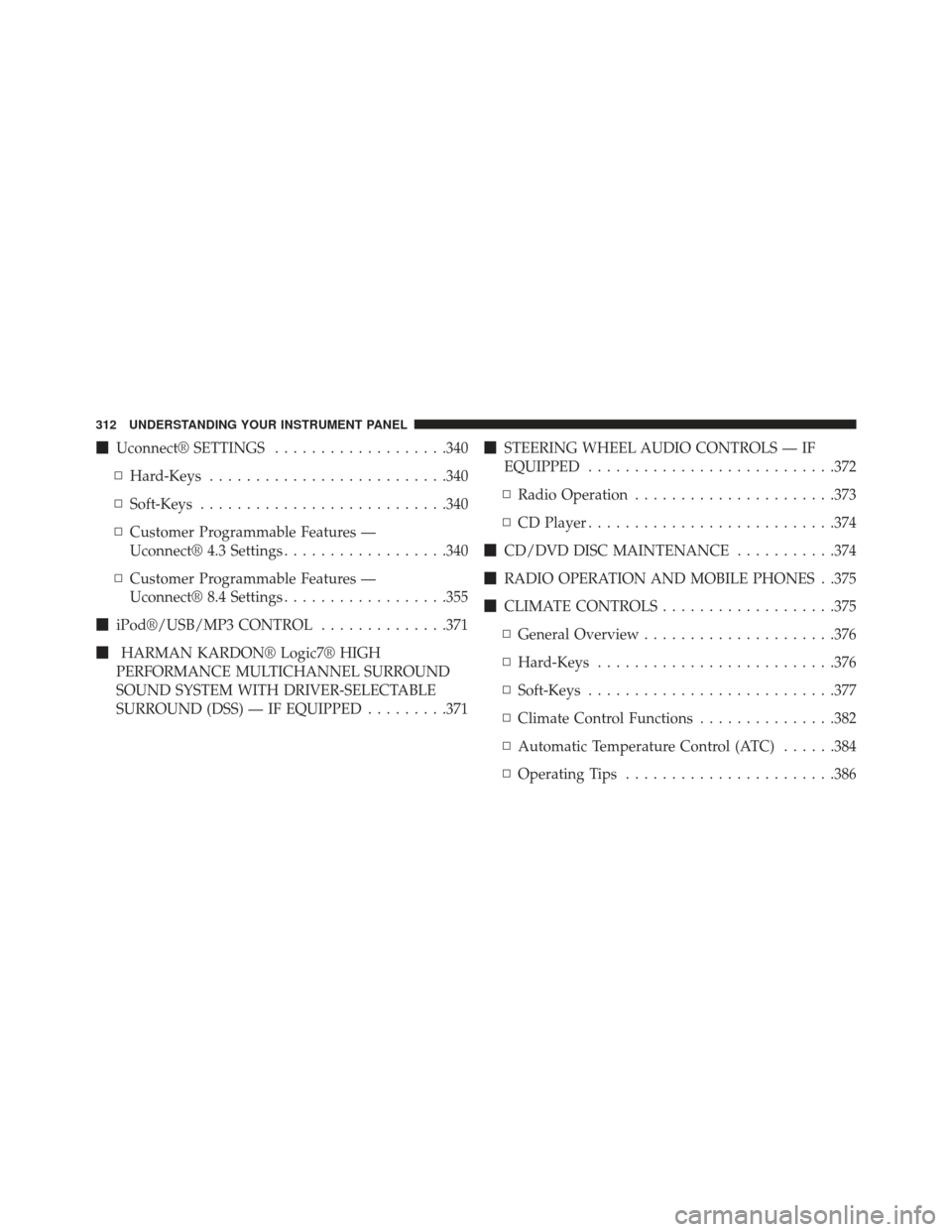
�Uconnect® SETTINGS ...................340
▫ Hard-Keys ......................... .340
▫ Soft-Keys .......................... .340
▫ Customer Programmable Features —
Uconnect® 4.3 Settings ..................340
▫ Customer Programmable Features —
Uconnect® 8.4 Settings ..................355
� iPod®/USB/MP3 CONTROL ..............371
� HARMAN KARDON® Logic7® HIGH
PERFORMANCE MULTICHANNEL SURROUND
SOUND SYSTEM WITH DRIVER-SELECTABLE
SURROUND (DSS) — IF EQUIPPED .........371�
STEERING WHEEL AUDIO CONTROLS — IF
EQUIPPED .......................... .372
▫ Radio Operation ..................... .373
▫ CD Player .......................... .374
� CD/DVD DISC MAINTENANCE ...........374
� RADIO OPERATION AND MOBILE PHONES . .375
� CLIMATE CONTROLS ...................375
▫ General Overview .....................376
▫ Hard-Keys ......................... .376
▫ Soft-Keys .......................... .377
▫ Climate Control Functions ...............382
▫ Automatic Temperature Control (ATC) ......384
▫ Operating Tips ...................... .386
312 UNDERSTANDING YOUR INSTRUMENT PANEL
Page 318 of 631

INSTRUMENT CLUSTER DESCRIPTIONS
1. Tachometer
This gauge measures engine revolutions-per-minute
(RPM x 1000).
2. AWD (All Wheel Drive) Indicator — If Equipped
The AWD indicator will illuminate when All Wheel Drive
(AWD) is activated.
3. Park/Headlight ON Indicator — If EquippedThis indicator will illuminate when the park
lights or headlights are turned on.
4. Turn Signal Indicators The arrow will flash with the exterior turn signal
when the turn signal lever is operated. If the vehicle electronics sense that the vehicle is driven
more than 1 mile (1.6 km) with either turn signal on, a
continuous chime will sound to alert you to turn the
signals off. If either indicator flashes at a rapid rate, check
for a defective outside light bulb.
5. Front Fog Light Indicator — If Equipped
This indicator will illuminate when the front fog
lights are on.
6. High Beam Indicator
This indicator shows that the high beam head-
lights are on. Push the multifunction lever for-
ward to switch the headlights to high beam, and pull
toward yourself (normal position) to return to low beam.
316 UNDERSTANDING YOUR INSTRUMENT PANEL
