Page 226 of 543
ELECTRONIC VEHICLE INFORMATION CENTER
(EVIC)
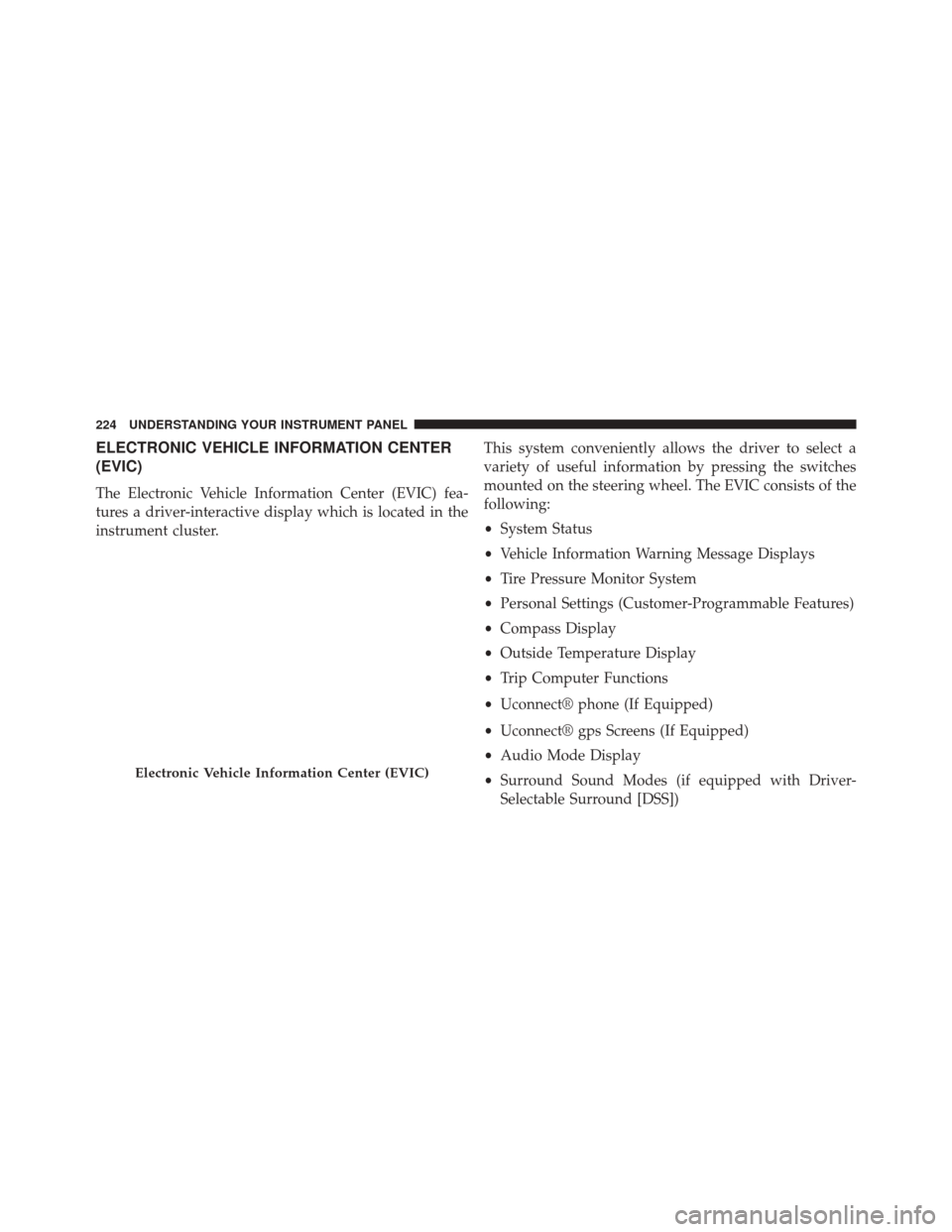
The Electronic Vehicle Information Center (EVIC) fea-
tures a driver-interactive display which is located in the
instrument cluster.This system conveniently allows the driver to select a
variety of useful information by pressing the switches
mounted on the steering wheel. The EVIC consists of the
following:
•
System Status
• Vehicle Information Warning Message Displays
• Tire Pressure Monitor System
• Personal Settings (Customer-Programmable Features)
• Compass Display
• Outside Temperature Display
• Trip Computer Functions
• Uconnect® phone (If Equipped)
• Uconnect® gps Screens (If Equipped)
• Audio Mode Display
• Surround Sound Modes (if equipped with Driver-
Selectable Surround [DSS])
Electronic Vehicle Information Center (EVIC)
224 UNDERSTANDING YOUR INSTRUMENT PANEL
Page 227 of 543
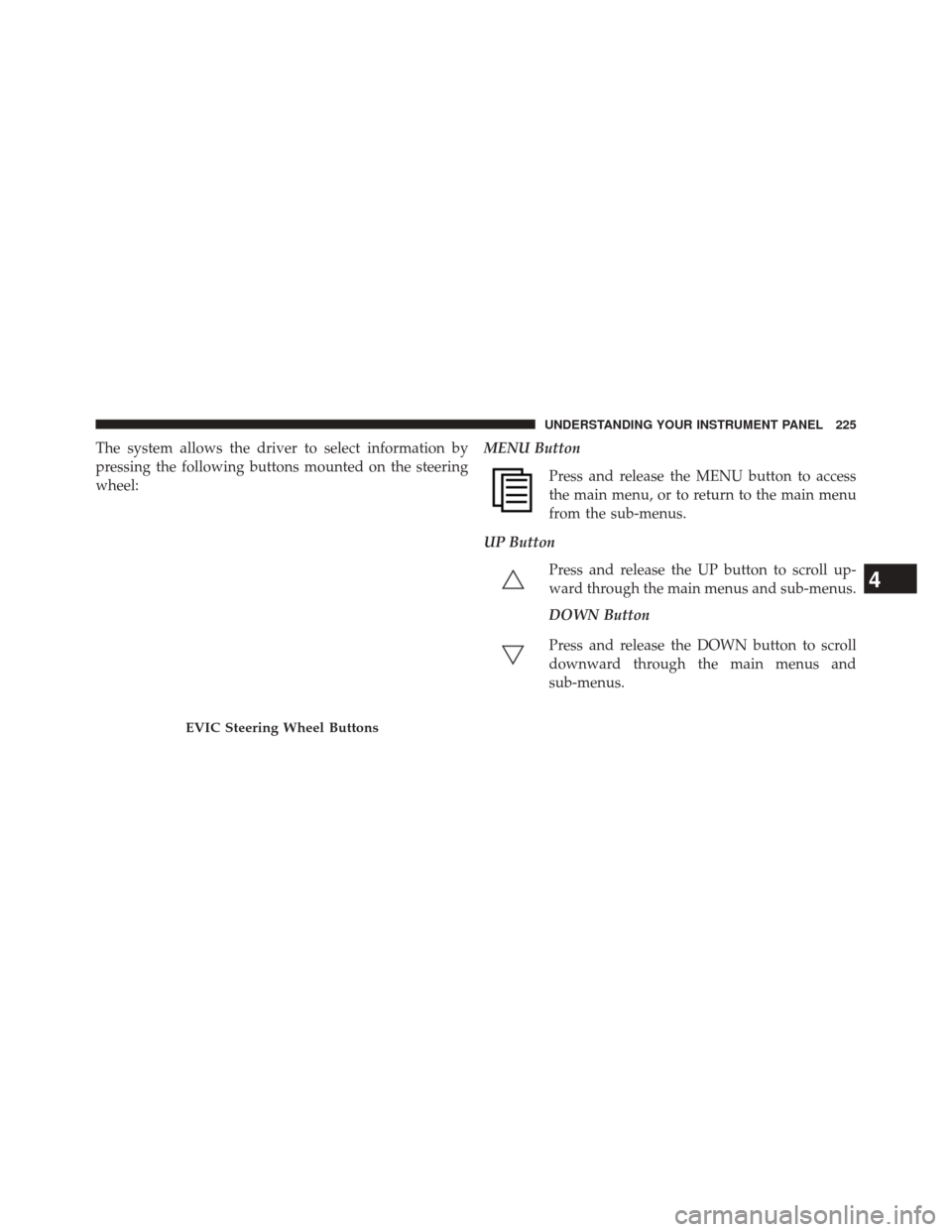
The system allows the driver to select information by
pressing the following buttons mounted on the steering
wheel:MENU Button
Press and release the MENU button to access
the main menu, or to return to the main menu
from the sub-menus.
UP Button Press and release the UP button to scroll up-
ward through the main menus and sub-menus.
DOWN Button
Press and release the DOWN button to scroll
downward through the main menus and
sub-menus.
EVIC Steering Wheel Buttons
4
UNDERSTANDING YOUR INSTRUMENT PANEL 225
Page 239 of 543

Unlock Doors Automatically on Exit
When ON is selected, both doors will unlock when the
vehicle is stopped and the transmission is in the PARK or
NEUTRAL position and the driver’s door is opened. To
make your selection, press and release the SELECT
button until “ON” or “OFF” appears.
Remote Key Unlock
WhenDriver Door 1st Press is selected, only the driver’s
door will unlock on the first press of the Remote Keyless
Entry (RKE) transmitter UNLOCK button. When Driver
Door 1st Press is selected, you must press the RKE
transmitter UNLOCK button twice to unlock the passen-
ger door. When All Doors 1st Press is selected, both of
the doors will unlock on the first press of the RKE
transmitter UNLOCK button. To make your selection,
press and release the SELECT button until “Driver Door
1st Press” or “All Doors 1st Press” appears. NOTE:
If the vehicle is equipped with Keyless Enter-
N-Go (Passive Entry) and the EVIC is programmed to
Unlock All Doors 1st Press, all doors will unlock no
matter which Passive Entry equipped door handle is
grasped. If Driver Door 1st Press is programmed, only
the driver ’s door will unlock when the driver ’s door is
grasped. With Passive Entry, if Driver Door 1st Press is
programmed touching the handle more than once will
only result in the driver ’s door opening. If driver door
first is selected, once the driver door is opened, the
interior door lock/unlock switch can be used to unlock
all doors (or use RKE transmitter).
Remote Start Comfort Sys.
When this feature is selected and the remote start is
activated, the heated steering wheel and driver heated
seat features will automatically turn on in cold weather.
These features will stay on through the duration of
remote start or until the key is turned to RUN. To make
4
UNDERSTANDING YOUR INSTRUMENT PANEL 237
Page 274 of 543

•Pressing the REPEATbutton will change the audio
device mode to repeat the current playing track or
press the VR button and say �Repeat ON�or�Repeat
Off�.
• Press the SCANbutton to use iPod®/USB/MP3 de-
vice scan mode, which will play the first 10 seconds of
each track in the current list and then forward to the
next song. To stop SCAN mode and start playing the
desired track, when it is playing the track, press the
SCAN button again. During Scan mode, pressing the
<< SEEK andSEEK>> buttons will select the previous
and next tracks.
• RND button (available on sales code RES radio only):
Pressing this button toggles between Shuffle ON and
Shuffle OFF modes for the iPod® or external USB
device, or press the VR button and say �Shuffle ON�or
�Shuffle Off�.IftheRND icon is showing on the radio
display, then the shuffle mode is ON.List Or Browse Mode
During Play mode, pressing any of the buttons described
below, will bring up List mode. List mode enables
scrolling through the list of menus and tracks on the
audio device.
• TUNE control knob: The TUNEcontrol knob functions
in a similar manner as the scroll wheel on the audio
device or external USB device.
• Turning it clockwise (forward) and counterclockwise
(backward) scrolls through the lists, displaying the
track detail on the radio display. Once the track to be
played is highlighted on the radio display, press the
TUNE control knob to select and start playing the
track. Turning the TUNEcontrol knob fast will scroll
through the list faster. During fast scroll, a slight
delay in updating the information on the radio
display may be noticeable.
272 UNDERSTANDING YOUR INSTRUMENT PANEL
Page 275 of 543
•During all List modes, the iPod® displays all lists in
“wrap-around” mode. So if the track is at the bottom
of the list, just turn the wheel backward (counter-
clockwise) to get to the track faster.
• In List mode, the radio PRESETbuttons are used as
shortcuts to the following lists on the iPod® or
external USB device.
• Preset 1 – Playlists
• Preset 2 – Artists
• Preset 3 – Albums
• Preset 4 – Genres
• Preset 5 – Audiobooks
• Preset 6 – Podcasts •
Pressing a PRESET button will display the current
list on the top line and the first item in that list on the
second line.
•
To exit List mode without selecting a track, press the
same PRESET button again to go back to Play mode.
•LIST button: The LISTbutton will display the top
level menu of the iPod® or external USB device. Turn
the TUNE control knob to list the top-menu item to be
selected and press the TUNEcontrol knob. This will
display the next sub-menu list item on the audio
device, then follow the same steps to go to the desired
track in that list. Not all iPod® or external USB device
sub-menu levels are available on this system.
4
UNDERSTANDING YOUR INSTRUMENT PANEL 273
Page 279 of 543
When in “Surround Sound” mode, balance is set auto-
matically. Fader control is available in surround mode
but should be set to the center position for optimal
surround performance.
STEERING WHEEL AUDIO CONTROLS — IF
EQUIPPED
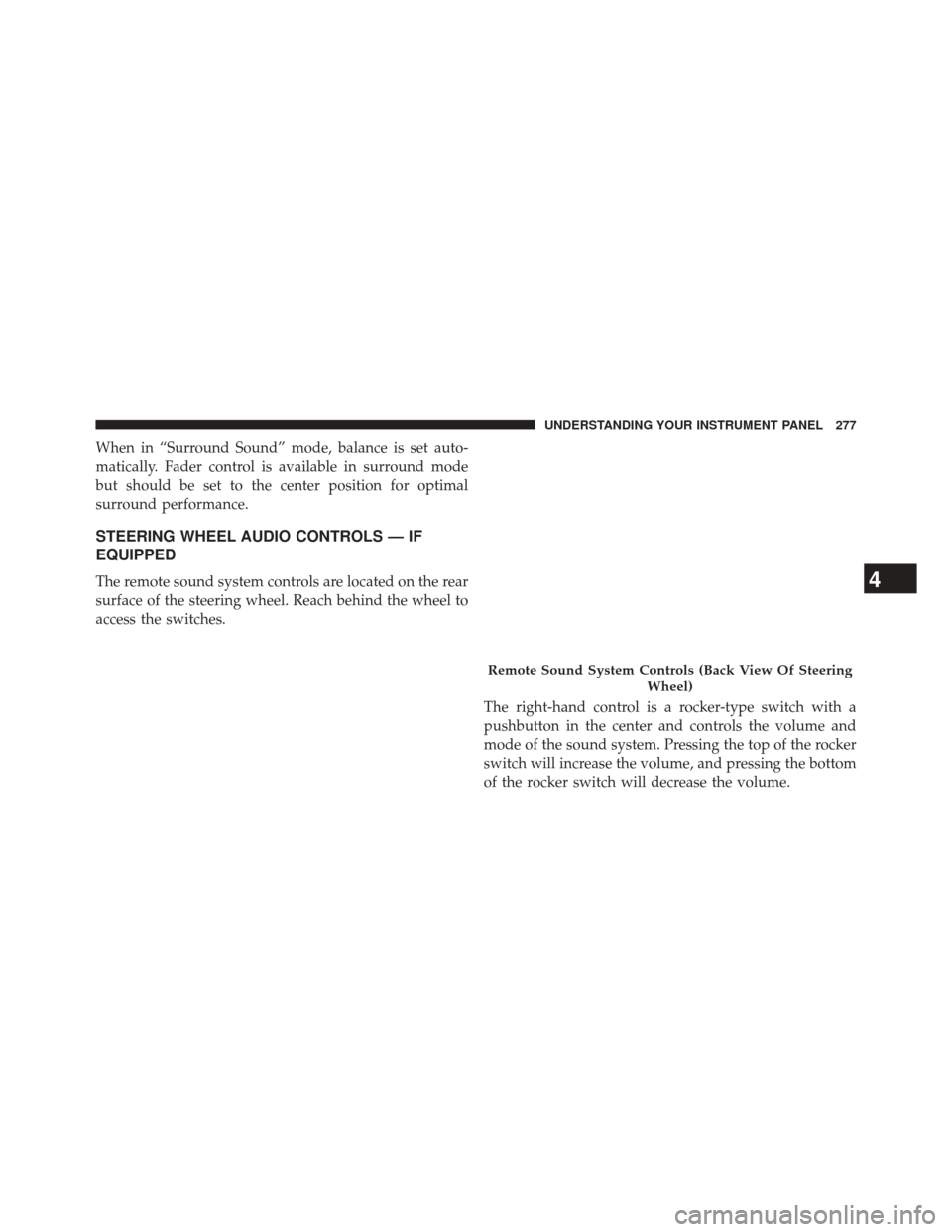
The remote sound system controls are located on the rear
surface of the steering wheel. Reach behind the wheel to
access the switches.The right-hand control is a rocker-type switch with a
pushbutton in the center and controls the volume and
mode of the sound system. Pressing the top of the rocker
switch will increase the volume, and pressing the bottom
of the rocker switch will decrease the volume.
Remote Sound System Controls (Back View Of SteeringWheel)
4
UNDERSTANDING YOUR INSTRUMENT PANEL 277
Page 306 of 543
MANUAL TRANSMISSION — IF EQUIPPED
Six-Speed Manual Transmission
WARNING!
You or others could be injured if you leave the
vehicle unattended without having the parking
brake fully applied. The parking brake should al-
ways be applied when the driver is not in the vehicle,
especially on an incline.
CAUTION!
•Never drive with your foot resting on the clutch
pedal, or try to hold the vehicle on a hill with the
clutch pedal partially engaged, as this will cause
abnormal wear on the clutch. Refer to “Electronic
Brake Control System/Hill Start Assist” in “Start-
ing And Operating” for further information.
• Failure to press the clutch pedal fully to the floor
may cause increased shift efforts, and may result in
damage to the clutch and transmission.
• Do not rest your hand on the shift lever while
driving, as this may result in transmission synchro-
nizer damage.
• Do not attempt to shift the transmission if the rear
wheels are spinning due to loss of traction. Dam-
age to the transmission may occur.
304 STARTING AND OPERATING
Page 313 of 543
vehicle may be somewhat abrupt. This is a normal
condition, and precision shifts will develop within a few
hundred miles (kilometers).
Only shift from DRIVE to PARK or REVERSE when the
accelerator pedal is released and the vehicle is stopped.
Be sure to keep your foot on the brake pedal shifting
between these gears.
The transmission shift lever has only PARK, REVERSE,
NEUTRAL, and DRIVE shift positions. Manual shifts can
be made using the “AutoStick®” shift control (refer to
“AutoStick®” in this section). Moving the shift lever to
the left or right (-/+) (if equipped) while in the DRIVE
position, or tapping one of the steering wheel-mounted
shift paddles (-/+), will manually select the transmission
gear, and will display the current gear in the instrument
cluster as 5, 4, 3, 2, 1.
Gear Ranges
DO NOT race the engine when shifting from PARK or
NEUTRAL into another gear range.
Shift Lever
5
STARTING AND OPERATING 311