Page 247 of 592

•You switch off ESC.
If the Cruise Control system is turned off and reactivated,
the system will return to the last driver setting (ACC or
Normal Cruise Control).
Forward Collision Warning — If Equipped
The Forward Collision Warning (FCW) system provides
the driver with audible and visual warnings (within the
EVIC) when it detects a potential frontal collision. The
warnings are intended to provide the driver with enough
time to react and avoid the potential collision.
FCW monitors the information from the forward looking
sensor as well as the Electronic Brake Controller (EBC),
wheel speed sensors, i.e., to calculate a probable rear-end
collision. When the system determines that a rear-end
collision is probable a warning message (both audible
and visual) will be displayed on the EVIC. When the system determines a collision with the vehicle in front of
you is no longer probable, the warning message will be
deactivated.
NOTE:
The minimum speed for FCW activation is
10 mph (16 km/h).WARNING!
Forward Collision Warning (FCW) is not intended to
avoid a collision on its own, nor can FCW detect
every type of potential collision. The driver has the
responsibility to avoid a collision by controlling the
vehicle via braking and steering. Failure to follow
this warning could lead to serious injury or death.
3
UNDERSTANDING THE FEATURES OF YOUR VEHICLE 245
Page 299 of 592
UNDERSTANDING YOUR INSTRUMENT PANEL
CONTENTS
�INSTRUMENT PANEL FEATURES ..........299
� INSTRUMENT CLUSTER .................300
� INSTRUMENT CLUSTER — PREMIUM .......301
� INSTRUMENT CLUSTER DESCRIPTIONS .....302
� ELECTRONIC VEHICLE INFORMATION
CENTER (EVIC) ...................... .312
▫ Electronic Vehicle Information Center (EVIC)
Displays ........................... .314
▫ EVIC White Telltales ...................315
▫ EVIC Amber Telltales ...................316 ▫
EVIC Red Telltales .....................317
▫ Oil Change Due ..................... .320
▫ Fuel Economy ....................... .321
▫ Cruise Control ....................... .323
▫ Vehicle Speed ....................... .323
▫ Trip Info .......................... .324
▫ TirePSI............................ .325
▫ Vehicle Info (Customer Information Features) . .325
▫ Messages # ......................... .326
▫ Turn Menu OFF ...................... .326
4
Page 314 of 592
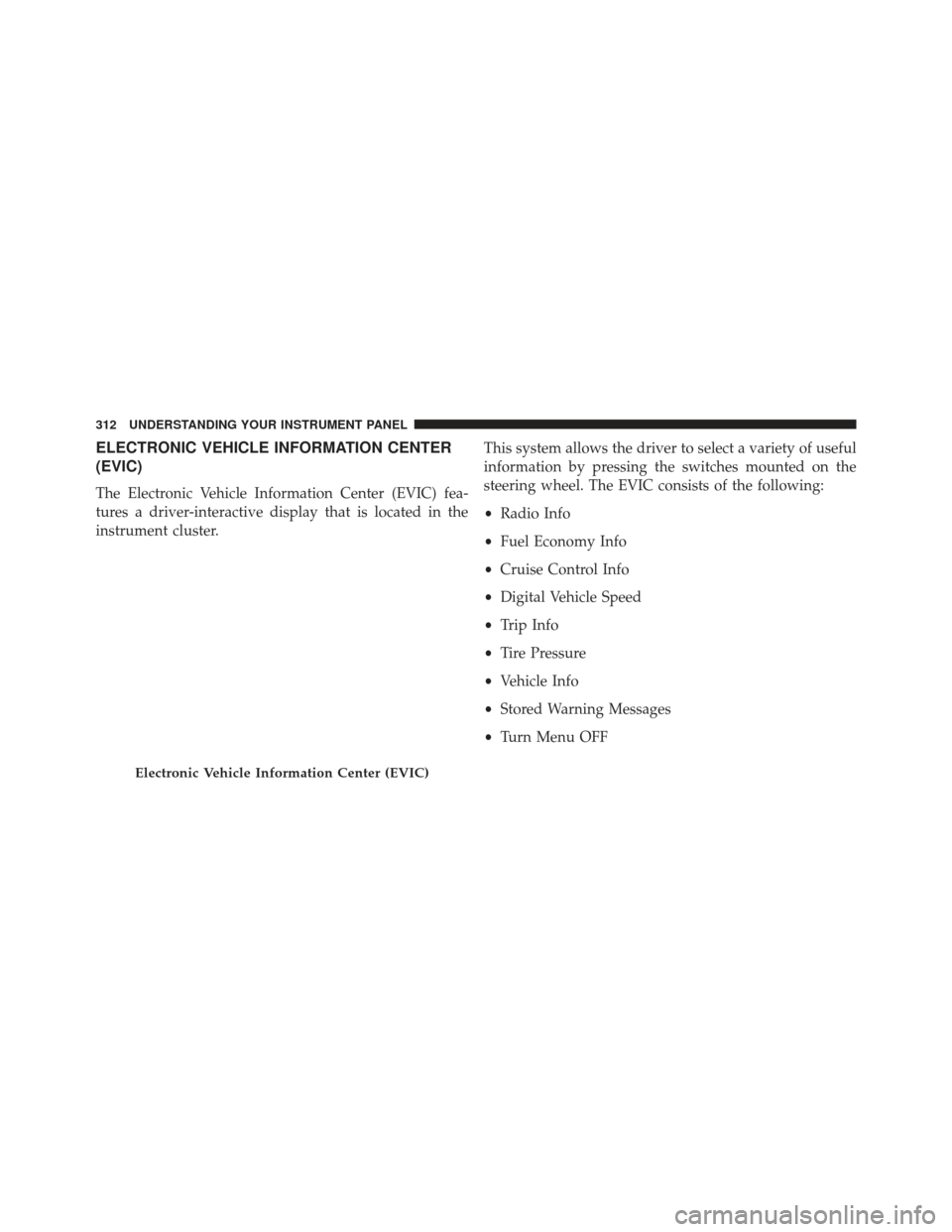
ELECTRONIC VEHICLE INFORMATION CENTER
(EVIC)
The Electronic Vehicle Information Center (EVIC) fea-
tures a driver-interactive display that is located in the
instrument cluster.This system allows the driver to select a variety of useful
information by pressing the switches mounted on the
steering wheel. The EVIC consists of the following:
•
Radio Info
• Fuel Economy Info
• Cruise Control Info
• Digital Vehicle Speed
• Trip Info
• Tire Pressure
• Vehicle Info
• Stored Warning Messages
• Turn Menu OFF
Electronic Vehicle Information Center (EVIC)
312 UNDERSTANDING YOUR INSTRUMENT PANEL
Page 315 of 592
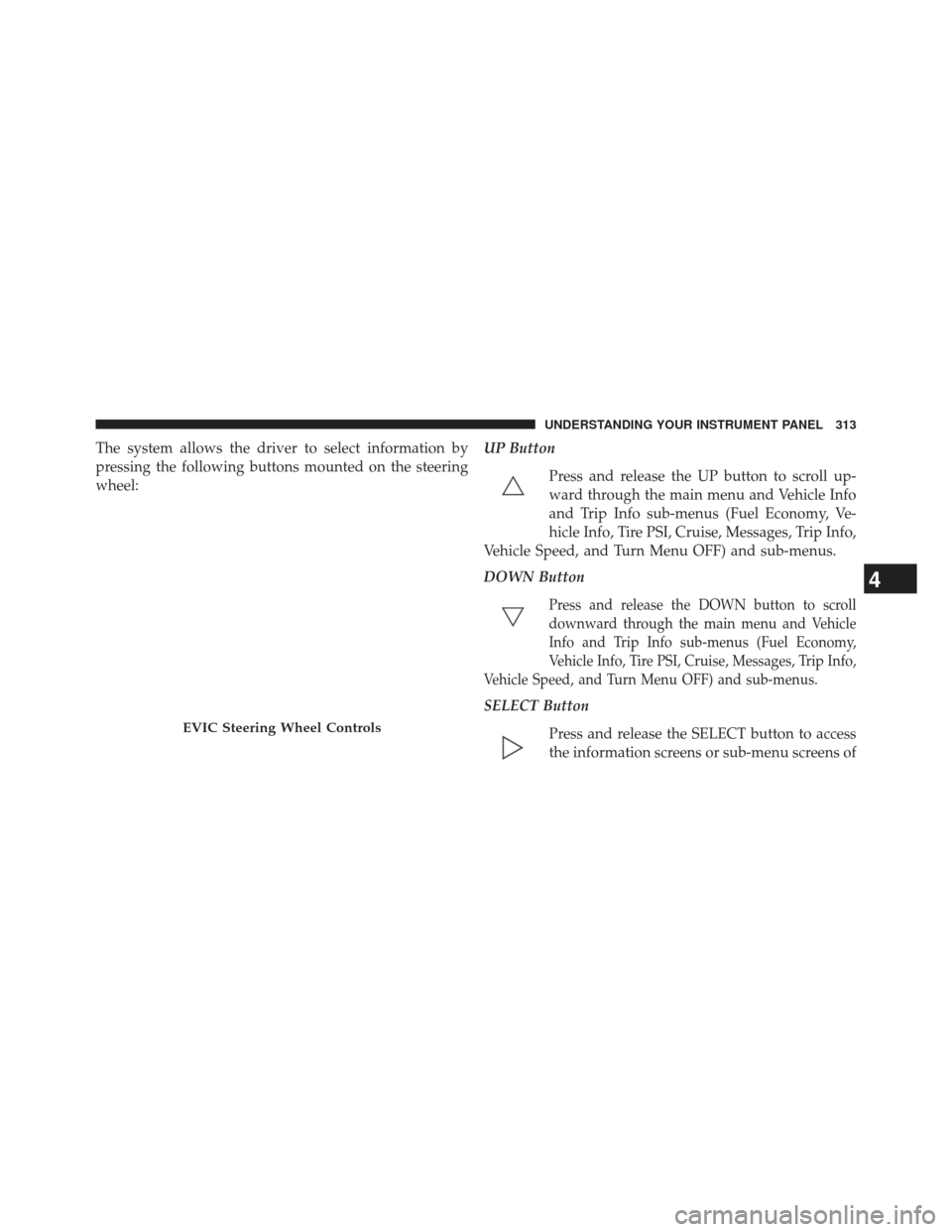
The system allows the driver to select information by
pressing the following buttons mounted on the steering
wheel:UP Button
Press and release the UP button to scroll up-
ward through the main menu and Vehicle Info
and Trip Info sub-menus (Fuel Economy, Ve-
hicle Info, Tire PSI, Cruise, Messages, Trip Info,
Vehicle Speed, and Turn Menu OFF) and sub-menus.
DOWN Button
Press and release the DOWN button to scroll
downward through the main menu and Vehicle
Info and Trip Info sub-menus (Fuel Economy,
Vehicle Info, Tire PSI, Cruise, Messages, Trip Info,
Vehicle Speed, and Turn Menu OFF) and sub-menus.
SELECT Button
Press and release the SELECT button to access
the information screens or sub-menu screens of
EVIC Steering Wheel Controls
4
UNDERSTANDING YOUR INSTRUMENT PANEL 313
Page 318 of 592

•Electronic Speed Control ON
This telltale will illuminate when the electronic
speed control is ON. For further information,
refer to “Electronic Speed Control” in “Under-
standing The Features Of Your Vehicle.”
• Electronic Speed Control SET
This telltale will illuminate when the electronic
speed control is SET. For further information,
refer to “Electronic Speed Control” in “Under-
standing The Features Of Your Vehicle.”
• Adaptive Cruise Control (ACC) ON
This telltale will illuminate when the ACC is
ON. For further information, refer to “Adap-
tive Cruise Control (ACC)” in “Understanding
The Features Of Your Vehicle.” •
Adaptive Cruise Control (ACC) SET
This telltale will illuminate when the ACC is
SET. For further information, refer to “Adap-
tive Cruise Control (ACC)” in “Understanding
The Features Of Your Vehicle.”
EVIC Amber Telltales
This area will show reconfigurable amber caution tell-
tales. These telltales include:
•Forward Collision Warning (FCW) OFF
This telltale informs the driver that the For-
ward Collision Warning feature is Off. The
telltale is On when the front radar sensor is
blocked and requires cleaning, the ACC/FCW
sensors require service, or the ACC/FCW system is
unavailable because of a system error. For further infor-
mation, refer to “Adaptive Cruise Control (ACC)” in
“Understanding The Features Of Your Vehicle.”
316 UNDERSTANDING YOUR INSTRUMENT PANEL
Page 319 of 592
•Low Fuel Telltale
When the fuel level reaches approximately 3.0 gal
(11.0 L) this light will turn on, and remain on until
fuel is added.
• Windshield Washer Fluid Low Indicator
This telltale will turn on to indicate the wind-
shield washer fluid is low.
• Adaptive Cruise Control (ACC) Malfunction
This light will turn on when a ACC is not
operating and needs service. For further infor-
mation, refer to “Adaptive Cruise Control
(ACC)” in “Understanding The Features Of
Your Vehicle.” •
SERV AWD (Service All Wheel Drive) Indicator
This light will turn on when the All Wheel
Drive feature requires service. For further in-
formation, refer to “All Wheel Drive” in “Start-
ing And Operating.”
EVIC Red Telltales
This area will show reconfigurable red telltales. These
telltales include:
•Door Ajar
This telltale turns on when one or more doors
are ajar. The telltale will show which doors are
ajar.
• Trunk Ajar
This light will turn on to indicate that the trunk
lid is ajar.4
UNDERSTANDING YOUR INSTRUMENT PANEL 317
Page 325 of 592
Miles Per Gallon (MPG)
The Miles Per Gallon (MPG) feature displays instanta-
neous fuel economy in a bar graph below the DTE, this
function cannot be reset. Press the BACK button to return
to the main menu.
Cruise Control
Press and release the UP or DOWN button until�ACC�(if
equipped with Adaptive Cruise Control) or �Cruise�is
highlighted in the EVIC. Status of the ACC or Cruise is
displayed in the menu line also. Press and release the
SELECT (right arrow) button to display the following
information:
• If equipped with ACC, one of several messages will be
displayed giving a dynamic update of the status of the
feature as the driver changes feature status or follow-
ing conditions change. If ACC is active and a warning or other feature is in the EVIC main display, the ACC
status will be displayed in place of the EVIC odometer
line.
• For vehicles with Cruise, one of several messages will
be displayed giving a dynamic update of the status of
the feature as the driver changes feature status or
conditions change. If Cruise is active and a warning or
other feature is in the EVIC main display, the Cruise
status will be displayed in place of the EVIC odometer
line.
Press and release the BACK button to return to the main
menu.
Vehicle Speed
Press and release the UP or DOWN button until �Vehicle
Speed� is highlighted in the EVIC. Press the SELECT
button to view a digital display of the current speed
in mph or km/h. Pressing the SELECT button a second
4
UNDERSTANDING YOUR INSTRUMENT PANEL 323
Page 542 of 592
CavityCar-
tridge Fuse Mini-
Fuse Description
46 — 10 AmpRed Adaptive Cruise Control
47 — 10 AmpRed Adaptive Front Lighting
48 — 20 AmpYel-low Active Suspension
49 — — Fuse — Spare
50 — — Fuse — SpareCavity Car-
tridge Fuse Mini-
Fuse Description
51 — 20 AmpYel-low Front Heated Seats
52 — 10 AmpRed Heated Cupholders/Rear
Heated Seat Switches
53 — 10 AmpRed HVAC Module/In Car
Temperature Sensor
54 — — Fuse — Spare
55 — — Fuse — Spare
56 — — Fuse — Spare
57 — — Fuse — Spare
540 MAINTAINING YOUR VEHICLE