Page 196 of 519

Before You Begin Programming HomeLink�
Be sure that your vehicle is parked outside of the garage
before you begin programming.
For more efficient programming and accurate transmis-
sion of the radio-frequency signal it is recommended that
a new battery be placed in the hand-held transmitter of
the device that is being programmed to the HomeLink�
system.
Erase all channels before you begin programming. To
erase the channels place the ignition in the ON/RUN
position and press and hold the two outside HomeLink�
buttons (I and III) for up 20 seconds or until the red
indicator flashes.NOTE:
•Erasing all channels should only be performed when
programming HomeLink�for the first time. Do not
erase channels when programming additional buttons.
•If you have any problems, or require assistance, please
call toll-free 1–800–355–3515 or, on the Internet at
www.HomeLink.com for information or assistance.
Programming A Rolling Code
For programming garage door openers that were manu-
factured after 1995. These garage door openers can be
identified by the “LEARN” or “TRAIN” button located
where the hanging antenna is attached to the garage door
opener. It is NOT the button that is normally used to
open and close the door. The name and color of the
button may vary by manufacturer.
194 UNDERSTANDING THE FEATURES OF YOUR VEHICLE
Page 200 of 519

Canadian/Gate Operator Programming
For programming transmitters in Canada/United States
that require the transmitter signals to “time-out” after
several seconds of transmission.
Canadian radio frequency laws require transmitter sig-
nals to time-out (or quit) after several seconds of trans-
mission – which may not be long enough for HomeLink�
to pick up the signal during programming. Similar to this
Canadian law, some U.S. gate operators are designed to
time-out in the same manner.
It may be helpful to unplug the device during the cycling
process to prevent possible overheating of the garage
door or gate motor.
1. Turn the ignition switch to the ON/RUN position.2. Place the hand-held transmitter 1 to 3 in (3 to 8 cm)
away from the HomeLink�button you wish to pro-
gram while keeping the HomeLink�indicator light in
view.
3. Continue to press and hold the HomeLink�button,
while you press and release (“cycle”), your hand-held
transmitter every two seconds until HomeLink�has
successfully accepted the frequency signal. The indi-
cator light will flash slowly and then rapidly when
fully trained.
4. Watch for the HomeLink�indicator to change flash
rates. When it changes, it is programmed. It may take
up to 30 seconds or longer in rare cases. The garage
door may open and close while you are programming.
198 UNDERSTANDING THE FEATURES OF YOUR VEHICLE
Page 218 of 519
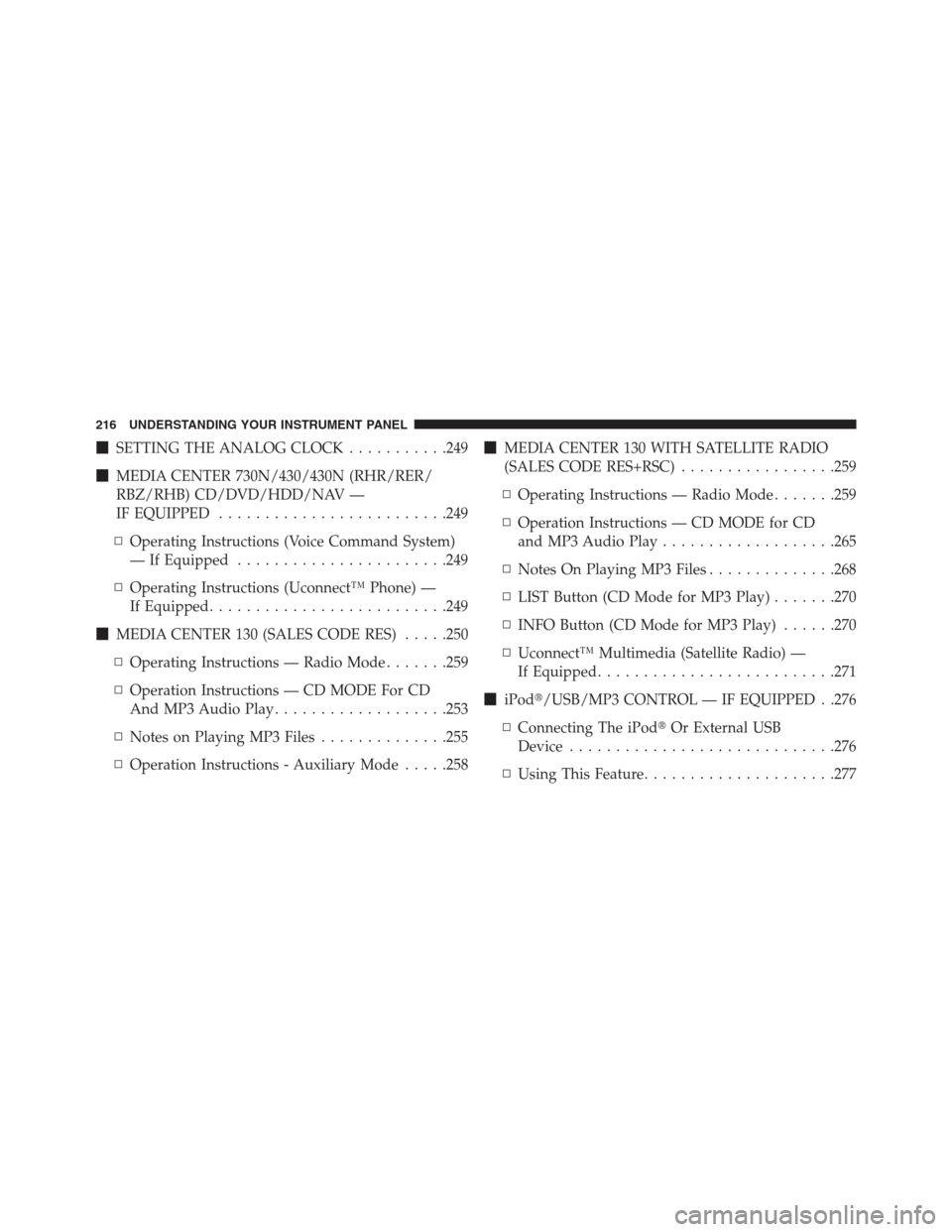
�SETTING THE ANALOG CLOCK...........249
�MEDIA CENTER 730N/430/430N (RHR/RER/
RBZ/RHB) CD/DVD/HDD/NAV —
IF EQUIPPED.........................249
▫Operating Instructions (Voice Command System)
— If Equipped.......................249
▫Operating Instructions (Uconnect™ Phone) —
If Equipped..........................249
�MEDIA CENTER 130 (SALES CODE RES).....250
▫Operating Instructions — Radio Mode.......259
▫Operation Instructions — CD MODE For CD
And MP3 Audio Play...................253
▫Notes on Playing MP3 Files..............255
▫Operation Instructions - Auxiliary Mode.....258�MEDIA CENTER 130 WITH SATELLITE RADIO
(SALES CODE RES+RSC).................259
▫Operating Instructions — Radio Mode.......259
▫Operation Instructions — CD MODE for CD
and MP3 Audio Play...................265
▫Notes On Playing MP3 Files..............268
▫LIST Button (CD Mode for MP3 Play).......270
▫INFO Button (CD Mode for MP3 Play)......270
▫Uconnect™ Multimedia (Satellite Radio) —
If Equipped..........................271
�iPod�/USB/MP3 CONTROL — IF EQUIPPED . .276
▫Connecting The iPod�Or External USB
Device.............................276
▫Using This Feature.....................277
216 UNDERSTANDING YOUR INSTRUMENT PANEL
Page 219 of 519
▫Controlling The iPod�Or External USB Device
Using Radio Buttons...................278
▫Play Mode..........................278
▫List Or Browse Mode...................279
▫Bluetooth Streaming Audio (BTSA).........281
�STEERING WHEEL AUDIO CONTROLS — IF
EQUIPPED...........................283
▫Radio Operation......................284
▫CD Player...........................284�CD/DVD DISC MAINTENANCE...........284
�RADIO OPERATION AND MOBILE PHONES . .285
�CLIMATE CONTROLS...................285
▫Manual Heating And Air Conditioning......285
▫Automatic Temperature Control (ATC) — If
Equipped...........................290
▫Operating Tips.......................296
4
UNDERSTANDING YOUR INSTRUMENT PANEL 217
Page 220 of 519
INSTRUMENT PANEL FEATURES
1 — Air Outlet 6 — Radio 11 — Storage Compartment
2 — Side Window Demister Outlet 7 — Passenger Airbag 12 — Climate Control
3 — Instrument Cluster 8 — Glove Compartment 13 — Trunk Release Button
4 — Ignition Switch 9 — Heated Seat Switch – If Equipped 14 — Power Outlet
5 — Analog Clock 10 — Hazard Switch 218 UNDERSTANDING YOUR INSTRUMENT PANEL
Page 239 of 519
The EVIC consists of the following:
•Compass Heading Display (N, S, E, W, NE, NW, SE,
SW)
•Mileage (Avg/MPG)•Miles To Empty
•Low Tire Information (Tire Pressure Monitor System
(TPMS) Displays) — if equipped
•Timer
•Units
•System Warnings (Door Ajar, etc.)
•Personal Settings (Customer-Programmable Features)
•Outside Temperature Display (°F or °C)
•Audio Mode Displays – 12 preset Radio Stations or CD
Title and Track number when playing
Electronic Vehicle Information Center (EVIC)
4
UNDERSTANDING YOUR INSTRUMENT PANEL 237
Page 240 of 519
The system allows the driver to select information by
pressing the following buttons mounted on the steering
wheel:•MENU Button
Press and release the MENU button to advance
the display to each of the EVIC Main Menu
features. Upon reaching the last item in the
Main Menu the EVIC will advance to the first
item in the Main Menu with the next MENU button press
and release.
•DOWN Button
Press and release the DOWN button to advance
the display through the various Trip Functions
or Personal Settings.
•COMPASS Button
Press and release the COMPASS button to
display the compass heading, the outside tem-
perature, and Audio Info (when the radio is on)
screen when the current screen is not the
compass, outside temp, audio info screen.
EVIC Steering Wheel Buttons
238 UNDERSTANDING YOUR INSTRUMENT PANEL
Page 243 of 519

1. Turn the ignition switch to the ON position (Do not
start the engine.)
2. Fully depress the accelerator pedal slowly three times
within 10 seconds.
3. Turn the ignition switch to the LOCK position.
NOTE:If the indicator message illuminates when you
start the vehicle, the oil change indicator system did not
reset. If necessary repeat this procedure.
EVIC Main Menu
To step to each main menu feature press and release the
MENU button once for each step. A step from the last
item in the list will cause the first item in the feature list
to be displayed. The following features are in the Main
menu:
•Compass, Outside Temperature, Audio Information (if
radio is on) display•Average Fuel Economy
•Distance to Empty
•Tire Pressure Status display
•Elapsed Time
•EVIC Units Selection
•System Status
•Personal Settings
Compass Display
COMPASS Button
The compass heading indicates the direction
the vehicle is facing. Press and release the
compass button to display one of eight com-
pass headings, the outside temperature, and
audio information (if the radio is on) if the EVIC display
is not already displaying this screen.
4
UNDERSTANDING YOUR INSTRUMENT PANEL 241


