2013 CHEVROLET CORVETTE ESP
[x] Cancel search: ESPPage 223 of 414
Black plate (11,1)Chevrolet Corvette Owner Manual - 2013 - crc2 - 11/8/12
Driving and Operating 9-11
Blizzard Conditions
Being stuck in snow can be a
serious situation. Stay with the
vehicle unless there is help nearby.
If possible, use Roadside
Assistance. SeeRoadside
Assistance Program (Mexico) on
page 13‑7 orRoadside Assistance
Program (U.S. and Canada) on
page 13‑10. To get help and keep
everyone in the vehicle safe:
.Turn on the hazard warning
flashers.
.Tie a red cloth to an outside
mirror.
{WARNING
Snow can trap engine exhaust
under the vehicle. This may
cause exhaust gases to get
inside. Engine exhaust contains
carbon monoxide (CO) which
(Continued)
WARNING (Continued)
cannot be seen or smelled. It can
cause unconsciousness and even
death.
If the vehicle is stuck in the snow:
.Clear away snow from around
the base of your vehicle,
especially any that is blocking
the exhaust pipe.
.Check again from time to
time to be sure snow does
not collect there.
.Open a window about 5 cm
(2 in) on the side of the
vehicle that is away from the
wind to bring in fresh air.
.Fully open the air outlets on
or under the instrument
panel.(Continued)
WARNING (Continued)
.Adjust the climate control
system to a setting that
circulates the air inside the
vehicle and set the fan speed
to the highest setting. See
“Climate Control Systems” in
the Index.
For more information about
carbon monoxide, see Engine
Exhaust on page 9‑24.
To save fuel, run the engine for only
short periods as needed to warm
the vehicle and then shut the engine
off and close the window most of
the way to save heat. Repeat this
until help arrives but only when you
feel really uncomfortable from the
cold. Moving about to keep warm
also helps.
Page 232 of 414
Black plate (20,1)Chevrolet Corvette Owner Manual - 2013 - crc2 - 11/8/12
9-20 Driving and Operating
Starting the Engine
Move the shift lever to P (Park) or
N (Neutral) for an automatic
transmission. For a manual
transmission the vehicle can be
started in Neutral or any other gear
as long as the clutch pedal is
pressed. To restart a vehicle with a
manual transmission when you are
already moving, use the Neutral
position only. To restart a vehicle
with an automatic transmission
when you are already moving, use
N (Neutral).
Notice:Do not try to shift to
P (Park) if the vehicle is moving.
If you do, you could damage the
transmission. Shift to P (Park)
only when the vehicle is stopped.
The RKE transmitter must be inside
the vehicle for the ignition to work.
Cell phone chargers can interfere
with the operation of the Keyless
Access System. Battery chargers
should not be plugged in when
starting or turning off the engine. To start the vehicle, do the following:
1. For vehicles with an automatic
transmission, with your foot on
the brake pedal, press the
START button located on the
instrument panel. For vehicles
with a manual transmission, you
must also press in the clutch
pedal while pressing the START
button.
If there is not an RKE transmitter
in the vehicle or if there is
something causing interference
with it, the DIC will display
NO FOBS DETECTED. See Key
and Lock Messages on
page 5‑40 for more information.
2. When the engine begins cranking, let go of the button and
the engine cranks automatically
until it starts. If the battery in the
RKE transmitter is weak, the
DIC displays FOB BATTERY
LOW. You can still drive the
vehicle. See
“Battery Replacement”
under Remote Keyless Entry
(RKE) System Operation on
page 2‑3 for more information.
If the fob battery is dead, you
need to insert the fob into the
fob slot to enable engine
starting. See “NO FOBS
DETECTED” underKey and
Lock Messages on page 5‑40.
3. Do not race the engine immediately after starting it.
Operate the engine and
transmission gently until the oil
warms up and lubricates all
moving parts.
4. If the engine does not start and no DIC message is displayed,
wait 15 seconds before trying
again to let the cranking motor
cool down.
If the engine does not start after
five to 10 seconds, especially in
very cold weather (below −18°C
or 0°F), it could be flooded with
too much gasoline. Try pushing
the accelerator pedal all the way
Page 239 of 414
Black plate (27,1)Chevrolet Corvette Owner Manual - 2013 - crc2 - 11/8/12
Driving and Operating 9-27
When accelerating the vehicle from
a stop in snowy and icy conditions,
you may want to shift to 2 (Second)
or 3 (Third) gear. A higher gear
allows you to gain more traction on
slippery surfaces. If traction control
is active, upshifts are delayed to
increase your control of the vehicle.
SeeTraction Control System (TCS)
on page 9‑34 Traction Control
System (TCS).
The Manual Paddle Shift system
can be deactivated by moving the
shift lever from S (Sport Mode) back
to D (Drive), or by holding either
up-shift paddle for more than
one second.
The driver may choose to briefly
activate the Manual Paddle Shift
system while in D (Drive). Tapping
either the upshift or downshift
controls will place the transmission
in Manual Paddle Shift mode. The
driver may then exit Manual Paddle
Shift mode by holding either upshift
control for more than one second.
The system will return to automatic
shifting after 10 seconds of cruising at a steady speed and no manual
shifts, or when the vehicle comes to
a stop.
While the Manual Paddle Shift gear
selection system is active, the
transmission will automatically
downshift through the gears as the
vehicle slows. The transmission will
select 2 (Second) gear as the
vehicle stops. From a stop, the
vehicle will start from and hold
2 (Second) gear unless the driver
manually paddle shifts into a
different gear or selects D (Drive).
The driver can select 1 (First) gear
for maximum acceleration from
a stop.
When using the Manual Paddle
Shift feature while in S (Sport Mode),
the current gear will be displayed in
the Driver Information (DIC), or the
Head-Up Display (HUD), if the
vehicle has either of these features.
If the vehicle has a Head-Up
Display (HUD), see
Head-Up
Display (HUD) on page 5‑30.
The Manual Paddle Shift system will
not allow either an up-shift or a
down-shift if the vehicle speed is too
fast or too slow, nor will it allow a
start from 4 (Fourth) or higher gear.
If up-shifting does not occur when
needed, vehicle speed will be
limited to protect the engine.
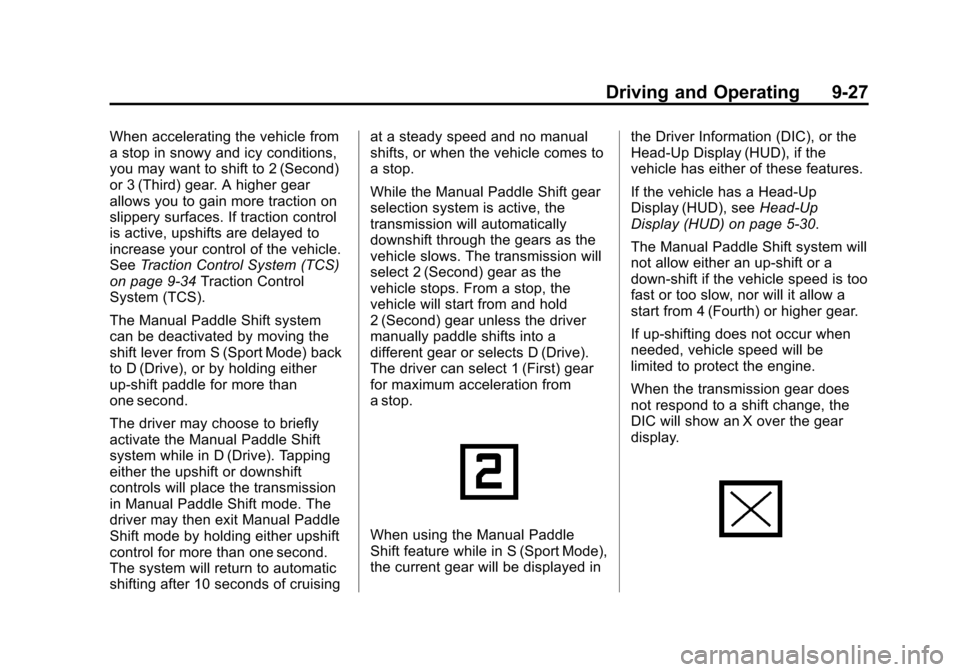
When the transmission gear does
not respond to a shift change, the
DIC will show an X over the gear
display.
Page 240 of 414
Black plate (28,1)Chevrolet Corvette Owner Manual - 2013 - crc2 - 11/8/12
9-28 Driving and Operating
When a requested shift is denied
due to the speed restrictions shown,
the DIC will momentarily show an X
over the gear display and a chime
will sound.
If the vehicle has a HUD, and the
transmission gear does not respond
to a shift change, a chime will sound
and the HUD will momentarily show
an X over the gear display.
Manual Paddle Shift operation is
available for use with Cruise
Control. SeeCruise Control on
page 9‑42 Cruise Control for more
information.
The vehicle speeds required for
Manual Paddle Shift up-shifts
depend on several vehicle inputs,
which will vary the allowed up-shift
speed by a few km/h (mph). For vehicles with a 2.56:1 Axle
Ratio (RPO GM8)
.Up-shifts to 4 (Fourth) gear
require approximately 35 km/h
(22 mph).
.Up-shifts to 5 (Fifth) gear require
approximately 45 km/h (28 mph).
.Up-shifts to 6 (Sixth) gear
require approximately 65 km/h
(41 mph).
To prevent damage to the
powertrain, Manual Paddle
downshifts to a lower gear cannot
be done above certain speeds. The
maximum speed allowed for
downshifting of gears 1 (First)
through 4 (Fourth) are:
.Into 4 (Fourth) gear over
250 km/h (155 mph).
.Into 3 (Third) gear over 188 km/h
(117 mph).
.Into 2 (Second) gear over
120 km/h (75 mph).
.Into 1 (First) gear over 68 km/h
(42 mph).
For vehicles with a 2.73:1 Axle
Ratio (RPO GU2, Grand Sport
models)
.Up-shifts to 4 (Fourth) gear
require approximately 31 km/h
(19 mph).
.Up-shifts to 5 (Fifth) gear require
approximately 39 km/h (24 mph).
.Up-shifts to 6 (Sixth) gear
require approximately 57 km/h
(35 mph).
To prevent damage to the
powertrain, Manual Paddle
downshifts to a lower gear cannot
be done above certain speeds. The
maximum speed allowed for
downshifting of gears 1 (First)
through 4 (Fourth) are:
.Into 4 (Fourth) gear over
234 km/h (145 mph).
Page 246 of 414
Black plate (34,1)Chevrolet Corvette Owner Manual - 2013 - crc2 - 11/8/12
9-34 Driving and Operating
Ride Control Systems
Traction Control
System (TCS)
The vehicle has a Traction Control
System (TCS) that limits wheel spin.
This is especially useful in slippery
road conditions. The system
operates only if it senses that the
rear wheels are spinning too much
or are beginning to lose traction.
When this happens, the system
works the rear brakes and reduces
engine power (by closing the throttle
and managing engine spark) to limit
wheel spin.
The TRACTION SYSTEM ACTIVE
message displays on the Driver
Information Center (DIC) when TCS
is limiting wheel spin. SeeRide
Control System Messages on
page 5‑42. The system may be
heard or felt while it is working, but
this is normal. If cruise control is being used when
TCS begins to limit wheel spin, the
cruise control will automatically
disengage. Cruise control may be
reengaged when road conditions
allow. See
Cruise Control on
page 9‑42.
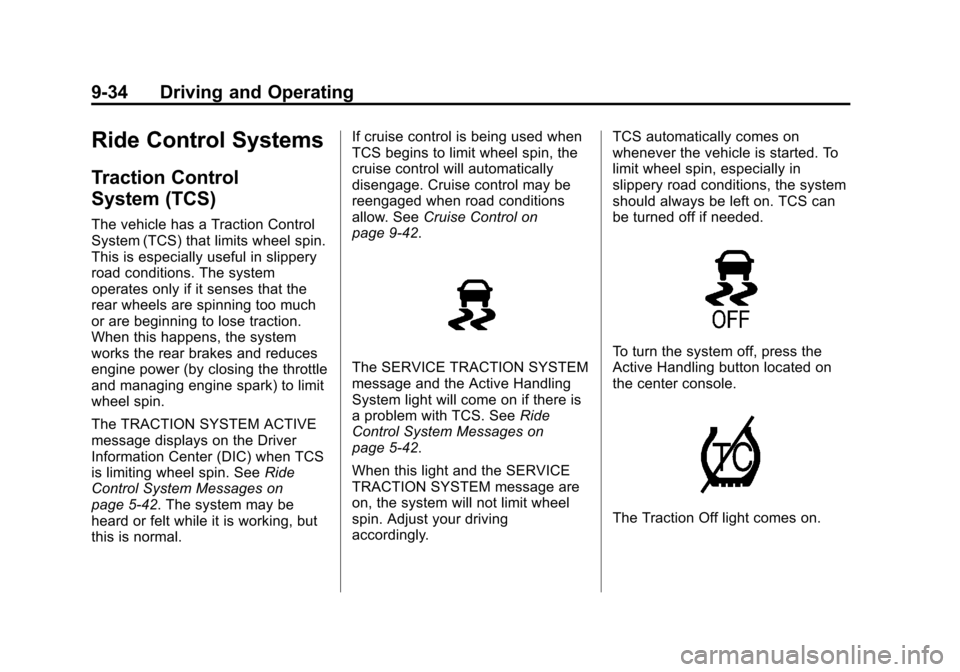
The SERVICE TRACTION SYSTEM
message and the Active Handling
System light will come on if there is
a problem with TCS. See Ride
Control System Messages on
page 5‑42.
When this light and the SERVICE
TRACTION SYSTEM message are
on, the system will not limit wheel
spin. Adjust your driving
accordingly. TCS automatically comes on
whenever the vehicle is started. To
limit wheel spin, especially in
slippery road conditions, the system
should always be left on. TCS can
be turned off if needed.To turn the system off, press the
Active Handling button located on
the center console.
The Traction Off light comes on.
Page 252 of 414
Black plate (40,1)Chevrolet Corvette Owner Manual - 2013 - crc2 - 11/8/12
9-40 Driving and Operating
Competitive Driving Mode,
Performance Traction Management,
and Launch Control are systems
designed for a closed course race
track and not intended for use on
public roads. The systems are not
intended to compensate for lack of
driver experience or familiarity with
the race track.
Limited-Slip Rear Axle
Vehicles with a limited-slip rear axle
can give more traction on snow,
mud, ice, sand or gravel. It works
like a standard axle most of the
time, but when traction is low, this
feature allows the drive wheel with
the most traction to move the
vehicle.
Selective Ride Control
The vehicle may have a ride control
system called magnetic Selective
Ride Control. The system provides
the following performance benefits:
.Reduced Impact Harshness
.Improved Road Isolation
.Improved High-Speed Stability
.Improved Handling Response
.Better Control of Body Ride
Motions
Except Z06 with magnetic
Selective Ride Control or ZR1
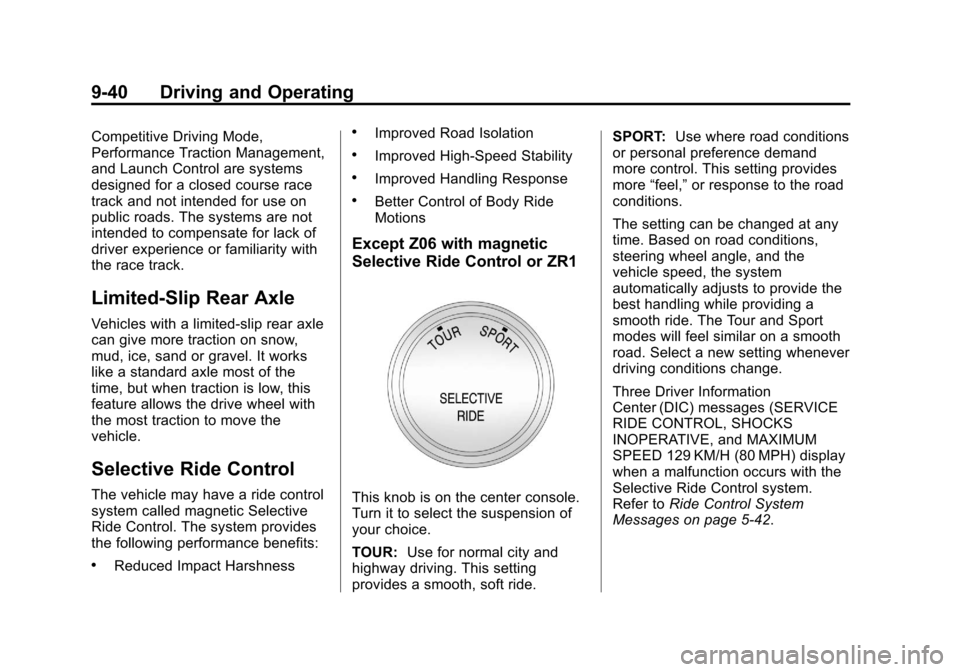
This knob is on the center console.
Turn it to select the suspension of
your choice.
TOUR:Use for normal city and
highway driving. This setting
provides a smooth, soft ride. SPORT:
Use where road conditions
or personal preference demand
more control. This setting provides
more “feel,” or response to the road
conditions.
The setting can be changed at any
time. Based on road conditions,
steering wheel angle, and the
vehicle speed, the system
automatically adjusts to provide the
best handling while providing a
smooth ride. The Tour and Sport
modes will feel similar on a smooth
road. Select a new setting whenever
driving conditions change.
Three Driver Information
Center (DIC) messages (SERVICE
RIDE CONTROL, SHOCKS
INOPERATIVE, and MAXIMUM
SPEED 129 KM/H (80 MPH) display
when a malfunction occurs with the
Selective Ride Control system.
Refer to Ride Control System
Messages on page 5‑42.
Page 253 of 414
Black plate (41,1)Chevrolet Corvette Owner Manual - 2013 - crc2 - 11/8/12
Driving and Operating 9-41
Z06 with magnetic Selective
Ride Control with PTM or ZR1
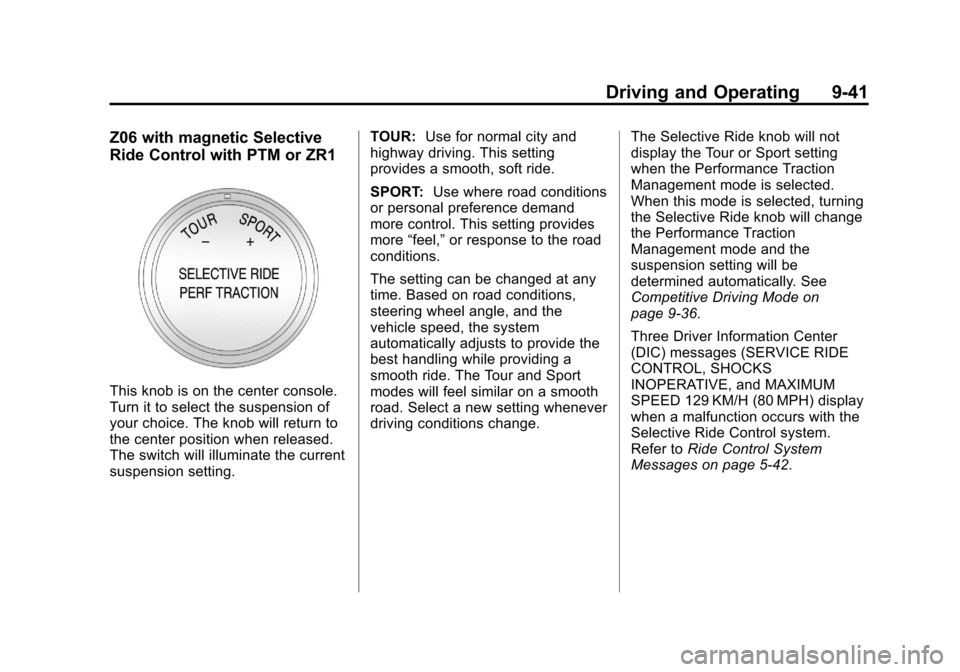
This knob is on the center console.
Turn it to select the suspension of
your choice. The knob will return to
the center position when released.
The switch will illuminate the current
suspension setting.TOUR:
Use for normal city and
highway driving. This setting
provides a smooth, soft ride.
SPORT: Use where road conditions
or personal preference demand
more control. This setting provides
more “feel,” or response to the road
conditions.
The setting can be changed at any
time. Based on road conditions,
steering wheel angle, and the
vehicle speed, the system
automatically adjusts to provide the
best handling while providing a
smooth ride. The Tour and Sport
modes will feel similar on a smooth
road. Select a new setting whenever
driving conditions change. The Selective Ride knob will not
display the Tour or Sport setting
when the Performance Traction
Management mode is selected.
When this mode is selected, turning
the Selective Ride knob will change
the Performance Traction
Management mode and the
suspension setting will be
determined automatically. See
Competitive Driving Mode on
page 9‑36.
Three Driver Information Center
(DIC) messages (SERVICE RIDE
CONTROL, SHOCKS
INOPERATIVE, and MAXIMUM
SPEED 129 KM/H (80 MPH) display
when a malfunction occurs with the
Selective Ride Control system.
Refer to
Ride Control System
Messages on page 5‑42.
Page 316 of 414
Black plate (54,1)Chevrolet Corvette Owner Manual - 2013 - crc2 - 11/8/12
10-54 Vehicle Care
possible, contact the nearest
authorized GM or run-flat servicing
facility for inspection and repair or
replacement.
When driving on a deflated run-flat
tire, avoid potholes and other road
hazards that could damage the tire
and/or wheel beyond repair. When a
tire has been damaged, or if driven
any distance while deflated, check
with an authorized run-flat tire
service center to determine whether
the tire can be repaired or should be
replaced. To maintain the run-flat
feature, all replacement tires must
be run-flat tires.
To locate the nearest GM or run-flat
servicing facility, call Customer
Assistance.
The valve stems on run-flat tires
have sensors that are part of the
TPMS. SeeTire Pressure Monitor
System on page 10‑62. These
sensors contain batteries that are
designed to last for 10 years under normal driving conditions. See your
dealer for wheel or sensor
replacement.
Notice:
Using liquid sealants can
damage the tire valves and tire
pressure monitor sensors in the
run-flat tires. This damage is not
covered by the vehicle warranty.
Do not use liquid sealants in
run-flat tires.
Low-Profile Tires
Low‐Profile Performance Tire
The original equipment tires on
this vehicle are classified as
low‐profile performance tires.
These tires are designed for
very responsive driving on wet
or dry pavement, however, may
produce more road noise and
tend to wear faster. Notice:
Low‐profile tires are
more susceptible to damage
from road hazards or curb
impact than standard profile
tires. Tire and/or wheel
assembly damage can occur
when coming into contact
with road hazards like,
potholes, or sharp edged
objects, or when sliding into a
curb. The warranty does not
cover this type of damage.
Keep tires set to the correct
inflation pressure and, when
possible, avoid contact with
curbs, potholes, and other
road hazards.