2013.5 PEUGEOT 5008 deactivate
[x] Cancel search: deactivatePage 19 of 404

.
163
159
151
Familiarisation17
Passenger safety
Passenger's front airbag
1. Insert the key. 2. Select the position: "OFF" (deactivation), with "rear facing" child seat, "ON" (activation), with front passenger or "for wards facing" child seat.
3. Remove the key keeping the switch in the new position.
Seat belts and passenger's
front airbag
A. Front and/or rear seat belts not fastened / unfastened warning lamp. B. Front left seat belt warning lamp. C. Front right seat belt warning lamp. D. Rear right seat belt warning lamp.
E. Rear centre seat belt warning lamp. F. Rear left seat belt warning lamp. G. Passenger's front airbag deactivated warning lamp. H. Passenger's front airbag activated warning lamp.
Electric child lock
Lighting of the indicator lamp indicates the status of the corresponding function. Locking of the rear doors and deactivation of the rear electric window controls.
7 seat version (3rd row)I. Rear right seat belt warning lamp. J. Rear left seat belt warning lamp.
Page 22 of 404

195
Familiarisation
20
Driving safely
Stop & Start
Going into engine STOP mode
The "ECO" warning lamp comes on in the instrument panel and the engine automatically goes into standby, w ith
an electronic gearbox: at speeds below 5 mph (8 km/h), press the brake pedal or put the gear lever in position N .
In some circumstances, STOP mode may not be available; the "ECO" warning lamp flashes for few seconds, then goes off.
Going into engine START mode
The "ECO" warning lamp goes off and the engine restarts with an electronic gearbox :
In some circumstances START mode may be invoked automatically; the "ECO" warning lamp flashes for a few seconds, then goes off.
Deactivation / Reactivation
You can deactivate the system at any time by pressing the "ECO OFF" button; the warning lamp in the button comes on.
The system is reactivated automatically at every new start using the key.
Before refuelling or doing anything under the bonnet, you must switch off the ignition using the key.
- gear lever in position A or M , release the brake pedal, - or with the gear lever in position N and the brake pedal released, move the gear lever to position A or M , - or engage reverse gear.
Page 23 of 404

.
166
Familiarisation21
Driving safely
Electric parking brake
Manual application / release
The parking brake can be applied manually by pulling the control lever A . When the ignition is on, the parking brake can be released manually by pressing the brake pedal and pulling then releasing the control lever A .
Automatic application / release
Press the accelerator, press and and release the clutch (manual gearbox), the parking brake is released automatically and progressively on acceleration. With the vehicle stationary, when the engine is switched off , the parking brake is is switched off , the parking brake is is switched offappliedautomatically.
Before getting out of the vehicle, check that the braking warning lamp ( red ! ) and the warning lamp P , P , Plocated in the control lever Aare on fixed (not flashing).
If this warning lamp is on in the instrument panel, the automatic application/release is deactivated , in this case use the manual application/release.
If you are towing a trailer or a caravan
or if the gradient is likely to change (transport by ship, lorry, towing, ...), apply the parking brake manually to maximum force (long pull on control lever A ) to immobilise the vehicle. A ) to immobilise the vehicle. A When the door is opened with the engine running an audible signal is heard, apply the parking brake manually. Do not leave a child alone in the vehicle with the ignition on, they could release the parking brake.
Page 31 of 404

1
Monitoring29
Vehicle parameters
This menu allows you to activate or deactivate
certain driving and comfort equipment * : - wiper linked with reverse gear (refer to the "Visibility" section), - selective unlocking (refer to the "Access" section), - guide-me-home and welcome lighting (refer to the " Visibility" section), - interior mood lighting (refer to the "Visibility" section), - directional headlamps (refer to the "Visibility" section), - automatic or manual parking brake (refer to the "Driving" section).
Choice of units
This menu allows you to select the units: temperature (°Celsius or °Fahrenheit) and fuel consumption (l/100 km, mpg or km/l).
Choice of language
This menu allows you to select the display language.
Main menu
Press button 1 for access to the main menu and select one of the following functions: - " Vehicle parameters", - "Choice of language", - "Choice of units".
Press button 2 or 3 to move in the screen. Press button 1 again to confirm the selection.
The main menu and its associated functions can only be accessed when stationary, via buttons 1 to 4 . A message appears in the screen, above a certain speed threshold, indicating that the main menu cannot be displayed. The trip computer displays can only be accessed while driving, via buttons 2and 3 (refer to the "Trip computer" section).
* According to country.
Page 34 of 404

Monitoring
32
Warning lampis onCauseAction/Observations
Deactivation of the automatic functions of the electric parking brake
fixed. The "automatic application" (on switching off the engine) and "automatic release" functions are deactivated or faulty.
Activate the function (according to country) via the vehicle configuration menu or contact a PEUGEOT dealer or a qualified workshop if automatic application / release is not possible. The parking brake can be released manually using the emergency release procedure. For more information on the electric parking brake, refer to the corresponding section.
Foot on the brake pedal fixed. The brake pedal must be pressed. Press the brake pedal to start the engine with an electronic gearbox (lever in position N ) or automatic gearbox (lever in position P ). If you wish to release the parking brake without pressing the brake pedal, this warning lamp will remain on.
flashing. In the case of an electronic gearbox, if you hold the vehicle on an incline using the accelerator for too long, the clutch overheats.
Use the brake pedal and/or the electric parking brake.
Parking space sensors fixed. The parking space sensors function is active. Press the corresponding button to deactivate it.
flashing. The system is measuring the space. Once the measurement has been done, the warning lamp comes on fixed again.
Stop & Star t fixed. When the vehicle stops (red lights, traffic jams, ...) the Stop & Start system has put the engine into STOP mode.
The warning lamp goes off and the engine restarts automatically in START mode, as soon as you want to move off.
flashes for a few seconds, then goes off. STOP mode is temporarily unavailable. or START mode is invoked automatically.
For more information on special cases with STOP mode and START mode, refer to the "Stop & Start" section.
Page 35 of 404
1
Monitoring33
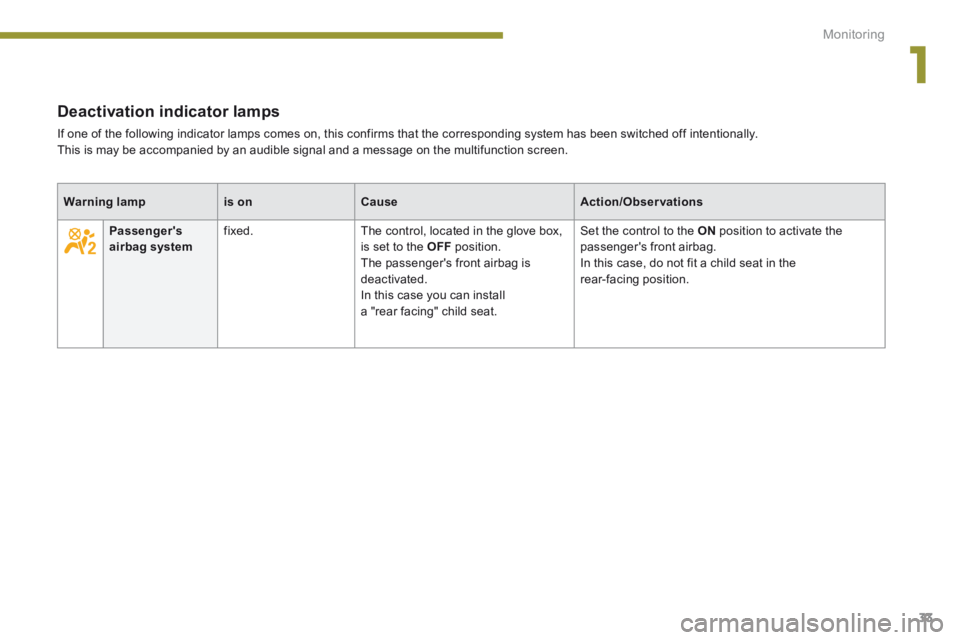
Deactivation indicator lamps
If one of the following indicator lamps comes on, this confirms that the corresponding system has been switched off intentionally. This is may be accompanied by an audible signal and a message on the multifunction screen.
Warning lampis onCauseAction/Observations
Passenger's airbag system fixed. The control, located in the glove box, is set to the OFF position. The passenger's front airbag is deactivated. In this case you can install a "rear facing" child seat.
Set the control to the ON position to activate the passenger's front airbag. In this case, do not fit a child seat in the rear-facing position.
Page 38 of 404

Monitoring
36
Warning lampis onCauseAction/Observations
Engine autodiagnosis system
flashing. The engine management system has a fault. Risk of destruction of the catalytic converter. Have it checked by a PEUGEOT dealer or a qualified workshop.
fixed. The emission control system has a fault. The warning lamp should go off when the engine is started. If it does not go off, contact a PEUGEOT dealer or qualified workshop without delay.
Low fuel level fixed with the needle in the red zone. When it first comes on there remains approximately 6 litres of fuel in the tank. At this point, you begin to use the fuel reserve.
Refuel as soon as possible to avoid running out of fuel. This warning lamp will come on every time the ignition is switched on, until a sufficient addition of fuel is made. Fuel tank capacity: approximately 60 litres . Never continue to drive until you run out of fuel, as this could damage the emission control and injection systems.
Maximum coolant temperature fixed with the needle in the red zone. The temperature of the cooling system is too high. Stop as soon as it is safe to do so. Wait until the engine has cooled down before topping up the level, if necessary. If the problem persists, contact a PEUGEOT dealer or a qualified workshop.
Dynamic stability control (DSC/ASR)
flashing. The DSC/ASR regulation is operating. The system optimises traction and improves the directional stability of the vehicle.
fixed. Unless it has been deactivated (button pressed and its indicator lamp on) the DSC/ASR system has a fault.
Have it checked by a PEUGEOT or a qualified workshop.
Page 47 of 404

2
Multifunction screens45
Vehicle confi guration
Options
Once the "Options" menu has been selected, you can start diagnostics of the status of the equipment (active, not active, faulty).
Languages
Once the "Languages" menu has been selected, you can change the language used by the display (Français, Italiano, Nederlands, Portugues, Portugues-Brasil, Türkçe, Deutsch, English, Espanol).
Date and time
Once the "Display settings" menu has been selected, you can gain access to the following settings: - ye a r, - month, - d ay, - h o u r, - minutes, - 12 or 24 hour mode. Units
Once the "Units" menu has been selected, you can change the units for: - temperature (°C or °F), - fuel consumption (l/100 km, mpg or km/l).
Once you have selected a setting, press the "OK" button to change its value.
Wait for approximately ten seconds without any action to allow the changed data to be recorded or press the "ESC" button to cancel. The screen then returns to the normal display.
Once the " Vehicle configuration" menu has been selected, you can activate or deactivate the following equipment (according to country): - wiper linked with reverse gear (refer to the "Visibility" section), - selective unlocking (refer to the " Access" section), - "guide-me-home" and welcome lighting (refer to the " Visibility" section), - interior mood lighting (refer to the "Visibility" section), - directional headlamps (refer to the "Visibility" section), - automatic or manual parking brake (refer to the "Driving" section), - parking space sensors (se the "Driving" section), - ...
For safety reasons, configuration of the multifunction screen by the driver must only be done when stationary.