Page 7 of 268
Upper center console
Fig. 6 Overview of the upper center console.
Key to fig. 6:
(1) Additional instruments (if equipped)
(2) Radio or Radio & Navigation system (factory-installed) ⇒ Booklet Radio
or ⇒ Booklet Navigation system
(3) Passenger seat heating button [
(4) Controls for:
– Manual AC
(5) Switch for emergency flashers �
(6) PASSENGER AIR BAG /&& � light (front airbag for front seat passenger)
(7) Driver seat heating button A
(8) Air vents –
Page 8 of 268
Lower center console
Fig. 7 Overview of the lower center console.
Key to fig. 7:
(1) Lever for:
– Manual transmission
– Automatic transmission
(2) 12 Volt socket
(3) Storage compartment with cup holder in the center console
(4) Center armrest with storage compartment (if equipped)
(5) Parking brake lever
(6) Starter button for the Keyless Access locking and starting system
(7) Storage compartment
Page 10 of 268
Symbols on the roof console
Symbol Meaning
* � / � Interior and reading lights.
g c h Power sunroof.
a
/ Three-button module ⇒ Booklet Mobile Phone Package.
Page 38 of 268

All turn signals flash twice to confirm that the vehicle has been unlocked and once to confirm that it
has been locked.
If the vehicle was unlocked and within the next few seconds neither a door nor the rear hatch has
been opened, the vehicle is automatically locked again.
Unlocking and opening doors (Keyless Entry)
x Grasp the door handle of the driver or front passenger door so that you touch the unlocking sensor
surface (A).
x Open the door.
Closing and locking doors (Keyless Exit)
x Switch the ignition off.
x Close the driver door.
x Touch the sensor surface in the door handle on the driver or front passenger door (B). The vehicle
is locked. The door being locked must be closed.
Unlocking and locking the rear hatch
If the vehicle is locked and a valid remote control vehicle key is within range ⇒ fig. 23 of the rear hatch,
it unlocks automatically when opened.
x Open and close the rear hatch as you would a standard rear hatch.
The rear hatch locks automatically when it is closed except in the following situations:
x The vehicle is completely unlocked.
x When an authorized remote control vehicle key is inside the vehicle.
Locking with a second vehicle key
If a remote control vehicle key is inside the passenger compartment, the vehicle can be locked from
the outside only if a second valid remote control vehicle key is within range.
When the vehicle is locked from the outside, the keyless go (starting) function of any keys left in the
passenger compartment will be deactivated. All other functions (remote central locking and unlocking
as well as emergency starting) remain active and unchanged.
A key that was inside the vehicle when it was locked from the outside is reactivated:
x by pressing a button on the deactivated key.
x by pressing a door handle sensor when the deactivated key is outside of the vehicle, but within
range.
x by starting the engine with the starter button on the center console.
Automatic deactivation of sensors
If the vehicle has not been unlocked or locked for a longer period of time, the proximity sensors in the
passenger door are automatically deactivated.
If a sensor on the door handle of a locked vehicle is activated too often, for instance by a bush or
hedge that rubs against the vehicle, the sensors in the door handle on that side of the vehicle are
switched off for a short time.
The door handle sensors become active again if one of the following events occurs:
x A short time has passed.
x OR: The vehicle is unlocked using the 0 button in the remote control vehicle key.
x OR: The rear hatch is opened.
x OR: The vehicle is mechanically unlocked with the vehicle key.
Page 74 of 268
Background lighting
When the ignition and headlights are switched on, the background lighting in the roof console lights
up.
There may also be footwell lighting.
Background lighting in the doors
The background lighting in the doors comes on when the ignition or headlights are switched on.
Turn the thumbwheel to the desired position ⇒ fig. 68:
Position Background lighting color
R Red
B Blue
W White
– Background lighting switched off
The interior and reading lights go out when you lock the vehicle or a few minutes after you
remove the vehicle key from the ignition. This helps to prevent unnecessary drain on the vehicle
battery.
Page 102 of 268
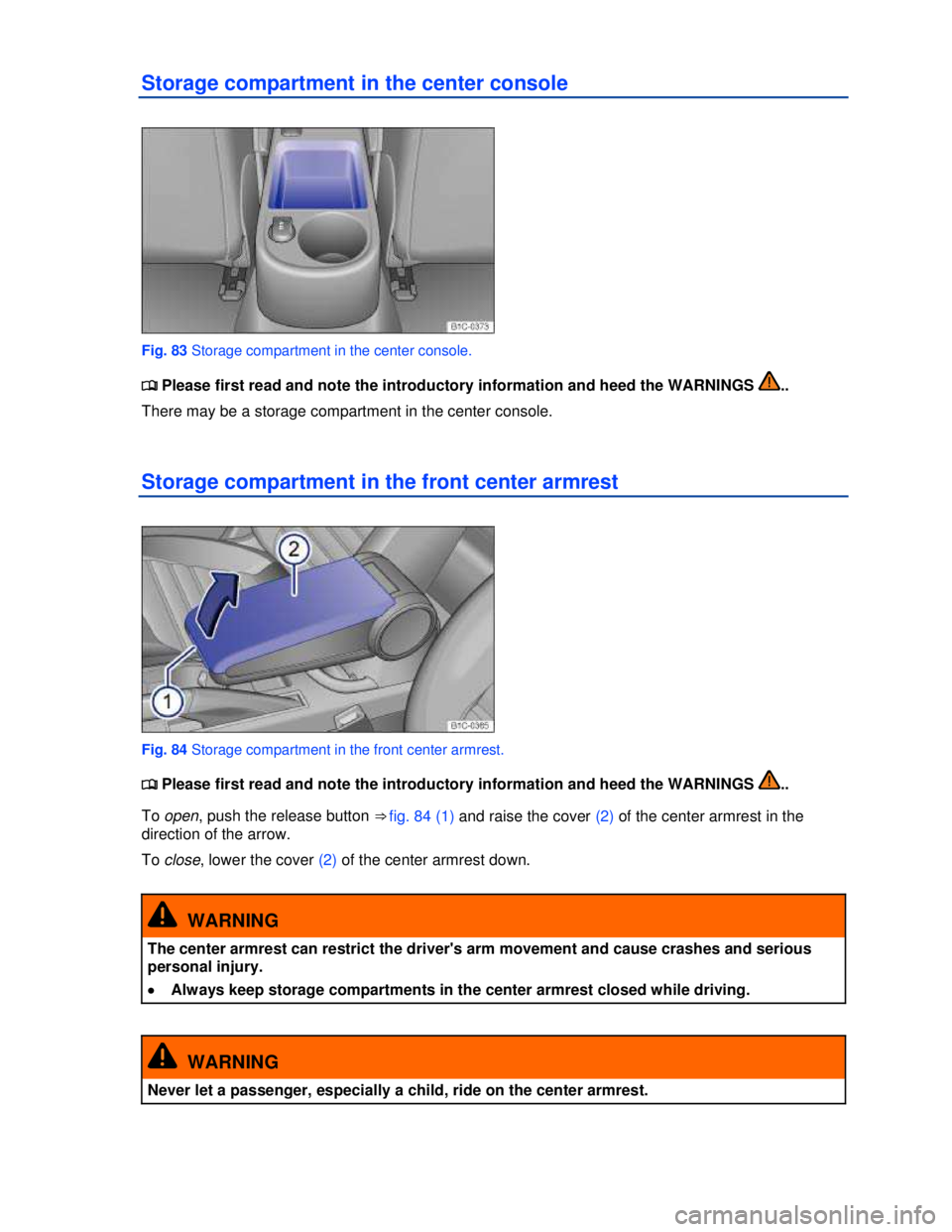
Storage compartment in the center console
Fig. 83 Storage compartment in the center console.
Page 108 of 268
The cup holder inserts can be removed for cleaning.
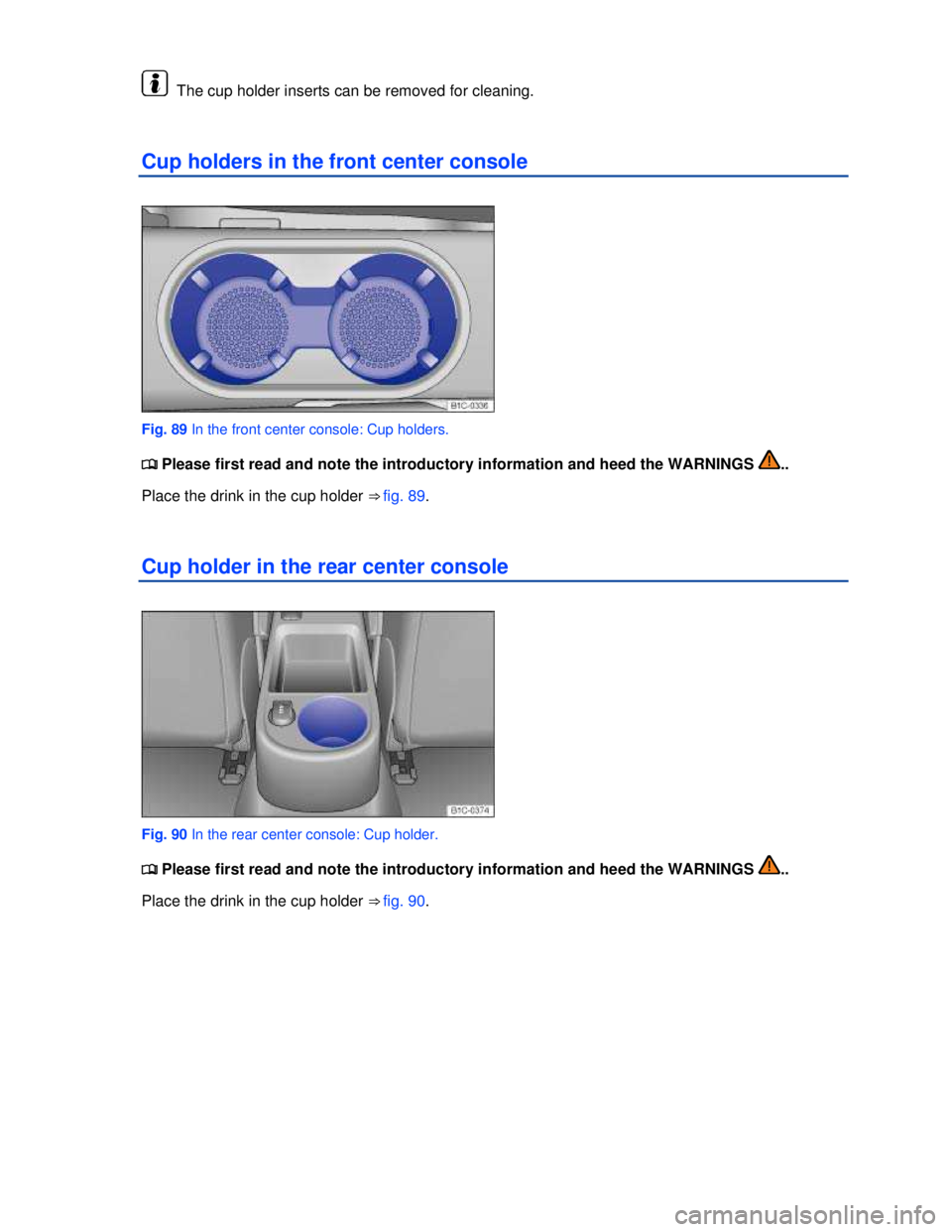
Cup holders in the front center console
Fig. 89 In the front center console: Cup holders.
Page 110 of 268
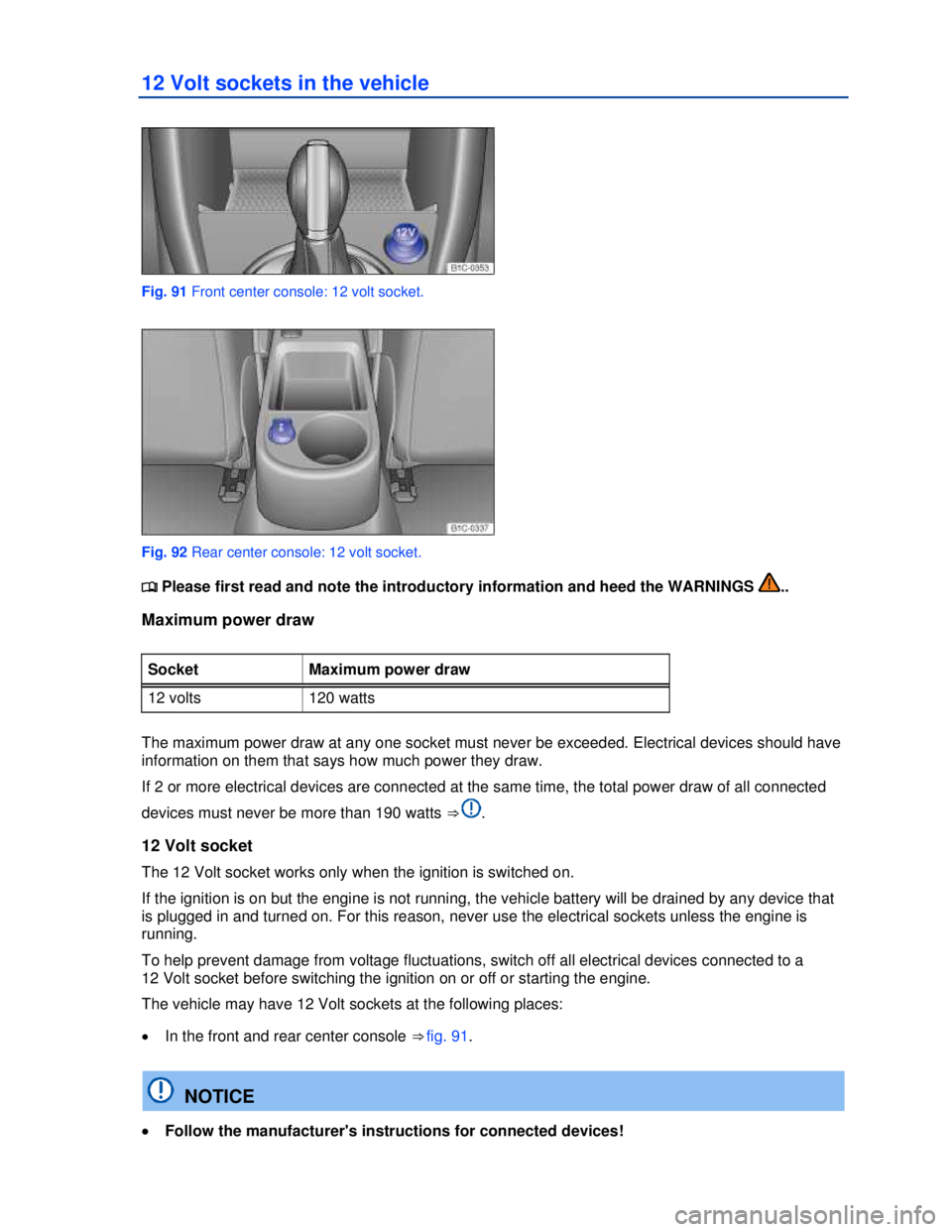
12 Volt sockets in the vehicle
Fig. 91 Front center console: 12 volt socket.
Fig. 92 Rear center console: 12 volt socket.