Page 292 of 744
292 2-5. Driving information
CAUTION
■To avoid accident or injury
●Do not make jerky, abrupt or sharp turns.
● Do not apply the brakes suddenly as you may skid, resulting in jackknifing
and loss of vehicle control. This is especially true on wet or slippery sur-
faces.
● Do not exceed the trailer hitch assembly weight, gross vehicle weight,
gross axle weight and trailer tongue weight capacities.
● Do not use cruise control when towing.
● Slow down and downshift before descending steep or long downhill
grades. Do not make sudden downshifts while descending steep or long
downhill grades.
● Vehicle-trailer instability is more likely on steep long downhills. Before
descending steep or long downhill grades, slow down and downshift. Do
not make sudden downshifts when descending steep or long downhill
grades. Avoid holding the brake pedal down too long or applying the
brakes too frequently. This could cause the brakes to overheat and result
in reduced braking efficiency.
● Do not tow a trailer when the temporary spare tire is installed on your vehi-
cle.
■ Hitch
Trailer hitch assemblies have different weight capacities established by the
hitch manufacturer. Even though the vehicle may be physically capable of
towing a higher weight, the operator must determine the maximum weight
rating of the particular hitch assembly and never exceed the maximum
weight rating specified for the trailer-hitch. Exceeding the maximum weight
rating set by the trailer-hitch manufacturer can cause an accident resulting in
death or serious personal injuries.
Page 321 of 744
321
3-2. Using the audio system
3
Interior and exterior features
Type C: CD player with changer
controller and AM/FM radio
TitlePage
Using the radioP. 324
Using the CD playerP. 332
Playing MP3 and WMA discsP. 341
Operating an iPodP. 349
Operating a USB memoryP. 355
Optimal use of the audio systemP. 362
Using the AUX portP. 366
Using the steering wheel audio switchesP. 368
Page 322 of 744
322 3-2. Using the audio system
Language settings (type B and C)The language used for all voice guidance, voice recognition and mes-
sages may be changed.
Press .
Press that corresponds to “MORE”.
Press that corresponds to “LANG”.
Press that corresponds to the desired language.
For vehicles sold in the U.S.A.
“ENG” (English) or “ESP” (Spanish)
For vehicles sold in Canada
“ENG” (English) or “FRAN” (French)
■ Using cellular phones
Interference may be heard through the audio system’s speakers if a cellular
phone is being used inside or close to the vehicle while the audio syste\
m is
operating.
Page 329 of 744
329
3-2. Using the audio system
3
Interior and exterior features
■
When the battery is disconnected
All preset stations are erased. (type A only)
■ Reception sensitivity
●Objects, especially metal objects, such as cargo, a camper, or a truck
rack, may adversely affect the reception of XM
® Satellite Radio.
● Maintaining perfect radio reception at all times is difficult due to the con-
tinually changing position of the antenna, differences in signal strength
and surrounding objects, such as trains, transmitters, etc.
■ XM
® Satellite Radio
An XM
® Satellite Radio is a tuner designed exclusively to receive broadcasts
provided under a separate subscription. Availability is limited to the 48 con-
tiguous states and 10 Canadian provinces.
● XM
® subscriptions
For detailed information about XM® Satellite Radio or to subscribe:
U.S.A.
Visit on the web at www.xmradio.com
or call 1-800-967-2346.
Canada
Visit on the web at www.xmradio.ca
or call 1-877-209-0079.
● Radio ID
You will need the radio ID when activating XM
® service or reporting a
problem. Select “CH000” using
or , and the receiver’s
8-character ID number will appear.
● Satellite tuner
The tuner supports only Audio Services (Music and Talk) and the accom-
panying Text Information of XM
® Satellite Radio.
Page 335 of 744
335
3-2. Using the audio system
3
Interior and exterior features
Scanning tracks
Press .
The first ten seconds of each track will be played.
To cancel, press again.
Press again when the desired track is reached.
Selecting a CD (type B only)■ Selecting a CD to play
Press that corresponds to “ ” or “ ”.
■ Scanning loaded CDs
Press and hold until you hear a beep.
The first ten seconds of the first track on each CD will be played.
To cancel, press again.
Press again when the desired CD is reached.
Playing and pausing tracks (type B and C)
Press .
Page 336 of 744
336 3-2. Using the audio system
Random playback■ Current CD
Press or that corresponds to “RDM”.
Songs are played in random order.
To cancel, press the button again.
■All CDs (type B only)
Press that corresponds to “RDM” twice.
Tracks on all loaded CDs are played in random order.
To cancel, press the button again.
Repeat play
■ Repeating a track
Press or that corresponds to “RPT”.
To cancel, press the button again.
■Repeating all of the tracks on a CD (type B only)
Press that corresponds to “RPT” twice.
To cancel, press the button again.
Page 343 of 744
343
3-2. Using the audio system
3
Interior and exterior features
■
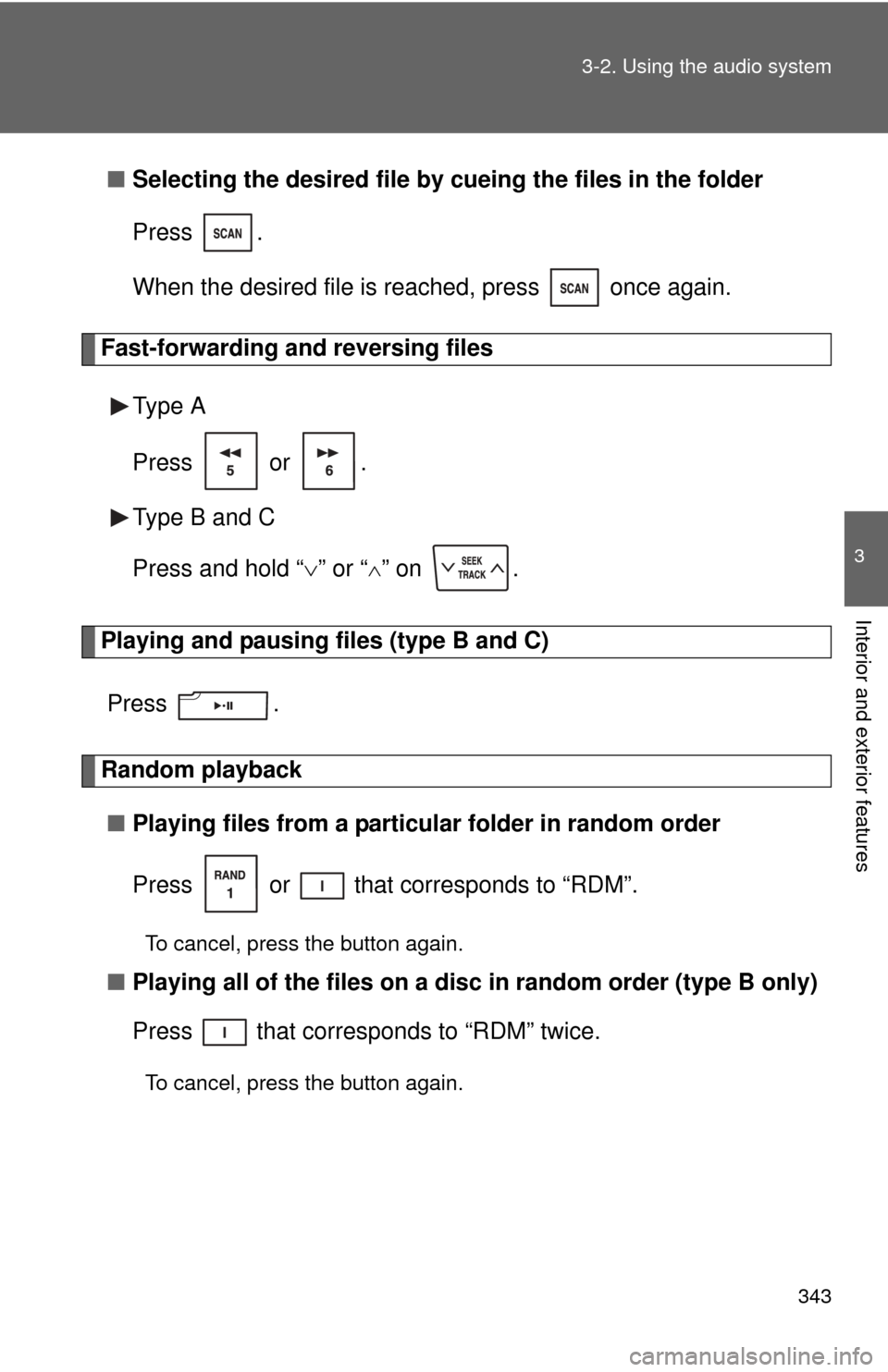
Selecting the desired file by cueing the files in the folder
Press .
When the desired file is reached, press once again.
Fast-forwarding and reversing files
Type A
Press or .
Type B and C
Press and hold “ ” or “
” on .
Playing and pausing files (type B and C)
Press .
Random playback■ Playing files from a particular folder in random order
Press or that corresponds to “RDM”.
To cancel, press the button again.
■Playing all of the files on a di sc in random order (type B only)
Press that corresponds to “RDM” twice.
To cancel, press the button again.
Page 344 of 744
344 3-2. Using the audio system
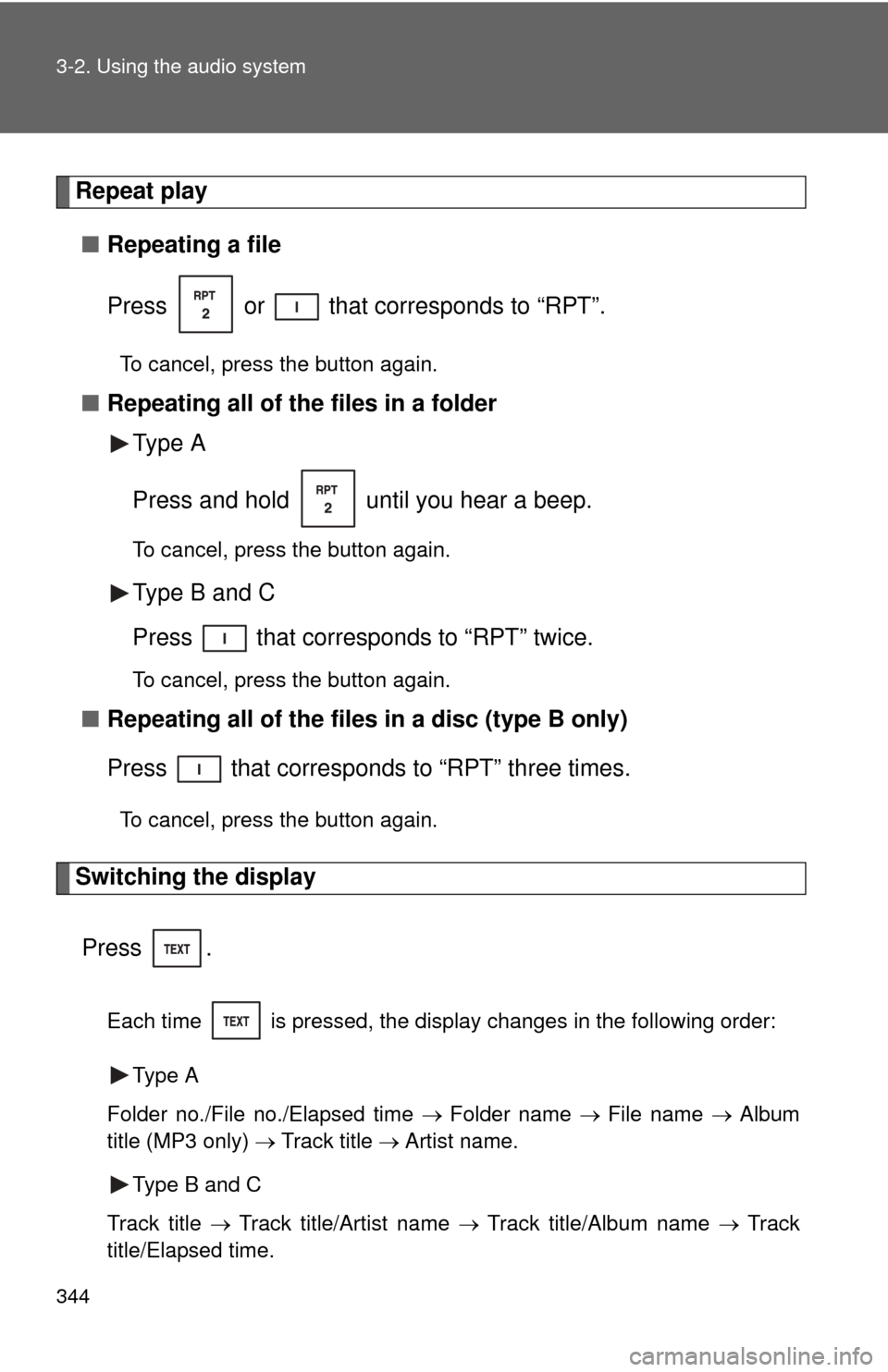
Repeat play■ Repeating a file
Press or that corresponds to “RPT”.
To cancel, press the button again.
■Repeating all of the files in a folder
Type A
Press and hold until you hear a beep.
To cancel, press the button again.
Type B and C
Press that corresponds to “RPT” twice.
To cancel, press the button again.
■Repeating all of the files in a disc (type B only)
Press that corresponds to “RPT” three times.
To cancel, press the button again.
Switching the display
Press .
Each time is pressed, the display changes in the following order: Type A
Folder no./File no./Elapsed time Folder name File name Album
title (MP3 only) Track title Artist name.
Type B and C
Track title Track title/Artist name Track title/Album name Track
title/Elapsed time.