Page 348 of 860
348 2-5. Driving information
SIENNA_U (OM45477U)
CAUTION
■Things that must not be carried in the luggage compartment
The following things may cause a fire if loaded in the luggage compart-
ment:
●Receptacles containing gasoline
●Aerosol cans
■Storage precautions
Observe the following precautions.
Failing to do so may result in death or serious injury.
●Stow cargo and luggage in the luggage compartment whenever possi-
ble.
●Do not stack anything in the luggage compartment higher than the
seatbacks. Such items may be thrown about and possibly injure peo-
ple in the vehicle in the event of sudden braking or in an accident.
●Do not place cargo or luggage in or on the following locations as the
item may get under the brake or accelerator pedal and prevent the
pedals from being depressed properly , block the driver’s vision, or hit
the driver or passengers, causing an accident.
• Driver’s feet
• Front passenger or rear seats (when stacking items)
• Instrument panel
• Dashboard
• Auxiliary box or tray that has no lid
Page 378 of 860
378
SIENNA_U (OM45477U)
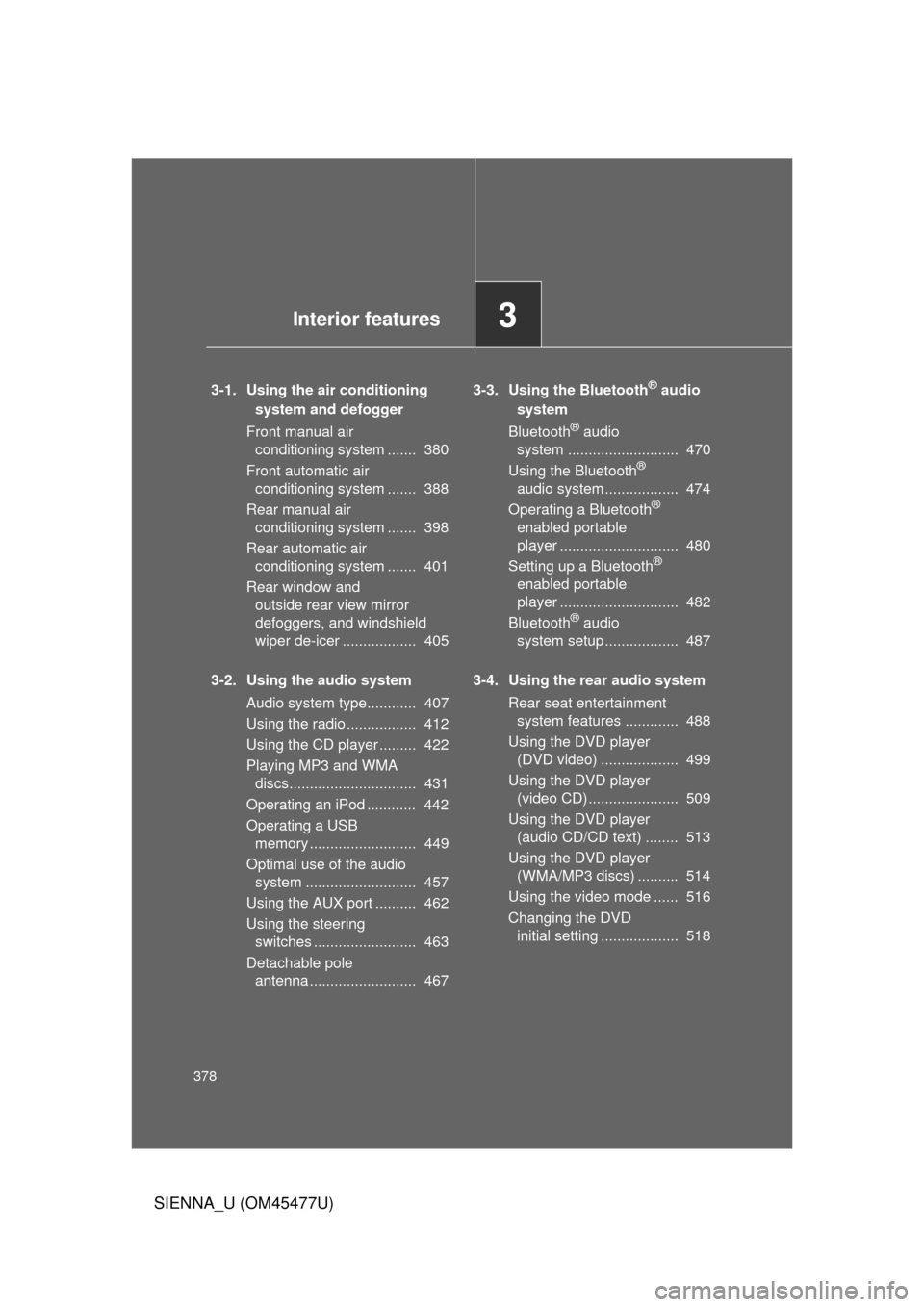
3-1. Using the air conditioning system and defogger
Front manual air conditioning system ....... 380
Front automatic air conditioning system ....... 388
Rear manual air conditioning system ....... 398
Rear automatic air conditioning system ....... 401
Rear window and outside rear view mirror
defoggers, and windshield
wiper de-icer .................. 405
3-2. Using the audio system Audio system type............ 407
Using the radio ................. 412
Using the CD player ......... 422
Playing MP3 and WMA discs............................... 431
Operating an iPod ............ 442
Operating a USB memory .......................... 449
Optimal use of the audio system ........................... 457
Using the AUX port .......... 462
Using the steering switches ......................... 463
Detachable pole antenna .......................... 467 3-3. Using the Bluetooth® audio
system
Bluetooth
® audio
system ........................... 470
Using the Bluetooth
®
audio system .................. 474
Operating a Bluetooth
®
enabled portable
player ............................. 480
Setting up a Bluetooth
®
enabled portable
player ............................. 482
Bluetooth
® audio
system setup .................. 487
3-4. Using the rear audio system Rear seat entertainment system features ............. 488
Using the DVD player (DVD video) ................... 499
Using the DVD player (video CD) ...................... 509
Using the DVD player (audio CD/CD text) ........ 513
Using the DVD player (WMA/MP3 discs) .......... 514
Using the video mode ...... 516
Changing the DVD initial setting ................... 518
3Interior features
Page 379 of 860
Interior features3
379
SIENNA_U (OM45477U)
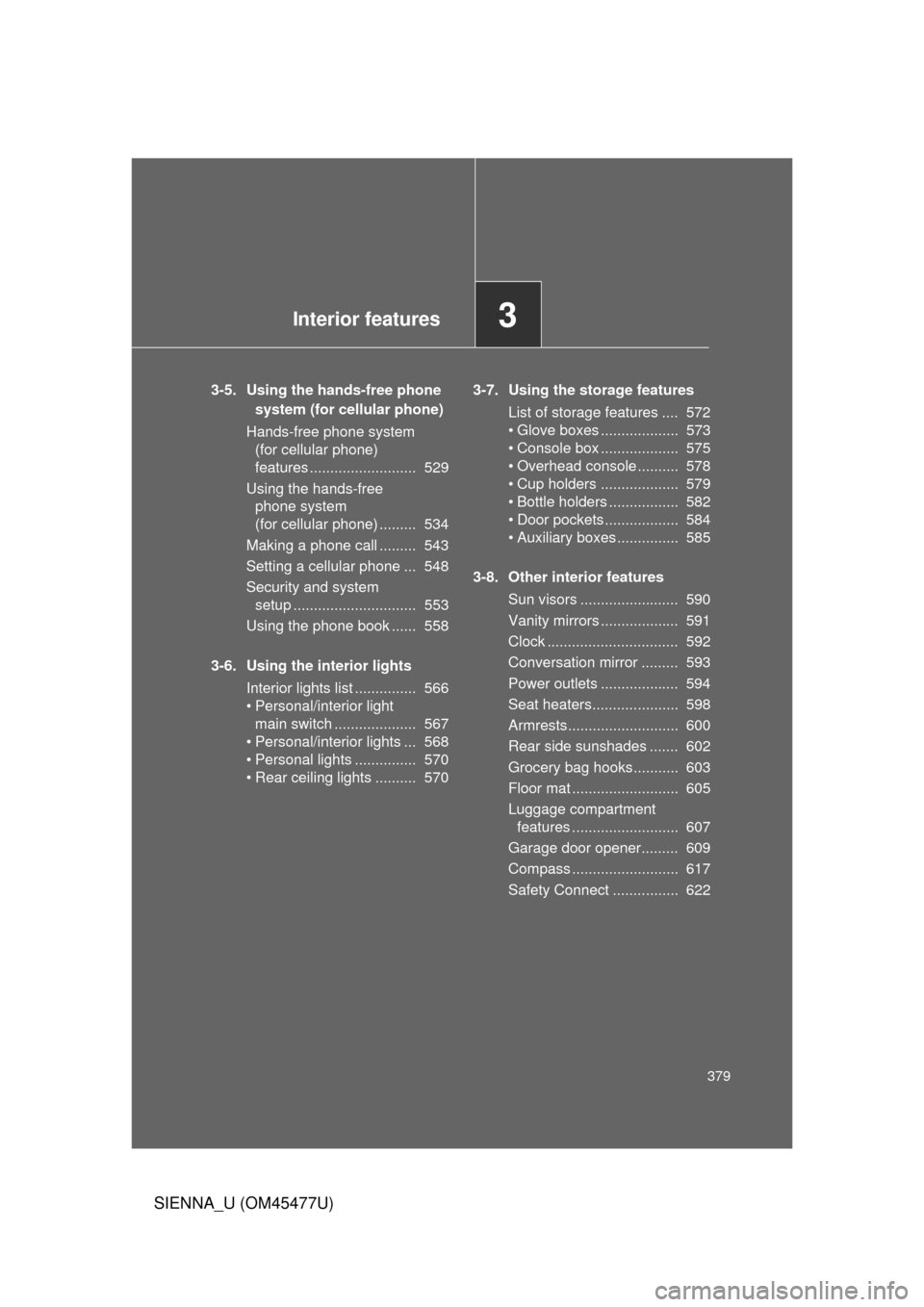
3-5. Using the hands-free phonesystem (for cellula r phone)
Hands-free phone system (for cellular phone)
features .......................... 529
Using the hands-free phone system
(for cellular phone) ......... 534
Making a phone call ......... 543
Setting a cellular phone ... 548
Security and system setup .............................. 553
Using the phone book ...... 558
3-6. Using the interior lights Interior lights list ............... 566
• Personal/interior light
main swi tch .................... 567
• Personal/interior lights ... 568
• Personal lights ............... 570
• Rear ceiling lights .......... 570 3-7. Using the storage features
List of storage features .... 572
• Glove boxes ................... 573
• Console box ................... 575
• Overhead console .......... 578
• Cup holders ................... 579
• Bottle holders ................. 582
• Door pockets .................. 584
• Auxiliary boxes ............... 585
3-8. Other interior features Sun visors ........................ 590
Vanity mirrors ................... 591
Clock ................................ 592
Conversation mirror ......... 593
Power outlets ................... 594
Seat heaters..................... 598
Armrests........................... 600
Rear side sunshades ....... 602
Grocery bag hooks........... 603
Floor mat .......................... 605
Luggage compartment features .......................... 607
Garage door opener......... 609
Compass .......................... 617
Safety Connect ................ 622
Page 409 of 860
409
3-2. Using the audio system
3
Interior features
SIENNA_U (OM45477U)
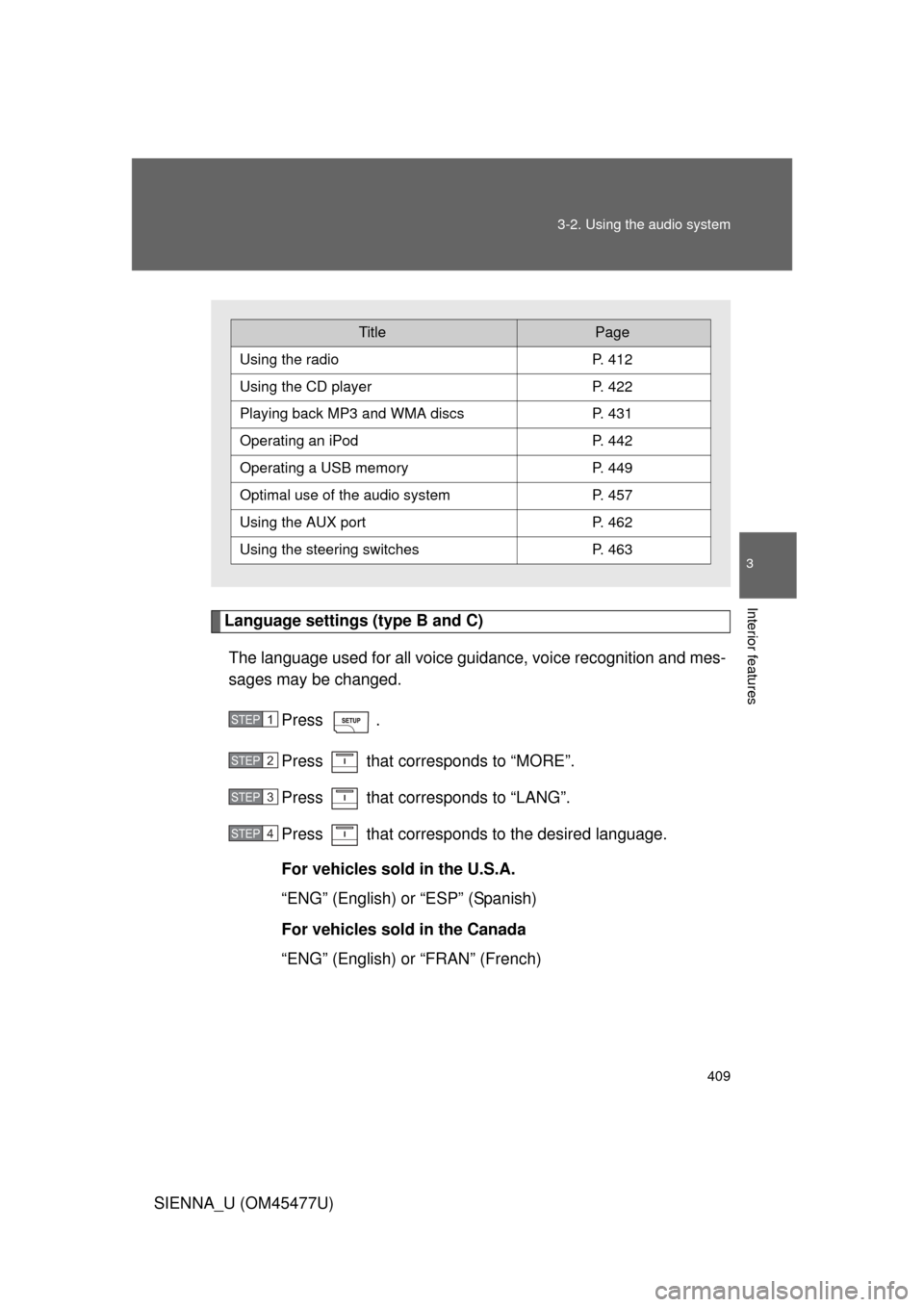
Language settings (type B and C)
The language used for all voice guidance, voice recognition and mes-
sages may be changed.
Press .
Press that corresponds to “MORE”.
Press that corresponds to “LANG”.
Press that corresponds to the desired language.
For vehicles sold in the U.S.A.
“ENG” (English) or “ESP” (Spanish)
For vehicles sold in the Canada
“ENG” (English) or “FRAN” (French)
TitlePage
Using the radioP. 412
Using the CD playerP. 422
Playing back MP3 and WMA discs P. 431
Operating an iPodP. 442
Operating a USB memoryP. 449
Optimal use of the audio systemP. 457
Using the AUX port P. 462
Using the steering switchesP. 463
STEP1
STEP2
STEP3
STEP4
Page 462 of 860
462
3-2. Using the audio system
SIENNA_U (OM45477U)
Using the AUX port
■Operating portable audio devices connected to the audio system
The volume can be adjusted using the vehicle’s audio controls. All other
adjustments must be made on the portable audio device itself.
■ When using a portable audio devi ce connected to the power outlet
Noise may occur during playback. Use the power source of the portable
audio device.
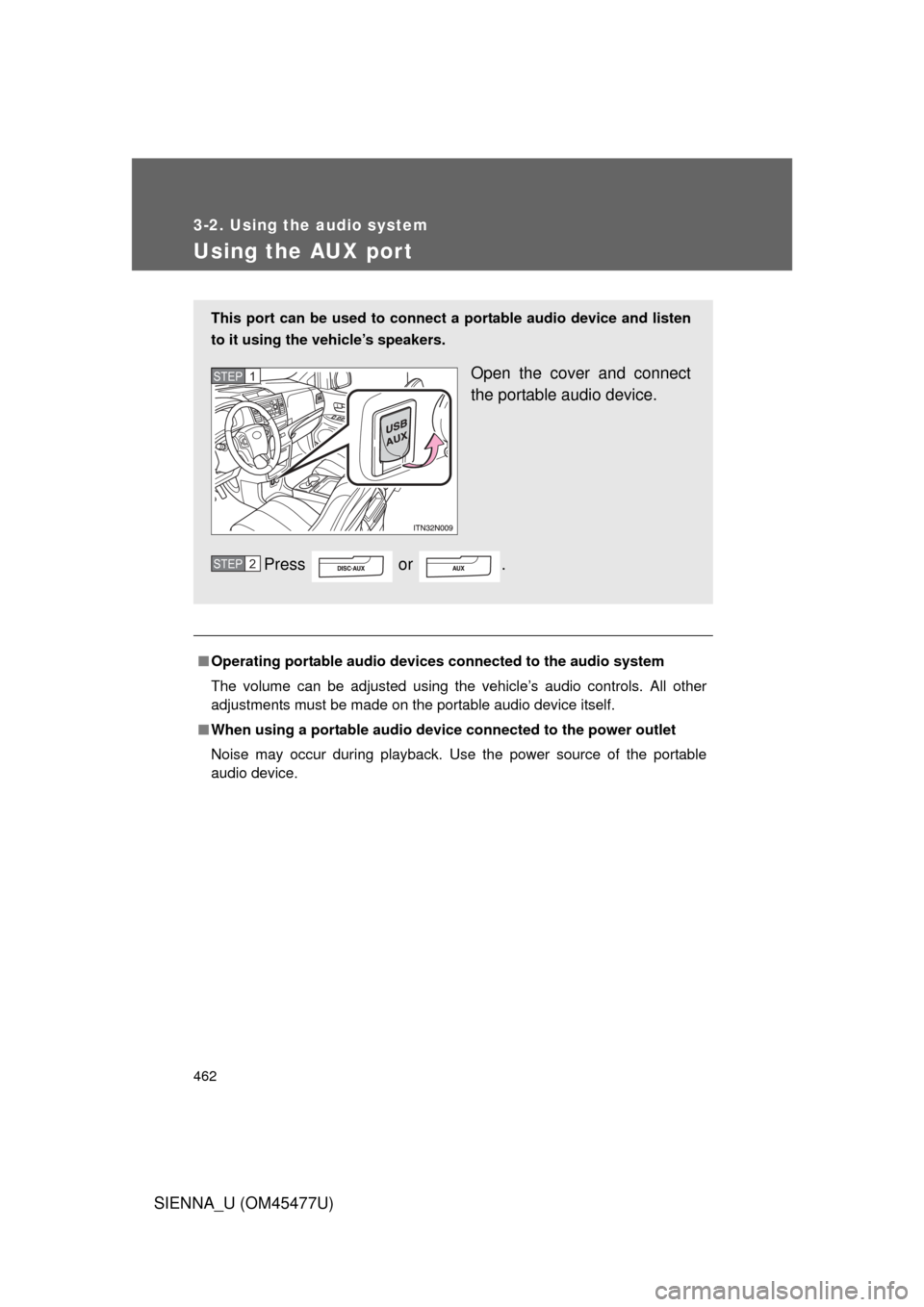
This port can be used to connect a portable audio device and listen
to it using the vehicle’s speakers.
Open the cover and connect
the portable audio device.
Press or .STEP1
STEP2
Page 464 of 860
464 3-2. Using the audio system
SIENNA_U (OM45477U)
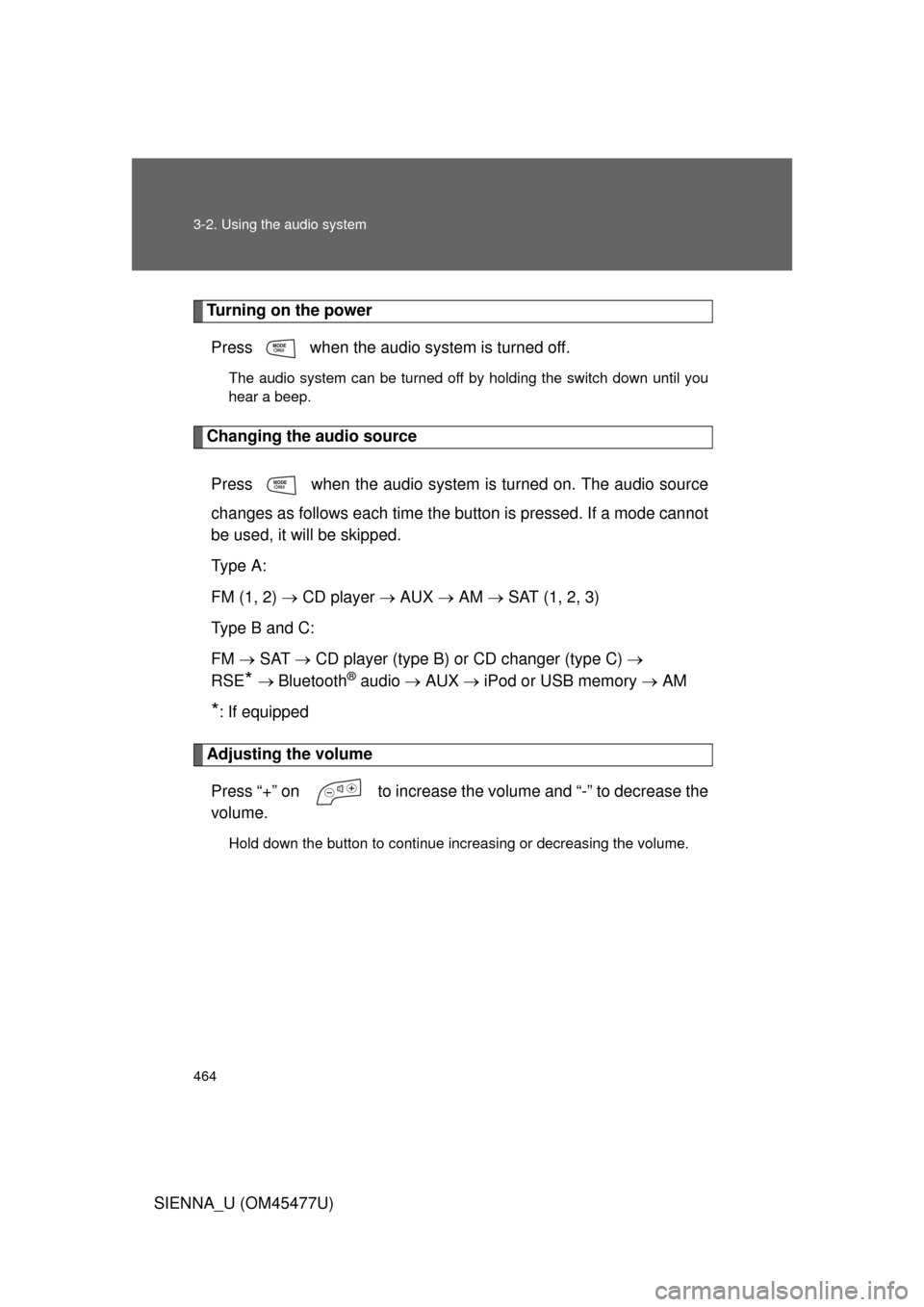
Turning on the powerPress when the audio system is turned off.
The audio system can be turned off by holding the switch down until you
hear a beep.
Changing the audio source
Press when the audio system is turned on. The audio source
changes as follows each time the button is pressed. If a mode cannot
be used, it will be skipped.
Type A:
FM (1, 2) CD player AUX AM SAT (1, 2, 3)
Type B and C:
FM SAT CD player (type B) or CD changer (type C)
RSE
* Bluetooth® audio AUX iPod or USB memory AM
*: If equipped
Adjusting the volume
Press “+” on to increase the volume and “-” to decrease the
volume.
Hold down the button to continue increasing or decreasing the volume.
Page 475 of 860
475
3-3. Using the Bluetooth
® audio system
3
Interior features
SIENNA_U (OM45477U)
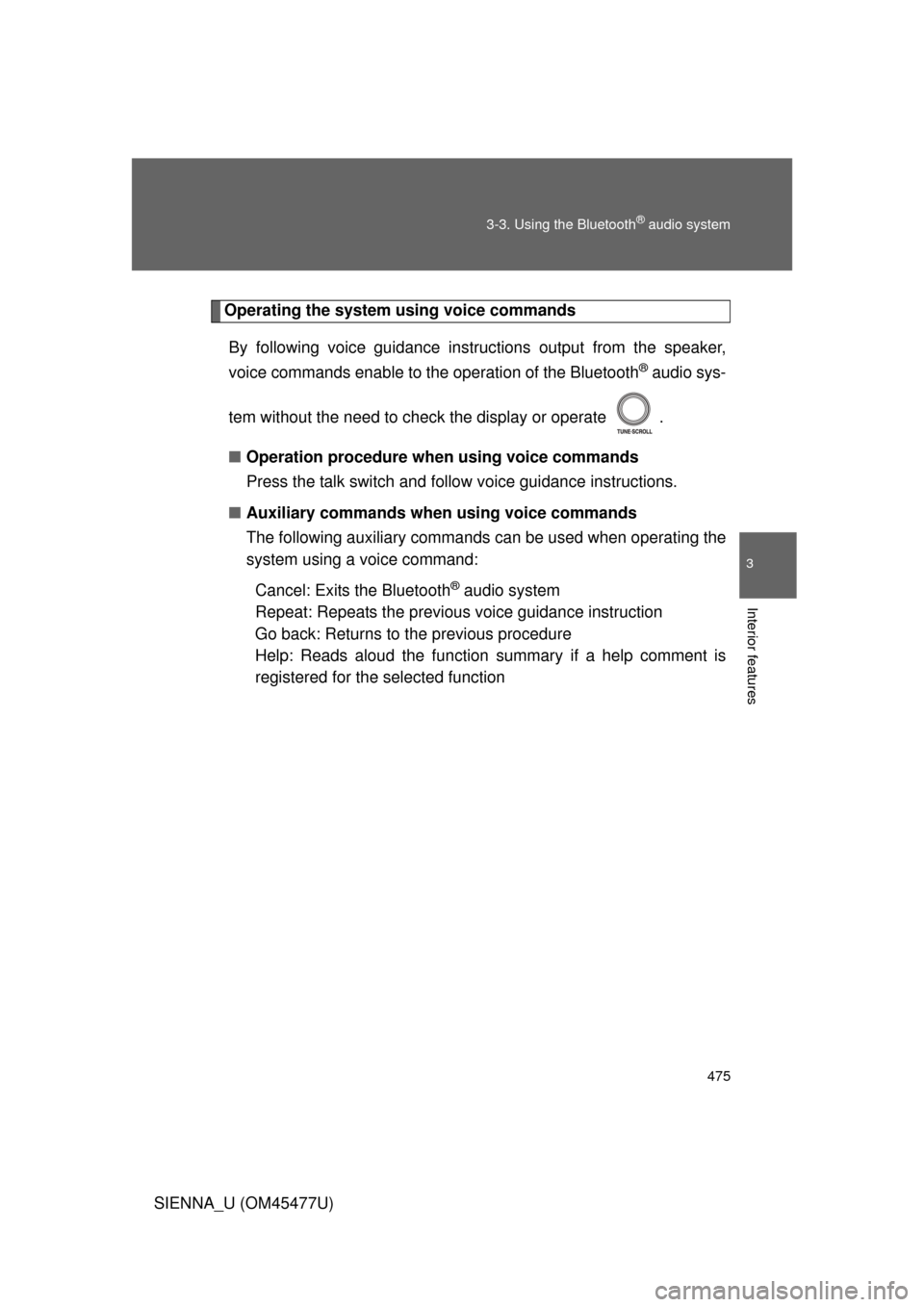
Operating the system using voice commands
By following voice guidance inst ructions output from the speaker,
voice commands enable to th e operation of the Bluetooth
® audio sys-
tem without the need to check the display or operate .
■ Operation procedure when using voice commands
Press the talk switch and follo w voice guidance instructions.
■ Auxiliary commands when using voice commands
The following auxiliary commands can be used when operating the
system using a voice command:
Cancel: Exits the Bluetooth
® audio system
Repeat: Repeats the previous voice guidance instruction
Go back: Returns to the previous procedure
Help: Reads aloud the function summary if a help comment is
registered for the selected function
Page 536 of 860
536 3-5. Using the hands-free phone system (for cellular phone)
SIENNA_U (OM45477U)
Operating the system using a voice command
By following voice gui dance instructions output from the speaker,
voice commands can be given to allow for operation of the hands-
free phone system without checking the display or operating .
■ Operation procedure when using a voice command
Press the talk switch and follo w voice guidance instructions.
■ Auxiliary commands when using a voice command
The following auxiliary commands can be used when operating the
system using a voice command:
Cancel: Exits the hands-free phone system
Repeat: Repeats the previous voice guidance instruction
Go back: Returns to the previous procedure
Help: Reads aloud the function summary if a help comment is
registered for the selected function