Page 1 of 544
TABLE OF CONTENTS
1
1Before drivingAdjusting and operating features such as door locks,
mirrors, and steering column.
2When drivingDriving, stopping and safe-driving information.
3Interior
featuresAir conditioning and audio systems, as well as other
interior features for a comfortable driving experience.
4Maintenance
and careCleaning and protecting your vehicle, performing do-it-
yourself maintenance, and maintenance information.
5When trouble
arisesWhat to do if the vehicle needs to be towed, gets a flat
tire, or is involved in an accident.
6Vehicle
specificationsDetailed vehicle information.
7For ownersReporting safety defects for U.S. owners, and seat belt
and SRS airbag instructions for Canadian owners
IndexAlphabetical listing of information contained in this
manual.
Page 3 of 544

1
2
3
4
5
6
7
3
2-3. Operating the lights and wipers
Headlight switch .................. 167
Fog light switch ................... 171
Windshield wipers and washer .............................. 173
Rear window wiper and washer .............................. 177
2-4. Using other driving systems
Cruise control ...................... 179
Rear view monitor system .............................. 183
Driving assist systems ........ 191
Hill-start assist control ......... 198
Downhill assist control system .............................. 200
Four-wheel drive lock switch ................................ 203
2-5. Driving information Utility vehicle precautions ....................... 204
Cargo and luggage ............. 209
Vehicle load limits ............... 215
Winter driving tips ............... 217
Trailer towing ...................... 221
Dinghy towing ..................... 231 3-1. Using the air conditioning
system and defogger
Manual air conditioning system .............................. 234
Automatic air conditioning system .............................. 240
Rear window and outside rear view
mirror defoggers ............... 248
Windshield wiper de-icer .... 250
3-2. Using the audio system Audio system types ............ 251
Using the radio ................... 254
Using the CD player ........... 260
Playing back MP3 and WMA discs ....................... 267
Optimal use of the audio system .............................. 274
Using the AUX port............. 277
Using the steering wheel audio switches.................. 278
3-3. Using the hands-free phone system
(for cellular phone)
Hands-free phone system (for cellular phone)
features ............................ 281
Using the hands-free phone system
(for cellular phone) ........... 285
Making a phone call ........... 293
Setting a cellular phone ...... 299
3Interior features
Page 12 of 544
12
Tilt and telescopic steering lock release lever P. 78
Headlight switch
Turn signal lever
Fog light switch
P. 167
P. 155
P. 171
Windshield wiper and washer switch
Rear window wiper and washer switch P. 173
P. 177
Fuel filler door opener
P. 91
Emergency flasher
switch
P. 424
Four-wheel drive lock switch P. 203
Pictorial indexInstrument panel
Gauges and meters P. 158
Audio system
Navigation system *P. 251
Hood release lever P. 363
Horn P. 157
Page 14 of 544
14
B
Cruise control switch P. 179
“DISP” switch P. 165Audio remote control switches ,* P. 278
Without hands-free phone system
Engine (ignition) switch
(without smart key system)
P. 149
Instrument panelPictorial index
With hands-free phone system
Cruise control switch P. 179
“DISP” switch P. 165Audio remote control switches P. 278
Talk switch P. 286
Telephone switch P. 286
Engine (ignition) switch
(without smart key system)
P. 149
Page 146 of 544
146 2-1. Driving procedures
■Changing “ENGINE START STOP” switch mode
Modes can be changed by pressing the “ENGINE START
STOP” switch with the brake pedal released. (The mode
changes each time the switch is pressed.)
OFF*
The emergency flashers can
be used.
ACCESSORY mode
Some electrical components
such as the audio system can
be used.
The “ENGINE START STOP”
switch indicator turns amber.
IGNITION ON mode
All electrical components can
be used.
The “ENGINE START STOP”
switch indicator turns amber.
*: If the shift lever is in a position other than P when turning off
the engine, the “ENGINE
START STOP” switch will be
turned to ACCESSORY mode,
not to OFF.
Page 149 of 544
149
2-1. Driving procedures
2
When driving
Engine (ignition) switch (vehicles without smart key system)
■Starting the engine
Check that the parking brake is set.
Check that the shift lever is set in P.
Sit in the driver’s seat and firmly depress the brake pedal.
Turn the engine switch to the “START” position to start the
engine.
■ Engine (ignition) switch
“LOCK”
The steering wheel is locked
and the key can be removed.
(The key can be removed only
when the shift lever is in P.)
“ACC”
Some electrical components
such as the audio system can
be used.
“ON”
All electrical components can
be used.
“START”
For starting the engine.
STEP 1
STEP 2
STEP 3
STEP 4
Page 233 of 544
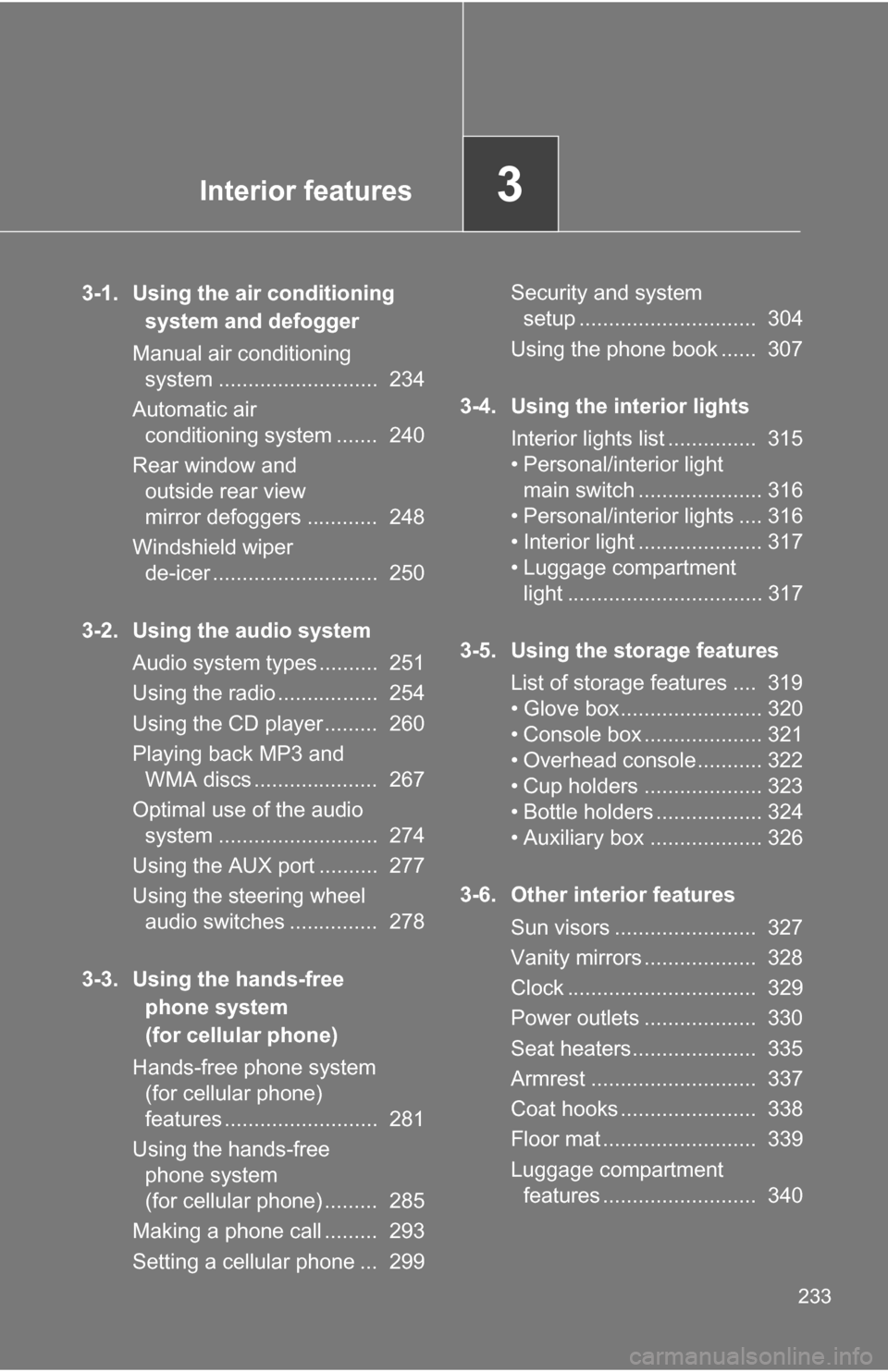
Interior features3
233
3-1. Using the air conditioning system and defogger
Manual air conditioning system ........................... 234
Automatic air conditioning system ....... 240
Rear window and outside rear view
mirror defoggers ............ 248
Windshield wiper de-icer ............................ 250
3-2. Using the audio system Audio system types .......... 251
Using the radio ................. 254
Using the CD player ......... 260
Playing back MP3 and WMA discs ..................... 267
Optimal use of the audio system ........................... 274
Using the AUX port .......... 277
Using the steering wheel audio switches ............... 278
3-3. Using the hands-free phone system
(for cellular phone)
Hands-free phone system (for cellular phone)
features .......................... 281
Using the hands-free phone system
(for cellular phone) ......... 285
Making a phone call ......... 293
Setting a cellular phone ... 299 Security and system
setup .............................. 304
Using the phone book ...... 307
3-4. Using the interior lights Interior lights list ............... 315
• Personal/interior light main switch ..................... 316
• Personal/interior lights .... 316
• Interior light ..................... 317
• Luggage compartment light ................................. 317
3-5. Using the storage features List of storage features .... 319
• Glove box........................ 320
• Console box .................... 321
• Overhead console ........... 322
• Cup holders .................... 323
• Bottle holders .................. 324
• Auxiliary box ................... 326
3-6. Other interior features Sun visors ........................ 327
Vanity mirrors ................... 328
Clock ................................ 329
Power outlets ................... 330
Seat heaters..................... 335
Armrest ............................ 337
Coat hooks ....................... 338
Floor mat .......................... 339
Luggage compartment features .......................... 340
Page 251 of 544
251
3
Interior features
3-2. Using the audio system
Audio system types
With navigation system
Owners of models equipped with a navigation system should refer
to the “Navigation Sy stem Owner's Manual”.
Without navigation system (type A)
CD player with changer controller and AM/FM radio
Without navigation system (type B)
CD player with changer and AM/FM radio


