Page 88 of 544

88 1-4. Opening and closing the windows and moon roof
■Operating the moon roof af ter turning the engine off
Vehicles without smart key system
The moon roof can be operated for approximately 45 seconds after the
engine switch is turned to the “ACC” or “LOCK” position. They cannot, how-
ever, be operated once either front door is opened.
Vehicles with smart key system
The moon roof can be operated for approximately 45 seconds after the
“ENGINE START STOP” switch is turned to ACCESSORY mode or turned
OFF. They cannot, however, be operated once either front door is opened.
■ Jam protection function
If an object is detected between the moon roof and the frame while closing
or tilting down, travel is stopped and the moon roof opens slightly.
■ If the moon roof cannot be closed
If the moon roof cannot be closed automatically, such as when the jam pro-
tection function activates accidentally due to a malfunction, press and hold
the “TILT UP” side of the switch until the moon roof slide closed completely.
■ To reduce wind noise
Drive with the moon roof opened to a position that is slightly before the fully
open position as driving with the moon roof opened fully will cause wind
noise.
■ Sunshade
The sunshade can be opened and closed manually. However, the sunshade
will open automatically when the moon roof is opened.
■ Opening the moon roof by small degrees
Quickly press and release the switch.
■ When the battery is disconnected
The moon roof must be initialized in order to ensure proper operation.
Press and hold the “TILT UP” side of the switch until the moon roof tilts up
completely.
Page 91 of 544
91
1
Before driving
1-5. Refueling
Opening the fuel tank cap
Perform the following steps to open the fuel tank cap.
■Before refueling the vehicle
Vehicles without smart key system
Turn the engine switch to the “LOCK” position and ensure that
all the doors and windows are closed.
Vehicles with smart key system
Turn the “ENGINE START STOP” switch OFF and ensure that
all the doors and windows are closed.
■ Opening the fuel tank cap
Pull up the fuel filler door
opener.
Turn the fuel tank cap slowly
to open.
STEP 1
STEP 2
Page 136 of 544
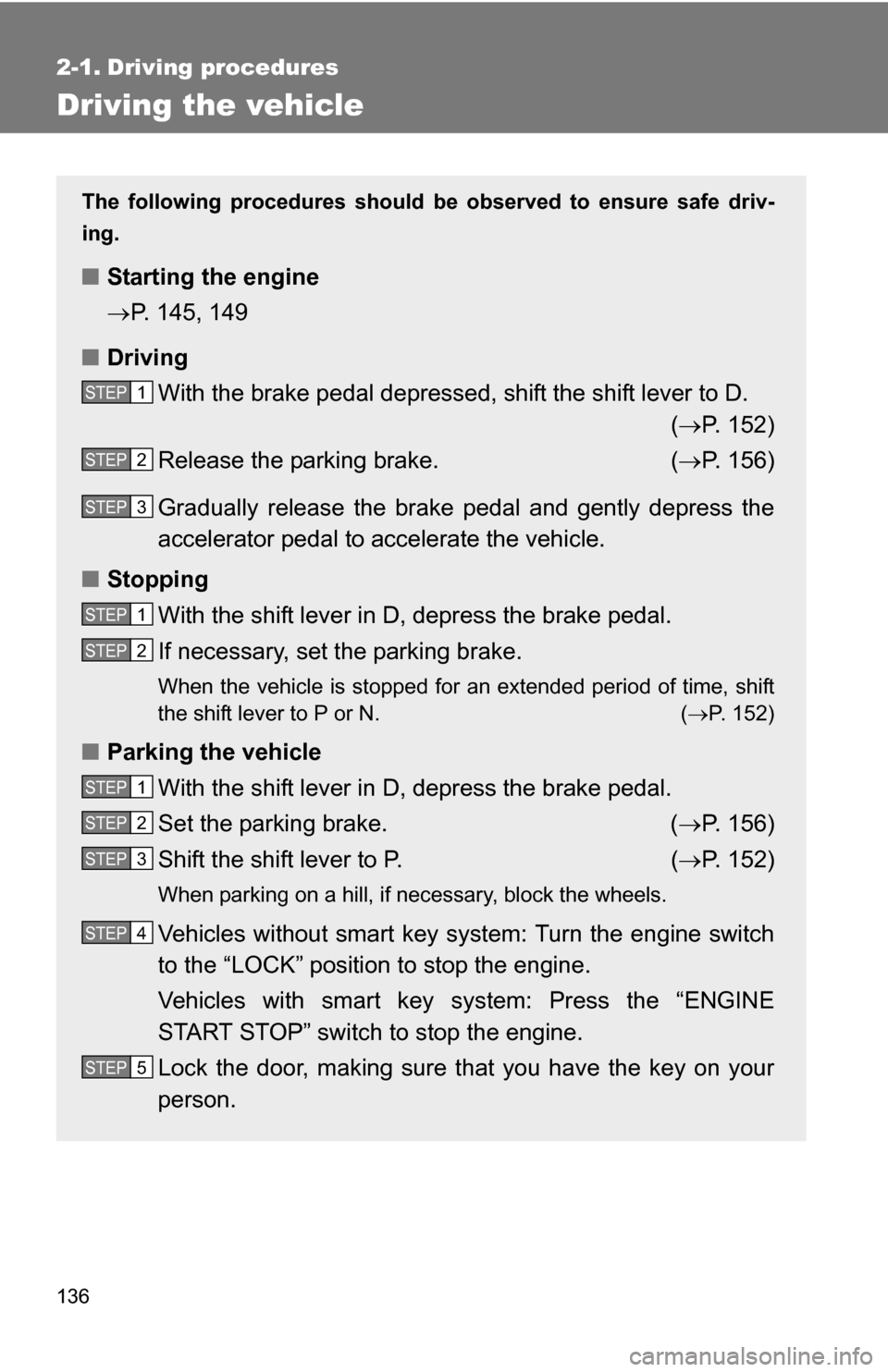
136
2-1. Driving procedures
Driving the vehicle
The following procedures should be observed to ensure safe driv-
ing.
■ Starting the engine
P. 145, 149
■ Driving
With the brake pedal depressed, shift the shift lever to D. ( P. 152)
Release the parking brake. ( P. 156)
Gradually release the brake pedal and gently depress the
accelerator pedal to accelerate the vehicle.
■ Stopping
With the shift lever in D, depress the brake pedal.
If necessary, set the parking brake.
When the vehicle is stopped for an extended period of time, shift
the shift lever to P or N. ( P. 152)
■Parking the vehicle
With the shift lever in D, depress the brake pedal.
Set the parking brake. ( P. 156)
Shift the shift lever to P. ( P. 152)
When parking on a hill, if necessary, block the wheels.
Vehicles without smart key system: Turn the engine switch
to the “LOCK” position to stop the engine.
Vehicles with smart key system: Press the “ENGINE
START STOP” switch to stop the engine.
Lock the door, making sure that you have the key on your
person.
STEP 1
STEP 2
STEP 3
STEP 1
STEP 2
STEP 1
STEP 2
STEP 3
STEP 4
STEP 5
Page 150 of 544

150 2-1. Driving procedures
■Turning the key from “ACC” to “LOCK”
■ Steering lock release
■ If the engine does not start
The engine immobilizer system may not have been deactivated. ( P. 95)
■ Key reminder function
A buzzer sounds if the driver’s door is opened, while the engine switch is in
the “LOCK” or “ACC” position to remind you to remove the key.
CAUTION
■When starting the engine
Always start the engine while sitting in the driver's seat. Do not press the
accelerator while starting the engine under any circumstances.
Doing so may cause an accident resulting in death or serious injury.
■ Caution when driving
Do not turn the engine switch to the “LOCK” position while driving. If, in an
emergency, you must turn the engine off while the vehicle is moving, turn the
key only to the “ACC” position.
Shift the shift lever to P.
(P. 152)
Push in the key and turn to the
“LOCK” position.STEP 1
STEP 2
When starting the engine, the engine
switch may seem stuck in the “LOCK”
position. To free it, turn the key while turn-
ing the steering wheel slightly in either
direction.
Page 170 of 544

170 2-3. Operating the lights and wipers
■Automatic light off system
Vehicles without smart key system:
The headlights and tail lights turn off 30 seconds after driver’s door is
opened and closed if the engine switch has been turned to “ACC” or “LOCK”
position.
To turn the lights on again, turn the engine switch to the “ON” position, or
turn the headlight switch off and then back to or .
Vehicles with smart key system:
The headlights and tail lights turn off 30 seconds after driver’s door is
opened and closed if the “ENGINE START STOP” switch has been turned to
ACCESSORY mode or turned OFF.
To turn the lights on again, turn the “ENGINE START STOP” switch to IGNI-
TION ON mode, or turn the headlight switch off and then back to or
.
■ Customization that can be co nfigured at Toyota dealer
Settings (e.g. light sensor sensitivity) can be deactivated.
(Customizable features P. 510)
NOTICE
■To prevent battery discharge
Do not leave the lights on longer than necessary when the engine is not run-
ning.
Page 315 of 544
315
3
Interior features
3-4. Using the interior lights
Interior lights list
Your Toyota is equipped with the illuminated entry system to assist
in entering the vehicle. Owing to the function of the system, the
lights shown in the following illu stration (except the luggage com-
partment light) automatically turn on/off according to the presence
of the electronic key (vehicles wit h smart key system), whether the
doors are locked/unlocked, whethe r the doors are opened/closed,
and the “ENGINE START STOP” switch mode or the engine switch
position.
The luggage compartment light tu rns on/off according to whether
the back door is opened/closed.
Interior light ( P. 317)
Personal/interior lights ( P. 316)
Engine switch light
Foot lights (if equipped)
Luggage compartment light (turns on/off according to whether
the back door is opened/closed)
Page 357 of 544
357
4-2. Maintenance
4
Maintenance and care
Vehicle exterior
ItemsCheck points
Doors • Operate smoothly?
Engine hood • The lock system works properly?
Fluid leaks • Is there any leakage after park-
ing?
Tires • Inflation pressure is correct?
• Tire surfaces not worn or dam-
aged?
• Tires rotated according to the maintenance schedule?
• Wheel nuts are not loose?
CAUTION
■ If the engine is running
Turn the engine off and ensure that there is adequate ventilation before per-
forming maintenance checks.
Page 409 of 544
409
4-3. Do-it-yourself maintenance
4
Maintenance and care
*1: Vehicles without towing package
*
2: Vehicles with towing package
*
3: Vehicles with 2.5 L 4-cylinder (2AR-FE) engine
*
4: Vehicles with 3.5 L V6 (2GR-FE) engine
■ Under the instrument panel
20 A/F 20 A A/F sensor, fuel pump*3
FuseAmpereCircuit
1 TAIL 10 A Parking lights, tail lights, license
plate light, front fog lights, rear side
marker lights
2 PANEL 7.5 A Clock, instrument panel lights,
audio system
3 GAUGE 1 10 A Back-up lights, charging system
4 D FR DOOR 20 A Power windows (front doors)
5 RL DOOR 20 A Power windows
6 RR DOOR 20 A Power windows
7 S/ROOF 25 A Electric moon roof
8 CIG 15 A Power outlet
FuseAmpereCircuit


