Page 4 of 692
TABLE OF CONTENTSIndex
4
L/C200_EE (OM60G38E)
3-1. Using the air conditioning
system and defogger
Front air conditioning
system .............................. 336
Rear air conditioning
system .............................. 350
Heater idle up switch .......... 354
Power heater ...................... 355
Rear window and
outside rear view mirror
defoggers.......................... 356
Windshield wiper de-icer..... 358
3-2. Using the audio system
Audio system types............. 360
Using the radio.................... 362
Using the CD player............ 366
Playing back MP3 and
WMA discs........................ 373
Operating an iPod ............... 380
Operating
a USB memory ................. 388
Optimal use of
the audio system .............. 396
Using the AUX port ............. 398
Using the steering
switches ............................ 3993-3. Using the Bluetooth
® audio
system
Bluetooth
® audio system .... 402
Using the Bluetooth®
audio system .................... 407
Operating a Bluetooth
®
enabled portable
player ............................... 410
Setting up a Bluetooth
®
enabled portable
player ............................... 413
Bluetooth
® audio
system setup .................... 417
3-4. Using the hands-free system
(for cellular phone)
Hands-free system
(for cellular phone) ........... 418
Using the hands-free
system.............................. 423
Making a phone call ........... 430
Setting a cellular phone...... 434
Security and
system setup .................... 438
Using the phone book ........ 442
3Interior features
Page 284 of 692
284 2-4. Using other driving systems
L/C200_EE (OM60G38E)Minimum projected turning cir-
cle (blue)
Displays the smallest turning cir-
cle projected by the system if the
steering wheel is turned to full
lock. Displayed when the steering
wheel is turned to the right (left-
hand drive vehicles) or left (right-
hand drive vehicles) (further than
90° from straight ahead).
Vehicle width line (blue)
Indicates the width of the vehicle
including the outside rear view
mirror.
Rear wheel contact point
Shows the position of the vehi-
cle’s rear tire.
Automatic display mode
Switches the projected course
mode
Page 290 of 692
290 2-4. Using other driving systems
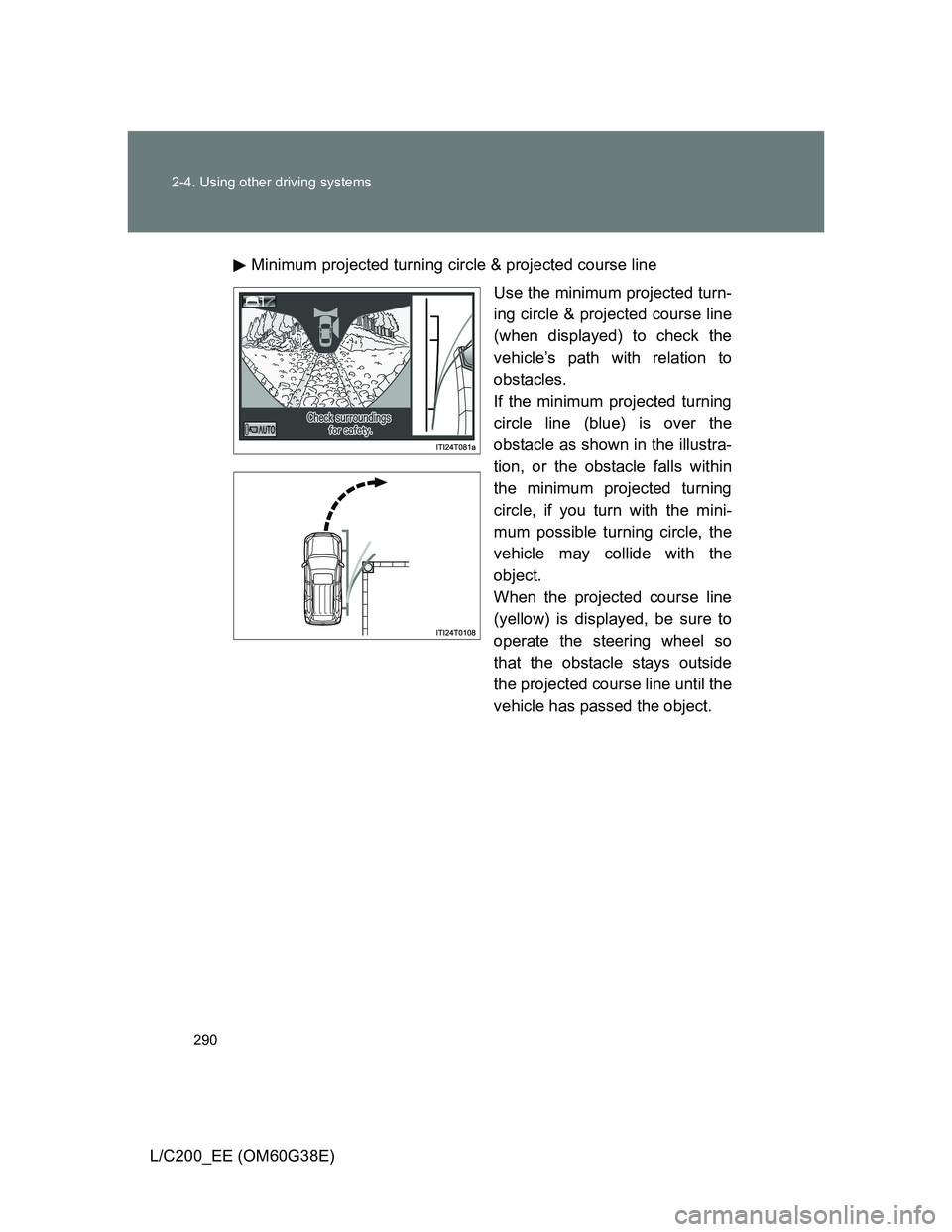
L/C200_EE (OM60G38E)Minimum projected turning circle & projected course line
Use the minimum projected turn-
ing circle & projected course line
(when displayed) to check the
vehicle’s path with relation to
obstacles.
If the minimum projected turning
circle line (blue) is over the
obstacle as shown in the illustra-
tion, or the obstacle falls within
the minimum projected turning
circle, if you turn with the mini-
mum possible turning circle, the
vehicle may collide with the
object.
When the projected course line
(yellow) is displayed, be sure to
operate the steering wheel so
that the obstacle stays outside
the projected course line until the
vehicle has passed the object.
Page 335 of 692
3Interior features
335
L/C200_EE (OM60G38E)
3-3. Using the Bluetooth® audio
system
Bluetooth
® audio
system ............................ 402
Using the Bluetooth
®
audio system .................. 407
Operating a Bluetooth
®
enabled portable
player .............................. 410
Setting up a Bluetooth
®
enabled portable
player .............................. 413
Bluetooth
® audio
system setup .................. 417
3-4. Using the hands-free system
(for cellular phone)
Hands-free system
(for cellular phone).......... 418
Using the hands-free
system ............................ 423
Making a phone call.......... 430
Setting a cellular phone .... 434
Security and
system setup .................. 438
Using the phone book....... 442
3-5. Using the interior lights
Interior lights list................ 448
• Interior lights ................... 449
• Personal lights ................ 4503-6. Using the storage features
List of storage features ..... 452
• Glove box ....................... 453
• Console box.................... 454
• Overhead console .......... 455
• Cup holders .................... 456
• Bottle holders.................. 458
• Card holder ..................... 460
• Auxiliary box ................... 460
3-7. Other interior features
Cool box............................ 461
Sun visors ......................... 463
Vanity mirror ..................... 464
Clock ................................. 465
Outside temperature
display ............................ 466
Ashtray.............................. 468
Cigarette lighter ................ 470
Power outlet ...................... 471
Heated steering wheel ...... 474
Seat heaters and
ventilators ....................... 476
Armrest ............................. 480
Assist grip ......................... 481
Floor mats ......................... 482
Luggage compartment
features........................... 484
Page 399 of 692
399
3-2. Using the audio system
3
Interior features
L/C200_EE (OM60G38E)
Using the steering switches
: If equipped
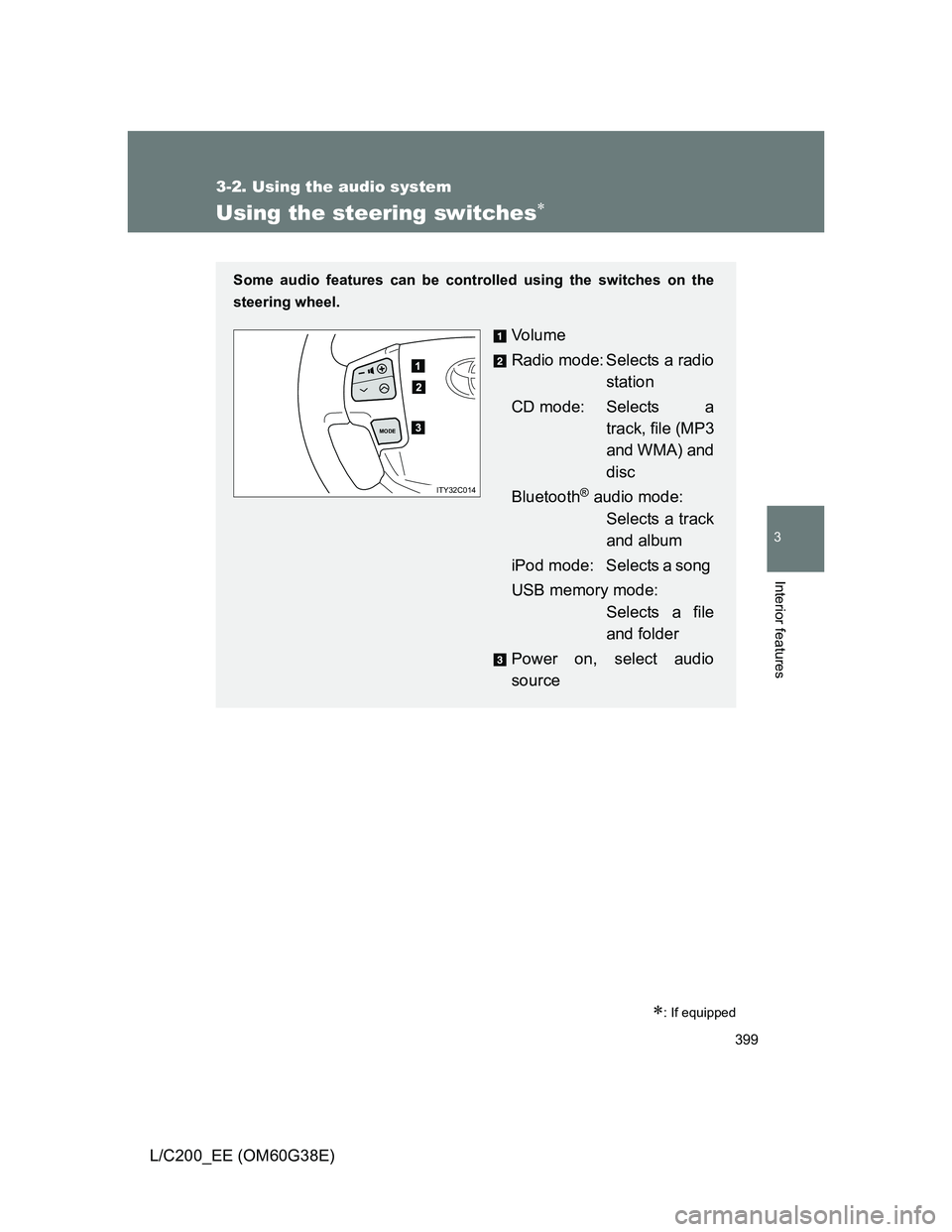
Some audio features can be controlled using the switches on the
steering wheel.
Vo l u m e
Radio mode: Selects a radio
station
CD mode: Selects a
track, file (MP3
and WMA) and
disc
Bluetooth
® audio mode:
Selects a track
and album
iPod mode: Selects a song
USB memory mode:
Selects a file
and folder
Power on, select audio
source
MODE
ITY32C014
Page 400 of 692
400 3-2. Using the audio system
L/C200_EE (OM60G38E)
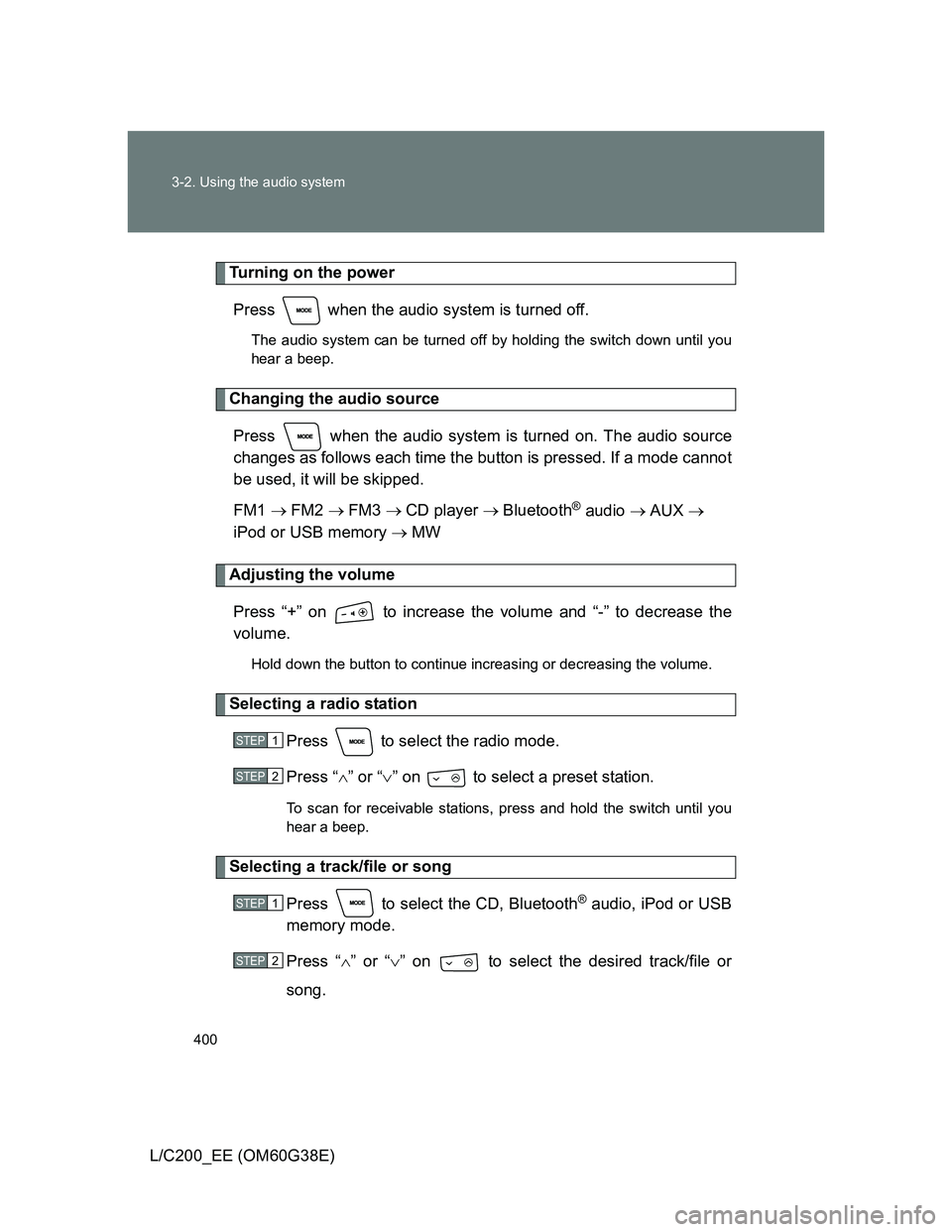
Turning on the power
Press when the audio system is turned off.
The audio system can be turned off by holding the switch down until you
hear a beep.
Changing the audio source
Press when the audio system is turned on. The audio source
changes as follows each time the button is pressed. If a mode cannot
be used, it will be skipped.
FM1 FM2 FM3 CD player Bluetooth
® audio AUX
iPod or USB memory MW
Adjusting the volume
Press “+” on to increase the volume and “-” to decrease the
volume.
Hold down the button to continue increasing or decreasing the volume.
Selecting a radio station
Press to select the radio mode.
Press “” or “” on to select a preset station.
To scan for receivable stations, press and hold the switch until you
hear a beep.
Selecting a track/file or song
Press to select the CD, Bluetooth
® audio, iPod or USB
memory mode.
Press “” or “” on to select the desired track/file or
song.
STEP1
STEP2
STEP1
STEP2
Page 401 of 692
401 3-2. Using the audio system
3
Interior features
L/C200_EE (OM60G38E)
Selecting an album
Press to select Bluetooth
® audio mode.
Press and hold “” or “” on until you hear a beep.
Selecting a folder
Press to select USB memory mode.
Press and hold “” or “” on until you hear a beep.
Selecting a disc in the CD player
Press to select the CD mode.
Press and hold “” or “” on until you hear a beep.
Canceling automatic selection of a radio station
Press again.
CAUTION
To reduce the risk of an accident
Exercise care when operating the audio switches on the steering wheel.
STEP1
STEP2
STEP1
STEP2
STEP1
STEP2
Page 402 of 692
402
L/C200_EE (OM60G38E)
3-3. Using the Bluetooth® audio system
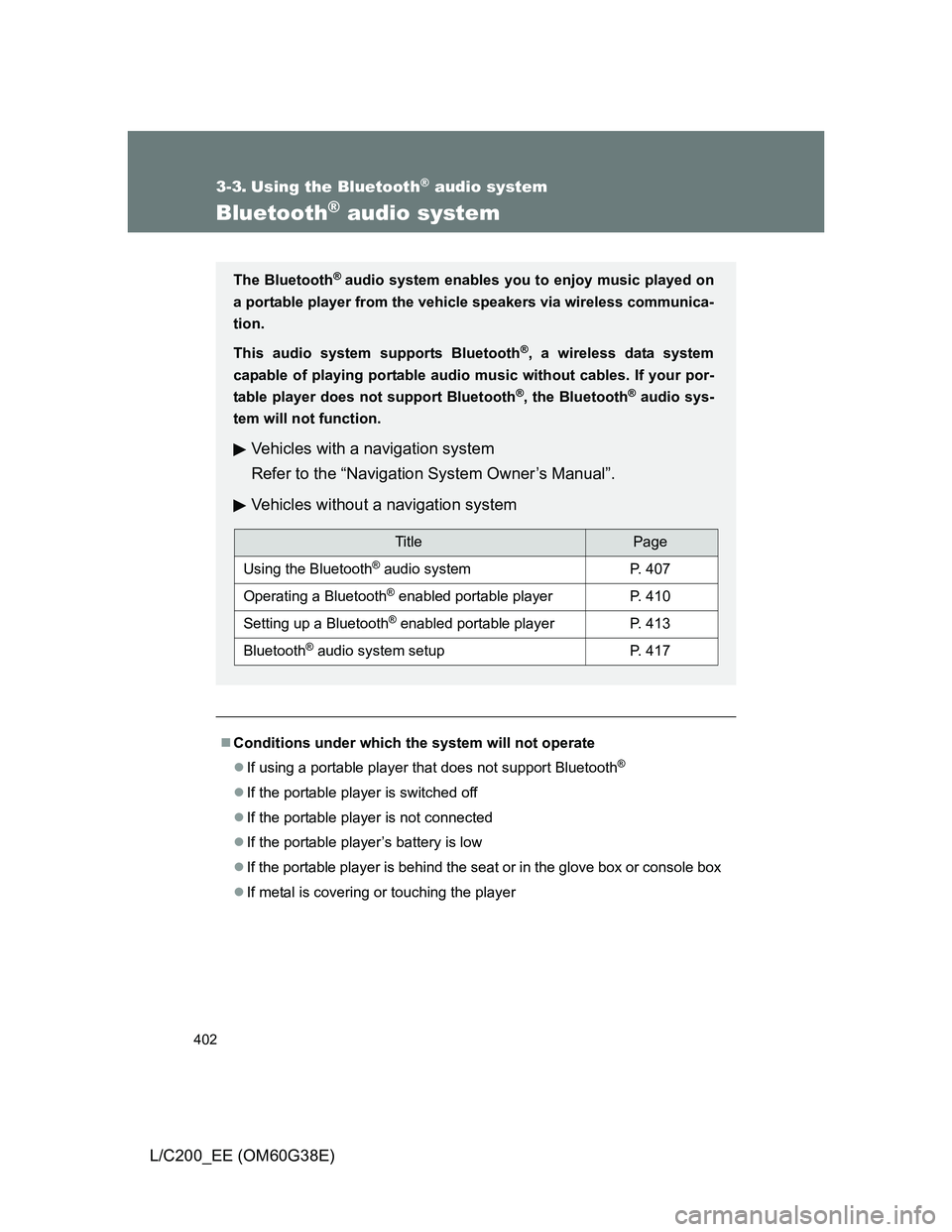
Bluetooth® audio system
Conditions under which the system will not operate
If using a portable player that does not support Bluetooth
®
If the portable player is switched off
If the portable player is not connected
If the portable player’s battery is low
If the portable player is behind the seat or in the glove box or console box
If metal is covering or touching the player
The Bluetooth® audio system enables you to enjoy music played on
a portable player from the vehicle speakers via wireless communica-
tion.
This audio system supports Bluetooth
®, a wireless data system
capable of playing portable audio music without cables. If your por-
table player does not support Bluetooth
®, the Bluetooth® audio sys-
tem will not function.
Vehicles with a navigation system
Refer to the “Navigation System Owner’s Manual”.
Vehicles without a navigation system
TitlePage
Using the Bluetooth® audio systemP. 407
Operating a Bluetooth® enabled portable playerP. 410
Setting up a Bluetooth® enabled portable playerP. 413
Bluetooth® audio system setupP. 417