Page 414 of 692
414 3-3. Using the Bluetooth
® audio system
L/C200_EE (OM60G38E)
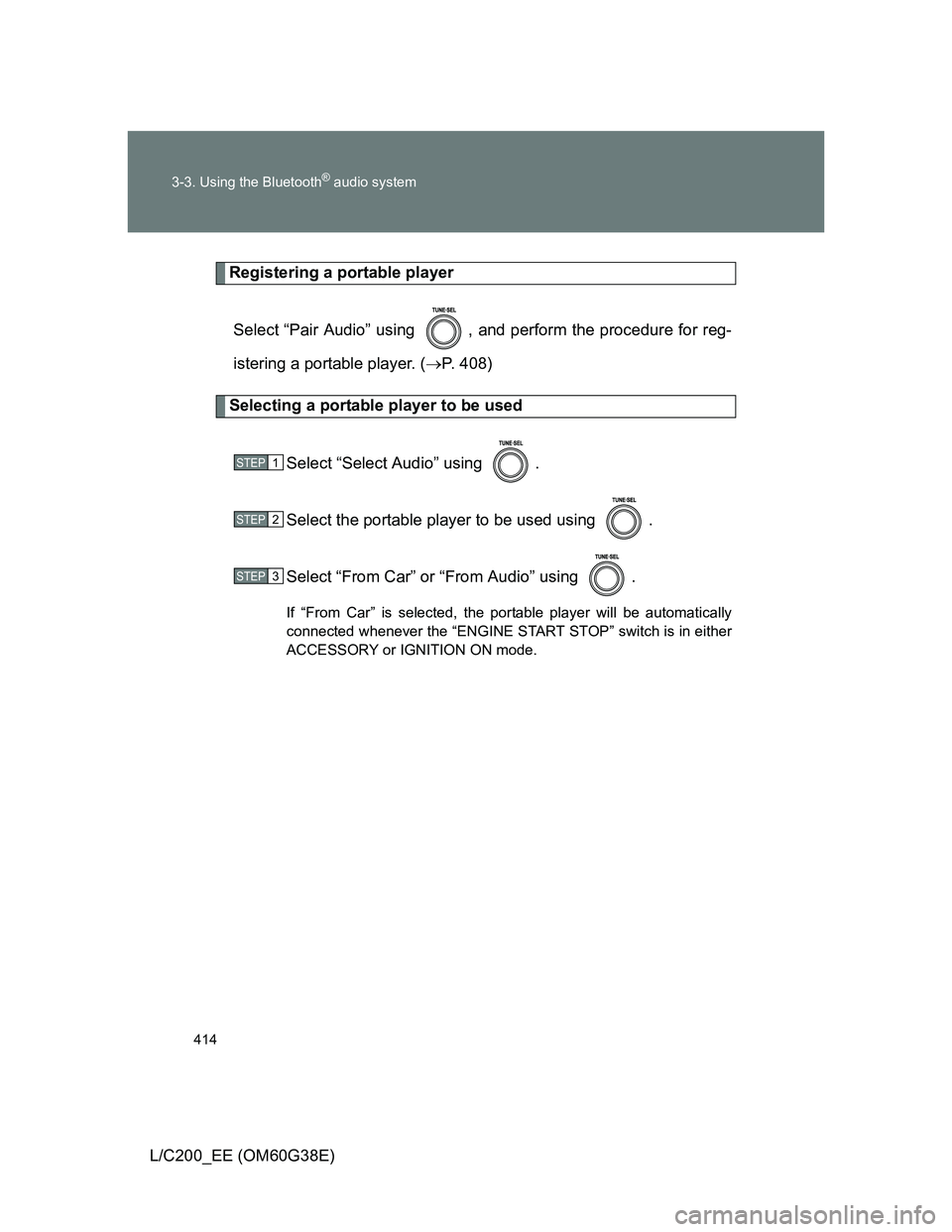
Registering a portable player
Select “Pair Audio” using , and perform the procedure for reg-
istering a portable player. (P. 408)
Selecting a portable player to be used
Select “Select Audio” using .
Select the portable player to be used using .
Select “From Car” or “From Audio” using .
If “From Car” is selected, the portable player will be automatically
connected whenever the “ENGINE START STOP” switch is in either
ACCESSORY or IGNITION ON mode.
STEP1
STEP2
STEP3
Page 415 of 692
415 3-3. Using the Bluetooth
® audio system
3
Interior features
L/C200_EE (OM60G38E)
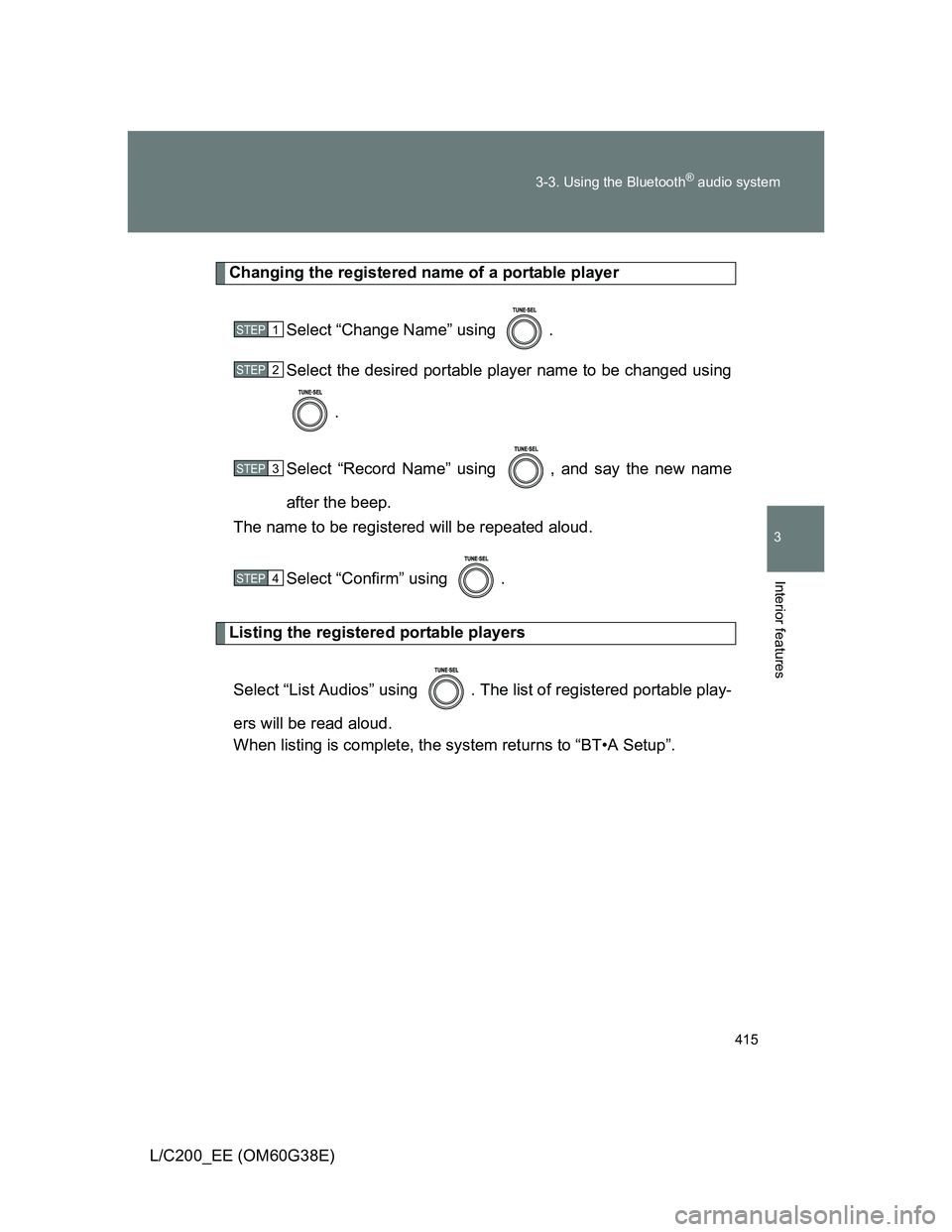
Changing the registered name of a portable player
Select “Change Name” using .
Select the desired portable player name to be changed using
.
Select “Record Name” using , and say the new name
after the beep.
The name to be registered will be repeated aloud.
Select “Confirm” using .
Listing the registered portable players
Select “List Audios” using . The list of registered portable play-
ers will be read aloud.
When listing is complete, the system returns to “BT•A Setup”.
STEP1
STEP2
STEP3
STEP4
Page 416 of 692
416 3-3. Using the Bluetooth
® audio system
L/C200_EE (OM60G38E)
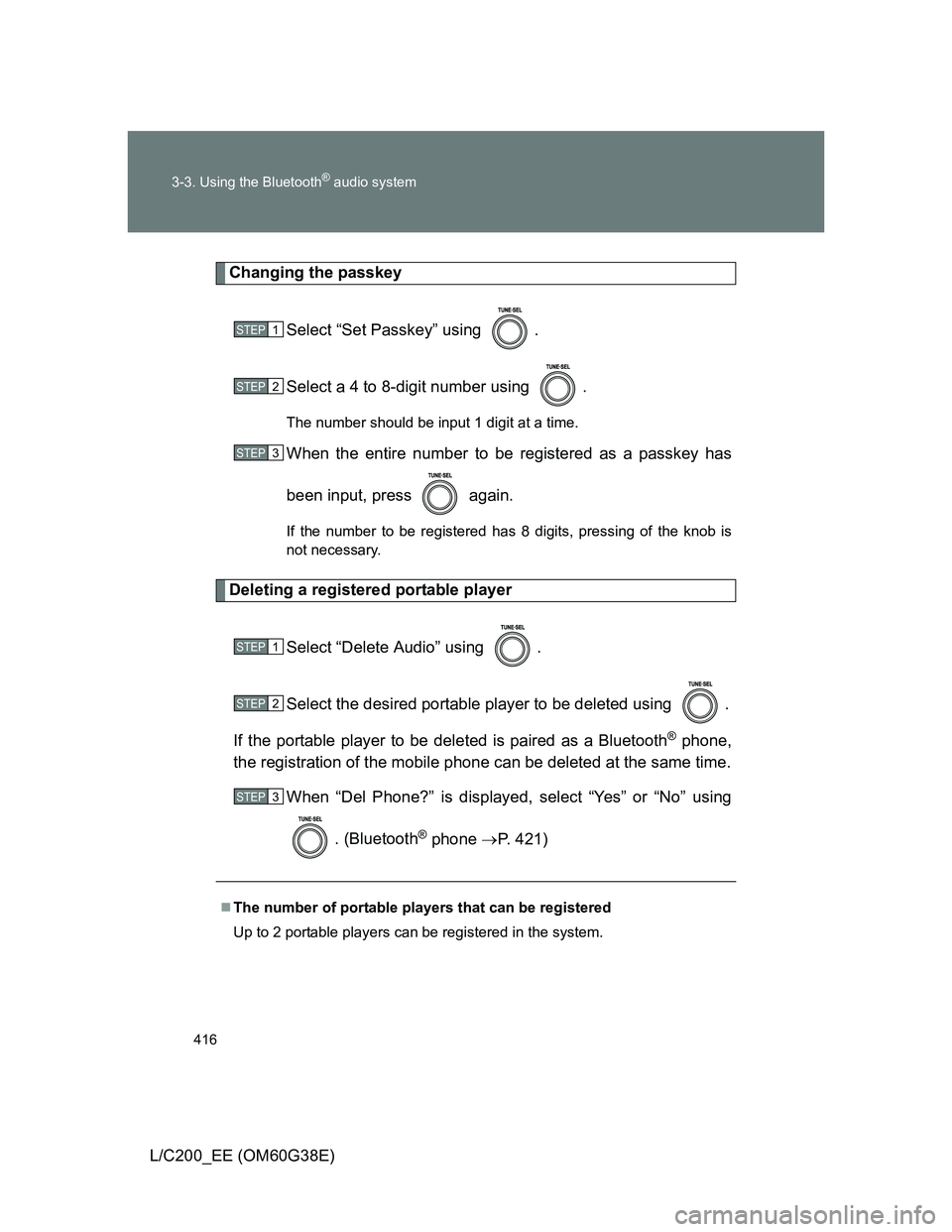
Changing the passkey
Select “Set Passkey” using .
Select a 4 to 8-digit number using .
The number should be input 1 digit at a time.
When the entire number to be registered as a passkey has
been input, press again.
If the number to be registered has 8 digits, pressing of the knob is
not necessary.
Deleting a registered portable player
Select “Delete Audio” using .
Select the desired portable player to be deleted using .
If the portable player to be deleted is paired as a Bluetooth
® phone,
the registration of the mobile phone can be deleted at the same time.
When “Del Phone?” is displayed, select “Yes” or “No” using
. (Bluetooth
® phone P. 421)
The number of portable players that can be registered
Up to 2 portable players can be registered in the system.
STEP1
STEP2
STEP3
STEP1
STEP2
STEP3
Page 426 of 692
426 3-4. Using the hands-free system (for cellular phone)
L/C200_EE (OM60G38E)
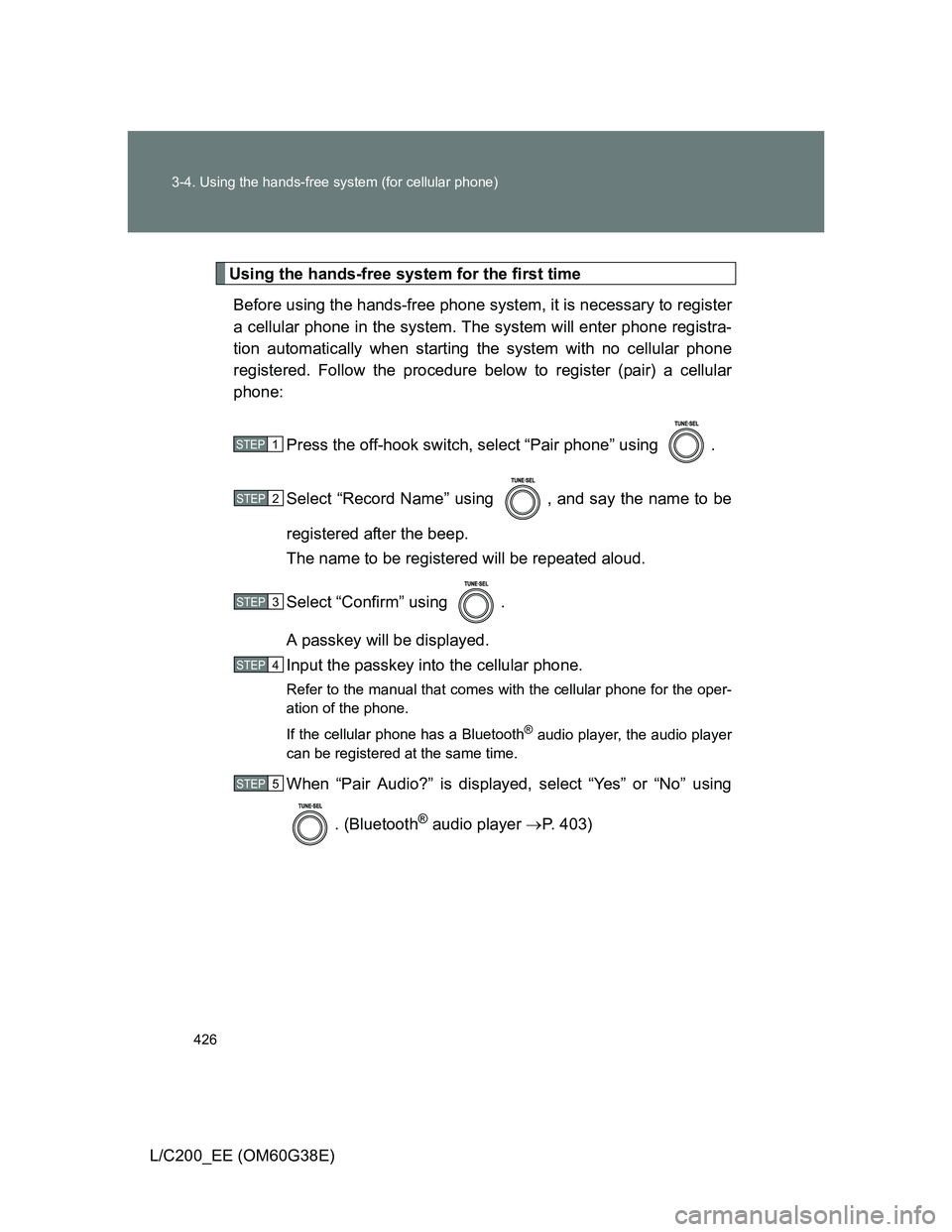
Using the hands-free system for the first time
Before using the hands-free phone system, it is necessary to register
a cellular phone in the system. The system will enter phone registra-
tion automatically when starting the system with no cellular phone
registered. Follow the procedure below to register (pair) a cellular
phone:
Press the off-hook switch, select “Pair phone” using .
Select “Record Name” using , and say the name to be
registered after the beep.
The name to be registered will be repeated aloud.
Select “Confirm” using .
A passkey will be displayed.
Input the passkey into the cellular phone.
Refer to the manual that comes with the cellular phone for the oper-
ation of the phone.
If the cellular phone has a Bluetooth
® audio player, the audio player
can be registered at the same time.
When “Pair Audio?” is displayed, select “Yes” or “No” using
. (Bluetooth
® audio player P. 403)
STEP1
STEP2
STEP3
STEP4
STEP5
Page 437 of 692
437 3-4. Using the hands-free system (for cellular phone)
3
Interior features
L/C200_EE (OM60G38E)
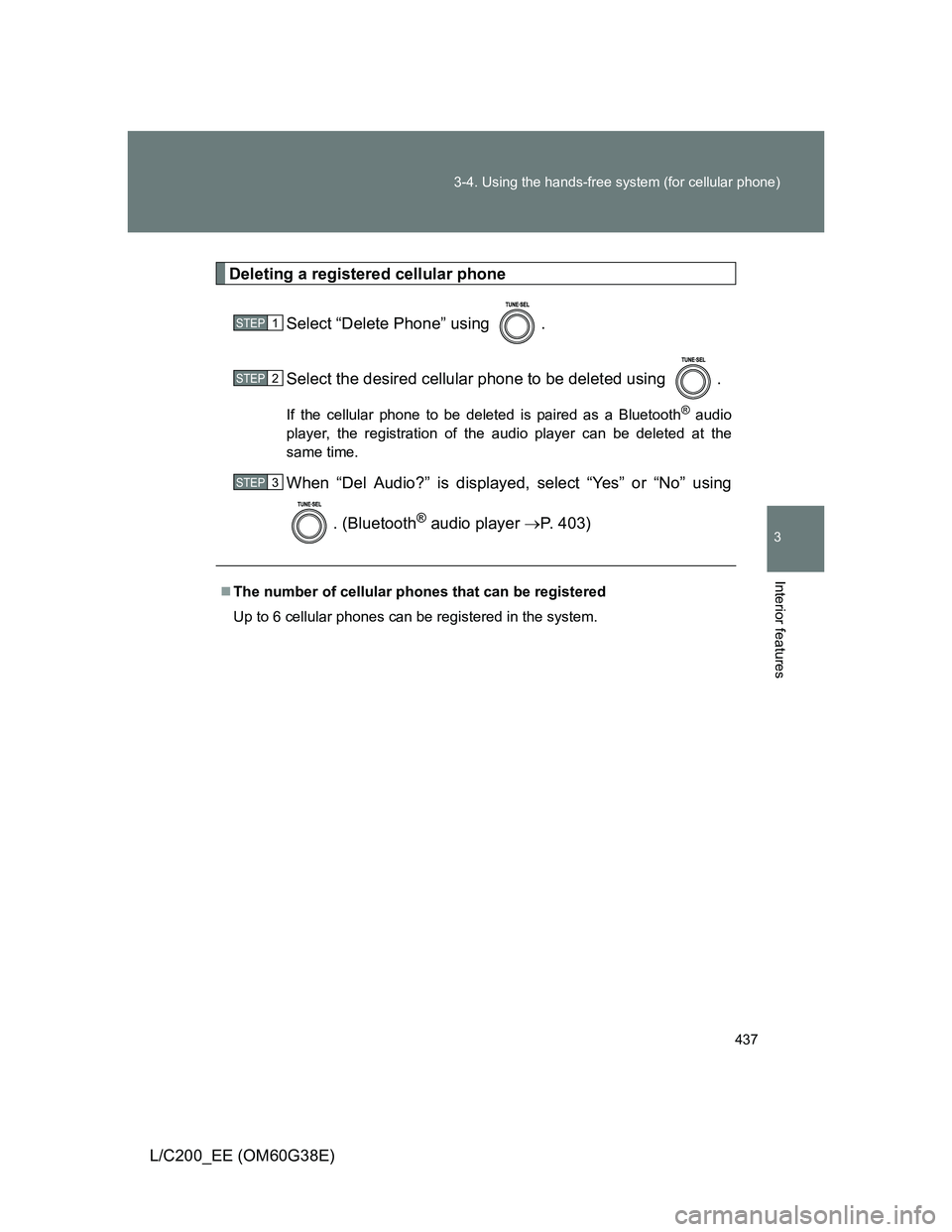
Deleting a registered cellular phone
Select “Delete Phone” using .
Select the desired cellular phone to be deleted using .
If the cellular phone to be deleted is paired as a Bluetooth® audio
player, the registration of the audio player can be deleted at the
same time.
When “Del Audio?” is displayed, select “Yes” or “No” using
. (Bluetooth
® audio player P. 403)
The number of cellular phones that can be registered
Up to 6 cellular phones can be registered in the system.
STEP1
STEP2
STEP3
Page 441 of 692
441 3-4. Using the hands-free system (for cellular phone)
3
Interior features
L/C200_EE (OM60G38E)
Initialization
The following data in the system can be initialized:
• Phone book
• Outgoing and incoming history
• Speed dials
• Registered cellular phone data
• Security code
• Registered Bluetooth
® enabled portable player data
• Passkey for the cellular phones
• Passkey for the Bluetooth
® audio players
• Guidance volume
• Receiver volume
• Ring tone volume
Once the initialization has been completed, the data cannot be restored
to its original state.
When the phone book is locked
The following functions cannot be used:
Dialing by inputting a name
Speed dialing
Dialing a number stored in the call history memory
Using the phone book
Page 678 of 692
678
L/C200_EE (OM60G38E)
Alphabetical index
Alphabetical index
A/C
Air conditioning filter.............. 525
Automatic air conditioning
system (vehicles without
navigation system).............. 336
Automatic air conditioning
system (vehicles with
navigation system)
*
AHC ........................................... 248
Active height control
suspension ............................ 248
ABS ........................................... 300
Active head restraint ................. 76
Active traction control............. 300
Adaptive Variable
Suspension ............................ 258
Air conditioning filter .............. 525
Air conditioning system
(vehicles without
navigation system)
Air conditioning filter.............. 525
Automatic air conditioning
system ................................ 336
Air conditioning system
(vehicles with navigation
system)
*
Airbags
Airbag manual on-off
system ................................ 174
Airbag operating conditions .. 140
Airbag precautions for your
child .................................... 145
Airbag warning light .............. 574
Curtain shield airbag
operating conditions ........... 140
Curtain shield airbag
precautions ......................... 145
General airbag precautions... 145Locations of airbags.............. 137
Modification and disposal of
airbags................................ 149
Proper driving posture .. 135, 145
Roll sensing of curtain shield
airbags off switch................ 150
Side airbag operating
conditions ........................... 140
Side airbag precautions ........ 145
SRS airbags.......................... 137
Alarm ........................................ 127
Antenna .................................... 365
Anti-lock brake system .......... 300
Armrest ..................................... 480
Ashtrays ................................... 468
Assist grip ................................ 481
Audio system (vehicles
without navigation system)
Antenna ................................ 365
AUX port ............................... 398
CD player/changer ................ 366
iPod....................................... 380
MP3/WMA disc ..................... 373
Optimal use........................... 396
Portable audio device ........... 398
Radio .................................... 362
Steering wheel audio
switch ................................. 399
USB memory ........................ 388
Audio/video system
(vehicles with navigation
system)
*
Automatic air conditioning
system (vehicles without
navigation system)................ 336
Automatic air conditioning
system (vehicles with
navigation system)
*
A
Page 679 of 692
679 Alphabetical index
L/C200_EE (OM60G38E)
Automatic light control
system .................................... 218
Automatic transmission
Automatic transmission ......... 194
If the shift lever cannot be
shifted from P ..................... 625
S mode.................................. 197
Auxiliary box ............................ 460
AUX port ................................... 398
AVS ........................................... 258
Back-up lights
Replacing light bulbs ............. 546
Wattage................................. 661
Back door
Back door ................................ 63
Wireless remote control key.... 55
Battery
If the vehicle has discharged
battery................................. 630
Preparing and checking
before winter ....................... 319
Bluetooth
® audio
(vehicles without
navigation system) ................ 402
Bluetooth
® audio
(vehicles with
navigation system)
*
Bluetooth® phone (vehicles
without navigation
system) ................................... 418
Bluetooth
® phone (vehicles
with navigation system)
*
Bottle holder............................. 458
Brake
Fluid ...................................... 657
Parking brake ........................ 201
Brake assist.............................. 300Break-in tips ............................. 179
Brightness control
Instrument light control ......... 206
Care
Exterior ................................. 488
Interior................................... 491
Seat belts .............................. 492
Card holder .............................. 460
Cargo capacity ......................... 317
Cargo hooks............................. 484
CD changer
*............................ 366
CD player
*................................ 366
Center differential
lock/unlock switch ................ 259
Chains....................................... 319
Child restraint system
Baby seats, definition............ 151
Baby seats, installation ......... 160
Child seats, definition............ 151
Child seats, installation ......... 160
Installing CRS with ISOFIX
rigid anchor......................... 165
Installing CRS with seat
belts .................................... 161
Installing CRS with top
strap ................................... 167
Junior seats, definition .......... 151
Junior seats, installation ....... 160
B
C
*: For vehicles with a navigation system, refer to the
“Navigation System Owner’s Manual”.