Page 266 of 636

266
3-1. Using the air conditioning system and defogger
Front manual air conditioning system ....... 268
Front automatic air conditioning system ....... 275
Rear manual air conditioning system ....... 283
Rear automatic air conditioning system ....... 286
Rear window and outside rear view
mirror defoggers ............ 289
Windshield wiper de-icer ............................ 291
Using the steering wheel climate remote control
switches ......................... 292
3-2. Using the audio system Audio system ................... 293
Using the radio ................. 297
Using the CD player ......... 304
Playing back MP3 and WMA discs ..................... 312 Operating an iPod ............ 320
Operating a USB
memory .......................... 327
Optimal use of the audio system ........................... 335
Using the AUX port .......... 339
Using the steering wheel audio switches ............... 341
Detachable pole antenna .......................... 344
3-3. Using the Bluetooth
®
audio system
Bluetooth
® audio
system ........................... 347
Using the Bluetooth
®
audio system.................. 350
Operating a Bluetooth
®
enabled portable
player ............................. 355
Setting up a Bluetooth
®
enabled portable
player ............................. 357
Bluetooth
® audio system
setup .............................. 362
Interior features3
Page 292 of 636
292
3-1. Using the air conditioning system and defogger
Using the steering wheel climate remote control switches
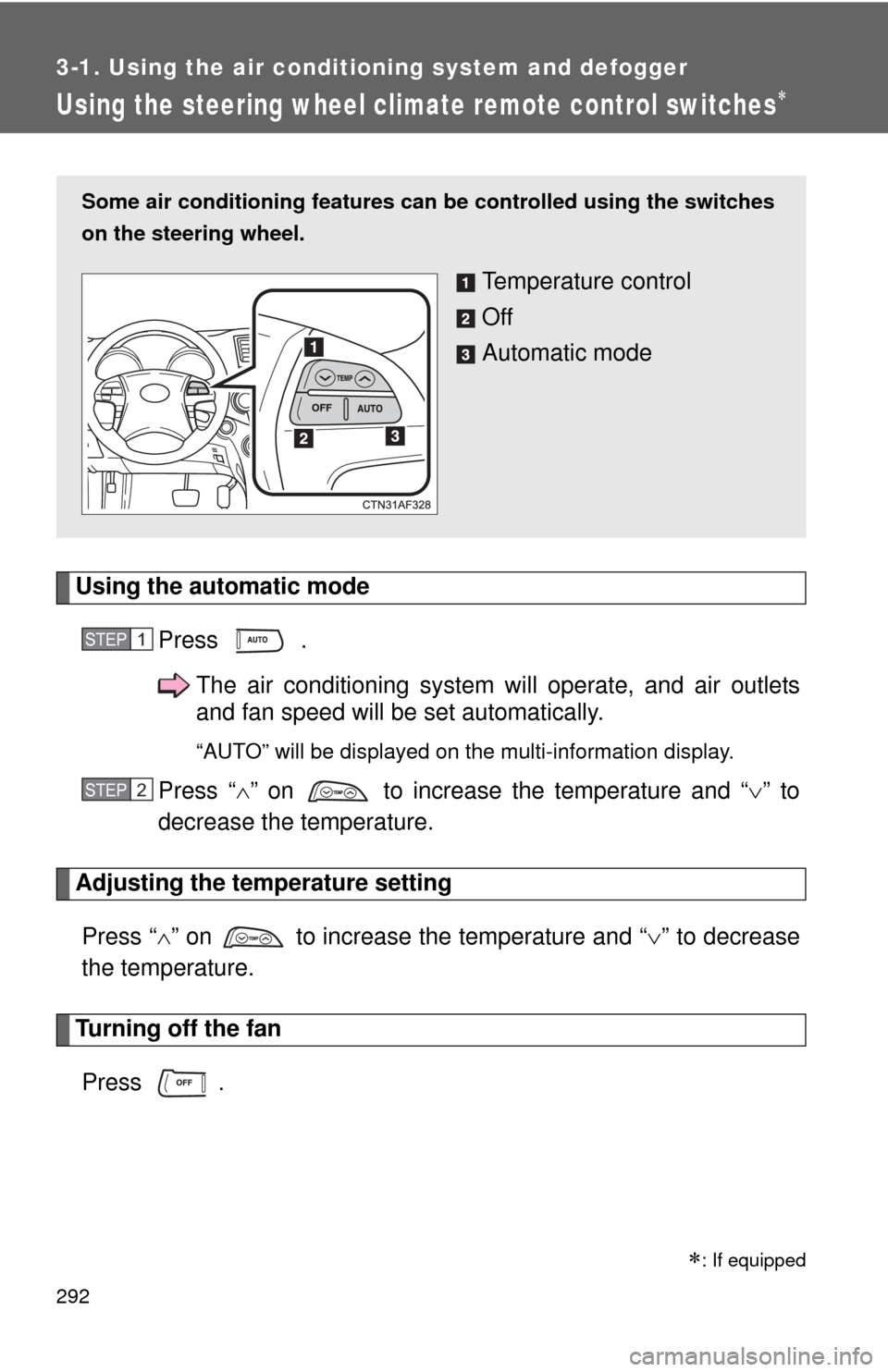
Using the automatic modePress .The air conditioning system will operate, and air outlets
and fan speed will be set automatically.
“AUTO” will be displayed on the multi-information display.
Press “” on to increase the temperature and “ ” to
decrease the temperature.
Adjusting the temperature setting
Press “ ” on to increase the temperature and “ ” to decrease
the temperature.
Turning off the fan
Press .
Some air conditioning features can be controlled using the switches
on the steering wheel.
Temperature control
Off
Automatic mode
STEP1
STEP2
: If equipped
Page 294 of 636
294 3-2. Using the audio system
Type C: CD player with changer and AM/FM radio
TitlePage
Using the radioP. 297
Using the CD playerP. 304
Playing back MP3 and WMA discsP. 312
Operating an iPodP. 320
Operating a USB memoryP. 327
Optimal use of the audio systemP. 335
Using the AUX portP. 339
Using the steering wheel audio switchesP. 341
Page 341 of 636
341
3-2. Using the audio system
3
Interior features
Using the steering wheel audio switches
Turning on the powerPress when the audio system is turned off.
The audio system can be turned off by holding down until you hear
a beep.
: If equipped
Some audio features can be cont rolled using the switches on the
steering wheel.
Vo l u m e
Radio mode: Selects radio
stations
CD mode: Selects tracks,
files (MP3 and WMA) and
discs (type C only)
iPod mode: Selects songs
USB memory mode: Selects files and fold-
ers
Bluetooth
® audio mode:
Selects tracks and
albums
Turns the power on, selects
audio source
Page 343 of 636
343
3-2. Using the audio system
3
Interior features
Selecting a disc in the CD player (CD player with changer only)
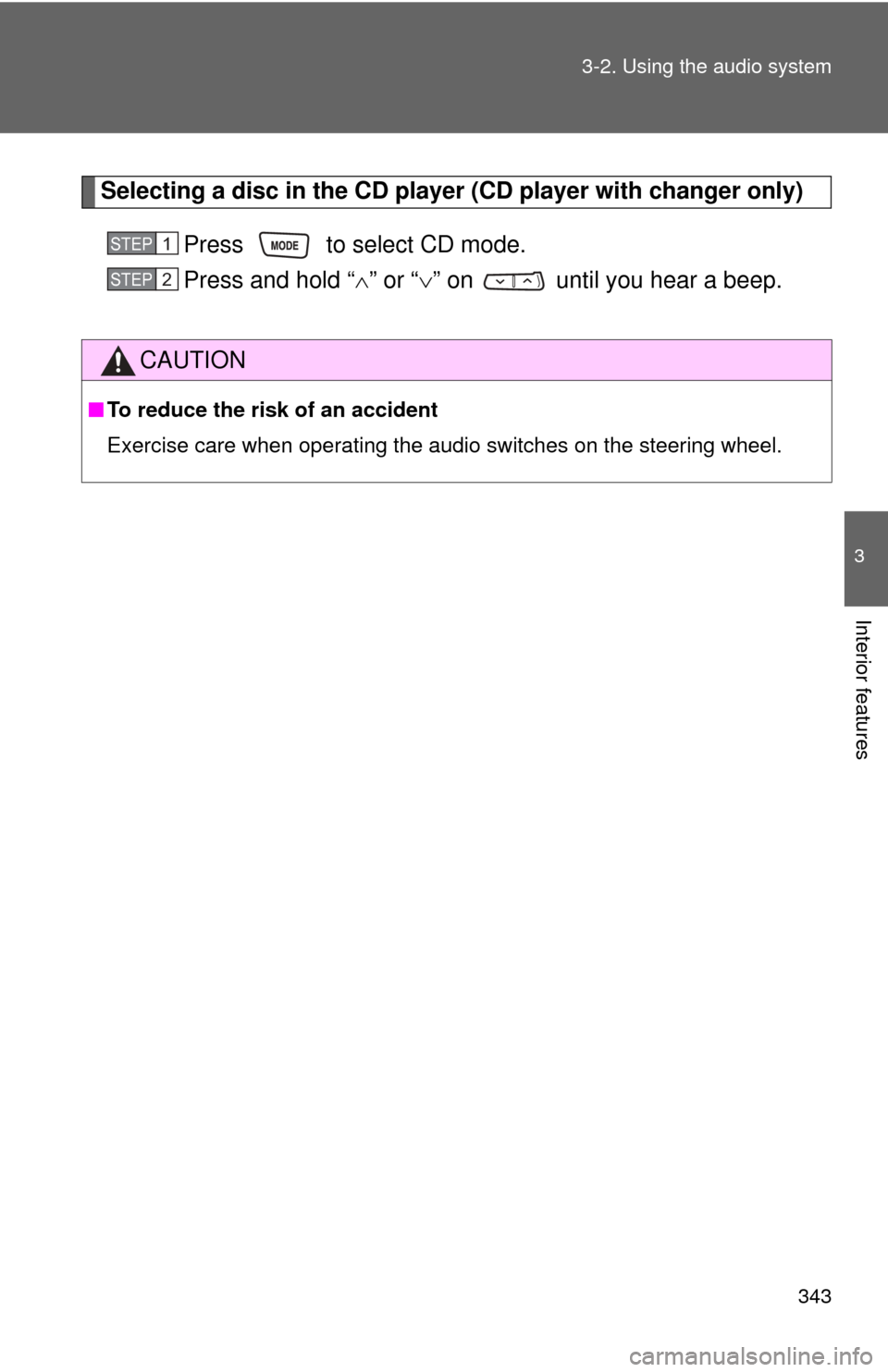
Press to select CD mode.
Press and hold “ ” or “ ” on until you hear a beep.
CAUTION
■To reduce the risk of an accident
Exercise care when operating the audio switches on the steering wheel.
STEP1
STEP2
Page 356 of 636
356 3-3. Using the Bluetooth
® audio system
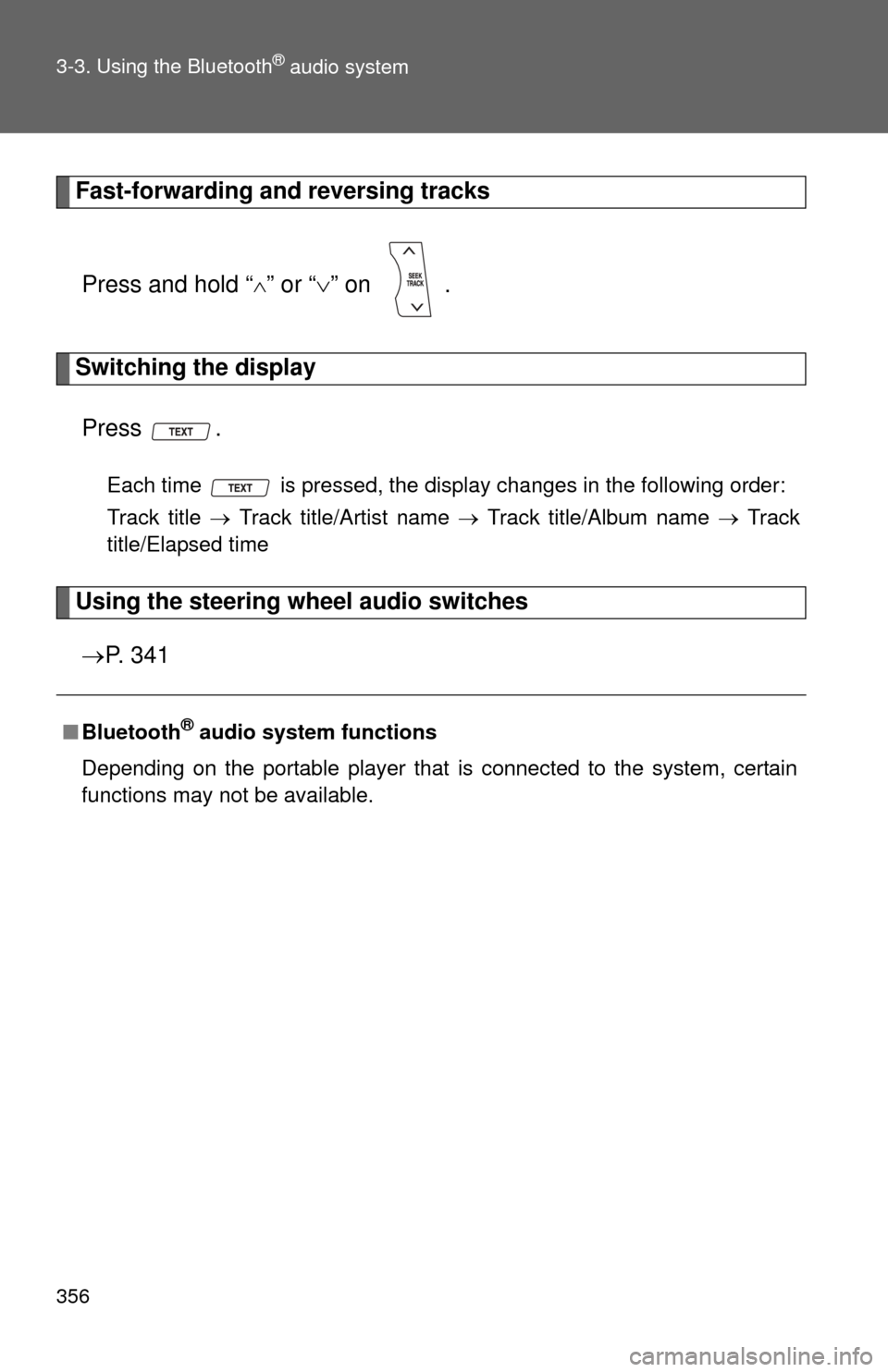
Fast-forwarding and reversing tracksPress and hold “
” or “ ” on .
Switching the display
Press .
Each time is pressed, the display changes in the following order:
Track title Track title/Artist name Track title/Album name Track
title/Elapsed time
Using the steering wheel audio switches
P. 3 4 1
■Bluetooth® audio system functions
Depending on the portable player that is connected to the system, certain
functions may not be available.
Page 368 of 636
368 3-4. Using the hands-free phone system (for cellular phone)
■Steering wheel telephone switches
Vo l u m e
The voice guidance volume
cannot be adjusted by using
this switch.
On-hook switch
Turns the hands-free sys-
tem off/ends a call/refuses a
call
Off-hook switch
Turns the hands-free sys-
tem on/starts a call
Talk switch
Turns the voice command
system on (press)/turns the
voice command system off
(press and hold)
■ Microphone
Page 450 of 636
450 4-2. Maintenance
Vehicle interior
ItemsCheck points
Accelerator pedal • Moves smoothly (without uneven
pedal effort or catching)?
Automatic transmission “Park”
mechanism • Can the vehicle be held securely
on an incline with the shift lever in
P?
Brake pedal • Moves smoothly?
• Does it have appropriate clear-
ance and correct amount of free
play?
Brakes • Not pull to one side when
applied?
• Loss of brake effectiveness?
• Spongy feeling brake pedal?
• Pedal almost touches floor?
Head restraints • Move smoothly and lock
securely?
Indicators/buzzers • Function properly?
Lights • Do all the lights come on?
• Headlights aimed correctly?
Parking brake • Moves smoothly?
• Can hold the vehicle securely on
an incline?
Seat belts • Does the seat belt system oper-
ate smoothly?
• Are the belts undamaged?
Seats • Do the seat controls operate
properly?
Steering wheel • Moves smoothly?
• Has correct free play?
• No strange noises?