Page 212 of 772
212 2-1. Driving procedures
AVENSIS_EE (OM20B44E)
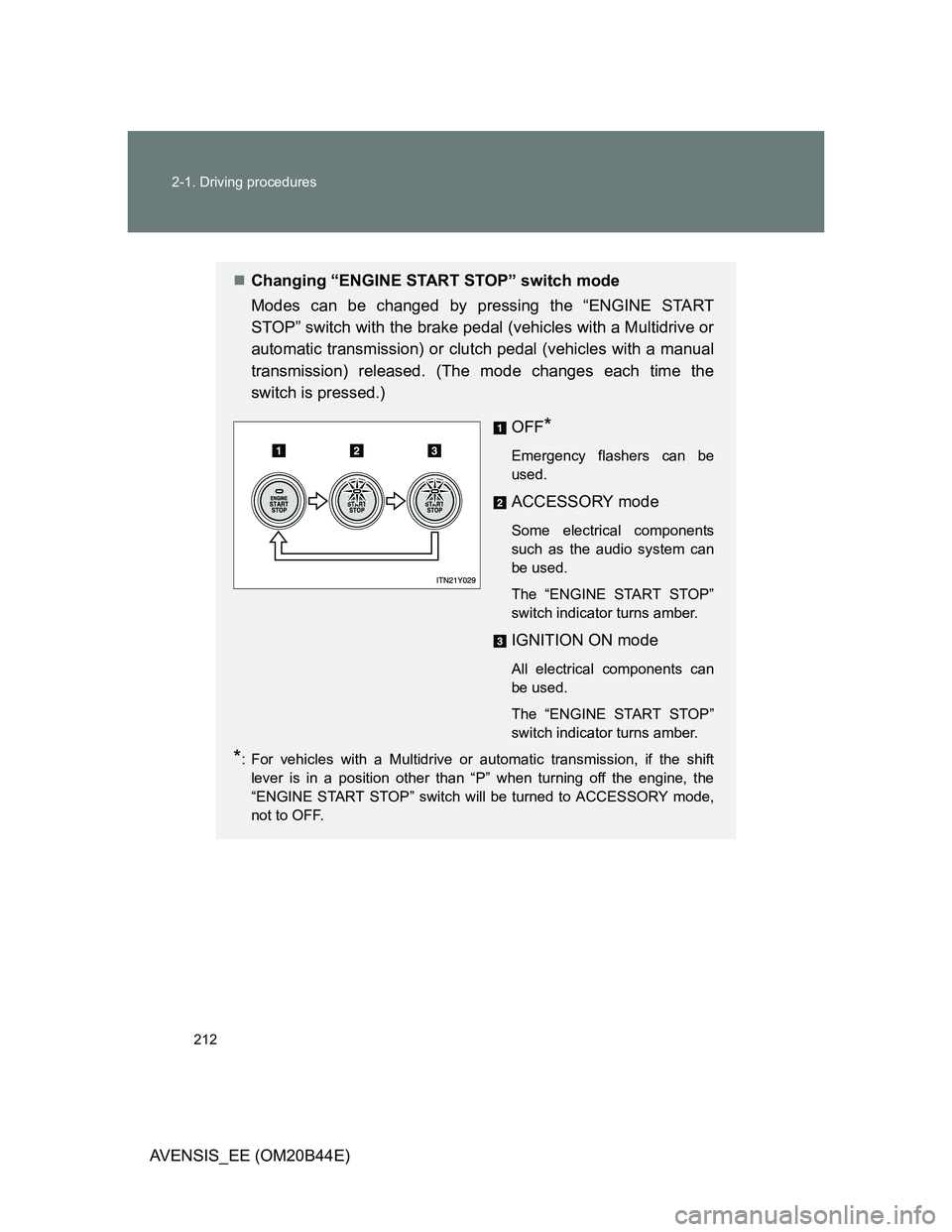
Changing “ENGINE START STOP” switch mode
Modes can be changed by pressing the “ENGINE START
STOP” switch with the brake pedal (vehicles with a Multidrive or
automatic transmission) or clutch pedal (vehicles with a manual
transmission) released. (The mode changes each time the
switch is pressed.)
OFF
*
Emergency flashers can be
used.
ACCESSORY mode
Some electrical components
such as the audio system can
be used.
The “ENGINE START STOP”
switch indicator turns amber.
IGNITION ON mode
All electrical components can
be used.
The “ENGINE START STOP”
switch indicator turns amber.
*: For vehicles with a Multidrive or automatic transmission, if the shift
lever is in a position other than “P” when turning off the engine, the
“ENGINE START STOP” switch will be turned to ACCESSORY mode,
not to OFF.
Page 216 of 772
216 2-1. Driving procedures
AVENSIS_EE (OM20B44E)
Manual transmission (diesel engine)
Check that the parking brake is set.
Check that the shift lever is set in “N”.
Sit in the driver’s seat and firmly depress the clutch pedal.
Turn the engine switch to the “ON” position.
indicator light turns on.
After indicator light goes out, turn the engine switch
to the “START” position and start the engine.
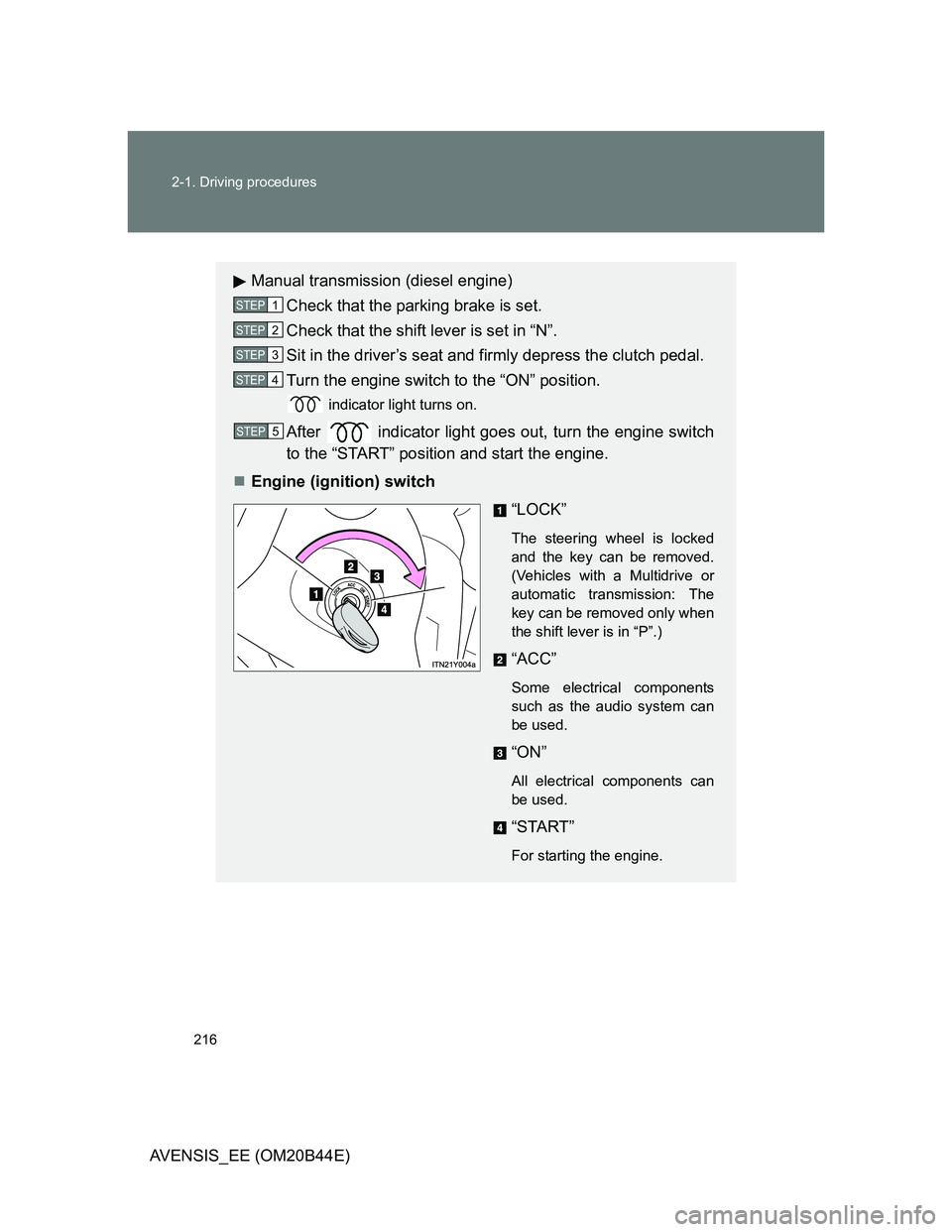
Engine (ignition) switch
“LOCK”
The steering wheel is locked
and the key can be removed.
(Vehicles with a Multidrive or
automatic transmission: The
key can be removed only when
the shift lever is in “P”.)
“ACC”
Some electrical components
such as the audio system can
be used.
“ON”
All electrical components can
be used.
“START”
For starting the engine.
STEP1
STEP2
STEP3
STEP4
STEP5
Page 250 of 772
250 2-2. Instrument cluster
AVENSIS_EE (OM20B44E)
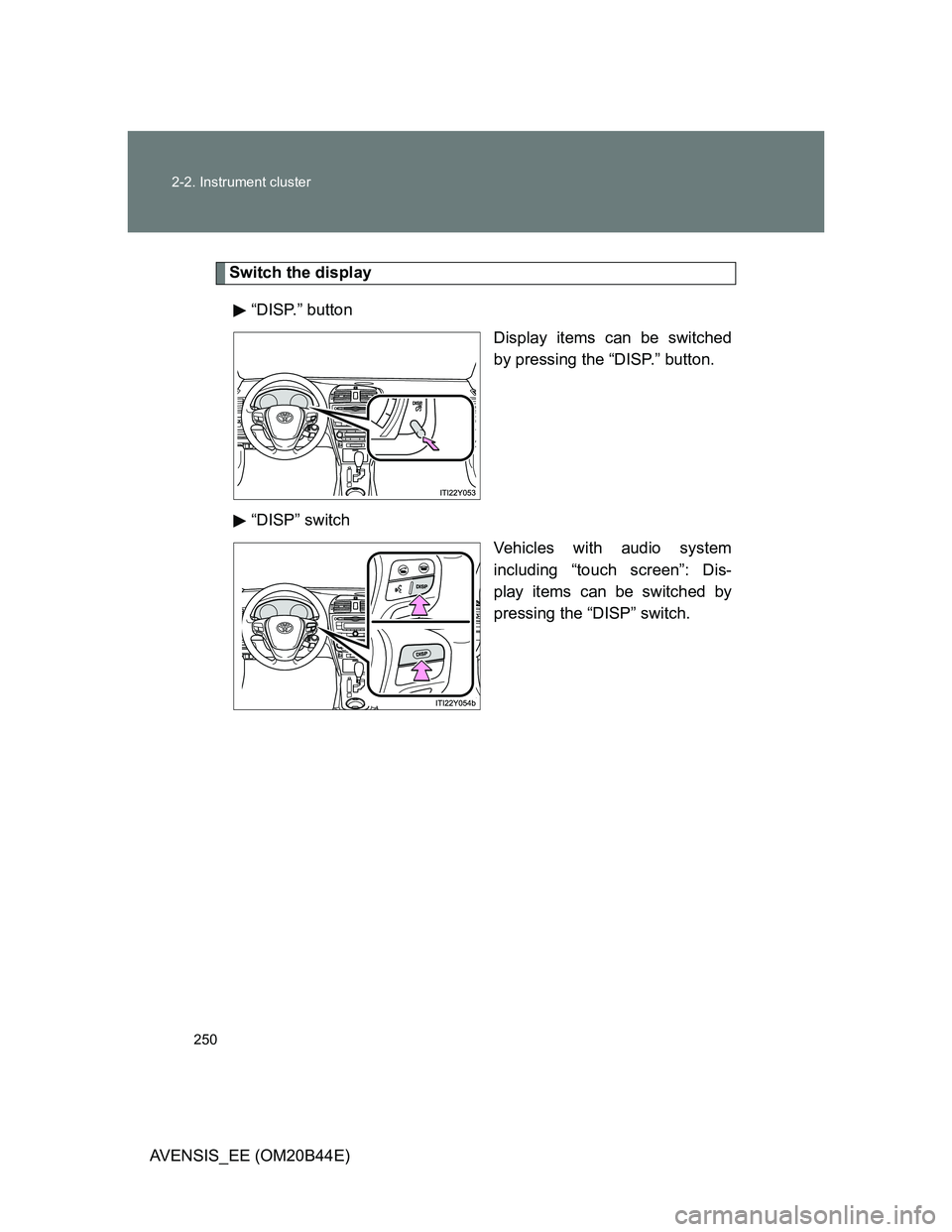
Switch the display
“DISP.” button
Display items can be switched
by pressing the “DISP.” button.
“DISP” switch
Vehicles with audio system
including “touch screen”: Dis-
play items can be switched by
pressing the “DISP” switch.
Page 359 of 772
3Interior features
359
AVENSIS_EE (OM20B44E)
3-2. Using the audio system
Audio system types .......... 383
Using the radio ................. 391
Using the CD player ......... 398
Playing back MP3
and WMA discs............... 406
Operating an iPod............. 416
Operating a USB
memory........................... 426
Optimal use of the
audio system .................. 436
Using the AUX port ........... 438
Using the steering
wheel audio switches...... 439
Bluetooth
® audio/phone.... 442
Using the Bluetooth®
audio/phone .................... 449
Operating a Bluetooth
®
enabled portable
player .............................. 455
Making a phone call.......... 459
Using the “SET UP” menu
(“Bluetooth” menu).......... 465
Using the “SET UP”
menu (“TEL” menu) ........ 471
3-3. Using the interior lights
Interior lights list................ 478
• Personal/interior light
main switch ..................... 479
• Personal/interior lights .... 479
• Personal lights ................ 4803-4. Using the storage features
List of storage features ..... 481
• Glove box ....................... 482
• Console box.................... 483
• Overhead console .......... 484
• Cup holders .................... 485
• Bottle holders.................. 486
• Coin box ......................... 488
3-5. Other interior features
Sun visors ......................... 489
Vanity mirror ..................... 490
Ashtray.............................. 491
Cigarette lighter ................ 492
Power outlet ...................... 493
Seat heaters ..................... 494
Armrest ............................. 496
Trunk/luggage
compartment storage
extension ........................ 497
Panoramic roof shade
(wagon)........................... 498
Rear sunshade
(sedan) ........................... 501
Rear side sunshades
(sedan) ........................... 502
Floor mats ......................... 503
Trunk features (sedan) ..... 505
Luggage compartment
features (wagon)............. 507
Page 383 of 772
383
3
Interior features
AVENSIS_EE (OM20B44E)
3-2. Using the audio system
Audio system types
: If equipped
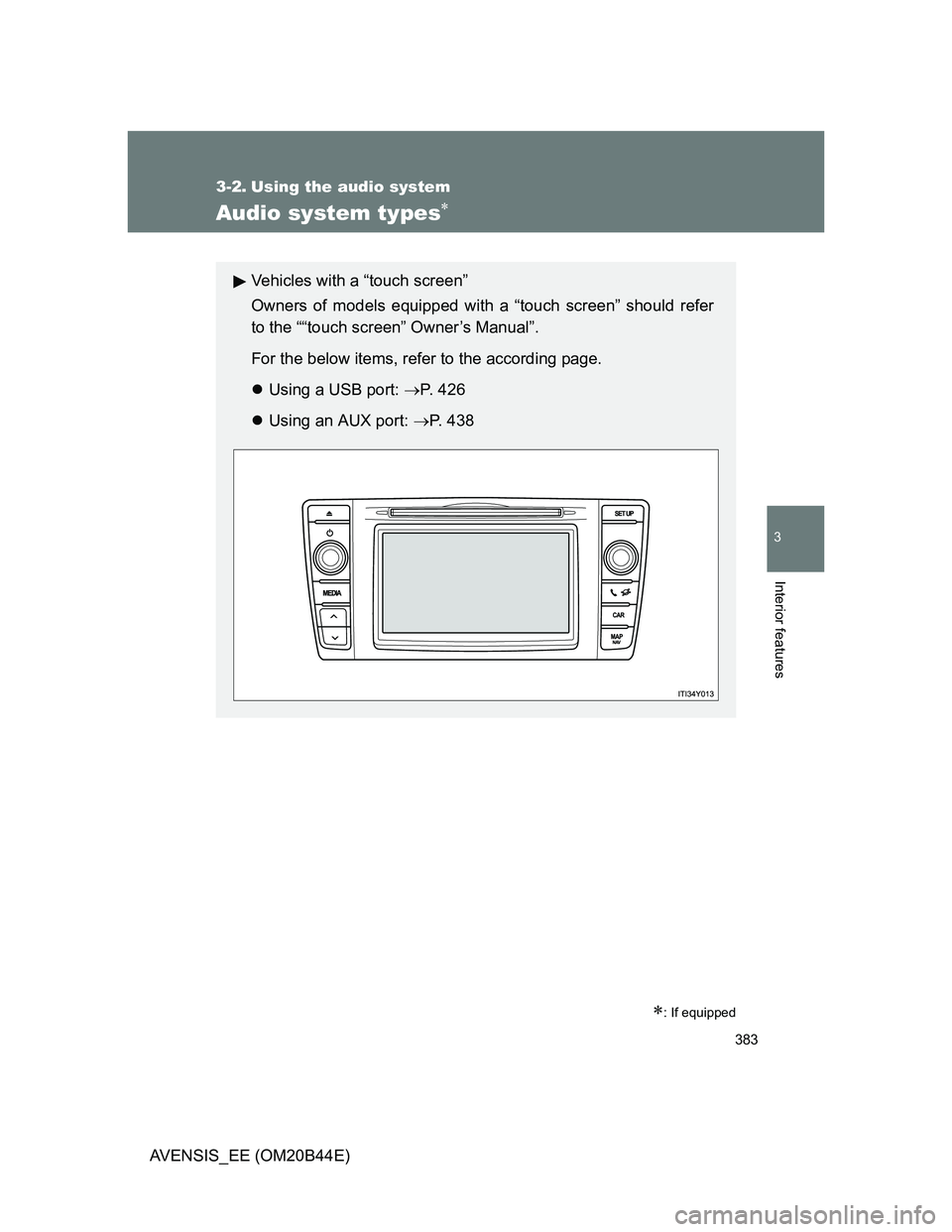
Vehicles with a “touch screen”
Owners of models equipped with a “touch screen” should refer
to the ““touch screen” Owner’s Manual”.
For the below items, refer to the according page.
Using a USB port: P. 426
Using an AUX port: P. 4 3 8
Page 384 of 772
384 3-2. Using the audio system
AVENSIS_EE (OM20B44E)
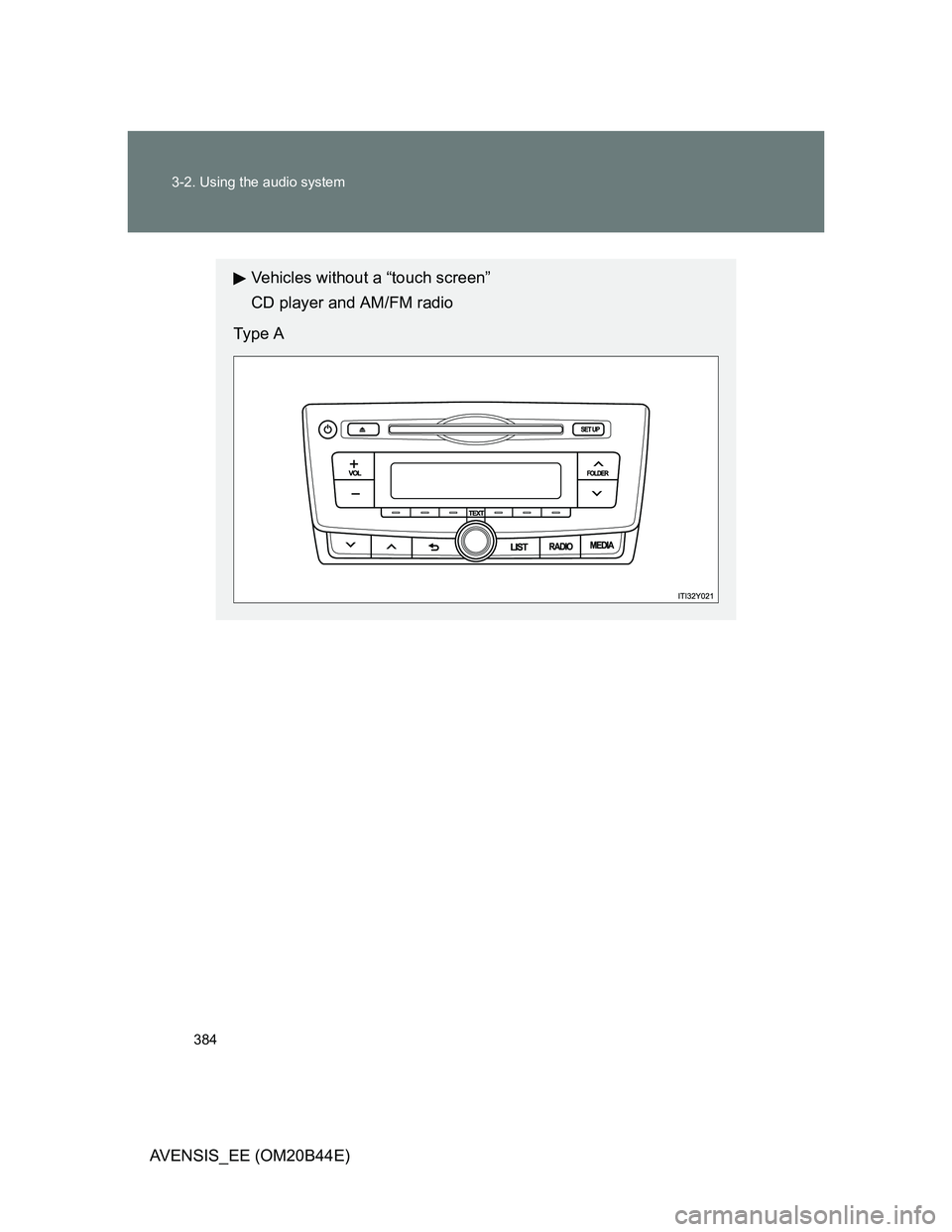
Vehicles without a “touch screen”
CD player and AM/FM radio
Type A
Page 385 of 772
385 3-2. Using the audio system
3
Interior features
AVENSIS_EE (OM20B44E)
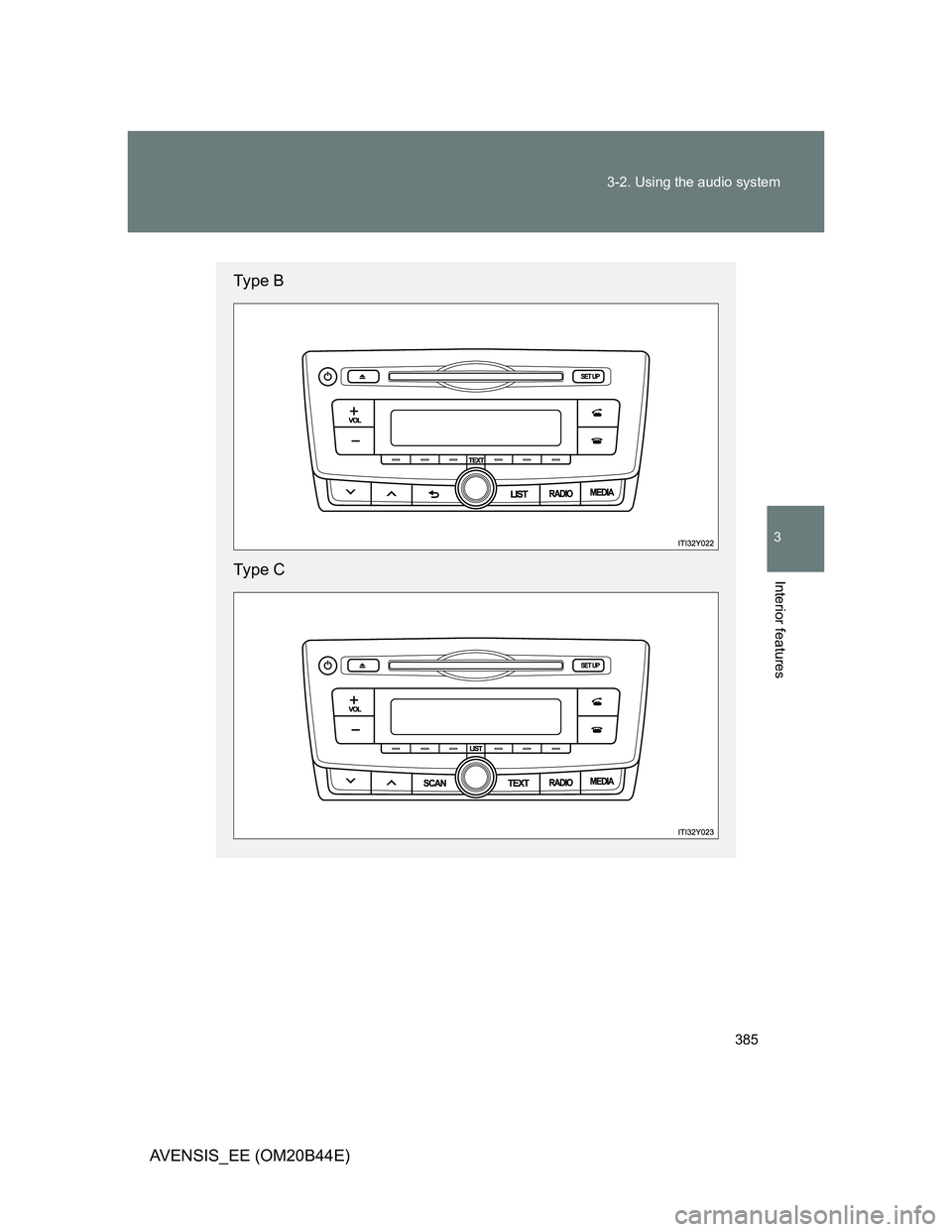
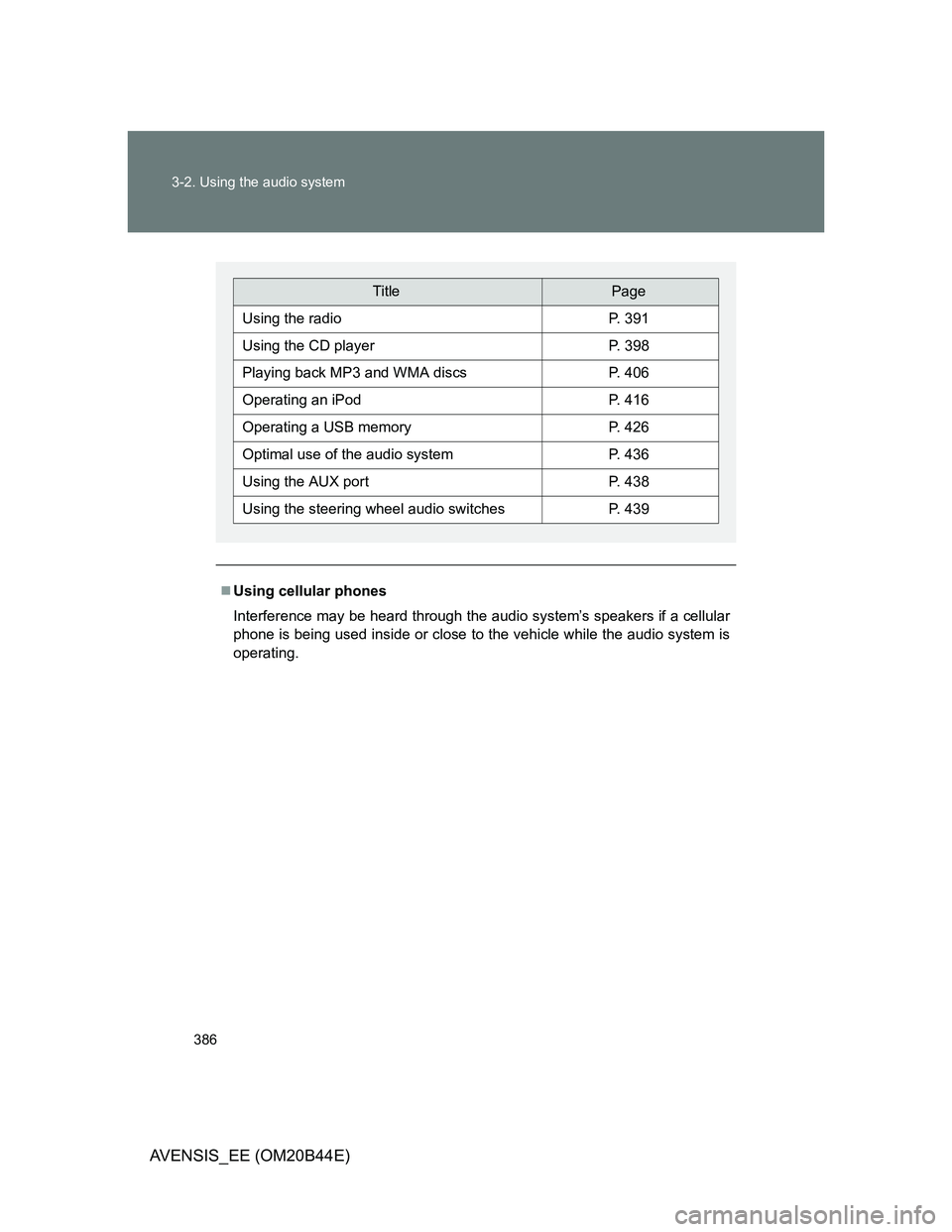
Type B
Type C
Page 386 of 772
386 3-2. Using the audio system
AVENSIS_EE (OM20B44E)
Using cellular phones
Interference may be heard through the audio system’s speakers if a cellular
phone is being used inside or close to the vehicle while the audio system is
operating.
TitlePage
Using the radioP. 391
Using the CD playerP. 398
Playing back MP3 and WMA discsP. 406
Operating an iPodP. 416
Operating a USB memoryP. 426
Optimal use of the audio systemP. 436
Using the AUX portP. 438
Using the steering wheel audio switchesP. 439