Page 224 of 580
224
2-5. Driving information
Trailer towing
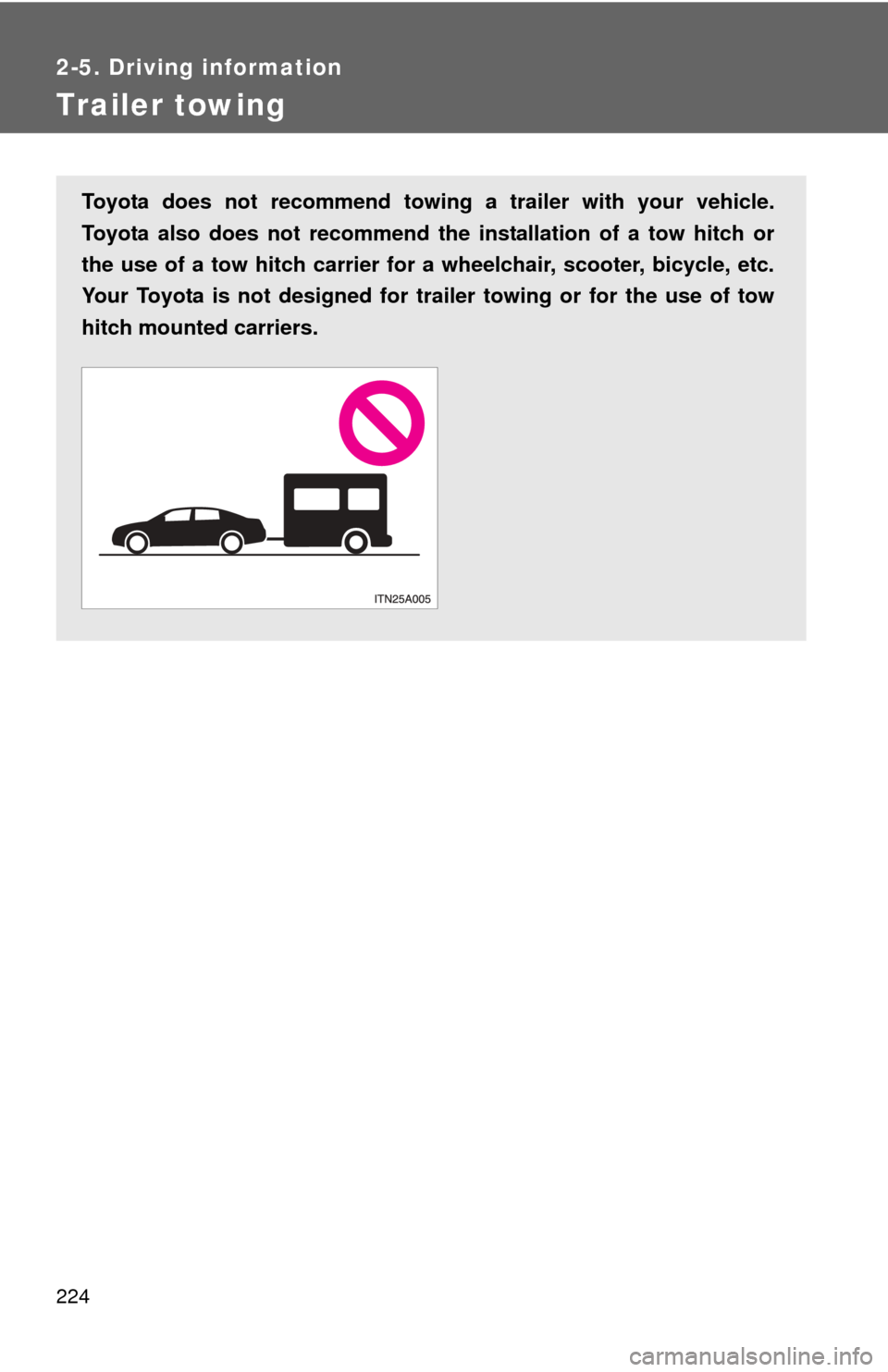
Toyota does not recommend towing a trailer with your vehicle.
Toyota also does not recommend the installation of a tow hitch or
the use of a tow hitch carrier for a wheelchair, scooter, bicycle, etc.
Your Toyota is not designed for tr ailer towing or for the use of tow
hitch mounted carriers.
Page 225 of 580
225
2-5. Driving information
2
When driving
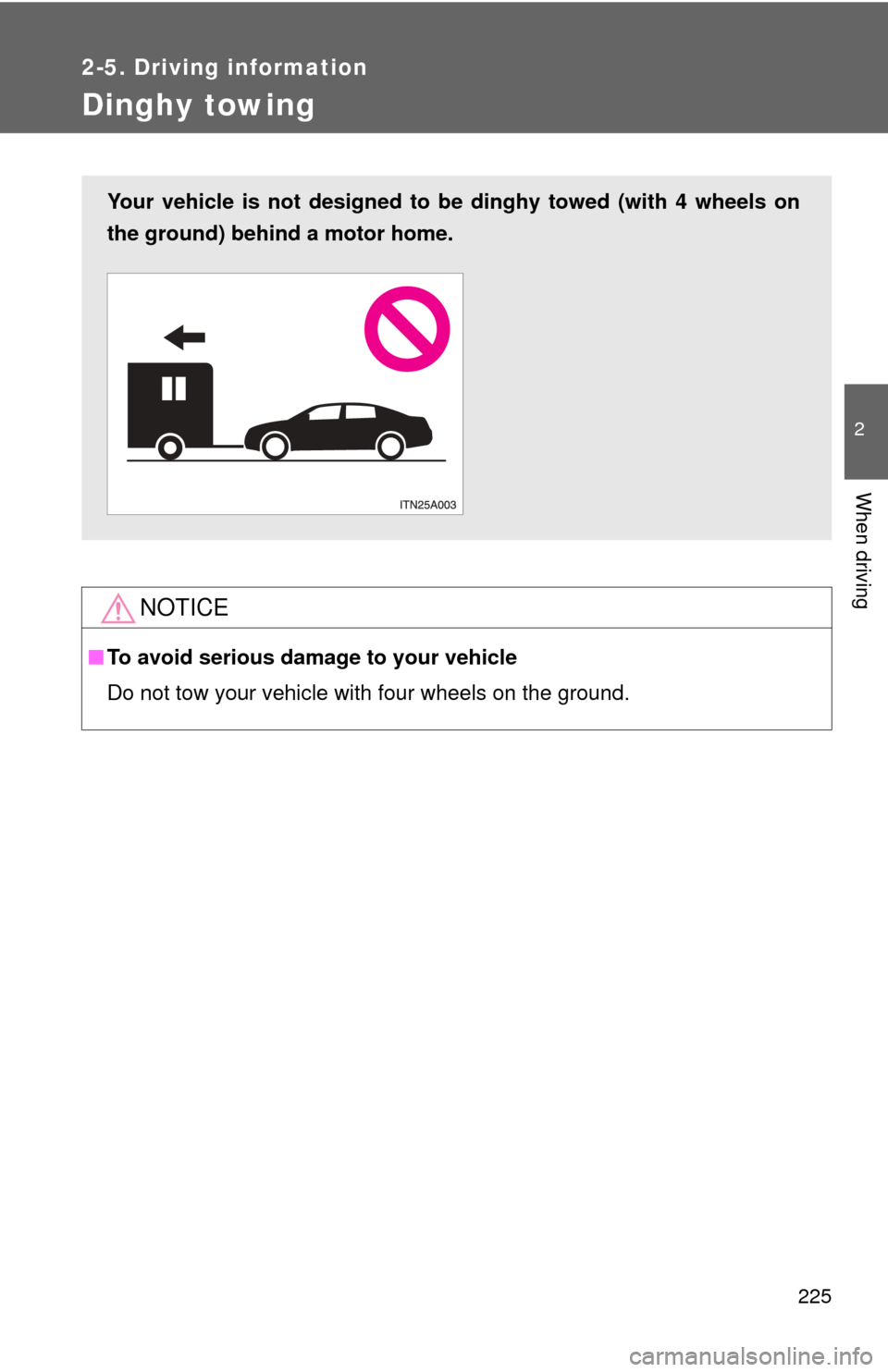
Dinghy towing
NOTICE
■To avoid serious damage to your vehicle
Do not tow your vehicle with four wheels on the ground.
Your vehicle is not designed to be dinghy towed (with 4 wheels on
the ground) behind a motor home.
Page 226 of 580
226
3-1. Using the air conditioning system and defogger
Automatic air conditioning system ........................... 228
Using the steering wheel climate control
switches ......................... 236
Rear window and outside rear view mirror
defoggers ....................... 237
3-2. Using the audio system Audio system type............ 239
Using the radio ................. 243
Using the CD player ......... 251
Playing back MP3 and WMA discs ..................... 259
Operating an iPod ............ 267
Operating a USB memory .......................... 274
Optimal use of the audio system ........................... 282
Using the AUX port .......... 285
Using the steering switches ......................... 286
Interior features3
Page 236 of 580
236
3-1. Using the air conditioning system and defogger
Using the steering wheel climate control switches
Using the automatic mode
Press .
The air conditioning system will begin to operate. Air outlets and
fan speed are automatically adjusted according to the tempera-
ture setting.
Press “” to increase the temperature and “” to decrease the
temperature on .
The temperature for the driver and passenger seats can be set
separately.
Adjust the temperature settings
Press “
” to increase the temperature and “” to decrease the tem-
perature on .
Turning off the fan
Press .
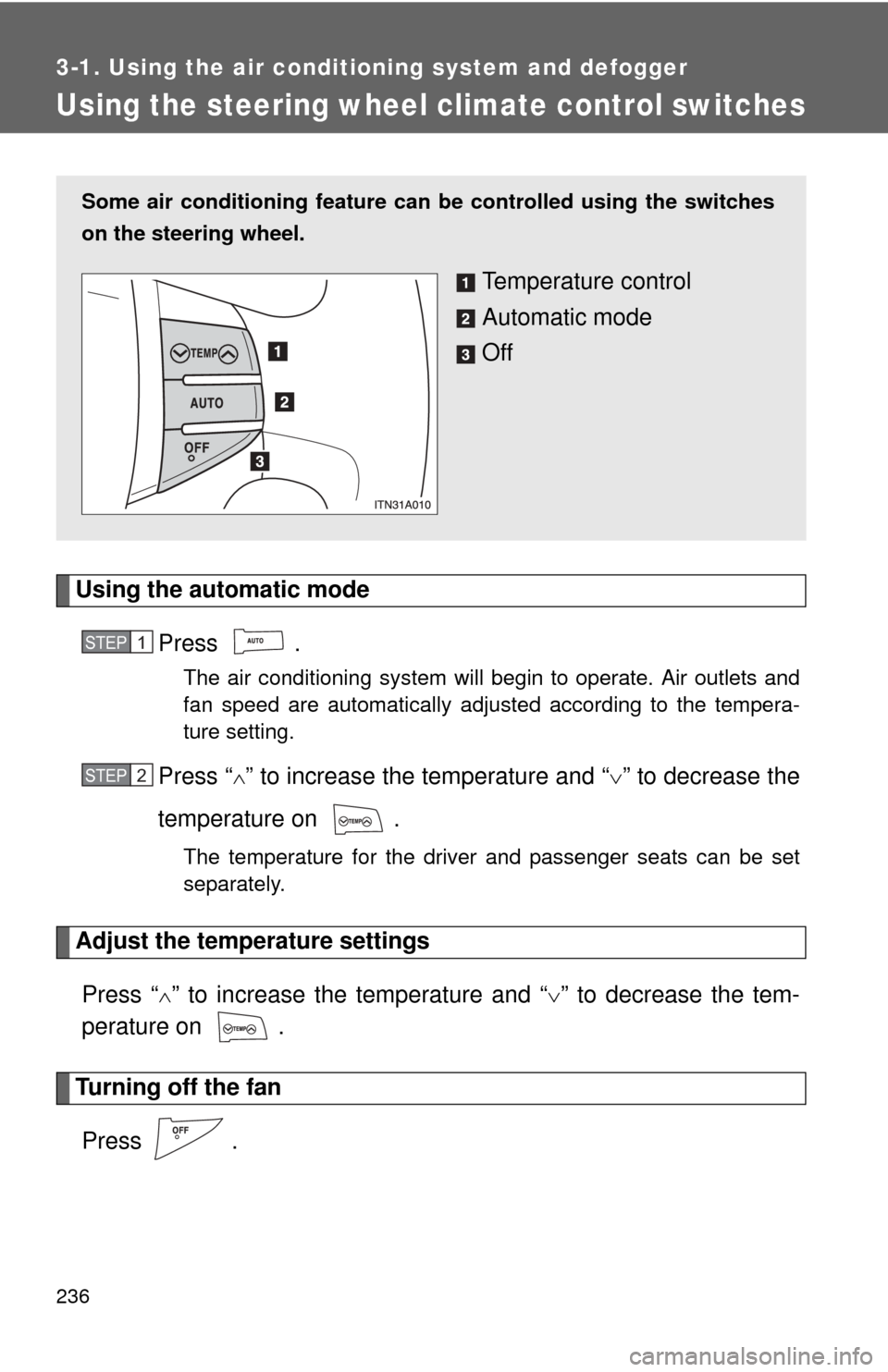
Some air conditioning feature can be controlled using the switches
on the steering wheel.
Temperature control
Automatic mode
Off
STEP1
STEP2
Page 286 of 580
286
3-2. Using the audio system
Using the steering switches
Some audio features can be controlled using the switches on the
steering wheel.
Increases/decreases vol-
ume
Radio mode: Selects radio stations
CD mode: Selects tracks files
(MP3 and WMA) and
discs
iPod mode: Selects a song
USB memory mode: Selects a file and folder
Bluetooth
® audio mode:
Selects a track and
album
Turns the power on, selects
an audio source
Page 288 of 580
288 3-2. Using the audio system
Selecting a track/file or songPress to select the CD, iPod, USB memory or
Bluetooth
® audio mode.
Press “ ” or “ ” on to select the desired track/file or
folder.
Selecting a folder or album
Press to select the CD, USB memory or Bluetooth
®
audio mode.
Press and hold “” or “ ” on until you hear a beep.
Selecting a disc in the CD player (type A only)
Press to select the CD mode.
Press and hold “ ” or “ ” on until you hear a beep.
CAUTION
■ To reduce the risk of an accident
Exercise care when operating the audio switches on the steering wheel.
STEP1
STEP2
STEP1
STEP2
STEP1
STEP2
Page 293 of 580
293
3-3. Using the Bluetooth
® audio system
3
Interior features
■
Steering wheel
Vo l u m e
The voice guidance volume
cannot be adjusted by using
this button.
Talk switch
Turns the voice command sys-
tem on (press)/turns the voice
command system off (press
and hold)
■Microphone
Page 312 of 580
312 3-4. Using the hands-free system (for cellular phone)
■Steering wheel
Vo l u m e
The voice guidance volume
cannot be adjusted by using
this button.
On-hook switch
Turns the hands-free system
off/ends a call/refuses a call
Off-hook switch
Turns the hands-free system
on/starts a call
Talk switch
Turns the voice command sys-
tem on (press)/turns the voice
command system off (press
and hold)
■Microphone