Page 402 of 700
402 3-3. Using the Bluetooth
® audio system
4RUNNER_U
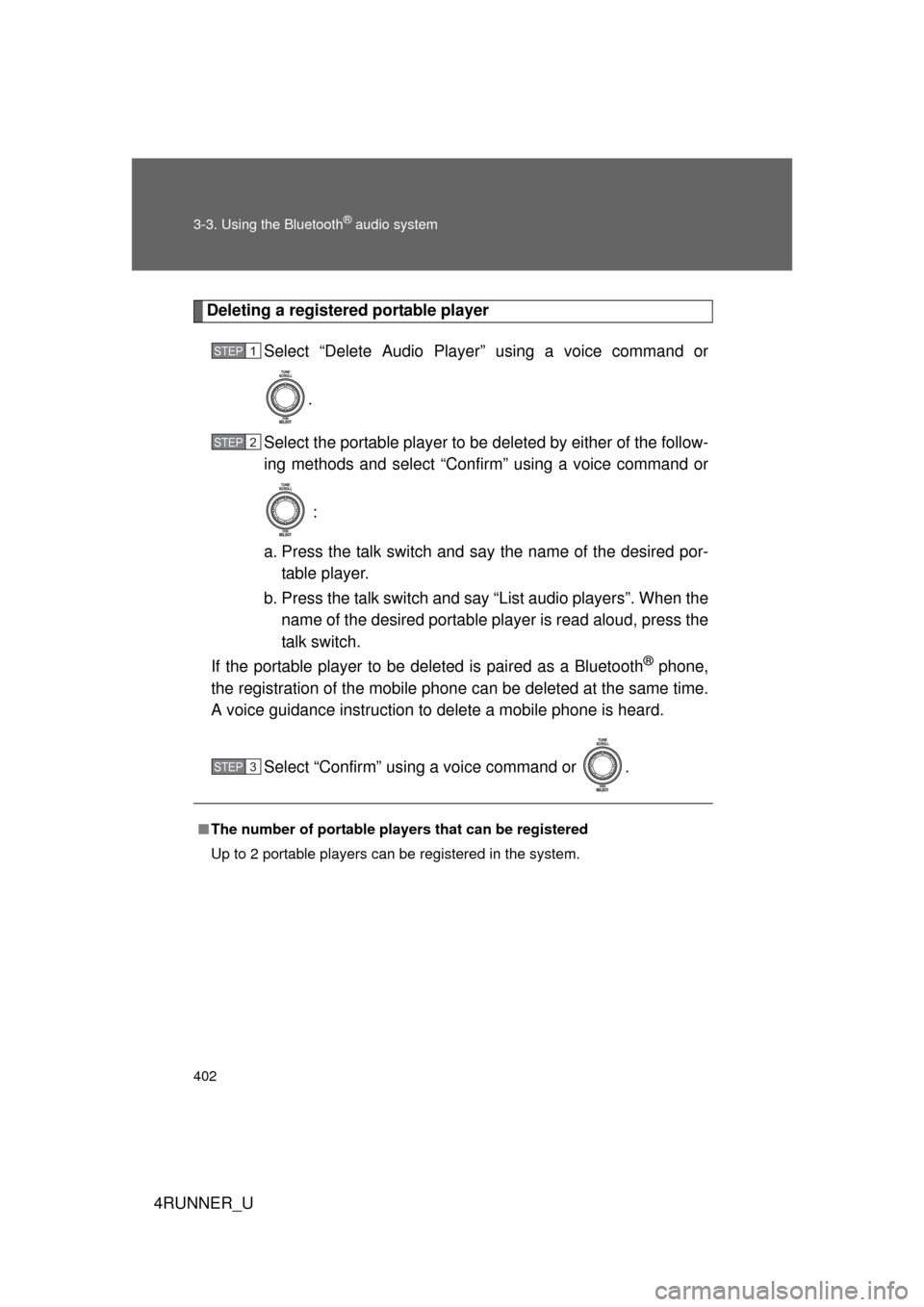
Deleting a registered portable playerSelect “Delete Audio Player” using a voice command or
.
Select the portable player to be deleted by either of the follow-
ing methods and select “Confirm” using a voice command or
:
a. Press the talk switch and say the name of the desired por- table player.
b. Press the talk switch and say “List audio players”. When the name of the desired portable player is read aloud, press the
talk switch.
If the portable player to be deleted is paired as a Bluetooth
® phone,
the registration of the mobile phone can be deleted at the same time.
A voice guidance instruction to delete a mobile phone is heard.
Select “Confirm” using a voice command or .
■The number of portable pl ayers that can be registered
Up to 2 portable players can be registered in the system.
STEP 1
STEP 2
STEP 3
Page 403 of 700
403
3-3. Using the Bluetooth® audio system
3
Interior features
4RUNNER_U
Bluetooth® audio system setup
■System setup items and operation procedures
P. 426
Page 404 of 700
404
4RUNNER_U
3-4. Using the hands-free phone system (for cellular phone)
Hands-free phone system (for cellular phone) features
This system supports Bluetooth®, which allows you to make or
receive calls without using cables to connect a cellular phone and
the system, and without operat ing the cellular phone.
Owners of models equipped with a Display Audio system should
refer to the “Display Audio System Owner's Manual”.
Owners of models equipped with a navigation system should refer to
the “Navigation System Owner's Manual”.
■ Hands-free system quick guide
Setting a cellular phone. ( P. 409)
Adding an entry to the phonebook (Up to 20 names can be
stored). ( P. 430)
Dialing by inputting a name. ( P. 418)
STEP 1
STEP 2
STEP 3
: If equipped
Page 409 of 700
409
3-4. Using the hands-free phone system (for cellular phone)
3
Interior features
4RUNNER_U
Using the hands-free phone system (for cellular phone)
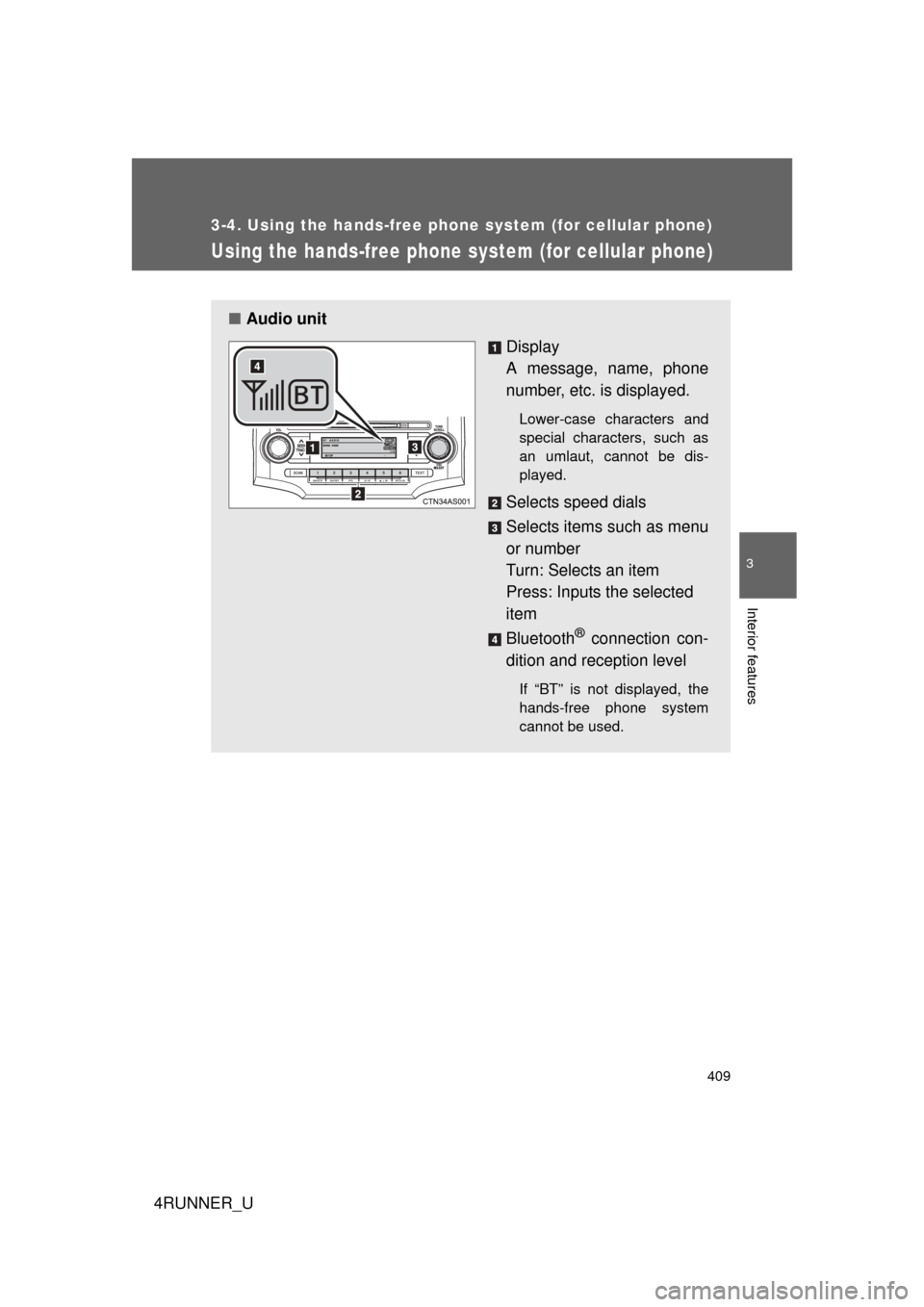
■Audio unit
Display
A message, name, phone
number, etc. is displayed.
Lower-case characters and
special characters, such as
an umlaut, cannot be dis-
played.
Selects speed dials
Selects items such as menu
or number
Turn: Selects an item
Press: Inputs the selected
item
Bluetooth
® connection con-
dition and reception level
If “BT” is not displayed, the
hands-free phone system
cannot be used.
Page 412 of 700
412 3-4. Using the hands-free phone system (for cellular phone)
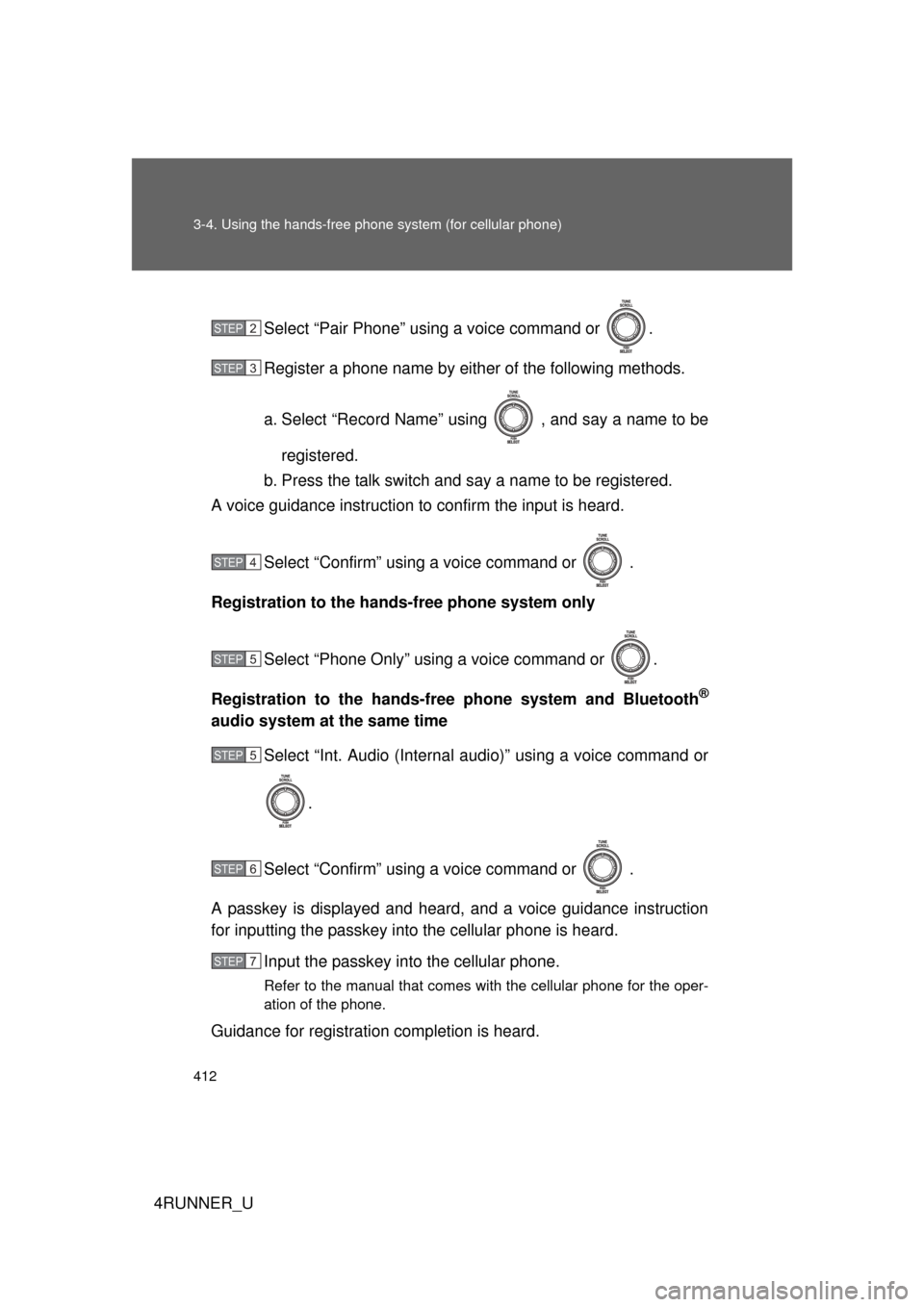
4RUNNER_USelect “Pair Phone” using a voice command or .
Register a phone name by either of the following methods.
a. Select “Record Name” using , and say a name to be
registered.
b. Press the talk switch and say a name to be registered.
A voice guidance instruction to confirm the input is heard.
Select “Confirm” using a voice command or .
Registration to the hands-free phone system only
Select “Phone Only” using a voice command or .
Registration to the hands-free phone system and Bluetooth
®
audio system at the same time Select “Int. Audio (Internal audio)” using a voice command or
.
Select “Confirm” using a voice command or .
A passkey is displayed and heard, and a voice guidance instruction
for inputting the passkey into the cellular phone is heard. Input the passkey into the cellular phone.
Refer to the manual that comes with the cellular phone for the oper-
ation of the phone.
Guidance for registration completion is heard.
STEP 2
STEP 3
STEP 4
STEP 5
STEP 5
STEP 6
STEP 7
Page 507 of 700
507
4-1. Maintenance and care
4
Maintenance and care
4RUNNER_U
NOTICE
■
Cleaning detergents
● Do not use the following types of detergent, as they may discolor the vehi-
cle interior or cause streaks or damage to painted surfaces:
• Non-seat portions: Organic substances such as benzene or gasoline,
alkaline or acidic solutions, dye, and bleach.
• Seats: Alkaline or acidic solutions, such as thinner, benzene, and alco- hol.
● Do not use polish wax or polish cleaner. The instrument panel’s or other
interior part’s painted surface may be damaged.
■ Preventing damage to leather surfaces
Observe the following precautions to avoid damage to and deterioration o\
f
leather surfaces:
● Remove any dust or dirt from leather surfaces immediately.
● Do not expose the vehicle to direct sunlight for extended periods of time.
Park the vehicle in the shade, especially during summer.
● Do not place items made of vinyl, plastic, or containing wax on the uphol-
stery, as they may stick to the leather surface if the vehicle interior heats
up significantly.
■ Water on the floor
Do not wash the vehicle floor with water.
Vehicle systems such as the audio system may be damaged if water comes
into contact with electrical components such as the audio system above or
under the floor of the vehicle. Water may also cause the body to rust.
■ Cleaning the inside of the back window
● Do not use glass cleaner to clean the back window, as this may cause
damage to the rear window defogger heater wires. Use a cloth dampened
with lukewarm water to gently wipe the window clean. Wipe the window in
strokes running parallel to the heater wires.
● Be careful not to scratch or damage the heater wires.
Page 560 of 700

560 4-3. Do-it-yourself maintenance
4RUNNER_U
15H-LP RH-HI10 ARight-hand headlight (high
beam)
16H-LP LH-HI10 ALeft-hand headlight (high
beam)
17HTR50 A
Air conditioning system
18400W INV 80 APower outlets
19ST30 AStarter system
20H-LP HI20 A
H-LP RH-HI, H-LP LH-HI fuses
21ALT-S7.5 A Charging system
22TURN&HAZ15 ATurn signal lights, emergency
flashers
23ETCS10 AMultiport fuel injection system/
sequential multiport fuel injec-
tion system
24PRB30 A
Automatic running boards sys-
tem
25TOWING30 A
Trailer stop/turn lights
26SHORT PIN
No circuit
27RAD NO.1 10 A Audio system
28AM27.5 A Starter system
29MAYDAY 7.5 AMAYDAY
30AMP30 A
Audio system
31ABS NO.150 AABS, VSC
32ABS NO.230 AABS, VSC
33DOME10 A
Interior lights, vanity lights
34ECU-B10 AMultiplex communication sys-
tem, meter and gauge
35H-LP RH-LO10 ARight-hand headlight (low
beam)
36H-LP LH-LO10 A
Left-hand headlight (low beam)
37INJ10 AMultiport fuel injection system/
sequential multiport fuel injec-
tion system
38EFI NO.27.5 A Multiport fuel injection system/
sequential multiport fuel injec-
tion system
FuseAmpereCircuit
Page 625 of 700

5
When trouble arises
625
5-2. Steps to take in an emergency
4RUNNER_U
■
Starting the engine when the battery is discharged
The engine cannot be started by push-starting.
■ To prevent battery discharge
● Turn off the headlights and the audio system while the engine is off.
● Turn off any unnecessary electrical components when the vehicle is run-
ning at a low speed for an extended period, such as in heavy traffic.
■ Charging the battery
The electricity stored in the battery will discharge gradually even when the
vehicle is not in use, due to natural discharge and the draining effects of cer-
tain electrical appliances. If the vehicle is left for a long time, the battery may
discharge, and the engine may be unable to start. (The battery recharges
automatically during driving.)
■ Precautions when the battery is di scharged (vehicles with a smart key
system)
● In some cases, it may not be possible to unlock the doors using the smart
key system when the battery is discharged. Use the wireless remote con-
trol or the mechanical key to lock or unlock the doors.
● The engine may not start on the first attempt after the battery has
recharged but will start normally after the second attempt. This is not a
malfunction.
● The “ENGINE START STOP” switch mode is memorized by the vehicle.
When the battery is reconnected, the system will return to the mode it
was in before the battery was discharged. Before disconnecting the bat-
tery, turn the “ENGINE START STOP” switch off.
If you are unsure what mode the “ENGINE START STOP” switch was in
before the battery discharged, be especially careful when reconnecting
the battery.