2012 Seat Alhambra warning
[x] Cancel search: warningPage 70 of 388

68Cockpit
Configuration
MenuFunction
Winter tyresChanging the visual and audible speed warnings. This
function should only be used when the vehicle is fitted
with winter tyres, which are not designed for travel at high
speeds.
Settings: Lan-
guageChanging the language of the display texts and the navi-
gation system.
UnitsChanging the units of measurement for the temperature,
consumption and distance.
Second speedSwitching second speed display on and off
Configuration
MenuFunction
AutoholdSelecting whether the Auto-Hold function should remain
on permanently.
ServiceCheck the service notifications or reset the service inter-
vals to zero
Factory set-
tingsSome functions of the Configuration menu will be reset to
the factory value.
BackThe main menu is displayed again.
Submenu Convenience
Convenience menuFunction
Open door
⇒ page 74
Manual
When the vehicle is unlocked with the key, the following doors (depending upon the configuration)
are unlocked:
all doors : All of the doors will be unlocked.
one door: see above Method 1.
Side of vehicle : The driver side doors will unlock.
Individually: Only the driver's door is unlocked.
automatic mode
Automatic locking function (Auto Lock) All doors are automatically locked at speeds above approxi-
mately 15 km/h. To unlock when the vehicle is stopped, push the central locking button or remove
the key from the ignition lock.
Automatic unlock : When the key is removed from the ignition lock, all doors and the tailgate are
unlocked.
Electronic childproof locksSwitching the childproof locks on or off ⇒ page 83.Confirm anti-theft alarmSwitching on or off the audible confirmation that the anti-theft alarm is activated ⇒ page 74.Handling windowsAdjusting the electric windows: This permits the windows to be opened or closed when the vehicle is unlocked or locked
respectively. The open function can only be activated from the driver's door ⇒ page 88.
Page 73 of 388

71
Unlocking and locking
Unlocking and locking
Vehicle key set
Introduction
Additional information and warnings:
● Adjustments to the SEAT information system ⇒ page 62
● Central locking and locking system ⇒ page 74
● Start and stop the engine ⇒ page 172
● Notes for the user ⇒ page 259
● Emergency locking and unlocking ⇒ page 318
WARNING
Careless or incorrect use of vehicle keys may result in severe injury and
accident.
● Always take all the keys with you whenever you leave the vehicle.
Children and unauthorised individuals could lock the doors or the tail-
gate, start the engine or turn the ignition on activating electrical sys-
tems, for example: the electric windows.
● Never leave children or disabled people alone in the car. They could
be trapped in the car in an emergency and will not be able to get them-
selves to safety. For example, depending on the time of the year, temper-
atures inside a locked and closed vehicle can be extremely high or ex-
tremely low resulting in serious injuries and illness or even death, partic-
ularly for young children.
● Never remove the key from the ignition if the vehicle is in motion. The
steering may lock and it will not be possible to turn the steering wheel.
Vehicle key
Fig. 39 Vehicle keys.
Fig. 40 Vehicle key for
vehicles with electric
sliding doors.
Safety FirstOperating instructionsPractical tipsTechnical Specifications
Page 76 of 388

74Unlocking and locking
SEAT recommend having the batteries changed in a Technical Service.
The battery is located to the rear of the vehicle key, under a cover ⇒ fig. 43.
When changing the battery, use another battery of the same model and ob-
serve the polarity when fitting it ⇒
.
To change the battery
● Unfold the key shaft ⇒ page 71.
● Remove the cover from the back of the vehicle key ⇒ fig. 43 in the direc-
tion of the arrow ⇒
.
● Extract the battery from the compartment using a suitable thin object
⇒ fig. 44.
● Place the new battery in the compartment, pressing in the direction of
the arrow as shown ⇒ fig. 44 ⇒
.
● Fit the battery compartment cover, pressing in the direction of the arrow
as shown ⇒ fig. 43 until it clicks into place.
CAUTION
● If the battery is not changed correctly, the vehicle key may be damaged.
● Use of unsuitable batteries may damage the vehicle key. For this reason,
always replace the dead battery with another of the same voltage, size and
specifications.
For the sake of the environment
● Please dispose of your used batteries correctly and with respect for the
environment.
● The vehicle key battery may contain perchlorate. Observe the legal re-
quirements for their disposal. To synchronise the vehicle key
If the button
is pressed frequently outside of the vehicle range, it is pos-
sible that the vehicle can no longer be locked or unlocked using the key. In
this case, the vehicle key must be synchronised once more as follows:
● Unfold the key shaft ⇒ page 72.
● Remove the cover from the driver's door handle ⇒ page 318.
● Press the button
on the vehicle key. For this, it must remain with the
vehicle.
● Open the vehicle within one minute using the key shift.
● Turn on the ignition using the vehicle key. The key has been synchron-
ised.
● Replace the driver's door handle cover.
Central locking and locking system
Introduction
Central locking functions correctly when all the doors and the tailgate are
correctly shut. If the driver's door is open, the vehicle cannot be locked with
the key.
The battery of a vehicle left unlocked during a long period (for instance, in a
private garage) may run down and fail to start the motor.
Additional information and warnings:
● Personal convenience settings in the SEAT information system
⇒ page 62
● Vehicle key set ⇒ page 71
● Sliding doors ⇒ page 80
Page 77 of 388
75
Unlocking and locking
● Electric windows ⇒ page 88
● Panorama sliding sunroof ⇒ page 92
● Towing mode ⇒ page 237
● Emergency locking and unlocking ⇒ page 318
WARNING
The incorrect use of the central locking system may cause serious inju-
ries.
● The central locking system will lock all doors. A vehicle locked from
the inside can prevent any non-authorised individual from opening the
doors and accessing the vehicle. Nevertheless, in case of emergency or
accident, locked doors will complicate access to the passenger compart-
ment to help the passengers.
● Never leave children or disabled people alone in the vehicle. The cen-
tral locking button can be used to lock all the doors from within. There-
fore, passengers will be locked inside the vehicle. Individuals locked in
the vehicle can be exposed to very high or very low temperatures.
● Depending on the time of the year, temperatures inside a locked and
closed vehicle can be extremely high or extremely low resulting in seri-
ous injuries and illness or even death, particularly for young children.
● Never leave individuals locked in a closed and locked vehicle. In case
of emergency, they may not be able to exit the vehicle by themselves or
get help.
Description of the central locking system
The central locking system allows all doors and the tailgate to be locked
and unlocked centrally.
● From outside, using the vehicle key.
● From inside, by pushing the central locking button ⇒ page 77. In the submenu Convenience in the Configuration menu, or by visiting a spe-
cialized workshop, special functions of the central locking system can be
switched on or off ⇒ page 62.
In case of a vehicle key fault or central locking system fault, all doors can be
locked or unlocked manually.
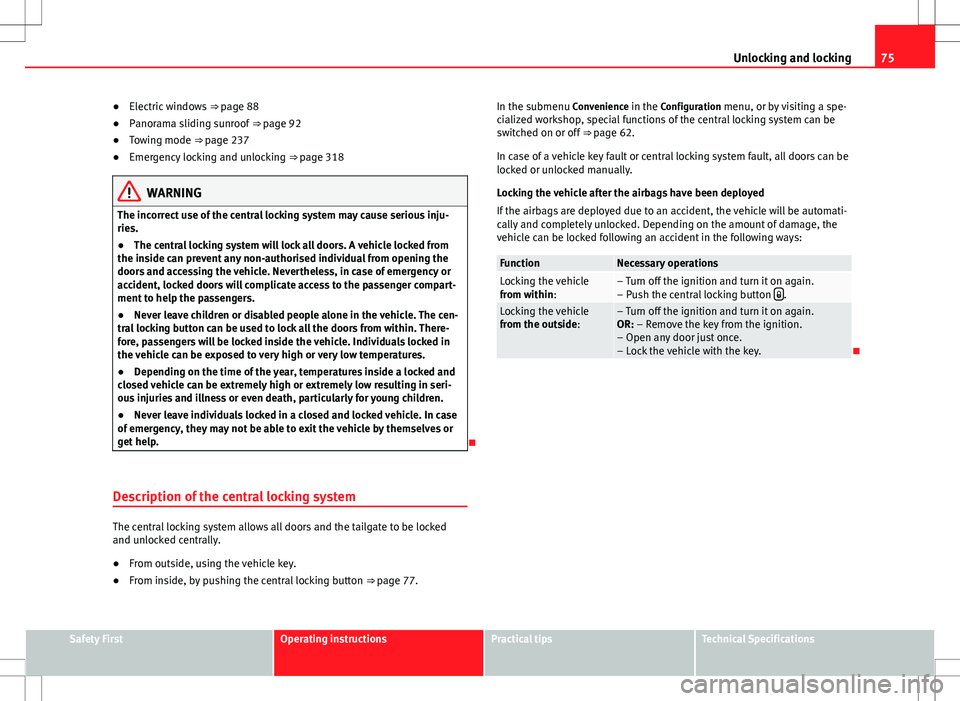
Locking the vehicle after the airbags have been deployed
If the airbags are deployed due to an accident, the vehicle will be automati-
cally and completely unlocked. Depending on the amount of damage, the
vehicle can be locked following an accident in the following ways:
FunctionNecessary operationsLocking the vehicle
from within:– Turn off the ignition and turn it on again.
– Push the central locking button .Locking the vehicle
from the outside:– Turn off the ignition and turn it on again.
OR: – Remove the key from the ignition.
– Open any door just once.
– Lock the vehicle with the key.
Safety FirstOperating instructionsPractical tipsTechnical Specifications
Page 80 of 388
78Unlocking and locking
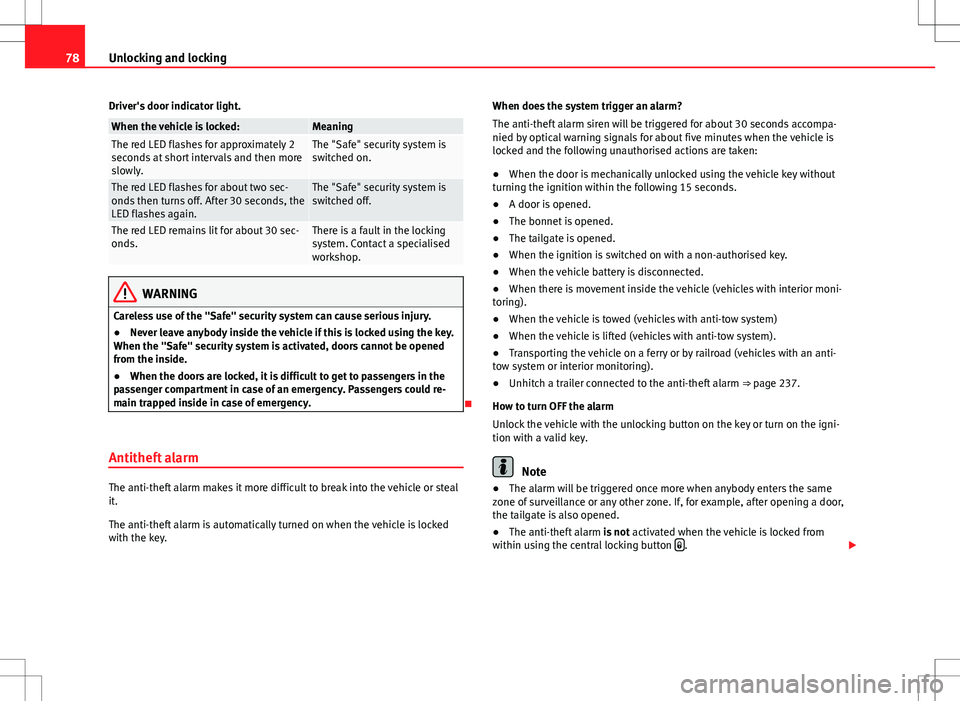
Driver's door indicator light.
When the vehicle is locked:MeaningThe red LED flashes for approximately 2
seconds at short intervals and then more
slowly.The "Safe" security system is
switched on.
The red LED flashes for about two sec-
onds then turns off. After 30 seconds, the
LED flashes again.The "Safe" security system is
switched off.
The red LED remains lit for about 30 sec-
onds.There is a fault in the locking
system. Contact a specialised
workshop.
WARNING
Careless use of the "Safe" security system can cause serious injury.
● Never leave anybody inside the vehicle if this is locked using the key.
When the "Safe" security system is activated, doors cannot be opened
from the inside.
● When the doors are locked, it is difficult to get to passengers in the
passenger compartment in case of an emergency. Passengers could re-
main trapped inside in case of emergency.
Antitheft alarm
The anti-theft alarm makes it more difficult to break into the vehicle or steal
it.
The anti-theft alarm is automatically turned on when the vehicle is locked
with the key. When does the system trigger an alarm?
The anti-theft alarm siren will be triggered for about 30 seconds accompa-
nied by optical warning signals for about five minutes when the vehicle is
locked and the following unauthorised actions are taken:
●
When the door is mechanically unlocked using the vehicle key without
turning the ignition within the following 15 seconds.
● A door is opened.
● The bonnet is opened.
● The tailgate is opened.
● When the ignition is switched on with a non-authorised key.
● When the vehicle battery is disconnected.
● When there is movement inside the vehicle (vehicles with interior moni-
toring).
● When the vehicle is towed (vehicles with anti-tow system)
● When the vehicle is lifted (vehicles with anti-tow system).
● Transporting the vehicle on a ferry or by railroad (vehicles with an anti-
tow system or interior monitoring).
● Unhitch a trailer connected to the anti-theft alarm ⇒ page 237.
How to turn OFF the alarm
Unlock the vehicle with the unlocking button on the key or turn on the igni-
tion with a valid key.Note
● The alarm will be triggered once more when anybody enters the same
zone of surveillance or any other zone. If, for example, after opening a door,
the tailgate is also opened.
● The anti-theft alarm is not activated when the vehicle is locked from
within using the central locking button
.
Page 82 of 388

80Unlocking and locking
Note
Upon activating the alarm, if any door or the tailgate is open, only the alarm
will be activated. The interior monitoring and anti-tow systems will only be
activated when the doors and tailgate are fully closed.
Doors Introduction
Additional information and warnings:
● Vehicle key set ⇒ page 71
● Central locking and locking system ⇒ page 74
● Emergency locking and unlocking ⇒ page 318
WARNING
If a door is not correctly closed, it could open unexpectedly when driving
and cause serious injuries.
● Always stop immediately and close the door.
● When closing, ensure that the door has closed correctly. A closed
door should be flush with the corresponding parts of the bodywork.
● Open and close doors only when nobody is in the way of the door.
WARNING
A door held open by its retainer could be blown closed by the wind or
close if the vehicle is on a hill causing injury.
● When opening and closing doors, always use the door handle.
Warning indicator
lights upPossible causeSolution
At least one vehicle door is
open or not correctly shut.
Stop driving immediately!
Open the corresponding door
and close it immediately.
Several warning and control lamps should light up for a few seconds when
the ignition is switched. This signals that the lamp is working properly. They
will switch off after a few seconds.
If a door is open or incorrectly closed, the indicator or on the instru-
ment panel will light.
Depending on the vehicle equipment, a symbol may be displayed on the in-
strument panel screen instead of the warning lamp. The indication is also
visible when the ignition is switched off. The indication disappears around
15 seconds after the vehicle has been locked.
Sliding doors Introduction
Additional information:
● Vehicle key set ⇒ page 71
● Central locking and locking system ⇒ page 74
● Emergency locking and unlocking ⇒ page 318
Page 83 of 388

81
Unlocking and locking
WARNING
If a sliding door is not correctly closed, it could open unexpectedly when
driving and cause serious injuries.
● Always stop immediately and close the sliding door.
● When closing, ensure that the sliding door has closed correctly. A
closed sliding door should be flush with the corresponding parts of the
bodywork.
● Only open and close sliding doors when no body is in the way of the
door.
WARNING
If a sliding door is not fully open, it could close unexpectedly and cause
serious injuries.
● Always open the sliding door fully.
WARNING
Opening sliding doors while driving is dangerous. The sliding door could
be pushed open or closed when the vehicle accelerates and brakes caus-
ing serious injuries.
● Never open the sliding doors when the vehicle is in movement.
Manually opening and closing the sliding door
Fig. 49 On the sliding
door. door handle
1.
FunctionNecessary operations
Open the sliding door from the
inside.When the sliding door is released, open
the door fully by pulling on the outside
handle.
Opening the sliding door from
the inside.When the sliding door is released, open
the door fully by pulling on its interior
handle ⇒ fig. 49 1
.
Closing the sliding door.
Pull on the inside or outside door handle
and close the sliding door by pushing
gently. Make sure that the sliding door is
closed properly.
Safety FirstOperating instructionsPractical tipsTechnical Specifications
Page 84 of 388
82Unlocking and locking
Opening and closing the sliding door electrically*
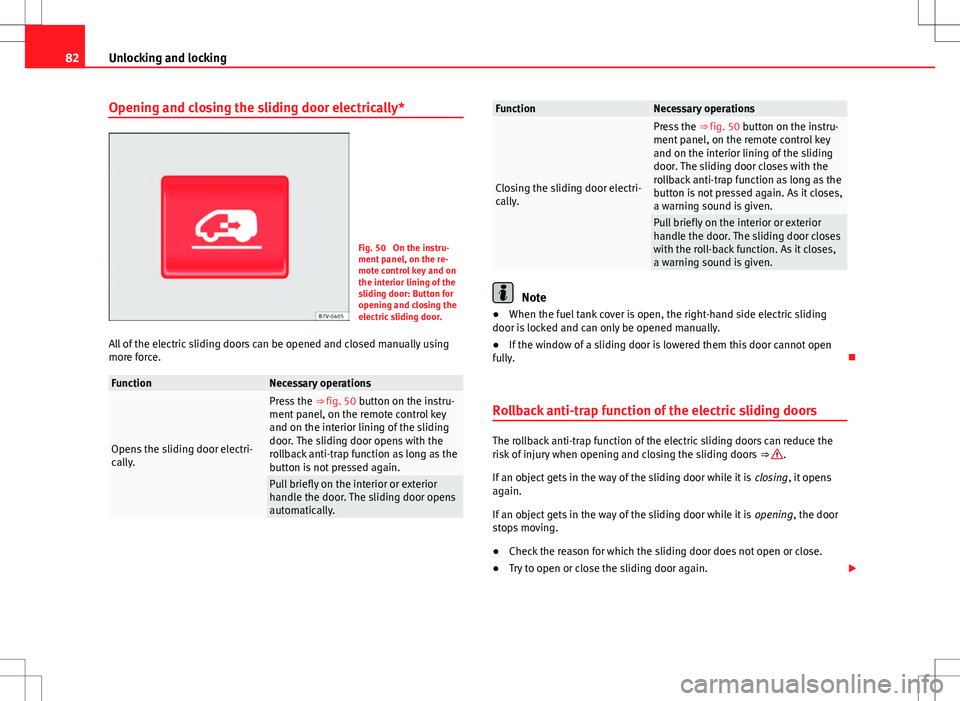
Fig. 50 On the instru-
ment panel, on the re-
mote control key and on
the interior lining of the
sliding door: Button for
opening and closing the
electric sliding door.
All of the electric sliding doors can be opened and closed manually using
more force.
FunctionNecessary operations
Opens the sliding door electri-
cally.
Press the ⇒ fig. 50 button on the instru-
ment panel, on the remote control key
and on the interior lining of the sliding
door. The sliding door opens with the
rollback anti-trap function as long as the
button is not pressed again.
Pull briefly on the interior or exterior
handle the door. The sliding door opens
automatically.
FunctionNecessary operations
Closing the sliding door electri-
cally.
Press the ⇒ fig. 50 button on the instru-
ment panel, on the remote control key
and on the interior lining of the sliding
door. The sliding door closes with the
rollback anti-trap function as long as the
button is not pressed again. As it closes,
a warning sound is given.
Pull briefly on the interior or exterior
handle the door. The sliding door closes
with the roll-back function. As it closes,
a warning sound is given.
Note
● When the fuel tank cover is open, the right-hand side electric sliding
door is locked and can only be opened manually.
● If the window of a sliding door is lowered them this door cannot open
fully.
Rollback anti-trap function of the electric sliding doors
The rollback anti-trap function of the electric sliding doors can reduce the
risk of injury when opening and closing the sliding doors ⇒ .
If an object gets in the way of the sliding door while it is closing, it opens
again.
If an object gets in the way of the sliding door while it is opening, the door
stops moving.
● Check the reason for which the sliding door does not open or close.
● Try to open or close the sliding door again.