Page 113 of 453
The flashers will operate with the ignition switch
placed in any position.
Some state laws may prohibit the use of
the hazard warning flasher switch while
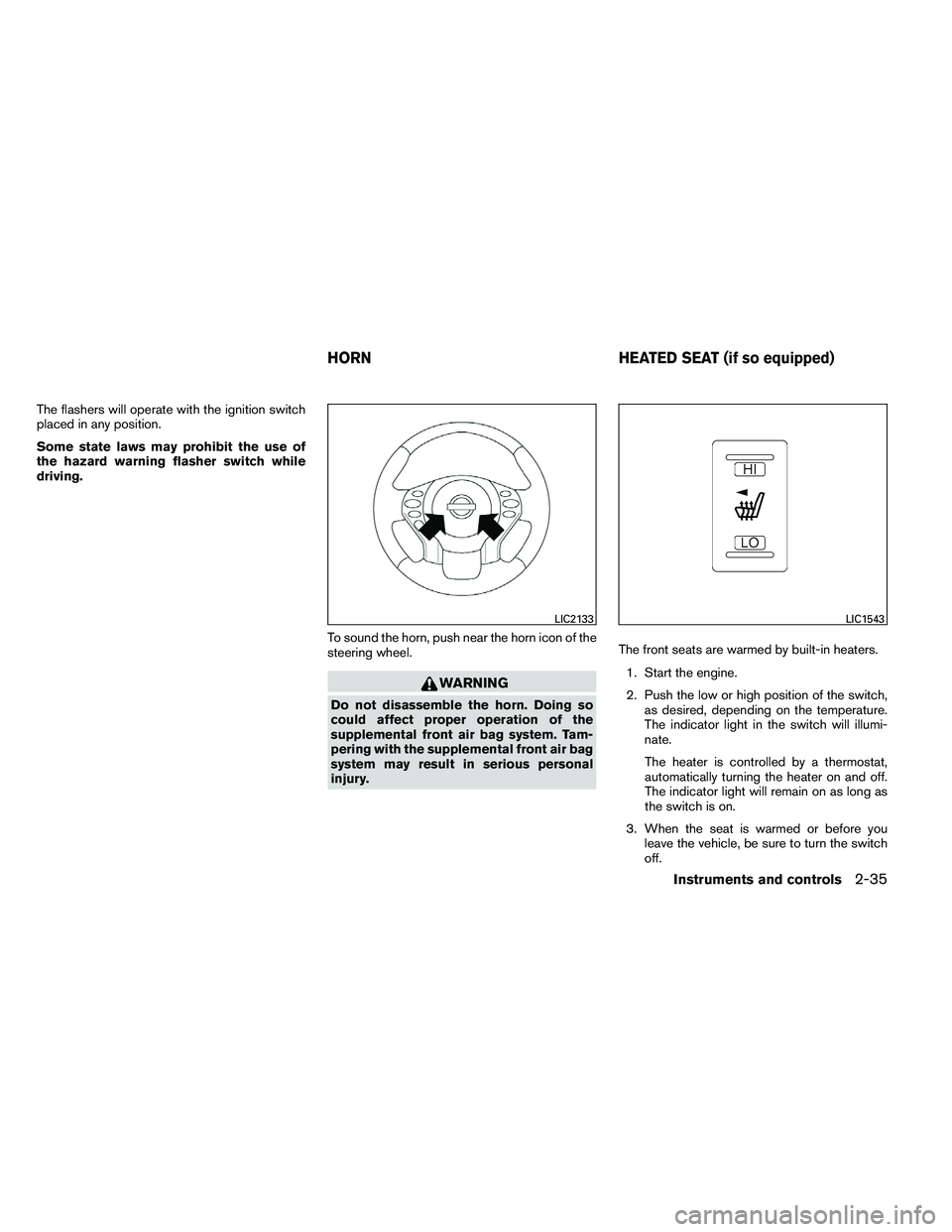
driving.To sound the horn, push near the horn icon of the
steering wheel.
Page 160 of 453
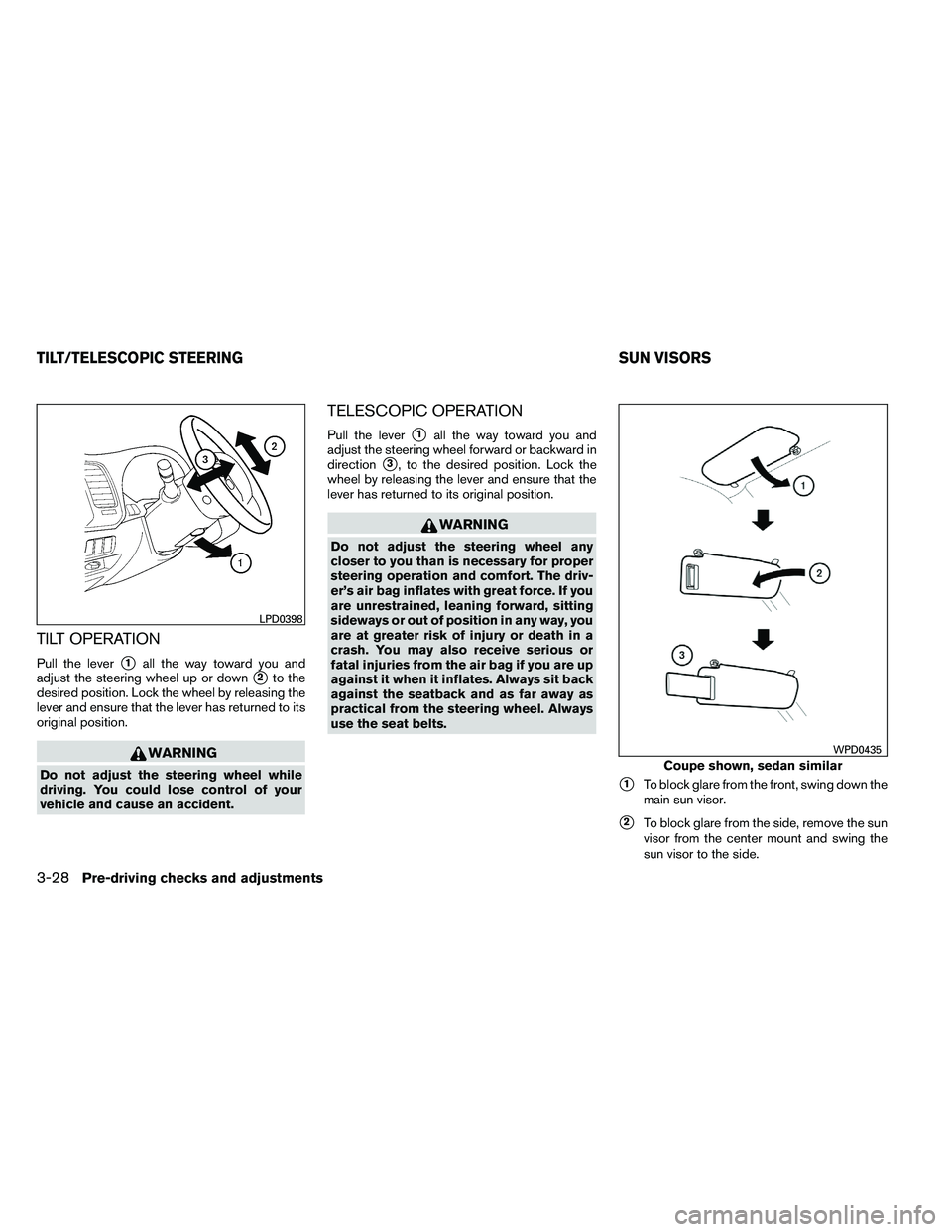
TILT OPERATION
Pull the lever�1all the way toward you and
adjust the steering wheel up or down
�2to the
desired position. Lock the wheel by releasing the
lever and ensure that the lever has returned to its
original position.
Page 250 of 453
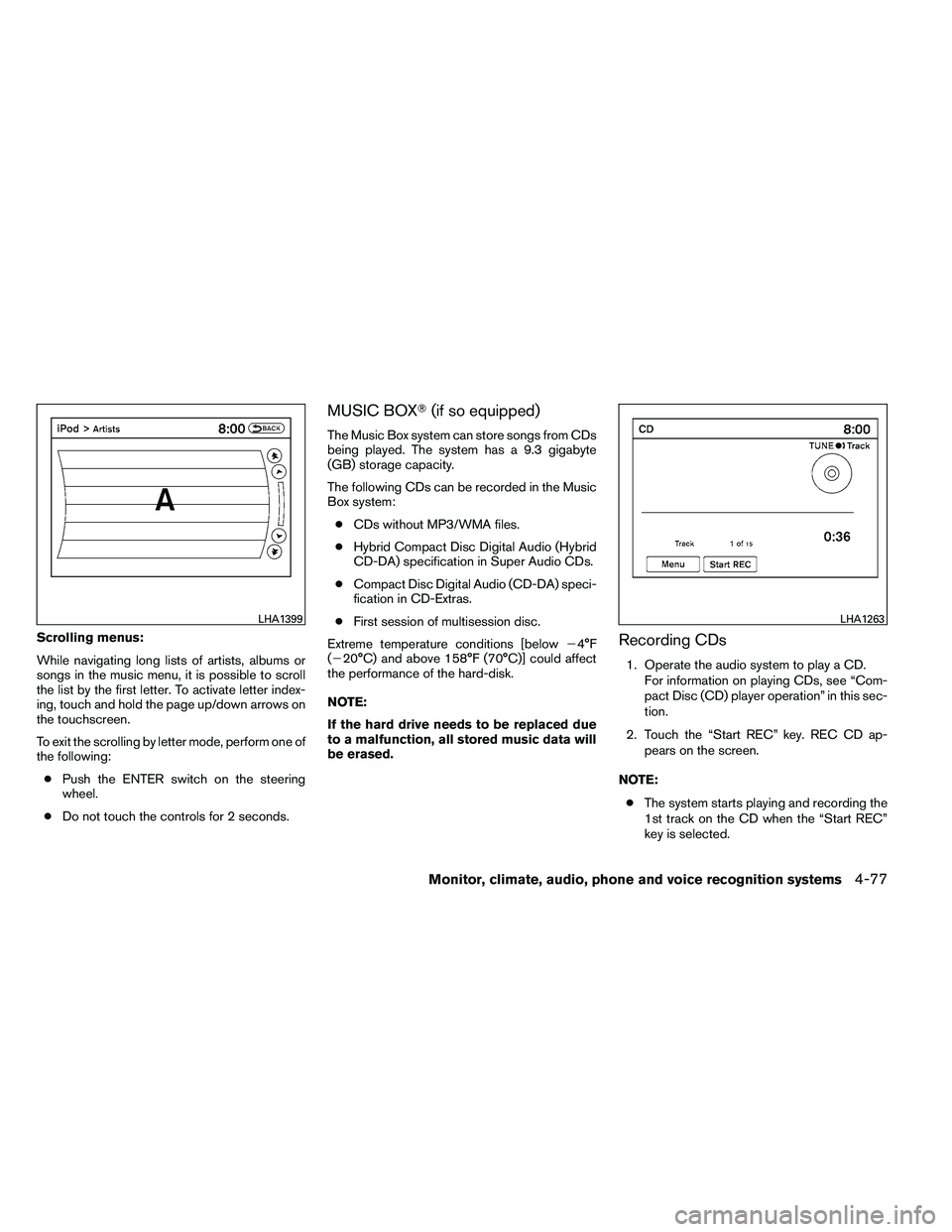
Scrolling menus:
While navigating long lists of artists, albums or
songs in the music menu, it is possible to scroll
the list by the first letter. To activate letter index-
ing, touch and hold the page up/down arrows on
the touchscreen.
To exit the scrolling by letter mode, perform one of
the following:● Push the ENTER switch on the steering
wheel.
● Do not touch the controls for 2 seconds.
MUSIC BOX� (if so equipped)
The Music Box system can store songs from CDs
being played. The system has a 9.3 gigabyte
(GB) storage capacity.
The following CDs can be recorded in the Music
Box system:
● CDs without MP3/WMA files.
● Hybrid Compact Disc Digital Audio (Hybrid
CD-DA) specification in Super Audio CDs.
● Compact Disc Digital Audio (CD-DA) speci-
fication in CD-Extras.
● First session of multisession disc.
Extreme temperature conditions [below �4°F
(�20°C) and above 158°F (70°C)] could affect
the performance of the hard-disk.
NOTE:
If the hard drive needs to be replaced due
to a malfunction, all stored music data will
be erased.
Recording CDs
1. Operate the audio system to play a CD.
For information on playing CDs, see “Com-
pact Disc (CD) player operation” in this sec-
tion.
2. Touch the “Start REC” key. REC CD ap- pears on the screen.
NOTE: ● The system starts playing and recording the
1st track on the CD when the “Start REC”
key is selected.
Page 252 of 453
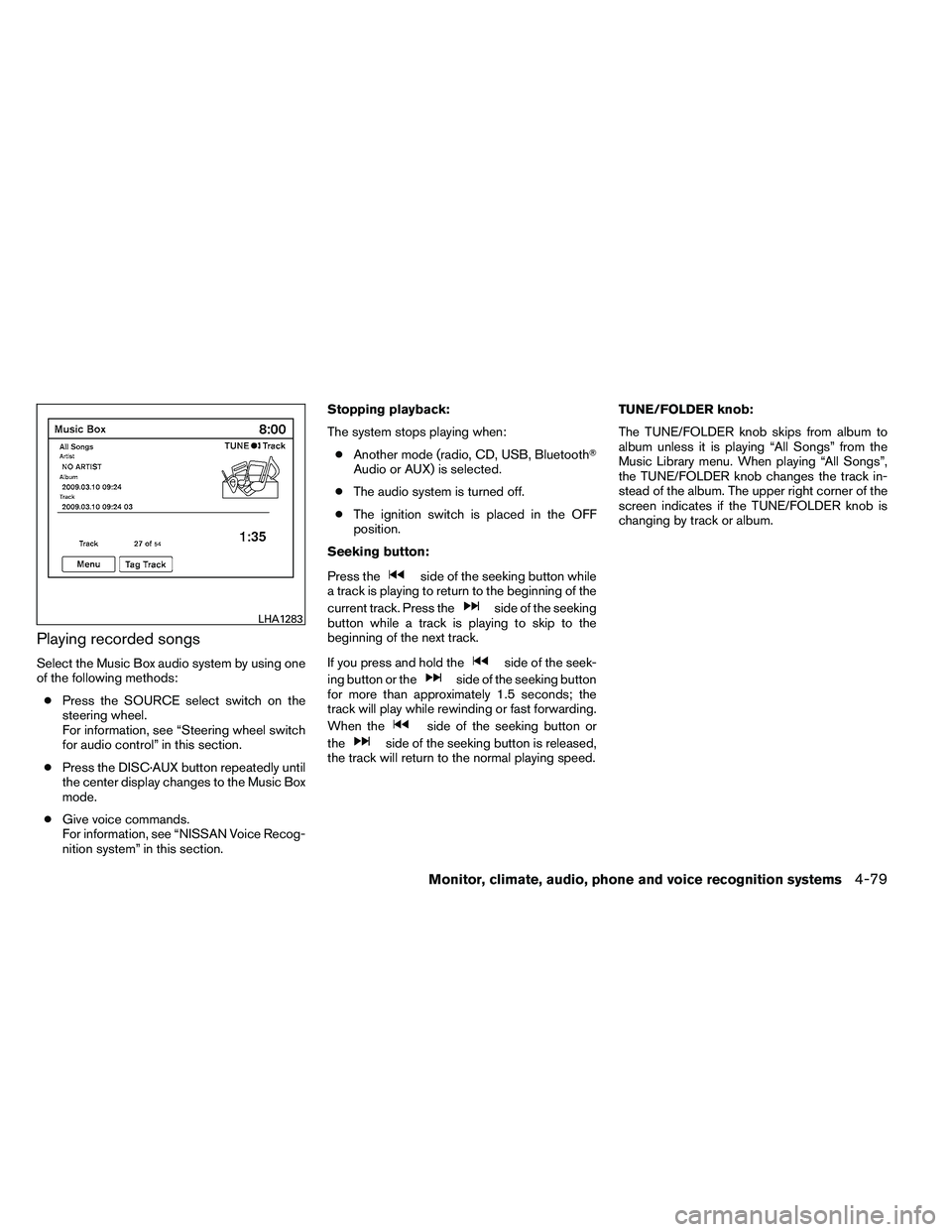
Playing recorded songs
Select the Music Box audio system by using one
of the following methods:● Press the SOURCE select switch on the
steering wheel.
For information, see “Steering wheel switch
for audio control” in this section.
● Press the DISC·AUX button repeatedly until
the center display changes to the Music Box
mode.
● Give voice commands.
For information, see “NISSAN Voice Recog-
nition system” in this section. Stopping playback:
The system stops playing when:
● Another mode (radio, CD, USB, Bluetooth�
Audio or AUX) is selected.
● The audio system is turned off.
● The ignition switch is placed in the OFF
position.
Seeking button:
Press the
Page 262 of 453
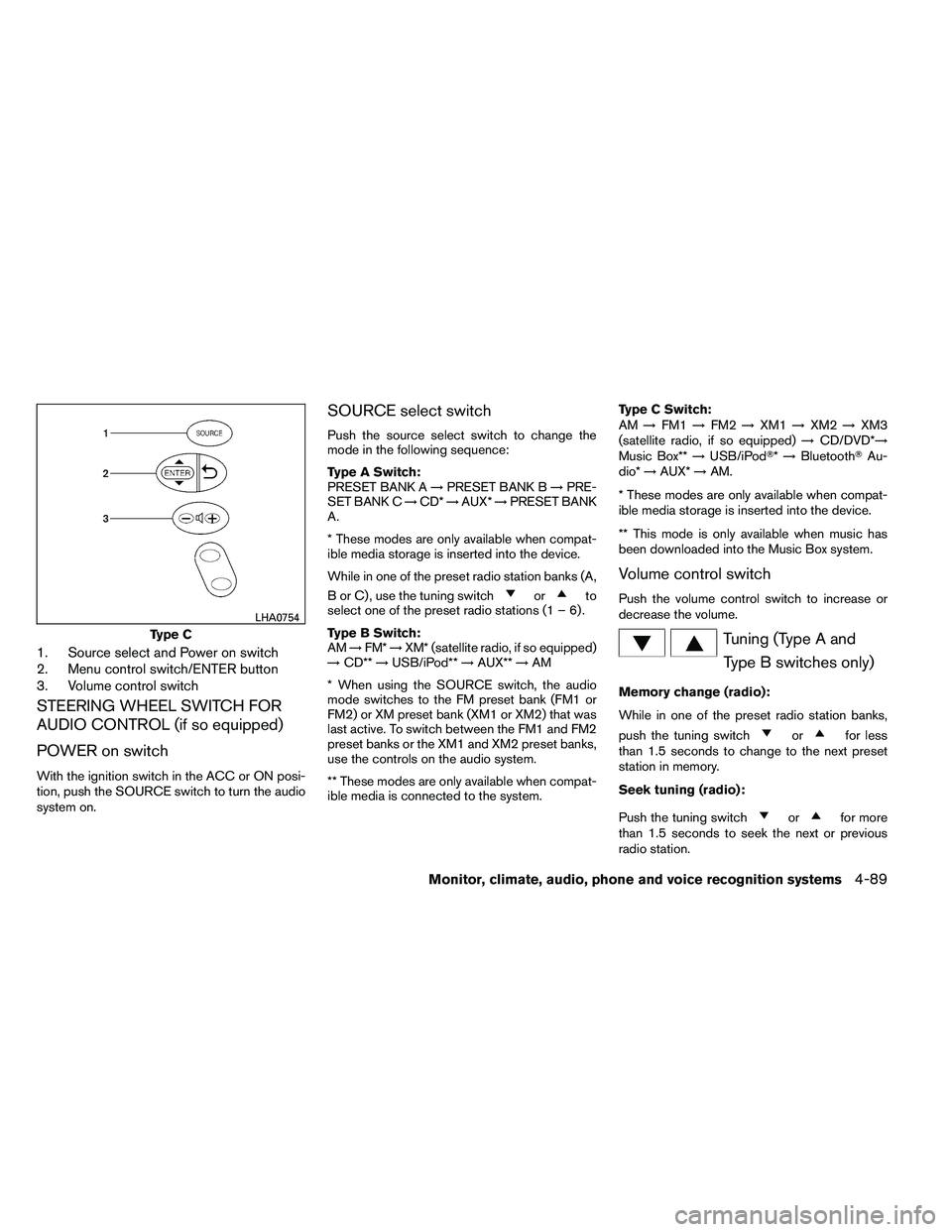
1. Source select and Power on switch
2. Menu control switch/ENTER button
3. Volume control switch
STEERING WHEEL SWITCH FOR
AUDIO CONTROL (if so equipped)
POWER on switch
With the ignition switch in the ACC or ON posi-
tion, push the SOURCE switch to turn the audio
system on.
SOURCE select switch
Push the source select switch to change the
mode in the following sequence:
Type A Switch:
PRESET BANK A→PRESET BANK B →PRE-
SET BANK C →CD* →AUX* →PRESET BANK
A.
* These modes are only available when compat-
ible media storage is inserted into the device.
While in one of the preset radio station banks (A,
B or C) , use the tuning switch
Page 269 of 453
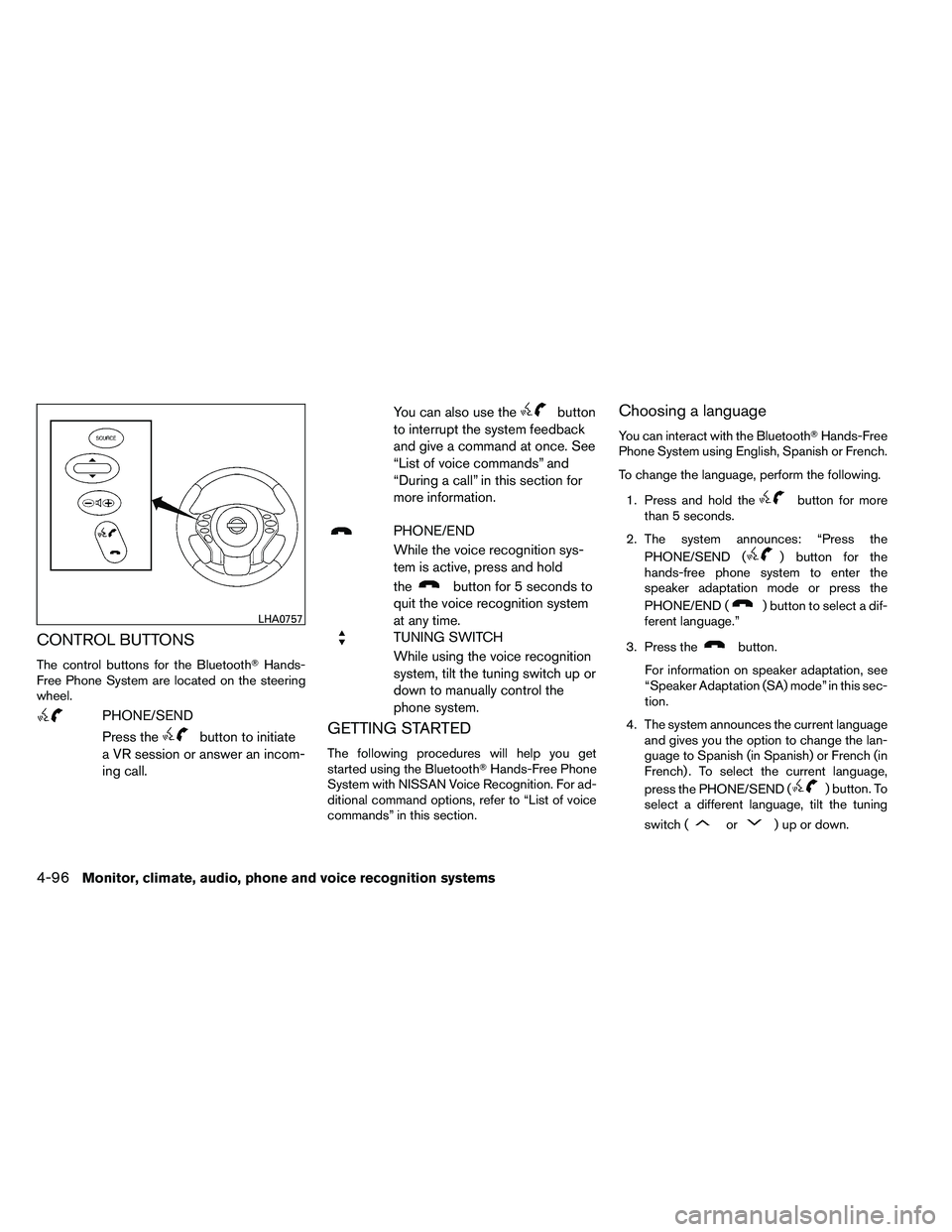
CONTROL BUTTONS
The control buttons for the Bluetooth�Hands-
Free Phone System are located on the steering
wheel.
Page 277 of 453
●outgoing
● call three one nine oh two
● nine seven pause pause three oh eight
● cancel
● call back number
● call star two zero nine five
● delete phone
● dial eight three zero five one
● record name
● four three pause two nine pause zero
● delete redial number
● phonebook list names
● call eight oh five four one
● correction
● connect phone
● dial seven four oh one eight
● previous entry
● delete ●
dial nine seven two six six
● call seven six three oh one
● go back
● call five six two eight zero
● dial six six four three seven
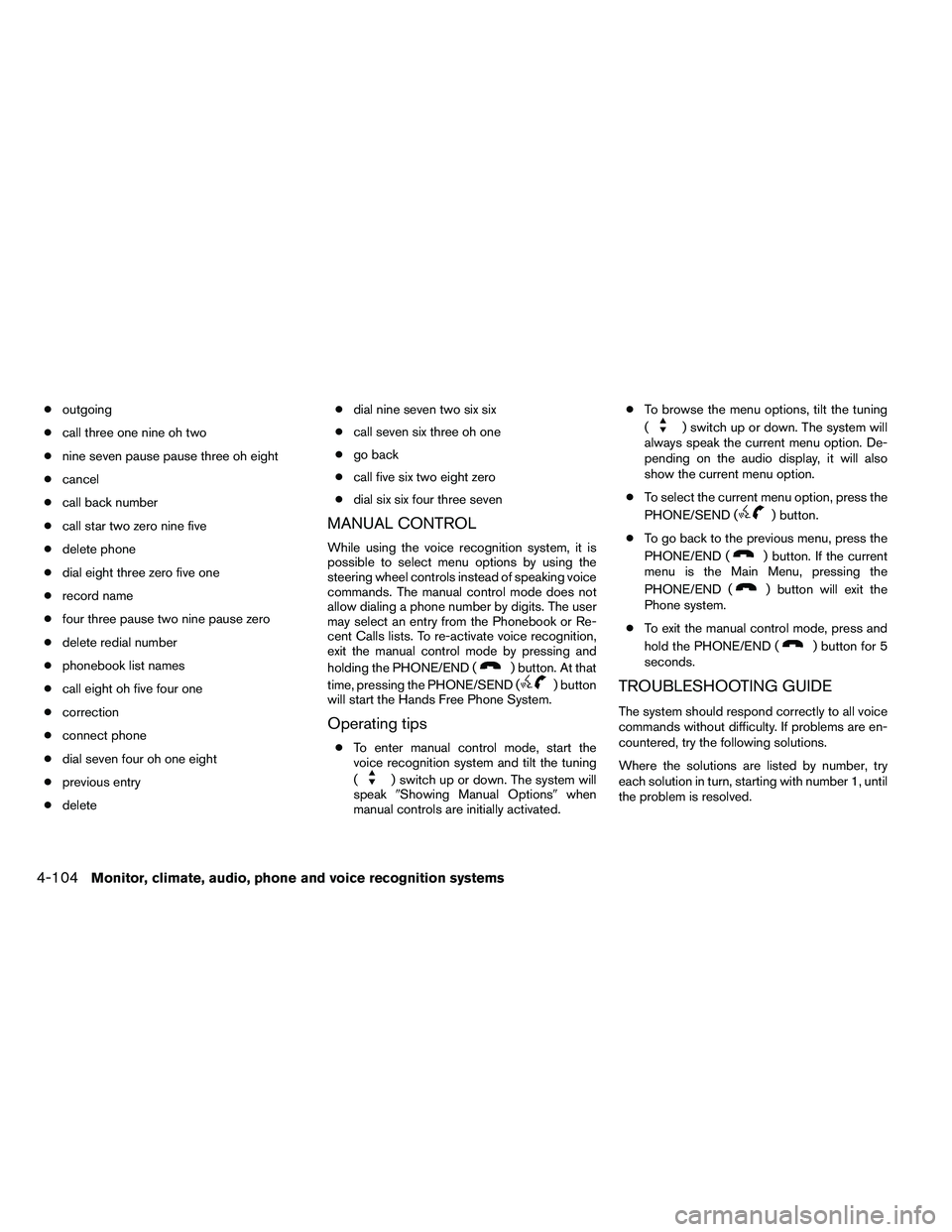
MANUAL CONTROL
While using the voice recognition system, it is
possible to select menu options by using the
steering wheel controls instead of speaking voice
commands. The manual control mode does not
allow dialing a phone number by digits. The user
may select an entry from the Phonebook or Re-
cent Calls lists. To re-activate voice recognition,
exit the manual control mode by pressing and
holding the PHONE/END (
Page 290 of 453
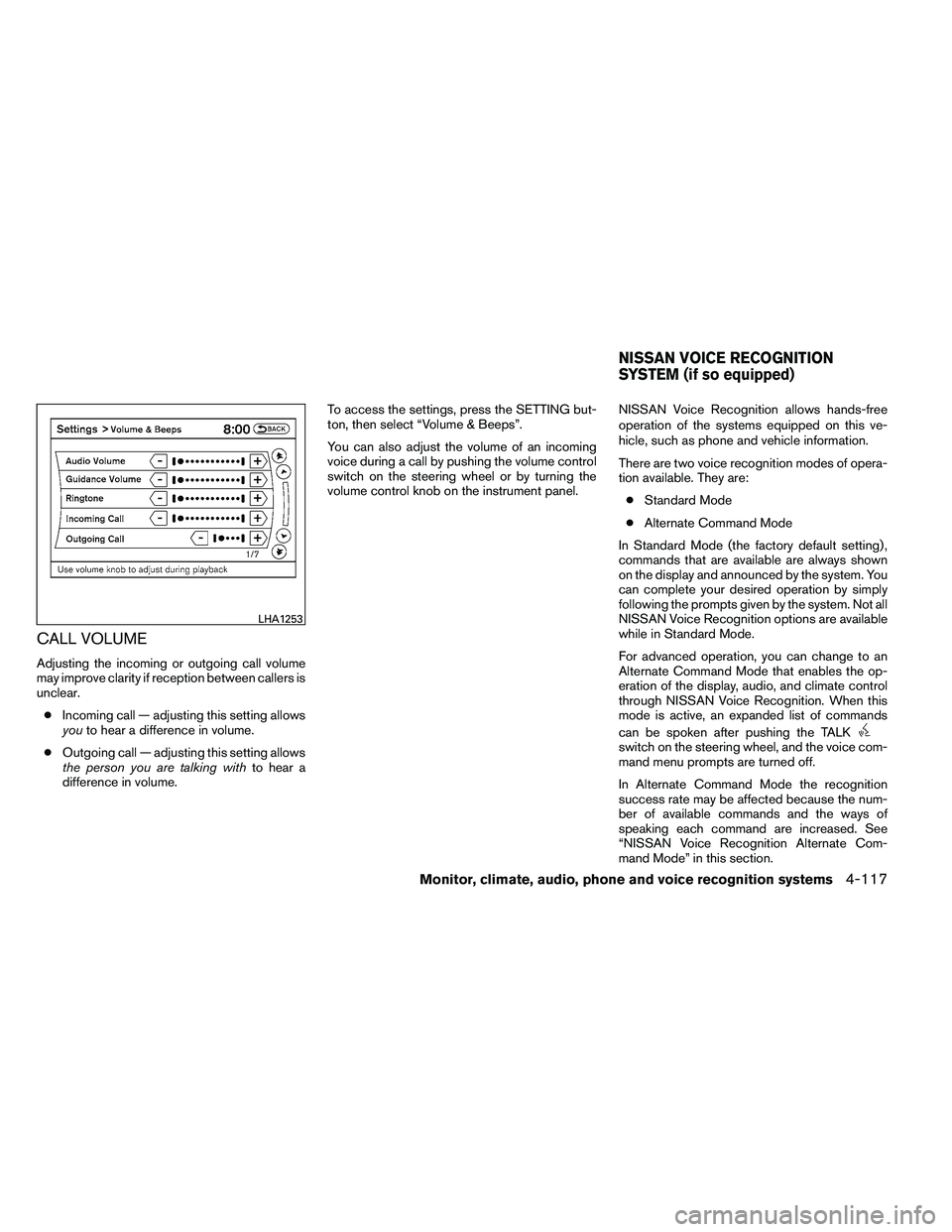
CALL VOLUME
Adjusting the incoming or outgoing call volume
may improve clarity if reception between callers is
unclear.● Incoming call — adjusting this setting allows
you to hear a difference in volume.
● Outgoing call — adjusting this setting allows
the person you are talking with to hear a
difference in volume. To access the settings, press the SETTING but-
ton, then select “Volume & Beeps”.
You can also adjust the volume of an incoming
voice during a call by pushing the volume control
switch on the steering wheel or by turning the
volume control knob on the instrument panel.
NISSAN Voice Recognition allows hands-free
operation of the systems equipped on this ve-
hicle, such as phone and vehicle information.
There are two voice recognition modes of opera-
tion available. They are:
● Standard Mode
● Alternate Command Mode
In Standard Mode (the factory default setting) ,
commands that are available are always shown
on the display and announced by the system. You
can complete your desired operation by simply
following the prompts given by the system. Not all
NISSAN Voice Recognition options are available
while in Standard Mode.
For advanced operation, you can change to an
Alternate Command Mode that enables the op-
eration of the display, audio, and climate control
through NISSAN Voice Recognition. When this
mode is active, an expanded list of commands
can be spoken after pushing the TALK