Page 404 of 610
Comfort controls
5-27
5
NOTE�While the engine coolant temperature is low, the tempera-
ture of the air from the heater will be cool/cold until the
engine warms up, even if you have selected warm air with
the dial.
�When the temperature is set to the highest or the lowest
setting under the AUTO operation, the air selection and
the air conditioning will be automatically changed as fol-
lows.
Also, if the air selection is operated manually after an
automatic changeover, manual operation will be selected.
• Quick Heating (When the temperature is set to the high-
est setting)
Outside air will be introduced and the air conditioning
will stop.
• Quick Cooling (When the temperature is set to the low-
est setting)
Inside air will be recirculated and the air conditioning
will operate.
The above indicates the factory settings. You can personalize
the air selection switch and air conditioning switch to match
your personal preferences.
Contact your Mitsubishi Motors dealer or a repair facility of
your choice for assistance.
Refer to “Personalizing the air conditioning switch (Changing
the function setting)” on page5-31.
Refer to “Personalizing the air selection (Changing the func-
tion setting)” on page5-29.
Mode selection dial
N00737100093
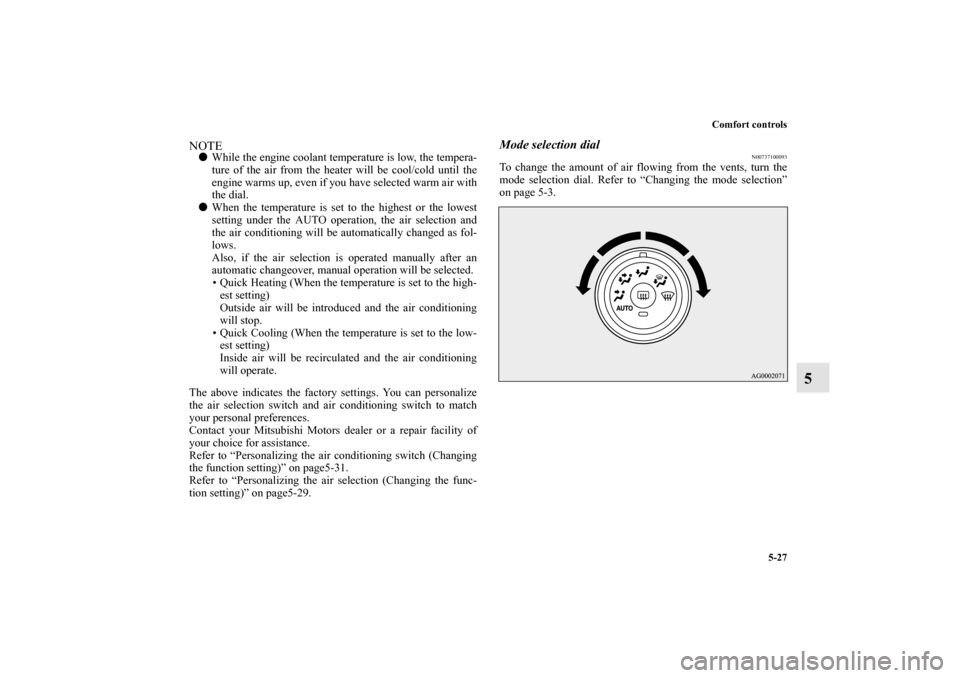
To change the amount of air flowing from the vents, turn the
mode selection dial. Refer to “Changing the mode selection”
on page 5-3.
BK0140300US.book 27 ページ 2011年6月28日 火曜日 午後5時18分
Page 407 of 610
5-30 Comfort controls
5
Air conditioning switch
N00737300200
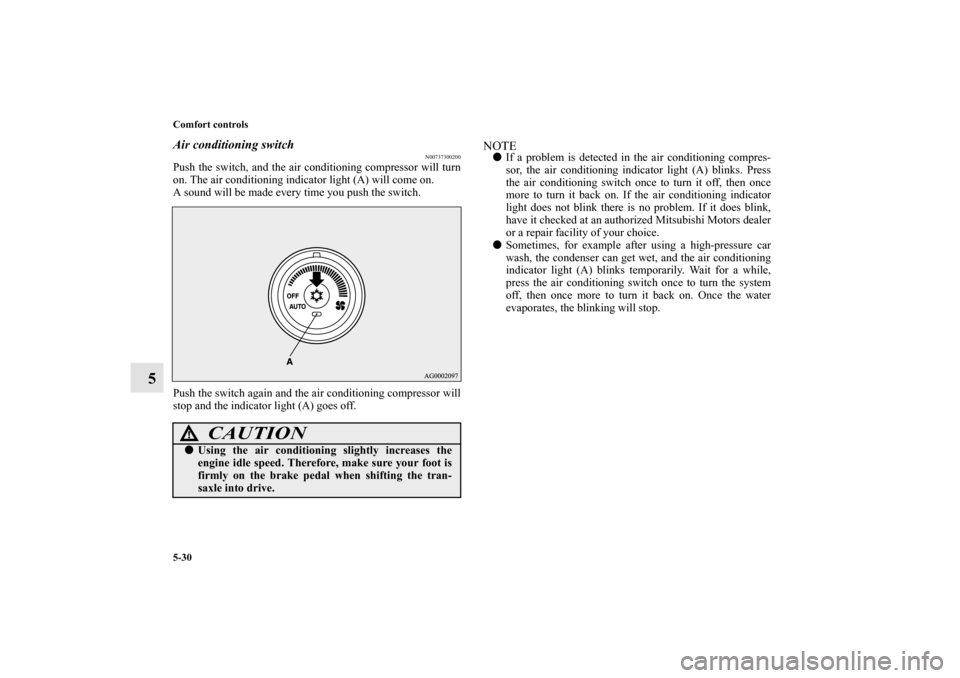
Push the switch, and the air conditioning compressor will turn
on. The air conditioning indicator light (A) will come on.
A sound will be made every time you push the switch.
Push the switch again and the air conditioning compressor will
stop and the indicator light (A) goes off.
NOTE�If a problem is detected in the air conditioning compres-
sor, the air conditioning indicator light (A) blinks. Press
the air conditioning switch once to turn it off, then once
more to turn it back on. If the air conditioning indicator
light does not blink there is no problem. If it does blink,
have it checked at an authorized Mitsubishi Motors dealer
or a repair facility of your choice.
�Sometimes, for example after using a high-pressure car
wash, the condenser can get wet, and the air conditioning
indicator light (A) blinks temporarily. Wait for a while,
press the air conditioning switch once to turn the system
off, then once more to turn it back on. Once the water
evaporates, the blinking will stop.
CAUTION
!�Using the air conditioning slightly increases the
engine idle speed. Therefore, make sure your foot is
firmly on the brake pedal when shifting the tran-
saxle into drive.
BK0140300US.book 30 ページ 2011年6月28日 火曜日 午後5時18分
Page 409 of 610
5-32 Comfort controls
5
Operating the air conditioning system (automatic
mode)
N00731700260
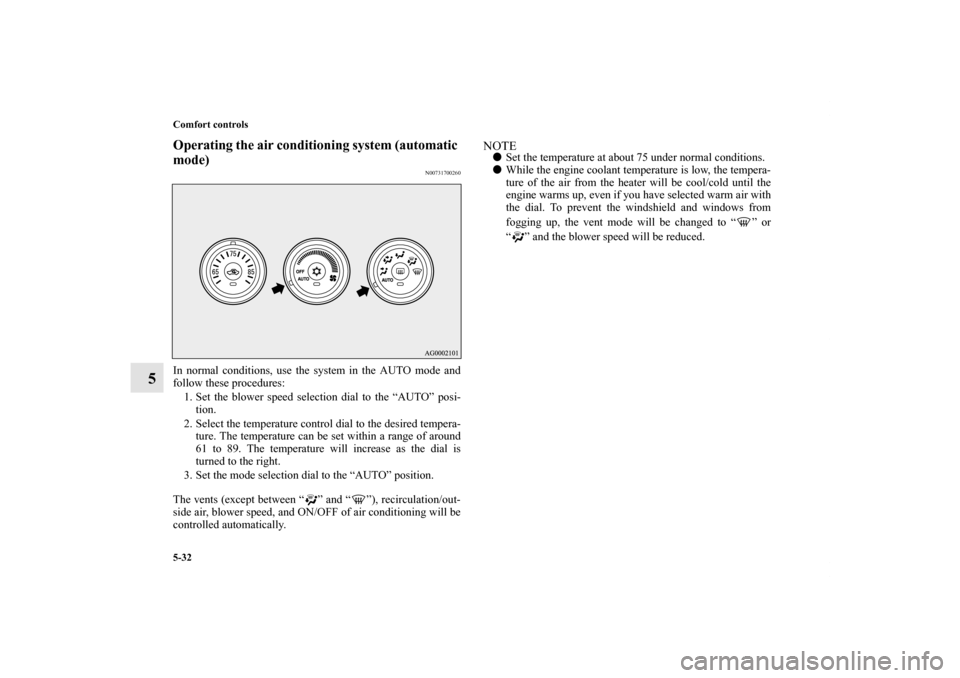
In normal conditions, use the system in the AUTO mode and
follow these procedures:
1. Set the blower speed selection dial to the “AUTO” posi-
tion.
2. Select the temperature control dial to the desired tempera-
ture. The temperature can be set within a range of around
61 to 89. The temperature will increase as the dial is
turned to the right.
3. Set the mode selection dial to the “AUTO” position.
The vents (except between “ ” and “ ”), recirculation/out-
side air, blower speed, and ON/OFF of air conditioning will be
controlled automatically.
NOTE�Set the temperature at about 75 under normal conditions.
�While the engine coolant temperature is low, the tempera-
ture of the air from the heater will be cool/cold until the
engine warms up, even if you have selected warm air with
the dial. To prevent the windshield and windows from
fogging up, the vent mode will be changed to “ ” or
“ ” and the blower speed will be reduced.
BK0140300US.book 32 ページ 2011年6月28日 火曜日 午後5時18分
Page 414 of 610
Comfort controls
5-37
5
NOTE�While the engine coolant temperature is low, the tempera-
ture of the air from the heater will be cool/cold until the
engine warms up, even if you have selected warm air with
the dial.
�When the temperature is set to the highest or the lowest
setting under the AUTO operation, the air selection and
the air conditioning will be automatically changed as fol-
lows.
Also, if the air selection is operated manually after an
automatic changeover, manual operation will be selected.
• Quick Heating (When the temperature is set to the high-
est setting)
Outside air will be introduced and the air conditioning
will stop.
• Quick Cooling (When the temperature is set to the low-
est setting)
Inside air will be recirculated and the air conditioning
will operate.
The above indicates the factory settings. You can personalize
the air selection switch and air conditioning switch to match
your personal preferences.
Contact your Mitsubishi Motors dealer or a repair facility of
your choice for assistance.
Refer to “Personalizing the air conditioning switch (Changing
the function setting)” on page5-41.
Refer to “Personalizing the air selection (Changing the func-
tion setting)” on page5-39.
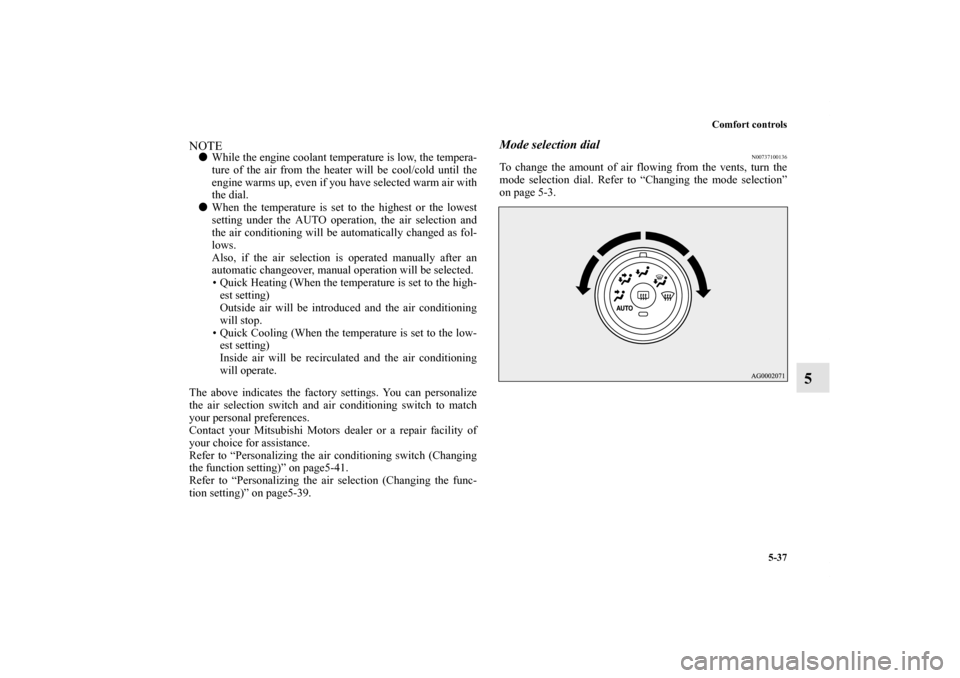
Mode selection dial
N00737100136
To change the amount of air flowing from the vents, turn the
mode selection dial. Refer to “Changing the mode selection”
on page 5-3.
BK0140300US.book 37 ページ 2011年6月28日 火曜日 午後5時18分
Page 417 of 610
5-40 Comfort controls
5
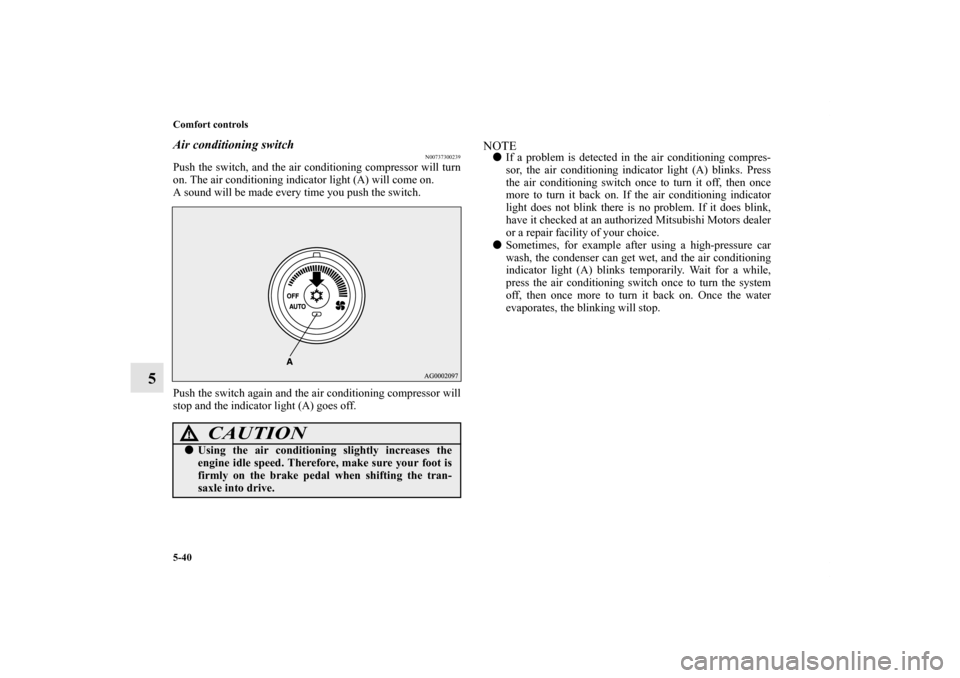
Air conditioning switch
N00737300239
Push the switch, and the air conditioning compressor will turn
on. The air conditioning indicator light (A) will come on.
A sound will be made every time you push the switch.
Push the switch again and the air conditioning compressor will
stop and the indicator light (A) goes off.
NOTE�If a problem is detected in the air conditioning compres-
sor, the air conditioning indicator light (A) blinks. Press
the air conditioning switch once to turn it off, then once
more to turn it back on. If the air conditioning indicator
light does not blink there is no problem. If it does blink,
have it checked at an authorized Mitsubishi Motors dealer
or a repair facility of your choice.
�Sometimes, for example after using a high-pressure car
wash, the condenser can get wet, and the air conditioning
indicator light (A) blinks temporarily. Wait for a while,
press the air conditioning switch once to turn the system
off, then once more to turn it back on. Once the water
evaporates, the blinking will stop.
CAUTION
!�Using the air conditioning slightly increases the
engine idle speed. Therefore, make sure your foot is
firmly on the brake pedal when shifting the tran-
saxle into drive.
BK0140300US.book 40 ページ 2011年6月28日 火曜日 午後5時18分
Page 419 of 610
5-42 Comfort controls
5
Operating the air conditioning system (automatic
mode)
N00731700286
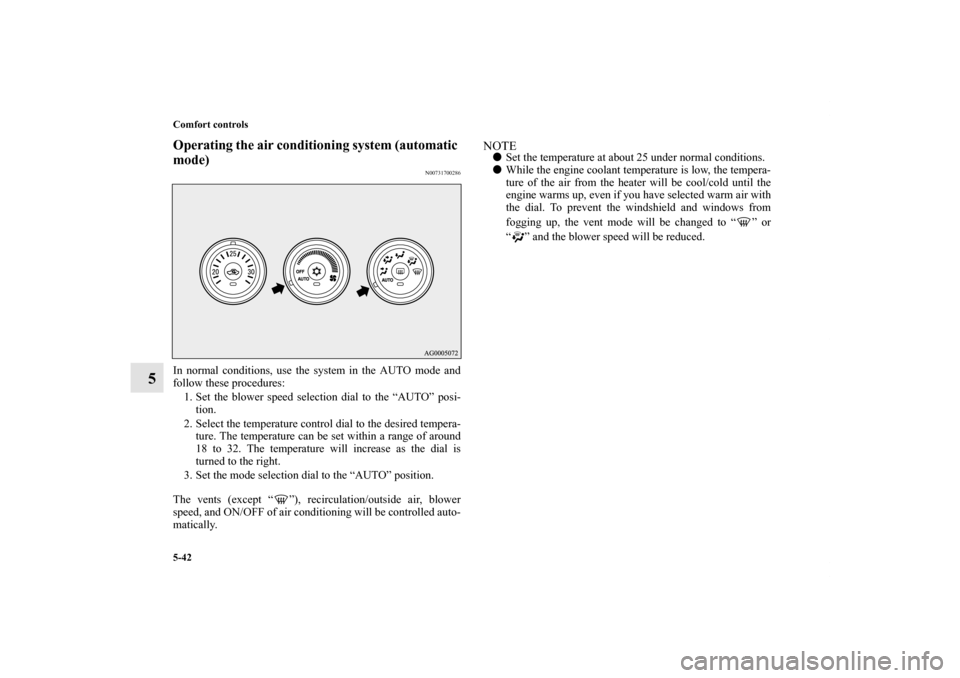
In normal conditions, use the system in the AUTO mode and
follow these procedures:
1. Set the blower speed selection dial to the “AUTO” posi-
tion.
2. Select the temperature control dial to the desired tempera-
ture. The temperature can be set within a range of around
18 to 32. The temperature will increase as the dial is
turned to the right.
3. Set the mode selection dial to the “AUTO” position.
The vents (except “ ”), recirculation/outside air, blower
speed, and ON/OFF of air conditioning will be controlled auto-
matically.
NOTE�Set the temperature at about 25 under normal conditions.
�While the engine coolant temperature is low, the tempera-
ture of the air from the heater will be cool/cold until the
engine warms up, even if you have selected warm air with
the dial. To prevent the windshield and windows from
fogging up, the vent mode will be changed to “ ” or
“ ” and the blower speed will be reduced.
BK0140300US.book 42 ページ 2011年6月28日 火曜日 午後5時18分
Page 424 of 610
Comfort controls
5-47
5
The audio system can only be used when the ignition switch or
the operation mode is in ON or ACC.NOTE�To listen to the audio system while the engine is not run-
ning, turn the ignition switch to the “ACC” position or put
the operation mode in ACC.
If the ignition switch or the operation mode is left in ACC,
the accessory power will automatically turn off after a cer-
tain period of time and you will no longer be able to use
the audio system. The accessory power comes on again if
the ignition switch or the engine switch is operated with it
in the “ACC” position. Refer to “ACC power auto-cutout
function” on page 3-23 and 3-69.
�If a cellular phone is used inside the vehicle, it may create
noise in the audio equipment. This does not mean that
anything is wrong with your audio equipment. In such a
case, use the cellular phone at a place as far away as possi-
ble from the audio equipment.
�If foreign objects or water get into the audio equipment, or
if smoke or a strange odor comes from it, immediately
turn off the audio system and have it checked at an autho-
rized Mitsubishi Motors dealer or a repair facility of your
choice. Never try to repair it yourself. Avoid using the
audio system until it is inspected by a qualified person.
�If the audio system is damaged by foreign objects, water,
or fire, have the system checked by a qualified Mitsubishi
Motors technician.�The audio amplifier (if so equipped) is located under the
front right seat.
Do not subject the amplifier to a strong impact.
It could damage the amplifier or malfunctioning could
result.
BK0140300US.book 47 ページ 2011年6月28日 火曜日 午後5時18分
Page 484 of 610
6
For emergencies
If the vehicle breaks down . . . . . . . . . . . . . . . . . . .6- 2
Jump-starting the engine . . . . . . . . . . . . . . . . . . . .6- 2
Engine overheating . . . . . . . . . . . . . . . . . . . . . . . .6- 5
Jack and tools . . . . . . . . . . . . . . . . . . . . . . . . . . . . .6- 7
How to change a tire . . . . . . . . . . . . . . . . . . . . . . .6- 8
Towing . . . . . . . . . . . . . . . . . . . . . . . . . . . . . . . . . .6- 21
Operation under adverse driving conditions . . . . .6- 23
BK0140300US.book 1 ページ 2011年6月28日 火曜日 午後5時18分