2012 MERCEDES-BENZ E-Class SEDAN distronic
[x] Cancel search: distronicPage 226 of 396
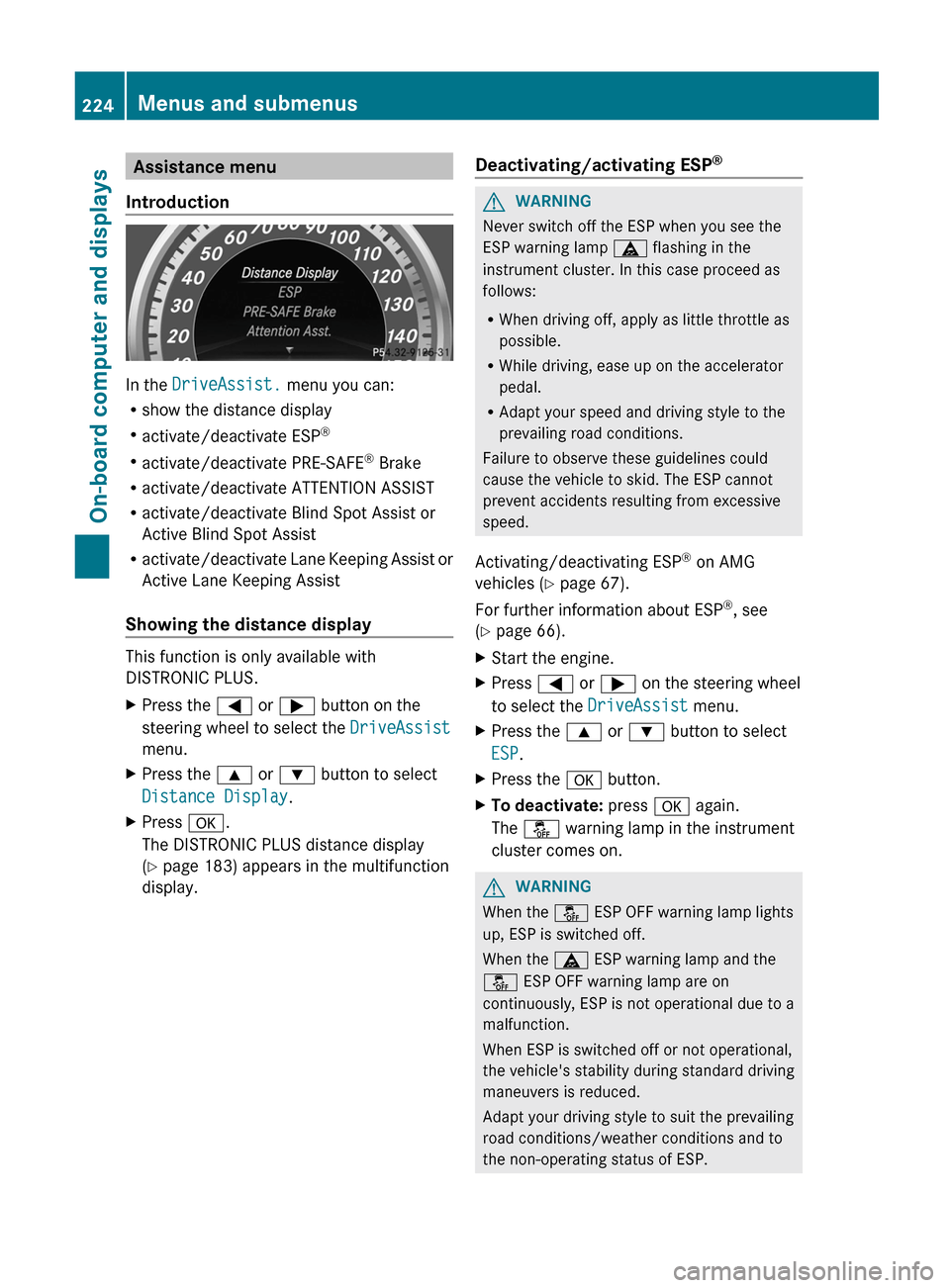
Assistance menu
Introduction
In the DriveAssist. menu you can:
R show the distance display
R activate/deactivate ESP ®
R activate/deactivate PRE-SAFE ®
Brake
R activate/deactivate ATTENTION ASSIST
R activate/deactivate Blind Spot Assist or
Active Blind Spot Assist
R activate/deactivate Lane Keeping Assist or
Active Lane Keeping Assist
Showing the distance display
This function is only available with
DISTRONIC PLUS.
XPress the = or ; button on the
steering wheel to select the DriveAssist
menu.XPress the 9 or : button to select
Distance Display .XPress a.
The DISTRONIC PLUS distance display
( Y page 183) appears in the multifunction
display.Deactivating/activating ESP ®GWARNING
Never switch off the ESP when you see the
ESP warning lamp ä flashing in the
instrument cluster. In this case proceed as
follows:
R When driving off, apply as little throttle as
possible.
R While driving, ease up on the accelerator
pedal.
R Adapt your speed and driving style to the
prevailing road conditions.
Failure to observe these guidelines could
cause the vehicle to skid. The ESP cannot
prevent accidents resulting from excessive
speed.
Activating/deactivating ESP ®
on AMG
vehicles ( Y page 67).
For further information about ESP ®
, see
( Y page 66).
XStart the engine.XPress = or ; on the steering wheel
to select the DriveAssist menu.XPress the 9 or : button to select
ESP .XPress the a button.XTo deactivate: press a again.
The å warning lamp in the instrument
cluster comes on.GWARNING
When the å ESP OFF warning lamp lights
up, ESP is switched off.
When the ä ESP warning lamp and the
å ESP OFF warning lamp are on
continuously, ESP is not operational due to a
malfunction.
When ESP is switched off or not operational,
the vehicle's stability during standard driving
maneuvers is reduced.
Adapt your driving style to suit the prevailing
road conditions/weather conditions and to
the non-operating status of ESP.
224Menus and submenusOn-board computer and displays
Page 227 of 396

XTo activate: press a again.
The å warning lamp in the instrument
cluster goes out.
Activating/deactivating PRE-SAFE ®
Brake
PRE-SAFE ®
Brake is only available in vehicles
with DISTRONIC PLUS.
XPress the = or ; button on the
steering wheel to select the DriveAssist
menu.XPress 9 or : to select PRE-SAFE
Brake .XPress a.
The current selection is displayed.XTo activate/deactivate: press a
again.
When PRE-SAFE ®
Brake ( Y page 69) is
activated, the multifunction display shows
the Ä symbol as long as the HOLD
function is not activated ( Y page 187).
Vehicles with Parking Guidance: if
PARKTRONIC is activated and you are driving
at a speed under 22 mph (35 km/h) the j
symbol for Parking Guidance is displayed
instead of the Ä symbol.
Activating/deactivating ATTENTION
ASSIST
XPress the = or ; button on the
steering wheel to select the DriveAssist
menu.XPress the 9 or : button to select
Attention Asst. .XPress a.
The current selection is displayed.XTo activate/deactivate: press a
again.
When ATTENTION ASSIST ( Y page 199) is
activated, the À symbol appears in the
multifunction display when the ignition is on.
Activating/deactivating Blind Spot
Assist
You can use the Blind Spot Asst. function
to activate or deactivate Blind Spot Assist
( Y page 203) or Active Blind Spot Assist
( Y page 207).
XPress = or ; on the steering wheel
to select the DriveAssist menu.XPress 9 or : to select Blind Spot
Asst. .XPress a.
If the function is activated, the monitored
areas are shown in red in the multifunction
display.XTo activate/deactivate: press a
again.
Activating/deactivating Lane Keeping
Assist
You can use the Lane Keep. Asst. function
to activate/deactivate Lane Keeping Assist
( Y page 205) or Active Lane Keeping Assist
( Y page 210).
XPress the = or ; button on the
steering wheel to select the DriveAssist
menu.XPress the 9 or : button to select
Lane Keep. Asst. .XPress a.
If the function is activated, the road
markings are shown in red in the
multifunction display.XTo activate/deactivate: press a
again.
If Lane Keeping Assist or Active Lane keeping
Assist is activated, the multifunction display
shows the à symbol when the ignition is
switched on.
Menus and submenus225On-board computer and displaysZ
Page 228 of 396
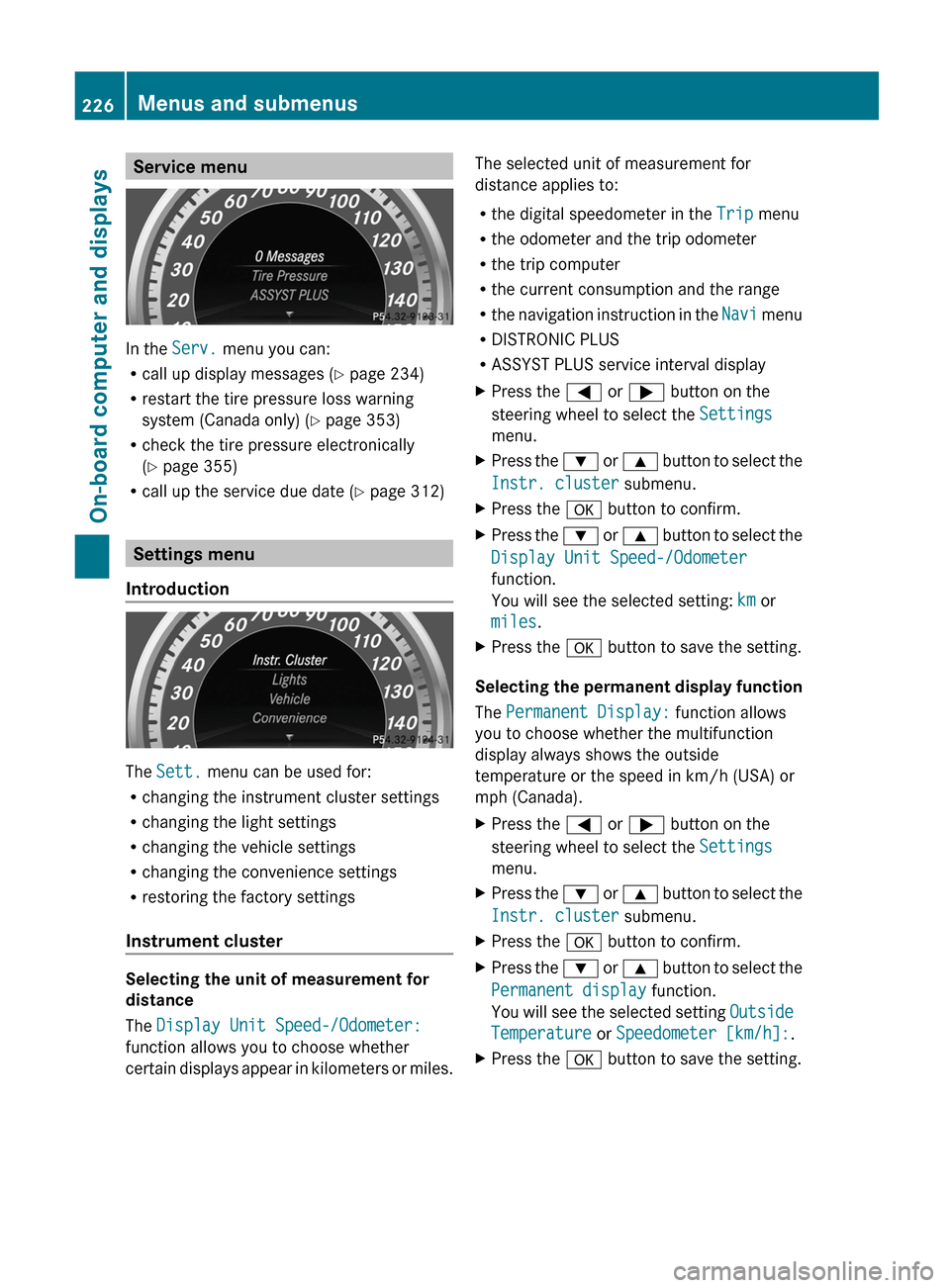
Service menu
In the Serv. menu you can:
R call up display messages ( Y page 234)
R restart the tire pressure loss warning
system (Canada only) ( Y page 353)
R check the tire pressure electronically
( Y page 355)
R call up the service due date ( Y page 312)
Settings menu
Introduction
The Sett. menu can be used for:
R changing the instrument cluster settings
R changing the light settings
R changing the vehicle settings
R changing the convenience settings
R restoring the factory settings
Instrument cluster
Selecting the unit of measurement for
distance
The Display Unit Speed-/Odometer:
function allows you to choose whether
certain displays appear in kilometers or miles.
The selected unit of measurement for
distance applies to:
R the digital speedometer in the Trip menu
R the odometer and the trip odometer
R the trip computer
R the current consumption and the range
R the navigation instruction in the Navi menu
R DISTRONIC PLUS
R ASSYST PLUS service interval displayXPress the = or ; button on the
steering wheel to select the Settings
menu.XPress the : or 9 button to select the
Instr. cluster submenu.XPress the a button to confirm.XPress the : or 9 button to select the
Display Unit Speed-/Odometer
function.
You will see the selected setting: km or
miles .XPress the a button to save the setting.
Selecting the permanent display function
The Permanent Display: function allows
you to choose whether the multifunction
display always shows the outside
temperature or the speed in km/h (USA) or
mph (Canada).
XPress the = or ; button on the
steering wheel to select the Settings
menu.XPress the : or 9 button to select the
Instr. cluster submenu.XPress the a button to confirm.XPress the : or 9 button to select the
Permanent display function.
You will see the selected setting Outside
Temperature or Speedometer [km/h]: .XPress the a button to save the setting.226Menus and submenusOn-board computer and displays
Page 231 of 396
Activating/deactivating the radar sensor
system
The following systems are switched off when
the radar sensor system is deactivated:
R DISTRONIC PLUS ( Y page 177)
R BAS PLUS ( Y page 64)
R PRE-SAFE ®
Brake ( Y page 69)
R Blind Spot Assist ( Y page 203)
R Active Blind Spot Assist ( Y page 207)
i USA only: This device has been approved
by the FCC as a "Vehicular Radar System".
The radar sensor is intended for use in an
automotive radar system only. Removal,
tampering, or altering of the device will void
any warranties, and is not permitted by the
FCC. Do not tamper with, alter, or use in
any non-approved way.
Any unauthorized modification to this
device could void the user's authority to
operate the equipment.
i Canada only:
This device complies with RSS-210 of
Industry Canada. Operation is subject to
the following two conditions:
1. This device may not cause harmful
interference, and
2. this device must accept any interference
received, including interference that may
cause undesired operation.
Any unauthorized modification to this
device could void the user's authority to
operate the equipment.XPress the = or ; button on the
steering wheel to select the Settings
menu.XPress the : or 9 button to select the
Vehicle submenu.XPress the a button to confirm.XPress the 9 or : button to select
Radar Sensor (See Oper. Manual): .
You will see the selected setting: Enabled
or Disabled .XPress the a button to save the setting.Convenience
Activating/deactivating the EASY-
ENTRY/EXIT feature
You can use the Easy Entry/Exit: function
to activate or deactivate the EASY ENTRY/
EXIT feature ( Y page 108).
GWARNING
You must make sure no one can become
trapped or injured by the moving steering
wheel when the easy-entry/exit feature is
activated.
To stop steering wheel movement, move
steering wheel adjustment lever or press one
of the memory position buttons.
Do not leave children unattended in the
vehicle, or with access to an unlocked vehicle.
Children could open the driver's door and
unintentionally activate the easy-entry/exit
feature, which could result in an accident
and/or serious personal injury.
XPress the = or ; button on the
steering wheel to select the Sett. menu.XPress the : or 9 button to select the
Convenience submenu.XPress the a button to confirm.XPress the : or 9 button to select the
Easy Entry/Exit function.
If the Easy Entry/Exit function is
activated, the vehicle steering wheel is
displayed in red in the multifunction
display.XPress the a button to save the setting.
Switching the belt adjustment on/off
For further information on belt adjustment
( Y page 54).
XPress the = or ; button on the
steering wheel to select the Settings
menu.XPress the : or 9 button to select the
Convenience submenu.XPress the a button to confirm.Menus and submenus229On-board computer and displaysZ
Page 240 of 396

Display messagesPossible causes/consequences and M SolutionsPRE-SAFE
Function Currently
Limited See Oper.
ManualGRisk of accident
PRE-SAFE ®
Brake is temporarily inoperative if:
R the DISTRONIC PLUS cover in the radiator grill is dirty.
R the sensors in the bumpers are dirty.
R its function is impaired due to heavy rain or snow.
R the radar sensor system is temporarily inoperative, e.g. due to
electromagnetic radiation emitted by nearby TV or radio
stations or other sources of electromagnetic radiation.
R you switch off ESP ®
(AMG vehicles only).
R the system is outside the operating temperature range.
R the on-board voltage is too low.
PRE-SAFE ®
Brake is operational again and the display message
disappears if:
R the dirt (e.g. slush) drops away while the vehicle is in motion.
R the system detects that the sensors are fully available again.
R you switch ESP ®
on again (AMG vehicles only).
R the system is within the operating temperature range.
If the display message continues to be displayed:
XClean the DISTRONIC PLUS cover in the radiator grill
( Y page 317).XClean the bumpers ( Y page 317).XRestart the engine.XWait until the battery is sufficiently charged.PRE-SAFE
Functions Limited
See Operator's
ManualGRisk of accident
PRE-SAFE ®
Brake is defective. BAS PLUS or the distance warning
signal may also have failed.
XVisit a qualified specialist workshop.6
SRS Malfunction
Service RequiredGRisk of injury
There is a malfunction in the SRS (Supplemental Restraint
System). The 6 warning lamp also lights up in the instrument
cluster.
XVisit a qualified specialist workshop.238Display messagesOn-board computer and displays
Page 254 of 396

Display messagesPossible causes/consequences and M SolutionsParking Guidance
CanceledParking Guidance has been deactivated because:
R the vehicle is skidding.
R the sensors are dirty.
R a malfunction has occurred.
A warning tone also sounds.XReactivate Parking Guidance later ( Y page 195).
If the parking space symbol is not displayed in the multifunction
display when you are driving at a speed of less than 19 mph
(30 km/h):
XClean the sensors ( Y page 317).XRestart the engine.
If the parking space symbol is still not displayed in the
multifunction display when you are driving at a speed of less than
19 mph (30 km/h):
XVisit a qualified specialist workshop.Parking Guidance has been deactivated because you are no longer
following the recommended path.XPark again and, while doing so, observe the display messages
in the multifunction display.Parking Guidance
FinishedThe vehicle is parked. A warning tone also sounds.
The display message disappears automatically.DISTRONIC PLUS
OffDISTRONIC PLUS has been deactivated ( Y page 177). If it was
deactivated automatically, a warning tone also sounds.DISTRONIC PLUS
Now Available DISTRONIC PLUS is operational again after having been
temporarily unavailable. You can now reactivate DISTRONIC PLUS
( Y page 177).252Display messagesOn-board computer and displays
Page 255 of 396

Display messagesPossible causes/consequences and M SolutionsDISTRONIC PLUS
Currently
Unavailable See
Operator's ManualDISTRONIC PLUS is deactivated and is temporarily inoperative if:
R the DISTRONIC PLUS cover in the radiator grill is dirty.
R its function is impaired due to heavy rain or snow.
R the sensors in the bumpers are dirty.
R the radar sensor system is temporarily inoperative, e.g. due to
electromagnetic radiation emitted by nearby TV or radio
stations or other sources of electromagnetic radiation.
R the system is outside the operating temperature range.
R the on-board voltage is too low.
A warning tone also sounds.
DISTRONIC PLUS is operational again and the display message
disappears if:
R the dirt (e.g. slush) drops away while the vehicle is in motion.
R the system detects that the sensors are fully available again.
R the system is within the operating temperature range.
If the display message continues to be displayed:XClean the DISTRONIC PLUS cover in the radiator grill
( Y page 317).XClean the bumpers ( Y page 317).XRestart the engine.DISTRONIC PLUS
InoperativeDISTRONIC PLUS is defective. BAS PLUS (Brake Assist PLUS) and
PRE-SAFE ®
Brake may be inoperative as well.
A warning tone also sounds.XVisit a qualified specialist workshop.DISTRONIC PLUS
OverrideYou have depressed the accelerator pedal. DISTRONIC PLUS is no
longer controlling the speed of the vehicle.XTake your foot off the accelerator pedal.DISTRONIC PLUS
--- mphAn activation condition for DISTRONIC PLUS is not fulfilled.XCheck the activation conditions for DISTRONIC PLUS
( Y page 177).Display messages253On-board computer and displaysZ
Page 267 of 396
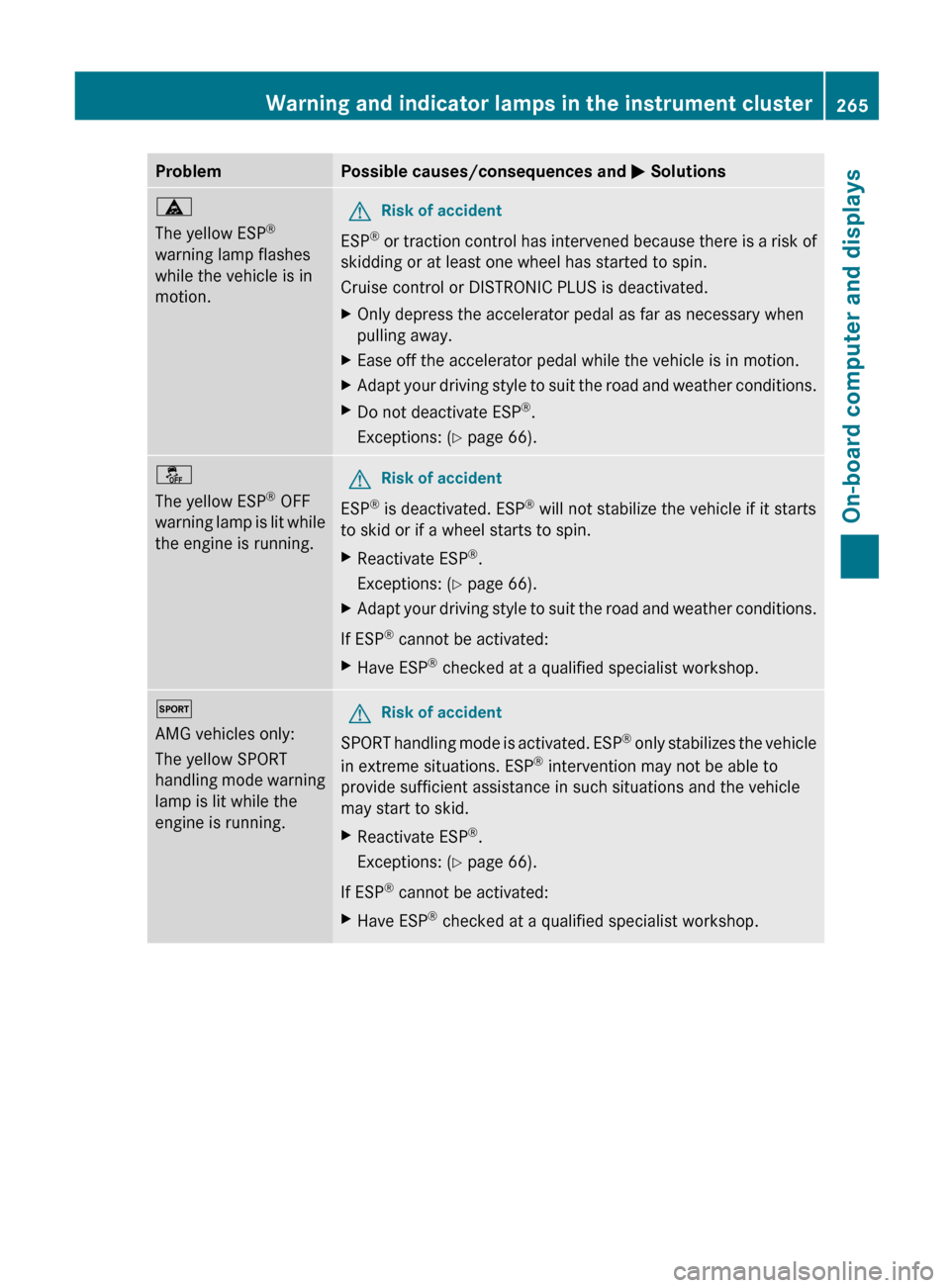
ProblemPossible causes/consequences and M Solutionsä
The yellow ESP ®
warning lamp flashes
while the vehicle is in
motion.GRisk of accident
ESP ®
or traction control has intervened because there is a risk of
skidding or at least one wheel has started to spin.
Cruise control or DISTRONIC PLUS is deactivated.
XOnly depress the accelerator pedal as far as necessary when
pulling away.XEase off the accelerator pedal while the vehicle is in motion.XAdapt your driving style to suit the road and weather conditions.XDo not deactivate ESP ®
.
Exceptions: ( Y page 66).å
The yellow ESP ®
OFF
warning lamp is lit while
the engine is running.GRisk of accident
ESP ®
is deactivated. ESP ®
will not stabilize the vehicle if it starts
to skid or if a wheel starts to spin.
XReactivate ESP ®
.
Exceptions: ( Y page 66).XAdapt your driving style to suit the road and weather conditions.
If ESP ®
cannot be activated:
XHave ESP ®
checked at a qualified specialist workshop.M
AMG vehicles only:
The yellow SPORT
handling mode warning
lamp is lit while the
engine is running.GRisk of accident
SPORT handling mode is activated. ESP ®
only stabilizes the vehicle
in extreme situations. ESP ®
intervention may not be able to
provide sufficient assistance in such situations and the vehicle
may start to skid.
XReactivate ESP ®
.
Exceptions: ( Y page 66).
If ESP ®
cannot be activated:
XHave ESP ®
checked at a qualified specialist workshop.Warning and indicator lamps in the instrument cluster265On-board computer and displaysZ