2012 MERCEDES-BENZ E-CLASS ESTATE lane assist
[x] Cancel search: lane assistPage 7 of 457
1, 2, 3 ...
12 Vsocket
see Socket
4ETS
see ETS/4ETS (Electronic Trac-
tionS ystem)
4MATIC (permanent four-wheel
drive) .................................................. 211
4MATIC off-road system ...................211 A
ABS (Anti-lock Braking System) Display message ............................ 269
Function/notes ................................ 70
Important safety notes ....................70
Warning lamp ................................. 301
Activating/deactivating air-recir-
culation mode .................................... 149
Activating/deactivating cooling
with air dehumidification .................145
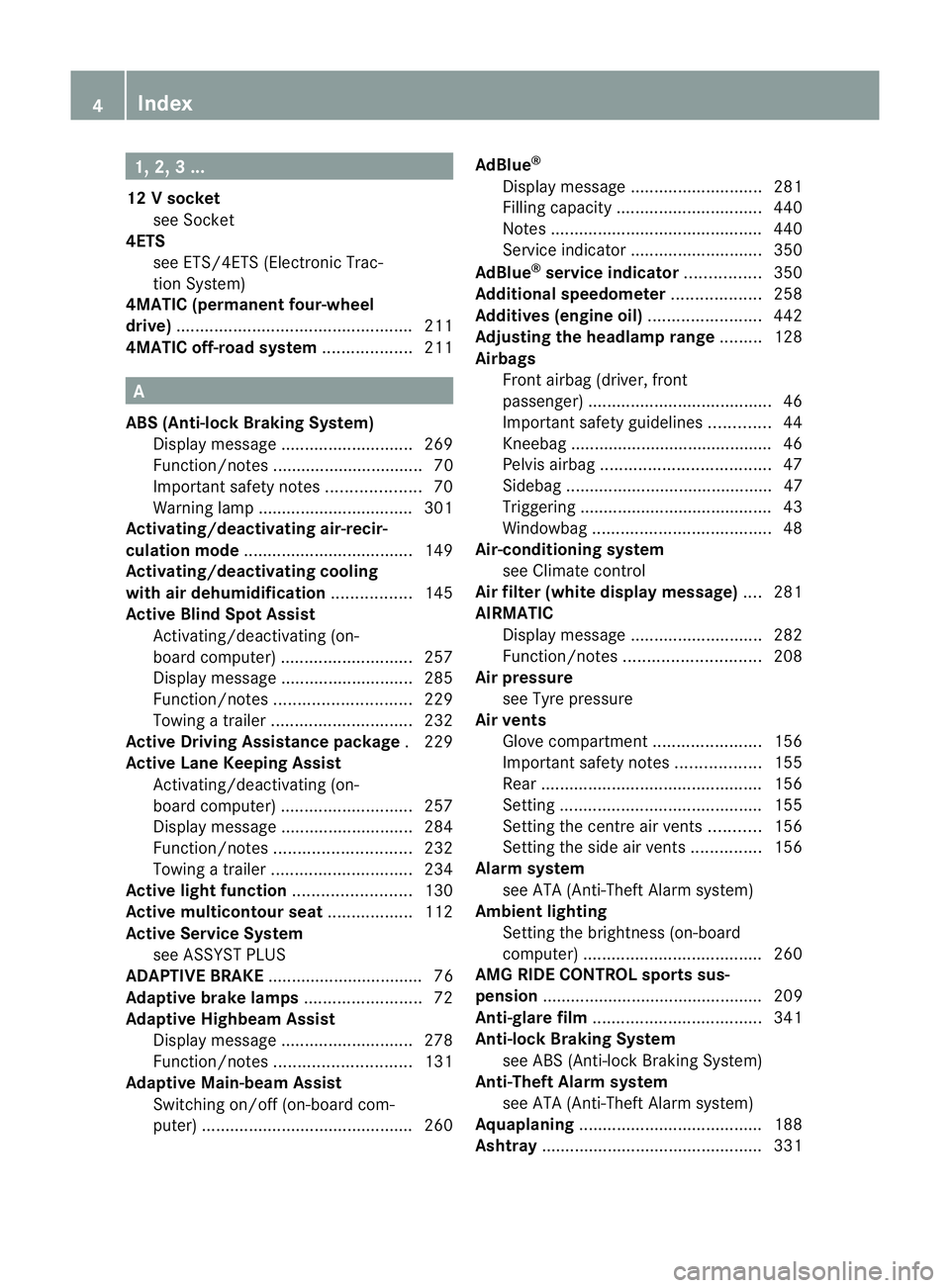
Active Blin dSpot Assist
Activating/deactivating (on-
board computer) ............................ 257
Display message ............................ 285
Function/notes ............................. 229
Towing atrailer .............................. 232
Active Driving Assistance package .229
Active Lane Keeping Assist Activating/deactivating (on-
board computer) ............................ 257
Display message ............................ 284
Function/notes ............................. 232
Towing atrailer .............................. 234
Active light function .........................130
Active multicontour seat ..................112
Active Service System see ASSYST PLUS
ADAPTIVE BRAKE ................................. 76
Adaptive brake lamps .........................72
Adaptive Highbeam Assist Display message ............................ 278
Function/notes ............................. 131
Adaptive Main-beam Assist
Switching on/off (on-board com-
puter) ............................................. 260AdBlue
®
Display message ............................ 281
Filling capacity ............................... 440
Notes ............................................. 440
Service indicator ............................ 350
AdBlue ®
service indicator ................350
Additional speedometer ...................258
Additives (engine oil) ........................442
Adjusting the headlamp range .........128
Airbags Front airbag (driver, front
passenger )....................................... 46
Important safety guidelines .............44
Kneebag .......................................... .46
Pelvis airbag .................................... 47
Sidebag ............................................ 47
Triggering ......................................... 43
Windowba g...................................... 48
Air-conditioning system
see Climate control
Airf ilter (white display message) ....281
AIRMATIC Display message ............................ 282
Function/notes ............................. 208
Air pressure
see Tyre pressure
Airv ents
Glove compartmen t....................... 156
Important safety notes ..................155
Rea r............................................... 156
Setting ........................................... 155
Setting the centre air vents ...........156
Setting the side air vents ...............156
Alarm system
see ATA (Anti-Theft Alarm system)
Ambient lighting
Setting the brightness (on-board
computer) ...................................... 260
AMG RIDE CONTROL sports sus-
pension ............................................... 209
Anti-glare film .................................... 341
Anti-loc kBraking System
see ABS (Anti-lock Braking System)
Anti-Theft Alarm system
see ATA (Anti-Theft Alarm system)
Aquaplaning ....................................... 188
Ashtray ............................................... 3314
Index
Page 12 of 457
Important safety notes
..................195
Setting the specified minimum
distance ......................................... 201
Warning lamp ................................. 307
Door
Automatic locking (on-board com-
puter) ............................................. 261
Automatic locking (switch) .............. .90
Central locking/unlocking (key) ......83
Control pane l................................... 40
Display message ............................ 295
Emergency locking ........................... 90
Emergency unlocking .......................90
Important safety notes ....................88
Opening (from the inside) ................89
Drive program
Automatic ...................................... 175
Display ........................................... 171
Display (DIRECT SELECT lever) ......172
Manual .......................................... .177
Drive program selector .....................175
Driver's door see Door
Drive system
Active Blind Spot Assist .................229
Driving abroad
Service24h .................................... 350
Symmetrical dipped bea m............. 124
Driving on flooded roads ..................188
Driving safety system BAS PLUS (Brake Assist System
PLUS) .............................................. .71
Electronic Brake-force Distribu-
tio n.................................................. 76
ESP ®
(Electroni cStability Pro-
gram) ............................................... 72
ETS/4ETS (Electronic Traction
System) ........................................... 73
Important safety guidelines .............70
Driving safety systems
ABS (Anti-lock Braking System) .......70
ADAPTIVE BRAKE ............................. 76
Adaptive brake lamps ......................72
BAS (Brake Assist System) ..............71
Overview .......................................... 70
PRE-SAFE ®
Brake ............................ .76Driving system
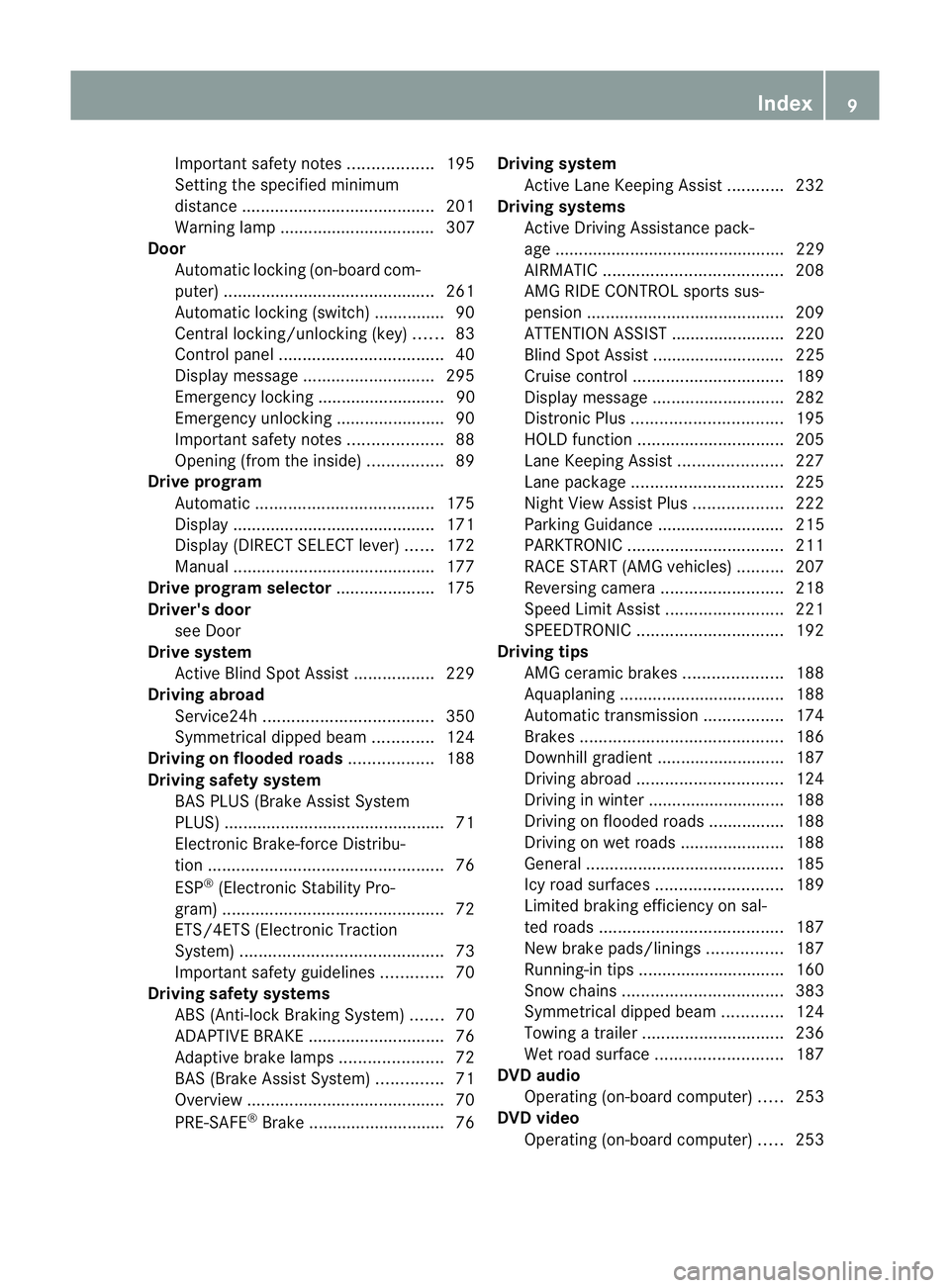
Active Lane Keeping Assist ............232
Driving systems
Active Driving Assistance pack-
age ................................................. 229
AIRMATIC ...................................... 208
AMG RIDE CONTROL sports sus-
pension .......................................... 209
ATTENTION ASSIST ........................220
Blind Spot Assist ............................ 225
Cruise control ................................ 189
Display message ............................ 282
Distronic Plu s................................ 195
HOLD function ............................... 205
Lane Keeping Assist ......................227
Lane package ................................ 225
Nigh tView Assist Plus ...................222
Parking Guidance ........................... 215
PARKTRONI C................................. 211
RAC ESTART (AMG vehicles) ..........207
Reversing camera ..........................218
Speed Limi tAssist ......................... 221
SPEEDTRONIC ............................... 192
Driving tips
AMG cerami cbrakes ..................... 188
Aquaplaning ................................... 188
Automatic transmission .................174
Brakes ........................................... 186
Downhill gradient ........................... 187
Driving abroad ............................... 124
Driving in winter ............................ .188
Driving on flooded road s................ 188
Driving on wet road s...................... 188
General .......................................... 185
Icy road surfaces ........................... 189
Limited braking efficiency on sal-
ted road s....................................... 187
New brake pads/linings ................187
Running-in tips ............................... 160
Snow chains .................................. 383
Symmetrical dipped bea m............. 124
Towing atrailer .............................. 236
Wet road surface ........................... 187
DVD audio
Operating (on-board computer) .....253
DVD video
Operating (on-board computer) .....253 Index
9
Page 16 of 457
Interior lighting
................................. 133
Automatic control system ..............134
Delayed switch-off (on-board
computer) ...................................... 261
Emergency lighting ........................134
Manual control ............................... 134
Overview ........................................ 133
Reading lamp ................................. 133
Setting the ambient lighting
brightness (on-board computer) ....260
Interior motion sensor ........................79
ISOFIX child seat securing system ....58 J
Jack Storage location ............................ 361
Using ............................................. 390
Jump start (engine)
see Jump starting (engine)
Jump starting (engine) ......................370 K
Key Changing the battery .......................85
Checking the battery .......................85
Convenience closing feature ............97
Convenience opening feature ..........96
Display message ............................ 297
Door central locking/unlocking .......83
Emergency key element ................... 84
Important safety notes ....................82
Loss ................................................. 87
Modifying the programming .............84
Positions (ignition lock) .................161
Problem (malfunction) .....................87
Starting the engine ........................163
KEYLESS-GO
Convenience closing ........................97
Display message ............................ 297
Locking ............................................ 83
Start/Stop button .......................... 161
Starting the engine ........................163
Unlocking ......................................... 83
Keyp ositions
Key ................................................ 161
KEYLESS GO .................................. 161Kickdown
Driving tips .................................... 174
Manual drive program ....................177
Kneebag ............................................... 46 L
Lamps see Warning and indicator lamps
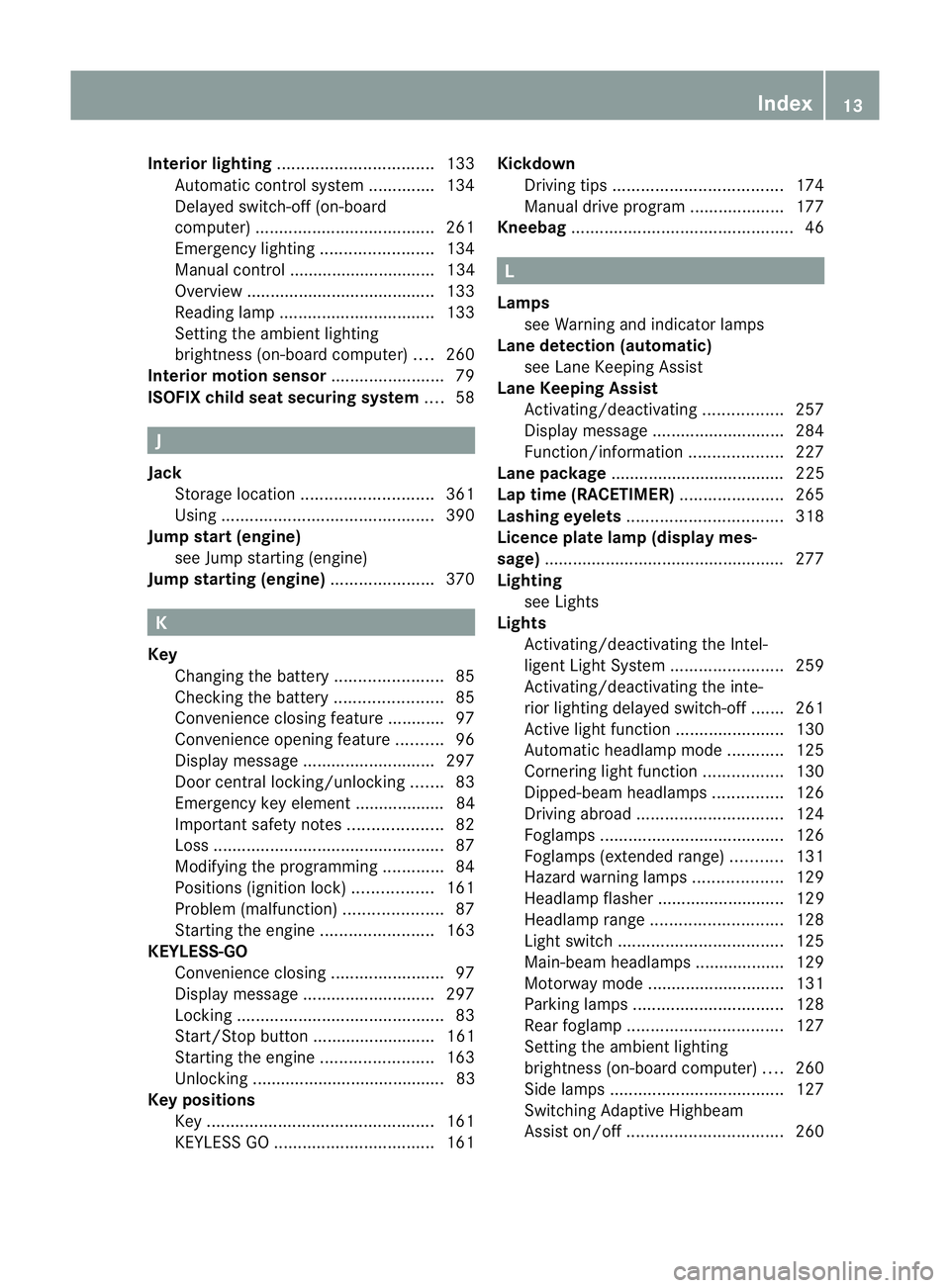
Lane detection (automatic)
see Lane Keeping Assist
Lane Keeping Assist
Activating/deactivating .................257
Display message ............................ 284
Function/informatio n.................... 227
Lane package ..................................... 225
Lap time (RACETIMER) ......................265
Lashing eyelets ................................. 318
Licence plate lamp (display mes-
sage) ................................................... 277
Lighting see Lights
Lights
Activating/deactivating the Intel-
ligent Ligh tSystem ........................ 259
Activating/deactivating the inte-
rior lighting delayed switch-off .......261
Active light function .......................130
Automatic headlamp mode ............125
Cornering light function .................130
Dipped-bea mheadlamps ............... 126
Driving abroad ............................... 124
Foglamps ....................................... 126
Foglamps (extended range) ...........131
Hazard warning lamps ...................129
Headlamp flasher ........................... 129
Headlamp range ............................ 128
Ligh tswitc h................................... 125
Main-beam headlamps ................... 129
Motorway mode ............................. 131
Parking lamps ................................ 128
Rea rfoglamp ................................. 127
Setting the ambient lighting
brightness (on-board computer) ....260
Side lamps ..................................... 127
Switching Adaptive Highbeam
Assist on/off ................................. 260 Index
13
Page 23 of 457
Outside temperature ......................2
47
Setting (climate control) ................147
TEMPOMAT
Function/notes ............................. 189
Theft-deterrent system
ATA (Anti-Theft Alarm system) .........78
Immobiliser ...................................... 78
Through-loading ................................ 315
Through-loading feature ...................315
Time see Separate Owner' smanual
Timing (RACETIMER) .........................265
Tiredness Assist see ATTENTION ASSIST
TIREFIT kit .......................................... 364
Top Tether ............................................ 59
Total distance recorder ....................249
Tow-away protection ..........................79
Towing Important safety notes ..................372
With the rear axle raised ................373
Towing atrailer
Activ eBlind Spot Assist .................232
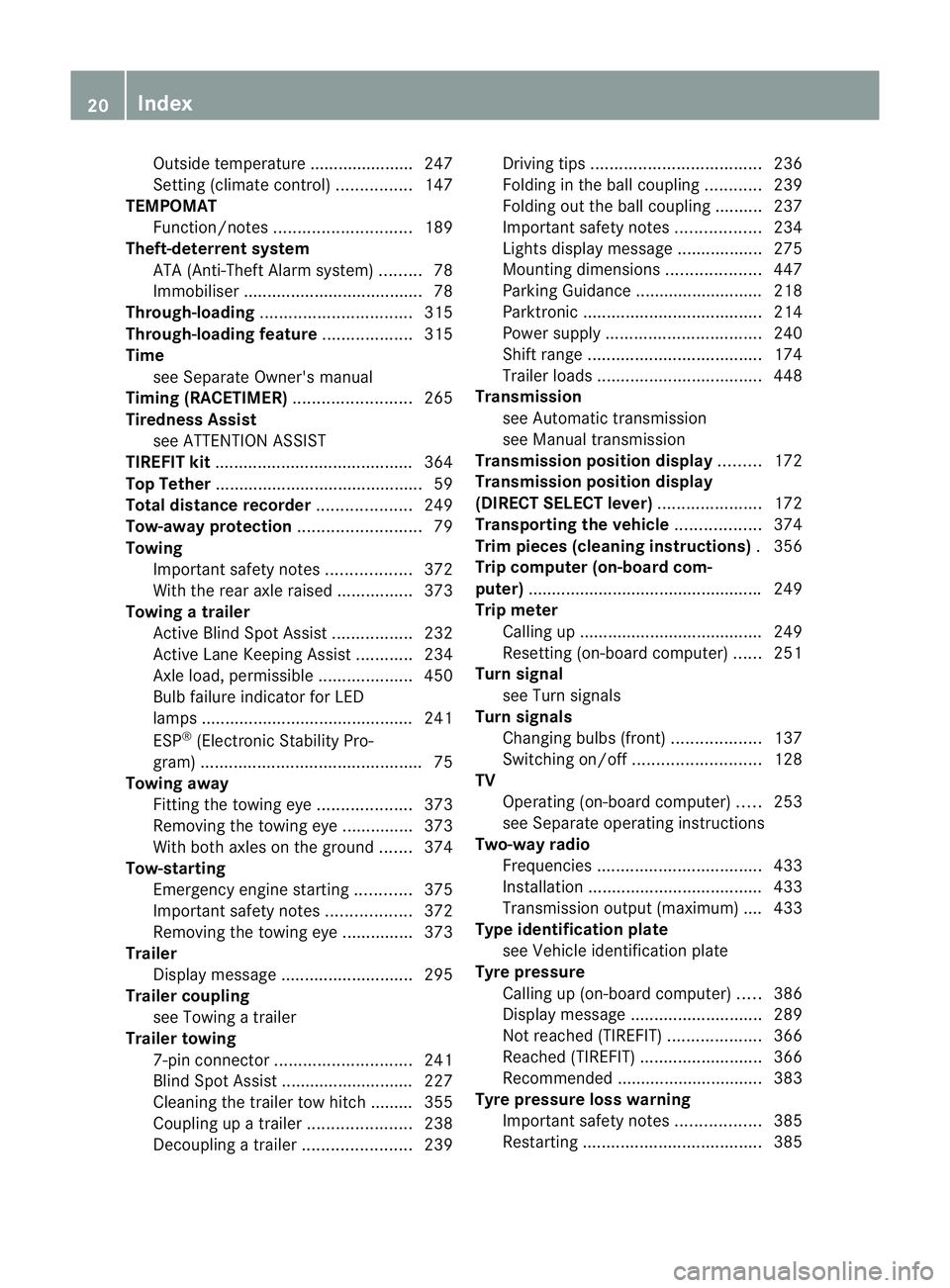
Active Lane Keeping Assist ............234
Axle load, permissible ....................450
Bulb failure indicator for LED
lamps ............................................. 241
ESP ®
(Electroni cStability Pro-
gram) ............................................... 75
Towing away
Fitting the towing eye. ...................373
Removing the towing eye. ..............373
With both axles on the ground .......374
Tow-starting
Emergency engine starting ............375
Important safety notes ..................372
Removing the towing eye. ..............373
Trailer
Display message ............................ 295
Trailer coupling
see Towing atrailer
Trailer towing
7-pin connector ............................. 241
Blind Spot Assist ............................ 227
Cleaning the trailer tow hitch ......... 355
Coupling up atrailer ...................... 238
Decoupling atrailer ....................... 239Driving tips
.................................... 236
Folding in the ball coupling ............239
Folding out the ball coupling ..........237
Important safety notes ..................234
Lights displa ymessage .................. 275
Mounting dimensions ....................447
Parking Guidance ........................... 218
Parktroni c...................................... 214
Power supply ................................. 240
Shift range ..................................... 174
Trailer loads ................................... 448
Transmission
see Automatic transmission
see Manual transmission
Transmission position display .........172
Transmission position display
(DIRECT SELECTl ever)...................... 172
Transporting the vehicle ..................374
Trim pieces (cleaning instructions) .356
Trip computer (on-board com-
puter) ................................................. .249
Trip meter Calling up ....................................... 249
Resetting (on-board computer) ......251
Turn signal
see Turn signals
Turn signals
Changing bulbs (front) ...................137
Switching on/off ........................... 128
TV
Operating (on-board computer) .....253
see Separate operating instructions
Two-way radio
Frequencies ................................... 433
Installatio n..................................... 433
Transmission output (maximum) .... 433
Type identification plate
see Vehicle identification plate
Tyre pressure
Calling up (on-board computer) .....386
Display message ............................ 289
Not reached (TIREFIT) ....................366
Reached (TIREFIT) ..........................366
Recommended ............................... 383
Tyre pressure loss warning
Important safety notes ..................385
Restarting ...................................... 38520
Index
Page 198 of 457
Cruise control or DISTRONIC PLU
Sis selec-
ted.
Variable SPEEDTRONIC is automatically
deactivated if:
R you depress the accelerator pedal beyond
the pressure point (kickdown), but only if
your current speed does not differ by more
than 20 km/h from the stored speed. You
will hear a warning tone if this is the case.
R on vehicles with manual transmission, if
you shift to a higher gear and as a result,
the engine speed is too low.
i The last speed stored is cleared when you
switch off the engine.
Permanent SPEEDTRONIC You can use the on-board computer to limit
the speed permanently to avalue between
160 km/h(e.g. for driving on winter tyres) and
the maximum speed ( Ypage 261).
Shortly before the store dspeed is reached, it
appears in the multifunction display.
Permanent SPEEDTRONIC remains active,
even if variable SPEEDTRONIC is deactivated.
You cannot exceed the stored limit speed,
even if you depress the accelerator pedal
beyond the pressure point (kickdown). DISTRONIC PLUS
Important safety notes G
WARNING
Hybrid vehicles: ensure that you read the
"HYBRID" supplement .You could otherwise
fail to recognise dangers. G
WARNING
Do not change down for additional engine
braking on a slippery road surface. This could
cause the drive wheels to lose their grip and
the vehicle could skid. G
WARNING
DISTRONIC PLUS is only an aid designed to
assist driving. The driver remains fully respon-
sible for the vehicle's distance from other
vehicles, the vehicle's speed and for braking
in good time.
DISTRONIC PLUS does not react in particular
to:
R pedestrians
R stationary obstacles on the road, e.g. stop-
ped or parked vehicles
R oncoming and crossin gtraffic
DISTRONIC PLUS may not detect narrow vehi-
cles driving in front, e.g. motorcycles, or vehi-
cles driving on a different line. Therefore,
always pay attention to traffic conditions even
when DISTRONIC PLUS is activated. Other-
wise, you may fail to recognise dangers in
time, cause an accident and injure yourself
and others. G
WARNING
DISTRONIC PLUS cannot take account of road
and traffic conditions. If DISTRONIC does not
recognise or no longer recognises the vehicle
in front, do not activate DISTRONIC or, if it is
already active, deactivate it. This is especially
the case:
R before corners
R on filter lanes
R when changing to a lane with faster moving
traffic
R in comple xdriving situations or where lanes
are diverted, e.g. at roadworks on a motor-
way
DISTRONIC PLUS otherwise maintains the
current speed set by you or accelerates up to
the set speed.
DISTRONIC PLUS cannot take account of
weather conditions. Deactivate, or do not
activate, DISTRONIC PLUS:
R if the roads are slippery, snow-covered or
icy. The wheels could lose their grip when Driving systems
195Driving and parking
Z
Page 201 of 457
X
Press the cruise control lever repeatedly
up : or down =until the desired speed
is set.
If the vehicle in frontofy ou is stationary, you
can only activate DISTRONIC PLUS once your
vehicle is stationary as well.
i DISTRONIC PLUS can only be activated at
under 30 km/hi favehicle in front has been
detected. Therefore, the DISTRONIC PLUS
distance display in the instrument cluster
should be activated (Y page 256).
i You can use the cruise control leve rto set
the stored speed and the control on the
cruise control lever to set the specified
minimum distance (Y page 201).
Pulling away and driving G
WARNING
If you depress the brake, DISTRONIC PLUS is
deactivated unless your vehicle is stationary.
DISTRONIC PLUS then no longer brakes your
vehicle. In such cases, control the distance
from vehicles travelling in front with the brake
alone. You could otherwise cause an accident
and thereby injure yourself and others. The
driver remains fully responsible for the vehi-
cle's distance from other vehicles, the speed
being driven and for braking in good time.
X If the vehicle in front pulls away: remove
your foot from the brake pedal.
X Briefly pull the cruise control lever towards
you ;, or press it up :or down =.
or
X Accelerate briefly.
Your vehicle pulls away and adapts its
speed to that of the vehicle in front.
If there is no vehicle in front, DISTRONIC
PLUS operates in the same way as cruise
control.
If DISTRONIC PLUS detects that the vehicle
in front has slowed down, it brakes your vehi-
cle. In this way, the distance you have selec-
ted is maintained. If DISTRONIC PLUS detects that the vehicle
in front is driving faster, it accelerates your
vehicle, but only up to the speed you have
stored.
Changing lanes G
WARNING
DISTRONIC PLUS and Active Blind Spot Assist
are only an aid designed to assist driving.
They do not relieve you of the responsibility
of paying attention. The driver remains fully
responsible for the vehicle's distance from
other vehicles, the vehicle's speed and for
braking in good time. Always pay attention to
traffic conditions and your surroundings. Oth-
erwise, you may fail to recognise dangers in
time, cause an accident and injure yourself
and others.
If you change to the overtaking lane, DIS-
TRONIC PLUS supports you if:
R you are driving faster than 60 km/h.
R DISTRONIC PLUS is maintaining the dis-
tance to a vehicle in front.
R you switch on the respective turn signals.
R DISTRONIC PLUS does not detect a danger
of collision.
If these conditions are met, your vehicle is
accelerated. Acceleration will be interrupted
if changing lanes takes too long or if the dis-
tance between your vehicle and the vehicle in
front becomes too small.
i When changing lanes, DISTRONIC PLUS
monitors the left lane for left-hand-drive
vehicles and the right lane for right-hand-
drive vehicles. 198
Driving systemsDriving and parking
Page 208 of 457
detected vehicle turns a corner and reveals
an obstacle or stationary vehicle, DISTRONIC
PLUS will not brake for these.
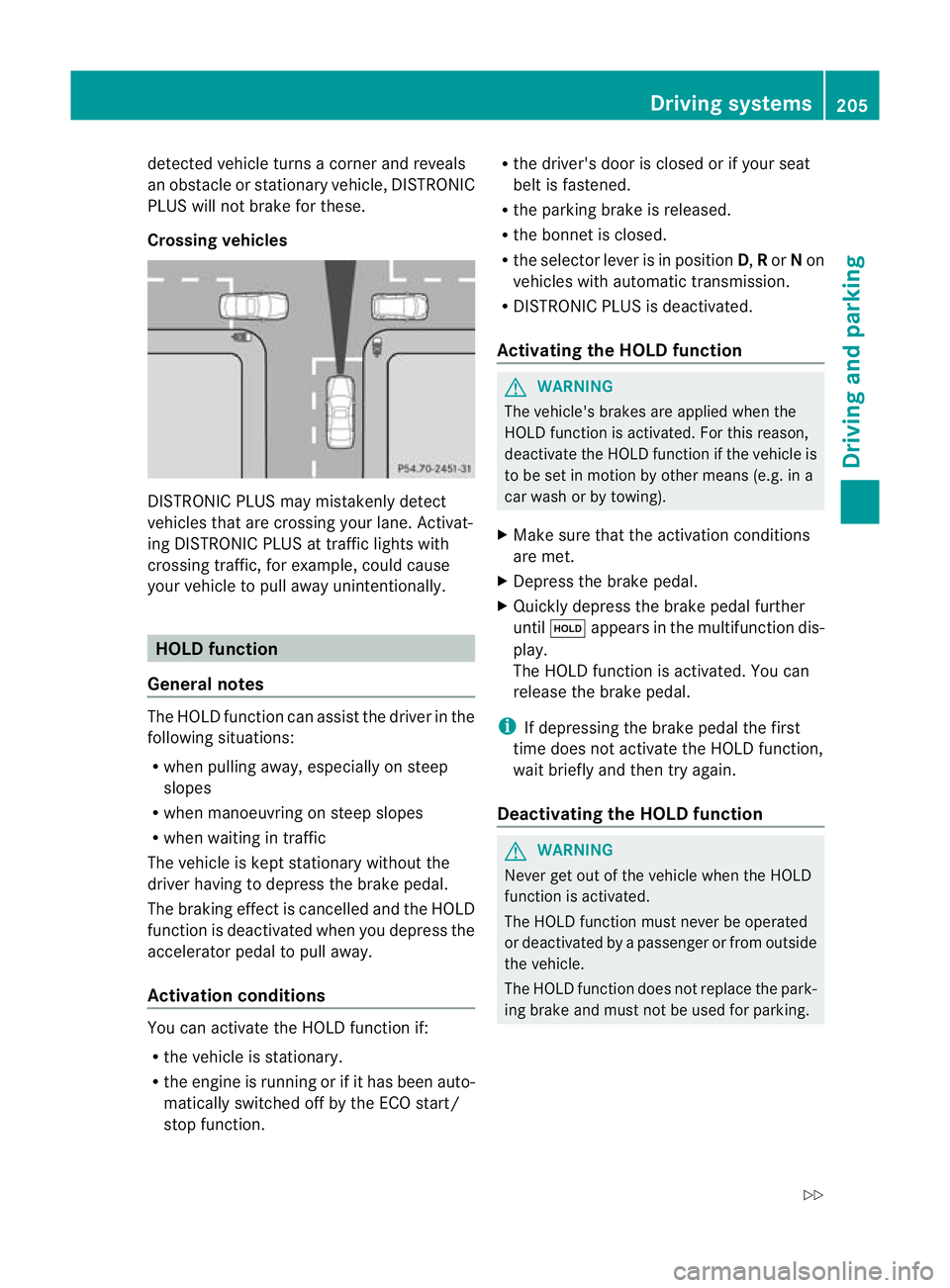
Crossing vehicles DISTRONIC PLUS may mistakenly detect
vehicles that are crossing your lane. Activat-
ing DISTRONIC PLUS at traffic lights with
crossing traffic, for example, could cause
your vehicle to pull away unintentionally. HOLD function
General notes The HOLD function can assist the driver in the
following situations:
R when pulling away, especially on steep
slopes
R when manoeuvring on steep slopes
R when waiting in traffic
The vehicle is kept stationary without the
driver having to depress the brake pedal.
The braking effec tis cancelled and the HOLD
function is deactivated when you depress the
accelerator pedal to pull away.
Activation conditions You can activate the HOLD function if:
R
the vehicle is stationary.
R the engine is running or if it has been auto-
matically switched off by the ECO start/
stop function. R
the driver's door is closed or if your seat
belt is fastened.
R the parking brake is released.
R the bonnet is closed.
R the selector lever is in position D,Ror Non
vehicles with automatic transmission.
R DISTRONIC PLUS is deactivated.
Activating the HOLD function G
WARNING
The vehicle's brakes are applied when the
HOLD function is activated. For this reason,
deactivate the HOLD function if the vehicle is
to be set in motion by other means (e.g. in a
car wash or by towing).
X Make sure that the activation conditions
are met.
X Depress the brake pedal.
X Quickly depress the brake pedal further
until ë appears in the multifunction dis-
play.
The HOLD function is activated. You can
release the brake pedal.
i If depressing the brake pedal the first
time does not activate the HOLD function,
wait briefly and then try again.
Deactivating the HOLD function G
WARNING
Never get out of the vehicle when the HOLD
function is activated.
The HOLD function must never be operated
or deactivated by a passenger or from outside
the vehicle.
The HOLD function does not replace the park-
ing brake and must not be used for parking. Driving systems
205Driving and parking
Z
Page 223 of 457
for the vehicle. They are used to align the
vehicle with the edge of the carriageway, e.g.
the kerb.
ATTENTIO
NASSIST
Important safety notes G
WARNING
ATTENTION ASSIST is only an aid and may
detect your tiredness or lapses in concentra-
tion too late or not at all. It is not asubstitute
for a well rested and attentive driver.
Fatigue may cause you to recognise hazard-
ous situations too late, misjudge a situation
or react slower. For this reason, make sure
you feel rested before you begin driving and
during your journey. Always take breaks in
good time and regularly, especially during
long journeys. Otherwise, you may fail to rec-
ognise dangers in time, cause an acciden tand
injure yoursel fand others.
General notes ATTENTIO
NASSIST helps you during long,
monotonous journeys such as on motorways
and trunk roads. It is active in the 80 km/h
to 180 km/h range.
If ATTENTION ASSIST detects typical indica-
tors of fatigue or increasing lapses in con-
centration on the part of the driver, it sug-
gests taking a break.
ATTENTIO NASSIST assesses your level of
fatigue or lapses in concentration by taking
the following criteria into account:
R your personal driving style, e.g. steering
characteristics
R journey-related parameters, e.g. time of
day, length of journey
The functionality of ATTENTION ASSIST is
restricted, and warnings may be delayed or
not occur at all:
R if the road condition is poor, e.g. if the sur-
face is uneven or if there are potholes
R if there is a strong sid ewind R
if you have adopted a sporty driving style
with high cornering speeds or high rates of
acceleration
R if you are predominantly driving slower
than 80 km/h or faster than 180 km/h
R if you are currently using COMAND APS or
making a telephone call with COMAND APS
R if the time has been set incorrectly
R in active driving situations, such as when
you change lanes or change your speed
Warning and display messages in the
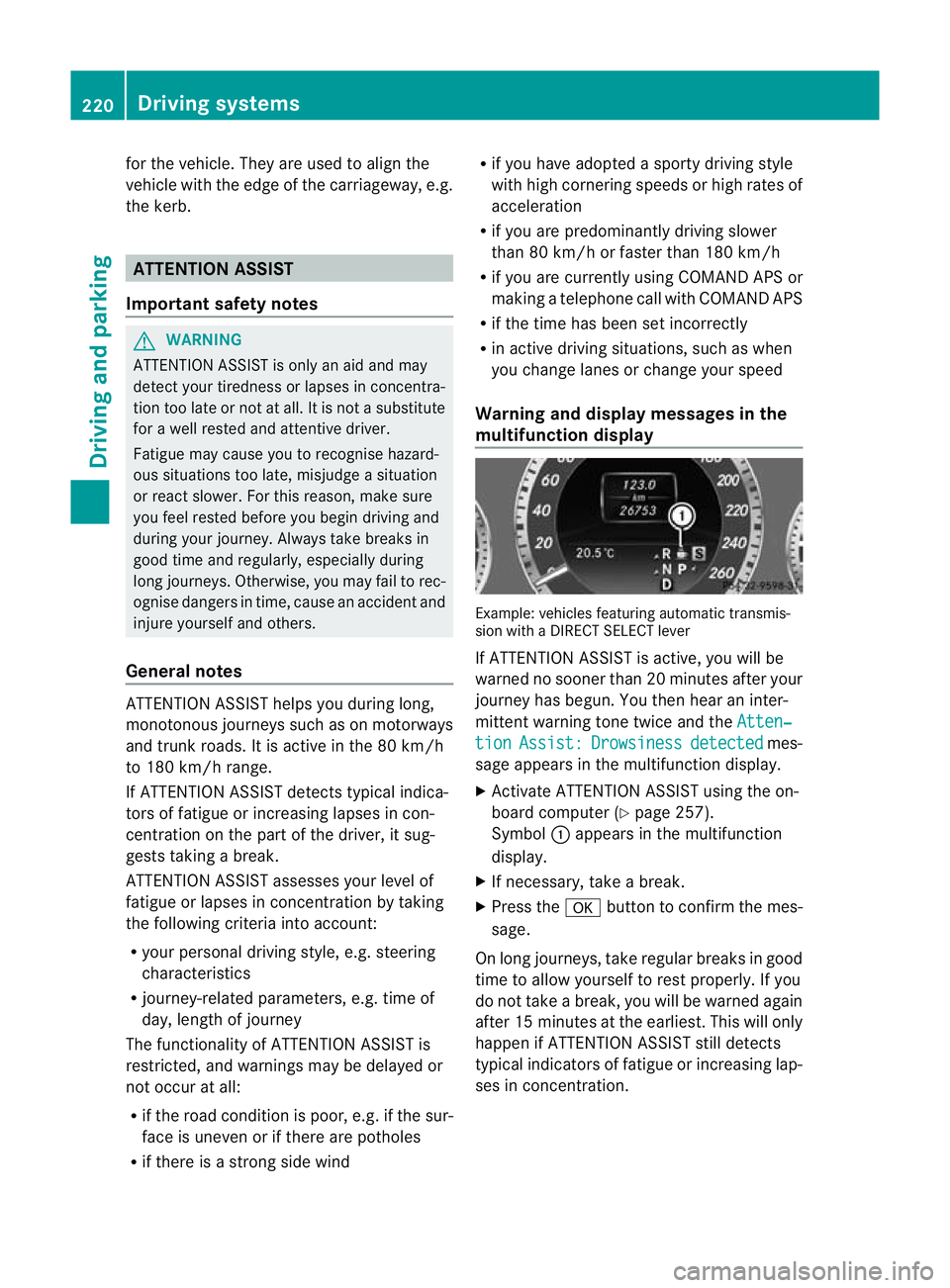
multifunction display Example: vehicles featuring automatic transmis-
sion with a DIRECT SELECT lever
If ATTENTION ASSIST is active, you will be
warned no sooner than 20 minutes after your
journey has begun. You the
nhear an inter-
mittent warning tone twice and the Atten‐ tion Assist: Drowsiness detected mes-
sage appears in the multifunction display.
X Activate ATTENTION ASSIST using the on-
board computer (Y page 257).
Symbol :appears in the multifunction
display.
X If necessary, take a break.
X Press the abutton to confirm the mes-
sage.
On long journeys, take regular breaks in good
time to allow yourself to rest properly. If you
do not take a break, you will be warned again
after 15 minutes at the earliest. This will only
happen if ATTENTION ASSIST still detects
typical indicators of fatigue or increasing lap-
ses in concentration. 220
Driving systemsDriving and parking