2012 MERCEDES-BENZ B-CLASS ESP
[x] Cancel search: ESPPage 186 of 340
Keeping Assist is merely an aid. You are
responsible for the distance to the vehicle in
front, for vehicle speed, for braking in good
time and for staying in your lane.
The Lane Keeping Assist does not keep the
vehicle in the lane.
The system may be impaired or may not
function if:
R
there is poor visibility, e.g. due to
insufficient illumination of
the road, or due
to snow, rain, fog or spray
R there is glare, e.g. from oncoming traffic,
the sun or reflections (e.g. when the road
surface is wet)
R the windshield is dirty, fogged up, damaged
or covered, for instance by a sticker, in the
vicinity of the camera
R there are no, several or unclear lane
markings for a lane, e.g. in areas with road
construction work
R the lane markings are worn away, dark or
covered up, e.g. by dirt or snow
R the distance to the vehicle in front is too
small and the lane markings thus cannot be
detected
R the lane markings change quickly, e.g.
lanes branch off, cross one another or
merge
R the road is narrow and winding
R there are strong shadows cast on the lane
A warning may be given if a front wheel
passes over a lane marking. It will warn you
by means of intermittent vibration in the
steering wheel for up to 1.5 seconds.
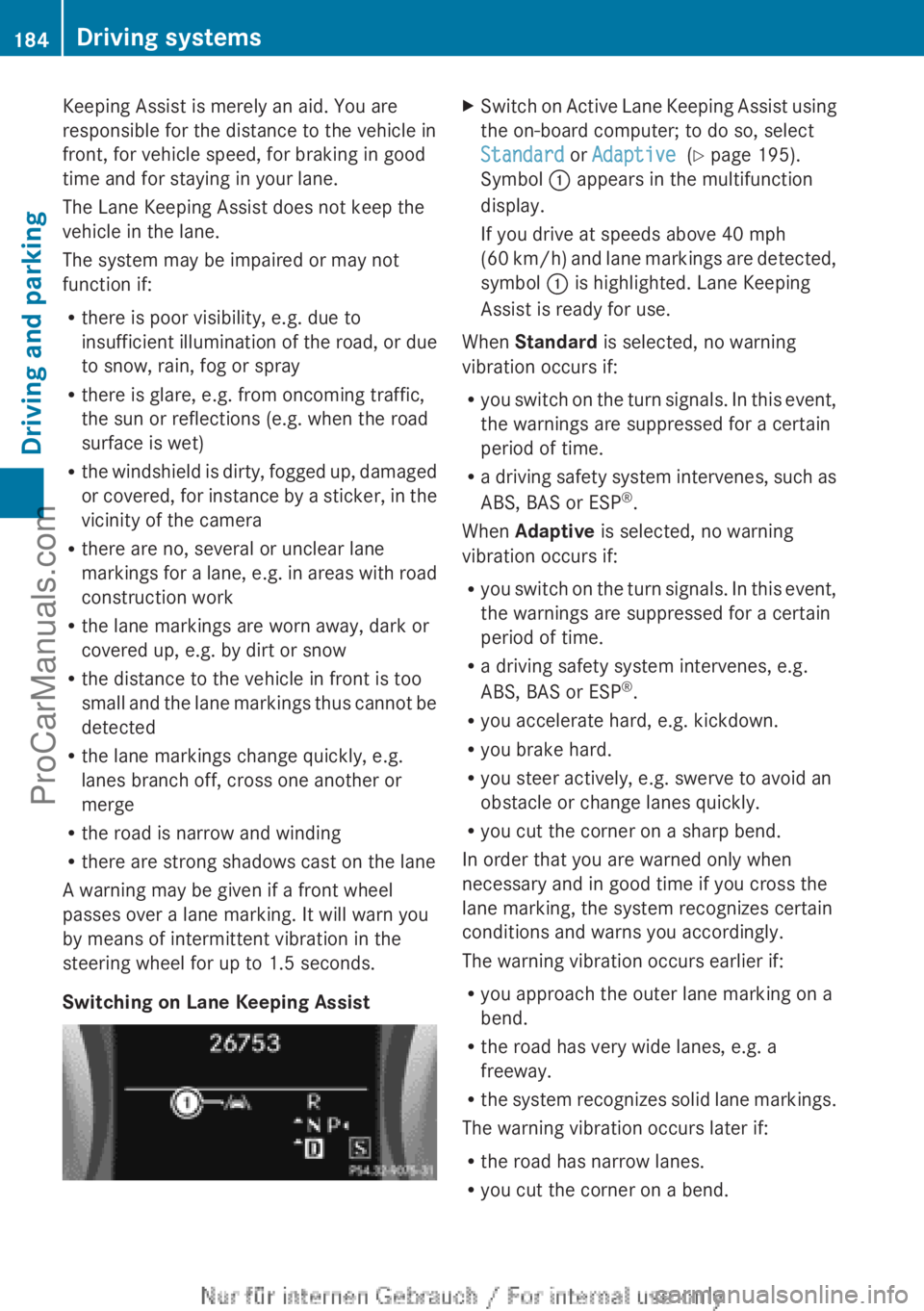
Switching on Lane Keeping Assist X
Switch on Active Lane Keeping Assist using
the on-board computer; to do so, select
Standard or Adaptive (Y page 195).
Symbol : appears in the multifunction
display.
If you drive at speeds above 40 mph
(60 km/h
) and lane markings are detected,
symbol : is highlighted. Lane Keeping
Assist is ready for use.
When Standard is selected, no warning
vibration occurs if:
R you switch on
the turn signals. In this event,
the warnings are suppressed for a certain
period of time.
R a driving safety system intervenes, such as
ABS, BAS or ESP ®
.
When Adaptive is selected, no warning
vibration occurs if:
R you switch on the turn signals. In this event,
the warnings are suppressed for a certain
period of time.
R a driving safety system intervenes, e.g.
ABS, BAS or ESP ®
.
R you accelerate hard, e.g. kickdown.
R you brake hard.
R you steer actively, e.g. swerve to avoid an
obstacle or change lanes quickly.
R you cut the corner on a sharp bend.
In order that you are warned only when
necessary and in good time if you cross the
lane marking, the system recognizes certain
conditions and warns you accordingly.
The warning vibration occurs earlier if:
R you approach the outer lane marking on a
bend.
R the road has very wide lanes, e.g. a
freeway.
R the system recognizes solid lane markings.
The warning vibration occurs later if:
R the road has narrow lanes.
R you cut the corner on a bend.184
Driving systems
Driving and parking
ProCarManuals.com
Page 196 of 340

Rejecting or ending a call
X
Press the ~ button on the steering
wheel.
If you are not in the Tel menu, you can still
reject or end a call.
Dialing a number from the phone book X
Press the = or ; button on the
steering wheel to select the Tel menu.
X Press the 9, : or a button to
switch to the phone book.
X Press the 9
or : button to select the
desired name.
To start scrolling rapidly, press and hold the
9 or : button for longer than one
second.
Rapid scrolling stops when you release the
button or reach the end of the list.
X If only one telephone number is stored
for a name:
press the 6 or a button
to start dialing.
or
X If there is more than one number for a
particular name: press the 6 or a
button to display the numbers.
X Press the 9
or :
button to select the
number you want to dial.
X Press the 6 or a button to start
dialing.
or
X If you do not want to make a call: press
the ~ or % button.
Redialing The on-board computer saves the last names
or numbers dialed in the redial memory.
X
Press the = or ; button on the
steering wheel to select the Tel menu.
X Press the 6 button to switch to the
redial memory.
X Press the 9 or :
button to select the
desired name or number. X
Press the 6 or a button to start
dialing.
or
X If you do not want to make a call: press
the ~ or % button. Assistance menu
Introduction In the
DriveAssist menu, you have the
following options:
R showing the distance display
R activating/deactivating ESP ®
R activating/deactivating the distance
warning function
R activating/deactivating ATTENTION
ASSIST
R activating/deactivating Blind Spot Assist
R activating/deactivating Lane Keeping
Assist
Showing the distance display X
Press the = or ; button on the
steering wheel to select the DriveAssist
menu.
X Press the 9 or : button to select
Distance Display.
X Press the a button.
The DISTRONIC PLUS distance display
appears in the multifunction display
(Y page 163).
Deactivating/activating ESP ® Further information about ESP
®
(Y page 62). 194
Menus and submenus
On-board computer and displays
ProCarManuals.com
Page 197 of 340
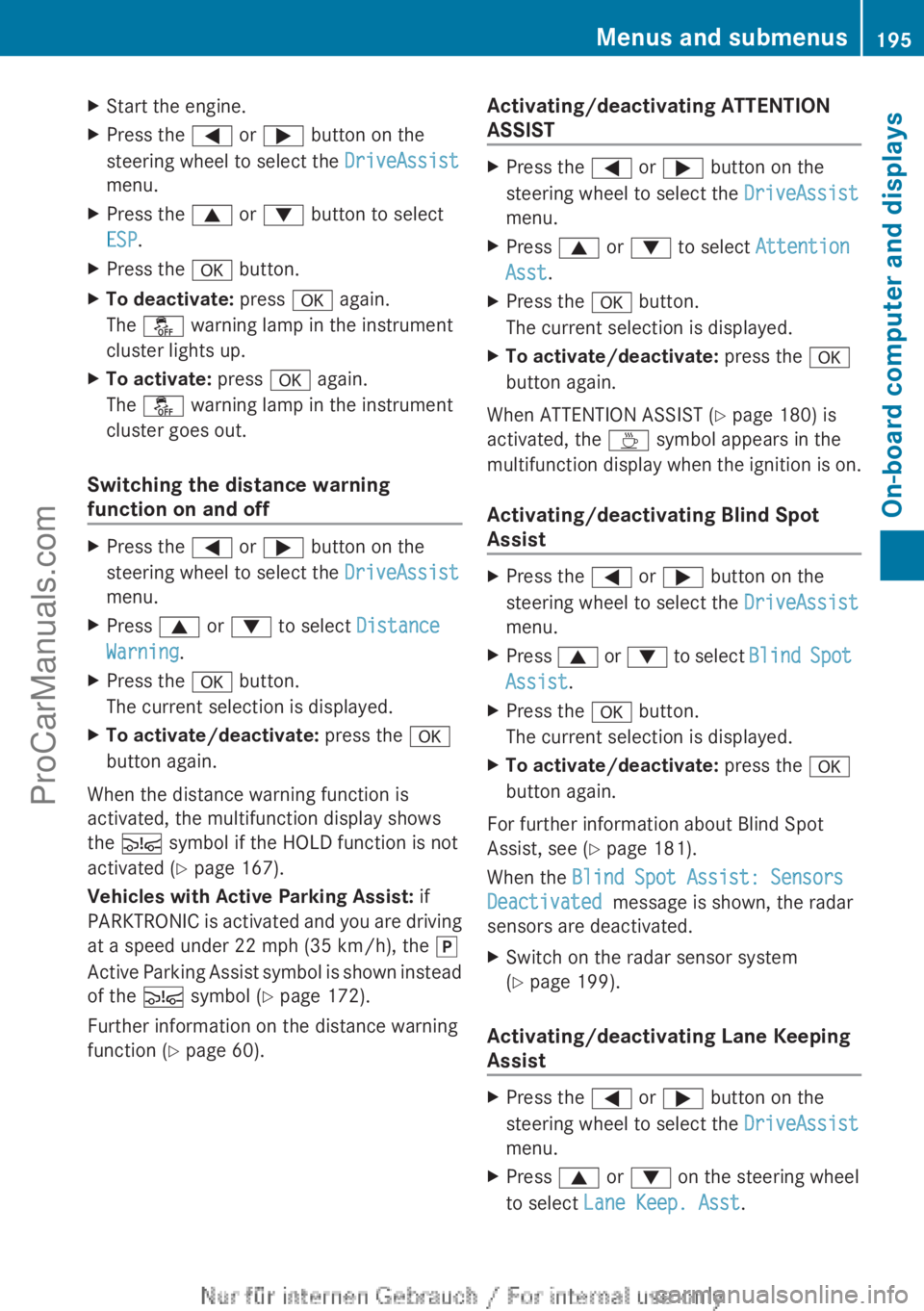
X
Start the engine.
X Press the = or ; button on the
steering wheel to select the DriveAssist
menu.
X Press the 9 or : button to select
ESP.
X Press the a button.
X To deactivate: press a again.
The å warning lamp in the instrument
cluster lights up.
X To activate: press a again.
The å warning lamp in the instrument
cluster goes out.
Switching the distance warning
function on and off X
Press the = or ; button on the
steering wheel to select the DriveAssist
menu.
X Press 9 or : to select Distance
Warning.
X Press the a button.
The current selection is displayed.
X To activate/deactivate: press the a
button again.
When the distance warning function is
activated, the multifunction display shows
the Ä symbol if the HOLD function is not
activated (Y page 167).
Vehicles with Active Parking Assist: if
PARKTRONIC is activated
and you are driving
at a speed under 22 mph (35 km/h), the j
Active Parking Assist symbol is shown instead
of the Ä symbol ( Y page 172).
Further information on the distance warning
function ( Y page 60). Activating/deactivating ATTENTION
ASSIST X
Press the = or ; button on the
steering wheel to select the DriveAssist
menu.
X Press 9 or : to select Attention
Asst.
X Press the a button.
The current selection is displayed.
X To activate/deactivate: press the a
button again.
When ATTENTION ASSIST (Y page 180) is
activated, the À symbol appears in the
multifunction display when
the ignition is on.
Activating/deactivating Blind Spot
Assist X
Press the = or ; button on the
steering wheel to select the DriveAssist
menu.
X Press 9 or :
to select Blind Spot
Assist.
X Press the a button.
The current selection is displayed.
X To activate/deactivate: press the a
button again.
For further information about Blind Spot
Assist, see (Y page 181).
When the Blind Spot Assist: Sensors
Deactivated message is shown, the radar
sensors are deactivated.
X Switch on the radar sensor system
(Y page 199).
Activating/deactivating Lane Keeping
Assist X
Press the = or ; button on the
steering wheel to select the DriveAssist
menu.
X Press 9 or : on the steering wheel
to select Lane Keep. Asst. Menus and submenus
195
On-board computer and displays Z
ProCarManuals.com
Page 202 of 340
Display messages
General notes
Display messages appear in the multifunction display.
Display messages with graphic displays may be shown in simplified form in the Operator's
Manual and may differ from the messages shown in the multifunction display.
Please respond in accordance with the display messages and follow the additional notes in
this Operator's Manual.
Certain display messages
are accompanied by an audible warning tone or a continuous tone.
When the ignition is switched off, all display messages are deleted, apart from some high-
priority display messages. Once the causes of the high-priority display messages have been
rectified, the corresponding display messages are also deleted.
When you stop and park the vehicle, please observe the notes on the HOLD function
(Y page 167) and parking ( Y page 149).Hiding display messages
X Press the a or % button on the steering wheel to hide the display message.
The display message is cleared.
The multifunction display shows high-priority display messages in red. Some high-priority
display messages cannot be hidden.
The multifunction display shows these messages continuously until the causes for the
messages have been remedied. Message memory
The on-board computer saves certain display messages in the message memory. You can
call up the display messages:
X Press = or ; on the steering wheel to select the Serv menu.
If there are display messages, the multifunction display shows, for example, 2 Messages.
X Press the 9 or : button to select the entry, e.g. 2 Messages.
X Press a to confirm.
X Press the 9 or : button to scroll through the display messages.200
Display messages
On-board computer and displays
ProCarManuals.com
Page 203 of 340

Safety systems
Display messages Possible causes/consequences and
M Solutions!÷
Currently
Unavailable See
Operator's Manual ABS (Anti-lock Braking System), ESP
®
(Electronic Stability
Program), BAS (Brake Assist), the HOLD function and hill start
assist are temporarily unavailable.
COLLISION PREVENTION ASSIST may also have failed.
In addition, the ÷, å and ! warning lamps light up in
the instrument cluster.
ATTENTION ASSIST is deactivated.
Possible causes are:
R Self-diagnosis is not yet complete.
R The on-board voltage may be insufficient.
G WARNING
The brake system continues to function normally, but without the
functions listed above. The wheels could therefore lock if you
brake hard, for example.
The steerability and braking characteristics may be severely
affected. The braking distance in an emergency braking situation
can increase.
If ESP ®
is not
operational, ESP ®
is unable to stabilize the vehicle.
There is an increased risk of skidding and an accident.
X Carefully drive a short distance on a suitable stretch of road,
making slight steering movements at a speed above 12 mph
(20 km/h).
If the display message disappears, the functions mentioned
above are available again.
If the display message continues to be displayed:
X Drive on carefully.
X Visit a qualified specialist workshop. !÷
Inoperative See
Operator's Manual ABS, ESP
®
, BAS, the HOLD function and hill start assist are
unavailable due to a malfunction.
COLLISION PREVENTION ASSIST may also have failed.
In addition, the J, ÷, å and ! warning lamps light
up in the instrument cluster.
ATTENTION ASSIST is deactivated.
G WARNING
The brake system continues to function normally, but without the
functions listed above. The wheels could therefore lock if you
brake hard, for example. Display messages
201On-board computer and displays Z
ProCarManuals.com
Page 204 of 340
Display messages Possible causes/consequences and
M SolutionsThe steerability and braking characteristics may be severely
affected. The braking distance in an emergency braking situation
can increase.
If ESP
®
is not
operational, ESP ®
is unable to stabilize the vehicle.
There is an increased risk of skidding and an accident.
X Drive on carefully.
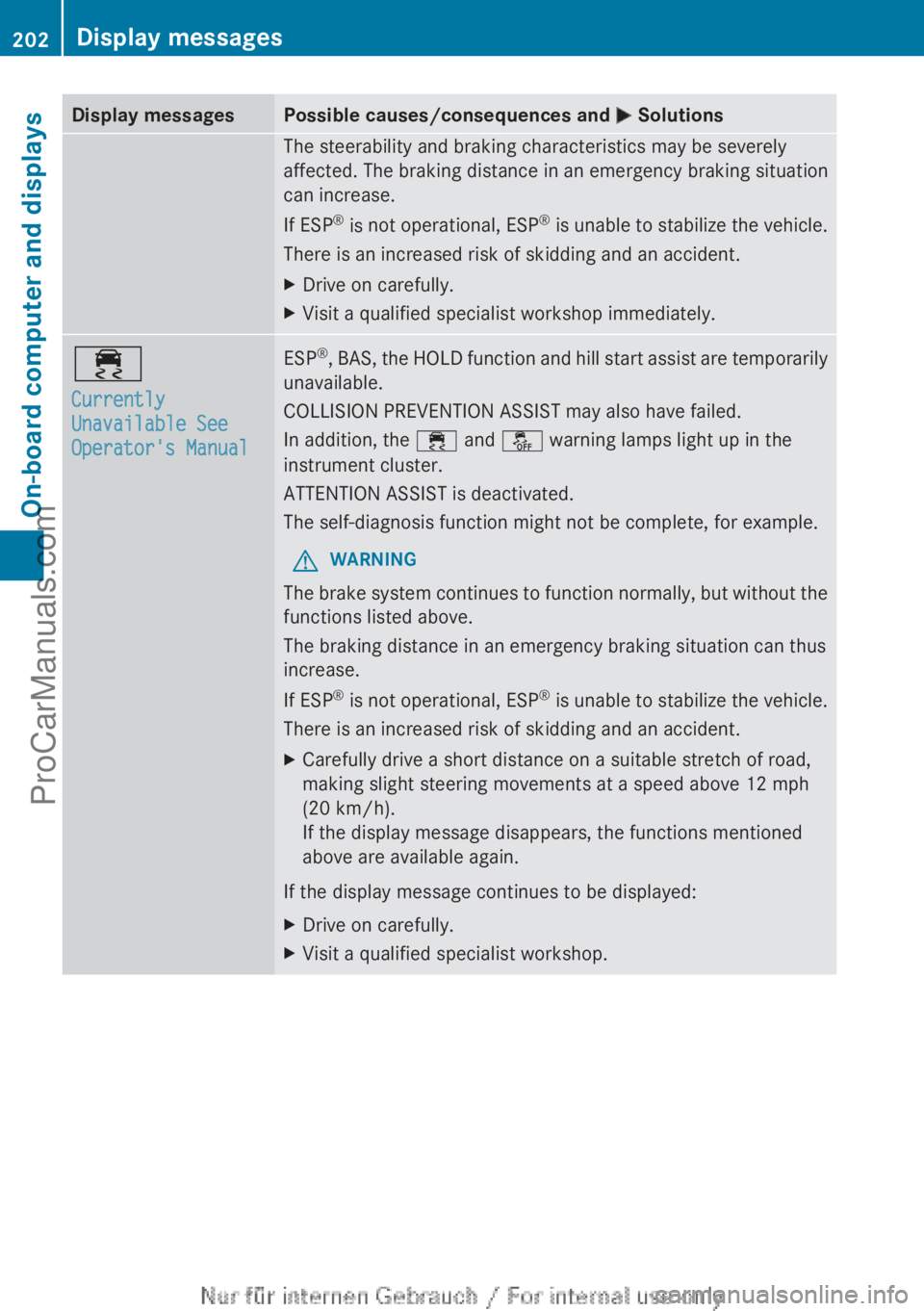
X Visit a qualified specialist workshop immediately. ÷
Currently
Unavailable See
Operator's Manual ESP
®
, BAS, the HOLD function and hill start assist are temporarily
unavailable.
COLLISION PREVENTION ASSIST may also have failed.
In addition, the ÷
and å warning lamps light up in the
instrument cluster.
ATTENTION ASSIST is deactivated.
The self-diagnosis function might not be complete, for example.
G WARNING
The brake system continues to function normally, but without the
functions listed above.
The braking distance in an emergency braking situation can thus
increase.
If ESP ®
is not
operational, ESP ®
is unable to stabilize the vehicle.
There is an increased risk of skidding and an accident.
X Carefully drive a short distance on a suitable stretch of road,
making slight steering movements at a speed above 12 mph
(20 km/h).
If the display message disappears, the functions mentioned
above are available again.
If the display message continues to be displayed:
X Drive on carefully.
X Visit a qualified specialist workshop.202
Display messages
On-board computer and displays
ProCarManuals.com
Page 205 of 340

Display messages Possible causes/consequences and
M Solutions÷
Inoperative See
Operator's Manual ESP
®
, BAS, the HOLD function and hill start assist are unavailable
due to a malfunction.
COLLISION PREVENTION ASSIST may also have failed.
In addition, the ÷
and å warning lamps light up in the
instrument cluster.
ATTENTION ASSIST is deactivated.
G WARNING
The brake system continues to function normally, but without the
functions listed above.
The braking distance in an emergency braking situation can thus
increase.
If ESP ®
is not
operational, ESP ®
is unable to stabilize the vehicle.
There is an increased risk of skidding and an accident.
X Drive on carefully.
X Visit a qualified specialist workshop. T!
÷
Inoperative See
Operator's Manual EBD (electronic brake force distribution), ABS, ESP
®
, BAS, the
HOLD function and hill start assist are not available due to a
malfunction.
COLLISION PREVENTION ASSIST may also have failed.
In addition, the ÷, å and ! warning lamps light up in
the instrument cluster and a warning tone sounds.
ATTENTION ASSIST is deactivated.
G WARNING
The brake system continues to function normally, but without the
functions listed above. The front and rear wheels could therefore
lock if you brake hard, for example.
The steerability and braking characteristics may be severely
affected. The braking distance in an emergency braking situation
can increase.
If ESP ®
is not
operational, ESP ®
is unable to stabilize the vehicle.
There is an increased risk of skidding and an accident.
X Drive on carefully.
X Visit a qualified specialist workshop immediately. F(USA
only)!(Canada
only) The red
F (USA only)/! (Canada only) indicator lamp
flashes and a warning tone sounds. A condition for automatic
release of the electric parking brake is not fulfilled ( Y page 150).
You are driving with the electric parking brake applied.
X Release the electric parking brake manually. Display messages
203
On-board computer and displays Z
ProCarManuals.com
Page 218 of 340

Display messages Possible causes/consequences and
M SolutionsLane Keeping
Assist Inoperative Lane Keeping Assist is faulty.
X
Visit a qualified specialist workshop. Blind Spot Assist
Currently
Unavailable See
Operator's
ManualBlind Spot
Assist Currently
Unavailable See
Operator's Manual Blind Spot Assist is temporarily inoperative. Possible causes are:
R
the sensors are dirty.
R function is impaired due to heavy rain or snow.
R the radar sensor system is outside the operating temperature
range.
R the radar sensor system is temporarily inoperative, e.g. due to
electromagnetic radiation emitted by nearby TV or radio
stations or other sources of electromagnetic radiation.
The yellow 9 indicator lamps also light up in the exterior
mirrors.
When the causes stated above no longer apply, the display
message disappears.
Blind Spot Assist is operational again.
If the display message does not disappear:
X Pull over and stop the vehicle safely as soon as possible, paying
attention to road and traffic conditions.
X Secure the vehicle against rolling away ( Y page 149).
X Clean the sensors ( Y page 275).
X Restart the engine. Blind Spot Assist
Inoperative Blind Spot Assist is defective.
The yellow
9 indicator lamps also light up in the exterior
mirrors.
X Visit a qualified specialist workshop. Park Assist
Canceled The driver's door is open and the driver's seat belt has not been
fastened.
X
Repeat the parking process with the seat belt fastened and the
driver's door closed. You have inadvertently touched the multifunction steering wheel
while steering intervention was active.
X
While steering intervention is active, make sure that the
multifunction steering wheel is not touched unintentionally. The vehicle has started to skid and ESP
®
has intervened.
X Use Active Parking Assist again later (Y page 172).216
Display messagesOn-board computer and displays
ProCarManuals.com