Page 80 of 384

To adjust your mirrors:
1. Rotate the control clockwise to
adjust the right mirror and rotate
the control counterclockwise to
adjust the left mirror.
2. Move the control in the direction
you wish to tilt the mirror.
3. Return to the center position to lock mirrors in place.
Memory feature
The power side view mirror positions are saved when doing a memory
set and can be recalled using the memory feature. Refer toFront seats
in theSeating and Safety Restraintschapter.
Automatic dimming feature
The driver’s side view mirror has an auto-dimming function. For more
information, refer toAutomatic dimming interior rear view mirrorin
this chapter.
Heated outside mirrors
Both mirrors are heated
automatically to remove ice, mist
and fog when the rear window
defrost is activated.
Note:With the Auto dimming
feature, the mirror glass is thicker
and will take longer to defrost.
Do not remove ice from the
mirrors with a scraper or attempt to readjust the mirror glass if
it is frozen in place. These actions could cause damage to the
glass and mirrors.
Do not clean the housing or glass of any mirror with harsh
abrasives, fuel or other petroleum-based cleaning products.
Blind spot mirrors (if equipped)
Your vehicle may be equipped with blind spot mirrors or a blind spot
information system. Refer toBlind spot mirrorsorBlind spot
information system (BLIS�) with cross traffic alert (CTA)in the
Drivingchapter.
Driver Controls
80
2012 MKS(mks)
Owners Guide, 1st Printing
USA(fus)
Page 89 of 384
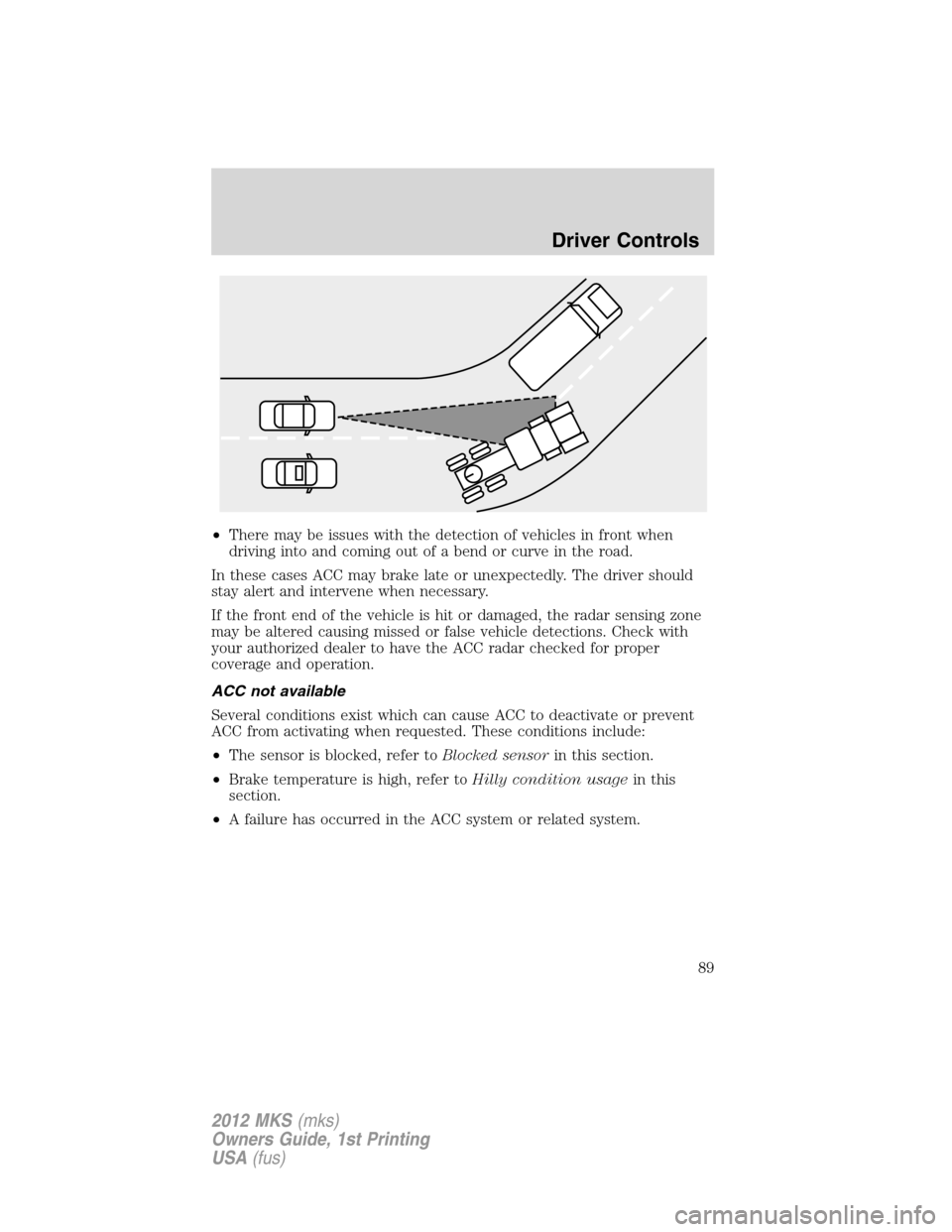
•There may be issues with the detection of vehicles in front when
driving into and coming out of a bend or curve in the road.
In these cases ACC may brake late or unexpectedly. The driver should
stay alert and intervene when necessary.
If the front end of the vehicle is hit or damaged, the radar sensing zone
may be altered causing missed or false vehicle detections. Check with
your authorized dealer to have the ACC radar checked for proper
coverage and operation.
ACC not available
Several conditions exist which can cause ACC to deactivate or prevent
ACC from activating when requested. These conditions include:
•The sensor is blocked, refer toBlocked sensorin this section.
•Brake temperature is high, refer toHilly condition usagein this
section.
•A failure has occurred in the ACC system or related system.
Driver Controls
89
2012 MKS(mks)
Owners Guide, 1st Printing
USA(fus)
Page 90 of 384

Blocked sensor
If a message regarding a blocked
sensor is displayed, the radar signals
from the sensor have been
obstructed. The sensor is located
behind a fascia cover near the driver
side of the lower grille. When the
radar signals are obstructed, a
vehicle ahead cannot be detected
and the ACC will not function. The
following table lists possible causes
and actions for this message being displayed.
Cause Action
The surface of the radar in the
grille is dirty or obstructed in
some wayClean the grille surface in front of
the radar or remove the object
causing the obstruction
The surface of the radar in the
grille is clean but the message
remains in the displayWait a short time. It may take
several minutes for the radar to
detect that it is no longer
obstructed
Heavy rain or snow is interfering
with the radar signalsDo not use ACC in these
conditions because it may not
detect, warn, or respond to
potential collisions.
Swirling water, or snow or ice on
the surface of the road may
interfere with the radar signalsDo not use ACC in these
conditions because it may not
detect, warn, or respond to
potential collisions.
Desert / remote area with no other
vehicles and no roadside objectsWait a short time.
Due to the nature of radar technology, it is possible to get a blockage
warning and not be blocked. This can happen, for example, when driving
in sparse rural or desert environments. A false blocked condition will
either self clear or clear after a key cycle.
Driver Controls
90
2012 MKS(mks)
Owners Guide, 1st Printing
USA(fus)
Page 94 of 384
POWER REAR SUNSHADE
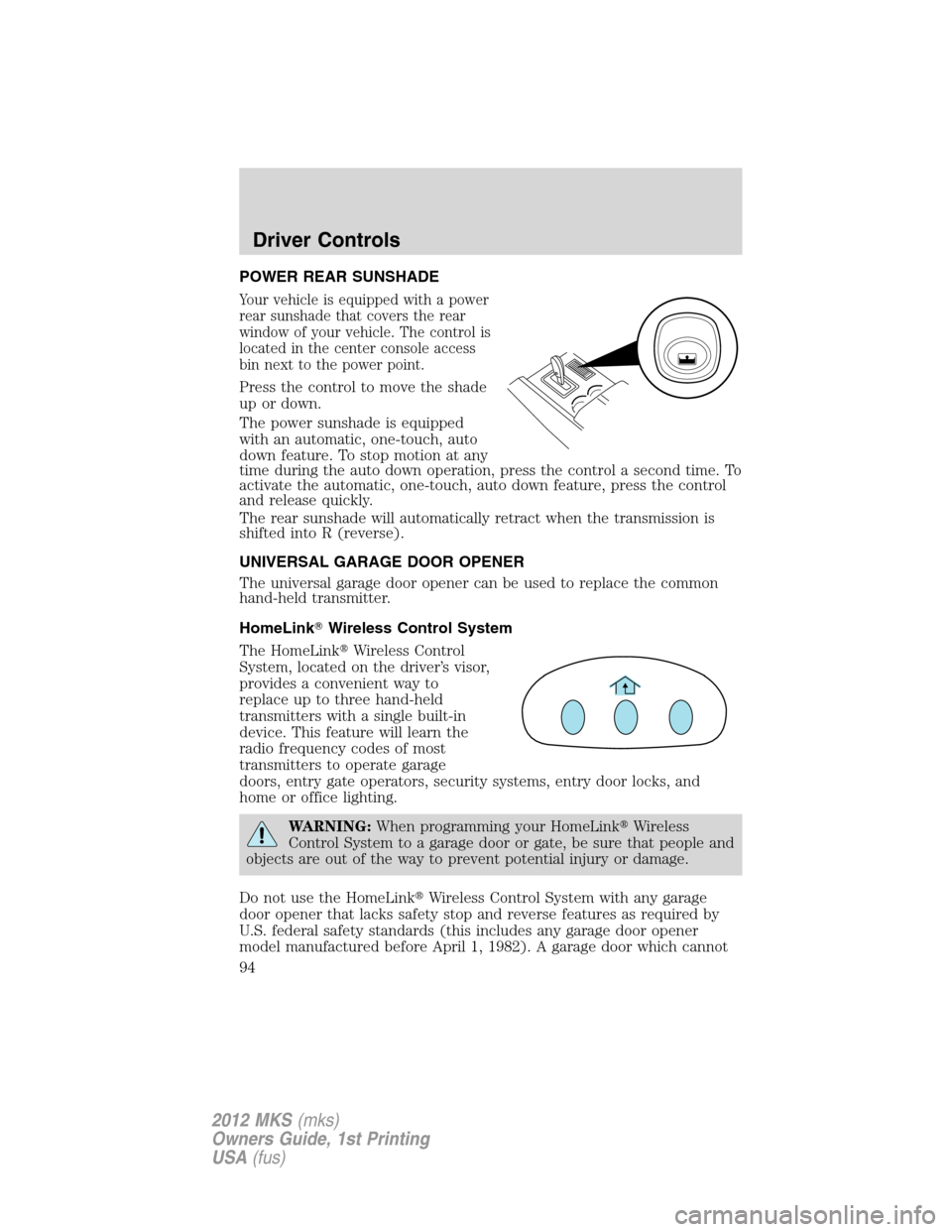
Your vehicle is equipped with a power
rear sunshade that covers the rear
window of your vehicle. The control is
located in the center console access
bin next to the power point.
Press the control to move the shade
up or down.
The power sunshade is equipped
with an automatic, one-touch, auto
down feature. To stop motion at any
time during the auto down operation, press the control a second time. To
activate the automatic, one-touch, auto down feature, press the control
and release quickly.
The rear sunshade will automatically retract when the transmission is
shifted into R (reverse).
UNIVERSAL GARAGE DOOR OPENER
The universal garage door opener can be used to replace the common
hand-held transmitter.
HomeLink�Wireless Control System
The HomeLink�Wireless Control
System, located on the driver’s visor,
provides a convenient way to
replace up to three hand-held
transmitters with a single built-in
device. This feature will learn the
radio frequency codes of most
transmitters to operate garage
doors, entry gate operators, security systems, entry door locks, and
home or office lighting.
WARNING:When programming your HomeLink�Wireless
Control System to a garage door or gate, be sure that people and
objects are out of the way to prevent potential injury or damage.
Do not use the HomeLink�Wireless Control System with any garage
door opener that lacks safety stop and reverse features as required by
U.S. federal safety standards (this includes any garage door opener
model manufactured before April 1, 1982). A garage door which cannot
Driver Controls
94
2012 MKS(mks)
Owners Guide, 1st Printing
USA(fus)
Page 97 of 384
Operating the HomeLink�Wireless Control System
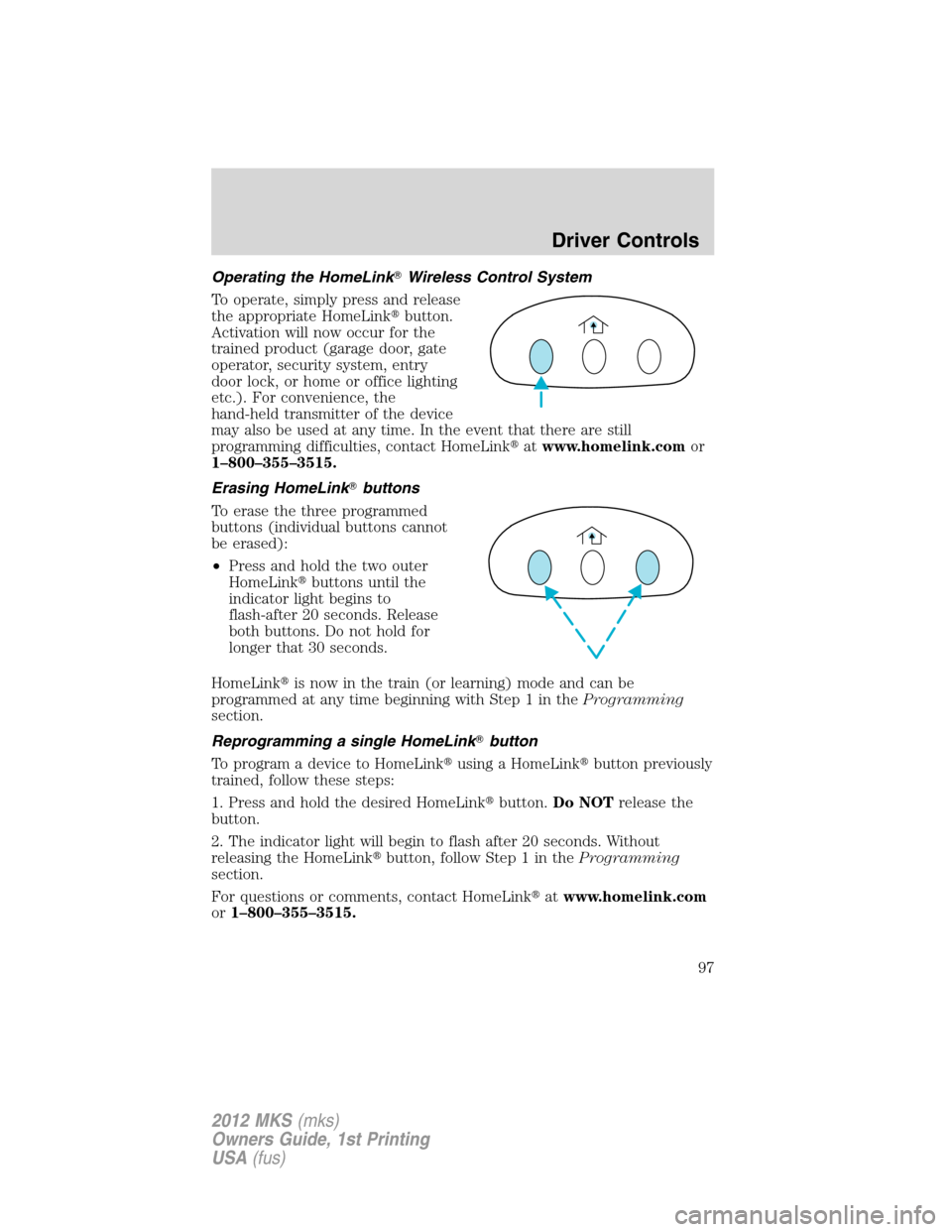
To operate, simply press and release
the appropriate HomeLink�button.
Activation will now occur for the
trained product (garage door, gate
operator, security system, entry
door lock, or home or office lighting
etc.). For convenience, the
hand-held transmitter of the device
may also be used at any time. In the event that there are still
programming difficulties, contact HomeLink�atwww.homelink.comor
1–800–355–3515.
Erasing HomeLink�buttons
To erase the three programmed
buttons (individual buttons cannot
be erased):
•Press and hold the two outer
HomeLink�buttons until the
indicator light begins to
flash-after 20 seconds. Release
both buttons. Do not hold for
longer that 30 seconds.
HomeLink�is now in the train (or learning) mode and can be
programmed at any time beginning with Step 1 in theProgramming
section.
Reprogramming a single HomeLink�button
To program a device to HomeLink�using a HomeLink�button previously
trained, follow these steps:
1. Press and hold the desired HomeLink�button.Do NOTrelease the
button.
2. The indicator light will begin to flash after 20 seconds. Without
releasing the HomeLink�button, follow Step 1 in theProgramming
section.
For questions or comments, contact HomeLink�atwww.homelink.com
or1–800–355–3515.
Driver Controls
97
2012 MKS(mks)
Owners Guide, 1st Printing
USA(fus)
Page 98 of 384
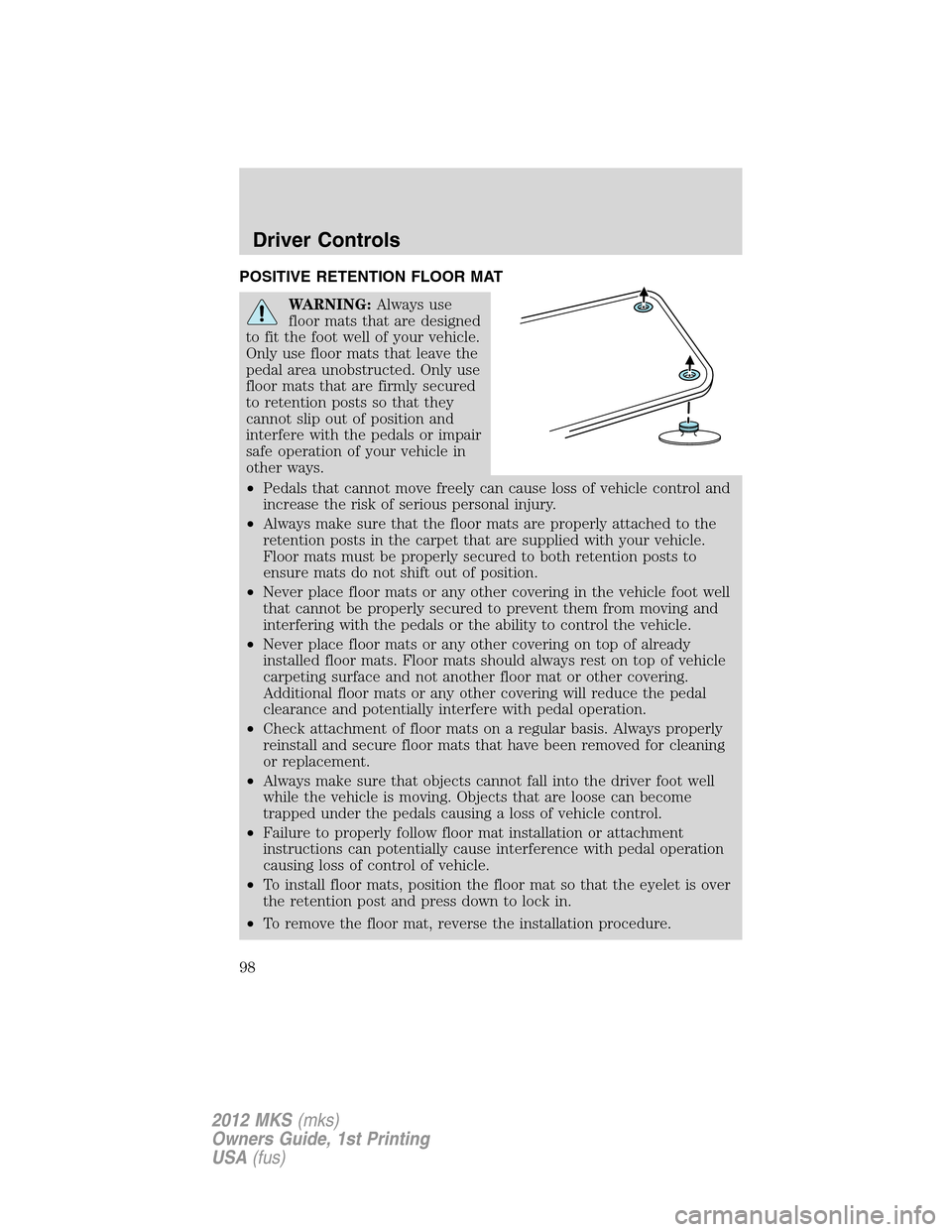
POSITIVE RETENTION FLOOR MAT
WARNING:Always use
floor mats that are designed
to fit the foot well of your vehicle.
Only use floor mats that leave the
pedal area unobstructed. Only use
floor mats that are firmly secured
to retention posts so that they
cannot slip out of position and
interfere with the pedals or impair
safe operation of your vehicle in
other ways.
•Pedals that cannot move freely can cause loss of vehicle control and
increase the risk of serious personal injury.
•Always make sure that the floor mats are properly attached to the
retention posts in the carpet that are supplied with your vehicle.
Floor mats must be properly secured to both retention posts to
ensure mats do not shift out of position.
•Never place floor mats or any other covering in the vehicle foot well
that cannot be properly secured to prevent them from moving and
interfering with the pedals or the ability to control the vehicle.
•Never place floor mats or any other covering on top of already
installed floor mats. Floor mats should always rest on top of vehicle
carpeting surface and not another floor mat or other covering.
Additional floor mats or any other covering will reduce the pedal
clearance and potentially interfere with pedal operation.
•Check attachment of floor mats on a regular basis. Always properly
reinstall and secure floor mats that have been removed for cleaning
or replacement.
•Always make sure that objects cannot fall into the driver foot well
while the vehicle is moving. Objects that are loose can become
trapped under the pedals causing a loss of vehicle control.
•Failure to properly follow floor mat installation or attachment
instructions can potentially cause interference with pedal operation
causing loss of control of vehicle.
•To install floor mats, position the floor mat so that the eyelet is over
the retention post and press down to lock in.
•To remove the floor mat, reverse the installation procedure.
Driver Controls
98
2012 MKS(mks)
Owners Guide, 1st Printing
USA(fus)
Page 99 of 384
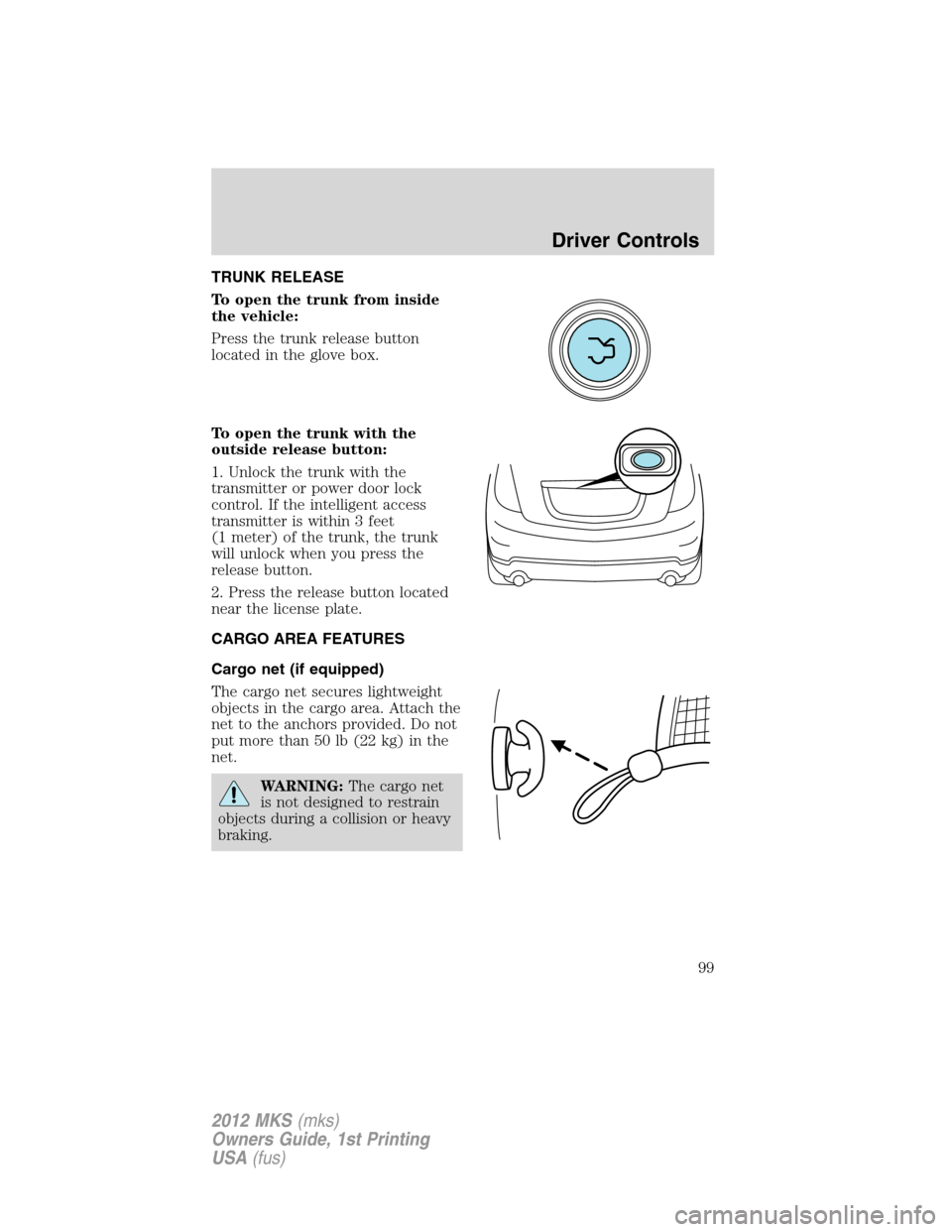
TRUNK RELEASE
To open the trunk from inside
the vehicle:
Press the trunk release button
located in the glove box.
To open the trunk with the
outside release button:
1. Unlock the trunk with the
transmitter or power door lock
control. If the intelligent access
transmitter is within 3 feet
(1 meter) of the trunk, the trunk
will unlock when you press the
release button.
2. Press the release button located
near the license plate.
CARGO AREA FEATURES
Cargo net (if equipped)
The cargo net secures lightweight
objects in the cargo area. Attach the
net to the anchors provided. Do not
put more than 50 lb (22 kg) in the
net.
WARNING:The cargo net
is not designed to restrain
objects during a collision or heavy
braking.
Driver Controls
99
2012 MKS(mks)
Owners Guide, 1st Printing
USA(fus)
Page 100 of 384

KEYS
Your vehicle is equipped with two
intelligent access keys which
operate the power locks and the
remote entry system. The IA key
must be inside the vehicle in order
to activate the push button start
system.
The IA key also contains a
removable mechanical key blade
that can be used to unlock the
driver door. To release the
mechanical key blade, press the
release button on the back of the
transmitter and slide the blade out.
Your IA keys are programmed to
your vehicle. You cannot enter or
start your vehicle with an
unprogrammed key. If you lose one
or both of your IA keys,
replacements are available from
your authorized dealer. For more
information on programming
replacement IA keys, refer to the
SecuriLock�passive anti-theft systemsection in this chapter.
Note:Your vehicle’s IA backup keys
were issued with a security tag that
provides important vehicle key cut
information. It is recommended that
you keep the tag in a safe place for
future reference.
Locks and Security
100
2012 MKS(mks)
Owners Guide, 1st Printing
USA(fus)