2012 JEEP PATRIOT phone
[x] Cancel search: phonePage 52 of 108
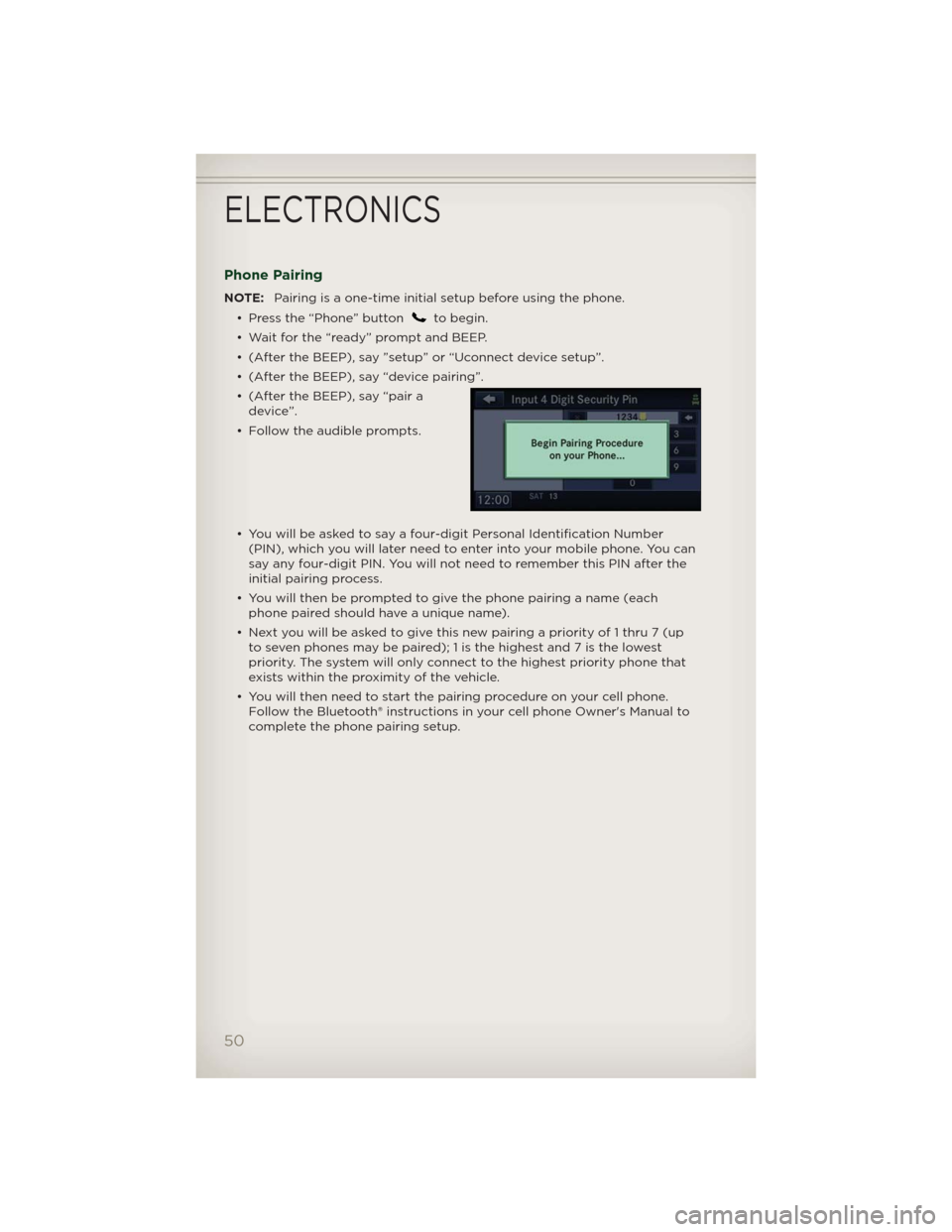
Phone Pairing
NOTE:Pairing is a one-time initial setup before using the phone.
• Press the “Phone” button
to begin.
• Wait for the “ready” prompt and BEEP.
• (After the BEEP), say ”setup” or “Uconnect device setup”.
• (After the BEEP), say “device pairing”.
• (After the BEEP), say “pair a
device”.
• Follow the audible prompts.
• You will be asked to say a four-digit Personal Identification Number
(PIN), which you will later need to enter into your mobile phone. You can
say any four-digit PIN. You will not need to remember this PIN after the
initial pairing process.
• You will then be prompted to give the phone pairing a name (each
phone paired should have a unique name).
• Next you will be asked to give this new pairing a priority of 1 thru 7 (up
to seven phones may be paired); 1 is the highest and 7 is the lowest
priority. The system will only connect to the highest priority phone that
exists within the proximity of the vehicle.
• You will then need to start the pairing procedure on your cell phone.
Follow the Bluetooth® instructions in your cell phone Owner's Manual to
complete the phone pairing setup.
ELECTRONICS
50
Page 53 of 108
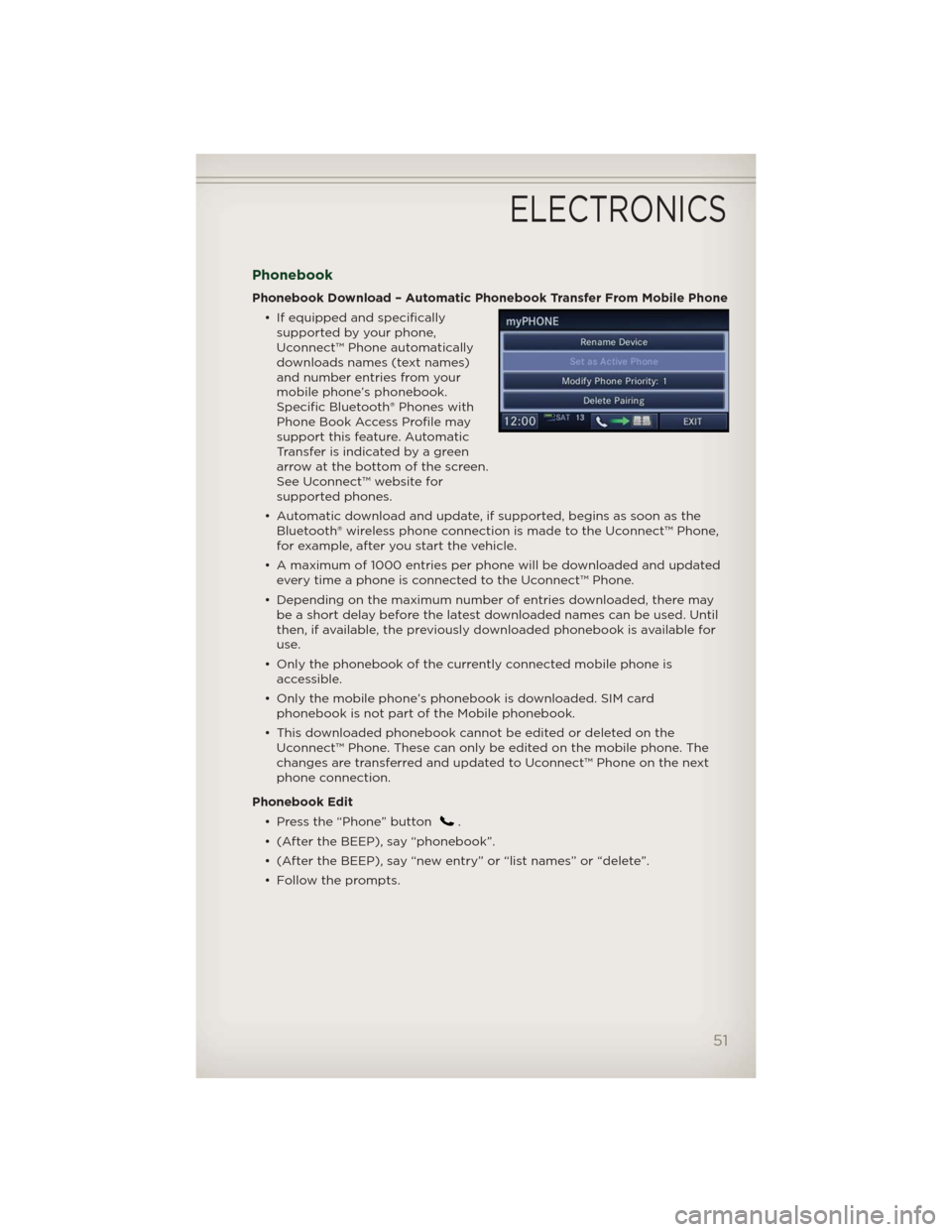
Phonebook
Phonebook Download – Automatic Phonebook Transfer From Mobile Phone
• If equipped and specifically
supported by your phone,
Uconnect™ Phone automatically
downloads names (text names)
and number entries from your
mobile phone’s phonebook.
Specific Bluetooth® Phones with
Phone Book Access Profile may
support this feature. Automatic
Transfer is indicated by a green
arrow at the bottom of the screen.
See Uconnect™ website for
supported phones.
• Automatic download and update, if supported, begins as soon as the
Bluetooth® wireless phone connection is made to the Uconnect™ Phone,
for example, after you start the vehicle.
• A maximum of 1000 entries per phone will be downloaded and updated
every time a phone is connected to the Uconnect™ Phone.
• Depending on the maximum number of entries downloaded, there may
be a short delay before the latest downloaded names can be used. Until
then, if available, the previously downloaded phonebook is available for
use.
• Only the phonebook of the currently connected mobile phone is
accessible.
• Only the mobile phone’s phonebook is downloaded. SIM card
phonebook is not part of the Mobile phonebook.
• This downloaded phonebook cannot be edited or deleted on the
Uconnect™ Phone. These can only be edited on the mobile phone. The
changes are transferred and updated to Uconnect™ Phone on the next
phone connection.
Phonebook Edit
• Press the “Phone” button
.
• (After the BEEP), say “phonebook”.
• (After the BEEP), say “new entry” or “list names” or “delete”.
• Follow the prompts.
ELECTRONICS
51
Page 54 of 108
Making A Phone Call
• Press the “Phone” button.
• (After the BEEP), say “dial” (or “call” a name).
• (After the BEEP), say number (or name).
Receiving A Call – Accept (And End)
• When an incoming call rings/is announced on Uconnect™, press the
Phone button.
• To end a call, press the Phone button
.
Mute (Or Unmute) Microphone During Call
• During a call, press the “Voice Command” button.
• (After the BEEP), say “mute” (or “mute off”).
Transfer Ongoing Call Between Handset And Vehicle
• During a call, press the “Voice Command” button.
• (After the BEEP), say “transfer call”.
Changing The Volume
• Start a dialogue by pressing the “Phone” button, then adjust the
volume during a normal call.
• Use the radio ON/OFF VOLUME rotary knob to adjust the volume to a
comfortable level while the Uconnect™ system is speaking. Please note
the volume setting for Uconnect™ is different than the audio system.
WARNING!
• Any voice commanded system should be used only in safe driving
conditions following local laws and phone use. All attention should
be kept on the roadway ahead. Failure to do so may result in a
collision causing you and others to be severely injured or killed.
• In an emergency, to use Uconnect™ Phone, your mobile phone must
be:
• turned on,
• paired to Uconnect™ Phone,
• and have network coverage.
ELECTRONICS
52
Page 55 of 108
Uconnect™ VOICE COMMAND
• The Uconnect™ Voice Command system allows you to control your AM,
FM radio, satellite radio, disc player, HDD, Uconnect™ Phone, a memo
recorder, and supported portable media devices.
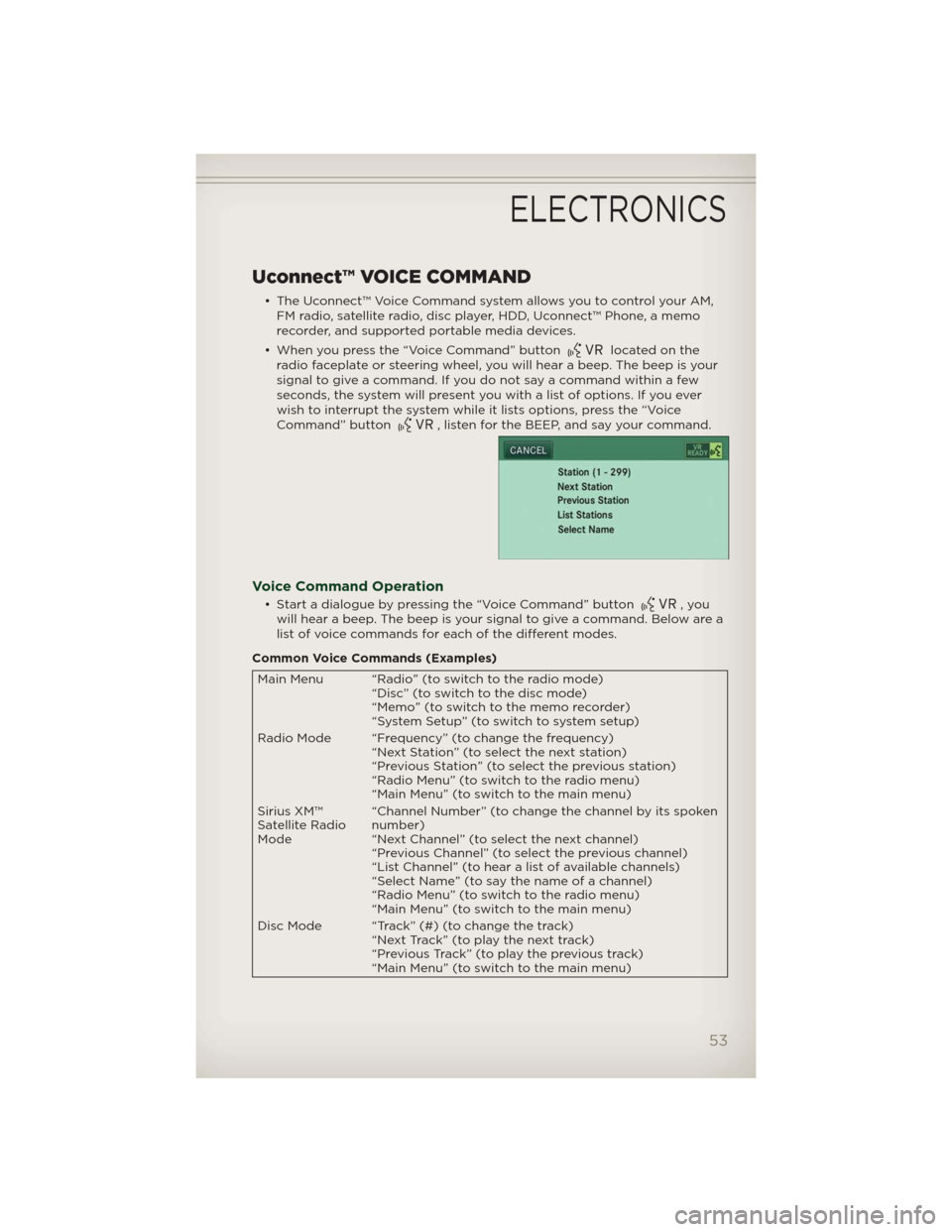
• When you press the “Voice Command” button
located on the
radio faceplate or steering wheel, you will hear a beep. The beep is your
signal to give a command. If you do not say a command within a few
seconds, the system will present you with a list of options. If you ever
wish to interrupt the system while it lists options, press the “Voice
Command” button
, listen for the BEEP, and say your command.
Voice Command Operation
• Start a dialogue by pressing the “Voice Command” button,you
will hear a beep. The beep is your signal to give a command. Below are a
list of voice commands for each of the different modes.
Common Voice Commands (Examples)
Main Menu “Radio” (to switch to the radio mode)
“Disc” (to switch to the disc mode)
“Memo” (to switch to the memo recorder)
“System Setup” (to switch to system setup)
Radio Mode “Frequency” (to change the frequency)
“Next Station” (to select the next station)
“Previous Station” (to select the previous station)
“Radio Menu” (to switch to the radio menu)
“Main Menu” (to switch to the main menu)
Sirius XM™
Satellite Radio
Mode“Channel Number” (to change the channel by its spoken
number)
“Next Channel” (to select the next channel)
“Previous Channel” (to select the previous channel)
“List Channel” (to hear a list of available channels)
“Select Name” (to say the name of a channel)
“Radio Menu” (to switch to the radio menu)
“Main Menu” (to switch to the main menu)
Disc Mode “Track” (#) (to change the track)
“Next Track” (to play the next track)
“Previous Track” (to play the previous track)
“Main Menu” (to switch to the main menu)
ELECTRONICS
53
Page 56 of 108
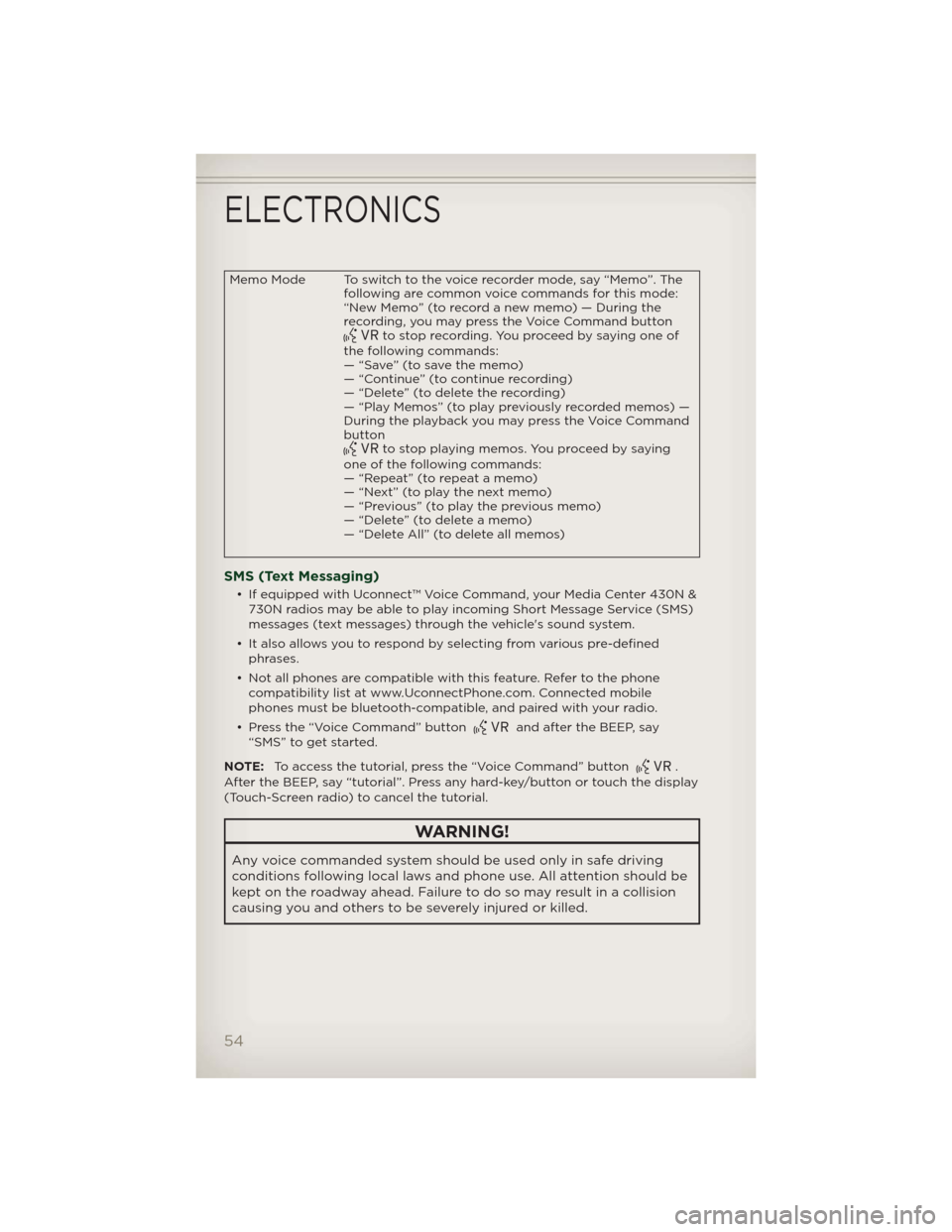
Memo Mode To switch to the voice recorder mode, say “Memo”. The
following are common voice commands for this mode:
“New Memo” (to record a new memo) — During the
recording, you may press the Voice Command button
to stop recording. You proceed by saying one of
the following commands:
— “Save” (to save the memo)
— “Continue” (to continue recording)
— “Delete” (to delete the recording)
— “Play Memos” (to play previously recorded memos) —
During the playback you may press the Voice Command
button
to stop playing memos. You proceed by saying
one of the following commands:
— “Repeat” (to repeat a memo)
— “Next” (to play the next memo)
— “Previous” (to play the previous memo)
— “Delete” (to delete a memo)
— “Delete All” (to delete all memos)
SMS (Text Messaging)
• If equipped with Uconnect™ Voice Command, your Media Center 430N &
730N radios may be able to play incoming Short Message Service (SMS)
messages (text messages) through the vehicle's sound system.
• It also allows you to respond by selecting from various pre-defined
phrases.
• Not all phones are compatible with this feature. Refer to the phone
compatibility list at www.UconnectPhone.com. Connected mobile
phones must be bluetooth-compatible, and paired with your radio.
• Press the “Voice Command” button
and after the BEEP, say
“SMS” to get started.
NOTE:To access the tutorial, press the “Voice Command” button
.
After the BEEP, say “tutorial”. Press any hard-key/button or touch the display
(Touch-Screen radio) to cancel the tutorial.
WARNING!
Any voice commanded system should be used only in safe driving
conditions following local laws and phone use. All attention should be
kept on the roadway ahead. Failure to do so may result in a collision
causing you and others to be severely injured or killed.
ELECTRONICS
54
Page 57 of 108

Bluetooth® STREAMING AUDIO
• If equipped with Uconnect™ Voice
Command, your Bluetooth-
equipped iPod® devices, cell
phones or other media players,
may also be able to stream music
to your vehicle's speakers. Your
connected device must be
Bluetooth-compatible, and paired
with your Media Center radio (see
Uconnect™ Phone for pairing
instructions). Non-Touch-Screen Radios: Press the “AUX” button on the
radio faceplate until "BT" or “Audio Streaming” is displayed on the radio
screen. Touch-Screen-Radios: Press the “RADIO/MEDIA” or “MEDIA”
hard-key and then touch the “AUX” soft-key tab.
ELECTRONIC VEHICLE INFORMATION CENTER
(EVIC)
• The EVIC features a driver
interactive display that is located
in the instrument cluster. Pressing
the controls on the steering wheel
allows the driver to select vehicle
information and Personal Settings.
For additional information, refer to
Programmable Features in this
guide.
• Press and release the MENU button and the mode displayed will change
between Compass/Temperature, Trip, System Status, and Personal
settings.
• Press the DOWN
button to scroll through sub menus (i.e., Trip
Functions, Avg. Fuel Economy, DTE, Elapsed Time, and Units).
• Press and release the COMPASS
button for instant access to the
Compass/Temperature screens.
• Press the SELECT
button to RESET Trip Functions and change
Personal Settings.
ELECTRONICS
55
Page 62 of 108

POWER INVERTER
• A 115 Volt, 150 Watt AC power
inverter is located on the front of
the center console.
• This outlet can power cellular
phones, electronics and other low
power devices requiring power up
to 150 Watts.
NOTE:Thepowerinverteris
designed with built-in overload
protection. If the power rating of 150
Watts is exceeded, the power inverter
will automatically shut down. Once the electrical device has been removed
from the outlet, the inverter should automatically reset. If the power rating
exceeds approximately 170 Watts, the power inverter may have to be reset
manually. To reset the inverter manually, unplug the device and plug it in
again. To avoid overloading the circuit, check the power ratings on electrical
devices prior to using the inverter.
WARNING!
To avoid serious injury or death: Do not use a three-prong adaptor. Do
not insert any objects into the receptacles. Do not touch with wet
hands. Close the lid when not in use. If this outlet is mishandled, it
may cause an electric shock and failure.
ELECTRONICS
60
Page 68 of 108

24-HOUR TOWING ASSISTANCE
• Dial toll-free 1-800-521-2779 or 1-800-363-4869 for Canadian residents.
• Provide your name, vehicle identification number and license plate
number.
• Provide your location, including telephone number, from which you are
calling.
• Briefly describe the nature of the problem and answer a few simple
questions.
• You will be given the name of the service provider and an estimated time
of arrival. If you feel you are in an “unsafe situation”, please let us know.
With your consent, we will contact local police or safety authorities.
INSTRUMENT CLUSTER WARNING LIGHTS
- Electronic Stability Control (ESC) Activation/Malfunction
Indicator Light
• If the “ESC Activation/Malfunction Indicator Light” comes on
continuously with the engine running, a malfunction has been detected
in the ESC system. If this light remains on after several ignition cycles,
and the vehicle has been driven several miles (kilometers) at speeds
greater than 30 mph (48 km/h), we recommend you do not operate the
vehicle. Have the vehicle serviced immediately.
• The “ESC Activation/Malfunction Indicator Light” starts to flash as soon
as the tires lose traction and the ESC system becomes active. If the light
begins to flash during acceleration, ease up on the accelerator and apply
as little throttle as possible. Be sure to adapt your speed and driving to
the prevailing road conditions. The light also flashes when TCS is active.
To improve the vehicle's traction when starting off in deep snow, sand or
gravel, it may be desirable to switch the ESC system to Partial Off mode
by momentarily pressing the ESC Off
switch.
- Tire Pressure Monitoring System (TPMS) Light
• Each tire, including the spare (if provided), should be checked monthly,
when cold and inflated to the inflation pressure recommended by the
vehicle manufacturer on the vehicle placard or tire inflation pressure
label. (If your vehicle has tires of a different size than the size indicated
on the vehicle placard or tire inflation pressure label, you should
determine the proper tire inflation pressure for those tires.)
• As an added safety feature, your vehicle has been equipped with a Tire
Pressure Monitoring System (TPMS) that illuminates a low tire pressure
telltale when one or more of your tires is significantly under-inflated.
Accordingly, when the low tire pressure telltale illuminates, you should
stop and check your tires as soon as possible, and inflate them to the
proper pressure. Driving on a significantly under-inflated tire causes the
tire to overheat and can lead to tire failure. Under-inflation also reduces
fuel efficiency and tire tread life, and may affect the vehicle’s handling
and stopping ability.
WHAT TO DO IN EMERGENCIES
66