Page 127 of 558
•fully closed windows,
•dry weather conditions, and
•operation from the driver’s seat.
•Performance, such as audio clarity, echo, and loudness
to a large degree rely on the phone and network, and
not the Uconnect™ Phone.
•Echo at the phone far end can sometimes be reduced
by lowering the in-vehicle audio volume.
•In a convertible vehicle, system performance may be
compromised with the convertible top down.
Recent Calls
If your phone supports “Automatic Phonebook Down-
load”, Uconnect™ Phone can list your Outgoing, Incom-
ing and Missed Calls.
SMS
Uconnect™ Phone can read or send new messages on
your phone.
Read Messages:
If you receive a new text message while your phone is
connected to Uconnect™ Phone, an announcement will
be made to notify you that you have a new text message.
If you wish to hear the new message:
•Press thebutton.
•After the “Ready” prompt and the following beep, say
“SMS Read” or “Read Messages.”
•Uconnect™ Phone will play the new text message for
you.
After reading a message, you can “Reply” or “Forward”
the message using Uconnect™ Phone.
3
UNDERSTANDING THE FEATURES OF YOUR VEHICLE 125
Page 128 of 558
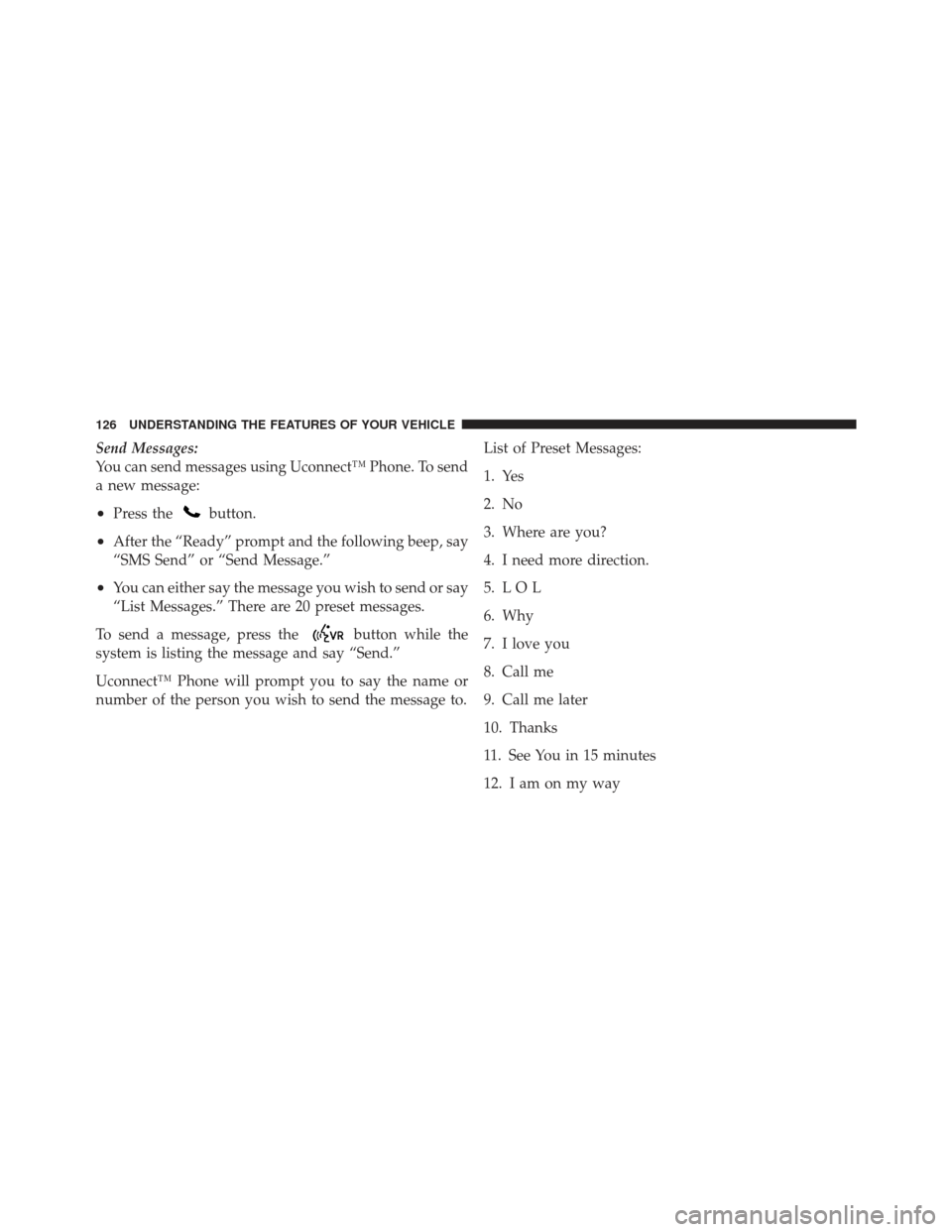
Send Messages:
You can send messages using Uconnect™ Phone. To send
a new message:
•Press thebutton.
•After the “Ready” prompt and the following beep, say
“SMS Send” or “Send Message.”
•You can either say the message you wish to send or say
“List Messages.” There are 20 preset messages.
To send a message, press the
button while the
system is listing the message and say “Send.”
Uconnect™ Phone will prompt you to say the name or
number of the person you wish to send the message to. List of Preset Messages:
1. Yes
2. No
3. Where are you?
4. I need more direction.
5. L O L
6. Why
7. I love you
8. Call me
9. Call me later
10. Thanks
11. See You in 15 minutes
12. I am on my way
126 UNDERSTANDING THE FEATURES OF YOUR VEHICLE
Page 129 of 558
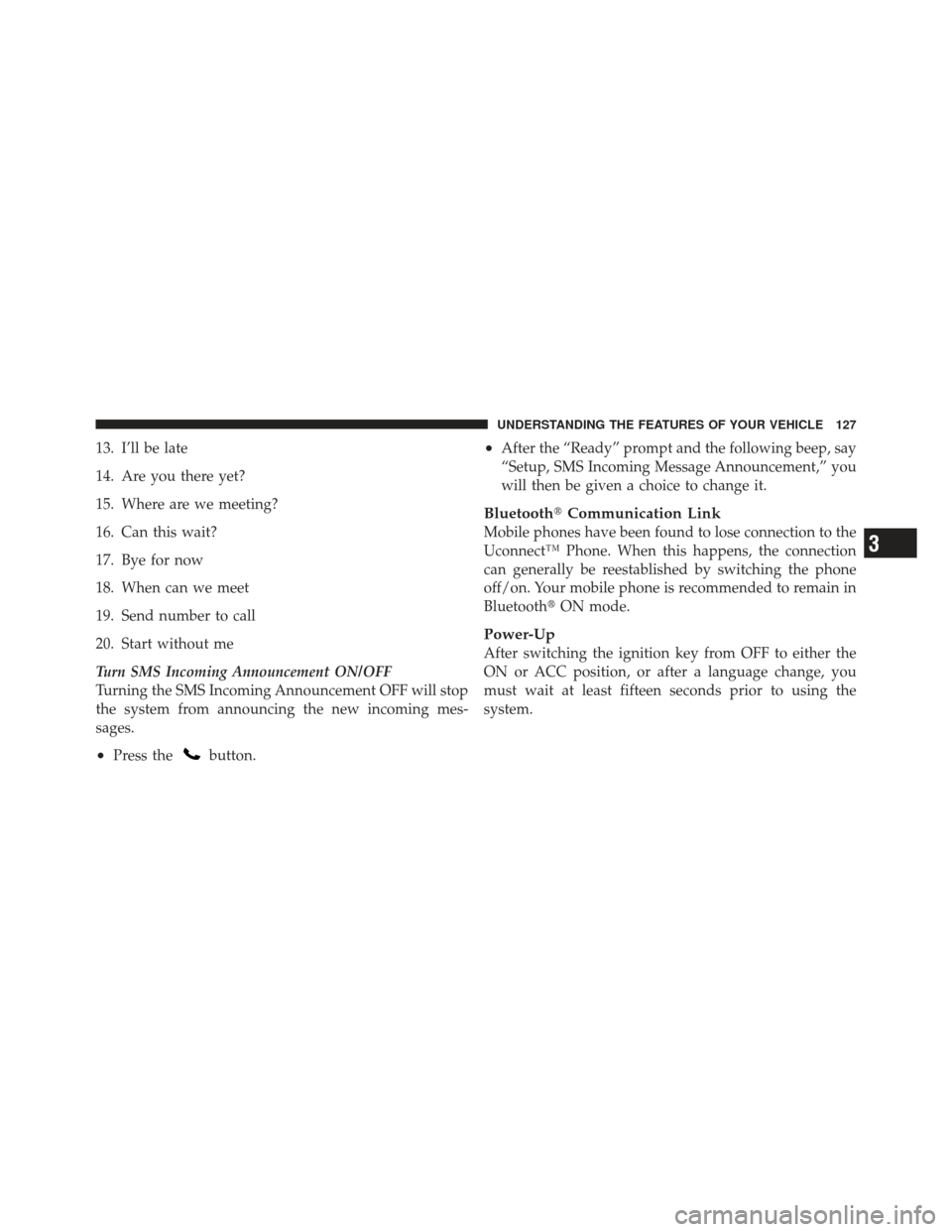
13. I’ll be late
14. Are you there yet?
15. Where are we meeting?
16. Can this wait?
17. Bye for now
18. When can we meet
19. Send number to call
20. Start without me
Turn SMS Incoming Announcement ON/OFF
Turning the SMS Incoming Announcement OFF will stop
the system from announcing the new incoming mes-
sages.
•Press thebutton.
•After the “Ready” prompt and the following beep, say
“Setup, SMS Incoming Message Announcement,” you
will then be given a choice to change it.
Bluetooth�Communication Link
Mobile phones have been found to lose connection to the
Uconnect™ Phone. When this happens, the connection
can generally be reestablished by switching the phone
off/on. Your mobile phone is recommended to remain in
Bluetooth�ON mode.
Power-Up
After switching the ignition key from OFF to either the
ON or ACC position, or after a language change, you
must wait at least fifteen seconds prior to using the
system.
3
UNDERSTANDING THE FEATURES OF YOUR VEHICLE 127
Page 134 of 558
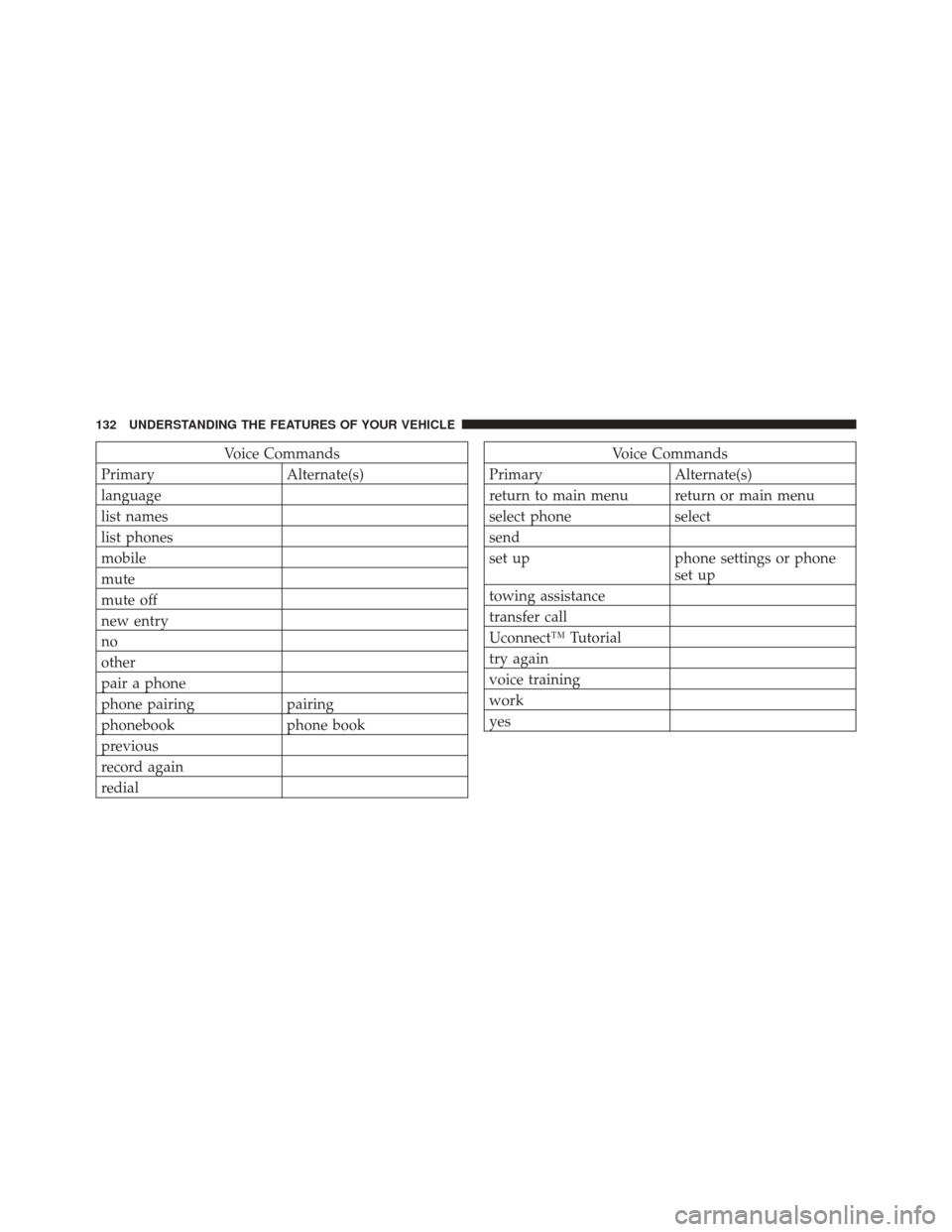
Voice Commands
Primary Alternate(s)
language
list names
list phones
mobile
mute
mute off
new entry
no
other
pair a phone
phone pairing pairing
phonebook phone book
previous
record again
redialVoice Commands
Primary Alternate(s)
return to main menu return or main menu
select phone select
send
set up phone settings or phone set up
towing assistance
transfer call
Uconnect™ Tutorial
try again
voice training
work
yes
132 UNDERSTANDING THE FEATURES OF YOUR VEHICLE
Page 206 of 558
CAUTION!
•Many accessories that can be plugged in draw
power from the vehicle’s battery, even when not in
use (i.e., cellular phones, etc.). Eventually, if
plugged in long enough, the vehicle’s battery will
discharge sufficiently to degrade battery life
and/or prevent the engine from starting.
•Accessories that draw higher power (i.e., coolers,
vacuum cleaners, lights, etc.) will degrade the
battery even more quickly. Only use these inter-
mittently and with greater caution.(Continued)
CAUTION! (Continued)
•After the use of high power draw accessories, or
long periods of the vehicle not being started (with
accessories still plugged in), the vehicle must be
driven a sufficient length of time to allow the
alternator to recharge the vehicle’s battery.
•Power outlets are designed for accessory plugs
only. Do not hang any type of accessory or acces-
sory bracket from the plug.
204 UNDERSTANDING THE FEATURES OF YOUR VEHICLE
Page 208 of 558
STORAGE
Glove Box Storage Compartment
The glove box storage compartment is located on the
right side of the instrument panel. Pull outward on the
latch to open the storage compartment.
Front Storage Compartment
The front storage compartment (located on the left side of
the instrument panel) can hold cell phones, PDAs, and
other small items.
Glove Box Storage Compartment
Front Storage Compartment
206 UNDERSTANDING THE FEATURES OF YOUR VEHICLE
Page 209 of 558
Console Storage Compartment
To open, press the latch and lift the cover.The center console has a removable storage tray which
can hold cell phones, PDAs, and other small items.
Center ConsoleRemovable Storage Tray
3
UNDERSTANDING THE FEATURES OF YOUR VEHICLE 207
Page 210 of 558
WARNING!
Do not operate this vehicle with a console compart-
ment lid in the open position. Cellular phones, music
players, and other handheld electronic devices
should be stowed while driving. Use of these devices
while driving can cause an accident due to distrac-
tion, resulting in death or injury.
CARGO AREA FEATURES
Cargo Load Floor
The cargo load floor system has a load capacity of 400 lbs
(181 kg). The load floor has a built-in storage bin that can
hold a variety of items. The underside of the storage bin
cover also contains a plastic lined tray. The cover can be
installed with either side facing up for added utility.To provide additional storage area, each rear seat can be
folded flat. This allows for extended cargo space and still
maintains some rear seating room. Refer to “Seats” in
“Understanding the Features of Your Vehicle” for further
information.
Accessing The Storage Bin
NOTE: The spring-loaded latches that retain the
storage bin cover to the cargo load floor should not be
used as cargo tie-downs.
1. Flip the spring-loaded latch pull-loops up.
208 UNDERSTANDING THE FEATURES OF YOUR VEHICLE