Page 393 of 558
CAUTION! (Continued)
•After inspecting or adjusting the tire pressure,
always reinstall the valve stem cap. This will
prevent moisture and dirt from entering the valve
stem, which could damage the Tire Pressure Moni-
toring Sensor.
NOTE:
•The TPMS is not intended to replace normal tire care
and maintenance, or to provide warning of a tire
failure or condition.
•The TPMS should not be used as a tire pressure gauge
while adjusting your tire pressure.
•Driving on a significantly under-inflated tire causes
the tire to overheat and can lead to tire failure.
Under-inflation also reduces fuel efficiency and tire
tread life, and may affect the vehicle’s handling and
stopping ability.
•The TPMS is not a substitute for proper tire mainte-
nance, and it is the driver ’s responsibility to maintain
correct tire pressure using an accurate tire pressure
gauge, even if under-inflation has not reached the
level to trigger illumination of the “Tire Pressure
Monitoring Telltale Light.”
•Seasonal temperature changes will affect tire pressure,
and the TPMS will monitor the actual tire pressure in
the tire.
Base System
The Tire Pressure Monitor System (TPMS) uses wireless
technology with wheel rim mounted electronic sensors to
monitor tire pressure levels. Sensors, mounted to each
wheel as part of the valve stem, transmit tire pressure
readings to the receiver module.
NOTE: It is particularly important for you to check the
tire pressure in all of the tires on your vehicle monthly
and to maintain the proper pressure.
5
STARTING AND OPERATING 391
Page 406 of 558
WARNING! (Continued)
•Guard against carbon monoxide with proper
maintenance. Have the exhaust system inspected
every time the vehicle is raised. Have any abnor-
mal conditions repaired promptly. Until repaired,
drive with all side windows fully open.
•Keep the liftgate closed when driving your vehicle
to prevent carbon monoxide and other poisonous
exhaust gases from entering the vehicle.
ADDING FUEL
Fuel Filler Cap (Gas Cap)
The gas cap is located behind the fuel filler door, on the
driver’s side of the vehicle. If the gas cap is lost or
damaged, be sure the replacement cap has been designed
for use with this vehicle.
Fuel Filler Cap
404 STARTING AND OPERATING
Page 425 of 558
Towing Tips
Before setting out on a trip, practice turning, stopping,
and backing the trailer in an area located away from
heavy traffic.
Automatic Transmission
The “DRIVE” range can be selected when towing. How-
ever, if frequent shifting occurs while in this range,
activate the TOW/HAUL feature. Refer to “Automatic
Transmission” in “Starting and Operating” for further
information.
NOTE:Using the TOW/HAUL feature while operating
the vehicle under heavy operating conditions will im-
prove performance and extend transmission life by re-
ducing excessive shifting and heat build up. This action
will also provide better engine braking.
If you REGULARLY tow a trailer for more than 45 min-
utes of continuous operation, then change the automatic
transmission fluid and filter according to the interval specified for “police, taxi, fleet, or frequent trailer tow-
ing.” Refer to “Maintenance Schedule” for the proper
maintenance intervals.
TOW/HAUL
To reduce potential for automatic transmission overheat-
ing, press the TOW/HAUL button when driving in hilly
areas or select the
�2�range on more severe grades. Refer
to “Automatic Transmission” in “Starting and Operat-
ing” for further information.
Electronic Speed Control – If Equipped
Do not use in hilly terrain or with heavy loads.
When using the speed control, if you experience speed
drops greater than 10 mph (16 km/h), disengage until
you can get back to cruising speed.
Use speed control in flat terrain and with light loads to
maximize fuel efficiency.
5
STARTING AND OPERATING 423
Page 457 of 558
MAINTAINING YOUR VEHICLE
CONTENTS
�Engine Compartment — 3.7L ............. 457
� Onboard Diagnostic System — OBD II ...... 458
▫ Loose Fuel Filler Cap Message ........... 458
� Emissions Inspection And Maintenance
Programs ............................ 459
� Replacement Parts ..................... 461
� Dealer Service ........................ 461
� Maintenance Procedures ................. 461
▫ Engine Oil ......................... 462 ▫
Engine Oil Filter ..................... 465
▫ Engine Air Cleaner Filter ............... 465
▫ Maintenance-Free Battery .............. 466
▫ Air Conditioner Maintenance ............ 467
▫ A/C Air Filter – If Equipped ............ 468
▫ Body Lubrication .................... 468
▫ Windshield Wiper Blades ............... 469
▫ Adding Washer Fluid ................. 470
▫ Exhaust System ..................... 470
7
Page 461 of 558
“Electronic Vehicle Information Center (EVIC)” in “Un-
derstanding Your Instrument Panel” for further informa-
tion. Tighten the gas cap until a�clicking�sound is heard.
This is an indication that the gas cap is properly tight-
ened.
Press the odometer reset button to turn the message off.
If the problem persists, the message will appear the next
time the vehicle is started. This might indicate a damaged
cap. If the problem is detected twice in a row, the system
will turn on the MIL. Resolving the problem will turn the
MIL light off.
EMISSIONS INSPECTION AND MAINTENANCE
PROGRAMS
In some localities, it may be a legal requirement to pass
an inspection of your vehicle’s emissions control system.
Failure to pass could prevent vehicle registration. For states that require an Inspection and Mainte-
nance (I/M), this check verifies the “Malfunction
Indicator Light (MIL)” is functioning and is not
on when the engine is running, and that the OBD II
system is ready for testing.
Normally, the OBD II system will be ready. The OBD II
system may notbe ready if your vehicle was recently
serviced, recently had a dead battery or a battery replace-
ment. If the OBD II system should be determined not
ready for the I/M test, your vehicle may fail the test.
Your vehicle has a simple ignition key-actuated test,
which you can use prior to going to the test station. To
check if your vehicle’s OBD II system is ready, you must
do the following:
1. Turn the ignition switch to the ON position, but do not
crank or start the engine.
7
MAINTAINING YOUR VEHICLE 459
Page 463 of 558
REPLACEMENT PARTS
Use of genuine MOPAR�parts for normal/scheduled
maintenance and repairs is highly recommended to en-
sure the designed performance. Damage or failures
caused by the use of non-MOPAR� parts for maintenance
and repairs will not be covered by the manufacturer’s
warranty.
DEALER SERVICE
Your authorized dealer has the qualified service person-
nel, special tools, and equipment to perform all service
operations in an expert manner. Service Manuals are
available which include detailed service information for
your vehicle. Refer to these Service Manuals before
attempting any procedure yourself.
NOTE: Intentional tampering with emissions control
systems may void your warranty and could result in civil
penalties being assessed against you.
WARNING!
You can be badly injured working on or around a
motor vehicle. Only do service work for which you
have the knowledge and the proper equipment. If
you have any doubt about your ability to perform a
service job, take your vehicle to a competent me-
chanic.
MAINTENANCE PROCEDURES
The pages that follow contain the requiredmaintenance
services determined by the engineers who designed your
vehicle.
Besides those maintenance items specified in the fixed
maintenance schedule, there are other components which
may require servicing or replacement in the future.
7
MAINTAINING YOUR VEHICLE 461
Page 464 of 558
CAUTION!
•Failure to properly maintain your vehicle or per-
form repairs and service when necessary could
result in more costly repairs, damage to other
components or negatively impact vehicle perfor-
mance. Immediately have potential malfunctions
examined by an authorized Chrysler Group LLC
dealership or qualified repair center.
•Your vehicle has been built with improved fluids
that protect the performance and durability of
your vehicle and also allow extended maintenance
intervals. Do not use chemical flushes in these
components as the chemicals can damage your
engine, transmission, power steering or air condi-
tioning. Such damage is not covered by the New
Vehicle Limited Warranty. If a flush is needed
because of component malfunction, use only the
specified fluid for the flushing procedure.
Engine Oil
Checking Oil Level
To assure proper engine lubrication, the engine oil must
be maintained at the correct level. Check the oil level at
regular intervals, such as every fuel stop. The best time to
check the engine oil level is about five minutes after a
fully warmed up engine is shut off.
Checking the oil while the vehicle is on level ground will
improve the accuracy of the oil level readings. Always
maintain the oil level within the SAFE zone on the
dipstick. Adding 1 quart (0.9 L) of oil when the reading is
at the bottom of the SAFE zone will result in a reading at
the top of the safe zone on these engines.
462 MAINTAINING YOUR VEHICLE
Page 465 of 558
CAUTION!
Overfilling or underfilling the crankcase will cause
aeration or loss of oil pressure. This could damage
your engine.
Change Engine Oil
The oil change indicator system will remind you that it is
time to take your vehicle in for scheduled maintenance.
Refer to the “Maintenance Schedule” for further informa-
tion.
NOTE: Under no circumstances should oil change
intervals exceed 8,000 miles (13 000 km) or six months,
whichever occurs first.
Engine Oil Selection
For best performance and maximum protection under all
types of operating conditions, the manufacturer recom-
mends engine oils that are API Certified and meet the
requirements of Chrysler Material Standard MS-6395.
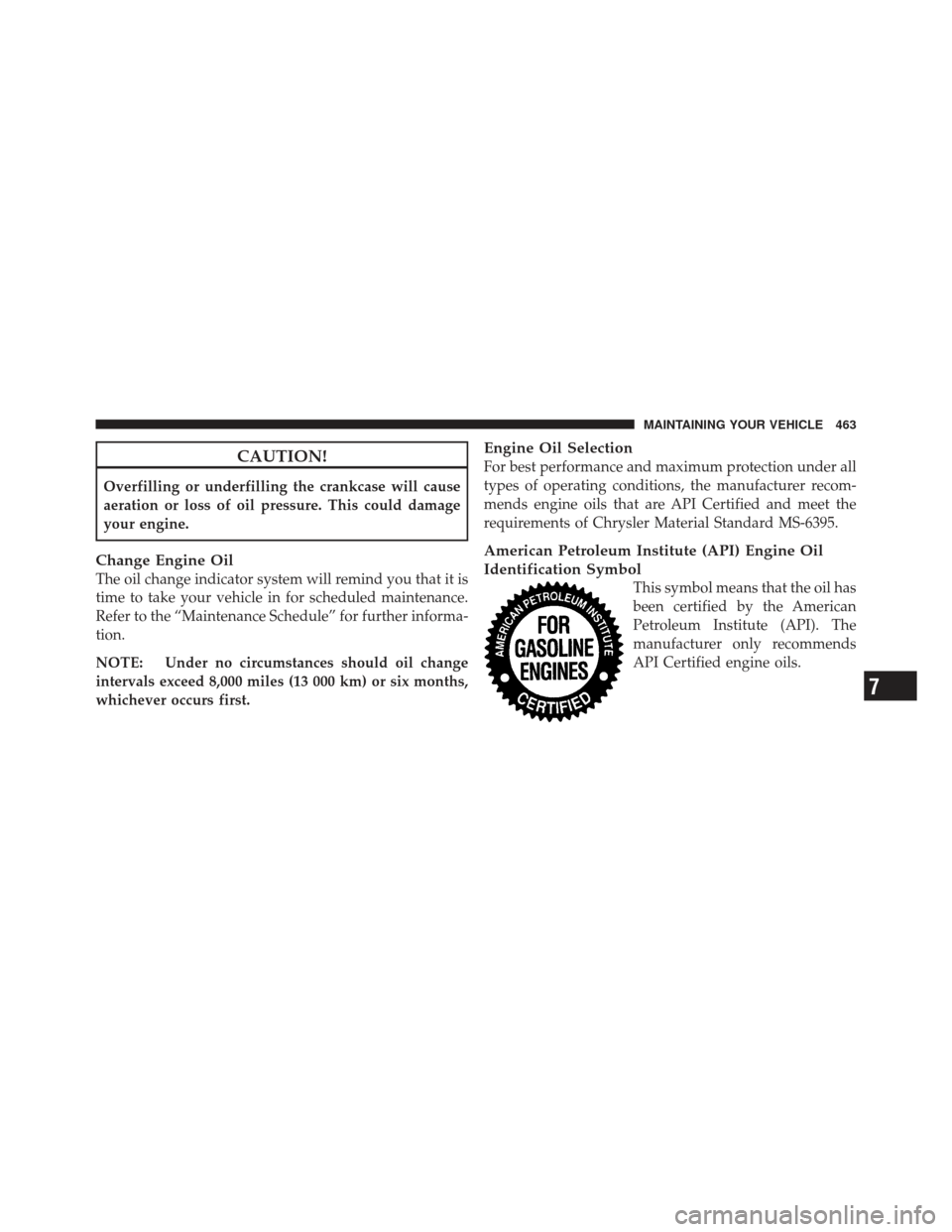
American Petroleum Institute (API) Engine Oil
Identification Symbol
This symbol means that the oil has
been certified by the American
Petroleum Institute (API). The
manufacturer only recommends
API Certified engine oils.
7
MAINTAINING YOUR VEHICLE 463