2012 GMC SIERRA 1500 seat memory
[x] Cancel search: seat memoryPage 76 of 556
Black plate (8,1)GMC Sierra Owner Manual - 2012 - CRC - 11/15/11
3-8 Seats and Restraints
Memory Remote Recall
The memory feature can recall the
driver seat, outside mirrors, and
pedals, if equipped, to stored
positions when entering the vehicle.
To activate, unlock the driver
door with the Remote Keyless
Entry (RKE) transmitter. The driver
seat, outside mirrors, and adjustable
pedals, if equipped, will move to the
memory position associated with
the transmitter used to unlock the
vehicle.
This feature can be turned on or off
using the vehicle personalization
menu. SeeVehicle Personalization
(With DIC Buttons) on page 5‑48.
To stop recall movement, press one
of the power seat controls, memory
buttons, or power mirror buttons,
or the adjustable pedal switch. If something has blocked the driver
seat and/or the adjustable pedals
while recalling a memory position,
the recall may stop. Remove the
obstruction; then press and hold the
appropriate manual control for the
memory item that is not recalling
for two seconds. Try recalling the
memory position again by pressing
the appropriate memory button.
If the memory position is still not
recalling, see your dealer for
service.
Easy Exit Driver Seat
This feature can move the seat
rearward to allow extra room to exit
the vehicle.
B(Easy Exit Driver Seat):
Press
to recall the easy exit seat position.
The vehicle must be in P (Park). If the easy exit seat feature is
programmed on in the vehicle
personalization menu, automatic
seat movement occurs when the
ignition key is removed.
A single beep sounds. The driver
seat moves back approximately
8 cm (3 in). To move the seat back
farther, press
Bagain until the
seat is all the way back.
If something has blocked the driver
seat while recalling the exit position,
the recall may stop. Remove the
obstruction; then press and hold
the power seat control rearward for
two seconds. Try recalling the exit
position again. If the exit position is
still not recalling, see your dealer for
service.
See Vehicle Personalization (With
DIC Buttons) on page 5‑48.
Page 191 of 556
Black plate (53,1)GMC Sierra Owner Manual - 2012 - CRC - 11/15/11
Instruments and Controls 5-53
To select a setting, press the set/
reset button while the desired
setting is displayed on the DIC.
PARK TILT MIRRORS
If the vehicle has this feature, it
allows you to select if the outside
mirror(s) will automatically tilt down
when the vehicle is shifted into
R (Reverse). SeePark Tilt Mirrors
on page 2‑17 for more information.
Press the customization button until
PARK TILT MIRRORS appears on
the DIC display. Press the set/reset
button once to access the settings
for this feature. Then press the
customization button to scroll
through the following settings:
OFF (default): Neither outside
mirror will be tilted down when the
vehicle is shifted into R (Reverse).
DRIVER MIRROR: The driver
outside mirror will be tilted down
when the vehicle is shifted into
R (Reverse). PASSENGER MIRROR:
The
passenger outside mirror will be
tilted down when the vehicle is
shifted into R (Reverse).
BOTH MIRRORS: The driver and
passenger outside mirrors will be
tilted down when the vehicle is
shifted into R (Reverse).
NO CHANGE: No change will be
made to this feature. The current
setting will remain.
To select a setting, press the set/
reset button while the desired
setting is displayed on the DIC.
EASY EXIT RECALL
If the vehicle has this feature, it
allows you to select your preference
for the automatic easy exit seat
feature. See Memory Seats on
page 3‑7 for more information. Press the customization button until
EASY EXIT RECALL appears on
the DIC display. Press the set/reset
button once to access the settings
for this feature. Then press the
customization button to scroll
through the following settings:
DOOR BUTTON ONLY:
No
automatic seat exit recall will occur.
The recall will only occur after
pressing the easy exit seat button.
BUTTON & KEY OUT (default): If
the features are enabled through
the EASY EXIT SETUP menu, the
driver seat will move back when the
key is removed from the ignition or
the easy exit seat button is pressed.
The automatic easy exit seat
movement will only occur one time
after the key is removed from the
ignition. If the automatic movement
has already occurred, and you put
the key back in the ignition and
remove it again, the seat will stay in
the original exit position, unless a
memory recall took place prior to
removing the key again.
Page 192 of 556
Black plate (54,1)GMC Sierra Owner Manual - 2012 - CRC - 11/15/11
5-54 Instruments and Controls
NO CHANGE:No change will be
made to this feature. The current
setting will remain.
To select a setting, press the set/
reset button while the desired
setting is displayed on the DIC.
EASY EXIT SETUP
If the vehicle has this feature, it
allows you to select which areas will
recall with the automatic easy exit
seat feature. It also allows you to
turn off the automatic easy exit
feature. See Memory Seats on
page 3‑7 and EASY EXIT RECALL
earlier for more information.
Press the customization button until
EASY EXIT SETUP appears on the
DIC display. Press the set/reset
button once to access the settings
for this feature. Then press the
menu up/down button to scroll
through the following settings:
OFF: No automatic seat exit will
recall.
SEAT ONLY (default): The driver
seat will recall. NO CHANGE:
No change will be
made to this feature. The current
setting will remain.
To select a setting, press the set/
reset button while the desired
setting is displayed on the DIC.
MEMORY SEAT RECALL
If the vehicle has this feature, it
allows you to select your preference
for the remote memory seat recall
feature. See Memory Seats on
page 3‑7 for more information.
Press the customization button until
MEMORY SEAT RECALL appears
on the DIC display. Press the set/
reset button once to access the
settings for this feature. Then press
the customization button to scroll
through the following settings:
OFF (default): No remote memory
seat recall will occur.
ON: The driver seat and, on some
vehicles, the outside mirrors will
automatically move to the stored
driving position when the unlock
button on the Remote Keyless Entry (RKE) transmitter is pressed.
On some vehicles with the
adjustable throttle and brake pedal
feature, the pedals will also
automatically move.
NO CHANGE:
No change will be
made to this feature. The current
setting will remain.
To select a setting, press the set/
reset button while the desired
setting is displayed on the DIC.
REMOTE START
If your vehicle has this feature, it
allows you to turn the remote start
off or on. The remote start feature
allows you to start the engine from
outside of the vehicle using the
Remote Keyless Entry (RKE)
transmitter. See Remote Vehicle
Start on page 2‑5 for more
information.
Page 301 of 556
Black plate (25,1)GMC Sierra Owner Manual - 2012 - CRC - 11/15/11
Driving and Operating 9-25
Starting and
Operating
New Vehicle Break-In
Notice:The vehicle does not
need an elaborate break-in. But it
will perform better in the long run
if you follow these guidelines:
.Keep the vehicle speed at
88 km/h (55 mph) or less for
the first 805 km (500 miles).
.Do not drive at any one
constant speed, fast or
slow, for the first 805 km
(500 miles). Do not make
full-throttle starts. Avoid
downshifting to brake or
slow the vehicle.
.Avoid making hard stops for
the first 322 km (200 miles) or
so. During this time the new
brake linings are not yet
broken in. Hard stops with
new linings can mean
premature wear and earlier replacement. Follow this
breaking-in guideline every
time you get new brake
linings.
.Do not tow a trailer during
break-in. See
Trailer Towing
on page 9‑78 for the trailer
towing capabilities of the
vehicle and more
information.
Following break‐in, engine
speed and load can be gradually
increased.
Adjustable Throttle and
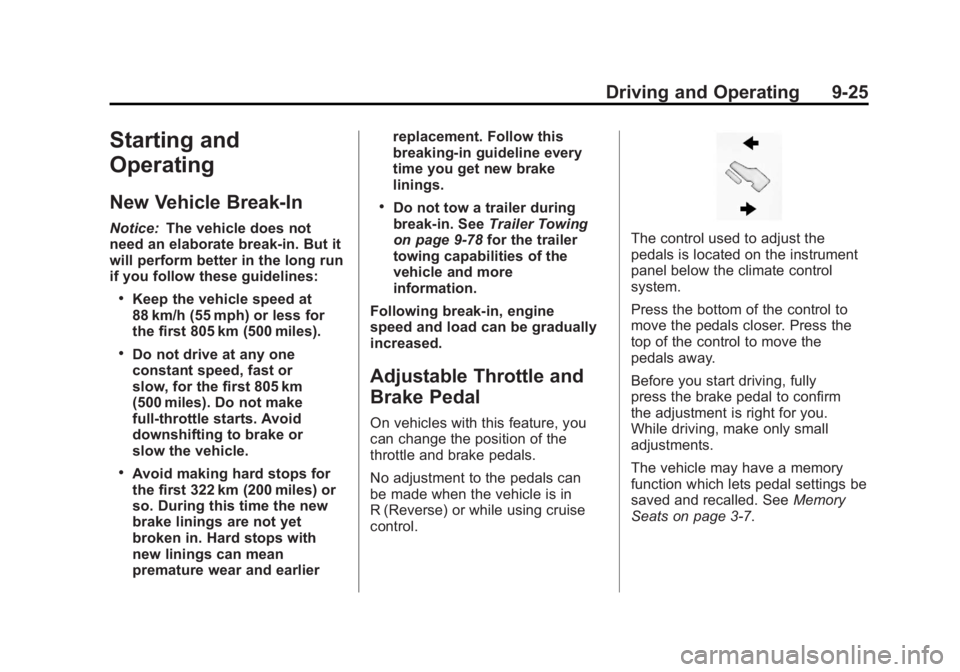
Brake Pedal
On vehicles with this feature, you
can change the position of the
throttle and brake pedals.
No adjustment to the pedals can
be made when the vehicle is in
R (Reverse) or while using cruise
control.
The control used to adjust the
pedals is located on the instrument
panel below the climate control
system.
Press the bottom of the control to
move the pedals closer. Press the
top of the control to move the
pedals away.
Before you start driving, fully
press the brake pedal to confirm
the adjustment is right for you.
While driving, make only small
adjustments.
The vehicle may have a memory
function which lets pedal settings be
saved and recalled. See Memory
Seats on page 3‑7.
Page 547 of 556
Black plate (5,1)GMC Sierra Owner Manual - 2012 - CRC - 11/15/11
INDEX i-5
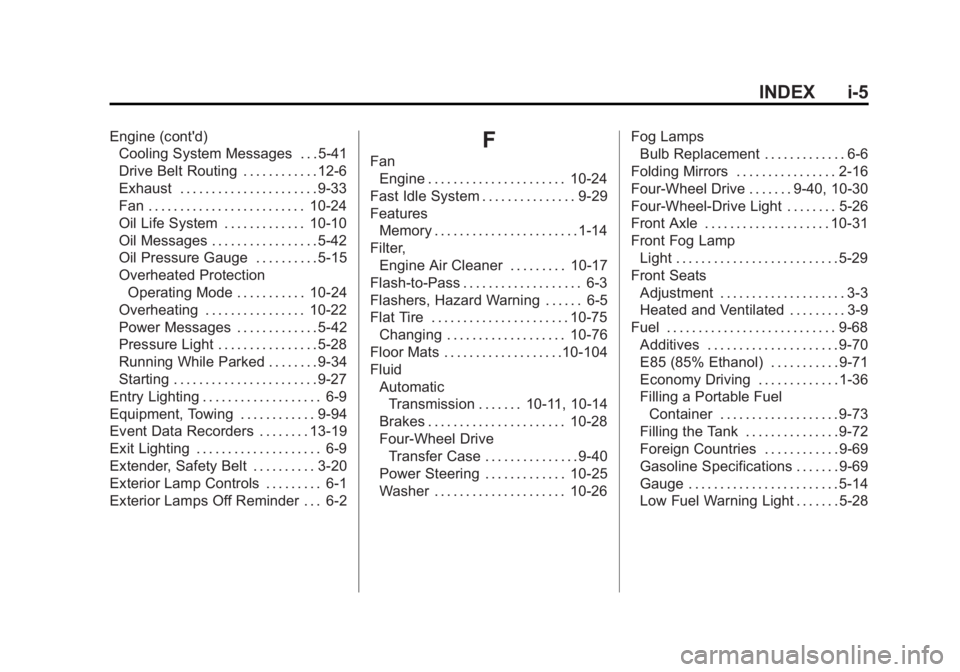
Engine (cont'd)Cooling System Messages . . . 5-41
Drive Belt Routing . . . . . . . . . . . . 12-6
Exhaust . . . . . . . . . . . . . . . . . . . . . . 9-33
Fan . . . . . . . . . . . . . . . . . . . . . . . . . 10-24
Oil Life System . . . . . . . . . . . . . 10-10
Oil Messages . . . . . . . . . . . . . . . . . 5-42
Oil Pressure Gauge . . . . . . . . . . 5-15
Overheated Protection
Operating Mode . . . . . . . . . . . 10-24
Overheating . . . . . . . . . . . . . . . . 10-22
Power Messages . . . . . . . . . . . . . 5-42
Pressure Light . . . . . . . . . . . . . . . . 5-28
Running While Parked . . . . . . . . 9-34
Starting . . . . . . . . . . . . . . . . . . . . . . . 9-27
Entry Lighting . . . . . . . . . . . . . . . . . . . 6-9
Equipment, Towing . . . . . . . . . . . . 9-94
Event Data Recorders . . . . . . . . 13-19
Exit Lighting . . . . . . . . . . . . . . . . . . . . 6-9
Extender, Safety Belt . . . . . . . . . . 3-20
Exterior Lamp Controls . . . . . . . . . 6-1
Exterior Lamps Off Reminder . . . 6-2F
Fan Engine . . . . . . . . . . . . . . . . . . . . . . 10-24
Fast Idle System . . . . . . . . . . . . . . . 9-29
Features Memory . . . . . . . . . . . . . . . . . . . . . . . 1-14
Filter,
Engine Air Cleaner . . . . . . . . . 10-17
Flash-to-Pass . . . . . . . . . . . . . . . . . . . 6-3
Flashers, Hazard Warning . . . . . . 6-5
Flat Tire . . . . . . . . . . . . . . . . . . . . . . 10-75 Changing . . . . . . . . . . . . . . . . . . . 10-76
Floor Mats . . . . . . . . . . . . . . . . . . .10-104
Fluid AutomaticTransmission . . . . . . . 10-11, 10-14
Brakes . . . . . . . . . . . . . . . . . . . . . . 10-28
Four-Wheel Drive Transfer Case . . . . . . . . . . . . . . . 9-40
Power Steering . . . . . . . . . . . . . 10-25
Washer . . . . . . . . . . . . . . . . . . . . . 10-26 Fog Lamps
Bulb Replacement . . . . . . . . . . . . . 6-6
Folding Mirrors . . . . . . . . . . . . . . . . 2-16
Four-Wheel Drive . . . . . . . 9-40, 10-30
Four-Wheel-Drive Light . . . . . . . . 5-26
Front Axle . . . . . . . . . . . . . . . . . . . . 10-31
Front Fog Lamp Light . . . . . . . . . . . . . . . . . . . . . . . . . . 5-29
Front Seats Adjustment . . . . . . . . . . . . . . . . . . . . 3-3
Heated and Ventilated . . . . . . . . . 3-9
Fuel . . . . . . . . . . . . . . . . . . . . . . . . . . . 9-68 Additives . . . . . . . . . . . . . . . . . . . . . 9-70
E85 (85% Ethanol) . . . . . . . . . . . 9-71
Economy Driving . . . . . . . . . . . . . 1-36
Filling a Portable FuelContainer . . . . . . . . . . . . . . . . . . . 9-73
Filling the Tank . . . . . . . . . . . . . . . 9-72
Foreign Countries . . . . . . . . . . . . 9-69
Gasoline Specifications . . . . . . . 9-69
Gauge . . . . . . . . . . . . . . . . . . . . . . . . 5-14
Low Fuel Warning Light . . . . . . . 5-28
Page 550 of 556
Black plate (8,1)GMC Sierra Owner Manual - 2012 - CRC - 11/15/11
i-8 INDEX
LightsAirbag On-Off . . . . . . . . . . . . . . . . . 5-19
Airbag Readiness . . . . . . . . . . . . . 5-18
Antilock Brake System
(ABS) Warning . . . . . . . . . . . . . . 5-26
Brake System Warning . . . . . . . 5-25
Charging System . . . . . . . . . . . . . 5-22
Cruise Control . . . . . . . . . . . . . . . . 5-30
Engine Oil Pressure . . . . . . . . . . 5-28
Flash-to-Pass . . . . . . . . . . . . . . . . . . 6-3
Four-Wheel-Drive . . . . . . . . . . . . . 5-26
Front Fog Lamp . . . . . . . . . . . . . . 5-29
High-Beam On . . . . . . . . . . . . . . . . 5-29
High/Low Beam Changer . . . . . . 6-3
Low Fuel Warning . . . . . . . . . . . . 5-28
Safety Belt Reminders . . . . . . . . 5-17
Security . . . . . . . . . . . . . . . . . . . . . . 5-29
StabiliTrak
®OFF . . . . . . . . . . . . . 5-27
Tire Pressure . . . . . . . . . . . . . . . . . 5-27
Tow/Haul Mode . . . . . . . . . . . . . . . 5-26
Traction Control System (TCS)/StabiliTrak
®. . . . . . . . . . 5-27
Locking Rear Axle . . . . . . . . . . . . . 9-58 Locks
Automatic Door . . . . . . . . . . . . . . . . 2-8
Delayed Locking . . . . . . . . . . . . . . . 2-8
Door . . . . . . . . . . . . . . . . . . . . . . . . . . . 2-7
Lockout Protection . . . . . . . . . . . . . 2-9
Power Door . . . . . . . . . . . . . . . . . . . . 2-8
Safety . . . . . . . . . . . . . . . . . . . . . . . . . 2-9
Loss of Control . . . . . . . . . . . . . . . . . 9-5
Low Fuel Warning Light . . . . . . . . 5-28
Lower Anchors and Tethers for Children (LATCH
System) . . . . . . . . . . . . . . . . . . . . . . 3-47
Lumbar Adjustment . . . . . . . . . . . . . 3-4 Front Seats . . . . . . . . . . . . . . . . . . . . 3-4
M
MaintenanceRecords . . . . . . . . . . . . . . . . . . . . .11-16
Maintenance Schedule Recommended Fluidsand Lubricants . . . . . . . . . . . . .11-12
Transfer Case . . . . . . . . . . . . . . . . 9-40
Malfunction Indicator Lamp . . . . 5-22
Manual Mirrors . . . . . . . . . . . . . . . . 2-14 Manual Mode . . . . . . . . . . . . . . . . . . 9-38
Manual Windows . . . . . . . . . . . . . . 2-19
Memory Features . . . . . . . . . . . . . . 1-14
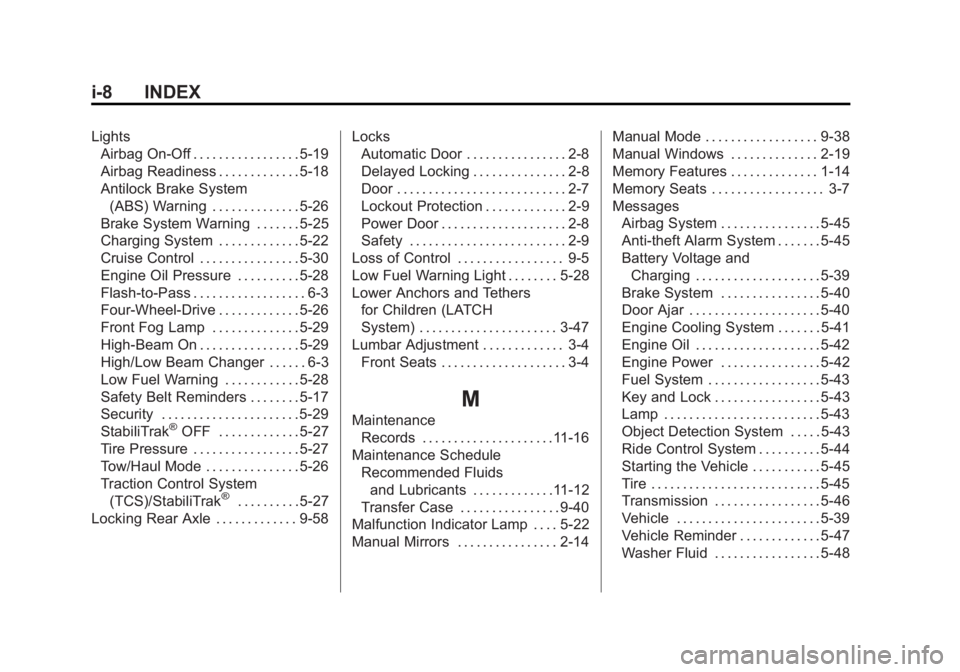
Memory Seats . . . . . . . . . . . . . . . . . . 3-7
Messages
Airbag System . . . . . . . . . . . . . . . . 5-45
Anti-theft Alarm System . . . . . . . 5-45
Battery Voltage andCharging . . . . . . . . . . . . . . . . . . . . 5-39
Brake System . . . . . . . . . . . . . . . . 5-40
Door Ajar . . . . . . . . . . . . . . . . . . . . . 5-40
Engine Cooling System . . . . . . . 5-41
Engine Oil . . . . . . . . . . . . . . . . . . . . 5-42
Engine Power . . . . . . . . . . . . . . . . 5-42
Fuel System . . . . . . . . . . . . . . . . . . 5-43
Key and Lock . . . . . . . . . . . . . . . . . 5-43
Lamp . . . . . . . . . . . . . . . . . . . . . . . . . 5-43
Object Detection System . . . . . 5-43
Ride Control System . . . . . . . . . . 5-44
Starting the Vehicle . . . . . . . . . . . 5-45
Tire . . . . . . . . . . . . . . . . . . . . . . . . . . . 5-45
Transmission . . . . . . . . . . . . . . . . . 5-46
Vehicle . . . . . . . . . . . . . . . . . . . . . . . 5-39
Vehicle Reminder . . . . . . . . . . . . . 5-47
Washer Fluid . . . . . . . . . . . . . . . . . 5-48
Page 553 of 556
Black plate (11,1)GMC Sierra Owner Manual - 2012 - CRC - 11/15/11
INDEX i-11
ReplacementGlass . . . . . . . . . . . . . . . . . . . . . . . 10-37
Replacement Bulbs . . . . . . . . . . . 10-43
Replacement Parts Airbags . . . . . . . . . . . . . . . . . . . . . . . 3-38
Maintenance . . . . . . . . . . . . . . . . .11-15
Replacing Airbag System . . . . . . 3-38
Replacing LATCH System
Parts after a Crash . . . . . . . . . . . 3-55
Replacing Safety Belt System Parts after a Crash . . . 3-21
Reporting Safety Defects Canadian Government . . . . . . 13-18
General Motors . . . . . . . . . . . . . 13-18
U.S. Government . . . . . . . . . . . 13-17
Restraints
Where to Put . . . . . . . . . . . . . . . . . 3-45
Retained Accessory Power (RAP) . . . . . . . . . . . . . . . . . 9-29
Ride Control Systems Messages . . . . . . . . . . . . . . . . . . . . 5-44
Roads Driving, Wet . . . . . . . . . . . . . . . . . . 9-11
Roadside Assistance Program . . . . . . . . . . . . . . . . 13-7, 13-9 Roof
Sunroof . . . . . . . . . . . . . . . . . 2-22, 2-23
Rotation, Tires . . . . . . . . . . . . . . . . 10-65
Routing, Engine Drive Belt . . . . . 12-6
Running the Vehicle While Parked . . . . . . . . . . . . . . . . . . . . . . . 9-34
S
Safety Belts . . . . . . . . . . . . . . . . . . . 3-12Care . . . . . . . . . . . . . . . . . . . . . . . . . . 3-20
Extender . . . . . . . . . . . . . . . . . . . . . . 3-20
How to Wear Safety BeltsProperly . . . . . . . . . . . . . . . . . . . . . 3-13
Lap Belt . . . . . . . . . . . . . . . . . . . . . . 3-19
Lap-Shoulder Belt . . . . . . . . . . . . 3-14
Reminders . . . . . . . . . . . . . . . . . . . . 5-17
Replacing after a Crash . . . . . . 3-21
Use During Pregnancy . . . . . . . . 3-19
Safety Defects Reporting Canadian Government . . . . . . 13-18
General Motors . . . . . . . . . . . . . 13-18
U.S. Government . . . . . . . . . . . 13-17
Safety Locks . . . . . . . . . . . . . . . . . . . . 2-9
Safety System Check . . . . . . . . . . 3-20
Satellite Radio . . . . . . . . . . . . . . . . . 7-11 Scheduling Appointments . . . . . 13-12
Seats
Adjustment, Front . . . . . . . . . . . . . . 3-3
Center Seat . . . . . . . . . . . . . . . . . . . 3-4
Head Restraints . . . . . . . . . . . . . . . 3-2
Heated and Ventilated Front . . . 3-9
Lumbar Adjustment, Front . . . . . 3-4
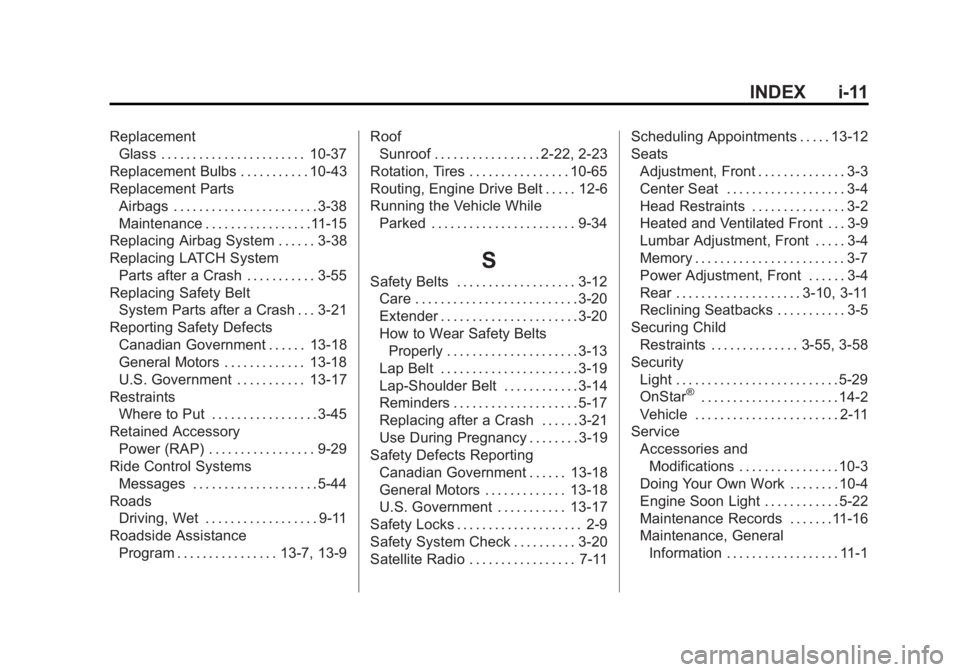
Memory . . . . . . . . . . . . . . . . . . . . . . . . 3-7
Power Adjustment, Front . . . . . . 3-4
Rear . . . . . . . . . . . . . . . . . . . . 3-10, 3-11
Reclining Seatbacks . . . . . . . . . . . 3-5
Securing Child Restraints . . . . . . . . . . . . . . 3-55, 3-58
Security Light . . . . . . . . . . . . . . . . . . . . . . . . . . 5-29
OnStar
®. . . . . . . . . . . . . . . . . . . . . . 14-2
Vehicle . . . . . . . . . . . . . . . . . . . . . . . 2-11
Service Accessories andModifications . . . . . . . . . . . . . . . . 10-3
Doing Your Own Work . . . . . . . . 10-4
Engine Soon Light . . . . . . . . . . . . 5-22
Maintenance Records . . . . . . .11-16
Maintenance, General Information . . . . . . . . . . . . . . . . . . 11-1