2012 CHEVROLET EQUINOX display
[x] Cancel search: displayPage 248 of 428
Black plate (32,1)Chevrolet Equinox Owner Manual - 2012
9-32 Driving and Operating
A Driver Information Center (DIC)
message“ECO MODE ON” is also
displayed. See Fuel System
Messages on page 5‑30 for more
information.
When Fuel Economy Mode is on:
.The transmission will upshift
sooner and downshift later.
.The torque converter clutch will
apply sooner and stay on longer.
.The gas pedal will be less
sensitive.
.The vehicle's computer will more
aggressively shut off fuel to the
engine under deceleration.
.The engine idle speed will be
lower.
.Driving performance is more
conservative.
Drive Systems
All-Wheel Drive
Vehicles with this feature always
send engine power to all four
wheels. It is fully automatic, and
adjusts itself as needed for road
conditions.
When using a compact spare tire on
an AWD vehicle, the system
automatically detects the compact
spare and disables AWD. To restore
AWD operation and prevent
excessive wear on the system,
replace the compact spare with a
full-size tire as soon as possible.
See Compact Spare Tire on
page 10‑73 for more information.
Brakes
Antilock Brake
System (ABS)
This vehicle has the Antilock Brake
System (ABS), an advanced
electronic braking system that helps
prevent a braking skid.
When the engine is started and the
vehicle begins to drive away, ABS
checks itself. A momentary motor or
clicking noise might be heard while
this test is going on, and it might
even be noticed that the brake
pedal moves a little. This is normal.
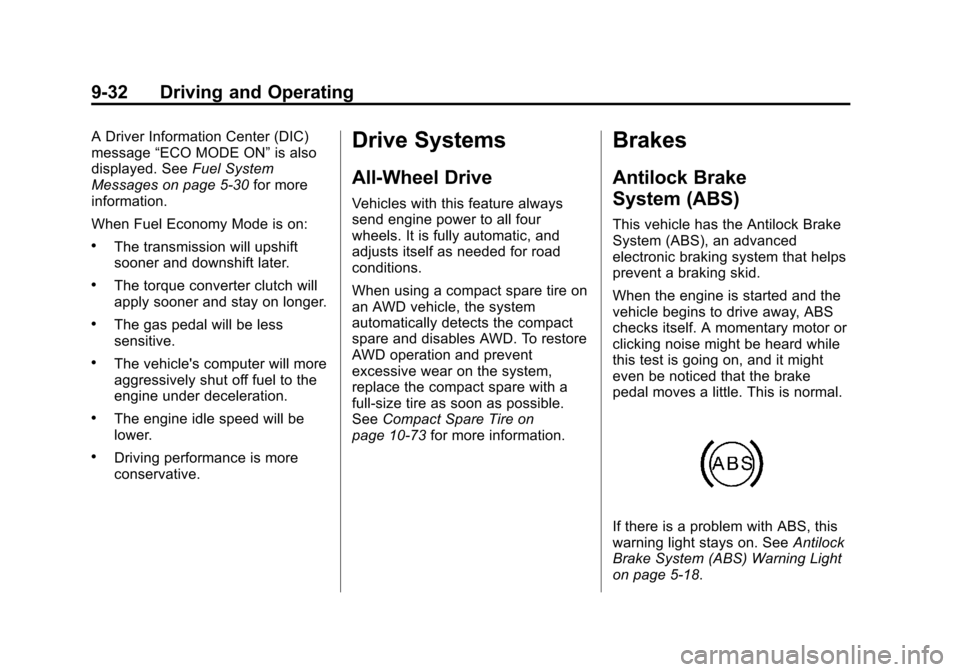
If there is a problem with ABS, this
warning light stays on. See Antilock
Brake System (ABS) Warning Light
on page 5‑18.
Page 251 of 428
Black plate (35,1)Chevrolet Equinox Owner Manual - 2012
Driving and Operating 9-35
Ride Control Systems
Traction Control
System (TCS)
The vehicle has a Traction Control
System (TCS) that limits wheel spin.
On a front-wheel-drive vehicle, the
system operates if it senses that
one or both of the front wheels are
spinning or beginning to lose
traction. On an All-Wheel-Drive
(AWD) vehicle, the system will
operate if it senses that any of the
wheels are spinning or beginning to
lose traction. When this happens,
the system brakes the spinning
wheel(s) and/or reduces engine
power to limit wheel spin.
The system may be heard or felt
while it is working, but this is
normal.TCS is on whenever the vehicle is
started. To limit wheel spin,
especially in slippery road
conditions, the system should
always be left on. But, TCS can be
turned off if needed.
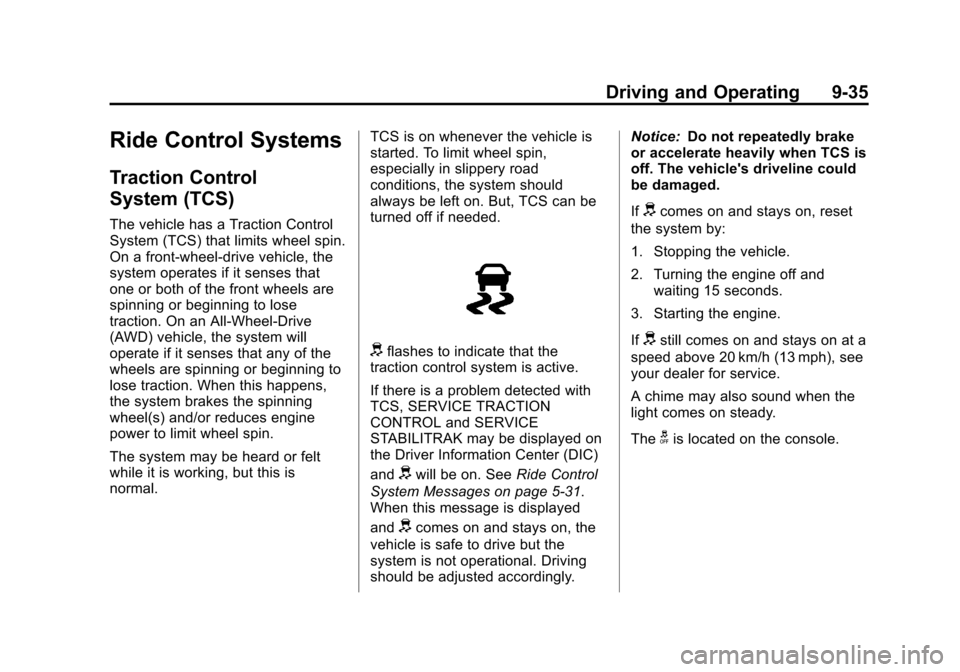
dflashes to indicate that the
traction control system is active.
If there is a problem detected with
TCS, SERVICE TRACTION
CONTROL and SERVICE
STABILITRAK may be displayed on
the Driver Information Center (DIC)
and
dwill be on. See Ride Control
System Messages on page 5‑31.
When this message is displayed
and
dcomes on and stays on, the
vehicle is safe to drive but the
system is not operational. Driving
should be adjusted accordingly. Notice:
Do not repeatedly brake
or accelerate heavily when TCS is
off. The vehicle's driveline could
be damaged.
If
dcomes on and stays on, reset
the system by:
1. Stopping the vehicle.
2. Turning the engine off and waiting 15 seconds.
3. Starting the engine.
If
dstill comes on and stays on at a
speed above 20 km/h (13 mph), see
your dealer for service.
A chime may also sound when the
light comes on steady.
The
gis located on the console.
Page 252 of 428
Black plate (36,1)Chevrolet Equinox Owner Manual - 2012
9-36 Driving and Operating
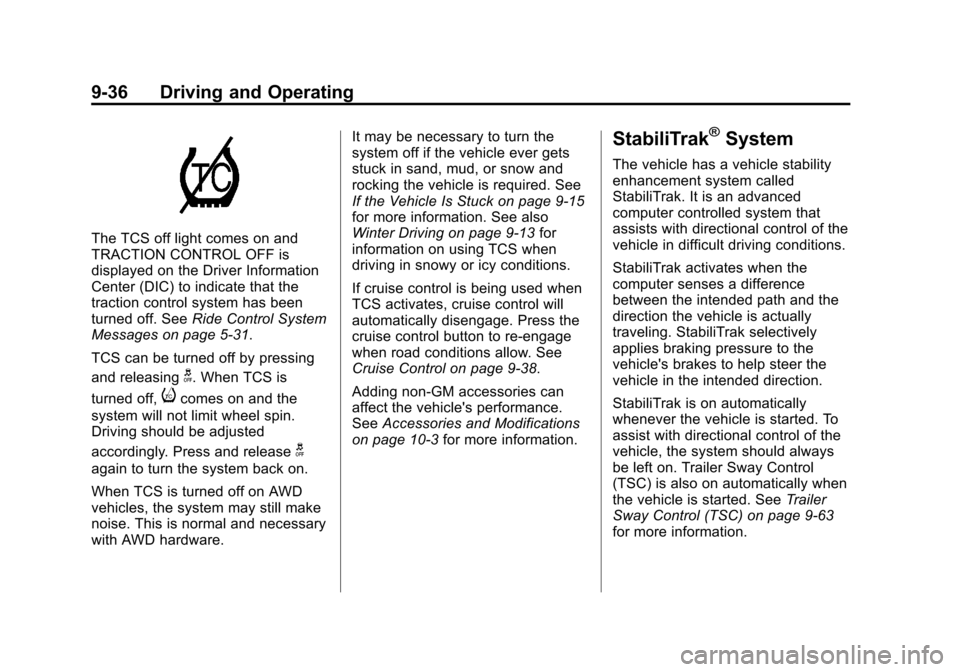
The TCS off light comes on and
TRACTION CONTROL OFF is
displayed on the Driver Information
Center (DIC) to indicate that the
traction control system has been
turned off. SeeRide Control System
Messages on page 5‑31.
TCS can be turned off by pressing
and releasing
g. When TCS is
turned off,
icomes on and the
system will not limit wheel spin.
Driving should be adjusted
accordingly. Press and release
g
again to turn the system back on.
When TCS is turned off on AWD
vehicles, the system may still make
noise. This is normal and necessary
with AWD hardware. It may be necessary to turn the
system off if the vehicle ever gets
stuck in sand, mud, or snow and
rocking the vehicle is required. See
If the Vehicle Is Stuck on page 9‑15
for more information. See also
Winter Driving on page 9‑13
for
information on using TCS when
driving in snowy or icy conditions.
If cruise control is being used when
TCS activates, cruise control will
automatically disengage. Press the
cruise control button to re‐engage
when road conditions allow. See
Cruise Control on page 9‑38.
Adding non‐GM accessories can
affect the vehicle's performance.
See Accessories and Modifications
on page 10‑3 for more information.
StabiliTrak®System
The vehicle has a vehicle stability
enhancement system called
StabiliTrak. It is an advanced
computer controlled system that
assists with directional control of the
vehicle in difficult driving conditions.
StabiliTrak activates when the
computer senses a difference
between the intended path and the
direction the vehicle is actually
traveling. StabiliTrak selectively
applies braking pressure to the
vehicle's brakes to help steer the
vehicle in the intended direction.
StabiliTrak is on automatically
whenever the vehicle is started. To
assist with directional control of the
vehicle, the system should always
be left on. Trailer Sway Control
(TSC) is also on automatically when
the vehicle is started. See Trailer
Sway Control (TSC) on page 9‑63
for more information.
Page 253 of 428
Black plate (37,1)Chevrolet Equinox Owner Manual - 2012
Driving and Operating 9-37
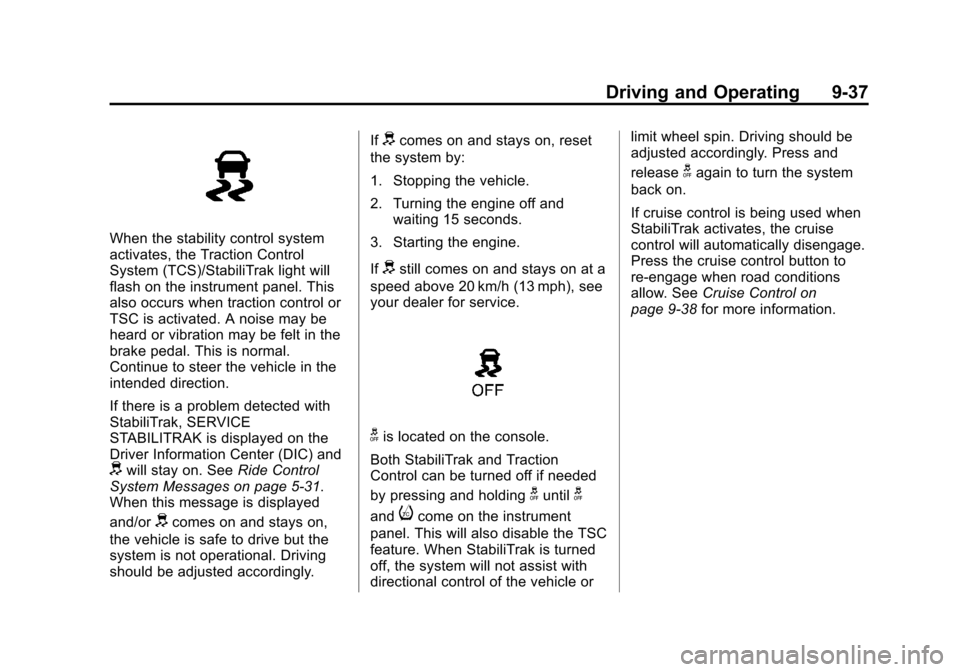
When the stability control system
activates, the Traction Control
System (TCS)/StabiliTrak light will
flash on the instrument panel. This
also occurs when traction control or
TSC is activated. A noise may be
heard or vibration may be felt in the
brake pedal. This is normal.
Continue to steer the vehicle in the
intended direction.
If there is a problem detected with
StabiliTrak, SERVICE
STABILITRAK is displayed on the
Driver Information Center (DIC) and
dwill stay on. SeeRide Control
System Messages on page 5‑31.
When this message is displayed
and/or
dcomes on and stays on,
the vehicle is safe to drive but the
system is not operational. Driving
should be adjusted accordingly. If
dcomes on and stays on, reset
the system by:
1. Stopping the vehicle.
2. Turning the engine off and waiting 15 seconds.
3. Starting the engine.
If
dstill comes on and stays on at a
speed above 20 km/h (13 mph), see
your dealer for service.
gis located on the console.
Both StabiliTrak and Traction
Control can be turned off if needed
by pressing and holding
guntilg
andicome on the instrument
panel. This will also disable the TSC
feature. When StabiliTrak is turned
off, the system will not assist with
directional control of the vehicle or limit wheel spin. Driving should be
adjusted accordingly. Press and
release
gagain to turn the system
back on.
If cruise control is being used when
StabiliTrak activates, the cruise
control will automatically disengage.
Press the cruise control button to
re‐engage when road conditions
allow. See Cruise Control on
page 9‑38 for more information.
Page 255 of 428
Black plate (39,1)Chevrolet Equinox Owner Manual - 2012
Driving and Operating 9-39
SET/−(Set/Coast): Move the
thumbwheel down toward SET/- to
set a speed and activate cruise
control, or to make the vehicle
decelerate.
Setting Cruise Control
If the cruise button is on when not in
use, it could get bumped and go into
cruise when not desired. Keep the
cruise button turned off when cruise
control is not being used.
1. Press ON/OFF
5CRUISE.
2. Get to the speed desired.
3. Press the thumbwheel and release it. The desired set speed
briefly appears in the Driver
Information Center (DIC) display.
4. Take your foot off the accelerator pedal. Resuming a Set Speed
If the cruise control is set at a
desired speed and then the brakes
are applied, the cruise control is
disengaged without erasing the set
speed from memory.
Once the vehicle reaches about
40 km/h (25 mph) or more, move the
thumbwheel up toward RES/+
briefly. The vehicle returns to the
previous set speed and stays there.
Increasing Speed While Using
Cruise Control
If the cruise control system is
already activated,
.Move the thumbwheel up toward
RES/+ and hold it until the
vehicle accelerates to the
desired speed, and then
release it.
.To increase the speed in small
amounts, move the thumbwheel
up toward RES/+ briefly and
then release it. Each time this is
done, the vehicle goes about
1.6 km/h (1 mph) faster.Reducing Speed While Using
Cruise Control
If the cruise control system is
already activated,
.Move the thumbwheel toward
SET/−
and hold until the desired
lower speed is reached, then
release it.
.To slow down in small amounts,
move the thumbwheel toward
SET/− briefly. Each time this is
done, the vehicle goes about
1.6 km/h (1 mph) slower.
Passing Another Vehicle While
Using Cruise Control
Use the accelerator pedal to
increase the vehicle speed. When
you take your foot off the pedal, the
vehicle will slow down to the
previous set cruise speed.
Page 257 of 428
Black plate (41,1)Chevrolet Equinox Owner Manual - 2012
Driving and Operating 9-41
The forward-looking FCA camera
sensor is on the windshield ahead
of the rearview mirror. FCA detects
vehicles within a distance of
approximately 60 m (197 ft) and
operates at speeds above 40 km/h
(25 mph).
{WARNING
FCA is a warning system and
does not apply the brakes. When
approaching a slower-moving or
stopped vehicle ahead too rapidly,
or when following a vehicle too
closely, FCA may not provide
enough time to avoid a crash.
FCA does not warn of any objects
that do not look like a vehicle to
the FCA camera sensor, such as
pedestrians, animals, signs,
guardrails, bridges, construction
barrels, or other objects. Be ready
to take action and apply the
brakes. For more information, see
Defensive Driving on page 9‑3.
{WARNING
There are conditions where FCA
may not detect a vehicle ahead.
These include winding roads or
weather conditions such as fog,
rain, or snow that can limit
visibility. You could crash into a
vehicle ahead. Do not rely on
FCA on winding roads or in poor
visibility conditions.Collision Alert
When your vehicle approaches
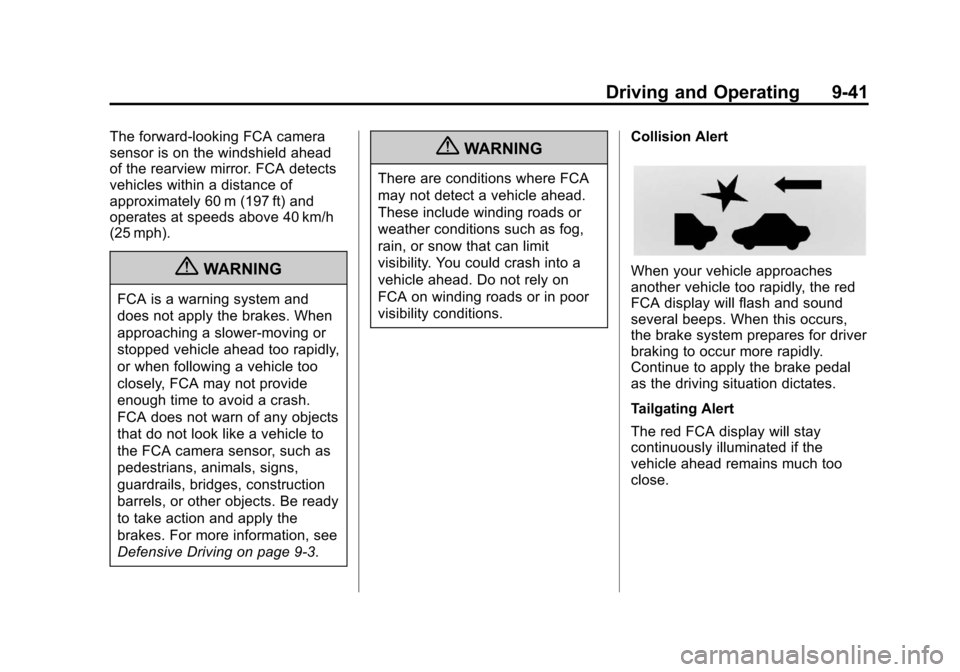
another vehicle too rapidly, the red
FCA display will flash and sound
several beeps. When this occurs,
the brake system prepares for driver
braking to occur more rapidly.
Continue to apply the brake pedal
as the driving situation dictates.
Tailgating Alert
The red FCA display will stay
continuously illuminated if the
vehicle ahead remains much too
close.
Page 260 of 428
Black plate (44,1)Chevrolet Equinox Owner Manual - 2012
9-44 Driving and Operating
Turning the System On and Off
The URPA system can be turned on
and off using the infotainment
system controls. SeeVehicle
Personalization on page 5‑34 for
more information.
When the system is off, PARK
ASSIST OFF displays on the Driver
Information Center (DIC). The
message disappears after a short
period of time.
URPA defaults to the on setting
each time the vehicle is started.
When the System Does Not
Seem to Work Properly
The following messages may be
displayed on the DIC:
SERVICE PARKING ASSIST: If
this message occurs, take the
vehicle to your dealer to repair the
system. PARK ASSIST OFF:
If the URPA
system does not activate due to a
temporary condition, the message
displays on the DIC. This can occur
under the following conditions:
.The driver has disabled the
system.
.The ultrasonic sensors are not
clean. Keep the vehicle's rear
bumper free of mud, dirt, snow,
ice, and slush. For cleaning
instructions, see Exterior Care
on page 10‑81.
.The park assist sensors are
covered by frost or ice. Frost or
ice can form around and behind
the sensors and may not always
be seen; this can occur after
washing the vehicle in cold
weather. The message may not
clear until the frost or ice has
melted.
.A trailer was attached to the
vehicle, or an object was
hanging out of the liftgate during
the last drive cycle. Once the
object is removed, URPA will
return to normal operation.
.A tow bar is attached to the
vehicle.
.The bumper is damaged. Take
the vehicle to your dealer to
repair the system.
.Other conditions, such as
vibrations from a jackhammer or
the compression of air brakes on
a very large truck, are affecting
system performance.
Page 261 of 428
Black plate (45,1)Chevrolet Equinox Owner Manual - 2012
Driving and Operating 9-45
Rear Vision
Camera (RVC)
The vehicle may have a Rear Vision
Camera (RVC) system. Read this
entire section before using it.
The RVC can assist the driver when
backing up by displaying a view of
the area behind the vehicle.
{WARNING
The RVC system does not display
pedestrians, bicyclists, animals,
or any other object located
outside the camera's field of view,
below the bumper, or under the
vehicle.
Do not back the vehicle using
only the RVC screen or by using
the screen during longer, higher
speed backing maneuvers,
or where there could be(Continued)
WARNING (Continued)
cross-traffic. Perceived distances
may be different from actual
distances.
Failure to use proper care before
backing may result in injury,
death, or vehicle damage. Always
check before backing by checking
behind and around the vehicle.
An image appears on the radio
screen with the message Check
Surroundings for Safety when the
vehicle is shifted into R (Reverse).
The radio screen goes to the
previous screen after approximately
10 seconds once the vehicle is
shifted out of R (Reverse). To cancel the delay, do one of the
following:.Press a hard key on the
navigation system.
.Shift into P (Park).
.Reach a vehicle speed of
8 km/h (5 mph).
Turning the Rear Vision Camera
System On or Off
To turn the rear vision camera
system on or off:
1. Shift into P (Park).
2. Press the CONFIG button.
3. Select Display.