2012 BUICK LACROSSE phone
[x] Cancel search: phonePage 184 of 512
Black plate (4,1)Buick LaCrosse Owner Manual - 2012
7-4 Infotainment System
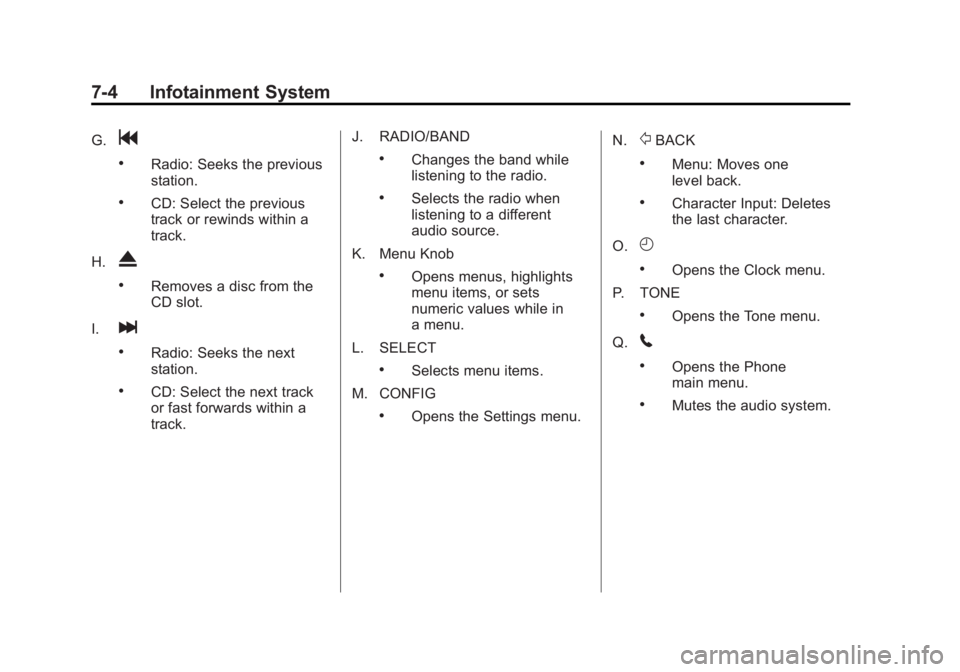
G.g
.Radio: Seeks the previous
station.
.CD: Select the previous
track or rewinds within a
track.
H.
X
.Removes a disc from the
CD slot.
I.
l
.Radio: Seeks the next
station.
.CD: Select the next track
or fast forwards within a
track. J. RADIO/BAND
.Changes the band while
listening to the radio.
.Selects the radio when
listening to a different
audio source.
K. Menu Knob
.Opens menus, highlights
menu items, or sets
numeric values while in
a menu.
L. SELECT
.Selects menu items.
M. CONFIG
.Opens the Settings menu. N.
/BACK
.Menu: Moves one
level back.
.Character Input: Deletes
the last character.
O.
H
.Opens the Clock menu.
P. TONE
.Opens the Tone menu.
Q.
5
.Opens the Phone
main menu.
.Mutes the audio system.
Page 187 of 512

Black plate (7,1)Buick LaCrosse Owner Manual - 2012
Infotainment System 7-7
R.5
.Opens the Phone
main menu.
.Mutes the audio system.
S. MEM/DVD/AUX
.Selects MEM (Memory),
CD/DVD, USB, or a
connected front or rear
auxiliary audio source.
Overview (Radio with CD
and Touchscreen)
For vehicles equipped with the
MyLink®or IntelliLink®infotainment
system, see the separate MyLink/
IntelliLink Features and Functions
Guide for more information.
Keeping your eyes on the road and
your mind on the drive is important
for safe driving. The infotainment
system has built-in features
intended to help with this by
disabling some features when driving. A grayed-out function is not
available when the vehicle is
moving.
All functions are available when the
vehicle is parked. Do the following
before driving:
.Become familiar with the
infotainment system operation,
buttons on the faceplate, and
touch-sensitive screen buttons.
.Set up the audio by presetting
favorite stations, setting the
tone, and adjusting the
speakers.
.Set up phone numbers in
advance so they can be called
easily by pressing a single
button or a single voice
command for vehicles equipped
with phone capability.
{WARNING
Taking your eyes off the road too
long or too often while using the
navigation system could cause a
crash and you or others could be
injured or killed. Focus your
attention on driving and limit
glances at the moving map on the
navigation screen. Use voice
guidance whenever possible.
Infotainment System Overview
The infotainment system is
controlled by using the buttons on
the faceplate and the touch screen.
See
“Infotainment Control Buttons”
in this section for more information.
Page 189 of 512
Black plate (9,1)Buick LaCrosse Owner Manual - 2012
Infotainment System 7-9
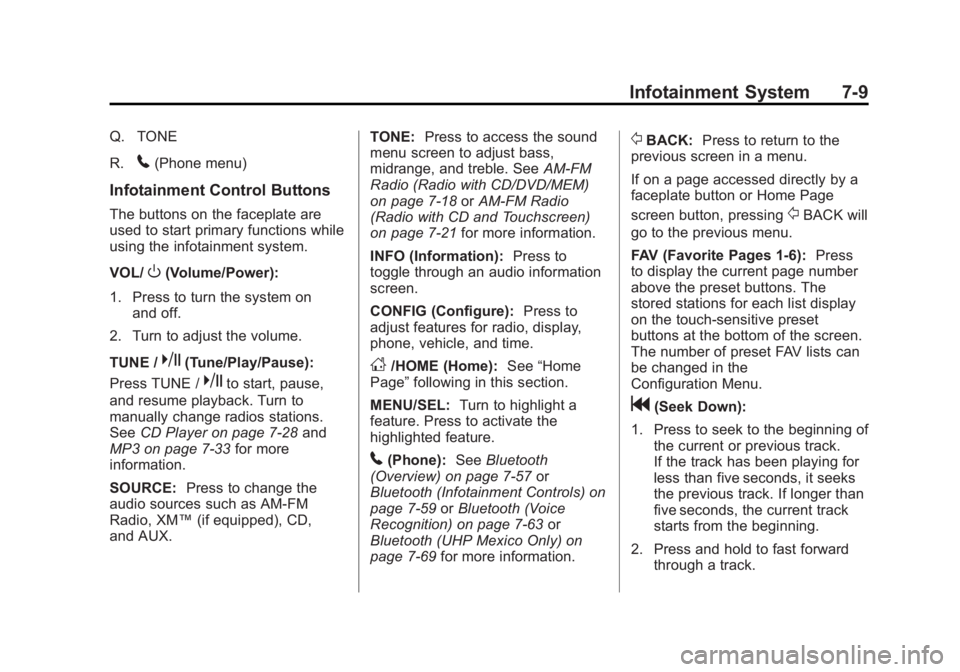
Q. TONE
R.
5(Phone menu)
Infotainment Control Buttons
The buttons on the faceplate are
used to start primary functions while
using the infotainment system.
VOL/
O(Volume/Power):
1. Press to turn the system on and off.
2. Turn to adjust the volume.
TUNE /
k(Tune/Play/Pause):
Press TUNE /
kto start, pause,
and resume playback. Turn to
manually change radios stations.
See CD Player on page 7‑28 and
MP3 on page 7‑33 for more
information.
SOURCE: Press to change the
audio sources such as AM-FM
Radio, XM™ (if equipped), CD,
and AUX. TONE:
Press to access the sound
menu screen to adjust bass,
midrange, and treble. See AM-FM
Radio (Radio with CD/DVD/MEM)
on page 7‑18 orAM-FM Radio
(Radio with CD and Touchscreen)
on page 7‑21 for more information.
INFO (Information): Press to
toggle through an audio information
screen.
CONFIG (Configure): Press to
adjust features for radio, display,
phone, vehicle, and time.
D/HOME (Home): See“Home
Page” following in this section.
MENU/SEL: Turn to highlight a
feature. Press to activate the
highlighted feature.
5(Phone): SeeBluetooth
(Overview) on page 7‑57 or
Bluetooth (Infotainment Controls) on
page 7‑59 orBluetooth (Voice
Recognition) on page 7‑63 or
Bluetooth (UHP Mexico Only) on
page 7‑69 for more information.
/BACK:Press to return to the
previous screen in a menu.
If on a page accessed directly by a
faceplate button or Home Page
screen button, pressing
/BACK will
go to the previous menu.
FAV (Favorite Pages 1-6): Press
to display the current page number
above the preset buttons. The
stored stations for each list display
on the touch-sensitive preset
buttons at the bottom of the screen.
The number of preset FAV lists can
be changed in the
Configuration Menu.
g(Seek Down):
1. Press to seek to the beginning of the current or previous track.
If the track has been playing for
less than five seconds, it seeks
the previous track. If longer than
five seconds, the current track
starts from the beginning.
2. Press and hold to fast forward through a track.
Page 190 of 512

Black plate (10,1)Buick LaCrosse Owner Manual - 2012
7-10 Infotainment System
3. Press and hold to quicklyreverse through a track. Release
the button to return to playing
speed. See CD Player on
page 7‑28 andMP3 on
page 7‑33 for more information.
4. For AM, FM, or XM (if equipped), press to seek to the next strong
station.
Preset Buttons (1-6): The preset
buttons numbered one through six
can be used to select stored AM,
FM, and XM (if equipped) stations.
H(Clock Menu): Press to set
the time.
X(Eject): Press to eject a disc
from the CD player. See CD Player
on page 7‑28.
Touch Screen Buttons
Touch screen buttons are on the
screen and highlighted when a
feature is available. Some toggle
screen buttons highlight when active
and gray out when inactive.
Home Page
The infotainment system displays a
home page that makes accessing
many of the features an easy
process.
Back: If on page two of the Home
Page, press Back to return to page
one of the Home Page. If on page
one, Back serves no function.
Home: While navigating through
other menus, press to go back to
the Home Page to start a different
feature.
FAV: Press to display a page of
stored (favorite) AM, FM, or XM
(if equipped) stations. Keep
pressing FAV to scroll through the
favorite pages.
The Home Page Menu lists the
options Customize Home Page and
Restore Home Page Defaults.
Out of all available Home Page
icons, up to eight icons can be
selected and sorted for the first
Home Page screen.
Home Page Features
Various functions are disabled when
the vehicle is moving.
Press the Now Playing screen
button to display the active source
page. The sources available are
AM, FM, XM (if equipped), CD,
USB/iPod, and AUX.
See AM-FM Radio (Radio with CD/
DVD/MEM) on page 7‑18 orAM-FM
Radio (Radio with CD and
Touchscreen) on page 7‑21,
Satellite Radio on page 7‑24, and
CD Player on page 7‑28.
Press the Phone screen button to
display the Phone main page. See
Bluetooth (Overview) on page 7‑57
or Bluetooth (Infotainment Controls)
on page 7‑59 orBluetooth (Voice
Recognition) on page 7‑63 or
Bluetooth (UHP Mexico Only) on
page 7‑69.
Page 191 of 512

Black plate (11,1)Buick LaCrosse Owner Manual - 2012
Infotainment System 7-11
Press the Config screen button to
display the Config main page. From
this display, you can adjust features
such as time and date, radio,
phone, vehicle, and display.
Press the Tone screen button to
display the Tone main page. Adjust
the tone and speakers by pressing
the screen buttons to change the
levels of sound for treble, midrange,
bass, fade, and balance. See
AM-FM Radio (Radio with CD/DVD/
MEM) on page 7‑18orAM-FM
Radio (Radio with CD and
Touchscreen) on page 7‑21. Press the FM screen button to
display the FM main page and play
the current or last tuned FM station.
See
AM-FM Radio (Radio with CD/
DVD/MEM) on page 7‑18 orAM-FM
Radio (Radio with CD and
Touchscreen) on page 7‑21.
Press the AM screen button to
display the AM main page and play
the current or last tuned AM station.
See AM-FM Radio (Radio with CD/
DVD/MEM) on page 7‑18 orAM-FM
Radio (Radio with CD and
Touchscreen) on page 7‑21.
Press the XM screen button
(if equipped) to display the XM main
page and play the current or last
tuned XM channel. See AM-FM
Radio (Radio with CD/DVD/MEM)
on page 7‑18 orAM-FM Radio
(Radio with CD and Touchscreen)
on page 7‑21 andSatellite Radio on
page 7‑24. Press the CD screen button to
display the CD main page and play
the current or last CD track
selected. See
CD Player on
page 7‑28.
Press the USB screen button to
display the USB main page and play
the current or last track selected.
See Auxiliary Devices (Radio with
CD and Touchscreen) on page 7‑39.
Press the AUX screen button to
access any connected auxiliary
device. See Auxiliary Devices
(Radio with CD and Touchscreen)
on page 7‑39.
Time and Date Settings
From the Time & Date Settings
screen button, press to display the
Time & Date Settings menu.
Set Time: Press the up or down
arrows to increase or decrease the
Hours and Minutes displayed on the
clock.
Set Date: Press the up or down
arrows to increase or decrease
the day.
Page 192 of 512

Black plate (12,1)Buick LaCrosse Owner Manual - 2012
7-12 Infotainment System
Set Time Format:Press the
12 Hours screen button for standard
time; press the 24 Hours screen
button for military time.
Set Date Format: Depending on
the region, the following date
formats may be available: MM/DD/
YYYY, DD.MM.YYYY, or YYYY/
MM/DD.
Display Digital Clock: Press
Display to turn the display of the
clock on the screen On or Off.
Radio Settings
Press the Config button on the
Home Page or the CONFIG button
on the faceplate to enter the menu
options. Turn the MENU knob or
touch-tap the scroll bar to scroll
through the available options. Press
the MENU knob or press Radio
Settings to display the radio settings
menu. Press this feature to make
changes for radio information
displayed, preset pages, Auto
Volume Control, and XM Categories Restore. See
Satellite Radio on
page 7‑24 (if equipped), for more
information about XM Categories.
The Radio Settings are:
Speed Dependent Volume: Select
OFF, Low, Medium, or High
sensitivity to automatically adjust
the volume to minimize the effects
of unwanted background noise that
can result from changing road
surfaces, driving speeds, or open
windows. This feature works best at
lower volume settings where
background noise is typically louder
than the sound system volume.
Startup Volume: Press to set the
maximum volume level for startup
that will be used even if a higher
volume had been set when the radio
was turned off.
Radio Favorites: Press to select
the number of FAV pages to be
used in the system. Add/Remove XM Categories:
Press to customize which available
XM Categories are used and
displayed in the system.
See
AM-FM Radio (Radio with CD/
DVD/MEM) on page 7‑18 orAM-FM
Radio (Radio with CD and
Touchscreen) on page 7‑21 for
more information.
Phone Settings
See Bluetooth (Overview) on
page 7‑57 orBluetooth
(Infotainment Controls) on
page 7‑59 orBluetooth (Voice
Recognition) on page 7‑63 or
Bluetooth (UHP Mexico Only) on
page 7‑69 in the“Phone” section for
more information on phone settings.
Vehicle Settings
See Vehicle Personalization on
page 5‑43 for more information.
Page 194 of 512
Black plate (14,1)Buick LaCrosse Owner Manual - 2012
7-14 Infotainment System
Volume Control
VOL/O(Volume/Power):Turn to
adjust the volume.
5(Phone/Mute): For vehicles with
OnStar®, press and hold5to mute
the infotainment system. Press and
hold
5again, or turn the VOL/O
knob to cancel mute.
For vehicles without OnStar
®, press5to mute the infotainment system.
Press
5again, or turn the VOL/O
knob to cancel mute.
Menu System
Controls
The Menu knob, SELECT button,
and
/BACK button are used to
navigate the menu system. Menu Knob:
Turn to:
.Enter the menu system.
.Highlight a menu option.
.Select a value.
SELECT:
Press to:
.Select or activate the highlighted
menu option.
.Confirm a set value.
.Turn a system setting on or off.
/BACK:
Press to:
.Exit a menu.
.Return from a submenu screen
to the previous menu screen.
.Delete the last character in a
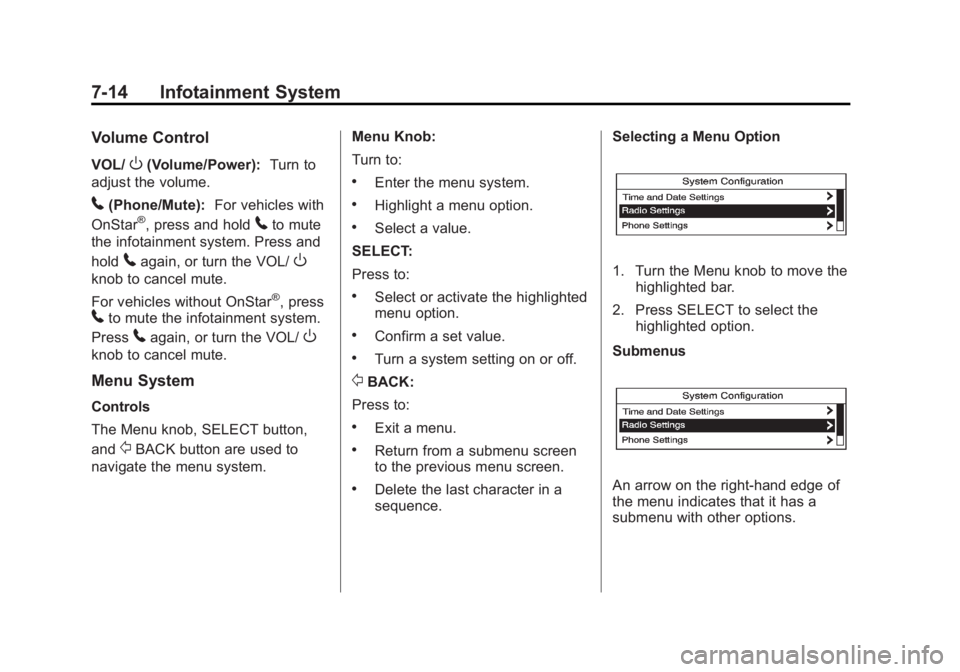
sequence. Selecting a Menu Option
1. Turn the Menu knob to move the
highlighted bar.
2. Press SELECT to select the highlighted option.
Submenus
An arrow on the right‐hand edge of
the menu indicates that it has a
submenu with other options.
Page 206 of 512
Black plate (26,1)Buick LaCrosse Owner Manual - 2012
7-26 Infotainment System
No CAT Info:The system is
working properly. No category
information is available at this time
on this channel.
No Information: The system is
working properly. No text or
informational messages are
available at this time on this
channel.
No XM Signal: The system is
working properly. The vehicle may
be in a location where the XM signal
is being blocked. When the vehicle
is moved into an open area, the
signal should return.
CAT Not Found: The system is
working properly. There are no
channels available for the selected
category.
XM Radio ID: If tuned to channel 0,
this message alternates with the XM
radio eight‐digit radio ID label. This
label is needed to activate the
service. Unknown:
If this message is
received when tuned to channel 0,
there could be a receiver fault.
Consult with your dealer.
Check Antenna: If this message
does not clear within a short period
of time, the receiver could have a
fault. Consult with your dealer.
XM Not Available: If this message
does not clear within a short period
of time, the receiver could have a
fault. Consult with your dealer.
Radio Reception
Frequency interference and static
can occur during normal radio
reception if items such as cellular
phone chargers, vehicle
convenience accessories, and
external electronic devices are
plugged into the accessory power
outlet. If there is interference or
static, unplug the item from the
accessory power outlet.
FM
FM signals only reach about
16 to 65 km (10 to 40 mi). Although
the radio has a built-in electronic
circuit that automatically works to
reduce interference, some static can
occur, especially around tall
buildings or hills, causing the sound
to fade in and out.
AM
The range for most AM stations is
greater than for FM, especially at
night. The longer range can cause
station frequencies to interfere with
each other. For better radio
reception, most AM radio stations
boost the power levels during the
day, and then reduce these levels
during the night. Static can also
occur when things like storms and
power lines interfere with radio
reception. When this happens, try
reducing the treble on the radio.