2012 AUDI R8 SPYDER warning
[x] Cancel search: warningPage 23 of 236

Driver information
system
Introduction
The Driver information display inside the in
strument cluster provides you, the driver,
with important information .
Fig. 6 Instrument cl uster: ce nte r display
Fig. 7 Wiper lever: controls fo r the menu d isplay
Center display
W ith the ignition on, the display in the Dr iver
I nforma tion System shows the fo llow ing in
formation :
- CD inserted or Radio station set
- Outs ide temperature: At temperatures be-
low 41
°F (+S 0 (), a snowflake symbol ap
pears in front of the temperatu re display
c:> &_ .
-Wa rning when a door, the engine compa rt-
me nt lid or the trun k lid is not closed.
Additional functions
You can ope n the following functions i n the
Driver Information System display by p ressing
the
! RESET I button ¢ fig. 7 one or more times:
T rip computer
¢ page 23
Digital speedometer
Dr iver in formation system 21
Gear indicato r
Lap timer
Menu display
c:>page27
<=>page25
The speed warning system is also displayed in
the Driver Information System. You can read how to set it in ¢
page 29 .
Auto Check Control
Some f unctions and vehicle components are
scanned for their operating stat us when yo u
switc h the ign ition on and whi le you are driv
ing. Malfunctions or required service proce
dures are s ignaled audib ly and ind icated by
red and yellow il luminated symbols and re
minde rs in the disp lay.
_&. WARNING
-
- N ever re ly exclusively on the o utside
temperat ure display to determ ine i f a
road surfa ce is icy or not. Keep in mind
that road surfaces, espec ia lly bridges
and overpasses, co uld be ice covered and
slippery even at an outside temperature
above 41
°F (+5 °().
- Always remember, even if the "snow
f lake" symbo l (ice warning) does not ap
pea r in the d isp lay, black ice cou ld be on
the road.
- Always reduce your speed and drive with
special care in cold weathe r cond itions
when the chance of encountering icy
road surfaces inc reases.
@ Tips
- On vehicles with R tronic*, the rem inders
do not appea r in the disp lay until you se
lect a gear.
- On vehicles with Audi Nav igat io n system,
the displays may d iffe r from their normal
appearance duri ng nav iga tion .
Page 25 of 236

-There is a leak in the fuel vapo r recovery sys
tem .
- The eng ine control receives faulty vehicle
roadspeed signa ls.
Contact your nea rest au thori zed A udi dealer
for assis tance .
If the light illuminates , the catalyt ic converte r
could be damaged . Continue driving
with re·
du ced power
(avo id ing susta ined high speeds
a nd/or rap id acce lerations) and have the con
d ition correc ted .
An improp erly closed fuel fi ller cap may also
cause the MIL li ght to i llum ina te
q page 166.
On-Board Diagnostics
Fig. 9 Loc atio n of Data Link Co nnec to r (DLC )
On-Board Diagnostics monitors the compo
nents of your emission co ntrol system . Each
monitored component in your eng in e system
has been assigned a code. I n case of a mal
fun ction, the component will be ide ntified
and the fau lt stored as a code in t he con tro l
mod ule memory .
I n o rder to make an a ccurate d iagnos is, the
stored d ata ca n only be di splayed using spe
cial diagnos tic eq uipment (gener ic s can tool
for OBD).
I n o rder to connect the special diagnosti c
eq uip ment, push the p lug into t he Data Link
Connector (D LC). The DLC is lo cated to the
righ t of the engine compartment lid release
q fig . 9 .
Your auth ori zed A udi dealer or a q ualified
service st ation can in terp ret the code and per
form the necessa ry repair.
Dr iver in formation system 23
A WARNING
Do not use t he d iagnost ic connector for
pe rsonal use. Inco rrect usage can cause
malfunctions, wh ich can increase th e risk
of a co llision!
Trip computer
Introduction
The trip computer gives you information on
current and average fuel mileage , average
spe ed, fuel range and driving time.
Fi g. 10 Tri p co mpute r 1
You can switch between the trip computer 1
and 2 by pressing the
! R ES ET I button @
qpage 24, fig . 11 .
You can te ll wh ich memory leve l is currently
active by the number in t he disp lay ¢
fig. 10 .
The data from the s ingle-trip memory (memo
ry level 1) is being disp layed if a
1 appears in
the d isplay . If a
2 is shown, then the data
from the to tal -tr ip memo ry is being displayed
(memory level 2).
Single-trip memory (Trip computer 1)
The single-trip memory stores the tr ip infor
mation from the time the ig nitio n is turned on
u nt il it is turned off .
If the trip is cont inued
within 2 hours fr om the time the ignition was
turned off, the new data will be in cl ud ed in
the calculat io n of the current tr ip in forma
tion . If the trip is interr upted fo r
more than 2
hours
the memory is reset automatically. .,..
Page 27 of 236

Menu display
Introduction
-----®
Fig . 12 W iper lever: Controls for the men u display
Display Ty e
~Set
• 1r
che c1<:----
Menu off
Fig. 13 D isplay: Start me nu
Some functions in your veh icle can be set, ac
tivated, and controlled by
Menus (e.g. Acous
tic park ass ist*). With these menus you can al
so se lect the info rmation show n in the Driver
Information System, which ope rates only with
the ignition switched on . Operation is cont rol
l ed by the
I RESET ! button and the rocker
sw itch on the w iper lever ¢ fig. 12.
The
Start menu shows you the different dis
play types:
Set
Che ck
Menu off
Each display type in the Start menu contains a
submenu with add itional opt io ns.
Set
Dr iver in formation system 25
C lock
¢ page
26
Tire pressure
¢page200
Computer
¢page 26
Speed warning
¢page30 L ang uage
q page26
Units (distance, fuel consump
tion, temperature) ¢page26
Disp lays (lap timer)
Lights
¢page49
W ipers (se rv ice position)
¢ page55
Doors (unlocking and locking
mode)
¢page34
Check Service
Chassis number
¢page 215
Keys
Menu off The menu display is hidden and
the lap timer appears.
Page 29 of 236

.. If necessary, scroll by se lecting and activat
ing the symbol for "Next page" or "Previous
page".
When you have selected the Computer menu
and activated it by pressing the
I RESET I but
ton, two computer leve ls appear (computer 1
and computer 2). Now you have to select the
level you want using the rocker switch and ac
tivate it w ith the
I RESET I button.
Lap timer
Introduction
The lap timer allows you to record and evalu
ate lap times .
The instrumen t cluster display shows the t ime
in m inutes, seconds and tenths o f a second.
For lap times longer than one hour, the hour
is also shown automatically. The maximum re
cordab le time for a single measurement is 99
h ours , 59 m inutes and 59 and 9/10 seconds.
If t he lap timer reaches th is value, the tim ing
stops on its own or it switches to pause mode
via
c::;, page 28.
A WARNING
Pl ease d evote your fu ll attent ion to driv
ing. As the d river, yo u have comp lete re
sponsibility fo r sa fe ty i n traffic. Only use
t he functions in such a way that you always
ma inta in complete control over your veh i-
de in all traff ic sit uat ions.
(D Tips
All of the trip compu ter functions are
availab le as usua l w hen the lap timer stop
watch is runn ing.
-
Dr iver in formation system 2 7
Selecting the lap timer
---®
Fig. 17 Contro ls
Fi g. 18 D isplay: Lap timer
.. With the ignition on, press the I RESET I b ut
ton @
r=;,fig . 17 unt il the lap timer r=;,fig. 18
appears.
Starting the timer
Fig. 19 D isplay: Lap 1
F ig . 20 D isplay: Lap 1 is saved, lap 2 is started
Page 31 of 236

Evaluating times, ending or resetting
timing
LAP 5
+ 45:12.9
59:08.B
0 51 :10.B
F ig. 23 D isplay: Fastest and slowest lap time a nd aver ·
age t ime
After evaluating the lap times, you can reset
the lap timer data or contin ue recording addi
tional laps
c:::> page 29.
Endin g timing
~ To end the last lap, p ress the upper sec tion
of the rocker switch as you f inish the lap .
The new lap time wi ll not be included in the
final evaluation.
E valuating times
~ Press the !RESET I button for approximately
two seconds. The most important lap re
su lts appear in the display .
Resetting timing
~ Press the ! RESE T I button in the tota l results
display
c:::> fig. 23 for at least two seconds to
rese t all the lap time r data to ze ro.
Tot al lap time re sults
The following information appears in the dis
play
c:::> fig . 23:
+ the fastest lap time
the slowest lap time
0 the average lap time
(D Tips
- Saved lap times cannot be ind ividually
deleted from t he total resu lts.
- In add ition to the total resu lts
c:::> fig. 23,
on ly the last two lap times c:::> page 28,
fig. 21
can be displayed in the lap t imer.
Dr iver in formation system 29
- T he saved lap ti mer va lues will not be
Lost after turning the ignition off.
- Lap timer recording can be continued at
a later point in time
c:::> page 29.
- All va lues in the lap timer are deleted
only when reset is deliberately se lected.
Resuming timing at a later time
After evaluating the lap times, there is the op·
tion to resume and continue timing at a later
time .
~ Press the I RESET ! button until the lap t imer
~ page 29, fig . 23 appears.
~ Press the upper section of the rocker switch
to record the new Lap time.
~ Repeat the procedure for recording addi
tional laps as described above
c:::> page 28,
Recording additional lap times .
Evaluating
th e total res ults ~
page 29, Evaluating
times, ending or resetting timing.
Speed warning system
Speed warning system
The speed warning system helps you to keep
your driving speed below a set speed limit.
Fi g. 24 Display: Speed wa rning
The speed warn ing system warns the driver if
he exceeds a p reviously stored max imum
speed . A warning tone wi ll sound as soon as
the vehi cle speed exceeds the set speed by
about 3 mph (3 km/h). A t the same time, a
warning symbol appea rs in the disp lay
~ fig. 24.
The speed warn ing system has two w arn ing
thr eshol ds that f unction independe ntly of ..,.
Page 32 of 236
30 Driver in formation sy ste m
each other and that have somewhat different
purposes:
Spee d warn ing 1 lDl/lOl ( Canada models )
You can use speed warning 1 to set the maxi
m um speed w hile you are driv ing. This sett ing
will remain in effe ct until you turn off the igni
tion, assuming that you have not changed or reset the setting .
The speed warning symbo l
(alllDl (Canada
models) in the warning 1 display appea rs
when you exceed the maxim um speed. It goes
out when the speed falls be low the stored
maximum speed.
The speed wa rning symbo l w ill also go out if
the speed
exceeds the stored maximum speed
by more than about 25 mph (40 km/h) for at
least 10 seconds. The stored maximum speed
is deleted.
Setting speed warning 1
c:>page 30.
Speed warning 2 lCl/EOl (Canada m odels )
Storing warning 2 is recommended if you al
ways
want to be remi nded of a certa in speed,
for example when you a re traveling i n a cou n
try that has a general maximum speed limit,
or if you do not want to exceed a specified
speed for winter tires.
The speed wa rning 2 symbol,
1a1;[i] (Canada
models) appears in the disp lay when you ex
ceed the stored speed limit . Unlike warn ing 1,
it will not go out unti l the vehicle speed drops
be low the stored speed limit.
Sett ing speed warning 2
c:> page 30 .
({) Tips
Even tho ugh you r vehicle is equipped with
a speed w arning sys tem, you should s till
watch the speedomete r to make sure you
are not driving faster tha n the speed limit.
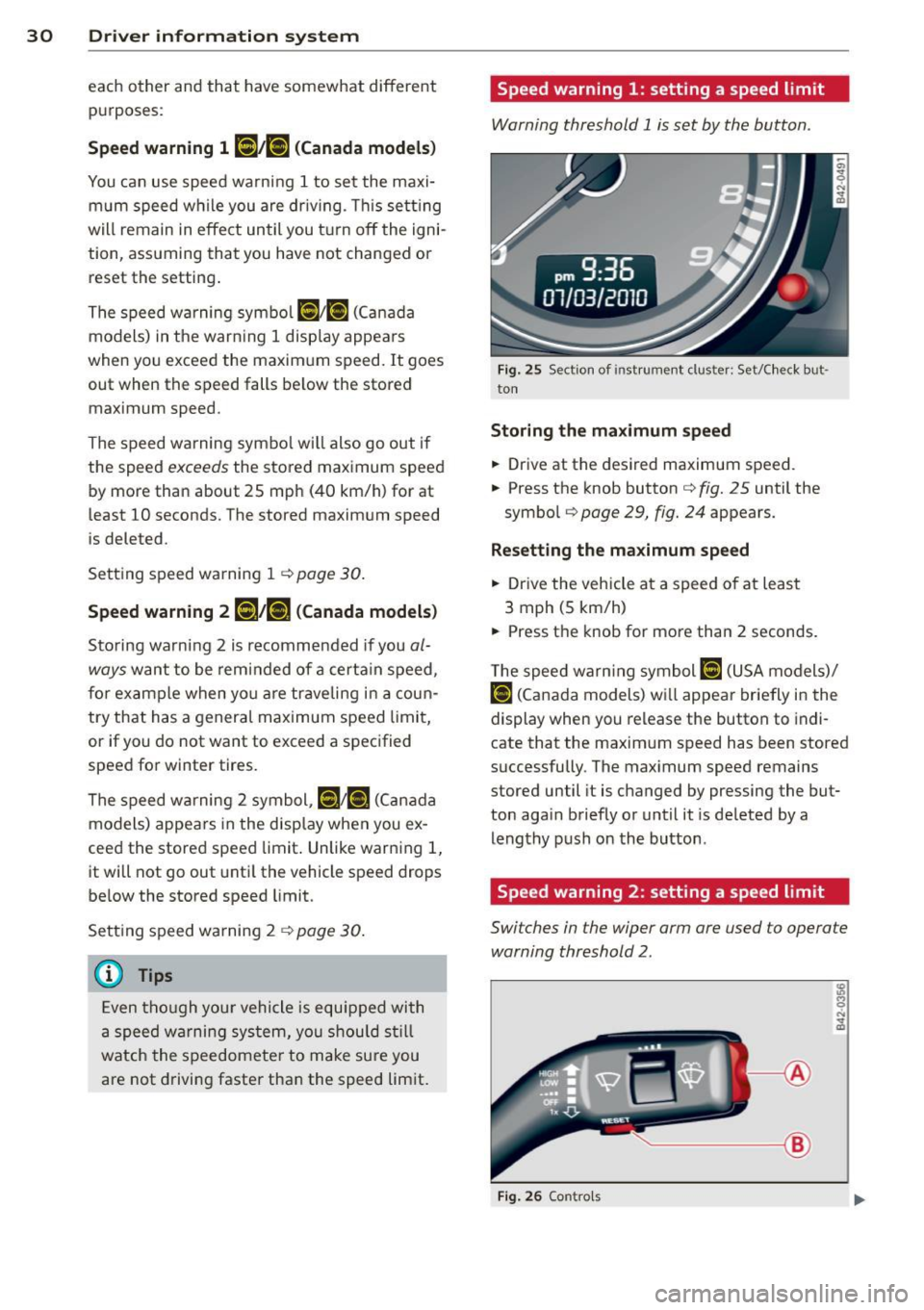
Speed warning 1: setting a speed limit
Warning threshold 1 is set by the button .
Fig. 25 Sect ion of instrument cluster: Set/Check but
ton
Storing the ma ximum speed
.,. Drive at the desired maximum speed.
.,. Press the knob button
c:> fig. 25 until the
symbo l
c:> page 29, fig. 24 appears.
Resett ing the maximum spe ed
.,. Drive the vehicle at a speed of at leas t
3 mph (5 km/h)
.,._ Press the knob for more than 2 seconds.
T he speed wa rn ing symbol
ID] (USA models)/
f•j (Canada models) wi ll appear briefly in the
display when you release the button to indi
cate that the maxim um speed has been stored
s uccessfully . The max imum speed remains
stored until it is changed by pressing the but
ton aga in briefly or unt il it is de leted by a
leng thy push on the button .
Speed warning 2: setting a speed limit
Switches in the wiper arm are used to operate
warning threshold 2.
----- @
Fig. 26 Contro ls
Page 33 of 236

To store maximum speed
"' Turn off the ignition.
"' Briefly press the button in the instrument
cluster ¢
page 30, fig. 25 . The odometer
and the digital clock are now illuminated .
"' Press the button for at least 2 seconds. The
currently stored maximum speed appears in
the d isplay
or the crossed out symbol for
warning threshold 2, if no max imum speed
was set prev iously.
"' Press the function selector sw itch in the
wipe r lever @¢
fig. 26 up or down to
change the set value. Values run up or down
in steps o f 6 mph (10 km/h).
To delete maximum speed
"' Turn off the ignit ion.
"' Briefly press the button in the instrument
cluster ¢
page 30, fig. 25. The odometer
and the digital clock are now illuminated .
"' Press the button for at least 2 seconds. The
currently stored maximum speed appears in
the display.
"' Press the~,
R-E-5-E T~I button in the w iper lever
@ ¢fig. 26 until the crossed out speed
warning symbol for warning threshold 2 ap
pears in the display.
A few seconds after the adjustment is com
p leted, the illumination for the odometer and
the digital clock will go out.
(Di Tips
This warn ing threshold can also be con
trolled through the trip computer
¢ page 26, Navigating the menu.
Driver information system 31
Page 34 of 236

32 Opening and clo sing
Opening and closing
Keys
Key set
Fig . 27 Key set
Fig. 28 Remote master key : Indicator light
Your Audi comes with four keys c::> fig. 27:
@ two master keys with remote
control
@ one valet key
© one emergency key
M aster key with remot e co ntrol
You can centrally lock and unlock yo ur vehicle
and start the eng ine with the master key with
remote control. To fold the key o ut and back
in place, press the re lease button
c::> fig. 2 7
(arrow).
Valet key
The valet key only fits the lock in the d river's
door and the ignition lock .
If you have to leave
the key with somebody e lse, yo u are well-ad
vised to turn
over the valet key only.
Be aware that the front lid and glove compa rt
ment can be opened from ins ide the ve hicl e
using the release buttons . Emergency key
T he emergency key is only for tempo rary use if
the ve hicle key s hou ld be lost o r misplaced.
Key replacement
If you lose a key, contact your authorized Audi
dealer immed iate ly to have the
lost key disa
bled . Be sure to br ing all your keys with you .
If a key is lost, you should repo rt it to your in
surance company .
Reg istered keys
You can inquire about the number of remote master keys registered to your vehicle
r=> page 25 . In this way, you can be certain of
obta ining all the remote master keys if you
purchase a used vehicle .
St ate of maste r key b attery
When a button is pressed, the check light
flashes
c::> fig. 28. If the check light does not
come on or flash, the battery is dead and has
to be replaced .
Battery replacement
r=> page 33.
A WARNING
--
- Do not leave your vehicle unattended
with the key in the ignition lock. Entry by unauthorized persons co uld endanger
you or result in theft or damage the vehi
cle. A lways lock all doors and take the
key .
- D o not leave ch ildren unattended in the
veh icle, especially with a ccess to ve hicle
keys. Unguarded access to the keys pro
vides children the opportu nity to start
the engine and/or activate vehicle sys
tems such as the power windows etc . Un
supervised operation of any vehicle sys
tem by children can result in serious in
jury .
(D Tips
If you open the driver's door with the key
l eft in the ign ition lock, a ch ime will
sound. This is your reminder to remove the key and lock the door .