2011 TOYOTA YARIS SEDAN radio antenna
[x] Cancel search: radio antennaPage 194 of 406
182 3-2. Using the audio system
*:Use of XM® Satellite Radio requires XM® tuner and service.
Contact your Toyota dealer.
n When the battery is disconnected
Stations presets are erased.
n Reception sensitivity
lMaintaining perfect radio reception at all times is difficult due to the con-
tinually changing position of the antenna, differences in signal strength
and surrounding objects, such as trains, transmitters, etc.
l The radio antenna is mounted inside the rear window. To maintain clear
radio reception, do not attach metallic window tinting or other metallic
objects to the antenna wire mounted inside the rear window.
n XM
® Satellite Radio
An XM
® Satellite Radio is a tuner designed exclusively to receive broadcasts
provided under a separate subscription. Availability is limited to the 48 con-
tiguous states and 10 Canadian provinces.
l XM
® subscriptions
For detailed information about XM® Satellite Radio or to subscribe:
U.S.A.—
Visit on the web at www.xmradio.com
or call 1-800-967-2346.
Canada—
Visit on the web at www.xmradio.ca
or call 1-877-438-9677.
l Radio ID
You will need the radio ID when activating XM
® service or reporting a
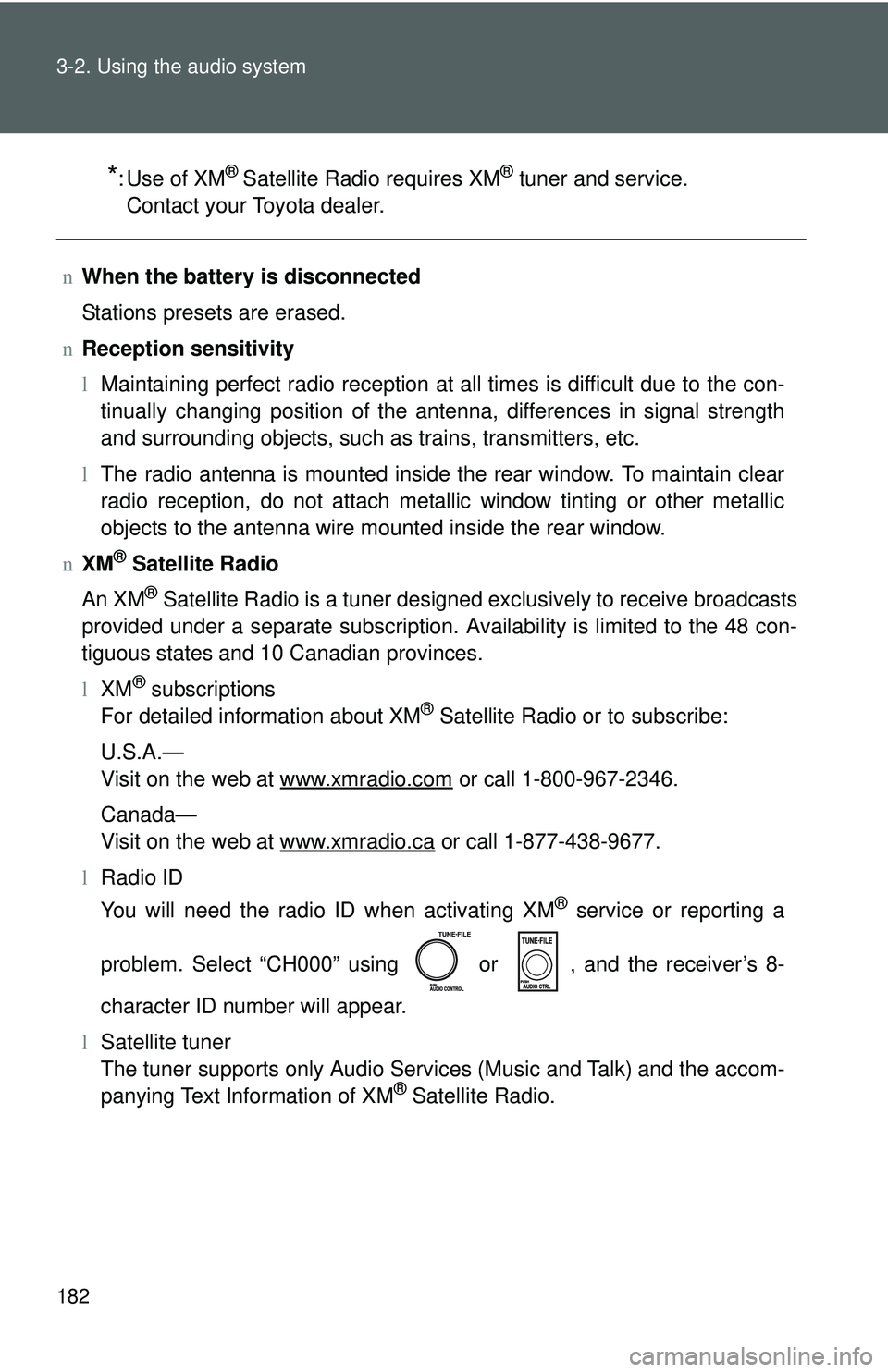
problem. Select “CH000” using or , and the receiver’s 8-
character ID number will appear.
l Satellite tuner
The tuner supports only Audio Services (Music and Talk) and the accom-
panying Text Information of XM
® Satellite Radio.
Page 195 of 406
183
3-2. Using the audio system
3
Interior features
n
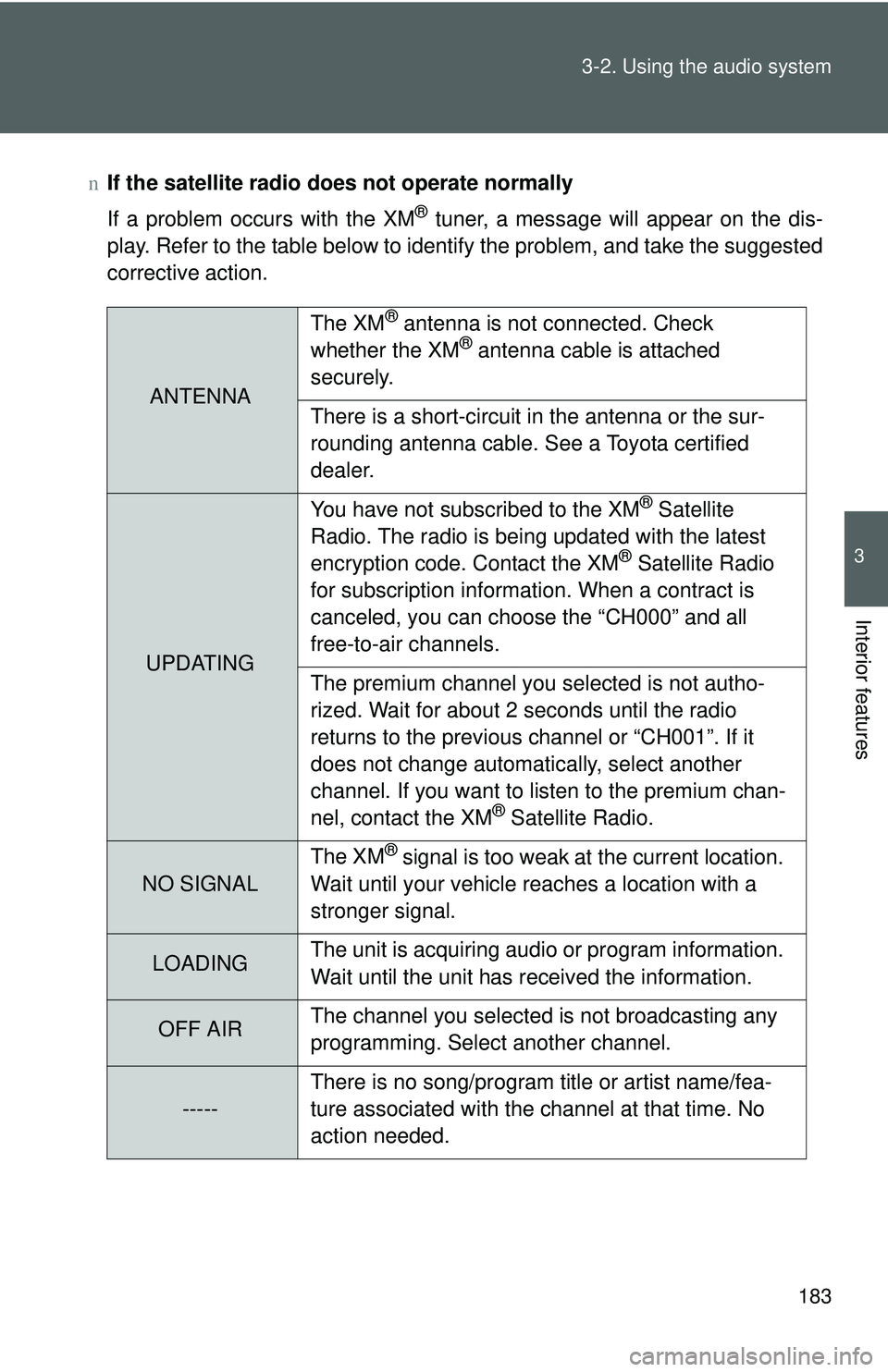
If the satellite radio does not operate normally
If a problem occurs with the XM
® tuner, a message will appear on the dis-
play. Refer to the table below to identify the problem, and take the suggested
corrective action.
ANTENNA The XM
® antenna is not connected. Check
whether the XM® antenna cable is attached
securely.
There is a short-circuit in the antenna or the sur-
rounding antenna cable. See a Toyota certified
dealer.
UPDATING You have not subscribed to the XM
® Satellite
Radio. The radio is being updated with the latest
encryption code. Contact the XM
® Satellite Radio
for subscription information. When a contract is
canceled, you can choose the “CH000” and all
free-to-air channels.
The premium channel you selected is not autho-
rized. Wait for about 2 seconds until the radio
returns to the previous channel or “CH001”. If it
does not change automatically, select another
channel. If you want to listen to the premium chan-
nel, contact the XM
® Satellite Radio.
NO SIGNAL The XM
® signal is too weak at the current location.
Wait until your vehicle reaches a location with a
stronger signal.
LOADING The unit is acquiring audio or program information.
Wait until the unit has received the information.
OFF AIRThe channel you selected is not broadcasting any
programming. Select another channel.
-----There is no song/program title or artist name/fea-
ture associated with the channel at that time. No
action needed.
Page 196 of 406
184 3-2. Using the audio system
Contact the XM® Listener Care Center at 1-800-967-2346 (U.S.A.) or
1-877-438-9677 (Canada).
n Certifications for the radio tuner
This equipment has been tested and found to comply with the limits for a
class B digital device, pursuant to Part 15 of the FCC Rules. These limits are
designed to provide reasonable protection against harmful interference in a
residential installation. This equipment generates, uses and can radiate
radio frequency energy and, if not installed and used in accordance with the
instructions, may cause harmful interference to radio communications. How-
ever, there is no guarantee that interference will not occur in a particular
installation.
If this equipment does cause harmful interference to radio or television
reception, which can be determined by turning the equipment off and on, the
user is encouraged to try to correct the interference by trying one or more of
the following:
lReorienting or relocate the receiving antenna.
l Increasing the separation between the equipment and receiver.
l Connecting the equipment into an outlet on a circuit different from that to
which the receiver is connected.
l Consulting the dealer or an experienc ed radio/TV technician for help.
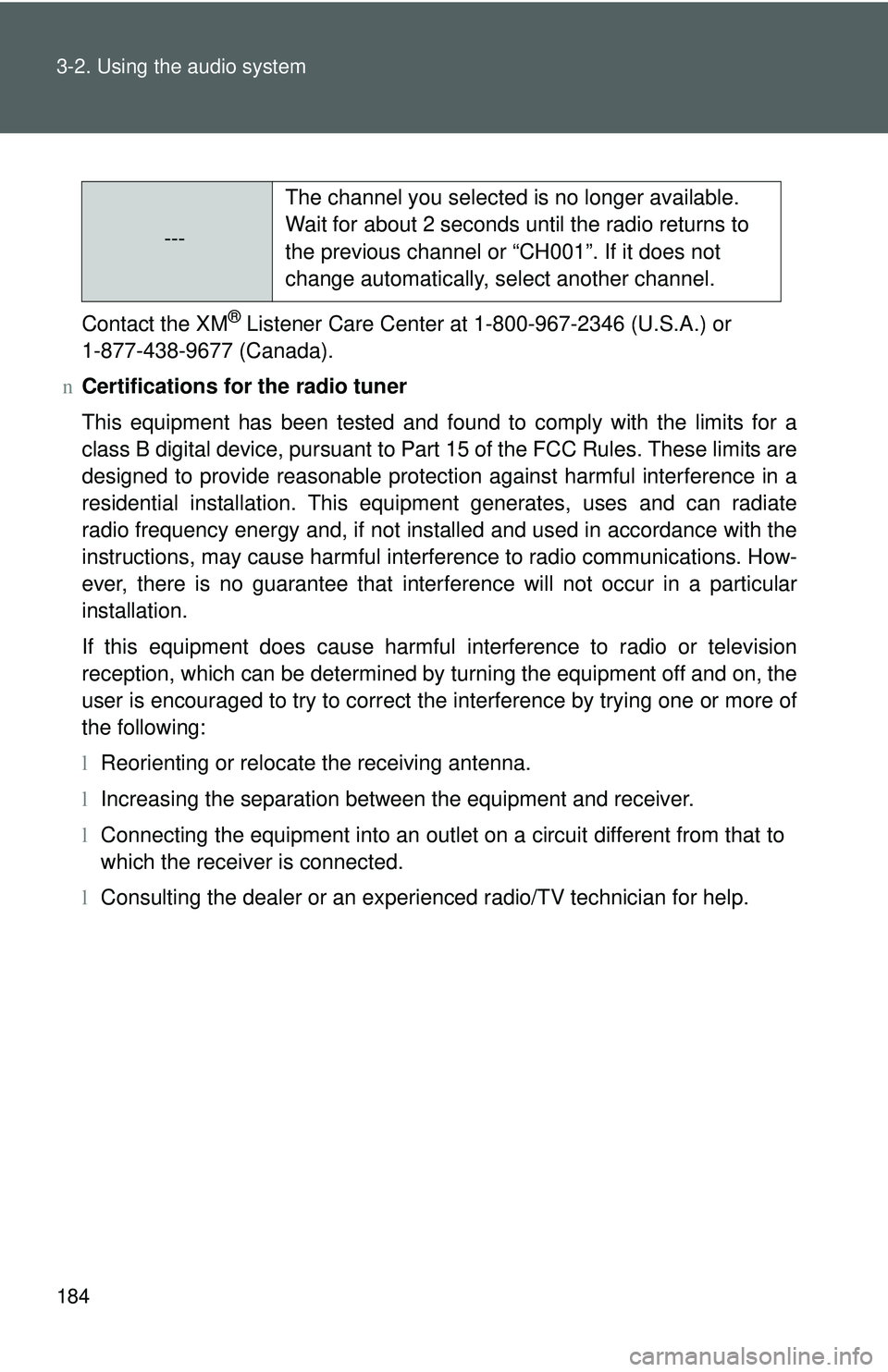
---The channel you selected is no longer available.
Wait for about 2 seconds until the radio returns to
the previous channel or “CH001”. If it does not
change automatically, select another channel.
Page 391 of 406
385
Alphabetical index
Alphabetical index
A/C ............................................ 166
ABSABS ...................................... 141
Warning light ........................ 302
Air conditioning filter .............. 262
Air conditioning system Air conditioning filter ............. 262
Air conditioning system ........ 166
Airbags Airbag operating conditions .... 74
Airbag precautions for your
child...................................... 78
Curtain shield airbag operating
conditions ............................. 74
Curtain shield airbag precautions .......................... 78
Front passenger occupant classification system ............ 83
General airbag precautions .... 78
Indicators ................................ 83
Locations of airbags ............... 71
Modification and disposal of
airbags ................................. 82
Proper driving posture ...... 69, 78
Side airbag operating conditions ............................. 74
Side airbag precautions.......... 78
SRS airbags ........................... 71
Warning light ........................ 302
Alarm .......................................... 65
Antenna .................................... 182
Anti-lock brake system Anti-lock brake system ......... 141
Warning light ........................ 302
Armrest .................................... 216
Ashtrays ................................... 213
Audio input .............................. 200 Audio system
Antenna .................................182
Audio input ............................200
AUX port................................200
CD player ..............................185
MP3/WMA disc......................191
Optimal use ...........................198
Portable music player............200
Radio .....................................179
Type ......................................176
Automatic transmission Automatic transmission .........116
Fluid ......................................345
If the shift lever cannot be shifted from P......................324
Indicators...............................116
Shift lock system .... ...............324
AUX port ...................................200
Auxiliary box ............................208
Back-up lights Replacing light bulbs .............278
Wattage .................................348
Battery
Checking ...............................246
If the vehicle battery is discharged ..........................326
Preparing and checking before winter .......................150
Voltage ..................................344
Warning light .........................302
Bottle holders ...........................208
Brake assist ..............................141
Brakes Fluid ......................................244
Parking brake ........................120
Specifications ........................346
Warning light .........................301
Break-in tips .............................104A
B