2011 TOYOTA VERSO S display
[x] Cancel search: displayPage 99 of 664
99
2 2-1. Plug-in hybrid system
Plug-in hybrid system
stops the fuel pump to minimize the
risk of electrocution and fuel leak-
age.
If the emergency shut off system
activates, your vehicle will not
restart. To restart the hybrid sys-
tem, contact any authorized Toyota
retailer or Toyota authorized
repairer, or any reliable repairer.
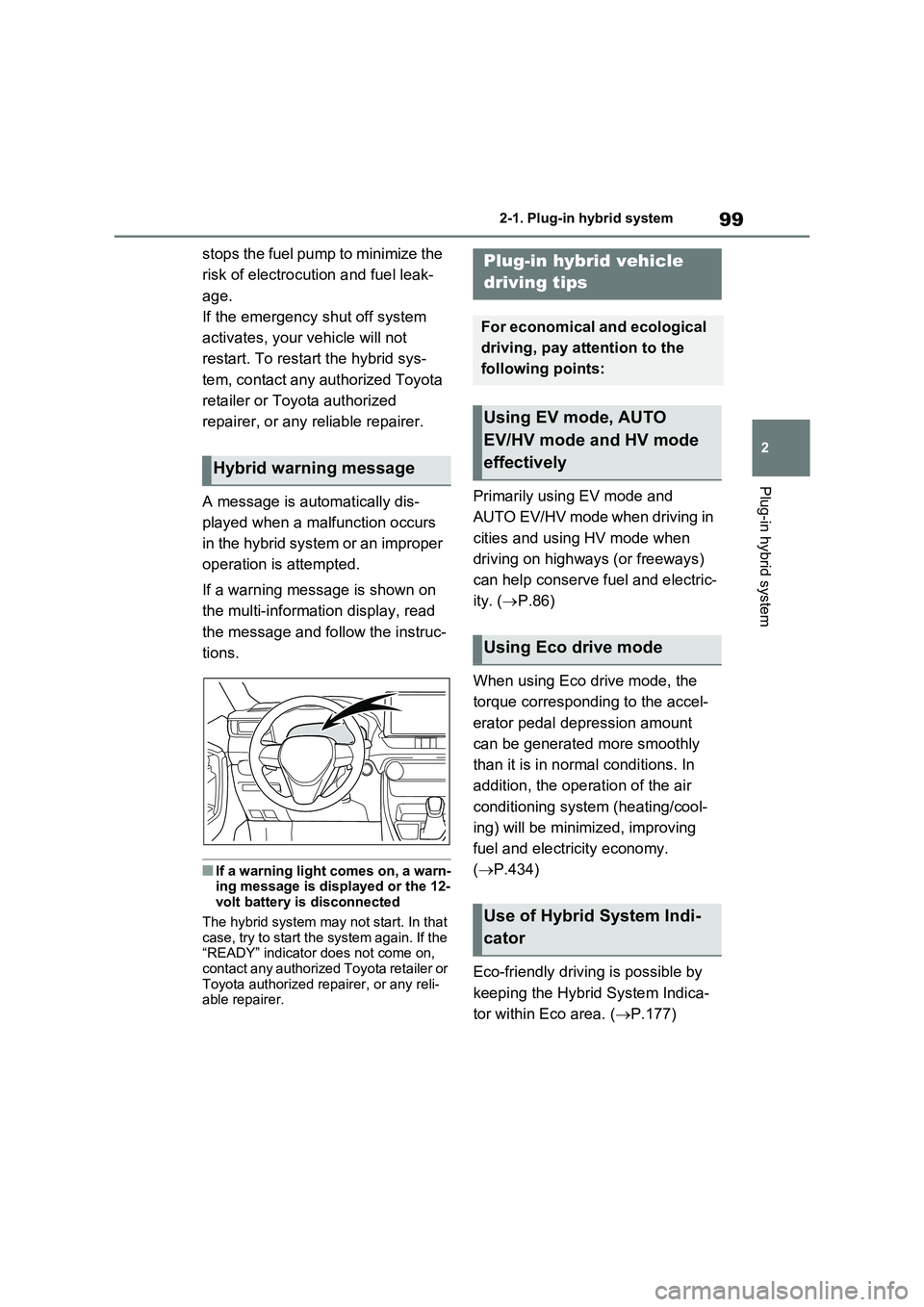
A message is automatically dis-
played when a malfunction occurs
in the hybrid system or an improper
operation is attempted.
If a warning message is shown on
the multi-information display, read
the message and follow the instruc-
tions.
■If a warning light comes on, a warn-
ing message is displayed or the 12-
volt battery is disconnected
The hybrid system may not start. In that
case, try to start the system again. If the
“READY” indicator does not come on,
contact any authorized Toyota retailer or
Toyota authorized repairer, or any reli-
able repairer.
Primarily using EV mode and
AUTO EV/HV mode when driving in
cities and using HV mode when
driving on highways (or freeways)
can help conserve fuel and electric-
ity. (P.86)
When using Eco drive mode, the
torque corresponding to the accel-
erator pedal depression amount
can be generated more smoothly
than it is in normal conditions. In
addition, the operation of the air
conditioning system (heating/cool-
ing) will be minimized, improving
fuel and electricity economy.
(P.434)
Eco-friendly driving is possible by
keeping the Hybrid System Indica-
tor within Eco area. (P.177)
Hybrid warning message
Plug-in hybrid vehicle
driving tips
For economical and ecological
driving, pay attention to the
following points:
Using EV mode, AUTO
EV/HV mode and HV mode
effectively
Using Eco drive mode
Use of Hybrid System Indi-
cator
Page 102 of 664

1022-1. Plug-in hybrid system
The value displayed on the SOC
(State of Charge) gauge (P.174)
is estimated from the following
information.
The amount of hybrid battery
(traction battery) charge cur-
rently remaining
The electricity consumption (the
estimated distance that EV driv-
ing is possible per unit of electri-
cal energy) based on the
recorded value
Past air conditioning system
electricity consumption amount
The electricity consumption varies
depending on how the vehicle is
driven. The vehicle automatically
records the electricity consumption
when being charged and uses the electricity consumption for estimat-
ing the EV driving range. Therefore,
the EV driving range displayed
when the hybrid battery (traction
battery) is fully charged may differ
from the previous EV driving range
depending on how the vehicle was
driven.
The EV driving range may change
significantly with each charging
until the electricity consumption
based on the recorded value is sta-
ble (for approximately the first
month or two). However, this does
not indicate a malfunction.
When the air conditioning system is
turned on, the EV driving range
(with using the air conditioning sys-
tem) is estimated based on the past
air conditioning electricity con-
sumption amount considering that
the electricity consumption may
become higher.
The distance that EV driving is pos-
sible varies significantly depending
on how the vehicle is driven, road
conditions, the weather, the outside
temperature, usage conditions of
electrical components and the num-
ber of occupants.
The distance that EV driving is pos-
sible can be extended if the follow-
ing is performed:
EV driving range
The EV driving range displayed
on the multi-information dis-
play shows the reference dis-
tance that EV driving (driving
using only the electric motor)
is possible, and the actual dis-
tance that can be driven may
differ from that displayed.
Even if the EV driving range is
displayed, EV driving may be
canceled and both gasoline
engine and electric motor are
used depending on the situation.
(P.90)
Displayed value
Tips for extending the EV
driving range
Page 103 of 664
103
2 2-1. Plug-in hybrid system
Plug-in hybrid system
■When starting off, depress the
accelerator pedal smoothly to
accelerate
As a guide, accelerate up to
approximately 20 km/h (12mph) in
the first 5 seconds.
Electrical and fuel efficiency can be
improved just by using the ECO
Accelerator Guidance displayed on
the multi-information display and
taking care to start off gently.
(P.182)
When the driving mode is set to Eco
drive mode, depressing the accelerator
pedal generates smooth torque that
makes it easier to operate the accelera-
tor gently.
■Maintain sufficient vehicle-to-
vehicle distance and do not
accelerate or decelerate
unnecessarily
Try to maintain a fixed speed while
driving. Driving at a short vehicle-
to-vehicle distance will result in
repeating wasteful acceleration and
deceleration, which will worsen the
electrical and fuel efficiency.
■Release the accelerator pedal
early before stopping the vehi-
cle, such as at a traffic light
The regenerative brake will operate
to convert the kinetic energy of the
vehicle into electrical energy, which
will charge the hybrid battery (trac-
tion battery).
The regeneration status can be
checked from the Hybrid System
Indicator. (P.177)When the brake pedal is depressed
lightly during deceleration, the
regeneration amount increases,
enabling more electrical energy to
be recovered.
If the brake pedal is depressed too
strongly, the recovered amount indica-
tor will reach the maximum level and
the upper limit of the recoverable
energy will be exceeded. Therefore, be
sure to operate the brake pedal early.
■Use the air conditioning sys-
tem appropriately, and also
utilize the heated steering
wheel (if equipped) and seat
heaters
In EV mode, the vehicle is cooled
and heated by electrical energy.
(Except in extremely cold tempera-
tures of approximately -10°C (14°F)
or less.)
Preventing excessive cooling or
heating of the vehicle will reduce
power consumption and improve
electrical efficiency.
The heated steering wheel (if
equipped) and seat heaters are effi-
cient heating device that directly
warm the body using less electric
power.
When used together with the air condi-
tioning system, a low temperature set-
ting can be used to improve electrical
and fuel efficiency.
■Check the tire pressure
If the tire pressure is lower than the
specified value, it will worsen the
electrical and fuel efficiency.
Page 104 of 664
1042-1. Plug-in hybrid system
A pressure level 50 kPa (0.5 kgf/cm
2 or
bar, 7 psi) lower than the specified
value will cause a worsening of several
percentage points.
■When driving on highways,
use the EV/HV mode selection
switch to drive in HV mode
The power consumption will
increase significantly if the vehicle
is driven in EV mode on highways.
■Do not load unnecessary
objects in the vehicle
Driving with objects weighing 100
kg (220 lb.) in the vehicle will
worsen the electrical and fuel effi-
ciency by approximately 3%.
Air resistance also greatly affects
electrical and fuel efficiency.
Remove any exterior accessories
such as a roof luggage carrier when
they are not being used.
The running resistance of snow
tires is high and they will worsen
electrical and fuel efficiency.
Replace them with standard tires
as soon as they are no longer
needed.
■Know your vehicle’s electrical
and fuel efficiency
If you know your vehicle’s daily
electrical and fuel efficiency, you
will understand the benefits of Eco
drive.
Use the Power Consumption/Fuel
Economy, ECO Accelerator Guid-
ance/“Eco Score” and other data
displayed on the multi-information display.
The following indicate that charging
has been carried out properly.
The charging indicator of the
charging port turns off
“Charging Complete” is dis-
played on the multi-information
display when a door is opened
with the power switch off
(P.131)
Regardless of the type of power
source or whether the charging
schedule function is used, charging
is completed if the above can be
confirmed.
Charging-related messages: P.160
Display when charging is
completed
Page 107 of 664
107
2 2-2. Charging
Plug-in hybrid system
*: Flashes for a certain period of time, and then turns off.
■Charging indicator of the charging port
When a system malfunction occurs while charging or using the Remote Air Condi-
tioning System, the charging indicator rapidly flashes for a certain period of time, and
then turns off.
If this occurs, when a door is opened with the power switch off, a message is dis-
played on the multi-information display. When a message is displayed, follow the
instructions displayed on the screen.
Illumination/flashing patternVehicle condition
Illuminated
Charging is in progress
Charging is possible
“Battery Heater” (P.128) is operating
“Battery Cooler” (P.129) is operating
Flashing (normally)*When charging schedule is registered (P.144) and
AC charging cable is connected to vehicle
Rapidly flashing*When charging cannot be carried out due to malfunc-
tion in a power source or the vehicle etc. (P.158)
Not illuminated
Charging connector is not inserted into AC
charging inlet
When the charging schedule (P.144) is on
standby
When charging is completed
Page 125 of 664
125
2
2-2. Charging
Plug-in hybrid system
equipped with a Residual Cur-
rent Circuit-Breaker (RCCB). If it
is not, have one installed by a
duly qualified professional.
When charging outdoors, make
sure to connect to a rain-tight
socket that is certified for outdoor
use. Checking Residual Current
Circuit-Breaker (RCCB) opera-
tion before its use is recom-
mended.
Check whether there are any
local EV-charging regulations in
place, and adhere to them.
*: For detailed information, consult an
electrician.
■The charging environment
For safe charging, the following charging equipment and settings are
recommended.
●Rain-tight socket
When charging outdoors, connect the
plug to a rain-tight socket, and ensure
that the plug remains waterproof while
the plug is connected.
●Dedicated circuit
• To reduce the risk of fire, connect only to an at least 13A branch circuit with an over-current protection.
• To reduce the risk of electric shock when working with the plug, connect to a socket that has a Residual Cur-
rent Circuit-Breaker (RCCB) installed.
●Remote switch
Allows the electricity from the socket to
be interrupted by operating a switch,
thus allowing safe removal and insertion
of the plug on rainy days.
■When your circuit breaker trips
during charging
The upper limit of the charging current
can be changed in “Vehicle Settings” on
the multi-information display.
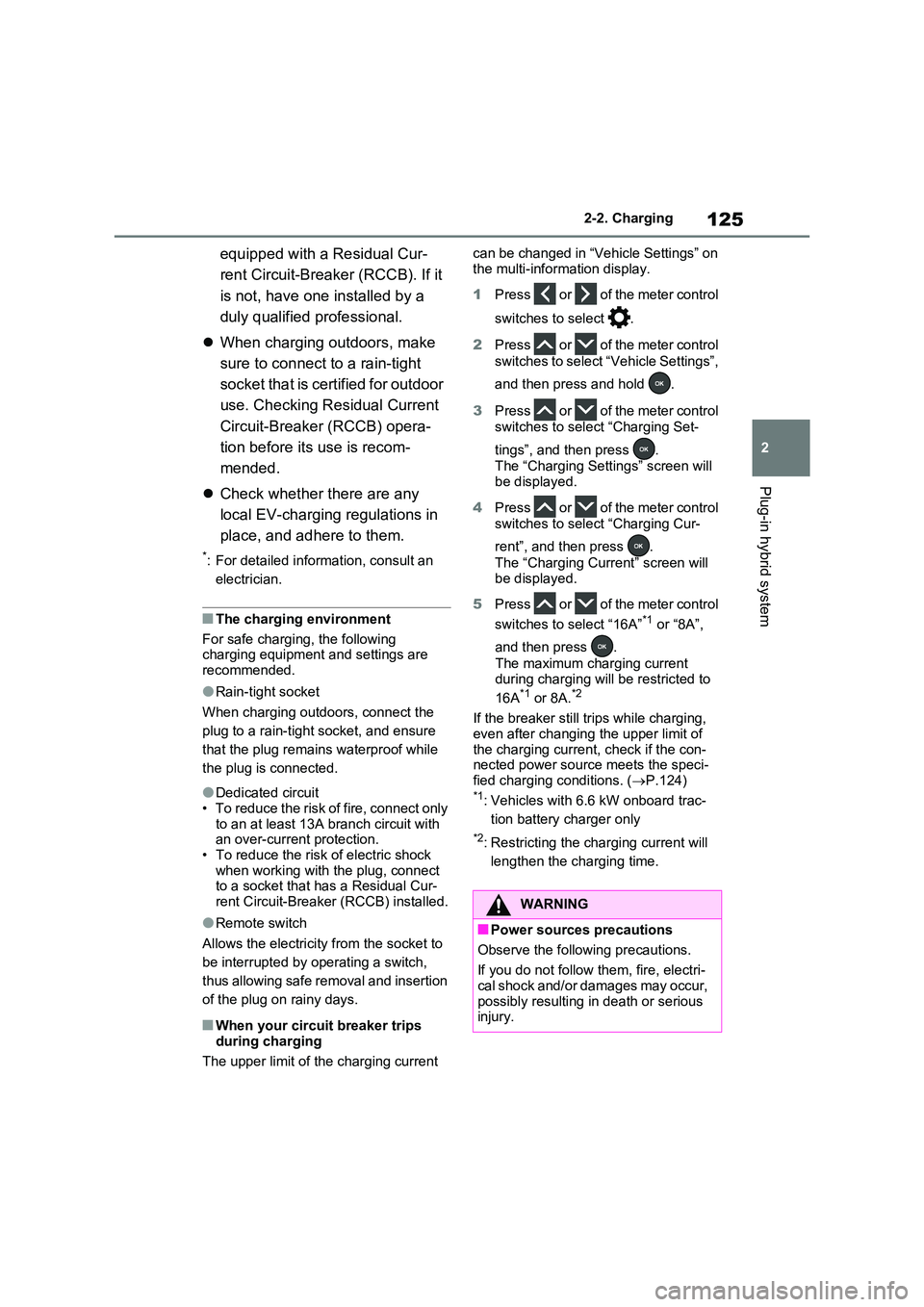
1 Press or of the meter control
switches to select .
2 Press or of the meter control
switches to select “Vehicle Settings”,
and then press and hold .
3 Press or of the meter control
switches to select “Charging Set-
tings”, and then press .
The “Charging Settings” screen will
be displayed.
4 Press or of the meter control
switches to select “Charging Cur-
rent”, and then press .
The “Charging Current” screen will be displayed.
5 Press or of the meter control
switches to select “16A”*1 or “8A”,
and then press .
The maximum charging current
during charging will be restricted to
16A*1 or 8A.*2
If the breaker still trips while charging,
even after changing the upper limit of the charging current, check if the con-nected power source meets the speci-
fied charging conditions. ( P.124)*1: Vehicles with 6.6 kW onboard trac-
tion battery charger only
*2: Restricting the charging current will
lengthen the charging time.
WARNING
■Power sources precautions
Observe the following precautions.
If you do not follow them, fire, electri- cal shock and/or damages may occur,
possibly resulting in death or serious injury.
Page 128 of 664
1282-2. Charging
such as the remaining charge of the
hybrid battery (traction battery), the
outside temperature and specifica-
tions of a charger (charging station).
*4: When using “My Room Mode”
(P.153), the time required for
charging to complete may be longer
or the charging may not be com-
pleted.
*5: If equipped
■Charging time may increase
In the following situations, charging time
may become longer than normal:
●In very hot or very cold temperatures.
●When the hybrid battery (traction bat-
tery) becomes hot, such as immedi-
ately after high-load driving.
●The vehicle is consuming a lot of elec-
tricity, for example, when the head-
lights are on etc.
●When using “My Room Mode”.
(P.153)
●There is a power outage during
charging.
●There is an interruption in the electri-
cal supply.
●There is a drop in the voltage of exter-
nal power source.
●The charge in the 12-volt battery is
low, for example due to the vehicle
being left unused for a long period of
time.
●The maximum charging current is set
to 8A or 16A* through “Vehicle Set-
tings”. (P.125)
●When the “Battery Heater” operates.
(P.128)
●When the “Battery Cooler” is operated
before charging. (P.129)
●When the plug generates heat due to
a loose socket connection etc.
*: Vehicles with 6.6 kW onboard traction
battery charger only
■Using a DC Charger
DC Chargers cannot be used with this
vehicle.
■Charging electricity
This vehicle can be charged up to
approximately 3.3 kW or 6.6 kW
*.
However, depending on the used char-
ger or AC charging cable, charging elec-
tricity may be limited.
*: Vehicles with 6.6 kW onboard traction
battery charger only
This vehicle is equipped with sev-
eral functions that are linked with
charging.
■“My Room Mode” (P.153)
When the AC charging cable is
connected to the vehicle, electrical
components such as the air condi-
tioning system or audio system can
be used using the external power
source
*.
*: The power of the hybrid battery (trac-
tion battery) may be used depending
on the situation.
■“Battery Heater”
When the outside temperature is
low and the AC charging cable is
connected to the vehicle, this func-
tion automatically warms the hybrid
battery (traction battery) until it
reaches or exceeds a certain tem-
perature.
“Battery Heater” will operate when
the “Battery Heater” of the
“Charging Settings” on the multi-
information display is on. (P.187)
Charging-linked functions
Page 129 of 664
129
2 2-2. Charging
Plug-in hybrid system
■Hybrid battery (traction bat-
tery) warming control (Green-
land only)
This control operates after the AC
charging cable remains connected
to the vehicle for 3 days and “Bat-
tery Heater” automatically stops. It
automatically insulates the hybrid
battery (traction battery) in
extremely low temperatures.
This control stops 31 days after
the AC charging cable is con-
nected, even if it is still con-
nected to the vehicle.
When this control operates,
charging schedule settings are
ignored and charging starts.
■“Battery Cooler”
When the hybrid battery (traction
battery) is hot and the AC charging
cable is connected to the vehicle,
this function cools the hybrid bat-
tery (traction battery) before
charging is carried out.
“Battery Cooler” will operate when
the “Battery Cooler” of the
“Charging Settings” on the multi-
information display is on. (P.187)
■Traction battery heating and cool-
ing system (“Battery Heater” and
“Battery Cooler”)
●The system operates when the hybrid
battery (traction battery) is below or
above a certain temperature.
●The system may operate when
charging is not being performed.
●When the charging schedule is used
(P.144), this function will operate according to the charging schedule.
■“Battery Heater”
●When “Battery Heater” is operating,
the charging indicator illuminates.
●When the AC charging cable is
removed from the vehicle or remains
connected to the vehicle for approxi-
mately 3 days, the system automati-
cally stops.
●When “Battery Heater” is operating
during charging, the charging time
may be longer than normal.
●If the outside temperature becomes
high while “Battery Heater” is operat-
ing, charging may complete earlier
than the “Departure” time set.
(P.144)
●When the traction battery is almost
completely charged, “Battery Cooler”
may not be implemented.
●When the following operations are
performed while “Battery Heater” is
operating, the hybrid battery (traction
battery) heating operation stops.
• The shift lever is changed to any posi-
tion other than P
• The Remote Air Conditioning System
is operated (P.460)
●“Battery Heater” may operate even
when the hybrid battery (traction bat-
tery) is fully charged depending on the
temperature of the hybrid battery
(traction battery).
• The remaining charge of the hybrid
battery (traction battery) decreases
when “Battery Heater” operates. The
charging operation may start again to
charge the hybrid battery (traction bat-
tery).
• “Charging Stopped Due to Pulled
Charging Connector” may be shown
when the charging connector is
removed while recharging. (P.160)
■“Battery Cooler”
●The charging indicator is illuminated
while “Battery Cooler” is on standby or
operating.
●“Battery Cooler” is implemented for a