Page 193 of 508
193
3-2. Using the audio system
3
Interior featuresLanguage settings (type B only)
The language used for all voice guidance, voice recognition and mes-
sages may be changed.
Press .
Press that corresponds to “MORE”.
Press that corresponds to “LANG”.
Press that corresponds to the desired language.
For vehicles sold in the U.S.A.
“ENG” (English) or “ESP” (Spanish)
For vehicles sold in Canada
“ENG” (English) or “FRAN” (French)
TitlePage
Using the radioP. 195
Using the CD playerP. 202
Playing MP3 and WMA discsP. 210
Operating an iPodP. 218
Operating a USB memoryP. 225
Optimal use of the audio systemP. 232
Using the AUX portP. 237
Using the steering wheel audio switchesP. 239
STEP1
STEP2
STEP3
STEP4
Page 205 of 508
205
3-2. Using the audio system
3
Interior features
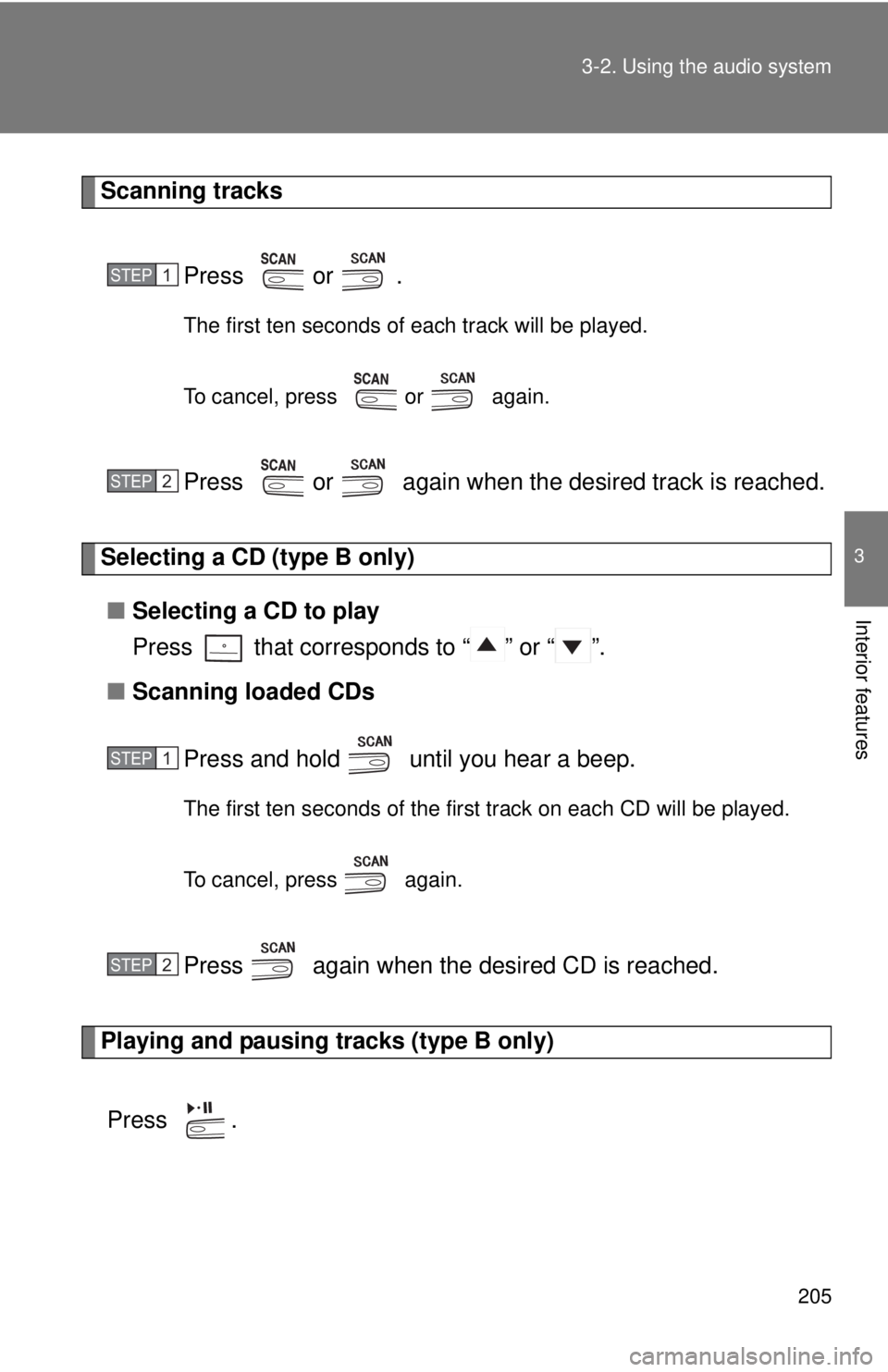
Scanning tracks
Press or .
The first ten seconds of each track will be played.
To cancel, press or again.
Press or again when the desired track is reached.
Selecting a CD (type B only)■ Selecting a CD to play
Press that corresponds to “ ” or “ ”.
■ Scanning loaded CDs
Press and hold until you hear a beep.
The first ten seconds of the first track on each CD will be played.
To cancel, press again.
Press again when the desired CD is reached.
Playing and pausing tracks (type B only)
Press .
STEP1
STEP2
STEP1
STEP2
Page 206 of 508
206 3-2. Using the audio system
Random playback■ Current CD
Press (RAND) or that corresponds to “RDM”.
Songs are played in random order.
To cancel, press the same button until “OFF” is displayed.
■All CDs (type B only)
Press that corresponds to “RDM” twice.
Tracks on all loaded CDs are played in random order.
To cancel, press the button again.
Repeat play
■ Repeating a track
Press (RPT) or that corresponds to “RPT”.
To cancel, press the same button until “OFF” is displayed.
■Repeating all of the tracks on a CD (type B only)
Press that corresponds to “RPT” twice.
To cancel, press the button again.
Switching the display
Press or .
Type A: Each time is pressed, the display changes in the following
order:
Track no./Elapsed time CD title Track name.
Page 212 of 508
212 3-2. Using the audio system
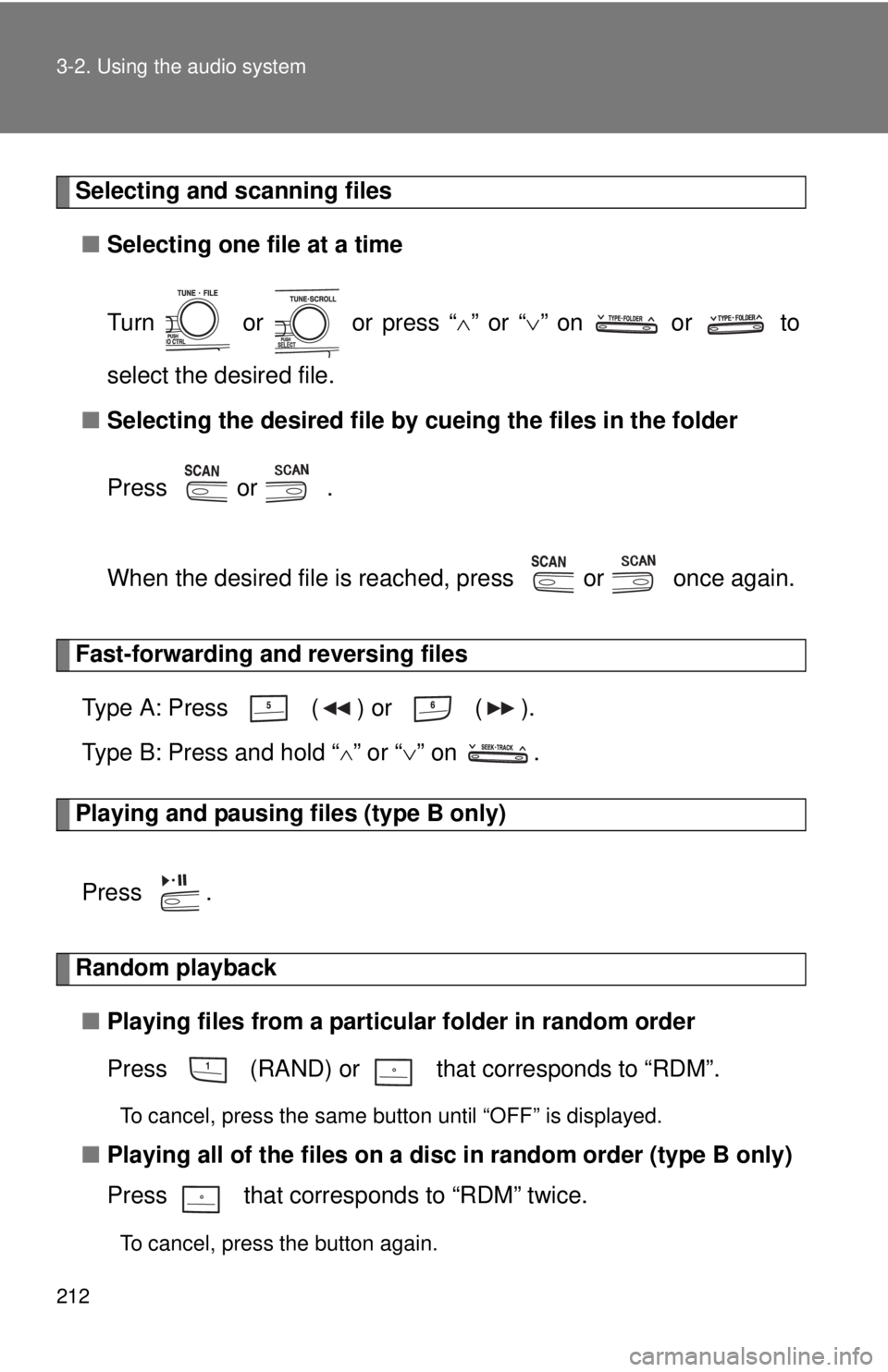
Selecting and scanning files■ Selecting one file at a time
Turn or or press “ ” or “ ” on or to
select the desired file.
■ Selecting the desired file by cueing the files in the folder
Press or .
When the desired file is reached, press or once again.
Fast-forwarding and reversing files Type A: Press ( ) or ( ).
Type B: Press and hold “
” or “ ” on .
Playing and pausing files (type B only)
Press .
Random playback■ Playing files from a particular folder in random order
Press (RAND) or that corresponds to “RDM”.
To cancel, press the same button until “OFF” is displayed.
■Playing all of the files on a di sc in random order (type B only)
Press that corresponds to “RDM” twice.
To cancel, press the button again.
Page 213 of 508
213
3-2. Using the audio system
3
Interior features
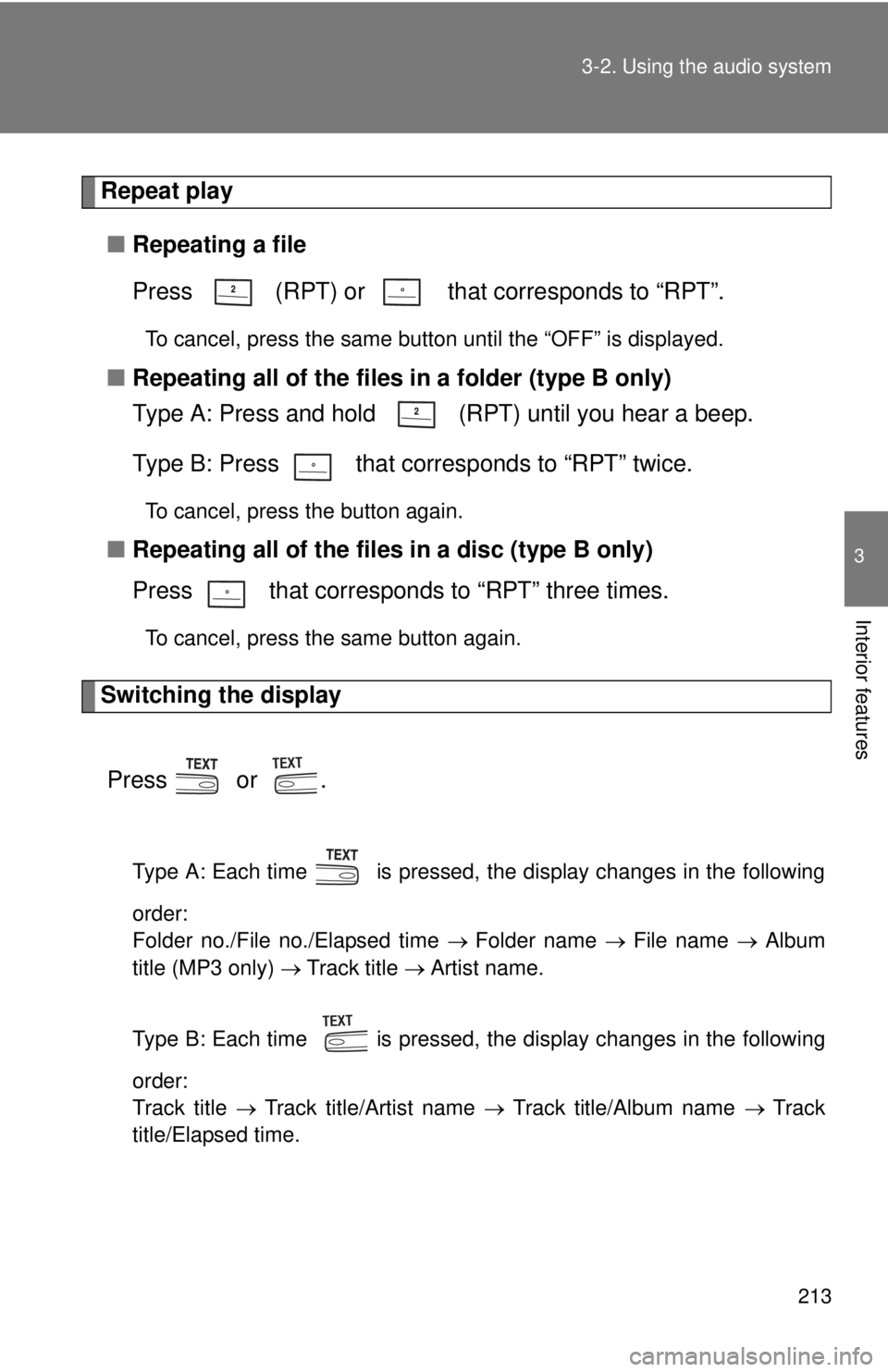
Repeat play
■ Repeating a file
Press (RPT) or that corresponds to “RPT”.
To cancel, press the same button until the “OFF” is displayed.
■Repeating all of the files in a folder (type B only)
Type A: Press and hold (RPT) until you hear a beep.
Type B: Press that corresponds to “RPT” twice.
To cancel, press the button again.
■Repeating all of the files in a disc (type B only)
Press that corresponds to “RPT” three times.
To cancel, press the same button again.
Switching the display
Press or .
Type A: Each time is pressed, the display changes in the following
order:
Folder no./File no./Elapsed time Folder name File name Album
title (MP3 only) Track title Artist name.
Type B: Each time is pressed, the display changes in the following
order:
Track title Track title/Artist name Track title/Album name Track
title/Elapsed time.
Page 219 of 508
219
3-2. Using the audio system
3
Interior features
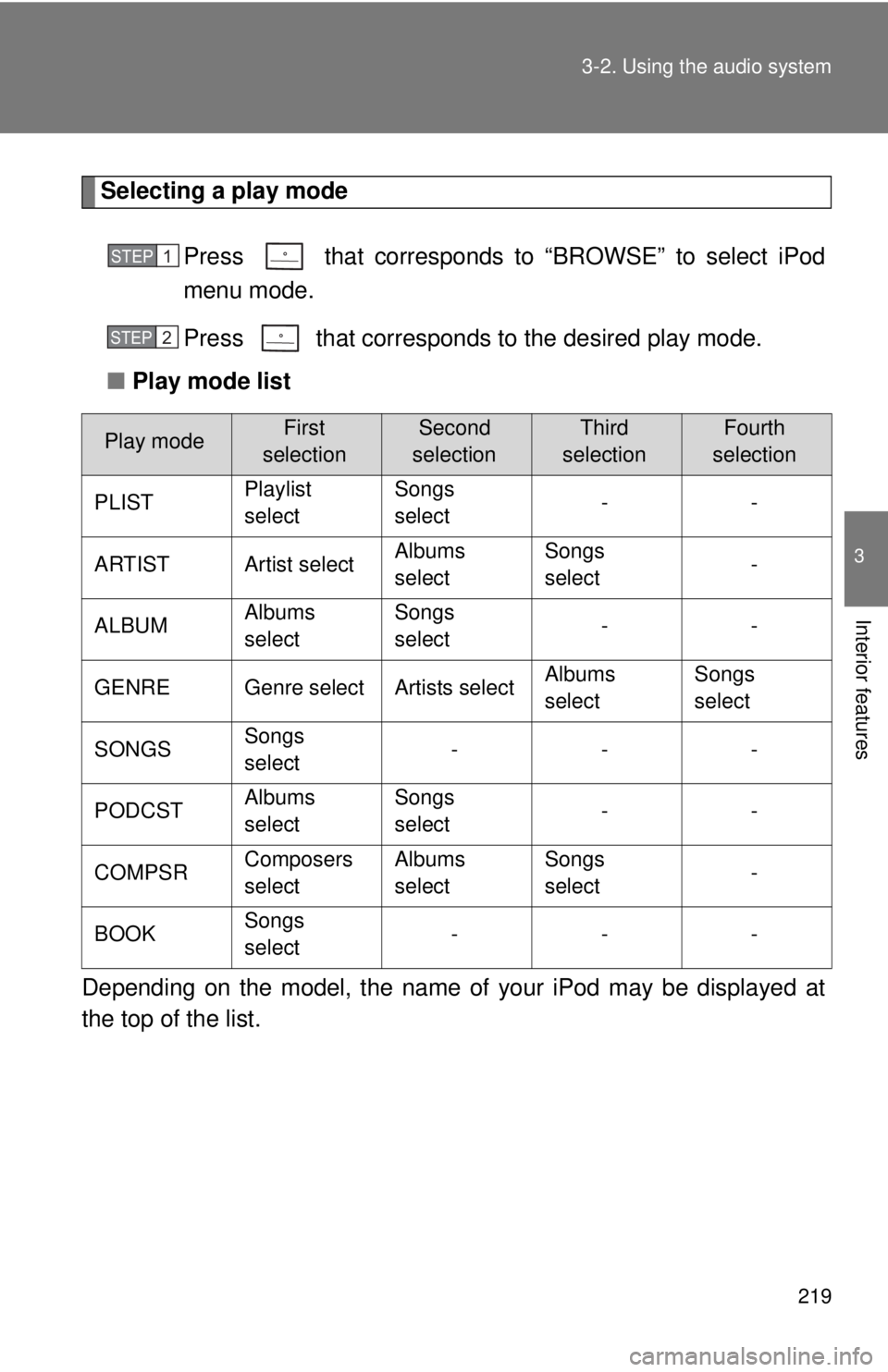
Selecting a play mode
Press that corresponds to “BROWSE” to select iPod
menu mode.
Press that corresponds to the desired play mode.
■ Play mode list
Depending on the model, the name of your iPod may be displayed at
the top of the list.
Play modeFirst
selectionSecond
selectionThird
selectionFourth
selection
PLIST Playlist
selectSongs
select
--
ARTIST Artist select Albums
selectSongs
select
-
ALBUM Albums
selectSongs
select
--
GENRE Genre select Artists select Albums
selectSongs
select
SONGS Songs
select ---
PODCST Albums
selectSongs
select
--
COMPSR Composers
selectAlbums
selectSongs
select
-
BOOK Songs
select ---
STEP1
STEP2
Page 220 of 508
220 3-2. Using the audio system
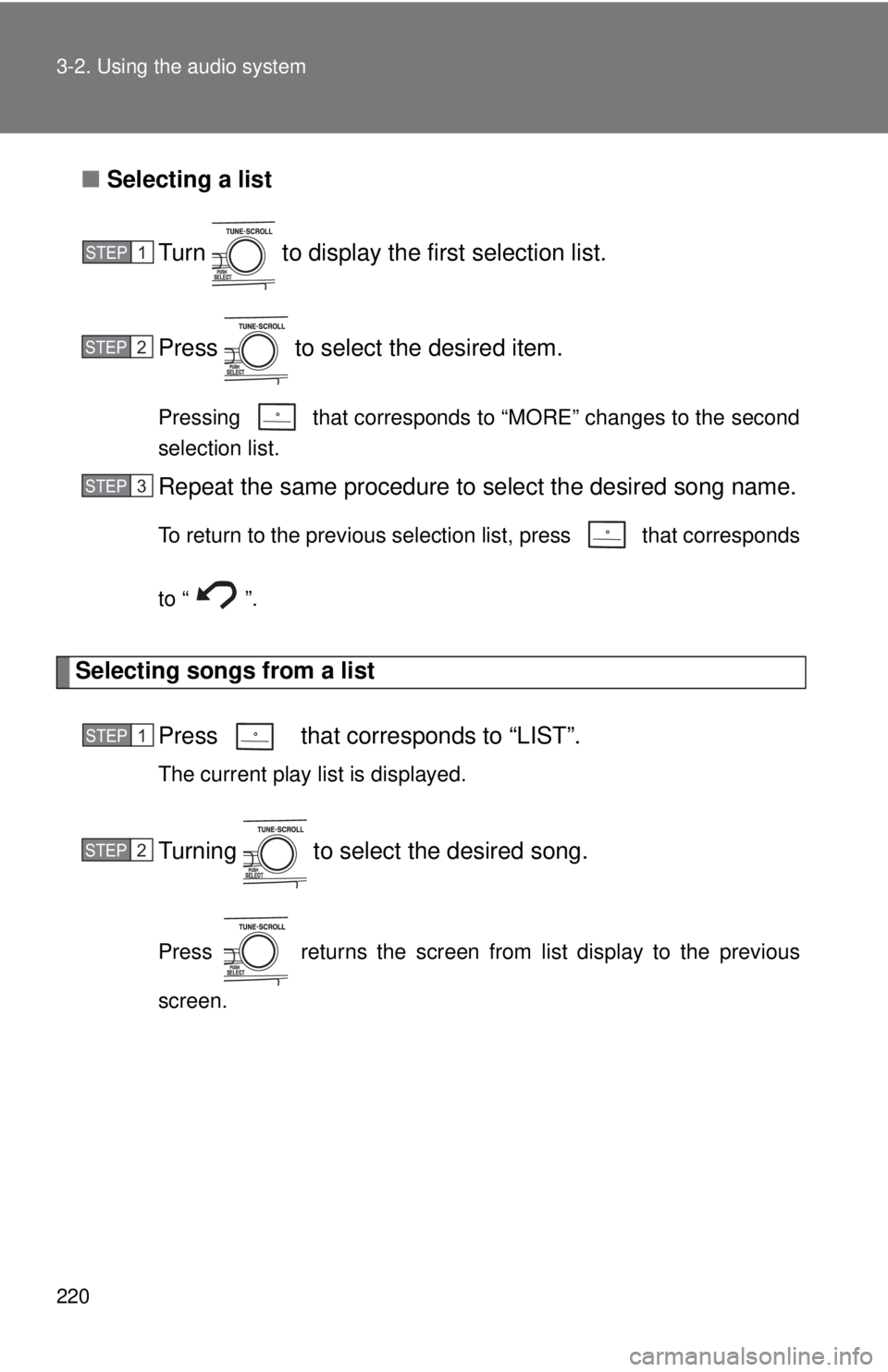
■Selecting a list
Turn to display the first selection list.
Press to select the desired item.
Pressing that corresponds to “MORE” changes to the second
selection list.
Repeat the same procedure to select the desired song name.
To return to the previous selection list, press that corresponds
to “ ”.
Selecting songs from a list Press that corresponds to “LIST”.
The current play list is displayed.
Turning to select the desired song.
Press returns the screen from list display to the previous
screen.
STEP1
STEP2
STEP3
STEP1
STEP2
Page 221 of 508
221
3-2. Using the audio system
3
Interior features
Selecting songs
Turn or press “ ” or “ ” on to select the desired song.
Playing and pausing songs
Press .
Fast-forwarding and reversing songsPress and hold “
” or “ ” on .
Shuffle playback
■ Playing songs from one playlis t or album in random order
Press that corresponds to “RDM”.
To cancel, press the button twice.
■ Playing songs from a ll the playlists or albums in random order
Press that corresponds to “RDM” twice.
To cancel, press the button again.
Repeat play
Press that corresponds to “RPT”.
To cancel, press the button again.
Even when the repeat play option has not been selected, playback will
automatically continue from the first song in the current play list once the
last song has ended.