Page 52 of 476

The Advanced Front Airbags have a multistage inflator
design. This allows the airbag to have different rates of
inflation based on the severity and type of collision.
NOTE:Airbag covers may not be obvious in the interior
trim; but they will open during airbag deployment.
Airbag System Components
The airbag system consists of the following:
•Occupant Restraint Controller (ORC)
•Airbag Warning Light
•Driver Front Airbag
•Front Passenger Airbag — if equipped
•Steering Wheel and Column
•Instrument Panel
•Knee Impact Bolster
Advanced Front Airbag Features
The Advanced Front Airbag system has multistage driver
and front passenger (if equipped) airbags. This system
provides output appropriate to the severity and type of
collision as determined by the Occupant Restraint Con-
troller (ORC).
The first stage inflator is triggered immediately during an
impact that requires airbag deployment. The timing of
the second stage determines whether the output force is
low, medium, or high. If a low output is sufficient to meet
the need, the remaining gas in the inflator is expended.
WARNING!
•No objects should be placed over or near the
airbag on the instrument panel, because any such
objects could cause harm if the vehicle is in a crash
severe enough to cause the airbag to inflate.
(Continued)
2
THINGS TO KNOW BEFORE STARTING YOUR VEHICLE 51
Page 54 of 476
ride properly buckled up in the rear seat. Never allow
children to slide the shoulder belt behind them or under
their arm.
If a child from 1 to 12 years old (not in a rear facing child
seat) must ride in the front passenger seat, move the seat
as far back as possible and use the proper child restraint.
(Refer to “Child Restraints”)
You should read the instructions provided with your
child restraint to make sure that you are using it properly.
All occupants should ALWAYS wear their lap and shoul-
der belts properly.
The driver and front passenger seats should be moved
back as far as practical to allow the Advanced Front
Airbags room to inflate.If the airbag system in this vehicle needs to be modified
to accommodate a disabled person, contact the Customer
Center. Phone numbers are provided under
�If You Need
Assistance�.
WARNING!
•Relying on the airbags alone could lead to more
severe injuries in a collision. The airbags work
with your seat belt to restrain you properly. In
some collisions, the airbags won’t deploy at all.
Always wear your seat belts even though you have
airbags.
•Being too close to the steering wheel or instrument
panel during front airbag deployment could cause
serious injury, including death. Airbags need
room to inflate. Sit back, comfortably extending
your arms to reach the steering wheel or instru-
ment panel.
2
THINGS TO KNOW BEFORE STARTING YOUR VEHICLE 53
Page 56 of 476

The ORC contains a backup power supply system that
may deploy the airbags even if the battery loses power or
it becomes disconnected prior to deployment.Also, the ORC turns on the Airbag Warning
Light in the instrument panel for approxi-
mately six to eight seconds for a self-check
when the ignition is first turned on. After the
self-check, the Airbag Warning Light will turn off. If the
ORC detects a malfunction in any part of the system, it
turns on the Airbag Warning Light, either momentarily
or continuously. A single chime will sound if the light
comes on again after initial startup.
It also includes diagnostics that will illuminate the instru-
ment cluster Airbag Warning Light if a malfunction is
noted. The diagnostics also record the nature of the
malfunction.WARNING!
Ignoring the Airbag Warning Light in your instru-
ment panel could mean you won’t have the airbags to
protect you in a collision. If the light does not come
on, stays on after you start the vehicle, or if it comes
on as you drive, have the airbag system checked right
away.
Driver and Passenger Airbag Inflator Units
The Driver and Passenger Airbag/Inflator Units are
located in the center of the steering wheel and the right
side of the instrument panel (if equipped). When the
ORC detects a collision requiring the airbags, it signals
the inflator units. A large quantity of non-toxic gas is
generated to inflate the Advanced Front Airbags. Differ-
ent airbag inflation rates are possible, based on the
collision type and severity. The steering wheel hub trim
cover and the upper right side of the instrument panel
2
THINGS TO KNOW BEFORE STARTING YOUR VEHICLE 55
Page 59 of 476

Maintaining Your Airbag System
WARNING!
•Modifications to any part of the airbag system
could cause it to fail when you need it. You could
be injured if the airbag system is not there to
protect you. Do not modify the components or
wiring, including adding any kind of badges or
stickers to the steering wheel hub trim cover or the
upper right side of the instrument panel. Do not
modify the front bumper, vehicle body structure,
or add aftermarket side steps or running boards.
•It is dangerous to try to repair any part of the
airbag system yourself. Be sure to tell anyone who
works on your vehicle that it has an airbag system.(Continued)
WARNING! (Continued)
•Do not attempt to modify any part of your ad-
vanced airbag system. The airbag may inflate
accidentally or may not function properly if modi-
fications are made. Take your vehicle to an autho-
rized dealer for any advanced airbag system ser-
vice. If your seat, including your trim cover and
cushion, needs to be serviced in any way (includ-
ing removal or loosening/tightening of seat attach-
ment bolts), take the vehicle to your authorized
dealer. Only manufacturer approved seat accesso-
ries may be used. If it is necessary to modify an
advanced airbag system for persons with disabili-
ties, contact your authorized dealer.
58 THINGS TO KNOW BEFORE STARTING YOUR VEHICLE
Page 76 of 476

a collision if they have been damaged (i.e., bent retractor,
torn webbing, etc.). If there is any question regarding belt
or retractor condition, replace the belt.
Airbag Warning Light
The light should come on and remain on for six to eight
seconds as a bulb check when the ignition switch is first
turned ON. If the light is not lit during starting, see your
authorized dealer. If the light stays on, flickers, or comes
on while driving, have the system checked by an autho-
rized dealer.
Defroster
Check operation by selecting the defrost mode and place
the blower control on high speed. You should be able to
feel the air directed against the windshield. See your
authorized dealer for service if your defroster is
inoperable.
Periodic Safety Checks You Should Make Outside
the Vehicle
Tires
Examine tires for excessive tread wear and uneven wear
patterns. Check for stones, nails, glass, or other objects
lodged in the tread. Inspect the tread and sidewall for
cuts and cracks. Check the wheel nuts for tightness.
Check the tires (including spare) for proper pressure.
Lights
Have someone observe the operation of exterior lights
while you work the controls. Check turn signal and high
beam indicator lights on the instrument panel.
Door Latches
Check for positive closing, latching, and locking.
2
THINGS TO KNOW BEFORE STARTING YOUR VEHICLE 75
Page 81 of 476

�Cigar Lighter And Ash Receiver —
If Equipped .......................... 159
� Power Inverter — If Equipped ............ 160
� Cupholders .......................... 161
▫ Front Instrument Panel Cupholders —
(40–20–40 Seats) ..................... 161
▫ Front Instrument Panel Cupholders — Floor
Storage Bin ......................... 162
▫ Rear Cupholder — Crew Cab ........... 162
� Storage ............................. 163
▫ Glove Box Storage ................... 163
▫ Door Storage ....................... 165
▫ Center Storage Compartment —
If Equipped ........................ 166 ▫
Seatback Storage ..................... 168
▫ Storage (Regular Cab) ................. 168
▫ Storage And Seats (Crew Cab) ........... 169
▫ Plastic Grocery Bag Retainers
(Regular Cab Models) ................. 170
� Rear Window Features .................. 170
▫ Rear Window Defroster ................ 170
▫ Power Sliding Rear Window —
If Equipped ........................ 171
▫ Manual Sliding Rear Window —
If Equipped ........................ 172
80 UNDERSTANDING THE FEATURES OF YOUR VEHICLE
Page 105 of 476
The Uconnect™ Phone will then send the corresponding
phone number associated with the phonebook entry, as
tones over the phone.
NOTE:
•You may not hear all of the tones due to cellular phone
network configurations. This is normal.
•Some paging and voice mail systems have system time
out settings that are too short and may not allow the
use of this feature.
Barge In - Overriding Prompts
The “Voice Command” button can be used when you
wish to skip part of a prompt and issue your voice
command immediately. For example, if a prompt is
asking�Would you like to pair a phone, clear a...,� you
could press the
button and say, �Pair a Phone�to
select that option without having to listen to the rest of
the voice prompt.
Turning Confirmation Prompts ON/OFF
Turning confirmation prompts off will stop the system
from confirming your choices (e.g., the Uconnect™
Phone will not repeat a phone number before you dial it).
•Press thebutton to begin.
•After the �Ready�prompt and the following beep, say
�Setup Confirmations.� The Uconnect™ Phone will
play the current confirmation prompt status and you
will be given the choice to change it.
Phone and Network Status Indicators
If available on the radio and/or on a premium display
such as the instrument panel cluster, and supported by
your cellular phone, the Uconnect™ Phone will provide
notification to inform you of your phone and network
status when you are attempting to make a phone call
using Uconnect™ Phone. The status is given for roaming,
network signal strength, phone battery strength, etc.
104 UNDERSTANDING THE FEATURES OF YOUR VEHICLE
Page 130 of 476
WARNING!
Adjusting a seat while the vehicle is moving is
dangerous. The sudden movement of the seat could
cause you to lose control. The seat belt might not be
properly adjusted and you could be injured. Adjust
any seat only while the vehicle is parked.
Heated Seats — If Equipped
Both front seats and rear passenger outboard seats can be
equipped with heaters. The switches for the front seats
are located in the instrument panel under the climate
controls. The switches for the rear passenger seats are
located on the back of the center console.
After turning the ignition ON, you can choose from High,
Low, or Off heat settings. Amber indicator lights in each
switch indicate the level of heat in use. Two indicator
lights will illuminate for High, one for Low, and none for
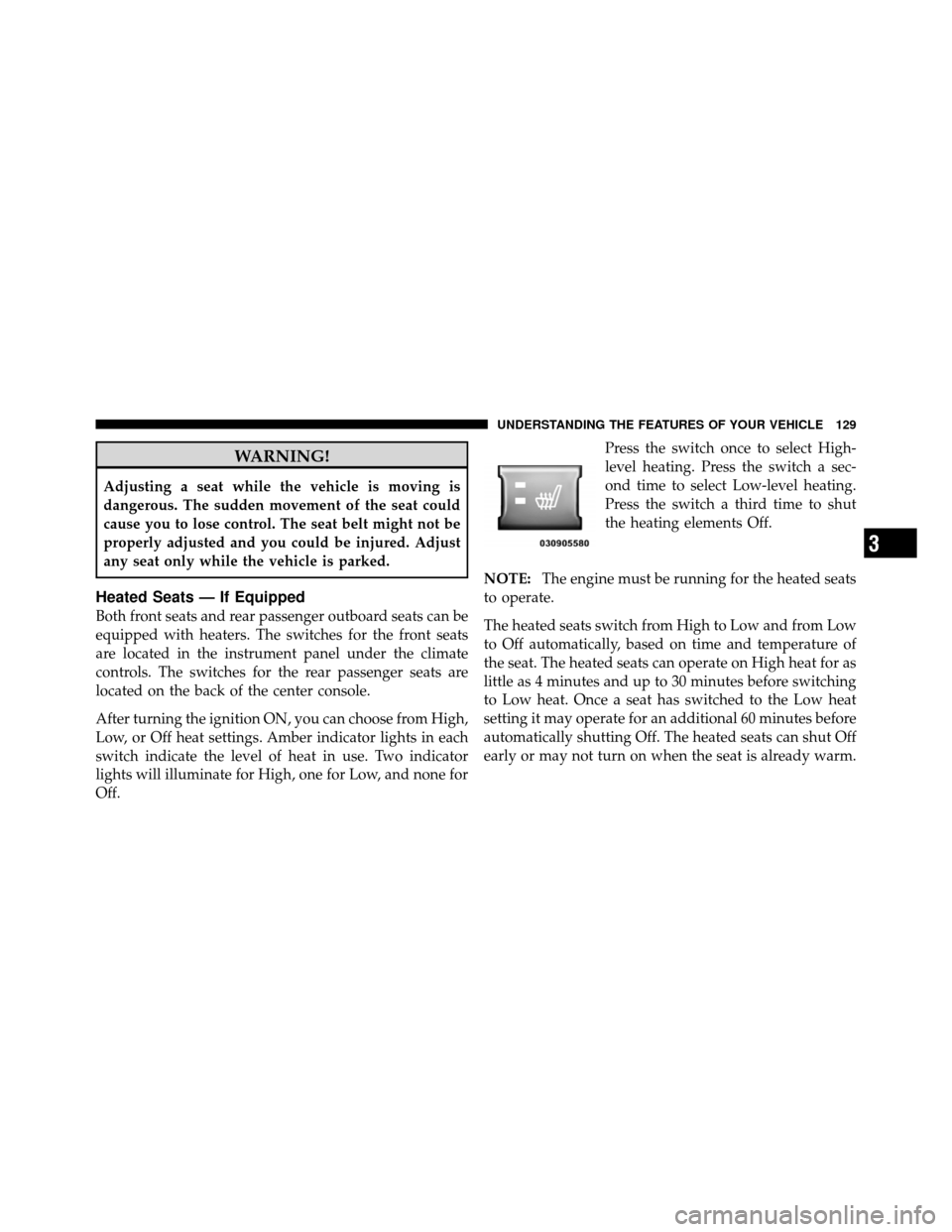
Off.Press the switch once to select High-
level heating. Press the switch a sec-
ond time to select Low-level heating.
Press the switch a third time to shut
the heating elements Off.
NOTE: The engine must be running for the heated seats
to operate.
The heated seats switch from High to Low and from Low
to Off automatically, based on time and temperature of
the seat. The heated seats can operate on High heat for as
little as 4 minutes and up to 30 minutes before switching
to Low heat. Once a seat has switched to the Low heat
setting it may operate for an additional 60 minutes before
automatically shutting Off. The heated seats can shut Off
early or may not turn on when the seat is already warm.
3
UNDERSTANDING THE FEATURES OF YOUR VEHICLE 129