Page 286 of 446
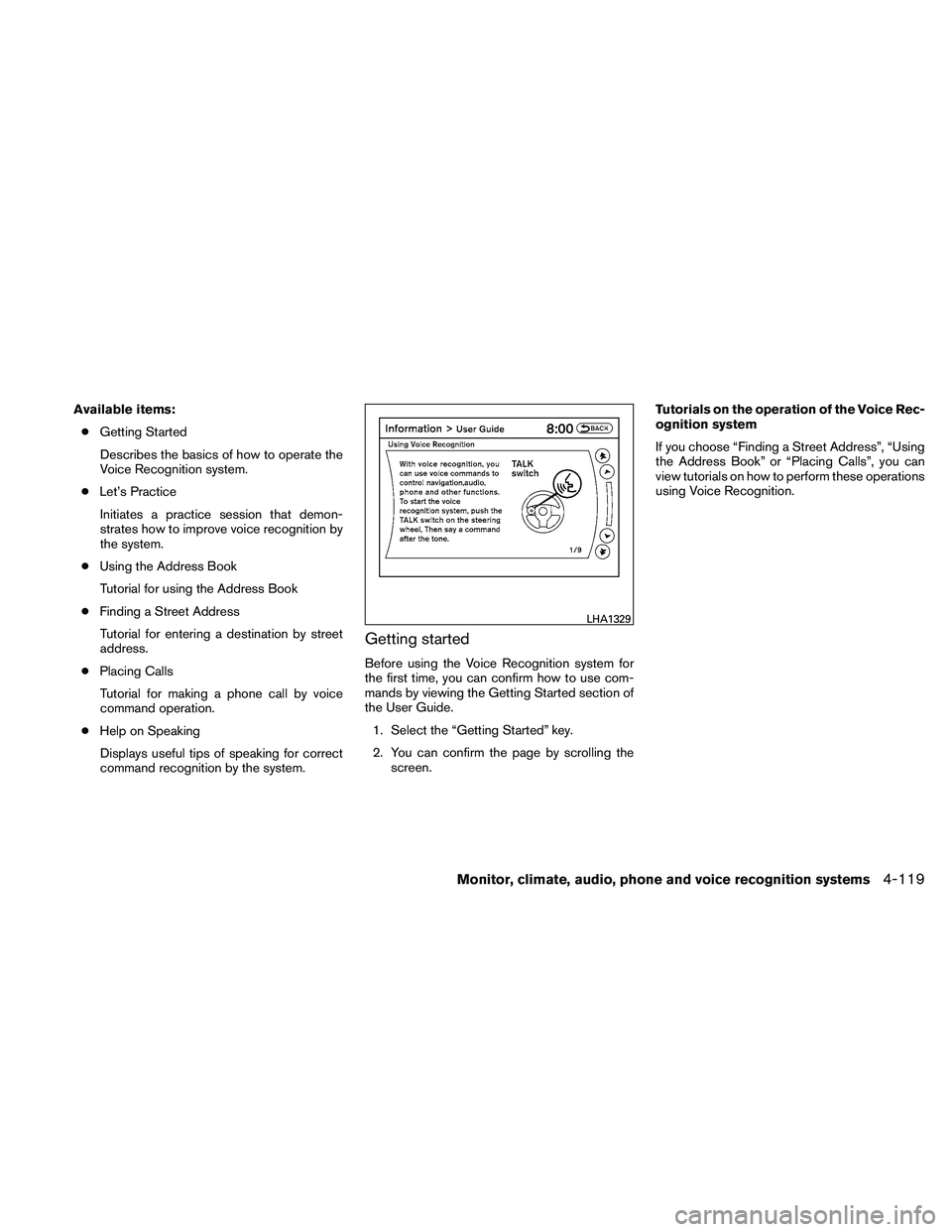
Available items:● Getting Started
Describes the basics of how to operate the
Voice Recognition system.
● Let’s Practice
Initiates a practice session that demon-
strates how to improve voice recognition by
the system.
● Using the Address Book
Tutorial for using the Address Book
● Finding a Street Address
Tutorial for entering a destination by street
address.
● Placing Calls
Tutorial for making a phone call by voice
command operation.
● Help on Speaking
Displays useful tips of speaking for correct
command recognition by the system.
Getting started
Before using the Voice Recognition system for
the first time, you can confirm how to use com-
mands by viewing the Getting Started section of
the User Guide. 1. Select the “Getting Started” key.
2. You can confirm the page by scrolling the screen. Tutorials on the operation of the Voice Rec-
ognition system
If you choose “Finding a Street Address”, “Using
the Address Book” or “Placing Calls”, you can
view tutorials on how to perform these operations
using Voice Recognition.
Page 289 of 446
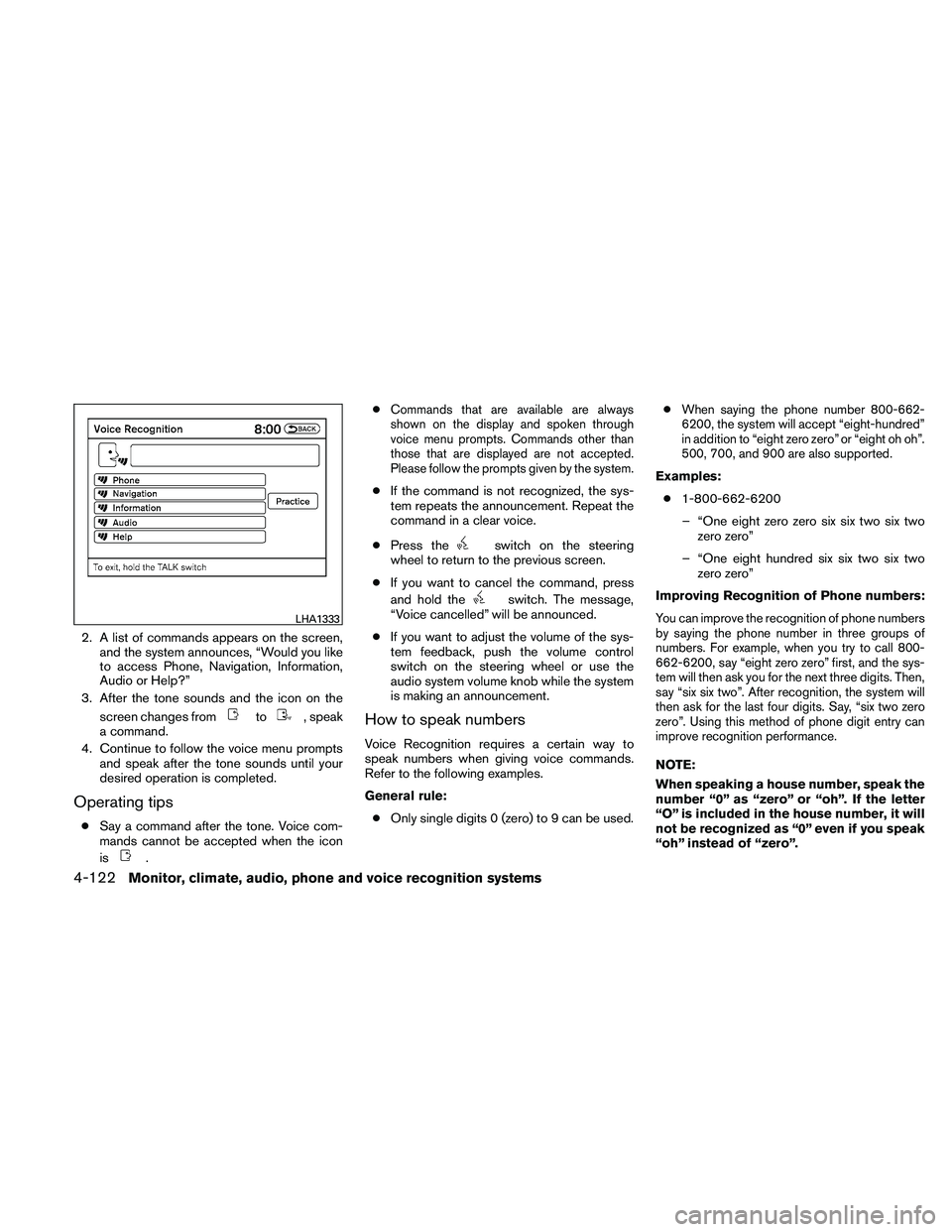
2. A list of commands appears on the screen,and the system announces, “Would you like
to access Phone, Navigation, Information,
Audio or Help?”
3. After the tone sounds and the icon on the
screen changes from
Page 292 of 446
Voice command examples
Some basic voice command examples are de-
scribed here.
For navigation system commands, see the sepa-
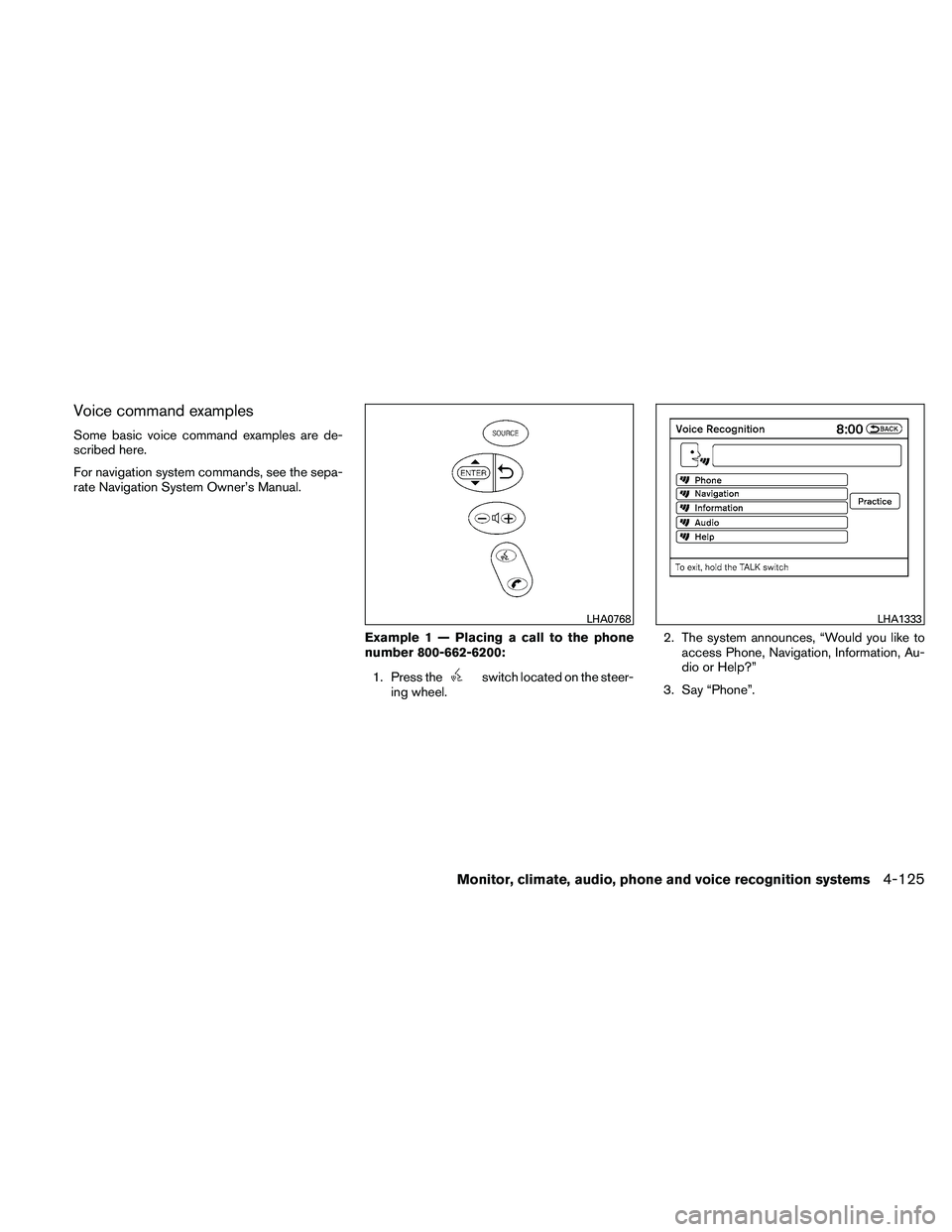
rate Navigation System Owner’s Manual.Example 1 — Placing a call to the phone
number 800-662-6200:1. Press the
Page 294 of 446
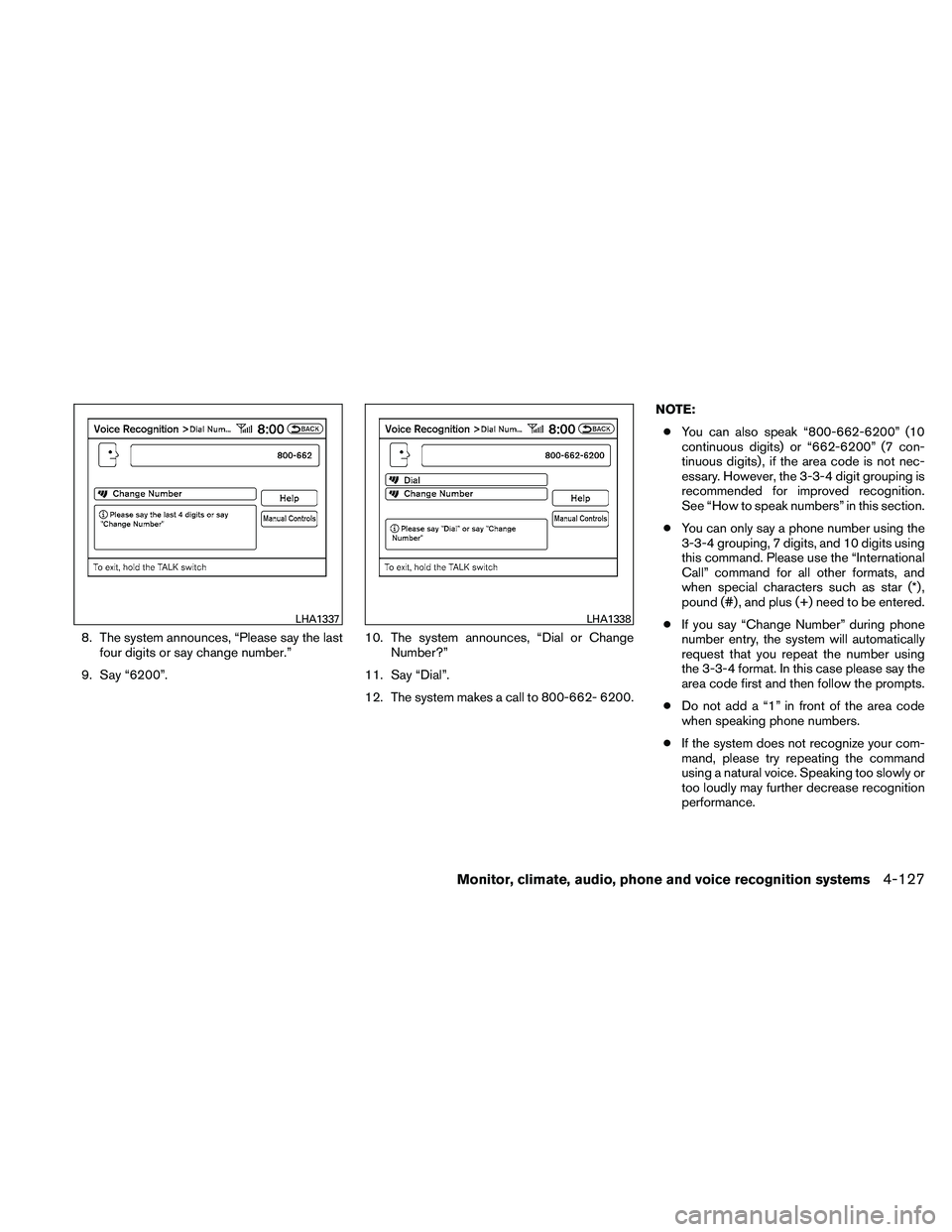
8. The system announces, “Please say the lastfour digits or say change number.”
9. Say “6200”. 10. The system announces, “Dial or Change
Number?”
11. Say “Dial”.
12. The system makes a call to 800-662- 6200. NOTE:
● You can also speak “800-662-6200” (10
continuous digits) or “662-6200” (7 con-
tinuous digits) , if the area code is not nec-
essary. However, the 3-3-4 digit grouping is
recommended for improved recognition.
See “How to speak numbers” in this section.
● You can only say a phone number using the
3-3-4 grouping, 7 digits, and 10 digits using
this command. Please use the “International
Call” command for all other formats, and
when special characters such as star (*) ,
pound (#) , and plus (+) need to be entered.
● If you say “Change Number” during phone
number entry, the system will automatically
request that you repeat the number using
the 3-3-4 format. In this case please say the
area code first and then follow the prompts.
● Do not add a “1” in front of the area code
when speaking phone numbers.
● If the system does not recognize your com-
mand, please try repeating the command
using a natural voice. Speaking too slowly or
too loudly may further decrease recognition
performance.
Page 295 of 446
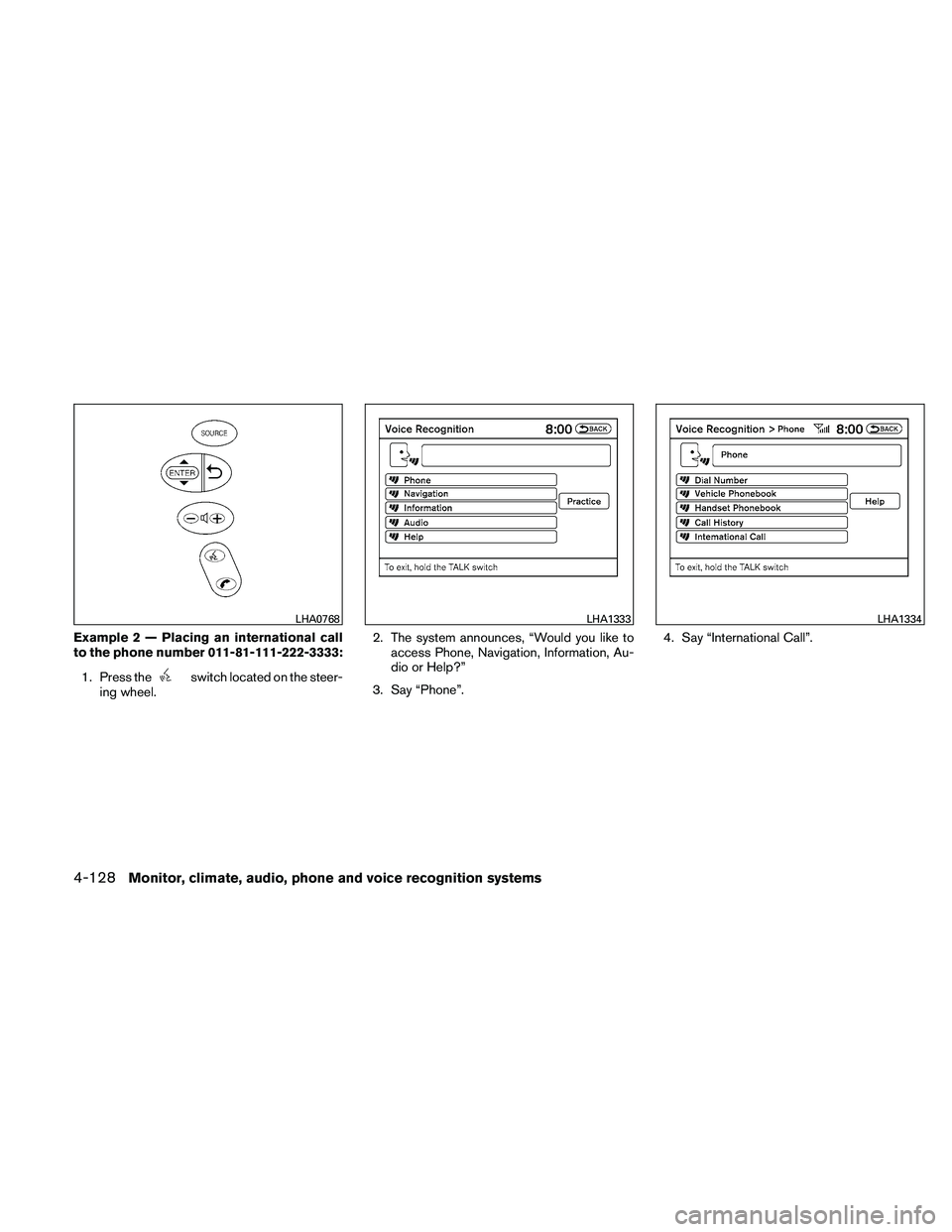
Example 2 — Placing an international call
to the phone number 011-81-111-222-3333:1. Press the
Page 296 of 446
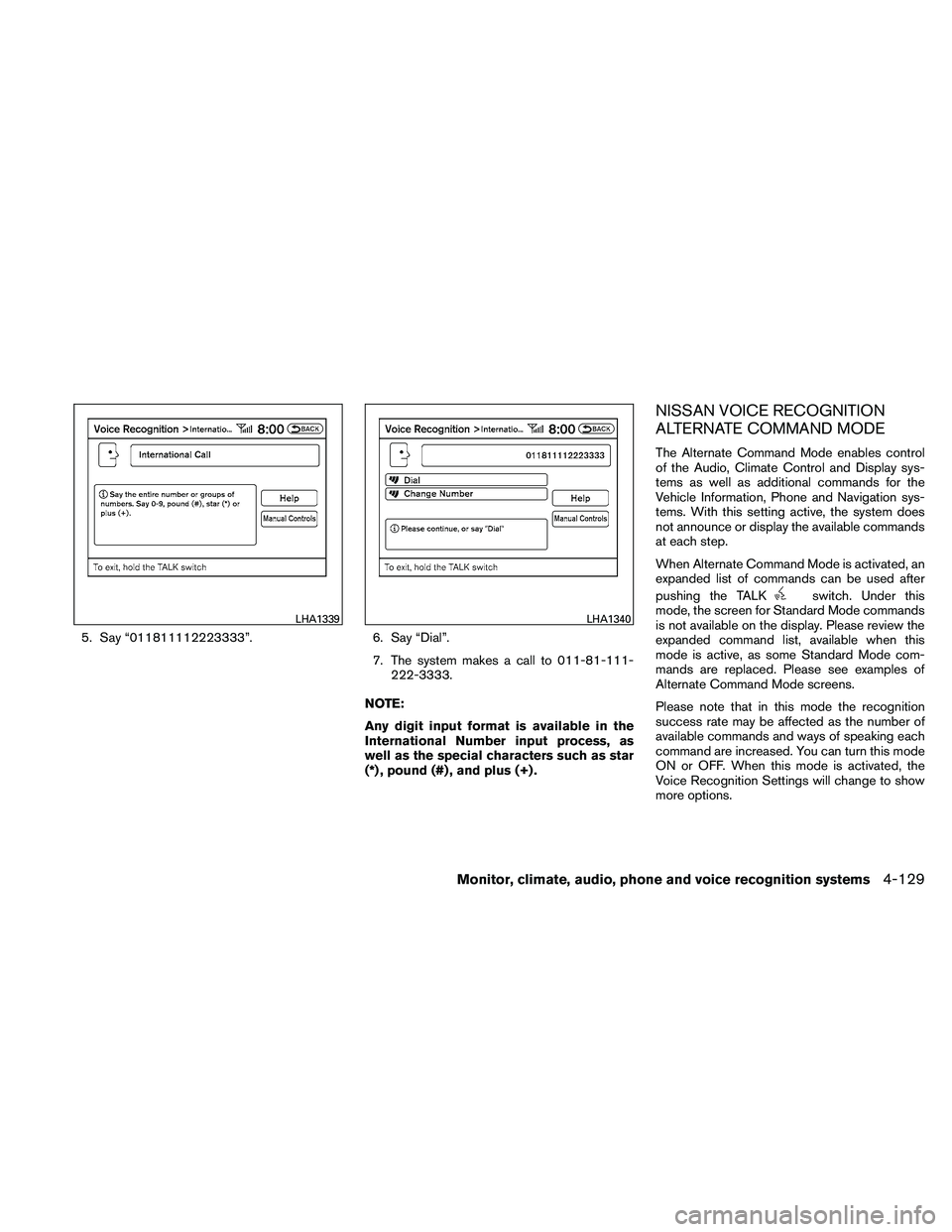
5. Say “011811112223333”.6. Say “Dial”.
7. The system makes a call to 011-81-111- 222-3333.
NOTE:
Any digit input format is available in the
International Number input process, as
well as the special characters such as star
(*) , pound (#) , and plus (+) .
NISSAN VOICE RECOGNITION
ALTERNATE COMMAND MODE
The Alternate Command Mode enables control
of the Audio, Climate Control and Display sys-
tems as well as additional commands for the
Vehicle Information, Phone and Navigation sys-
tems. With this setting active, the system does
not announce or display the available commands
at each step.
When Alternate Command Mode is activated, an
expanded list of commands can be used after
pushing the TALK
Page 299 of 446
Alternate Command Mode command list
Phone Command:
Page 302 of 446
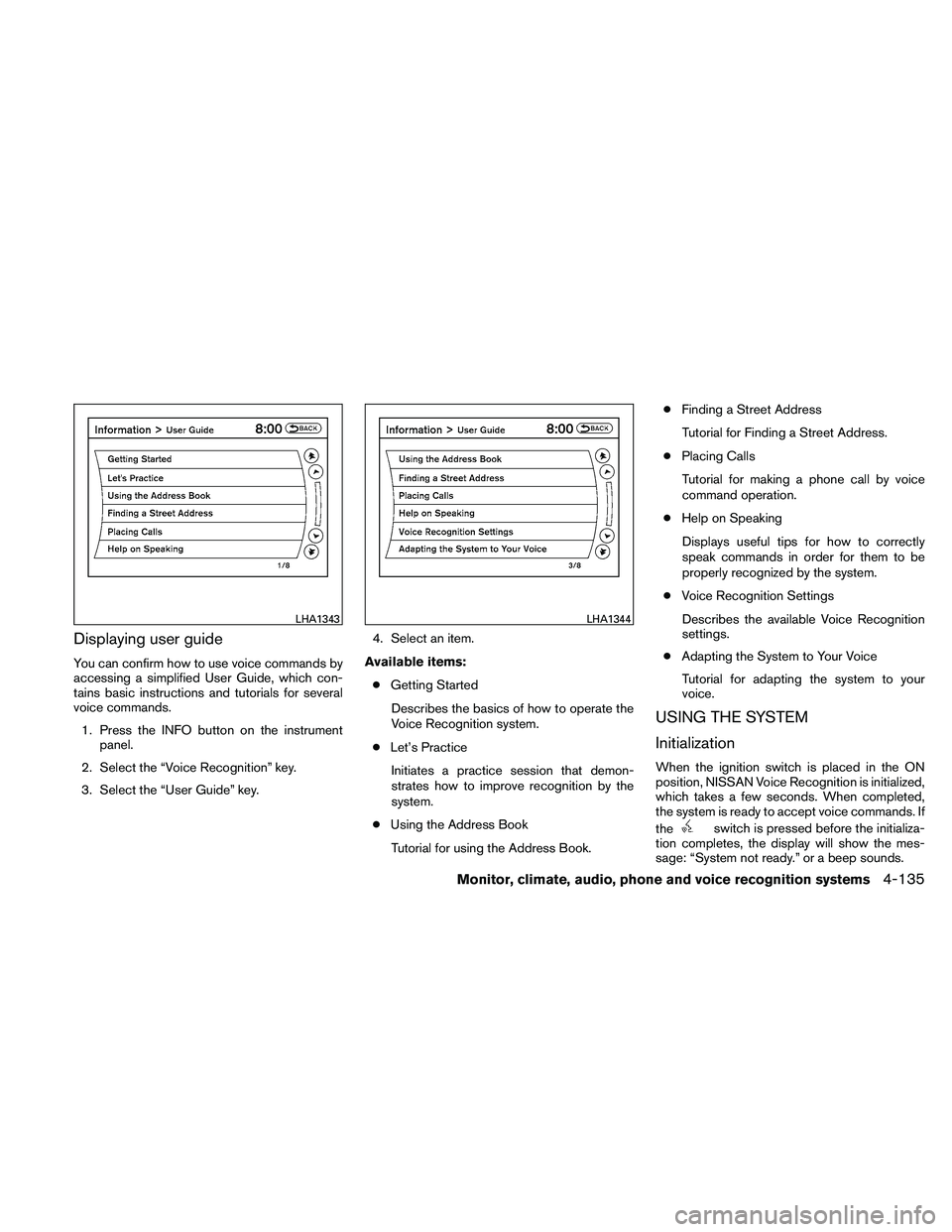
Displaying user guide
You can confirm how to use voice commands by
accessing a simplified User Guide, which con-
tains basic instructions and tutorials for several
voice commands.1. Press the INFO button on the instrument panel.
2. Select the “Voice Recognition” key.
3. Select the “User Guide” key. 4. Select an item.
Available items: ● Getting Started
Describes the basics of how to operate the
Voice Recognition system.
● Let’s Practice
Initiates a practice session that demon-
strates how to improve recognition by the
system.
● Using the Address Book
Tutorial for using the Address Book. ●
Finding a Street Address
Tutorial for Finding a Street Address.
● Placing Calls
Tutorial for making a phone call by voice
command operation.
● Help on Speaking
Displays useful tips for how to correctly
speak commands in order for them to be
properly recognized by the system.
● Voice Recognition Settings
Describes the available Voice Recognition
settings.
● Adapting the System to Your Voice
Tutorial for adapting the system to your
voice.
USING THE SYSTEM
Initialization
When the ignition switch is placed in the ON
position, NISSAN Voice Recognition is initialized,
which takes a few seconds. When completed,
the system is ready to accept voice commands. If
the