Page 244 of 714
Features and controls
3-129
3
To operate
N00562700075
1. Stop the vehicle completely using the brake pedal.
2. Release the brake pedal and the hill start assist will main-
tain the braking force applied while stopping for approxi-
mately 2 seconds.
3. Depress the accelerator pedal and the hill start assist grad-
ually will decrease the braking force as the vehicle starts
moving.NOTE�The hill start assist is activated when all of the following
conditions are met.
• The engine is running.
(The hill start assist will not be activated while the
engine is starting or immediately after the engine is
started.)
• The selector lever is in any position other than “P”
(PARK) or “N” (NEUTRAL).
• The vehicle is completely stationary, with the brake
pedal depressed.
• The parking brake is released.
�The hill start assist will not operate if the accelerator pedal
is depressed before the brake pedal is released.
�The hill start assist also operates when reversing on an
uphill slope.
Warning display
N00562800076
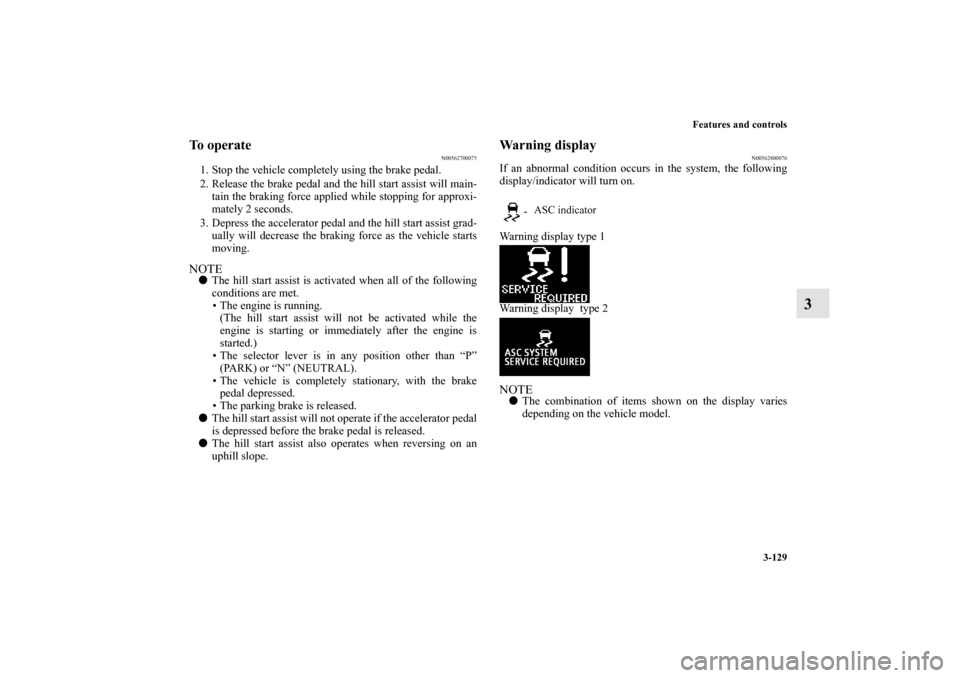
If an abnormal condition occurs in the system, the following
display/indicator will turn on.
Warning display type 1
Warning display type 2NOTE�The combination of items shown on the display varies
depending on the vehicle model.
- ASC indicator
BK0122500US.book 129 ページ 2010年5月12日 水曜日 午前11時11分
Page 252 of 714
Features and controls
3-137
3
Traction control function
N00559200021
On slippery surfaces, the traction control function prevents the
drive wheels from spinning excessive, thus helping the vehicle
to start moving from a stopped condition. It also provides suffi-
cient driving force and steering performance as the vehicle
turns while pressing the acceleration pedal.Skid control function
N00559300019
The skid control function is designed to help the driver main-
tain control of the vehicle on slippery roads or during rapid
steering maneuvers. It works by controlling the engine output
and the brake on each wheel.NOTE�The skid control function operates at speeds of about 9
mph (15 km/h) or higher.
ASC OFF switch
N00559400195
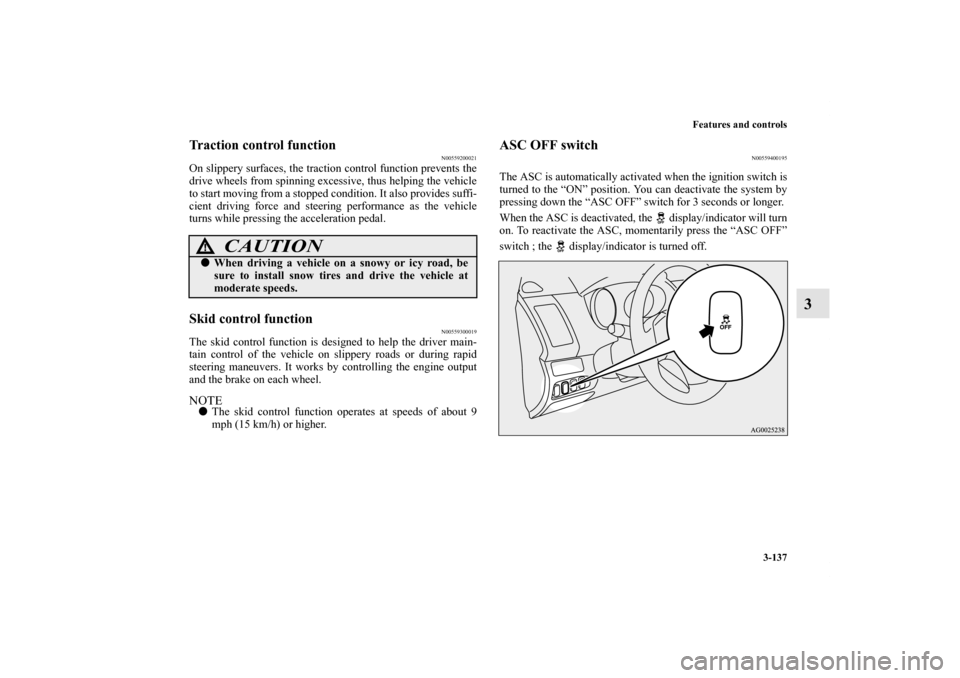
The ASC is automatically activated when the ignition switch is
turned to the “ON” position. You can deactivate the system by
pressing down the “ASC OFF” switch for 3 seconds or longer.
When the ASC is deactivated, the display/indicator will turn
on. To reactivate the ASC, momentarily press the “ASC OFF”
switch ; the display/indicator is turned off.
CAUTION
!�When driving a vehicle on a snowy or icy road, be
sure to install snow tires and drive the vehicle at
moderate speeds.
BK0122500US.book 137 ページ 2010年5月12日 水曜日 午前11時11分
Page 282 of 714
Features and controls
3-167
3
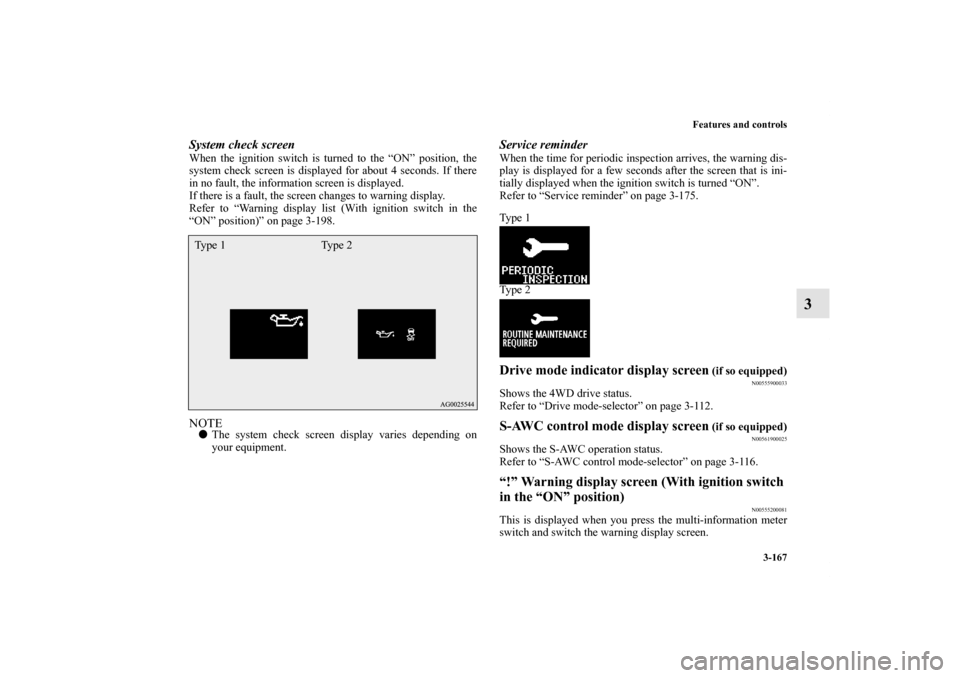
System check screenWhen the ignition switch is turned to the “ON” position, the
system check screen is displayed for about 4 seconds. If there
in no fault, the information screen is displayed.
If there is a fault, the screen changes to warning display.
Refer to “Warning display list (With ignition switch in the
“ON” position)” on page 3-198.NOTE�The system check screen display varies depending on
your equipment.
Service reminderWhen the time for periodic inspection arrives, the warning dis-
play is displayed for a few seconds after the screen that is ini-
tially displayed when the ignition switch is turned “ON”.
Refer to “Service reminder” on page 3-175.
Ty p e 1
Ty p e 2Drive mode indicator display screen
(if so equipped)
N00555900033
Shows the 4WD drive status.
Refer to “Drive mode-selector” on page 3-112.S-AWC control mode display screen
(if so equipped)
N00561900025
Shows the S-AWC operation status.
Refer to “S-AWC control mode-selector” on page 3-116.“!” Warning display screen (With ignition switch
in the “ON” position)
N00555200081
This is displayed when you press the multi-information meter
switch and switch the warning display screen.
Ty p e 1 Ty p e 2
BK0122500US.book 167 ページ 2010年5月12日 水曜日 午前11時11分
Page 294 of 714

Features and controls
3-179
3
3. Press and hold the multi-information meter switch (for
about 2 seconds or more) to switch from the setting mode
screen to the menu screen.
NOTE�To return the menu screen to the function setting screen,
press and hold the multi-information meter switch (for
about 2 seconds or more).
�If no operations are made within about 15 seconds of the
menu screen being displayed, the display returns to the
function setting screen.
4. Select the item to change on the menu screen and change
to the desired setting. For further details on the operation
methods, refer to the following sections .
Refer to “Changing the reset mode for average fuel con-
sumption and average speed” on page 3-180.
Refer to “Changing the fuel consumption display unit” on
page 3-181.
Refer to “Changing the temperature unit” on page 3-183.
Refer to “Changing the display language” on page 3-184.
Refer to “Changing the language on Mitsubishi Multi-
Communication System or Bluetooth
® 2.0 interface to
match the multi-information display (if so equipped)” on
page 3-185.
Refer to “Operation sound setting” on page 3-187.
Refer to “Changing the time until “REST REMINDER” is
displayed” on page 3-188.
Refer to “Changing the turn signal sound” on page 3-189.
Refer to “Changing the momentary fuel consumption dis-
play (Type 2)” on page 3-190.
Refer to “Returning to the factory settings” on page 3-
191.
CAUTION
!�For safety, stop the vehicle before operating.
While driving, even if you operate the multi-infor-
mation meter switch, the function setting screen is
not displayed.Type 1
Type 2
BK0122500US.book 179 ページ 2010年5月12日 水曜日 午前11時11分
Page 295 of 714
3-180 Features and controls
3
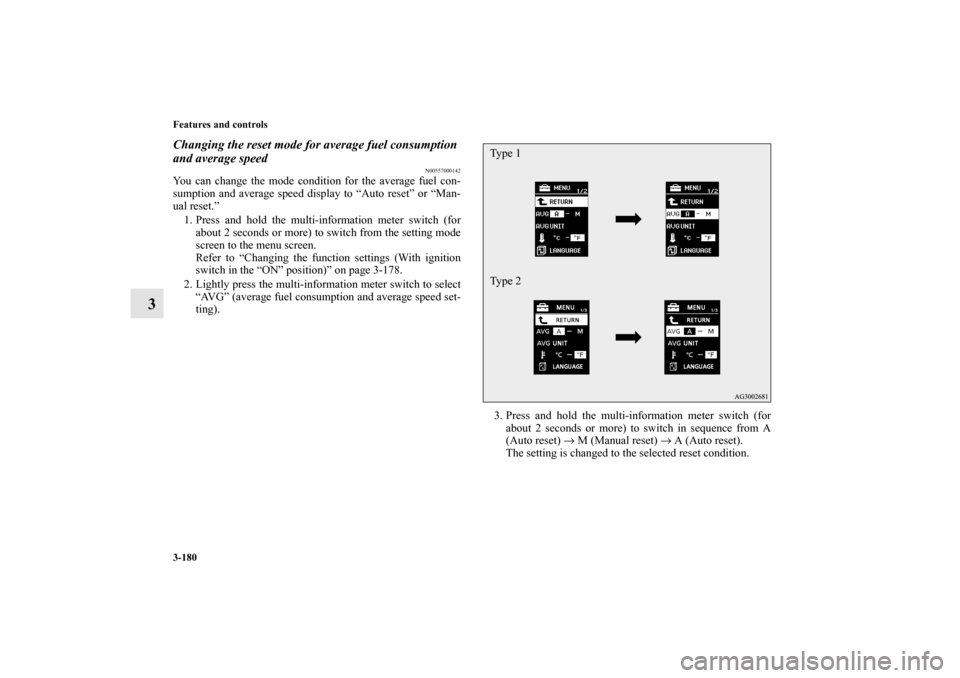
Changing the reset mode for average fuel consumption
and average speed
N00557000142
You can change the mode condition for the average fuel con-
sumption and average speed display to “Auto reset” or “Man-
ual reset.”
1. Press and hold the multi-information meter switch (for
about 2 seconds or more) to switch from the setting mode
screen to the menu screen.
Refer to “Changing the function settings (With ignition
switch in the “ON” position)” on page 3-178.
2. Lightly press the multi-information meter switch to select
“AVG” (average fuel consumption and average speed set-
ting).
3. Press and hold the multi-information meter switch (for
about 2 seconds or more) to switch in sequence from A
(Auto reset) → M (Manual reset) → A (Auto reset).
The setting is changed to the selected reset condition.
Type 1
Type 2
BK0122500US.book 180 ページ 2010年5月12日 水曜日 午前11時11分
Page 296 of 714
Features and controls
3-181
3
Manual reset mode
�If you press and hold the multi-information meter switch
when the average fuel consumption and average speed are
displayed, these calculations will be reset to zero.
�When the ignition switch is turned to the “ON” position
from the “ACC” or “LOCK” position, the mode setting
changes automatically from manual to auto.
Auto reset mode
�When the average fuel consumption and average speed
are being displayed, if you hold down the multi-informa-
tion meter switch, these calculations will be reset to zero.
�When the ignition switch has been set to the “ACC” or
“LOCK” position for about 4 hours or more, the average
fuel consumption display and the average speed display
will automatically reset.NOTE�Disconnecting the battery cable will erase from memory
the manual reset mode or auto reset mode setting for the
average speed display and average fuel consumption dis-
play.
�The initial (default) setting is “Auto reset mode”.
Changing the fuel consumption display unit
N00557100127
The fuel consumption display unit can be changed. The dis-
tance, speed, and amount units are also changed to match the
selected fuel consumption unit.
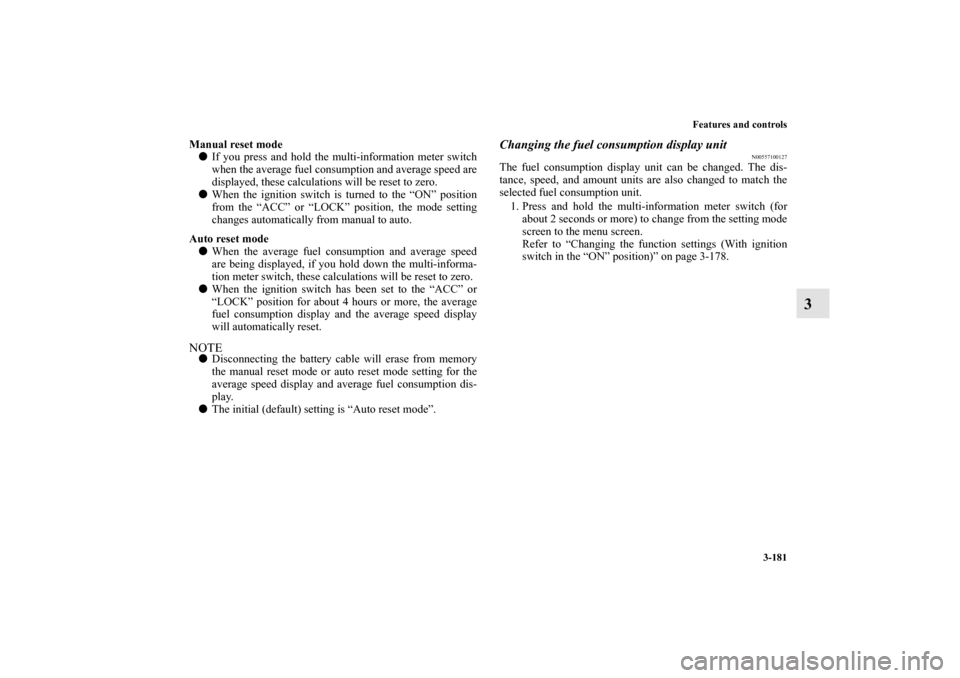
1. Press and hold the multi-information meter switch (for
about 2 seconds or more) to change from the setting mode
screen to the menu screen.
Refer to “Changing the function settings (With ignition
switch in the “ON” position)” on page 3-178.
BK0122500US.book 181 ページ 2010年5月12日 水曜日 午前11時11分
Page 298 of 714
Features and controls
3-183
3
NOTE�The display units for the driving range, the average fuel
consumption, the average speed and the momentary fuel
consumption are changed, but the units for the indicating
needle (speedometer), the odometer and the trip odometer
will remain unchanged.
�If the battery is disconnected, the memory of the unit set-
ting is erased and is automatically set to {mpg (US) or
L/100 km}.
The distance and speed units are also changed in the following
combinations to match the selected fuel consumption unit.
Changing the temperature unit
N00557200128
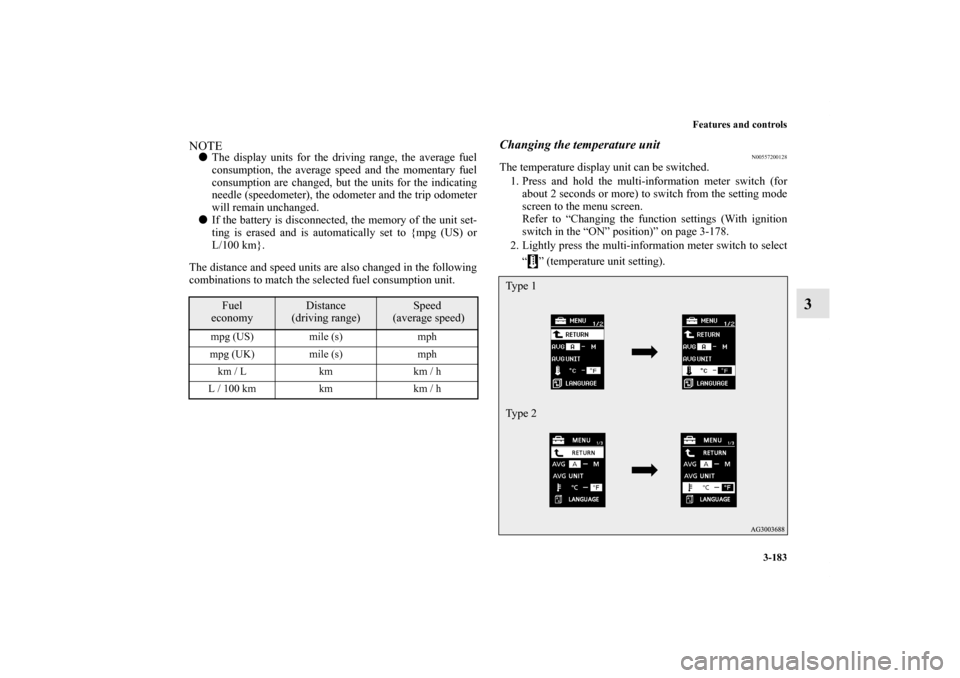
The temperature display unit can be switched.
1. Press and hold the multi-information meter switch (for
about 2 seconds or more) to switch from the setting mode
screen to the menu screen.
Refer to “Changing the function settings (With ignition
switch in the “ON” position)” on page 3-178.
2. Lightly press the multi-information meter switch to select
“ ” (temperature unit setting).
Fuel
economy
Distance
(driving range)
Speed
(average speed)
mpg (US) mile (s) mph
mpg (UK) mile (s) mph
km / L km km / h
L / 100 km km km / h
Type 1
Type 2
BK0122500US.book 183 ページ 2010年5月12日 水曜日 午前11時11分
Page 299 of 714
3-184 Features and controls
3
3. Press and hold the multi-information meter switch (for
about 2 seconds or more) to change in sequence from °F
→ °C → °F.
The setting is changed to the selected temperature unit.NOTE�If the battery is disconnected, the memory of the unit set-
ting is erased and is automatically set to °F (°C).
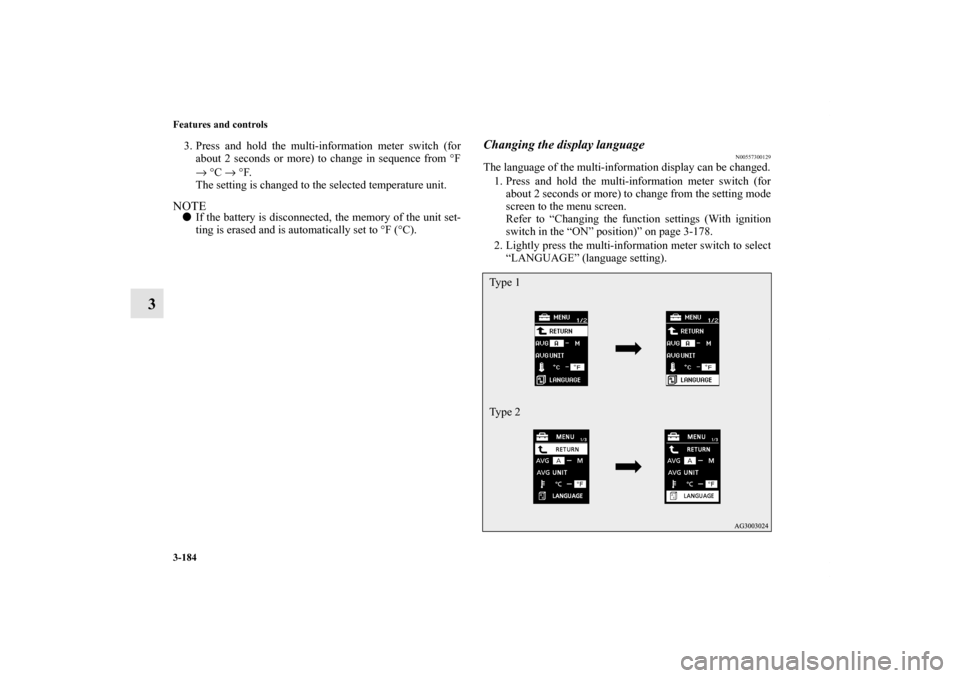
Changing the display language
N00557300129
The language of the multi-information display can be changed.
1. Press and hold the multi-information meter switch (for
about 2 seconds or more) to change from the setting mode
screen to the menu screen.
Refer to “Changing the function settings (With ignition
switch in the “ON” position)” on page 3-178.
2. Lightly press the multi-information meter switch to select
“LANGUAGE” (language setting).Type 1
Type 2
BK0122500US.book 184 ページ 2010年5月12日 水曜日 午前11時11分