Page 426 of 700
Comfort controls
5-27
5
NOTE�For quick heating, set the blower speed selection dial to
the position shown in the illustration.
Cooling
N00731200249
For ordinary cooling
1. Set the mode selection dial to the “ ” position.
2. Push the air selection switch (A) to set it to the outside air
position.
3. Push the air conditioning switch (B).
4. Change the temperature by turning the control dial clock-
wise or counterclockwise.
5. Set the desired blower speed.
BK0119300US.book 27 ページ 2010年5月21日 金曜日 午前10時13分
Page 431 of 700
5-32 Comfort controls
5
Blower speed selection dial
N00736900094
When the ignition switch is in the “ON” position, select the
blower speed by turning the blower speed selection dial.
Turning the dial clockwise will increase the blower speed;
turning the dial counterclockwise will decrease it. When the
dial is set to the “OFF” position, all fan-driven airflow will
stop.
Temperature control dial
N00737000265
Use this dial to adjust the temperature in the passenger com-
partment. Turn the temperature control dial clockwise to make
the air warmer. Turn it counterclockwise to make the air cooler.
BK0119300US.book 32 ページ 2010年5月21日 金曜日 午前10時13分
Page 441 of 700
5-42 Comfort controls
5
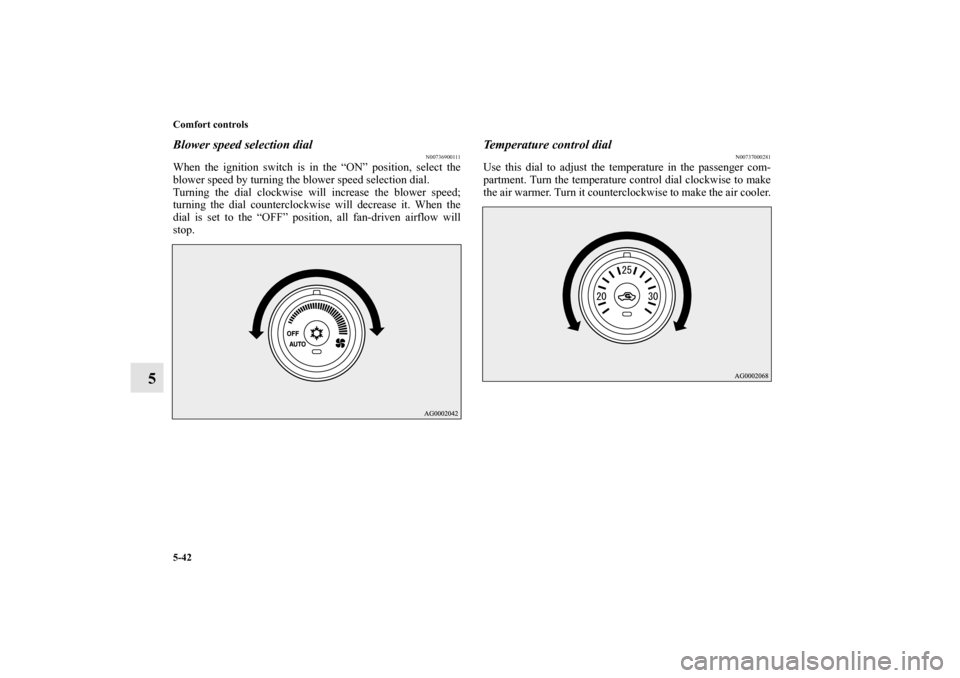
Blower speed selection dial
N00736900111
When the ignition switch is in the “ON” position, select the
blower speed by turning the blower speed selection dial.
Turning the dial clockwise will increase the blower speed;
turning the dial counterclockwise will decrease it. When the
dial is set to the “OFF” position, all fan-driven airflow will
stop.
Temperature control dial
N00737000281
Use this dial to adjust the temperature in the passenger com-
partment. Turn the temperature control dial clockwise to make
the air warmer. Turn it counterclockwise to make the air cooler.
BK0119300US.book 42 ページ 2010年5月21日 金曜日 午前10時13分
Page 454 of 700
Comfort controls
5-55
5
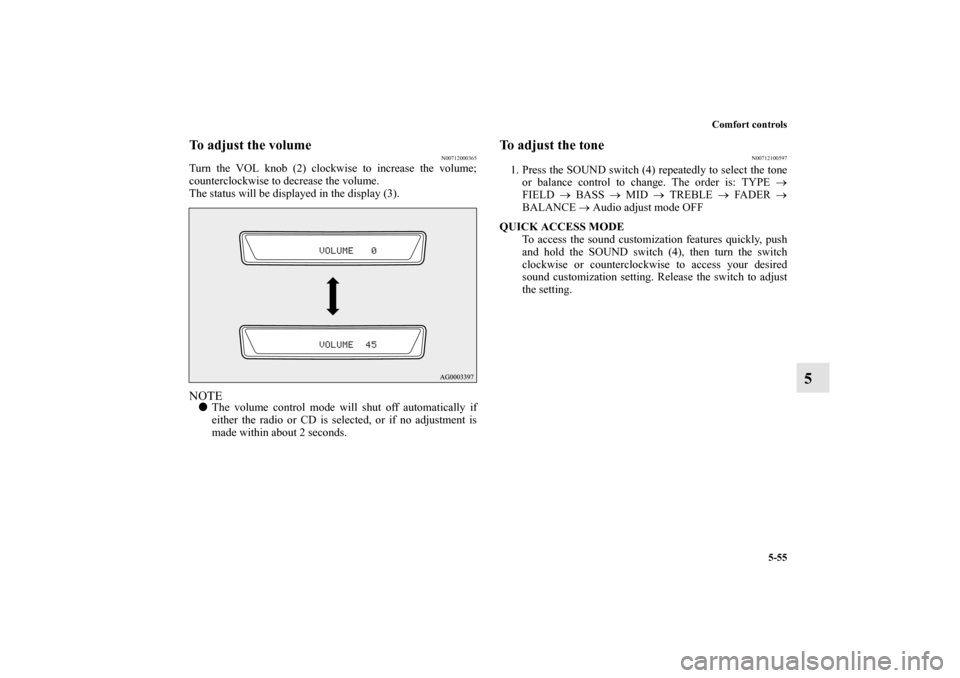
To adjust the volume
N00712000365
Turn the VOL knob (2) clockwise to increase the volume;
counterclockwise to decrease the volume.
The status will be displayed in the display (3).NOTE�The volume control mode will shut off automatically if
either the radio or CD is selected, or if no adjustment is
made within about 2 seconds.
To adjust the tone
N00712100597
1. Press the SOUND switch (4) repeatedly to select the tone
or balance control to change. The order is: TYPE →
FIELD → BASS → MID → TREBLE → FADER →
BALANCE → Audio adjust mode OFF
QUICK ACCESS MODE
To access the sound customization features quickly, push
and hold the SOUND switch (4), then turn the switch
clockwise or counterclockwise to access your desired
sound customization setting. Release the switch to adjust
the setting.
BK0119300US.book 55 ページ 2010年5月21日 金曜日 午前10時13分
Page 455 of 700
5-56 Comfort controls
5
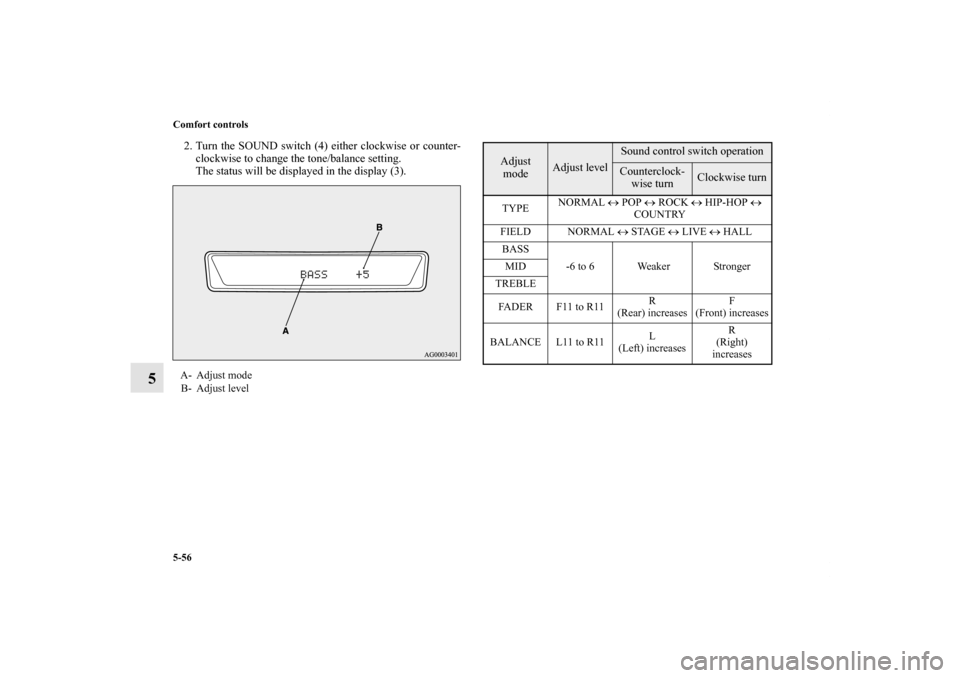
2. Turn the SOUND switch (4) either clockwise or counter-
clockwise to change the tone/balance setting.
The status will be displayed in the display (3).A- Adjust mode
B- Adjust level
Adjust
mode
Adjust level
Sound control switch operationCounterclock-
wise turn
Clockwise turn
TYPENORMAL ↔ POP ↔ ROCK ↔ HIP-HOP ↔
COUNTRY
FIELD NORMAL ↔ STAGE ↔ LIVE ↔ HALL
BASS
-6 to 6 Weaker Stronger MID
TREBLE
FA D E R F 11 t o R 11R
(Rear) increasesF
(Front) increases
BALANCE L11 to R11L
(Left) increasesR
(Right)
increases
BK0119300US.book 56 ページ 2010年5月21日 金曜日 午前10時13分
Page 457 of 700

5-58 Comfort controls
5
BASS (Bass tone control)To select the desired bass level.MID (Midrange tone control)To select the desired midrange level.TREBLE (Treble tone control)To select the desired treble level.FADER (Front/Rear balance control)To balance the volume from the F (front) and the R (rear)
speakers.BALANCE (Left/Right balance control)To balance the volume from the L (left) and the R (right)
speakers.NOTE�When set to “0”, it will beep.
�When TYPE or FIELD is changed, the sound will cut out
briefly, but this does not indicate a malfunction.
�The audio adjust mode will automatically shut off when
either the radio or CD is selected, or if no adjustment is
made within about 10 seconds.
�If the SOUND switch (4) is pushed and held for more than
2 seconds during the audio adjust mode, it will change to
“Hold” mode. The selected audio mode will be held until
the SOUND switch (4) is pushed for more than 2 seconds
again.
Speed Compensated Volume function
N00752200154
Speed Compensated Volume function is a feature that automat-
ically adjusts the VOLUME, BASS, MIDDLE, and TREBLE
settings in accordance with the vehicle speed. It is possible to
turn this function ON-OFF using the following methods:
1. If you are presently pushing the SOUND switch (4) and
making a tone adjustment, finish making the tone adjust-
ment.
2. Push the SOUND switch for at least about 2 seconds. The
system will switch to MENU mode and the characters
“SCV ON” will be shown on the display.
3. Turn the SOUND switch (4) clockwise to the turn the
function ON. Turn it counterclockwise to turn the function
OFF.NOTE�The factory setting for the Speed Compensated Volume
function is ON.
�The MENU mode will automatically shut off when either
the radio or CD is selected or the user does not move any
of the switches for 10 seconds.
BK0119300US.book 58 ページ 2010年5月21日 金曜日 午前10時13分
Page 475 of 700

5-76 Comfort controls
5
To select a desired folder (MP3 CDs only)You can select your desired folder by turning the FOLDER
switch (13).
Folder up
Turn the FOLDER switch (13) clockwise until the desired
folder number appears on the display.
Folder down
Turn the FOLDER switch (13) counterclockwise until the
desired folder number appears on the display.
To select a desired trackYou can select your desired track by using the TRACK button
(14).
Track up
Press the side of the TRACK button (14) repeatedly until
the desired track number appears on the display.
When listening to a MP3 CD, keep pressing the button to con-
tinue to move up tracks.
Track down
Press the side of the TRACK button (14) repeatedly until
the desired track number appears on the display.
When listening to a MP3 CD, keep pressing the button to con-
tinue to move down tracks.NOTE�Pressing the side of the TRACK button (14) once dur-
ing the song will cause the player to restart playback from
the beginning of the song.To repeat a trackTo repeat a track
Press the RPT button (6) briefly while the track is playing.
“RPT” will appear on the display. To exit the repeat mode,
press the RPT button again.
To repeat songs in the same folder (MP3 CDs only)
While a song is playing, press the RPT button (6) for 2 seconds
or longer (until you hear a beep). “D-RPT” will appear on the
display. The player will repeat all the songs in the same folder
that contains the song currently playing. To exit the repeat
mode, briefly press the RPT button again.
BK0119300US.book 76 ページ 2010年5月21日 金曜日 午前10時13分
Page 482 of 700

Comfort controls
5-83
5
To adjust the volume
N00712000378
Turn the VOL knob (2) clockwise to increase the volume;
counterclockwise to decrease the volume.
The status will be displayed in the display (3).NOTE�The volume control mode will shut off automatically if
either the radio or CD is selected, or if no adjustment is
made within about 2 seconds.
To adjust the tone
N00712100555
1. Press the SOUND switch (4) repeatedly to select the tone
or balance control to change. The order is: SUB PUNCH
→ TYPE → FIELD → BASS → MID → TREBLE →
FA D E R → BALANCE → Audio adjust mode OFFNOTE�SUB PUNCH can be adjusted only on vehicles with a pre-
mium sound system.
On other vehicles, pressing the SOUND switch (4) will
display TYPE first.
QUICK ACCESS MODE
To access the sound customization features quickly, push
and hold the SOUND switch (4), then turn the switch
clockwise or counterclockwise to access your desired
sound customization setting. Release the switch to adjust
the setting.
BK0119300US.book 83 ページ 2010年5月21日 金曜日 午前10時13分