2011 MERCEDES-BENZ SLS navigation system
[x] Cancel search: navigation systemPage 22 of 436
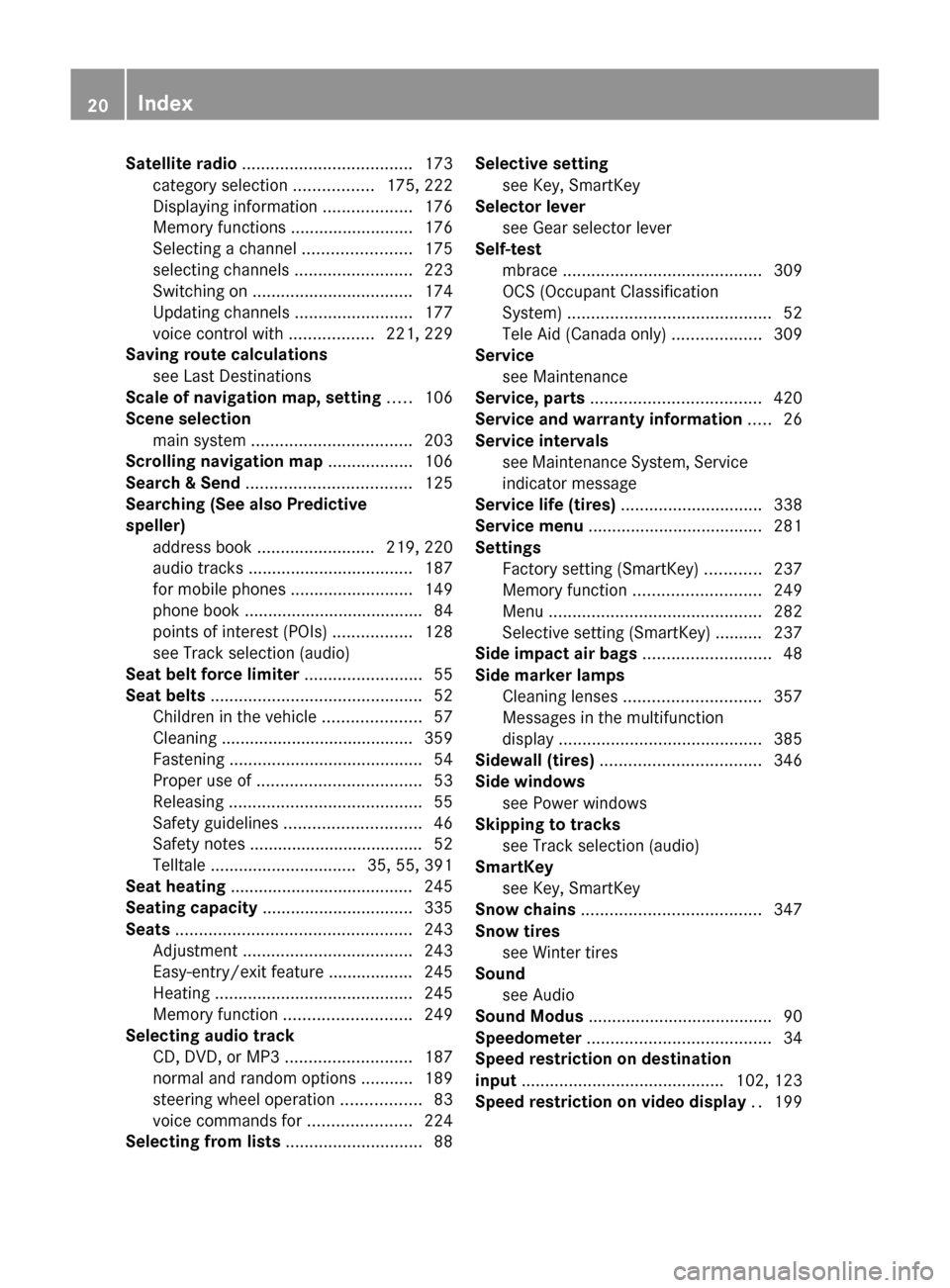
Satellite radio .................................... 173
category selection .................175, 222
Displaying information ...................176
Memory functions ..........................176
Selecting a channel .......................175
selecting channels .........................223
Switching on .................................. 174
Updating channels .........................177
voice control with ..................221, 229
Saving route calculations
see Last Destinations
Scale of navigation map, setting ..... 106
Scene selection main system .................................. 203
Scrolling navigation map .................. 106
Search & Send ................................... 125
Searching (See also Predictive
speller) address book ......................... 219, 220
audio tracks ................................... 187
for mobile phones ..........................149
phone book ...................................... 84
points of interest (POIs) .................128
see Track selection (audio)
Seat belt force limiter ......................... 55
Seat belts ............................................. 52
Children in the vehicle .....................57
Cleaning ......................................... 359
Fastening ......................................... 54
Proper use of ................................... 53
Releasing ......................................... 55
Safety guidelines ............................. 46
Safety notes ..................................... 52
Telltale ............................... 35, 55, 391
Seat heating ....................................... 245
Seating capacity ................................ 335
Seats .................................................. 243
Adjustment .................................... 243
Easy-entry/exit feature .................. 245
Heating .......................................... 245
Memory function ........................... 249
Selecting audio track
CD, DVD, or MP3 ........................... 187
normal and random options ...........189
steering wheel operation .................83
voice commands for ......................224
Selecting from lists ............................. 88Selective setting
see Key, SmartKey
Selector lever
see Gear selector lever
Self-test
mbrace .......................................... 309
OCS (Occupant Classification
System) ........................................... 52
Tele Aid (Canada only) ...................309
Service
see Maintenance
Service, parts .................................... 420
Service and warranty information ..... 26
Service intervals see Maintenance System, Service
indicator message
Service life (tires) .............................. 338
Service menu ..................................... 281
Settings Factory setting (SmartKey) ............237
Memory function ........................... 249
Menu ............................................. 282
Selective setting (SmartKey) .......... 237
Side impact air bags ........................... 48
Side marker lamps Cleaning lenses ............................. 357
Messages in the multifunction
display ........................................... 385
Sidewall (tires) .................................. 346
Side windows see Power windows
Skipping to tracks
see Track selection (audio)
SmartKey
see Key, SmartKey
Snow chains ...................................... 347
Snow tires see Winter tires
Sound
see Audio
Sound Modus ....................................... 90
Speedometer ....................................... 34
Speed restriction on destination
input ........................................... 102, 123
Speed restriction on video display .. 19920IndexBA 197 USA, CA Edition A 2011; 1; 27, en-UShereepeVersion: 3.0.3.52010-03-24T15:31:10+01:00 - Seite 20
Page 24 of 436
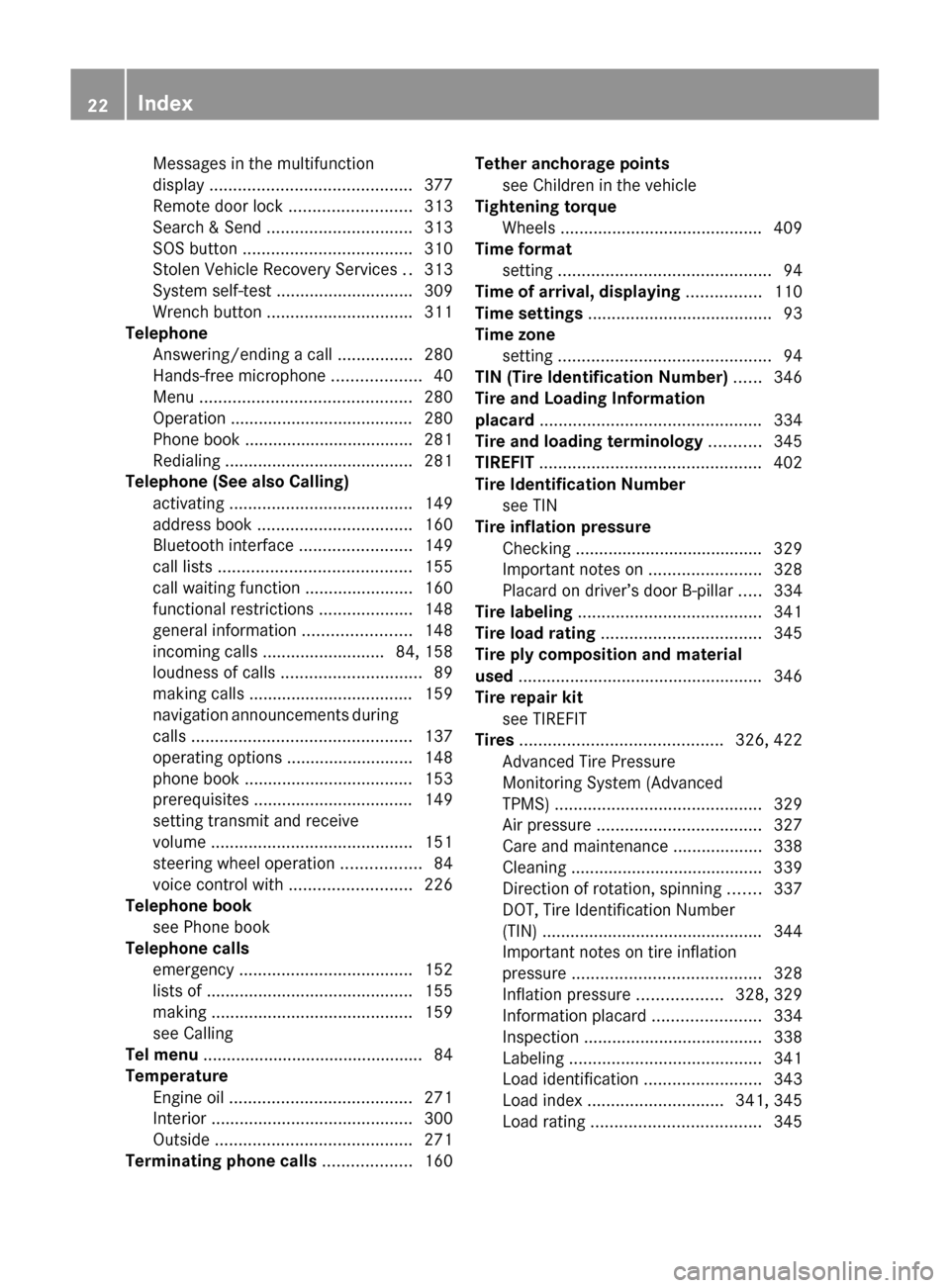
Messages in the multifunction
display ........................................... 377
Remote door lock .......................... 313
Search & Send ............................... 313
SOS button .................................... 310
Stolen Vehicle Recovery Services ..313
System self-test ............................. 309
Wrench button ............................... 311
Telephone
Answering/ending a call ................280
Hands-free microphone ...................40
Menu ............................................. 280
Operation ....................................... 280
Phone book .................................... 281
Redialing ........................................ 281
Telephone (See also Calling)
activating ....................................... 149
address book ................................. 160
Bluetooth interface ........................149
call lists ......................................... 155
call waiting function .......................160
functional restrictions ....................148
general information .......................148
incoming calls .......................... 84, 158
loudness of calls .............................. 89
making calls ................................... 159
navigation announcements during
calls ............................................... 137
operating options ........................... 148
phone book .................................... 153
prerequisites .................................. 149
setting transmit and receive
volume ........................................... 151
steering wheel operation .................84
voice control with .......................... 226
Telephone book
see Phone book
Telephone calls
emergency ..................................... 152
lists of ............................................ 155
making ........................................... 159
see Calling
Tel menu ............................................... 84
Temperature Engine oil ....................................... 271
Interior ........................................... 300
Outside .......................................... 271
Terminating phone calls ................... 160Tether anchorage points
see Children in the vehicle
Tightening torque
Wheels ........................................... 409
Time format
setting ............................................. 94
Time of arrival, displaying ................ 110
Time settings ....................................... 93
Time zone setting ............................................. 94
TIN (Tire Identification Number) ...... 346
Tire and Loading Information
placard ............................................... 334
Tire and loading terminology ........... 345
TIREFIT ............................................... 402
Tire Identification Number see TIN
Tire inflation pressure
Checking ........................................ 329
Important notes on ........................328
Placard on driver’s door B-pillar .....334
Tire labeling ....................................... 341
Tire load rating .................................. 345
Tire ply composition and material
used .................................................... 346
Tire repair kit see TIREFIT
Tires ........................................... 326, 422
Advanced Tire Pressure
Monitoring System (Advanced
TPMS) ............................................ 329
Air pressure ................................... 327
Care and maintenance ...................338
Cleaning ......................................... 339
Direction of rotation, spinning .......337
DOT, Tire Identification Number
(TIN) ............................................... 344
Important notes on tire inflation
pressure ........................................ 328
Inflation pressure ..................328, 329
Information placard .......................334
Inspection ...................................... 338
Labeling ......................................... 341
Load identification .........................343
Load index ............................. 341, 345
Load rating .................................... 34522IndexBA 197 USA, CA Edition A 2011; 1; 27, en-UShereepeVersion: 3.0.3.52010-03-24T15:31:10+01:00 - Seite 22
Page 26 of 436
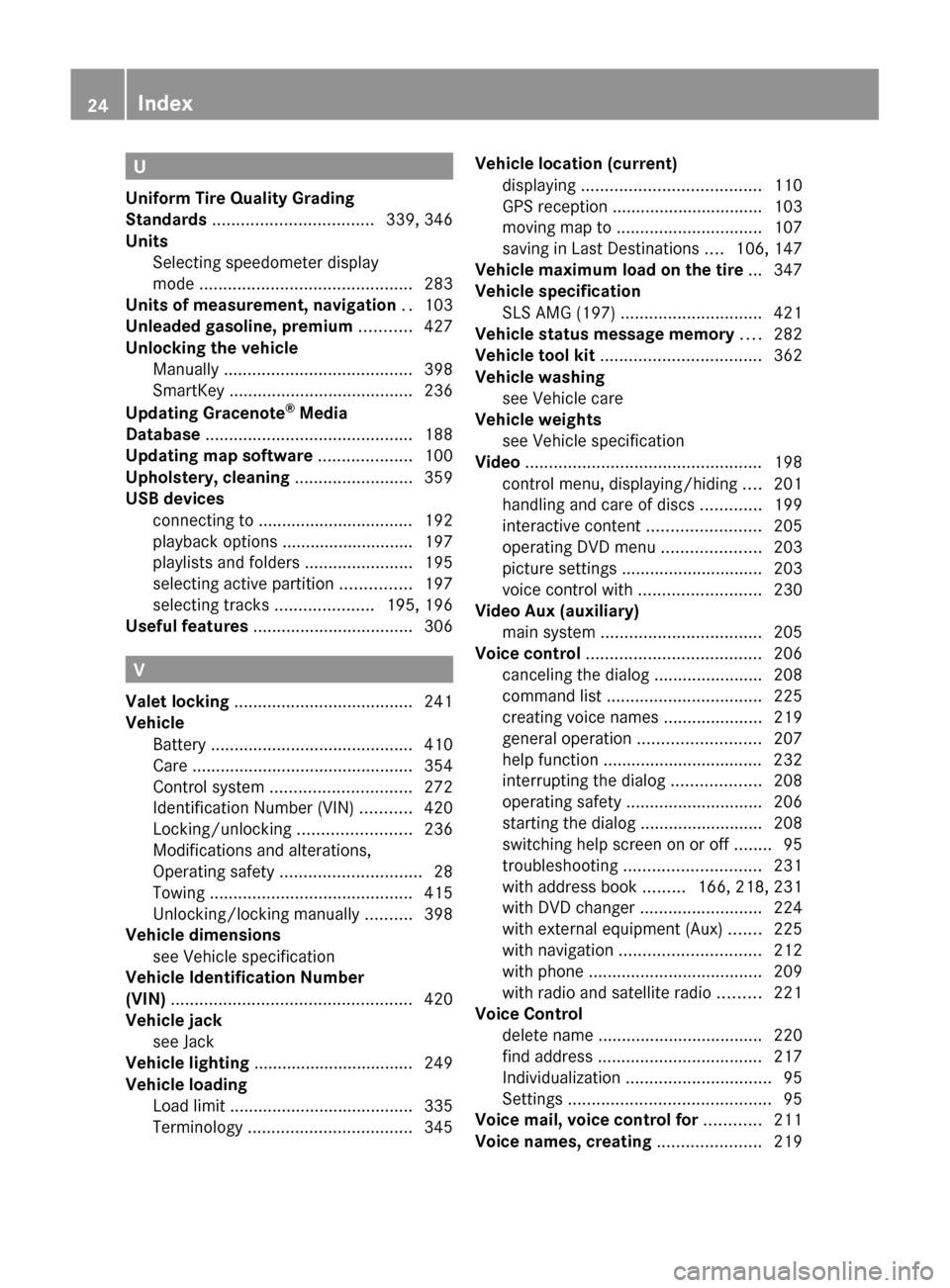
U
Uniform Tire Quality Grading
Standards .................................. 339, 346
Units Selecting speedometer display
mode ............................................. 283
Units of measurement, navigation .. 103
Unleaded gasoline, premium ........... 427
Unlocking the vehicle Manually ........................................ 398
SmartKey ....................................... 236
Updating Gracenote ®
Media
Database ............................................ 188
Updating map software .................... 100
Upholstery, cleaning ......................... 359
USB devices connecting to ................................. 192
playback options ............................ 197
playlists and folders .......................195
selecting active partition ...............197
selecting tracks .....................195, 196
Useful features .................................. 306
V
Valet locking ...................................... 241
Vehicle Battery ........................................... 410
Care ............................................... 354
Control system .............................. 272
Identification Number (VIN) ...........420
Locking/unlocking ........................236
Modifications and alterations,
Operating safety .............................. 28
Towing ........................................... 415
Unlocking/locking manually ..........398
Vehicle dimensions
see Vehicle specification
Vehicle Identification Number
(VIN) ................................................... 420
Vehicle jack see Jack
Vehicle lighting .................................. 249
Vehicle loading Load limit ....................................... 335
Terminology ................................... 345
Vehicle location (current)
displaying ...................................... 110
GPS reception ................................ 103
moving map to ............................... 107
saving in Last Destinations ....106, 147
Vehicle maximum load on the tire ... 347
Vehicle specification SLS AMG (197) .............................. 421
Vehicle status message memory .... 282
Vehicle tool kit .................................. 362
Vehicle washing see Vehicle care
Vehicle weights
see Vehicle specification
Video .................................................. 198
control menu, displaying/hiding ....201
handling and care of discs .............199
interactive content ........................205
operating DVD menu .....................203
picture settings .............................. 203
voice control with .......................... 230
Video Aux (auxiliary)
main system .................................. 205
Voice control ..................................... 206
canceling the dialog .......................208
command list ................................. 225
creating voice names .....................219
general operation .......................... 207
help function .................................. 232
interrupting the dialog ...................208
operating safety ............................. 206
starting the dialog ..........................208
switching help screen on or off ........95
troubleshooting ............................. 231
with address book .........166, 218, 231
with DVD changer ..........................224
with external equipment (Aux) .......225
with navigation .............................. 212
with phone ..................................... 209
with radio and satellite radio .........221
Voice Control
delete name ................................... 220
find address ................................... 217
Individualization ............................... 95
Settings ........................................... 95
Voice mail, voice control for ............ 211
Voice names, creating ...................... 21924IndexBA 197 USA, CA Edition A 2011; 1; 27, en-UShereepeVersion: 3.0.3.52010-03-24T15:31:10+01:00 - Seite 24
Page 27 of 436

Volume (loudness)COMAND ......................................... 89
external audio sources ..........197, 206
mobile phones ............................... 151
muting COMAND ............................. 89
navigation announcements ......89, 137
phone calls ...................................... 89
voice command ............................. 208
W
Warning sounds Driver’s or passenger’s seat belt .....55
Electronic parking brake ................372
Parktronic system ..........................296
Seat belt telltale ............................ 391
Warranty coverage ............................ 420
Washer and headlamp cleaning
system ................................................ 429
Washer fluid Messages in the multifunction
display ........................................... 380
Mixing ratio .................................... 429
Refilling .......................................... 325
Washing the vehicle .......................... 354
Wear pattern (tires) .......................... 340
Weights (vehicle) see Vehicle specification
Wheel
Changing ....................................... 405
Removing ....................................... 407
Tightening torque ........................... 409
Wheels, sizes ..................................... 422
Wheels, Tires and .............................. 326
Windows see Power windows
Windows, cleaning ............................ 358
Windshield Cleaning wiper blades .................... 358
Defogging ...................................... 303
Washer fluid ................................... 429
Wipers ........................................... 253
Windshield wipers
Replacing wiper blades ..................400
Winter driving
Instructions .................................... 348
Snow chains .................................. 347
Tires ............................................... 347
Winter tires ....................... 347, 422, 424
Wipers Notes ............................................. 253
Problems with ................................ 255
Windshield wipers ..........................253
Z
ZAGAT ®
Rating Service ..................... 131
Zip code of destination, selecting .... 117
Index25BA 197 USA, CA Edition A 2011; 1; 27, en-UShereepeVersion: 3.0.3.52010-03-24T15:31:10+01:00 - Seite 25
Page 71 of 436
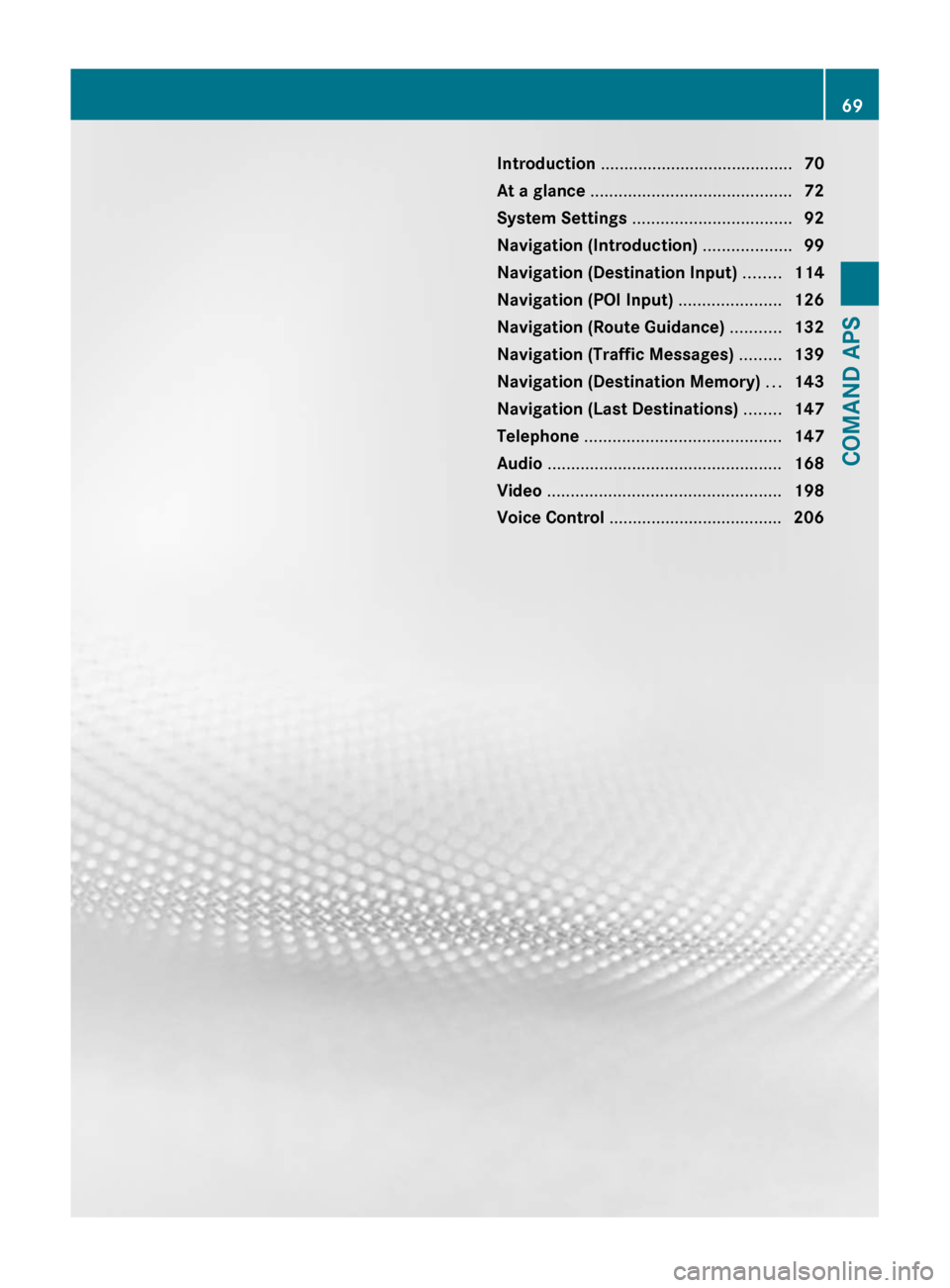
Introduction ......................................... 70
At a glance ........................................... 72
System Settings .................................. 92
Navigation (Introduction) ...................99
Navigation (Destination Input) ........114
Navigation (POI Input) ......................126
Navigation (Route Guidance) ...........132
Navigation (Traffic Messages) .........139
Navigation (Destination Memory) ...143
Navigation (Last Destinations) ........147
Telephone .......................................... 147
Audio .................................................. 168
Video .................................................. 198
Voice Control ..................................... 20669COMAND APSBA 197 USA, CA Edition A 2011; 1; 27, en-UShereepeVersion: 3.0.3.52010-03-24T15:31:10+01:00 - Seite 69
Page 72 of 436
Introduction
Where to Find it
This operator's manual has been designed to
help you use your COMAND control unit in all
situations. Since not all models have the
same standard equipment, your COMAND
system equipment may deviate from some
descriptions and illustrations.
At a Glance
Here you will find an overview of the
components of COMAND. Then you will find
examples illustrating how to operate
COMAND and information on the basic
functions. If you are operating a COMAND for
the first time or have rented the vehicle, you
should first read this chapter.
System Settings
Here you will find all the important
information regarding the system settings of
the COMAND.
Navigation
Here you will find detailed information
regarding the following topics:
R Setting options for the map display and the
route calculation
R Destination input
R Search & Send
R POI input
R Route guidance
R Traffic information
R Destination memory
Telephone
The telephone functions are described here.
You will also find information on the address
book.
Audio
Here you will find all information regarding
the audio function and its Radio, SatRadio,
CD-audio/DVD audio/MP3, Music Register,
Media Interface and Audio Aux modes.
Video
Here you will find all information regarding
the video system.
Voice Control
Here you will find information about operating
several COMAND functions via Voice Control.
Indexes
Content and keyword indexes are intended to
help you find information quickly.
Symbols
Trademarks ®
:
R Bluetooth ®
is a registered trademark of
Bluetooth SIG Inc.
R Microsoft ®
is a registered trademark of
Microsoft Corporation in the United States
and other countries
R SIRIUS and related marks are trademarks
of SIRIUS Satellite Radio Inc.
R Windows media ®
is a registered trademark
of Microsoft Corporation in the United
States and other countries
You will find the following symbols in these
operating instructions:
GWarning!
Warning notices draw your attention to
hazards that may endanger your health or life,
or the health or life of others.
! Highlights hazards that may result in
damage to your COMAND.
i Helpful hints or further information you
may find useful.
70IntroductionCOMAND APS
BA 197 USA, CA Edition A 2011; 1; 27, en-UShereepeVersion: 3.0.3.52010-03-24T15:31:10+01:00 - Seite 70
Page 73 of 436
XThis symbol points to
instructions for you to follow. A
number of these symbols
appearing in succession
indicates a multiple-step
procedure.OThe continuation symbol marks
an interrupted procedure which
will be continued on the next
page.( Y page 11)This symbol tells you where to
look for further information on
this subject.DisplayMessages, menu items or soft
key names appearing in the
COMAND color display are
printed in the style shown here.
Operating Safety
GWarning
Any alterations of electronic components or
software can cause malfunctions.
Radio, satellite radio, amplifier, DVD changer,
navigation module, telephone and Voice
Control systems are interconnected.
Therefore, if one of the components is not
operational, or has not been removed/
replaced properly, the function of other
components could be impaired.
Such conditions might seriously impair the
operating safety of your vehicle.
We recommend to have any service work on
electronic components carried out by an
authorized Mercedes-Benz Center.
GWarning
In order to avoid distraction which could lead
to an accident, the driver should enter system
settings while the vehicle is at a standstill, and
operate the system only when permitted by
road, weather and traffic conditions.
Bear in mind that at a speed of just 30 mph
(approximately 50 km/h), your car covers a
distance of 44 feet (approximately 14 m) every
second.
COMAND supplies you with information to
help you select your route more easily and
guide you conveniently and safely to your
destination. For safety reasons, we
encourage the driver to stop the vehicle in a
safe place before answering or placing a call,
or consulting the COMAND screen to read
navigational maps, instructions, or
downloaded information.GWarning
While the navigation system provides
directional assistance, the driver must remain
focused on safe driving behavior, especially
attention to traffic and street signs, and
should utilize the system’s audio cues while
driving.
The navigation system does not supply any
information on stop signs, yield signs, traffic
regulations or traffic safety rules. Their
observance always remains in the driver’s
personal responsibility. DVD maps do not
cover all areas nor all routes within an area.
This device complies with Part 15 of the
FCC Rules. Operation is subject to the
following two conditions:
R This device may not cause harmful
interference, and
R This device must accept any interference
received, including interference that may
cause undesired operation.
GWarning
Change or modification not expressly
approved by the party responsible for
compliance could void the user's authority to
operate this equipment.
! Note: This equipment has been tested
and found to comply with the limits for a
Class A digital device, pursuant to Part 15
of the FCC Rules. These limits are designed
to provide reasonable protection against
harmful interference when the equipment
Introduction71COMAND APSBA 197 USA, CA Edition A 2011; 1; 27, en-UShereepeVersion: 3.0.3.52010-03-24T15:31:10+01:00 - Seite 71Z
Page 75 of 436
Components of COMAND
COMAND comprises:
Rthe COMAND display
Rthe COMAND control unit with DVD
changer
Rthe COMAND controller with the Back and
Clear button
You can use COMAND to operate the
following main functions:
Rthe navigation system
Rthe audio function with the radio, SatRadio,
disc (CD audio, DVD audio or MP3 mode),
PCMCIA memory card (MP3 mode), Music
Register and Audio Aux modes
Rthe telephone and the address book
function
RDVD Video
Rsystems settings
You can call up the main functions:
Rusing the corresponding function buttons
Rusing the main function line in the
COMAND display
COMAND Display
iDo not touch the COMAND display. The
display has a very sensitive high-gloss
surface; there is a risk of scratching. Should
the display need cleaning, use a mild
cleaning agent and a soft, antistatic, lint-
free cloth. Commercially available alcohol
and ammonia-free TFT or LCD cleaners are
recommended.
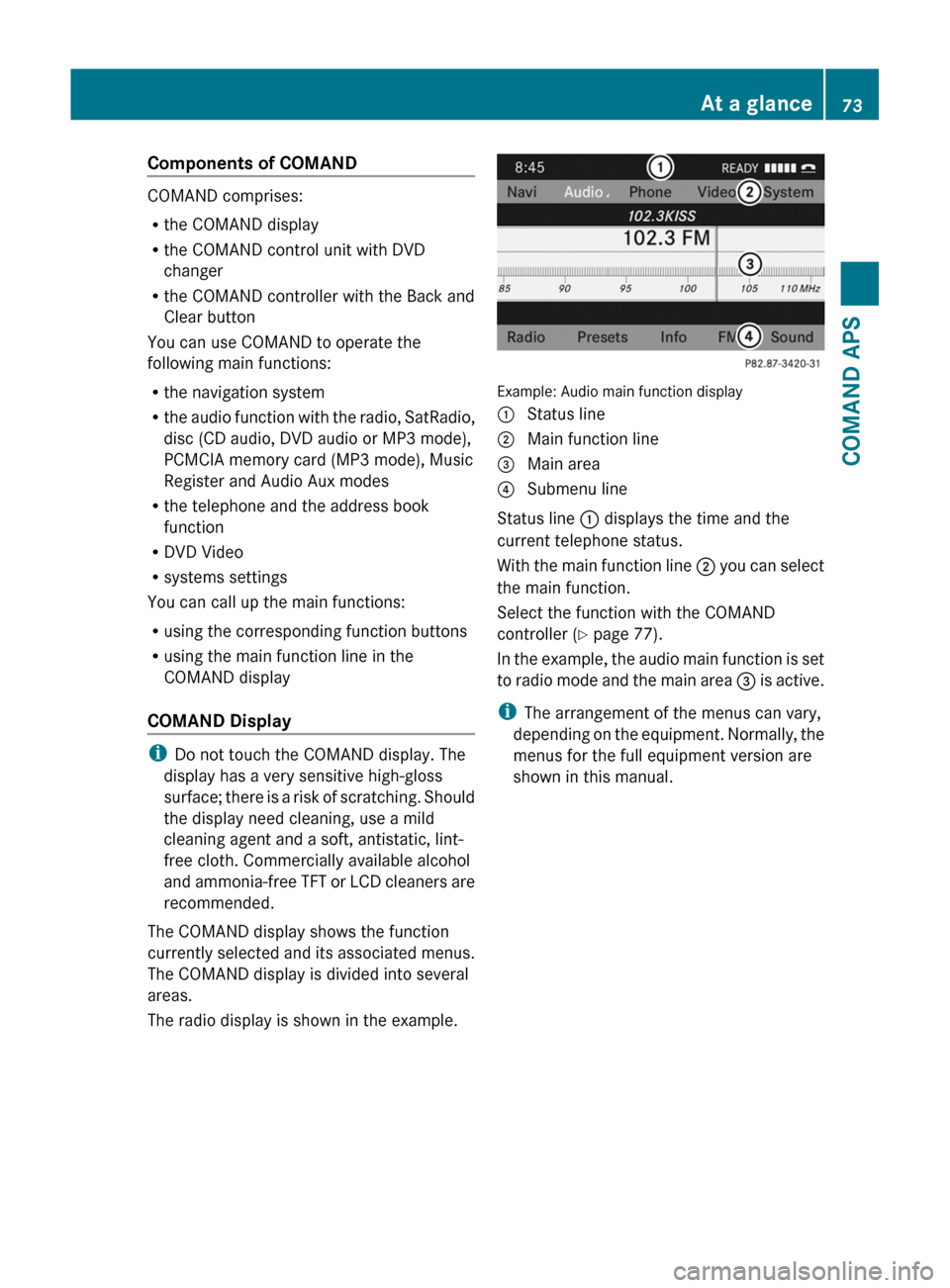
The COMAND display shows the function
currently selected and its associated menus.
The COMAND display is divided into several
areas.
The radio display is shown in the example.
Example: Audio main function display
1 Status line2 Main function line3 Main area4 Submenu line
Status line 1 displays the time and the
current telephone status.
With the main function line 2 you can select
the main function.
Select the function with the COMAND
controller (Y page 77).
In the example, the audio main function is set
to radio mode and the main area 3 is active.
iThe arrangement of the menus can vary,
depending on the equipment. Normally, the
menus for the full equipment version are
shown in this manual.
At a glance73COMAND APSBA 197 USA, CA Edition A 2011; 1; 27, en-UShereepeVersion: 3.0.3.52010-03-24T15:31:10+01:00 - Seite 73Z