2011 LINCOLN TOWN CAR lock
[x] Cancel search: lockPage 57 of 306
To have full capacity usage of your power point, the engine is required to
be running to avoid unintentional discharge of the battery. To prevent
the battery from being discharged:
•do not use the power point longer than necessary when the engine is
not running,
•do not leave battery chargers, video game adapters, computers and
other devices plugged in overnight or when the vehicle is parked for
extended periods.
Always keep the power point caps closed when not being used.
REAR CENTER CONSOLE FEATURES (IF EQUIPPED)
The rear center console incorporates the following features:
•Utility compartment
•Auxiliary power point (if equipped)
•Remote radio/climate controls (if equipped)
•Remote seat adjustment (if equipped)
Remote seat adjustment
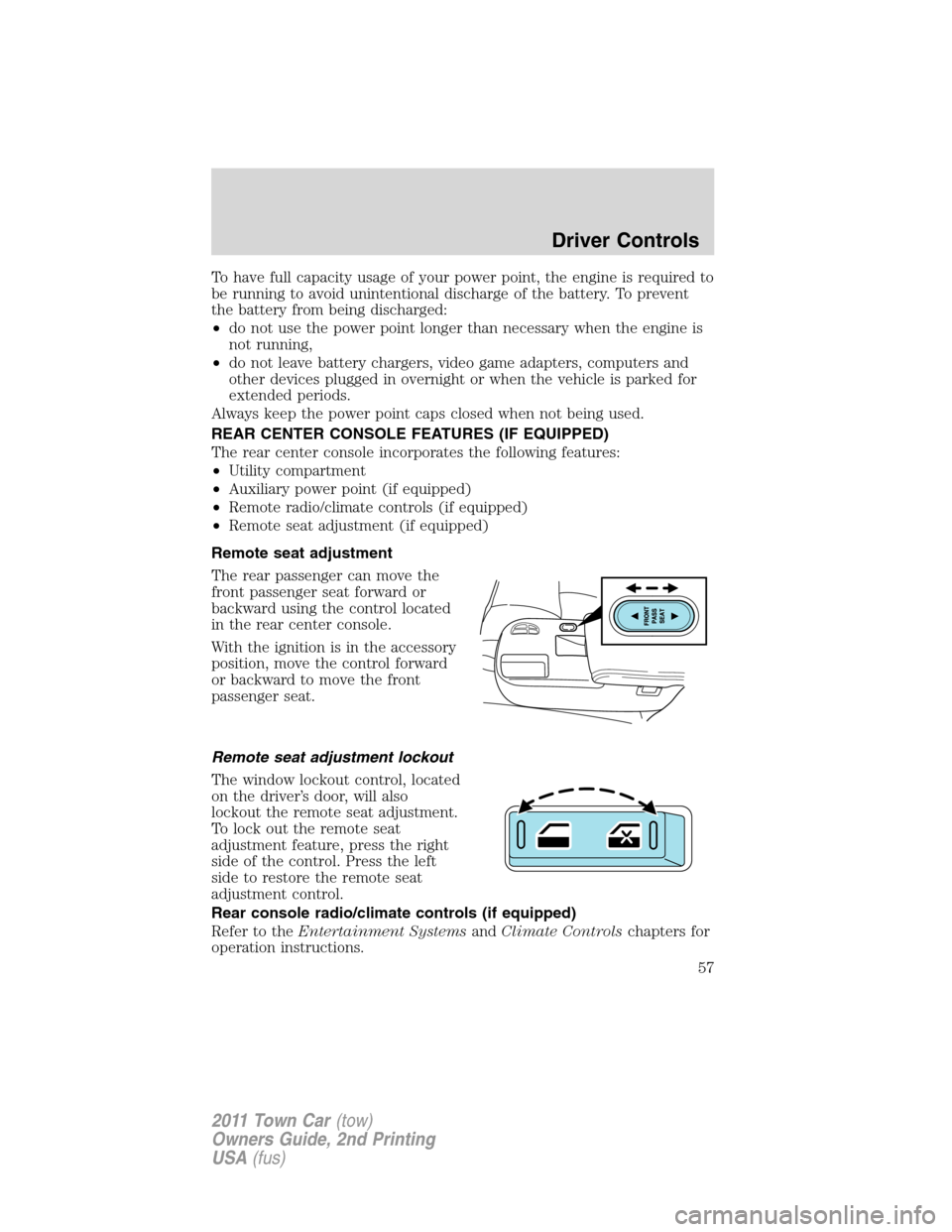
The rear passenger can move the
front passenger seat forward or
backward using the control located
in the rear center console.
With the ignition is in the accessory
position, move the control forward
or backward to move the front
passenger seat.
Remote seat adjustment lockout
The window lockout control, located
on the driver’s door, will also
lockout the remote seat adjustment.
To lock out the remote seat
adjustment feature, press the right
side of the control. Press the left
side to restore the remote seat
adjustment control.
Rear console radio/climate controls (if equipped)
Refer to theEntertainment SystemsandClimate Controlschapters for
operation instructions.
Driver Controls
57
2011 Town Car(tow)
Owners Guide, 2nd Printing
USA(fus)
Page 58 of 306
POWER WINDOWS
WARNING:Do not leave children unattended in the vehicle and
do not let children play with the power windows. They may
seriously injure themselves.
WARNING:When closing the power windows, you should verify
they are free of obstructions and ensure that children and/or
pets are not in the proximity of the window openings.
Press and pull the window switches
to open and close windows.
•Press down (to the first detent)
and hold the switch to open.
•Pull up (to the first detent) and
hold the switch to close.
One-touch down
Allows the driver’s window to open fully without holding the control
down. Press the switch completely down to the second detent and
release quickly. The window will open fully. Momentarily press the switch
to any position to stop the window operation.
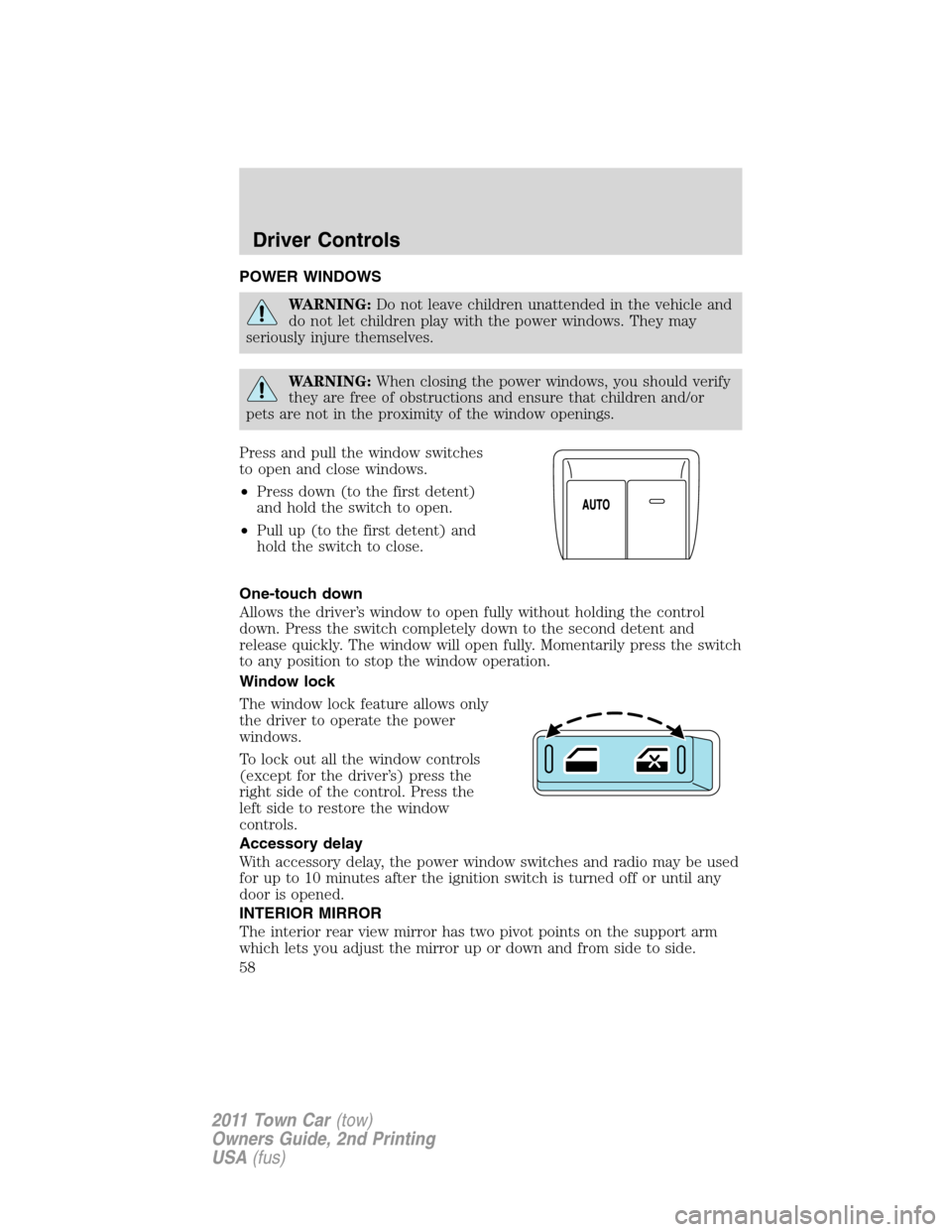
Window lock
The window lock feature allows only
the driver to operate the power
windows.
To lock out all the window controls
(except for the driver’s) press the
right side of the control. Press the
left side to restore the window
controls.
Accessory delay
With accessory delay, the power window switches and radio may be used
for up to 10 minutes after the ignition switch is turned off or until any
door is opened.
INTERIOR MIRROR
The interior rear view mirror has two pivot points on the support arm
which lets you adjust the mirror up or down and from side to side.
Driver Controls
58
2011 Town Car(tow)
Owners Guide, 2nd Printing
USA(fus)
Page 59 of 306
WARNING:Do not adjust the mirror while the vehicle is in
motion.
Automatic dimming interior rear view mirror (if equipped)
The interior rear view mirror and a driver’s side exterior mirror have an
auto-dimming function. The electronic day/night mirrors will change from
the normal (high reflective) state to the non-glare (darkened) state
when bright lights (glare) reach the interior mirror. When the interior
mirror detects bright light from behind the vehicle, the interior rear view
mirror and the driver’s side exterior mirror (if equipped) will
automatically adjust (darken) to minimize glare.
The mirrors will automatically return to the normal state whenever the
vehicle is placed in R (Reverse) to ensure a bright clear view when
backing up.
Do not block the sensors on the front and back of the interior
rear view mirror since this may impair proper mirror
performance.
Note:A rear center passenger and/or raised rear center headrest (if
equipped) may also block the light from reaching the sensor.
Do not clean the housing or glass of any mirror with harsh
abrasives, fuel or other petroleum-based cleaning products.
EXTERIOR MIRRORS
Power side view mirrors
WARNING:Do not adjust the mirror while the vehicle is in
motion.
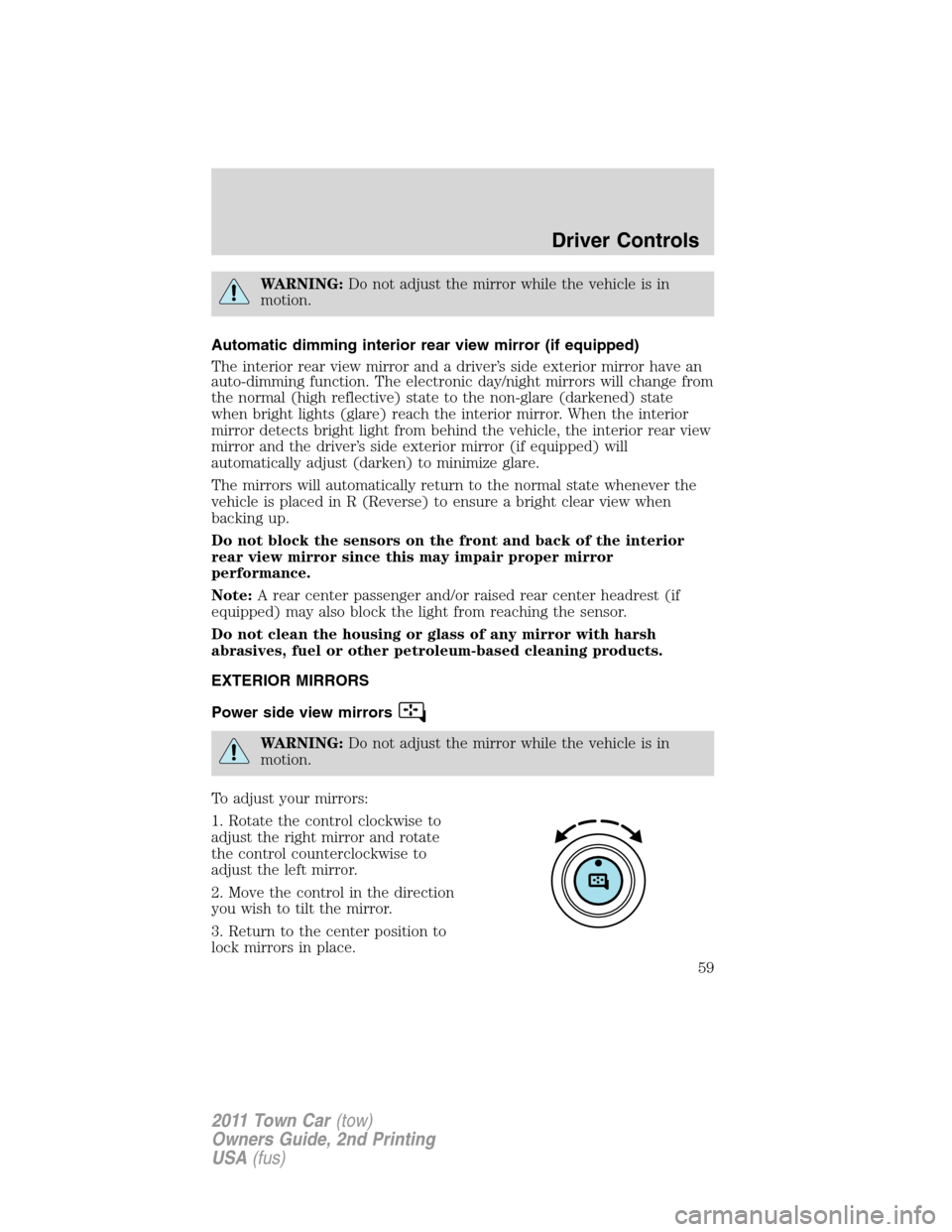
To adjust your mirrors:
1. Rotate the control clockwise to
adjust the right mirror and rotate
the control counterclockwise to
adjust the left mirror.
2. Move the control in the direction
you wish to tilt the mirror.
3. Return to the center position to
lock mirrors in place.
Driver Controls
59
2011 Town Car(tow)
Owners Guide, 2nd Printing
USA(fus)
Page 70 of 306
POSITIVE RETENTION FLOOR MAT
WARNING:Do not install additional floor mats on top of the
factory installed floor mats as they may interfere with the
accelerator or the brake pedals.
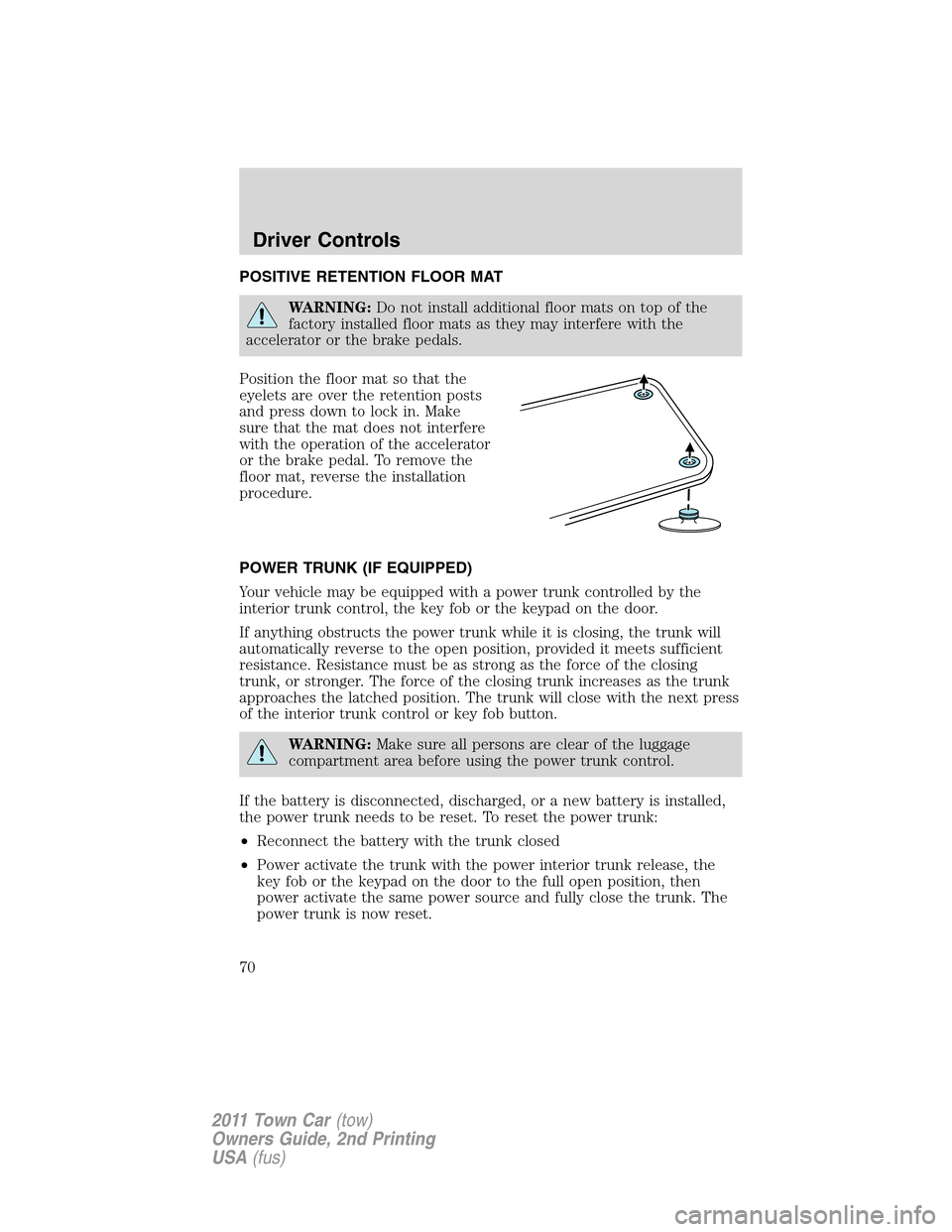
Position the floor mat so that the
eyelets are over the retention posts
and press down to lock in. Make
sure that the mat does not interfere
with the operation of the accelerator
or the brake pedal. To remove the
floor mat, reverse the installation
procedure.
POWER TRUNK (IF EQUIPPED)
Your vehicle may be equipped with a power trunk controlled by the
interior trunk control, the key fob or the keypad on the door.
If anything obstructs the power trunk while it is closing, the trunk will
automatically reverse to the open position, provided it meets sufficient
resistance. Resistance must be as strong as the force of the closing
trunk, or stronger. The force of the closing trunk increases as the trunk
approaches the latched position. The trunk will close with the next press
of the interior trunk control or key fob button.
WARNING:Make sure all persons are clear of the luggage
compartment area before using the power trunk control.
If the battery is disconnected, discharged, or a new battery is installed,
the power trunk needs to be reset. To reset the power trunk:
•Reconnect the battery with the trunk closed
•Power activate the trunk with the power interior trunk release, the
key fob or the keypad on the door to the full open position, then
power activate the same power source and fully close the trunk. The
power trunk is now reset.
Driver Controls
70
2011 Town Car(tow)
Owners Guide, 2nd Printing
USA(fus)
Page 71 of 306
INTERIOR TRUNK CONTROL
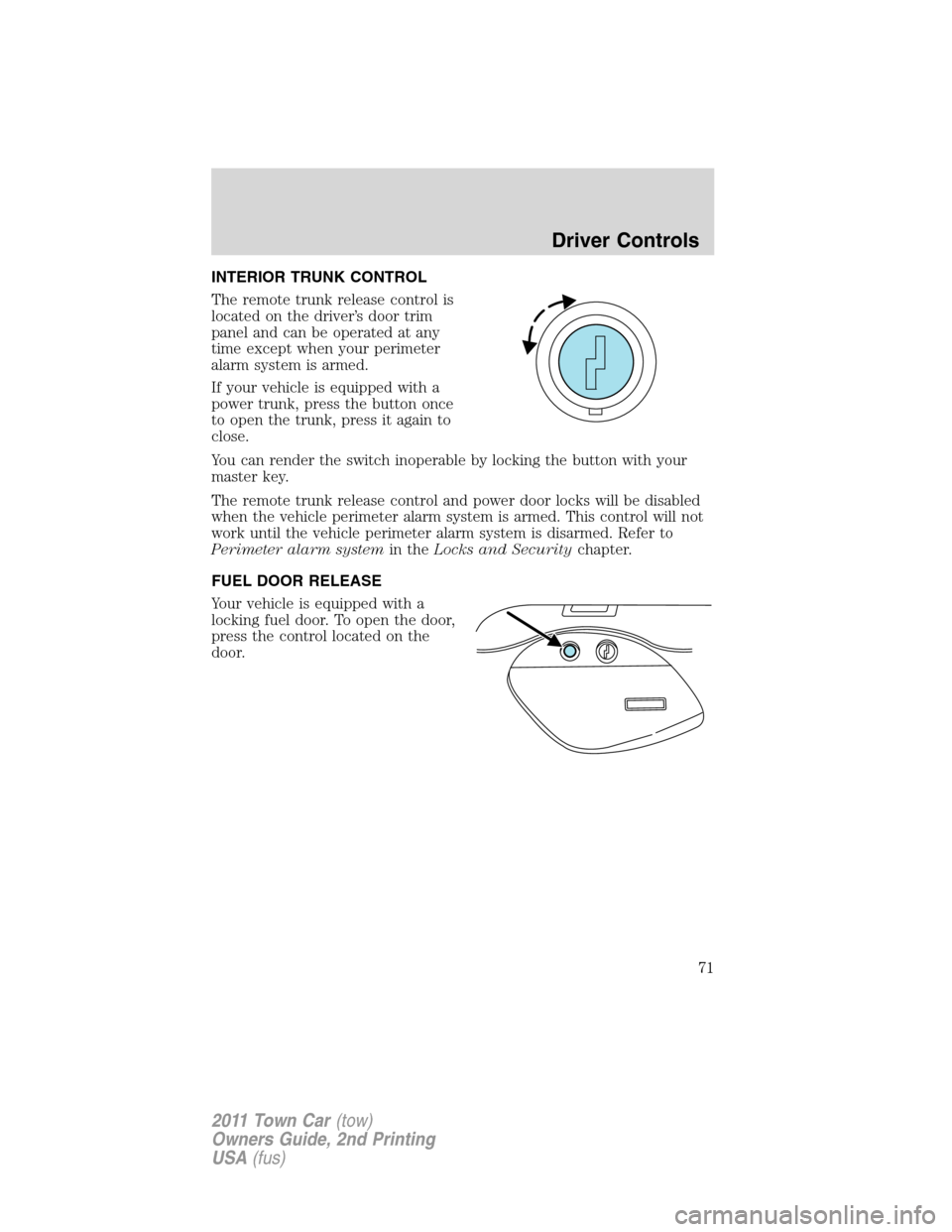
The remote trunk release control is
located on the driver’s door trim
panel and can be operated at any
time except when your perimeter
alarm system is armed.
If your vehicle is equipped with a
power trunk, press the button once
to open the trunk, press it again to
close.
You can render the switch inoperable by locking the button with your
master key.
The remote trunk release control and power door locks will be disabled
when the vehicle perimeter alarm system is armed. This control will not
work until the vehicle perimeter alarm system is disarmed. Refer to
Perimeter alarm systemin theLocks and Securitychapter.
FUEL DOOR RELEASE
Your vehicle is equipped with a
locking fuel door. To open the door,
press the control located on the
door.
Driver Controls
71
2011 Town Car(tow)
Owners Guide, 2nd Printing
USA(fus)
Page 73 of 306
KEYS
Your vehicle is equipped with a master key and a valet (identified with
the word VALET) key lock system.
•The master key will access the vehicle’s doors, trunk, glove box,
ignition and remote trunk release.
•The valet key will access doors and ignition only.
Before using the valet key with an attendant, lock the interior trunk
control to disable the interior trunk control located on the driver’s door,
then lock the glove compartment with your master key. Do not hand
over the remote entry transmitter or the master key to the valet
attendant. For more information, refer toInterior trunk controlin the
Driver Controlschapter.
POWER DOOR LOCKS
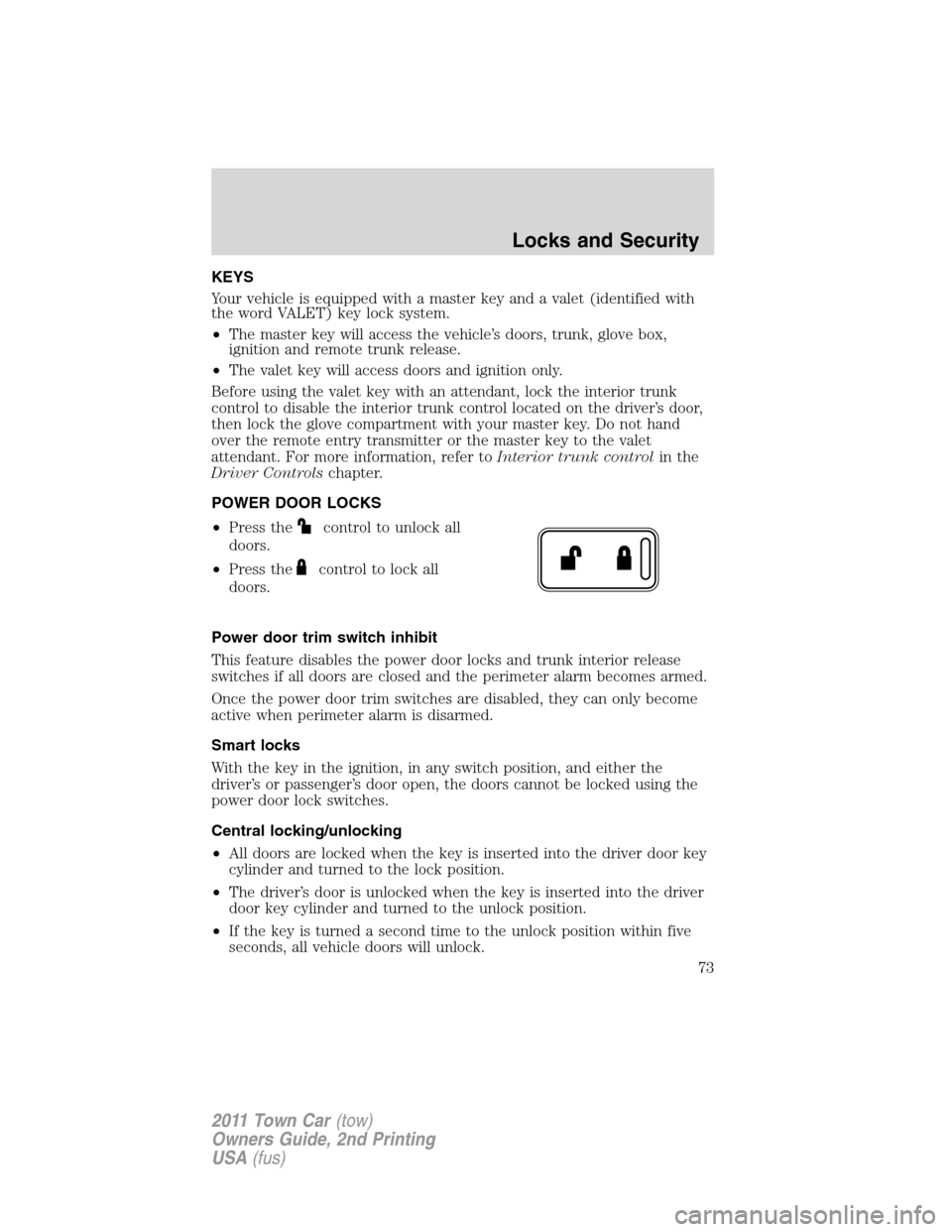
•Press the
control to unlock all
doors.
•Press the
control to lock all
doors.
Power door trim switch inhibit
This feature disables the power door locks and trunk interior release
switches if all doors are closed and the perimeter alarm becomes armed.
Once the power door trim switches are disabled, they can only become
active when perimeter alarm is disarmed.
Smart locks
With the key in the ignition, in any switch position, and either the
driver’s or passenger’s door open, the doors cannot be locked using the
power door lock switches.
Central locking/unlocking
•All doors are locked when the key is inserted into the driver door key
cylinder and turned to the lock position.
•The driver’s door is unlocked when the key is inserted into the driver
door key cylinder and turned to the unlock position.
•If the key is turned a second time to the unlock position within five
seconds, all vehicle doors will unlock.
Locks and Security
73
2011 Town Car(tow)
Owners Guide, 2nd Printing
USA(fus)
Page 74 of 306
Autolock
This feature automatically locks all vehicle doors when the following
conditions are met:
•all the doors are closed,
•the engine is running,
•you shift into gear, putting the vehicle in motion, and.
•the vehicle’s speed is greater than 3 mph (5 km/h).
Autorelock
The autolock feature repeats when:
•a door is opened and closed while the engine is running,
•you shift into any gear, putting the vehicle in motion, and
•the vehicle’s speed is greater than 3 mph (5 km/h).
Autounlock
The auto-unlock feature will unlock all doors when:
•the ignition has been in the on position, all doors are closed, and the
vehicle has been in motion at a speed greater than 3 mph (5 km/h),
•the vehicle has then come to a stop and the ignition is turned to the
accessory or off position, and
•the driver door is opened (within ten minutes after the ignition was
transitioned to the accessory or off position).
Note:The vehicle doors will not auto-unlock if the vehicle has been
electronically locked prior to the driver door being opened.
Deactivating/activating the autolock or autounlock feature
Autolocking and autounlocking are independent features; either feature
may be enabled or disabled without affecting the other.
You must complete Steps 1-7 within 30 seconds or the procedure will
have to be repeated. If the procedure needs to be repeated, you must
wait at least 30 seconds.Note:Before following the procedure, make
sure that the ignition is in the off position and all vehicle doors, the
hood, and the decklid are closed.
Locks and Security
74
2011 Town Car(tow)
Owners Guide, 2nd Printing
USA(fus)
Page 75 of 306
1. Turn the ignition to the on
position.
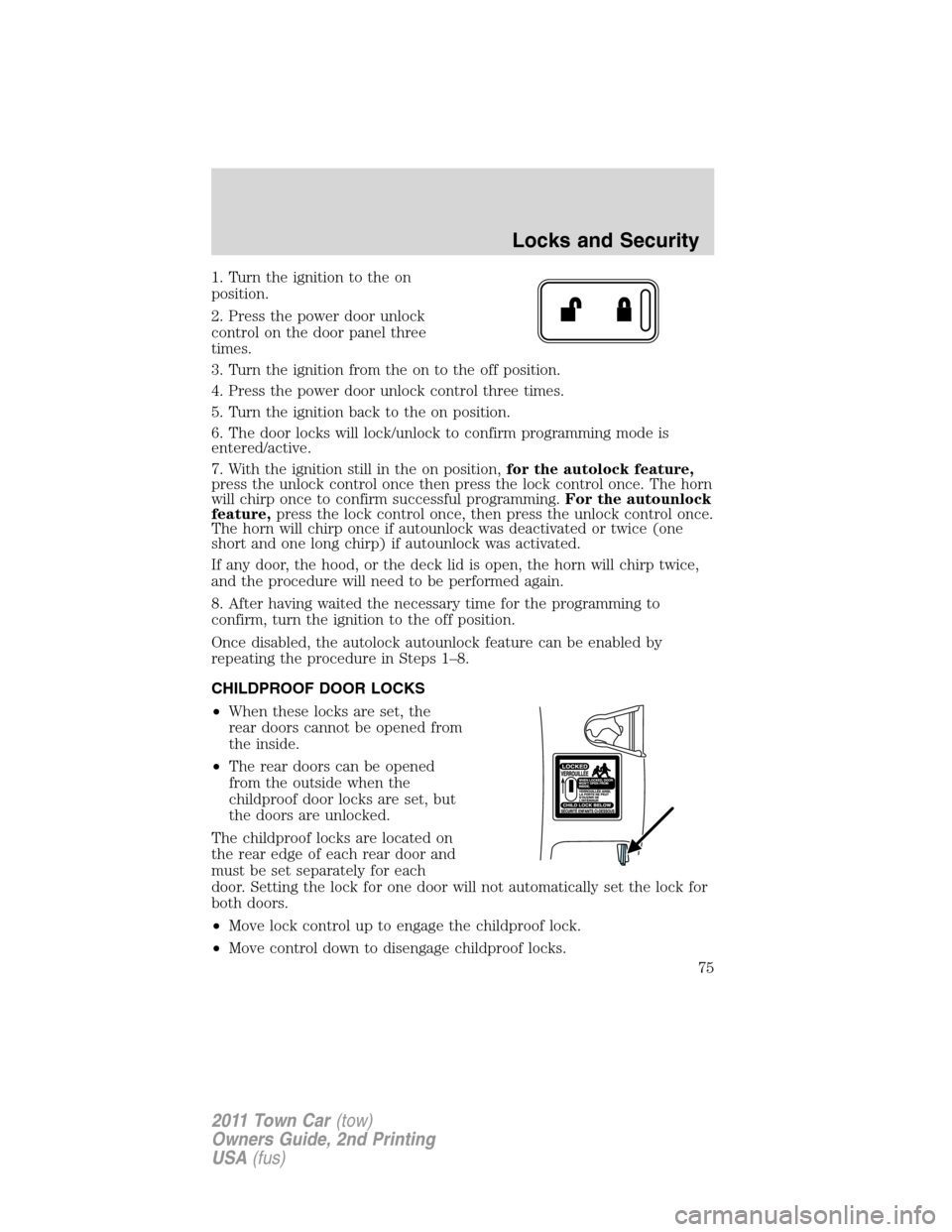
2. Press the power door unlock
control on the door panel three
times.
3. Turn the ignition from the on to the off position.
4. Press the power door unlock control three times.
5. Turn the ignition back to the on position.
6. The door locks will lock/unlock to confirm programming mode is
entered/active.
7. With the ignition still in the on position,for the autolock feature,
press the unlock control once then press the lock control once. The horn
will chirp once to confirm successful programming.For the autounlock
feature,press the lock control once, then press the unlock control once.
The horn will chirp once if autounlock was deactivated or twice (one
short and one long chirp) if autounlock was activated.
If any door, the hood, or the deck lid is open, the horn will chirp twice,
and the procedure will need to be performed again.
8. After having waited the necessary time for the programming to
confirm, turn the ignition to the off position.
Once disabled, the autolock autounlock feature can be enabled by
repeating the procedure in Steps 1–8.
CHILDPROOF DOOR LOCKS
•When these locks are set, the
rear doors cannot be opened from
the inside.
•The rear doors can be opened
from the outside when the
childproof door locks are set, but
the doors are unlocked.
The childproof locks are located on
the rear edge of each rear door and
must be set separately for each
door. Setting the lock for one door will not automatically set the lock for
both doors.
•Move lock control up to engage the childproof lock.
•Move control down to disengage childproof locks.
Locks and Security
75
2011 Town Car(tow)
Owners Guide, 2nd Printing
USA(fus)