Page 143 of 603

Heated Seats — If Equipped
On some models, the front driver and passenger seats
may be equipped with heaters in both the seat cushions
and seatbacks.
There are two heated seat switches that allow the driver
and passenger to operate the seats independently. Thecontrols for each seat are located on a switch bank near
the bottom center of the instrument panel.
You can choose from HIGH, LOW or OFF heat settings.
Amber indicator lights in each switch indicate the level of
heat in use. Two indicator lights will illuminate for
HIGH, one for LOW and none for OFF.
Press the switch once to select HIGH-level
heating. Press the switch a second time to select
LOW-level heating. Press the switch a third
time to shut the heating elements OFF.
When the HIGH-level setting is selected, the heater will
provide a boosted heat level during the first four minutes
of operation. Then, the heat output will drop to the
normal HIGH-level. If the HIGH-level setting is selected,
the system will automatically switch to LOW-level after
approximately 30 minutes of continuous operation. At
that time, the number of illuminated LEDs changes from
Tip n’ Slide
3
UNDERSTANDING THE FEATURES OF YOUR VEHICLE 141
Page 151 of 603
down slightly on the hood before pushing the safety
latch. Insert the support rod into the slot on the hood.
To close the hood, remove the support rod from the hood
panel and place it in the retaining clip. Lower the hood
slowly. Secure both of the hood latches.
WARNING!
Be sure the hood is fully latched before driving your
vehicle. If the hood is not fully latched, it could open
when the vehicle is in motion and block your vision.
Failure to follow this warning could result in serious
injury or death.
LIGHTS
Multifunction Lever
The multifunction lever controls the operation of the
parking lights, headlights, headlight beam selection,passing light, fog lights, instrument panel light dimming
and turn signals. The lever is located on the left side of
the steering column.
Multifunction Lever
3
UNDERSTANDING THE FEATURES OF YOUR VEHICLE 149
Page 152 of 603
Headlights And Parking Lights
Turn the end of the multifunction lever to the first detent
for parking lights and instrument panel lights. Turn to
the second detent for headlight operation.NOTE:
Lens fogging can occur under certain weather
conditions. Turning the headlights on will usually accel-
erate the clearing process.
Automatic Headlights — If Equipped
This system automatically turns the headlights on or off
according to the ambient light levels. To turn the system
on, turn the end of the multifunction lever to the AUTO
position (third detent). When the system is on, the
Headlight Time Delay feature is also on. This means the
headlights will stay on for 90 seconds after you turn the
ignition switch to the LOCK position. To turn the Auto-
matic System off, turn the end of the multifunction lever
out of the AUTO position.
Headlight Switch
150 UNDERSTANDING THE FEATURES OF YOUR VEHICLE
Page 155 of 603
Instrument Panel Dimmer
Rotate the center portion of the lever to the extreme
bottom position to fully dim the instrument panel lights
and prevent the interior lights from illuminating when a
door is opened.
Rotate the center portion of the lever up to increase the
brightness of the instrument panel lights when the park-
ing lights or headlights are on.
Rotate the center portion of the lever upward to the next
detent position to brighten the odometer and radio when
the parking lights or headlights are on.
Rotate the center portion of the lever upward to the last
detent to turn on the interior lighting.
Daytime Running Lights — If Equipped
The headlights come on at a low intensity level when
shifted into any position other than PARK (auto trans-
mission) or when the vehicle begins to move (manual
transmission).
Dimmer Control
3
UNDERSTANDING THE FEATURES OF YOUR VEHICLE 153
Page 166 of 603
On vehicles equipped with a rear subwoofer, there is a
third power outlet located in the right rear cargo area.
Rear Power Outlet — If Equipped
Power Outlet Fuse Locations
1 — M7 Fuse 20 A Yellow Power Outlet Rear with Sub Woofer
(Opt.)
2 — M6 Fuse 20 A Yellow Cigar Lighter Instrument Panel
3 — M36 Fuse 20 A Yellow Power Outlet Console Bin
164 UNDERSTANDING THE FEATURES OF YOUR VEHICLE
Page 169 of 603
may have to be reset manually. To reset the inverter
manually press the power inverter button OFF and ON.
To avoid overloading the circuit, check the power ratings
on electrical devices prior to using the inverter.The power inverter switch is located
on the instrument panel below the
climate controls. To turn on the power
outlet, press the switch once. The in-
dicator light will illuminate. Press the
switch a second time to turn the power
inverter outlet off.
NOTE: When the power inverter switch is pressed,
there will be a delay of approximately one second before
the inverter indicator light turns ON.WARNING!
To avoid serious injury or death:
•Do not use a three-prong adaptor.
•Do not insert any objects into the receptacles.
•Do not touch with wet hands.
•Close the lid when not in use.
•If this outlet is mishandled it may cause an electric
shock and failure.
3
UNDERSTANDING THE FEATURES OF YOUR VEHICLE 167
Page 263 of 603
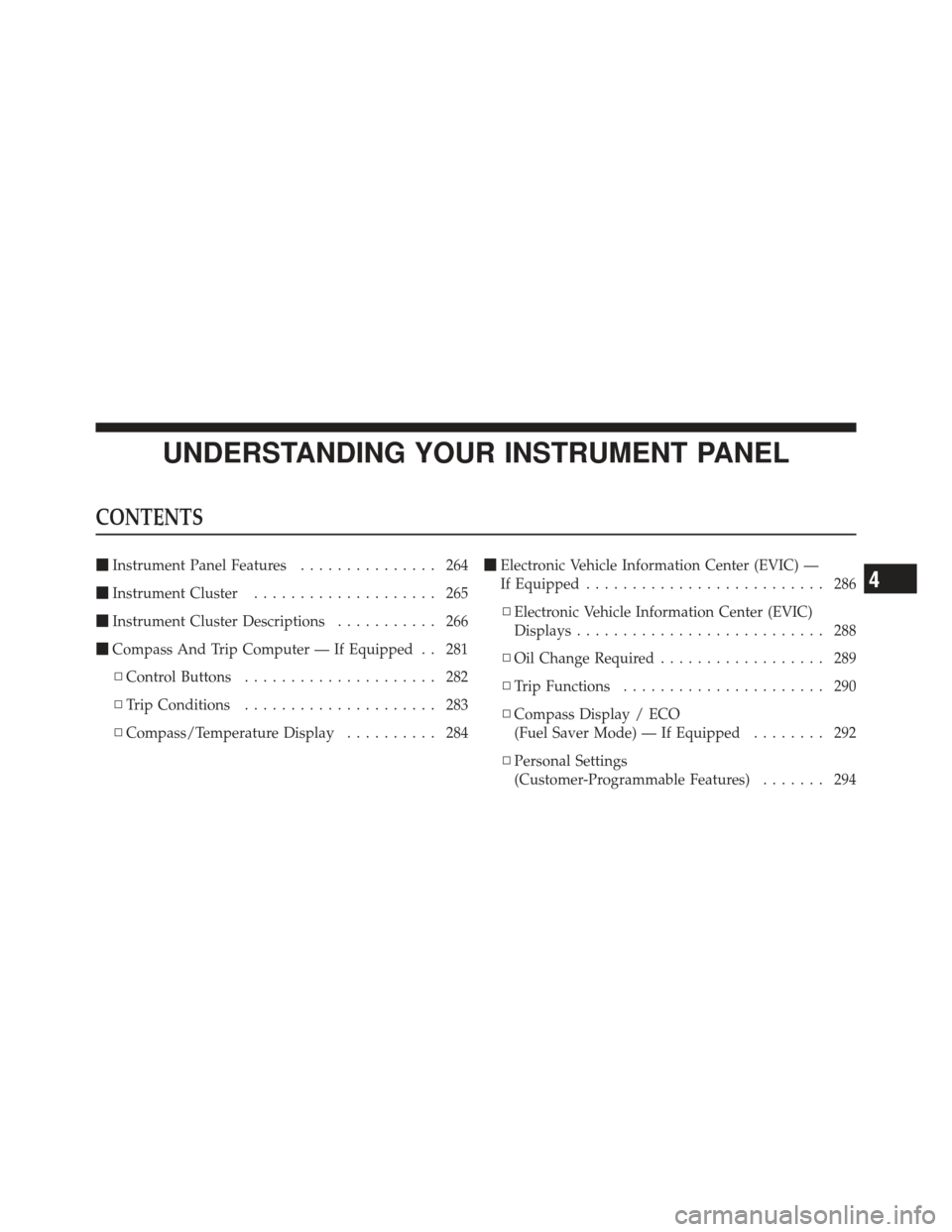
UNDERSTANDING YOUR INSTRUMENT PANEL
CONTENTS
�Instrument Panel Features ............... 264
� Instrument Cluster .................... 265
� Instrument Cluster Descriptions ........... 266
� Compass And Trip Computer — If Equipped . . 281
▫ Control Buttons ..................... 282
▫ Trip Conditions ..................... 283
▫ Compass/Temperature Display .......... 284�
Electronic Vehicle Information Center (EVIC) —
If Equipped .......................... 286
▫ Electronic Vehicle Information Center (EVIC)
Displays ........................... 288
▫ Oil Change Required .................. 289
▫ Trip Functions ...................... 290
▫ Compass Display / ECO
(Fuel Saver Mode) — If Equipped ........ 292
▫ Personal Settings
(Customer-Programmable Features) ....... 294
4
Page 264 of 603

�Media Center 230 (REQ) — AM/FM Stereo
Radio And 6–Disc CD/DVD Changer
(MP3/WMA AUX Jack) .................. 298
▫ Operating Instructions - Radio Mode ...... 298
▫ Operation Instructions - (Disc Mode For CD
And MP3/WMA Audio Play, DVD-Video) . . . 306
▫ Notes On Playing MP3/WMA Files ....... 308
▫ List Button
(Disc Mode For MP3/WMA Play) ......... 311
▫ Info Button
(Disc Mode For MP3/WMA Play) ......... 311
▫ Uconnect™ Multimedia (Satellite Radio) —
If Equipped ........................ 313 �
Media Center 730N/430/430N (RHR/RER/
RBZ/RHB) CD/DVD/HDD/NAV —
If Equipped .......................... 317
▫ Operating Instructions
(Voice Command System) — If Equipped . . . 317
▫ Operating Instructions
(Uconnect™ Phone) — If Equipped ....... 317
� Media Center 130 (Sales Code RES) ......... 317
▫ Operating Instructions — Radio Mode ..... 318
▫ Operation Instructions — CD Mode For CD
And MP3 Audio Play ................. 321
▫ Notes On Playing MP3 Files ............ 323
▫ Operation Instructions - Auxiliary Mode .... 325
262 UNDERSTANDING YOUR INSTRUMENT PANEL