Page 119 of 603
Mute/Un-Mute (Mute OFF)
When you mute the Uconnect™ Phone, you will still be
able to hear the conversation coming from the other
party, but the other party will not be able to hear you. In
order to mute the Uconnect™ Phone:
•Press thebutton.
•Following the beep, say “Mute”.
In order to un-mute the Uconnect™ Phone:
•Press thebutton.
•Following the beep, say “Mute off”.
Advanced Phone Connectivity
Transfer Call to and from Mobile Phone
The Uconnect™ Phone allows ongoing calls to be trans-
ferred from your mobile phone to the Uconnect™ Phone
without terminating the call. To transfer an ongoing call from your Uconnect™ Phone paired mobile phone to the
Uconnect™ Phone or vice versa, press the
button
and say “Transfer Call”.
Connect or Disconnect Link Between the
Uconnect™ Phone and Mobile Phone
Your mobile phone can be paired with many different
electronic devices, but can only be actively �connected�
with one electronic device at a time.
If you would like to connect or disconnect the Bluetooth �
connection between a Uconnect™ Phone paired mobile
phone and the Uconnect™ Phone, follow the instructions
described in your mobile phone User’s Manual.
List Paired Mobile Phone Names
•
Press thebutton to begin.
•After the “Ready” prompt and the following beep, say
“Setup Phone Pairing”.
3
UNDERSTANDING THE FEATURES OF YOUR VEHICLE 117
Page 126 of 603
Turn SMS Incoming Announcement ON/OFF
Turning the SMS Incoming Announcement OFF will stop
the system from announcing the new incoming mes-
sages.
•Press thebutton.
•After the “Ready” prompt and the following beep, say
“Setup, Incoming Message Announcement,” you will
then be given a choice to change it.
Bluetooth�Communication Link
Mobile phones have been found to lose connection to the
Uconnect™ Phone. When this happens, the connection
can generally be reestablished by switching the phone
off/on. Your mobile phone is recommended to remain in
Bluetooth�ON mode.
Power-Up
After switching the ignition key from OFF to either the
ON or ACC position, or after a language change, you
must wait at least five seconds prior to using the system.
124 UNDERSTANDING THE FEATURES OF YOUR VEHICLE
Page 265 of 603
�Media Center 130 With Satellite Radio
(Sales Code RES+RSC) ................... 326
▫ Operating Instructions — Radio Mode ..... 326
▫ Operation Instructions — CD Mode For CD
And MP3 Audio Play ................. 332
▫ Notes On Playing MP3 Files ............ 334
▫ List Button (CD Mode For MP3 Play) ...... 337
▫ Info Button (CD Mode For MP3 Play) ...... 337
▫ Uconnect™ Multimedia (Satellite Radio) —
If Equipped ........................ 338
� iPod�/USB/MP3 Control — If Equipped ..... 342
▫ Connecting The iPod� Or External USB
Device ............................ 342
▫ Using This Feature ................... 343
▫ Controlling The iPod� Or External USB
Device Using Radio Buttons ............. 344▫
Play Mode ......................... 344
▫ List Or Browse Mode ................. 345
▫ Bluetooth Streaming Audio (BTSA) ........ 347
� Steering Wheel Audio Controls ............ 348
▫ Radio Operation ..................... 349
▫ CD Player ......................... 350
� CD/DVD Disc Maintenance .............. 350
� Radio Operation And Mobile Phones ....... 351
� Climate Controls ...................... 351
▫ Manual Heating And Air Conditioning ..... 351
▫ Automatic Temperature Control (ATC) — If
Equipped .......................... 355
▫ Operating Tips ...................... 361
4
UNDERSTANDING YOUR INSTRUMENT PANEL 263
Page 304 of 603

Program Type 16-Digit Character DisplayInformation Inform
Jazz Jazz
News News
Nostalgia Nostalga
Oldies Oldies
Personality Persnlty
Public Public
Rhythm and Blues R & B
Religious Music Rel Musc
Religious Talk Rel Talk
Rock Rock
Soft Soft
Soft Rock Soft Rck
Soft Rhythm and Blues Soft R & B Sports Sports
Talk TalkProgram Type 16-Digit Character Display
Top 40 Top 40
Weather Weather
By pressing the SEEK button when the Music Type icon
is displayed, the radio will be tuned to the next frequency
station with the same selected Music Type name. The
Music Type function only operates when in the FM
mode.
If a preset button is activated while in the Music Type
(Program Type) mode, the Music Type mode will be
exited and the radio will tune to the preset station.
SETUP Button
Pressing the SETUP button allows you to select between
the following items:
NOTE: Turn the TUNE/SCROLL control knob to scroll
through the entries. Push the AUDIO/SELECT button to
select an entry and make changes.
302 UNDERSTANDING YOUR INSTRUMENT PANEL
Page 332 of 603
Toggle the MUSIC TYPE button to select the following
format types:
Program Type 16-Digit Character Display
No program type or undefined None
Adult Hits Adlt Hit
Classical Classicl
Classic Rock Cls Rock
College College
Country Country
Foreign Language Language
Information Inform
Jazz Jazz
News News
Nostalgia Nostalga
Oldies Oldies
Personality Persnlty
Program Type 16-Digit Character Display
Public Public
Rhythm and Blues R & B
Religious Music Rel Musc
Religious Talk Rel Talk
Rock Rock
Soft Soft
Soft Rock Soft Rck
Soft Rhythm and Blues Soft R&B
Sports Sports
Talk Talk
Top 40 Top 40
Weather Weather
By pressing the SEEK button when the Music Type icon is
displayed, the radio will be tuned to the next frequency
station with the same selected Music Type name. The
Music Type function only operates when in the FM mode.
330 UNDERSTANDING YOUR INSTRUMENT PANEL
Page 349 of 603
device, then follow the same steps to go to the desired
track in that list. Not all iPod�or external USB device
sub-menu levels are available on this system.
•MUSIC TYPE button: TheMUSIC TYPE button is
another shortcut button to the genre listing on your
audio device.
CAUTION!
•Leaving the iPod� or external USB device (or any
supported device) anywhere in the vehicle in
extreme heat or cold can alter the operation or
damage the device. Follow the device manufactur-
er ’s guidelines.
•Placing items on the iPod� or external USB device,
or connections to the iPod� or external USB device
in the vehicle, can cause damage to the device
and/or to the connectors.
WARNING!
Do not plug in or remove the iPod� or external USB
device while driving. Failure to follow this warning
could result in an accident.
Bluetooth Streaming Audio (BTSA)
Music can be streamed from your cellular phone to the
Uconnect™ phone system.
Controlling BTSA Using Radio Buttons
To get into the BTSA mode, press either “AUX” button on
the radio or press the VR button and say “Bluetooth
Streaming Audio”.
Play Mode
When switched to BTSA mode, some audio devices can
start playing music over the vehicle’s audio system, but
some devices require the music to be initiated on the
device first, then it will get streamed to the Uconnect™
4
UNDERSTANDING YOUR INSTRUMENT PANEL 347
Page 354 of 603
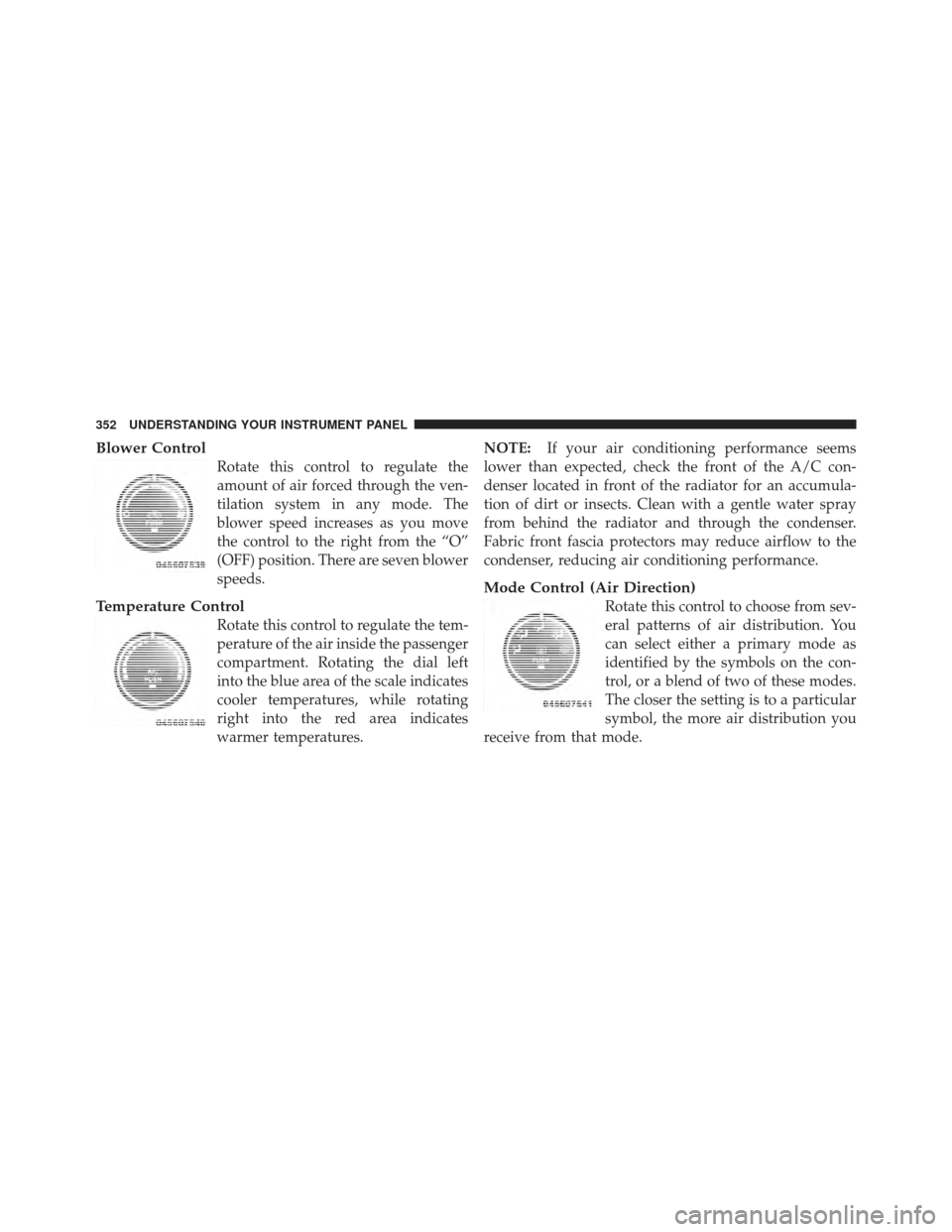
Blower Control
Rotate this control to regulate the
amount of air forced through the ven-
tilation system in any mode. The
blower speed increases as you move
the control to the right from the “O”
(OFF) position. There are seven blower
speeds.
Temperature Control
Rotate this control to regulate the tem-
perature of the air inside the passenger
compartment. Rotating the dial left
into the blue area of the scale indicates
cooler temperatures, while rotating
right into the red area indicates
warmer temperatures.NOTE:
If your air conditioning performance seems
lower than expected, check the front of the A/C con-
denser located in front of the radiator for an accumula-
tion of dirt or insects. Clean with a gentle water spray
from behind the radiator and through the condenser.
Fabric front fascia protectors may reduce airflow to the
condenser, reducing air conditioning performance.
Mode Control (Air Direction)
Rotate this control to choose from sev-
eral patterns of air distribution. You
can select either a primary mode as
identified by the symbols on the con-
trol, or a blend of two of these modes.
The closer the setting is to a particular
symbol, the more air distribution you
receive from that mode.
352 UNDERSTANDING YOUR INSTRUMENT PANEL
Page 356 of 603

Conditioning (A/C) button is not pressed. This dehu-
midifies the air to help dry the windshield. To improve
fuel economy, use these modes only when necessary.
Recirculation ControlPressing the Recirculation Control button will
put the system in recirculation mode. This can
be used when outside conditions such as
smoke, odors, dust, or high humidity are pres-
ent. Activating recirculation will cause the LED in the
control button to illuminate. After ten minutes, the sys-
tem will return to normal mode function and the LED
will turn off.
NOTE:
•Continuous use of the Recirculation mode may make
the inside air stuffy and window fogging may occur.
Extended use of this mode is not recommended.
•The use of the Recirculation mode in cold or damp
weather will cause windows to fog on the inside, because of moisture buildup inside the vehicle. Select
the outside air position for maximum defogging.
•The A/C will engage automatically to prevent fogging
when the recirculation button is pressed and the mode
control is set to panel or panel / floor.
•The A/C can be deselected manually without disturb-
ing the mode control selection.
•When the ignition switch is turned to the LOCK
position, the recirculation feature will be cancelled.
Air Conditioning Control
Press this button to engage the Air
Conditioning. A light will illuminate
when the Air Conditioning system is
engaged. Rotating the dial left into the
blue area of the scale indicates cooler
354 UNDERSTANDING YOUR INSTRUMENT PANEL

