2011 JEEP GRAND CHEROKEE light
[x] Cancel search: lightPage 122 of 587

Modes Of Operation
Three selectable modes of operation are available in the
Electronic Vehicle Information Center (EVIC). Refer to
“Electronic Vehicle Information Center (EVIC)/Personal
Settings (Customer-Programmable Features)” in “Under-
standing Your Instrument Panel” for further information.
Blind Spot Alert
When operating in Blind Spot Alert mode, the BSM
system will provide a visual alert in the appropriate side
view mirror based on a detected object. However, when
the system is operating in RCP, the system will respond
with both visual and audible alerts when a detected
object is present. Whenever an audible alert is requested,
the radio volume is reduced.
Blind Spot Alert Lights/Chime
When operating in Blind Spot Alert Lights/Chime, the
BSM system will provide a visual alert in the appropriate
side view mirror based on a detected object. If the turnsignal is then activated, and it corresponds to an alert
present on that side of the vehicle, an audible chime will
also be sounded. Whenever a turn signal and detected
object are present on the same side at the same time, both
the visual and audio alerts will be issued. In addition to
the audible alert the radio volume (if on) will also be
reduced.
NOTE:
•Whenever an audible alert is requested by the BSM
system, the radio volume is reduced.
•If the hazard flashers are on, the system will request
the appropriate visual alert only.
When the system is in RCP, the system shall respond
with both visual and audible alerts when a detected
object is present. Whenever an audible alert is re-
quested, the radio volume is also reduced. Turn/
hazard signal status is ignored; the RCP state always
requests the chime.
120 UNDERSTANDING THE FEATURES OF YOUR VEHICLE
Page 132 of 587

You can choose from HIGH, LOW or OFF heat settings.
Amber indicator lights in each switch indicate the level of
heat in use. Two indicator lights will illuminate for
HIGH, one for LOW and none for OFF.Press the switch once to select HIGH-level
heating. Press the switch a second time to select
LOW-level heating. Press the switch a third
time to shut the heating elements OFF.
NOTE: Once a heat setting is selected, heat will be felt
within two to five minutes.
When the HIGH-level setting is selected, the heater will
provide a boosted heat level during the first four minutes
of operation. Then, the heat output will drop to the
normal HIGH-level. If the HIGH-level setting is selected,
the system will automatically switch to LOW-level after a
maximum of 55 minutes of continuous operation. At that
time, the number of illuminated LEDs changes from two
to one, indicating the change. The LOW-level setting will
turn OFF automatically after a maximum of 45 minutes.Rear Heated Seats
On some models, the two outboard seats are equipped
with heated seats. There are two heated seat switches that
allow the rear passengers to operate the seats indepen-
dently. The heated seat switches for each heater are
located on the rear of the center console.
Rear Heated Seat Switches
130 UNDERSTANDING THE FEATURES OF YOUR VEHICLE
Page 133 of 587
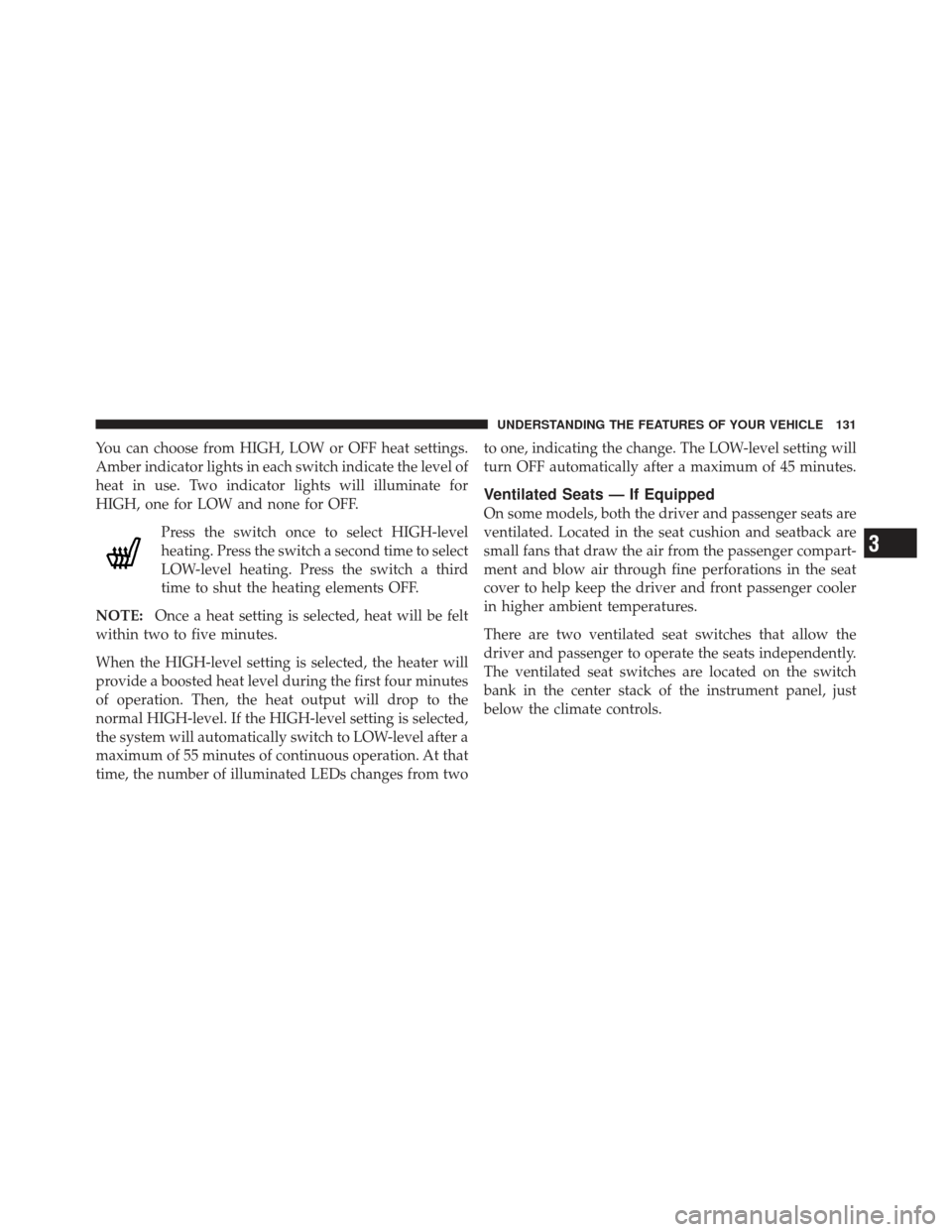
You can choose from HIGH, LOW or OFF heat settings.
Amber indicator lights in each switch indicate the level of
heat in use. Two indicator lights will illuminate for
HIGH, one for LOW and none for OFF.Press the switch once to select HIGH-level
heating. Press the switch a second time to select
LOW-level heating. Press the switch a third
time to shut the heating elements OFF.
NOTE: Once a heat setting is selected, heat will be felt
within two to five minutes.
When the HIGH-level setting is selected, the heater will
provide a boosted heat level during the first four minutes
of operation. Then, the heat output will drop to the
normal HIGH-level. If the HIGH-level setting is selected,
the system will automatically switch to LOW-level after a
maximum of 55 minutes of continuous operation. At that
time, the number of illuminated LEDs changes from two to one, indicating the change. The LOW-level setting will
turn OFF automatically after a maximum of 45 minutes.
Ventilated Seats — If Equipped
On some models, both the driver and passenger seats are
ventilated. Located in the seat cushion and seatback are
small fans that draw the air from the passenger compart-
ment and blow air through fine perforations in the seat
cover to help keep the driver and front passenger cooler
in higher ambient temperatures.
There are two ventilated seat switches that allow the
driver and passenger to operate the seats independently.
The ventilated seat switches are located on the switch
bank in the center stack of the instrument panel, just
below the climate controls.
3
UNDERSTANDING THE FEATURES OF YOUR VEHICLE 131
Page 134 of 587
The ventilated seat switches are used
to control the speed of the fans located
in the seat. Press the switch once to
choose HIGH, press it a second time to
choose LOW. Pressing the switch a
third time will turn the ventilated seat
OFF. When HIGH speed is selected
both lights on the switch will be illuminated. When LOW
speed is selected one light will be illuminated.
NOTE: The engine must be running for the ventilated
seats to operate.
Vehicles Equipped With Remote Start
On models that are equipped with remote start, the
driver’s ventilated seat can be programmed to come on
during a remote start. Refer to “Remote Starting System —
If Equipped” in “Things To Know Before Starting Your
Vehicle” for further information.
Head Restraints
Head restraints are designed to reduce the risk of injury
by restricting head movement in the event of a rear-
impact. Head restraints should be adjusted so that the top
of the head restraint is located above the top of your ear.
WARNING!
The head restraints for all occupants must be prop-
erly adjusted prior to operating the vehicle or occu-
pying a seat. Head restraints should never be ad-
justed while the vehicle is in motion. Driving a
vehicle with the head restraints improperly adjusted
or removed could cause serious injury or death in the
event of a collision.
132 UNDERSTANDING THE FEATURES OF YOUR VEHICLE
Page 148 of 587
LIGHTS
Headlight Switch
The headlight switch is located on the left side of the
instrument panel, next to the steering wheel. The head-
light switch controls the operation of the headlights,
parking lights, instrument panel lights, cargo lights and
fog lights (if equipped).To turn on the headlights, rotate the headlight
switch clockwise. When the headlight switch is
on the parking lights, taillights, license plate
light and instrument panel lights are also
turned on. To turn off the headlights, rotate the headlight
switch back to the O (Off) position.
NOTE:
•Your vehicle is equipped with plastic headlight and
fog light (if equipped) lenses that are lighter and less
susceptible to stone breakage than glass lights. Plastic
is not as scratch resistant as glass and therefore differ-
ent lens cleaning procedures must be followed.
•To minimize the possibility of scratching the lenses
and reducing light output, avoid wiping with a dry
cloth. To remove road dirt, wash with a mild soap
solution followed by rinsing.
Headlight Switch
146 UNDERSTANDING THE FEATURES OF YOUR VEHICLE
Page 149 of 587
CAUTION!
Do not use abrasive cleaning components, solvents,
steel wool or other abrasive materials to clean the
lenses.
Automatic Headlights — If Equipped
This system automatically turns the headlights on or off
according to ambient light levels. To turn the system on,
rotate the headlight switch to the A (AUTO) position.
When the system is on, the Headlight Delay feature is
also on. This means the headlights will stay on for up to
90 seconds after you turn the ignition switch to the OFF
position. To turn the automatic headlights off, turn the
headlight switch out of the AUTO position.
NOTE:The engine must be running before the head-
lights will turn on in the Automatic Mode.
Headlights On Automatically With Wipers
If your vehicle is equipped with Automatic Headlights, it
also has this customer-programmable feature. When
your headlights are in the automatic mode and the
engine is running, they will automatically turn on when
the wiper system is on. Refer to “Electronic Vehicle
Information Center (EVIC)/Customer-Programmable
Features” in “Understanding Your Instrument Panel” for
further information.
If your vehicle is equipped with a “Rain Sensitive Wiper
System” and it is activated, the headlights will automati-
cally turn on after the wipers complete five wipe cycles
within approximately one minute, and they will turn off
approximately four minutes after the wipers completely
stop. Refer to “Windshield Wipers And Washers” in this
section for further information.
3
UNDERSTANDING THE FEATURES OF YOUR VEHICLE 147
Page 150 of 587
NOTE:When your headlights come on during the
daytime, the instrument panel lights will automatically
dim to the lower nighttime intensity. Refer to “Lights” in
this section for further information.
SmartBeam™ — If Equipped
The SmartBeam™ system provides increased forward
lighting at night by automating high beam control
through the use of a digital camera mounted on the
inside rearview mirror. This camera detects vehicle spe-
cific light and automatically switches from high beams to
low beams until the approaching vehicle is out of view.
NOTE: If the windshield or SmartBeam™ mirror is
replaced, the SmartBeam™ mirror must be re-aimed to
ensure proper performance. See your local authorized
dealer.
To Activate
1. Enable the Automatic High Beams. Refer to “Elec-
tronic Vehicle Information Center (EVIC)/Customer-
Programmable Features” in “Understanding Your Instru-
ment Panel” for further information.
2. Turn the headlight switch to the AUTO headlight
position.
3. Push the multifunction lever away from you (toward
front of vehicle) to engage the high beam mode.
NOTE: This system will not activate until the vehicle is
at or above 20 mph (32 km/h).
To Deactivate
1. Pull the multifunction lever toward you (or rearward
in car) to manually deactivate the system (normal opera-
tion of low beams).
148 UNDERSTANDING THE FEATURES OF YOUR VEHICLE
Page 151 of 587
2. Push back on the multifunction lever once again to
reactivate the system.
NOTE:Broken, muddy, or obstructed headlights and
taillights of vehicles in the field of view will cause
headlights to remain on longer (closer to the vehicle).
Also, dirt, film, and other obstructions (sticker, toll box,
etc.) on the windshield or camera lens will cause the
system to function improperly.
Daytime Running Lights — If Equipped
The Daytime Running Lights (low intensity) come on
whenever the engine is running, and the transmission is
not in the PARK position. The lights will remain on until
the ignition is switched to the OFF or ACC position or the
parking brake is engaged. The headlight switch must be
used for normal nighttime driving.
Automatic Headlight Leveling — HID Headlights
Only
This feature prevents the headlights from interfering
with the vision of oncoming drivers. Headlight leveling
automatically adjusts the height of the headlight beam in
reaction to changes in vehicle pitch.
Headlight Delay
To aid in your exit, your vehicle is equipped with a
headlight delay that will leave the headlights on for
approximately 90 seconds. This delay is initiated when
the ignition is turned OFF while the headlight switch is
on, and then the headlight switch is cycled off. Headlight
delay can be cancelled by either turning the headlight
switch on then off, or by turning the ignition ON.
3
UNDERSTANDING THE FEATURES OF YOUR VEHICLE 149