Features of your vehicle
114 4
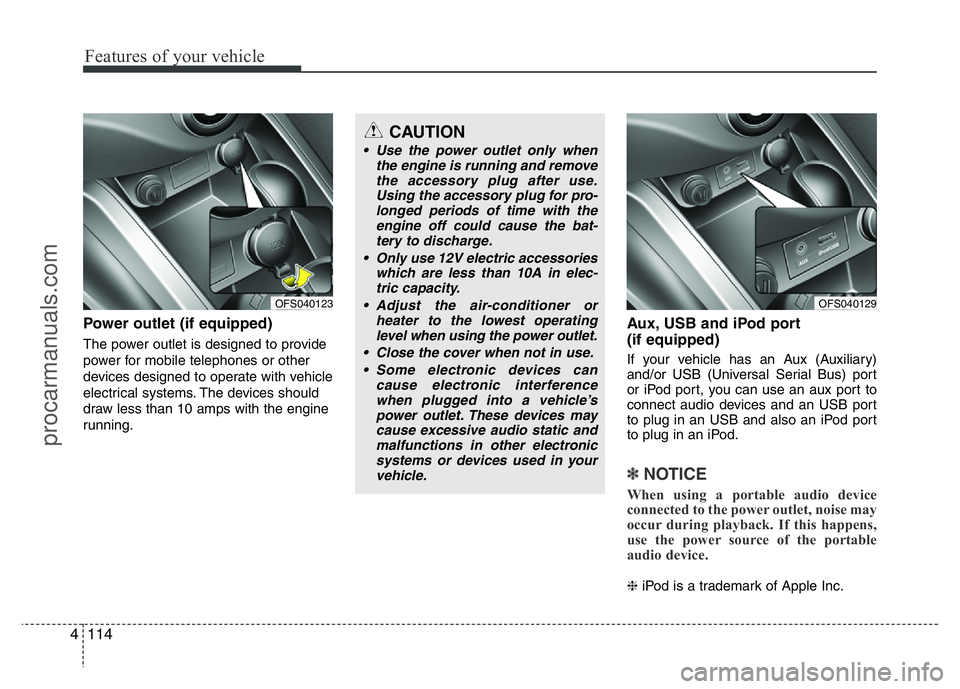
Power outlet (if equipped)
The power outlet is designed to provide
power for mobile telephones or other
devices designed to operate with vehicle
electrical systems. The devices should
draw less than 10 amps with the engine
running.
Aux, USB and iPod port
(if equipped)
If your vehicle has an Aux (Auxiliary)
and/or USB (Universal Serial Bus) port
or iPod port, you can use an aux port to
connect audio devices and an USB port
to plug in an USB and also an iPod port
to plug in an iPod.
✽NOTICE
When using a portable audio device
connected to the power outlet, noise may
occur during playback. If this happens,
use the power source of the portable
audio device.
❈iPod is a trademark of Apple Inc.
OFS040123
CAUTION
• Use the power outlet only when
the engine is running and remove
the accessory plug after use.
Using the accessory plug for pro-
longed periods of time with the
engine off could cause the bat-
tery to discharge.
• Only use 12V electric accessories
which are less than 10A in elec-
tric capacity.
• Adjust the air-conditioner or
heater to the lowest operating
level when using the power outlet.
• Close the cover when not in use.
• Some electronic devices can
cause electronic interference
when plugged into a vehicle’s
power outlet. These devices may
cause excessive audio static and
malfunctions in other electronic
systems or devices used in your
vehicle.
OFS040129
procarmanuals.com
Features of your vehicle
130 4
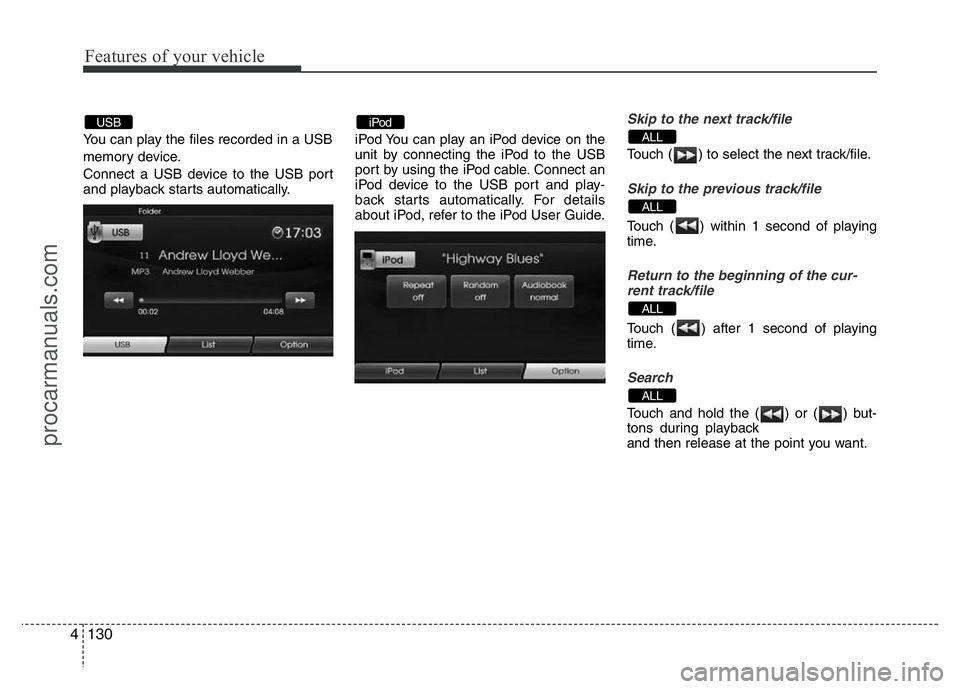
You can play the files recorded in a USB
memory device.
Connect a USB device to the USB port
and playback starts automatically.iPod You can play an iPod device on the
unit by connecting the iPod to the USB
port by using the iPod cable. Connect an
iPod device to the USB port and play-
back starts automatically. For details
about iPod, refer to the iPod User Guide.
Skip to the next track/file
Touch ( ) to select the next track/file.
Skip to the previous track/file
Touch ( ) within 1 second of playing
time.
Return to the beginning of the cur-
rent track/file
Touch ( ) after 1 second of playing
time.
Search
Touch and hold the ( ) or ( ) but-
tons during playback
and then release at the point you want.
ALL
ALL
ALL
ALLiPodUSB
procarmanuals.com