2011 HYUNDAI I40 Setting
[x] Cancel search: SettingPage 293 of 534
Downloaded from www.Manualslib.com manuals search engine Features of your vehicle
206
4
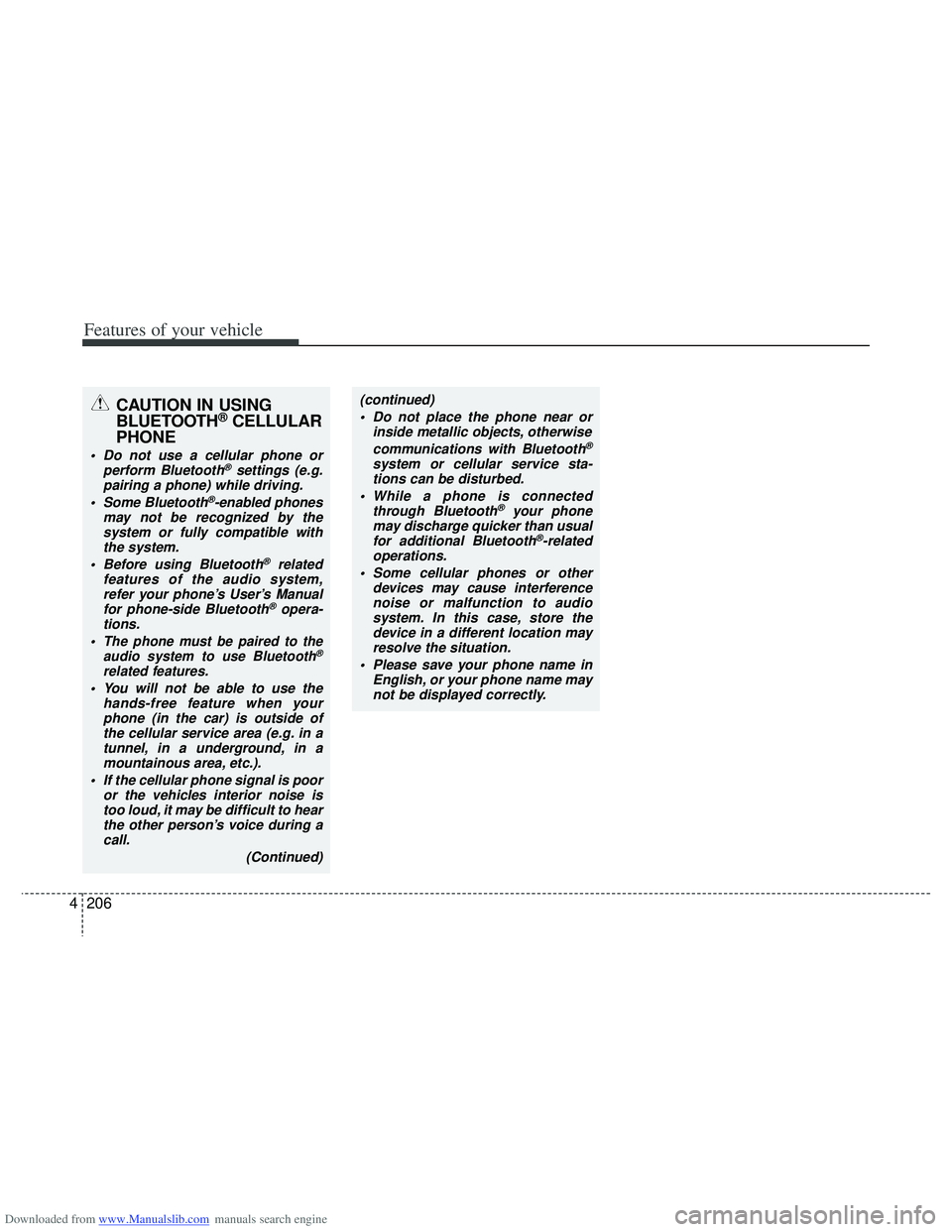
CAUTION IN USING
BLUETOOTH®CELLULAR
PHONE
Do not use a cellular phone or
perform Bluetooth®settings (e.g.
pairing a phone) while driving.
Some Bluetooth
®-enabled phones
may not be recognized by the system or fully compatible withthe system.
Before using Bluetooth
®related
features of the audio system, refer your phone’s User’s Manual for phone-side Bluetooth
®opera-
tions.
The phone must be paired to the audio system to use Bluetooth®
related features.
You will not be able to use the hands-free feature when yourphone (in the car) is outside ofthe cellular service area (e.g. in atunnel, in a underground, in amountainous area, etc.).
If the cellular phone signal is poor or the vehicles interior noise istoo loud, it may be difficult to hearthe other person’s voice during a call.
(Continued)
(continued) Do not place the phone near or inside metallic objects, otherwise
communications with Bluetooth
®
system or cellular service sta-tions can be disturbed.
While a phone is connected through Bluetooth
®your phone
may discharge quicker than usual for additional Bluetooth
®-related
operations.
Some cellular phones or other devices may cause interferencenoise or malfunction to audiosystem. In this case, store thedevice in a different location mayresolve the situation.
Please save your phone name in English, or your phone name maynot be displayed correctly.
Page 311 of 534

Downloaded from www.Manualslib.com manuals search engine Driving your vehicle
18
5
The light on the ISG OFF button will
illuminate.
A message "Please Enable Battery Sensor" will appear on the LCD display.
✽
✽ NOTICE
• If the ISG OFF button light is not
turned off by pressing the ISG OFF
button again or if the ISG system con-
tinuously does not work correctly,
please contact an authorized
HYUNDAI dealer as soon as possible.
• When the ISG OFF button light comes on, it may stop illuminating after driv-
ing your vehicle at approximately 80
km/h for a maximum of two hours
and setting the fan speed control
below the 2nd position. If the ISG
OFF button light continues to illumi-
nate in spite of the procedure, please
contact an authorized HYUNDAI
dealer as soon as possible.WARNING
When the engine is in Idle Stop
mode, it's possible to restart the
engine without the driver taking
any action.
Before leaving the car or doing any-
thing in the engine room area, stop
the engine by turning the ignition
switch to the LOCK/OFF position or
removing the ignition key.
OVF051031/OVF051039
■Type A■Type B
Page 355 of 534
Downloaded from www.Manualslib.com manuals search engine Driving your vehicle
62
5
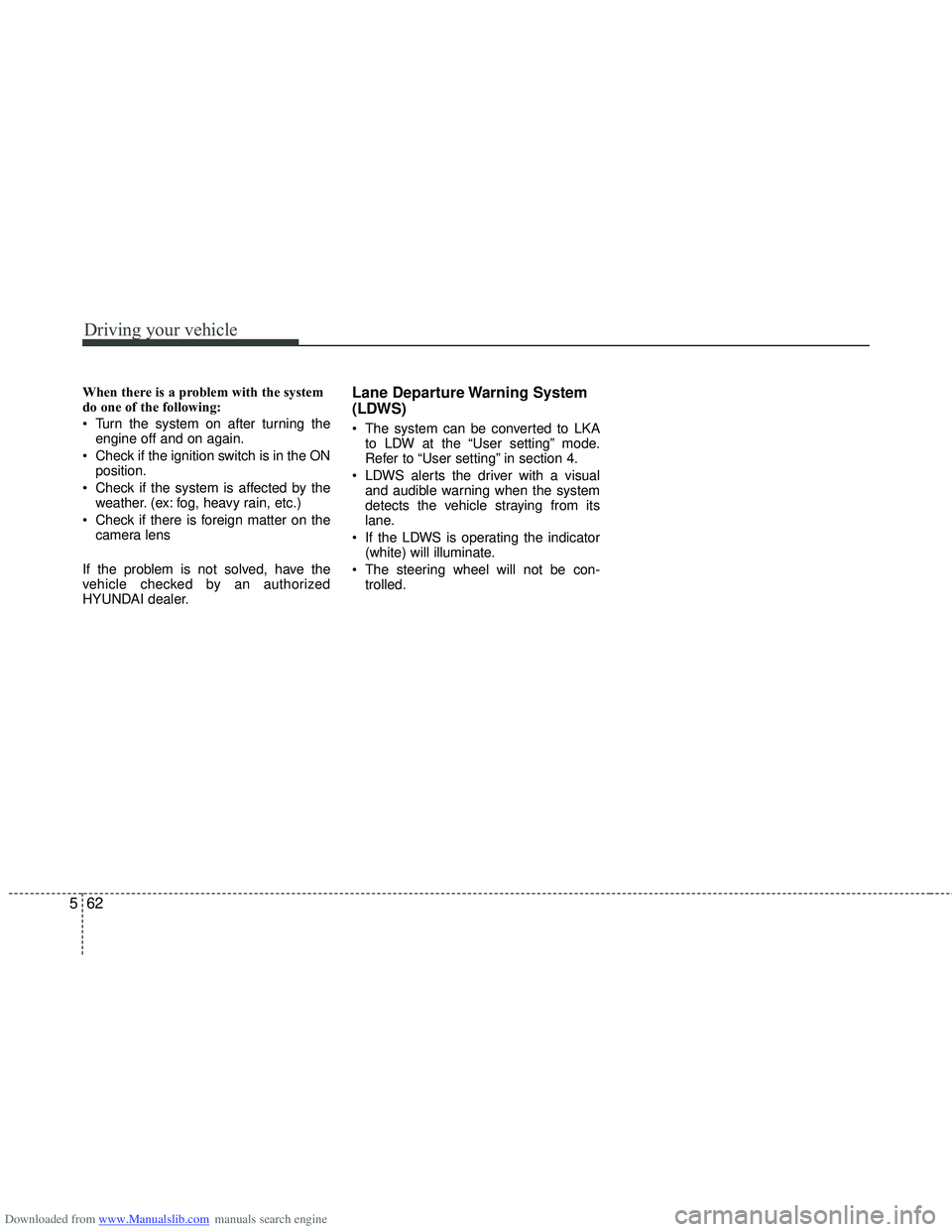
When there is a problem with the system
do one of the following:
Turn the system on after turning the
engine off and on again.
Check if the ignition switch is in the ON position.
Check if the system is affected by the weather. (ex: fog, heavy rain, etc.)
Check if there is foreign matter on the camera lens
If the problem is not solved, have the
vehicle checked by an authorized
HYUNDAI dealer.Lane Departure Warning System
(LDWS)
The system can be converted to LKA to LDW at the “User setting” mode.
Refer to “User setting” in section 4.
LDWS alerts the driver with a visual and audible warning when the system
detects the vehicle straying from its
lane.
If the LDWS is operating the indicator (white) will illuminate.
The steering wheel will not be con- trolled.
Page 368 of 534

Downloaded from www.Manualslib.com manuals search engine 575
Driving your vehicle
Trailer brakes
If your trailer is equipped with a braking
system, make sure it conforms to your
country’s regulations and that it is prop-
erly installed and operating correctly.
If your trailer weight exceeds the maxi-
mum allowed weight without trailer
brakes, then the trailer will also require its
own brakes as well. Be sure to read and
follow the instructions for the trailer
brakes so you’ll be able to install, adjust
and maintain them properly.
Do not tap into or modify your vehicle'sbrake system.
Driving with a trailer
Towing a trailer requires a certain
amount of experience. Before setting out
for the open road, you must get to know
your trailer. Acquaint yourself with the
feel of handling and braking with the
added weight of the trailer. And always
keep in mind that the vehicle you are
driving is now a good deal longer and not
nearly so responsive as your vehicle is
by itself.
Before you start, check the trailer hitch
and platform, safety chains, electrical
connector(s), lights, tires and mirror
adjustment. If the trailer has electric
brakes, start your vehicle and trailer mov-
ing and then apply the trailer brake con-
troller by hand to be sure the brakes are
working. This lets you check your electri-
cal connection at the same time.
During your trip, check occasionally to be
sure that the load is secure, and that the
lights and any trailer brakes are still work-
ing.
Following distance
Stay at least twice as far behind the vehi-
cle ahead as you would when driving
your vehicle without a trailer. This can
help you avoid situations that require
heavy braking and sudden turns.
Passing
You’ll need more passing distance up
ahead when you’re towing a trailer. And,
because of the increased vehicle length,
you’ll need to go much farther beyond the
passed vehicle before you can return to
your lane.
Backing up
Hold the bottom of the steering wheel
with one hand. Then, to move the trailer
to the left, just move your hand to the left.
To move the trailer to the right, move your
hand to the right. Always back up slowly
and, if possible, have someone guide
you.
Making turns
When you’re turning with a trailer, make
wider turns than normal. Do this so your
trailer won’t strike soft shoulders, curbs,
road signs, trees, or other objects. Avoid
jerky or sudden maneuvers. Signal well
in advance.
WARNING- Trailer brakes
Do not use a trailer with its own
brakes unless you are absolutely
certain that you have properly set
up the brake system. This is not a
task for amateurs. Use an experi-
enced, competent trailer shop for
this work.
Page 399 of 534

Downloaded from www.Manualslib.com manuals search engine What to do in an emergency
24
6
Distributing the sealant
Immediately drive approximately 3 km
(2 miles) to evenly distribute the
sealant in the tire. Producing the tire inflation pres-
sure
1) After driving approximately 3 km (2
miles), stop at a suitable location.
2) Connect connection hose 9 of the compressor directly to the tire
valve.
3) Connect between compressor and the vehicle power outlet using
the cable and connectors.
4) Adjust the tire inflation pressure to the recommended tire pressure in
section 8. With the ignition
switched on, proceed as follows.
- To increase the inflation pres- sure: Switch on the compressor,
position I. To check the current
inflation pressure setting, briefly
switch off the compressor. - To reduce the inflation pres-
sure: Press the button 8 on the
compressor.
WARNING
Do not let the compressor run for
more than 10 minutes, otherwise
the device will overheat and may
be damaged.
WARNING
The tire inflation pressure must
be at least 200 kPa (29 psi). If it is
not, do not continue driving. Call
for road side service or towing.
CAUTION
Do not exceed a speed of 80 km/h (50 mph). If possible, donot fall below a speed of 20km/h (12 mph).
While driving, if you experienceany unusual vibration, ride dis-turbance or noise, reduce yourspeed and drive with cautionuntil you can safely pull off ofthe side of the road.
Call for road side service or tow-ing.
CAUTION
If the inflation pressure is notmaintained, drive the vehicle asecond time, refer toDistributing the sealant. Thenrepeat steps 1 to 4.
Use of the TireMobilityKit maybe ineffectual for tire damagelarger than approximately 4 mm(0.16 in).
Please contact the nearestHYUNDAI dealer, or a workshopthat works according toHYUNDAI repair procedureswith correspondingly trainedpersonnel if the tire cannot bemade roadworthy with theTireMobilityKit.
Page 529 of 534

Downloaded from www.Manualslib.com manuals search engine Index
6I
Icy road warning light ...................................................4-52
Indicator symbols on the instrument cluster ...................1-6
Indicators and warnings .................................................4-66
Inside rearview mirror ...................................................4-44
Instrument cluster ..........................................................4-48Automatic transaxle shift position indicator ...............4-52
Engine temperature gauge ...........................................4-50
Fuel gauge ...................................................................4-51
Icy road warning light .................................................4-52
Instrument panel illumination .....................................4-49
LCD display ................................................................4-53
Manual transaxle shift indicator ..................................4-52
Odometer .....................................................................4-5\
3
Outside temperature.....................................................\
4-51
Speedometer ................................................................4-49
Tachometer ..................................................................4-50
Tripmeter .....................................................................4-5\
3
User Settings................................................................4-56
Warning and indicators ................................................4-66
Instrument panel fuse.....................................................7-72
Instrument panel illumination........................................4-49
Instrument panel overview ..............................................2-2
Interior care..................................................................7-104 Interior features............................................................4-140
Ashtray ......................................................................4-\
140
Aux, USB and iPod ...................................................4-143
Barrier net ..................................................................4-145
Cargo security screen ................................................4-147
Cigarette lighter .........................................................4-140
Clothes hanger ...........................................................4-144
Cup holder .................................................................4-141
Floor mat anchor(s) ...................................................4-144
Luggage net (holder) .................................................4-145
Luggage rail system...................................................4-\
149
Power outlet ...............................................................4-142
Sunvisor .....................................................................4-1\
42
Interior light .................................................................4-108 Glove box lamp .........................................................4-110
Luggage room lamp...................................................4-10\
9
Map lamp ...................................................................4-108\
Room lamp ................................................................4-109
Vanity mirror lamp ....................................................4-109
Interior overview .............................................................2-4
ISG (Idle stop and go) system .......................................5-14
ISOFIX system ..............................................................3-35
I
Page 534 of 534
Downloaded from www.Manualslib.com manuals search engine I11
Index
Traffic change ................................................................4-99
Trailer towing ................................................................5-73
TransaxleAutomatic transaxle .....................................................5-22
Manual transaxle .........................................................5-19
Tripmeter........................................................................\
4-53
Turn signals..................................................................4-100
User Settings ..................................................................4-56
Vanity mirror lamp.......................................................4-109
Vehicle break-in process ..................................................1-5
Vehicle certification label ................................................8-8
Vehicle identification number (VIN) ...............................8-8
Vehicle stability management ........................................5-44
Vehicle weight ...............................................................5-82
Warning and indicators ..................................................4-66
Washer fluid ...................................................................7-49
Weight/volume .................................................................8-4
Welcome system ..........................................................4-110
Wheel alignment and tire balance .................................7-65 Wheel replacement ........................................................7-66
Windows ........................................................................\
4-26
Power window lock button..........................................4-29
Windshield defrosting and defogging..........................4-133 Auto defogging system..............................................4-135
Windshield washers .....................................................4-106
Windshield wipers .......................................................4-105
Winter driving ................................................................5-69 Snow tires ....................................................................5-69\
Tire chains ...................................................................5-70
Wiper blades ..................................................................7-55
Wipers and washers .....................................................4-104 Headlight washer .......................................................4-107
Windshield washers ...................................................4-106
Windshield wipers .....................................................4-105
U
V
W