Page 219 of 722
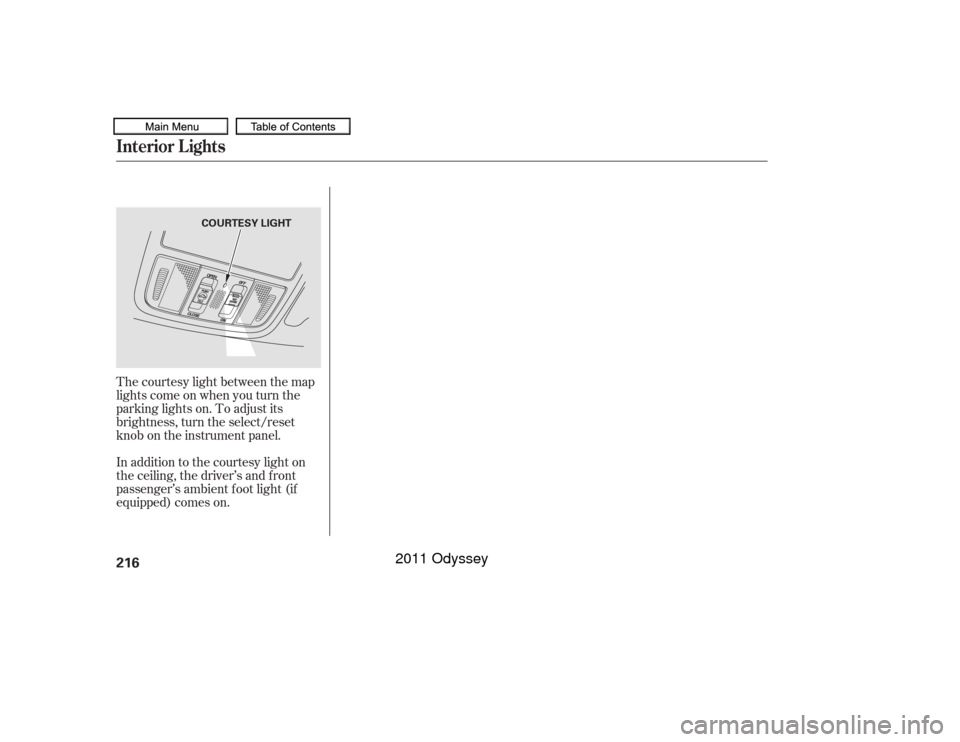
The courtesy light between the map
lights come on when you turn the
parking lights on. To adjust its
brightness, turn the select/reset
knob on the instrument panel.
In addition to the courtesy light on
the ceiling, the driver’s and f ront
passenger’s ambient f oot light (if
equipped) comes on.Interior Lights216
COURTESY LIGHT
10/07/17 10:03:00 31TK8600_221
2011 Odyssey
Page 220 of 722

The heating and air conditioning
system in your vehicle provides a
comf ortable driving environment in
all weather conditions.
The standard audio system has
many f eatures. This section
describes those f eatures and how to
use them.
Your vehicle has an anti-theft audio
system that requires a code number
to enable it.
The security system helps to
discourage vandalism and thef t of
your vehicle.
Theclimatecontrolsystemandthe
audio system have a voice control
feature. Refer to the navigation
system manual f or more inf ormation..............
Vents, Heating, and A/C . 218
...................
Rear A/C Controls . 224
...............
Climate Control System . 225
................................
Audio System .234 ..........
Playing the FM/AM Radio . 236
................................
Playing a Disc .243
.......
Disc Player Error Messages . 250
................................
Audio System .251
..........
Playing the FM/AM Radio . 252
................
Playing the XM
Radio . 260
................................
Playing a Disc .266
.......
Disc Player Error Messages . 275
...........
Playing CD Library Audio . 276
............................
PlayinganiPod
. 286
.................
iPod
Error Messages . 294
.. 295
USB Flash Memory Device Error ...................................
Messages .303
.............
Audio System . 304
............................
Wallpaper Setup .309
.................................
Display Setup .312
..........................
Setting the Clock .315
...................
Setting the Language . 317
................................
Audio System .318
..........
Playing the FM/AM Radio . 319
................
Playing the XM
Radio . 332 ................................
Playing a Disc .339
.......
Disc Player Error Messages . 351
..................
Protecting Your Discs . 352
..... 355
............................
PlayinganiPod
. 383
.................
iPod
Error Messages . 391
.. 392
.. 403
.............
Audio System . 404
............
FM/AM Radio Reception . 409
................
Remote Audio Controls . 411
......................
Auxiliary Input Jack .412
.................
Radio Thef t Protection . 413
........
Rear Entertainment System . 414
Ultrawide Rear Entertainment ........................................
System .442
.........................................
Compass .475
............................
Security System .479
...............................
Cruise Control .480
...... 483
................
Parking Sensor System . 486
....
Reaview Camera and Monitor . 493HandsFreeLink
.....495
HandsFreeLink
....516
LX model
EX, EX-L models without navigation system
BluetoothModels with navigation system Bluetooth
BluetoothBluetooth
On vehicles with navigation systemPlaying a USB Flash Memory Device
Playing a USB Flash Memory Device
HomeLink
Universal Transceiver
(Models with navigation system)
Playing Hard Disc Drive (HDD) Audio
(Models without navigation system)USB Flash Memory Device Error Messages
Features
Features
217
10/07/17 10:03:06 31TK8600_222
2011 Odyssey
Page 245 of 722
�µ
�µ
�µ
�µ
�µ
�µ Adjusts the volume level
basedonthevehiclespeed.
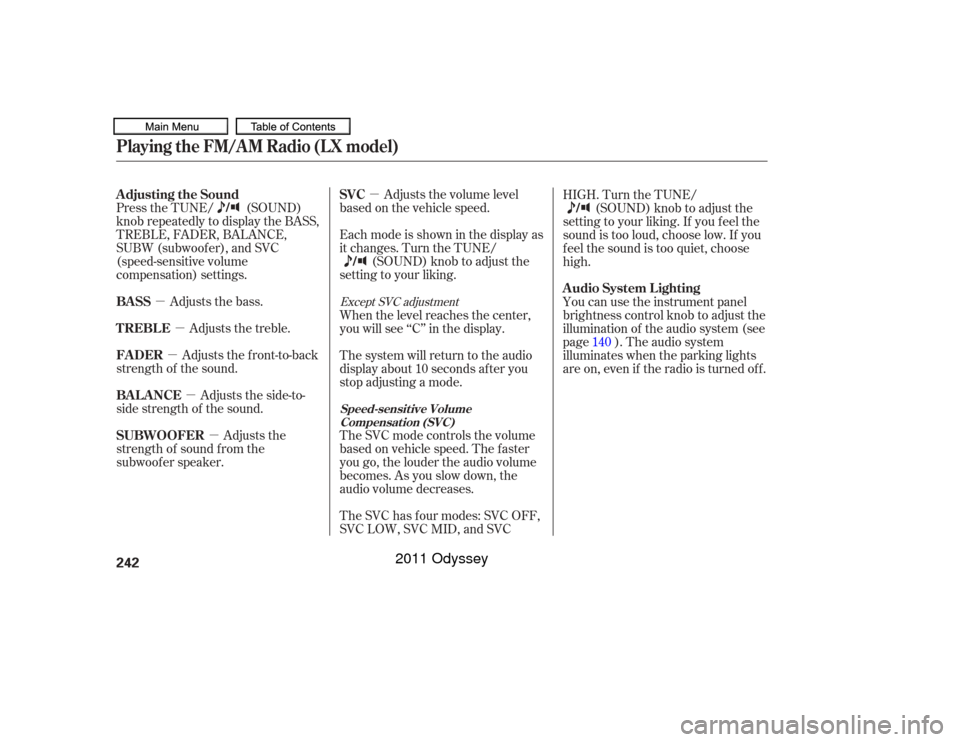
Press the TUNE/ (SOUND)
knob repeatedly to display the BASS,
TREBLE, FADER, BALANCE,
SUBW (subwoof er), and SVC
(speed-sensitive volume
compensation) settings.
Adjusts the side-to-
side strength of the sound. Adjusts the front-to-back
strength of the sound. Adjusts the treble.
Adjusts the bass.
Adjusts the
strength of sound f rom the
subwoof er speaker. Eachmodeisshowninthedisplayas
it changes. Turn the TUNE/
(SOUND) knob to adjust the
setting to your liking.
The SVC has f our modes: SVC OFF,
SVC LOW, SVC MID, and SVC HIGH. Turn the TUNE/
(SOUND) knob to adjust the
setting to your liking. If you f eel the
sound is too loud, choose low. If you
f eel the sound is too quiet, choose
high.
The SVC mode controls the volume
based on vehicle speed. The f aster
you go, the louder the audio volume
becomes. As you slow down, the
audio volume decreases. The system will return to the audio
display about 10 seconds af ter you
stop adjusting a mode. When the level reaches the center,
you will see ‘‘C’’ in the display. You can use the instrument panel
brightness control knob to adjust the
illumination of the audio system (see
page ). The audio system
illuminates when the parking lights
are on, even if the radio is turned of f .140
Except SVC adjustment
Adjusting the Sound
SVC
BAL ANCE FADER TREBLE
BASS
SUBWOOFER A udio System L ightingPlaying the FM/AM Radio (LX model)
Speed-sensit ive Volume
Compensat ion (SVC)
242
10/07/17 10:06:55 31TK8600_247
2011 Odyssey
Page 262 of 722
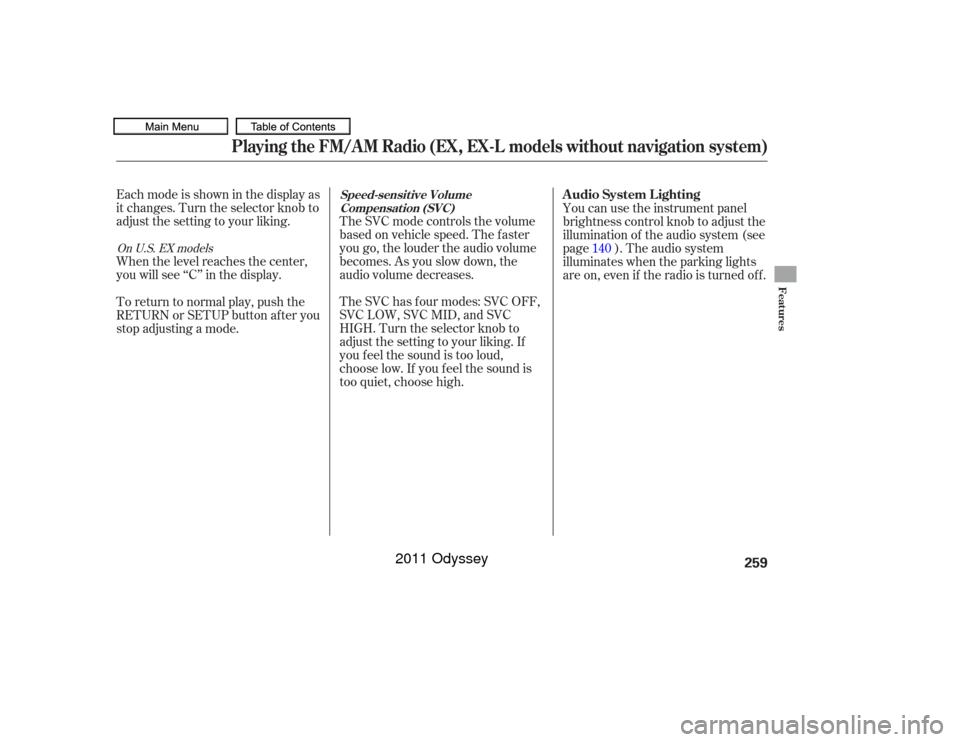
Eachmodeisshowninthedisplayas
it changes. Turn the selector knob to
adjust the setting to your liking.
When the level reaches the center,
you will see ‘‘C’’ in the display.The SVC mode controls the volume
based on vehicle speed. The f aster
you go, the louder the audio volume
becomes. As you slow down, the
audio volume decreases.
The SVC has f our modes: SVC OFF,
SVC LOW, SVC MID, and SVC
HIGH. Turn the selector knob to
adjust the setting to your liking. If
you f eel the sound is too loud,
choose low. If you f eel the sound is
too quiet, choose high. You can use the instrument panel
brightness control knob to adjust the
illumination of the audio system (see
page ). The audio system
illuminates when the parking lights
are on, even if the radio is turned of f .
To return to normal play, push the
RETURN or SETUP button af ter you
stop adjusting a mode. 140On U.S. EX models
Playing the FM/AM Radio (EX, EX-L models without navigation system)
Speed-sensit ive Volume
Compensat ion (SVC)
A udio System L ighting
Features
259
10/07/17 10:09:07 31TK8600_264
2011 Odyssey
Page 413 of 722
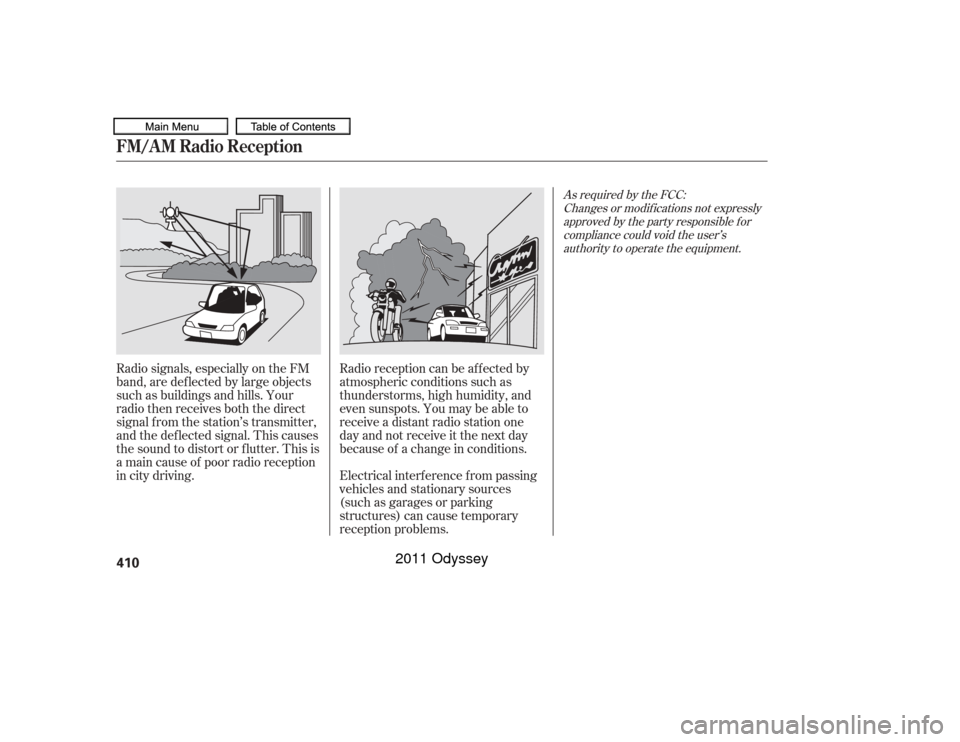
Radio signals, especially on the FM
band, are def lected by large objects
such as buildings and hills. Your
radio then receives both the direct
signal f rom the station’s transmitter,
and the def lected signal. This causes
the sound to distort or flutter. This is
a main cause of poor radio reception
in city driving.Radio reception can be af f ected by
atmospheric conditions such as
thunderstorms, high humidity, and
even sunspots. You may be able to
receive a distant radio station one
day and not receive it the next day
because of a change in conditions.
Electrical interf erence f rom passing
vehicles and stationary sources
(such as garages or parking
structures) can cause temporary
reception problems.
As required by the FCC:
Changes or modif ications not expresslyapproved by the party responsible f orcompliance could void the user’sauthority to operate the equipment.
FM/A M Radio Reception410
10/07/17 10:29:00 31TK8600_415
2011 Odyssey
Page 482 of 722

The alarm will also be activated if a
passenger inside the locked vehicle
turns the ignition switch on.
The security system will not set if
the hood, tailgate, or any door is not
f ully closed. Bef ore you leave the
vehicle, make sure the doors,
tailgate, and hood are securely
closed.To see if the system is set
af ter you exit the vehicle, press the
LOCK button on the remote
transmitter within 5 seconds. If the
system is set, the horn will beep
once.
Do not attempt to alter this system
or add other devices to it.
The security system helps to protect
your vehicle and valuables f rom thef t.
The horn sounds and a combination
of headlights, parking lights, side
marker lights, and taillights f lash if
someone attempts to break into your
vehicleorremovetheradio.This
alarm continues f or 2 minutes, then
the system resets. To reset an
activated system before the 2
minutes have elapsed, unlock the
driver’s door with the key or the
remote transmitter.
The security system automatically
sets 15 seconds after you lock the
doors, hood, and the tailgate. For the
system to activate, you must lock the
doorsandthetailgatefromthe
outside with the key, driver’s lock
tab, door lock master switch, or
remote transmitter. The security
system indicator on the instrument
panel starts blinking immediately to
show you the system is setting itself .
Once the security system is set,
opening any door, the tailgate, or the
hood without using the key or the
remote transmitter, will cause it to
alarm. It also alarms if the audio unit
is removed f rom the dashboard or
the wiring is cut.
On all models except LX
Security System
Features
479
NOTE:
SECURITY SYSTEM INDICATOR
10/07/17 10:38:38 31TK8600_484
2011 Odyssey
Page 489 of 722

Your vehicle has a parking sensor
system. The system lets you know
theapproximatedistancebetween
your vehicle and most obstacles
while you are parking. When the
system is on and your vehicle is
nearinganobstacle,youwillheara
beeping and see parking sensor
indicators on the multi-information
display or the instrument panel,
depending on models.To activate the system, push the
switch on the dashboard with the
ignition in the ON (II) position. The
indicator in the switch comes on
when the system is on. To turn the
system of f , push the switch again. All obstacles may not always be
sensed. Even when the system is on,
youshouldlookforobstaclesnear
your vehicle to make sure it is safe to
park.
The system has two front corner
sensors, two rear corner sensors,
and two rear center sensors.
The rear center sensors work when
the shif t lever is in reverse (R), and
the vehicle speed is less than 5 mph
(8 km/h).
The corner sensors work only when
the shif t lever is in any position other
than P and the vehicle speed is less
than 5 mph (8 km/h).On Touring models and Canadian EX-L
modelsParking Sensor System486
PARKING SENSOR SYSTEM SWITCH
10/07/19 15:58:31 31TK8600_491
2011 Odyssey
Page 490 of 722
CONT INUED
When you turn the system on, a
beeper sounds once.When the system senses an obstacle,
the appropriate indicator comes on,
and a beeper sounds as shown in the
f ollowing tables.
The parking sensor indicators are
automatically displayed on the audio
screen when an obstacle is detected.
Indicators and Beeper Operation
on the Multi-Inf ormation
Display/Instrument Panel/Audio
Screen
Parking Sensor System
Features
487
Multi-Information Display
Audio Screen
Instrument Panel
10/07/19 15:58:37 31TK8600_492
2011 Odyssey